Nab the industry standard screenwriting app for half the usual price. Photo: Cult of Mac Deals
It’s easy to imagine the screenwriter as someone slaving away at a typewriter, staring out a cabin window. But it’s 2018, and writers for stage and screen use a common digital platform.
Technology helped Professor Hawking share his astonishing work with the world. Photo: Pete Souza/Wikipedia CC
Earlier today, Tim Cook posted a tribute to the late professor Stephen Hawking, who passed away on March 14, aged 76. “We will always be inspired by his life and ideas. RIP,” Cook wrote.
As one of the world’s most visionary physicists and popular science writers, it’s no surprise to hear that Hawking inspired folks at Apple — just as he did people all around the planet.
But Apple and Hawking share an interesting connection: It was an Apple machine that first gave him the ability to verbally communicate using a computer.
France isn't happy about how Apple treats developers. Photo: Ste Smith/Cult of Mac
The French government plans to take both Apple and Google to court for what French Finance Minister Bruno Le Maire classes as “abusive trade practices.”
This relates to the way that both companies reportedly treat startups and developers. In particular, Le Maire singles out the way that Apple and Google unilaterally impose prices and contractual terms on software devs.
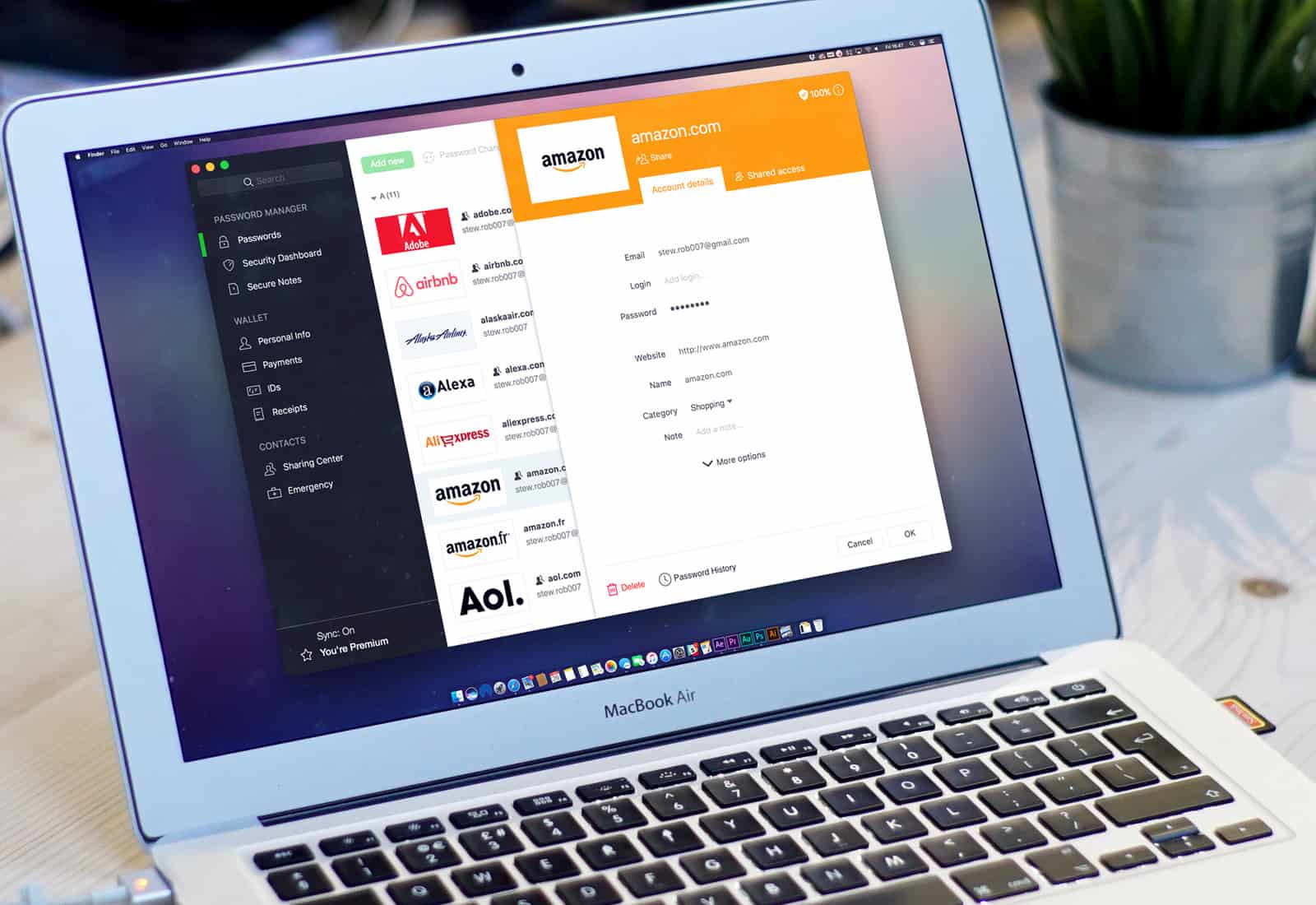
Dashlane reveals the state of password security across America. Photo: Stephen Smith/Cult of Mac
How seriously are people taking password security in your city?
Password management service Dashlane today published its 2018 City Security Rankings, revealing the state of password security in America’s most populous cities — and those that are home to some of the biggest companies and government agencies.
Apple’s home city of Cupertino ranks highly, right behind Fort Meade, MD, home of the National Security Agency (NSA).
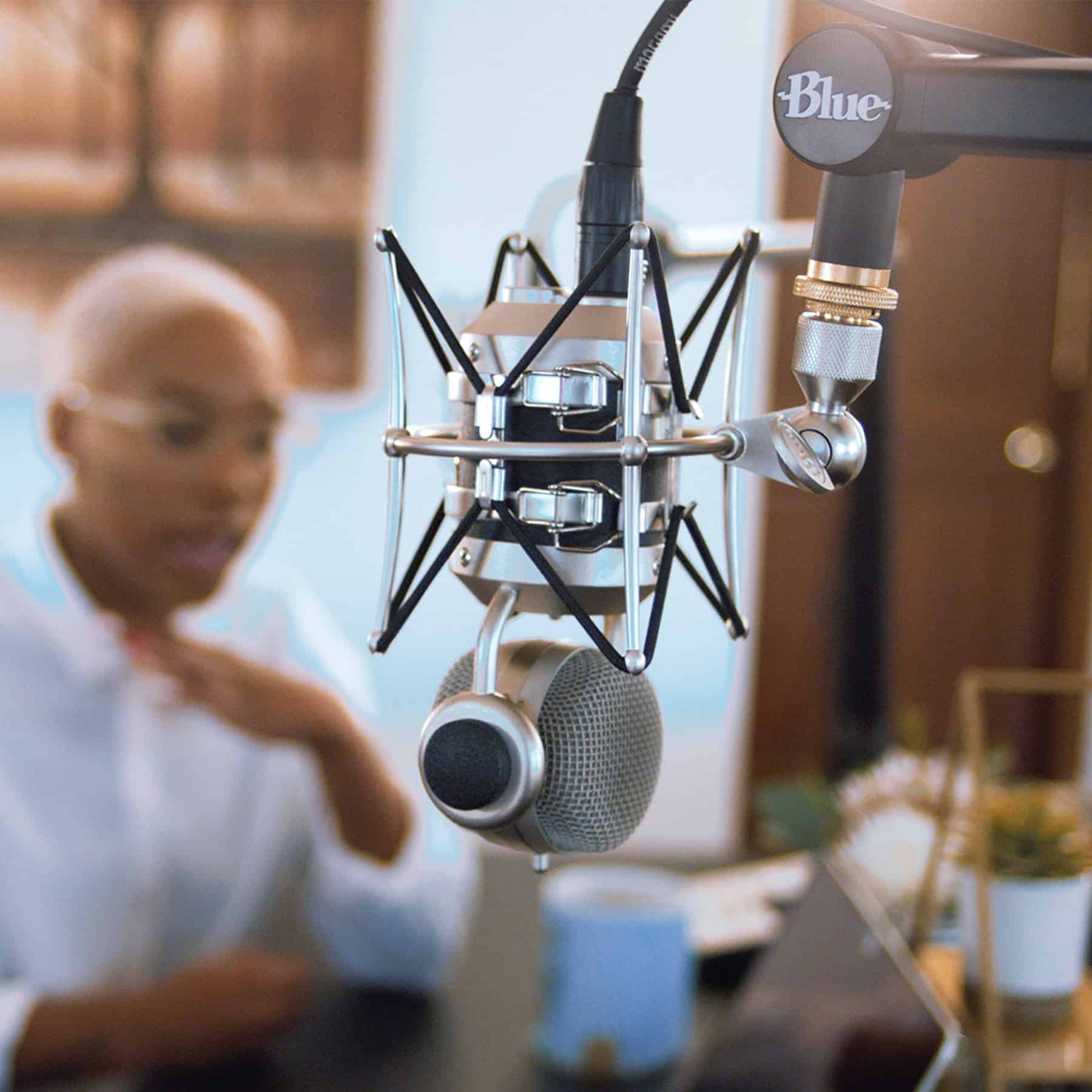
Imagine how professional you'll look with this on your desk. Photo: Blue Designs
Podcasters, musicians, and haters of annoying noises rejoice. Blue Designs has come up with the Compass, a microphone boom that keeps your mic fixed right over your desk, your computer, your countertop, or even your ghetto ironing-board podcasting desk. Paired with Blue’s Radius shock mount, you need never worry about mic noise ever again.
WWDC 2018 is coming to San Jose, California. Here's how to take your shot at getting tickets to the exclusive event. Photo: Apple
Apple will kick off its 29th annual Worldwide Developers Conference on June 4.
The week-long event, which will offer the first previews of Apple’s next big software updates, will again be held in the McEnery Convention Center in San Jose. Developers can register for tickets starting today until 10 a.m. on March 22.
Rotated and flipped, like an iPhone video. Photo: Charlie Sorrel/Cult of Mac
Did you ever shoot a video and have it come out sideways? Maybe you were holding you iPhone at an angle and it got a little confused as to which way was up? Or perhaps you started shooting in portrait orientation, and quickly corrected to landscape, but then the entire video ends up being sideways? Then you need to know how to rotate video and set things right. The good new is, it’s easy.
Use segments to log your rest intervals doing HIIT workouts Photo: Graham Bower/Cult of Mac
Are you taking full advantage of all the neat new features in your shiny Series 3 Apple Watch? Cellular connectivity grabbed the headlines, but that isn’t the only hardware addition Cupertino managed to cram into a wearable that was already bristling with sensors.
Apple Watch Series 3 models also boast a barometric altimeter. If you think you don’t need one of those, think again. The altimeter makes Series 3 watches the ideal companion for hill workouts. That’s a type of training you really should be doing but probably aren’t.
While you’re impatiently waiting to get yours, you’re probably asking lots of questions about how the preview will work, and what the game will be like on mobile. Who will get invites first? How will it handle cross-platform play with PlayStation 4 and PC? Can you use a wireless controller?
Here’s everything you need to know so far about Fortnite on iOS.
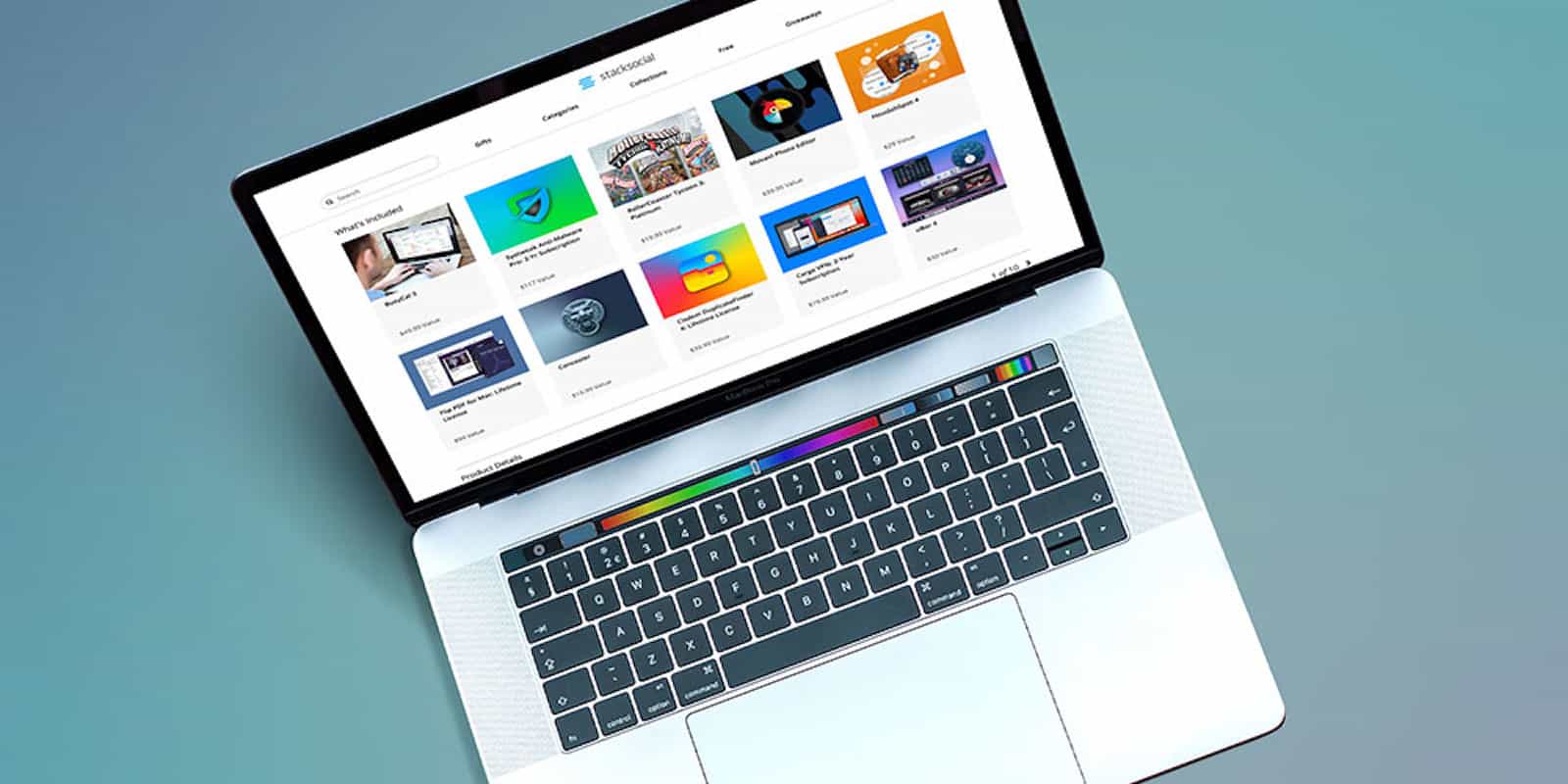
Get the most out of your Mac with this diverse bundle of 10 top-shelf apps. Photo: Cult of Mac Deals
Your Mac is a mighty machine, but it’s only as useful as the apps you install. With all the software out there to choose from, it can be hard to know where to start, and even harder to look at the price tag. So this bundle of 10 top notch apps is well worth checking out.
If you’re frantically checking your email for a Fortnite early access invite after signing up Monday, give up now. Epic Games confirms that it won’t issue its first batch of download codes for iOS until later this week. Some of us could be waiting months for access!
Snapchat has a new plan to make money. And it means you doing the work. Photo: Snapchat
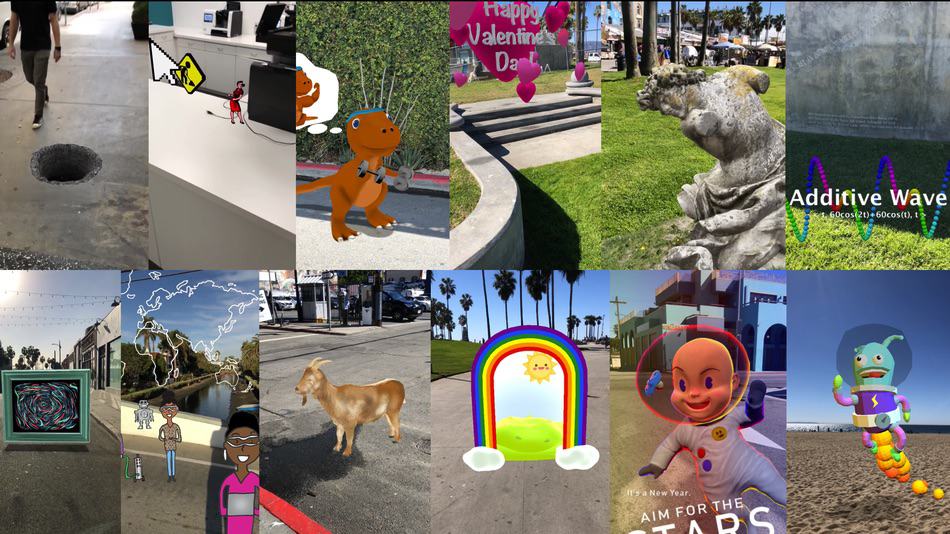
In an effort to reengage with its fanbase after its recent badly received redesign, Snapchat is planning to allow users to create augmented reality “Lenses” and share them with the rest of the community.
The debut of creator-made Lenses in the app’s carousel will debut at the end of this month. The Lenses can be made using Snapchat’s Lens Studio application, and Snap will then select the best ones and make them available to the wider 187 million daily user community.
Without Wi-Fi assist, your iPhone might end up as useless as this piece of junk. Photo: Charlie Sorrel/Cult of Mac
Using your iPhone on a poor, weak, or spotty Wi-Fi is not only frustrating. It could also have a detrimental effect on battery life. But there’s a fix, for flaky Wi-Fi at least. You can tell your iPhone to use cellular data to make up the shortfall, giving you smooth internet access, at the expense of some cellular data use. It’s called Wi-Fi Assist, and it could be the answer to all of life’s problems.
Checklists can make your shopping trip a lot easier. Photo: Charlie Sorrel/Cult of Mac
Does your husband/wife/boss/presumptuous, spoiled teenage kid send you lists via iMessage or SMS? Do you then spend the whole day flipping to the Messages app and scanning it to see which tasks you’ve done (or groceries you’ve dropped in your cart), and trying to work out what’s still left to do? Then you need to get that list out of the Messages app, and into the Notes app, turning it onto a checklist along the way. And don’t worry. This is so quick and easy, you can do it in a few seconds.
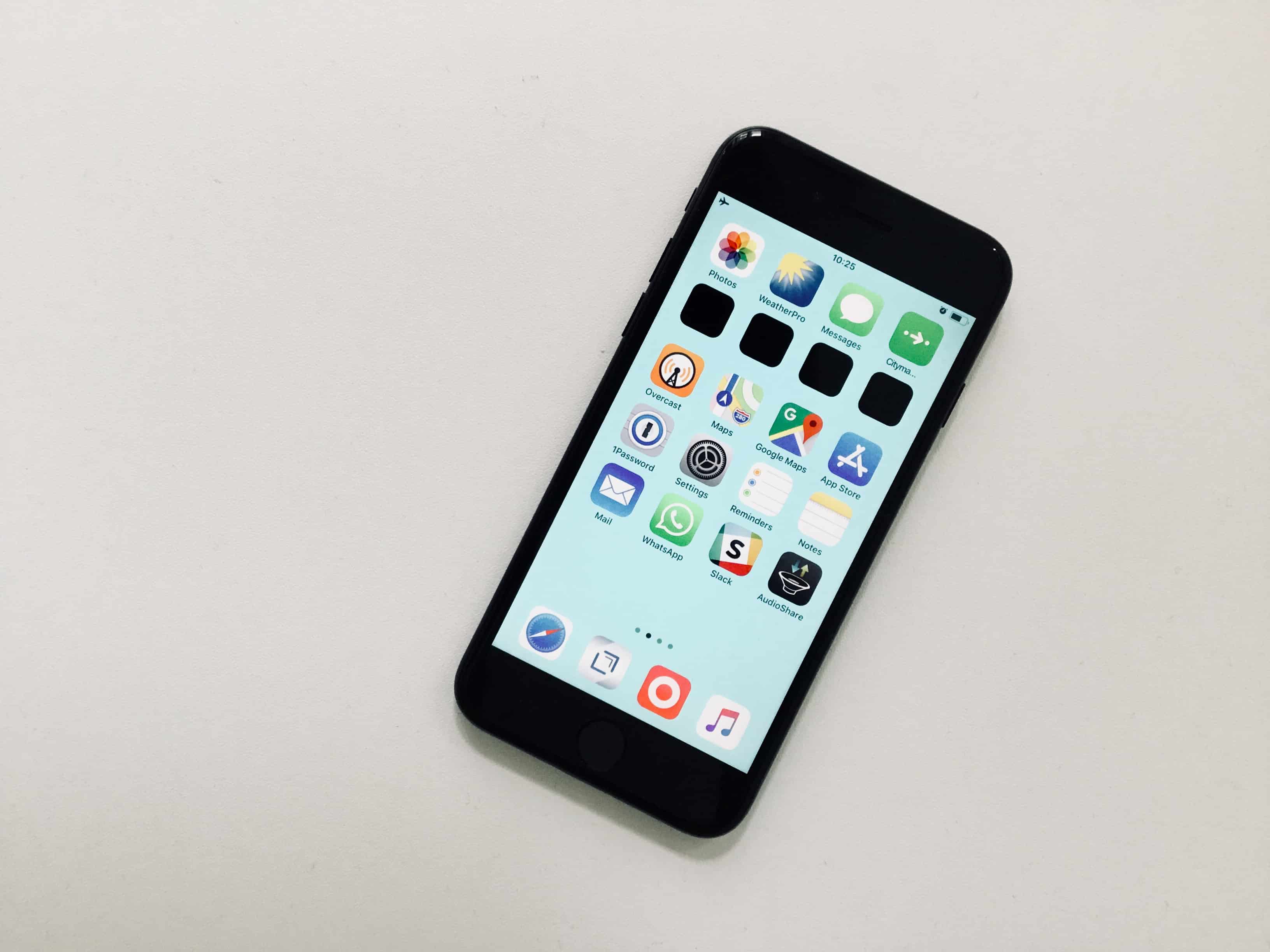
This wallpaper hides the Dock, but shows up my previously-invisible black spacer icons. Photo: Charlie Sorrel/Cult of Mac
Your iPhone’s dock is ever present. Also ever-present is the translucent ribbon behind the icons. Maybe it’s there to provide visual separation from the wallpaper behind it, but seeing as the rest of your home-screen icons are left to fend for themselves, visibility-wise, then maybe not. Perhaps it’s there to provide a visual separation between the privileged Dock and the rest of the home-screen proletariat?
But if you don’t like this separator, then you’re stuck with it. Or are you? You may not be able to remove the ribbon, but you can hide it.
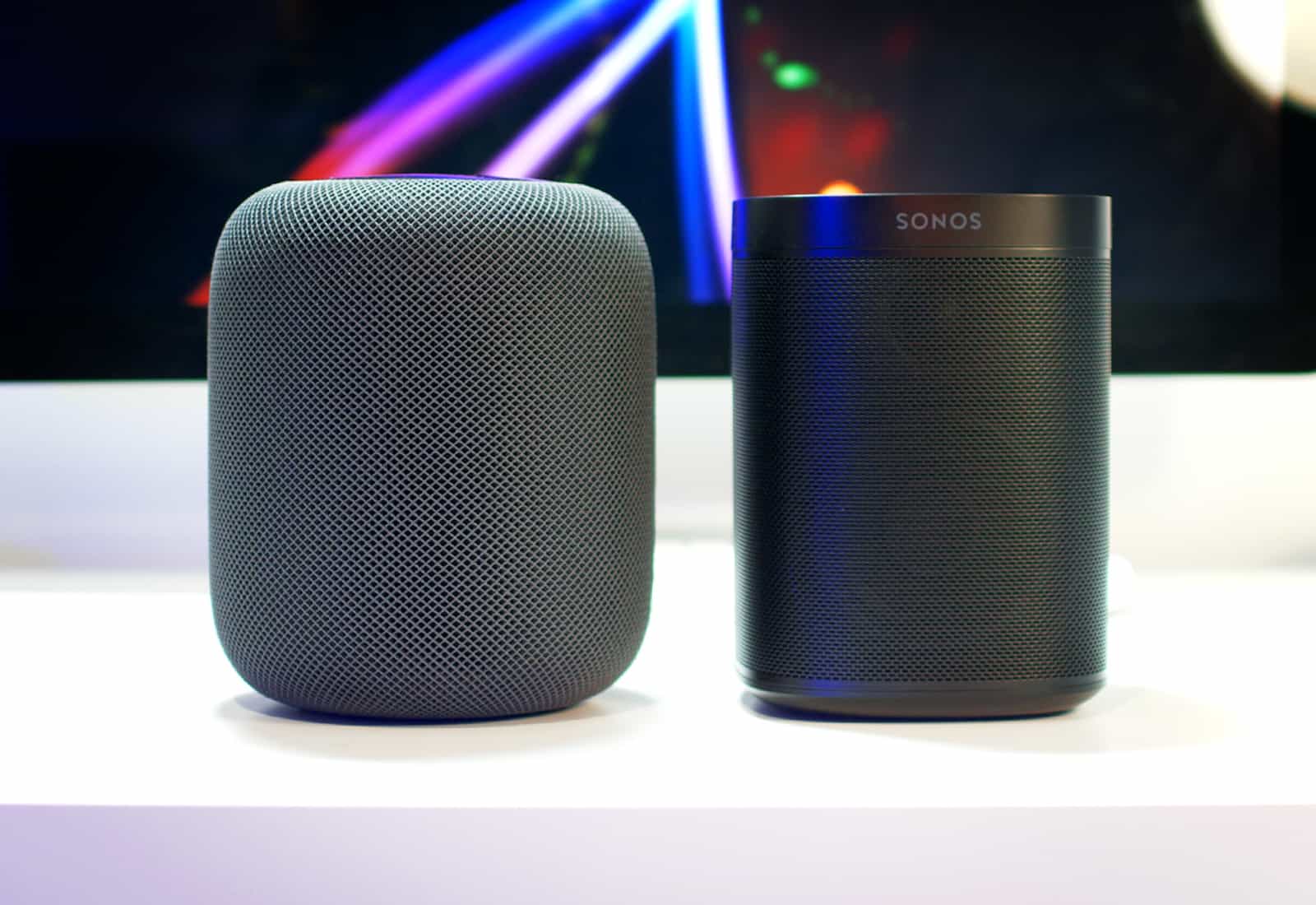
Similar size, similar price, which should you buy? Photo: Ste Smith/Cult of Mac
HomePod’s arrival makes the smart speaker market even more confusing for the average consumer. Amazon and Google are dominating right now, but HomePod’s closest rival is actually the Sonos One.
It’s in a similar price range, it’s about the same size, and both speakers focus on sound quality above everything else. I’ve now spent over three weeks with both the HomePod and the Sonos One to help you figure out which one you should buy.
Vastly boost your reading speeds with this pair of useful apps. Photo: Cult of Mac Deals
Reading is the key to a broader, sharper mind. It’s also the key to success for countless innovators and entrepreneurs with voracious reading habits, no less than Elon Musk and Bill Gates. So if you want to make a difference in the world and in your life, reading more is square one.
Fortnite is among the most anticipated games of 2018. Photo: Epic Games
Fortnite Battle Royale has landed on mobile! You can now sign up for early access to the game on iPhone and iPad. If you’re lucky enough to get an invite, you’ll also receive codes for your friends.
A brilliant minimalist settler simulation with added monsters is just of one of our picks for this week’s “Awesome Apps of the Week.”
In addition, we’ve got a great new version of The Sims for mobile, and two Google apps which have received big updates. Check out our selections below.
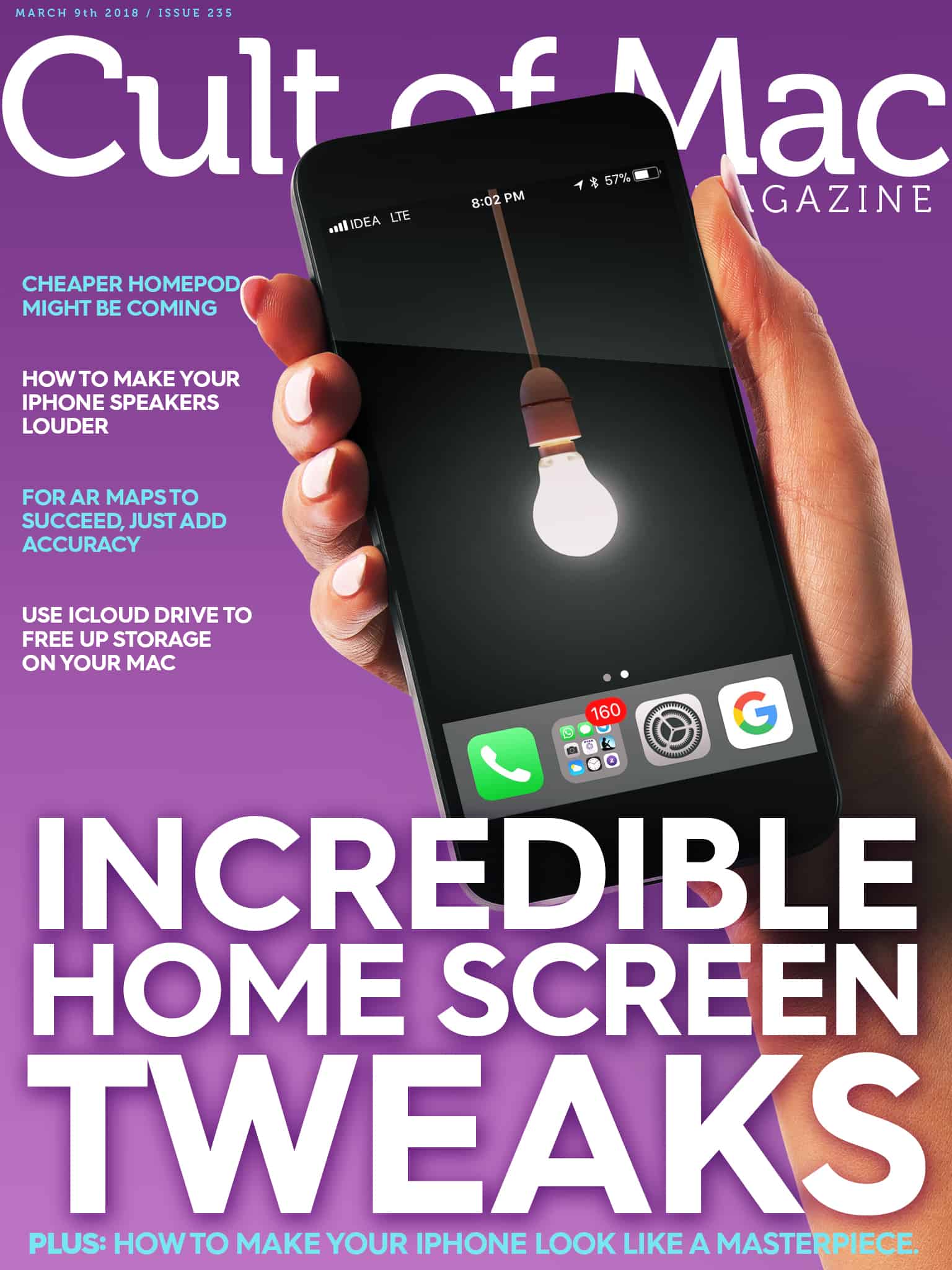
In this week’s Cult of Mac Magazine, we'll show you some incredible tweaks for your home screen! Photo: Ste Smith/Cult of Mac
It’s not like you can ever find the app you’re looking for on your various home screens anyway, so why not do something fancy with those icons instead? Like, making your home screen an expression of your inner chakra, man. In this week’s Cult of Mac Magazine, we’ll show you some amazing tweaks for your home screen.
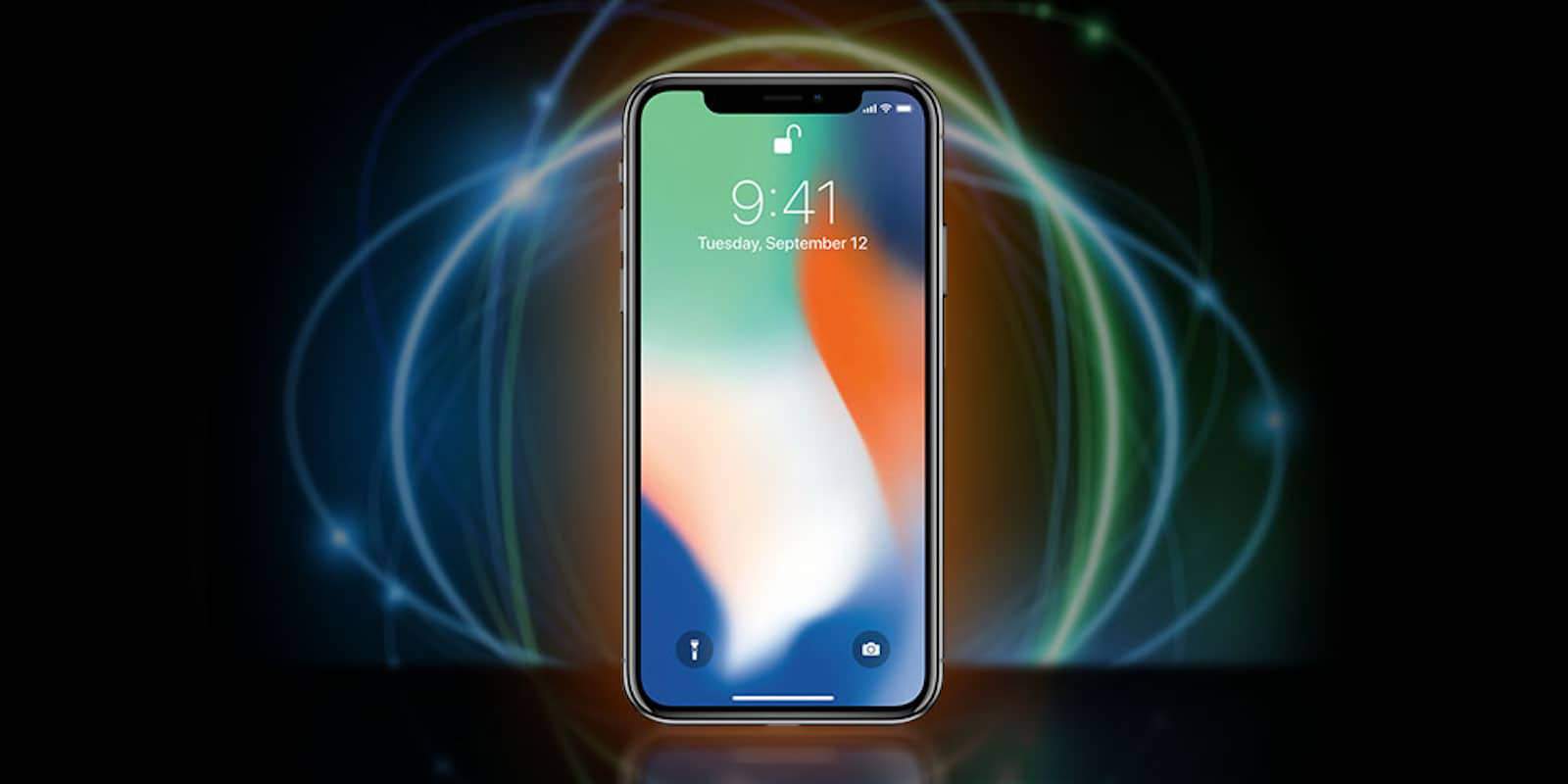
At long last, we can announce the winner of the Cult of Mac iPhone X Giveaway. Photo: Cult of Mac Deals
When we launched our mouth-watering iPhone X giveaway, we knew people would jump at the chance to win Apple’s newest flagship device. And we were right — it sure seems like a lot of people would like to get a $1,000 smartphone for free.
After a flurry of entries, we can at last announce the lucky winner. Drumroll, please….
Satisfy your inner drummer by creating custom vibration alerts. Photo: Charlie Sorrel/Cult of Mac
Custom ringtones and text tones are great for letting your know who’s calling, or who just sent a message. But what about when your iPhone is sett to silent, and hidden in your pocket? All your alerts use the same vibration, so you have no idea if that buzz was a message from your awesome and hot significant other, or yet another eBay alert about those paperclip auctions you’re watching.
Did you know that you can set custom vibration alerts for each of your contacts? And that you can actually record your own vibration patterns and assign them to whoever you like? You can, and you’re going to love how easy it is.
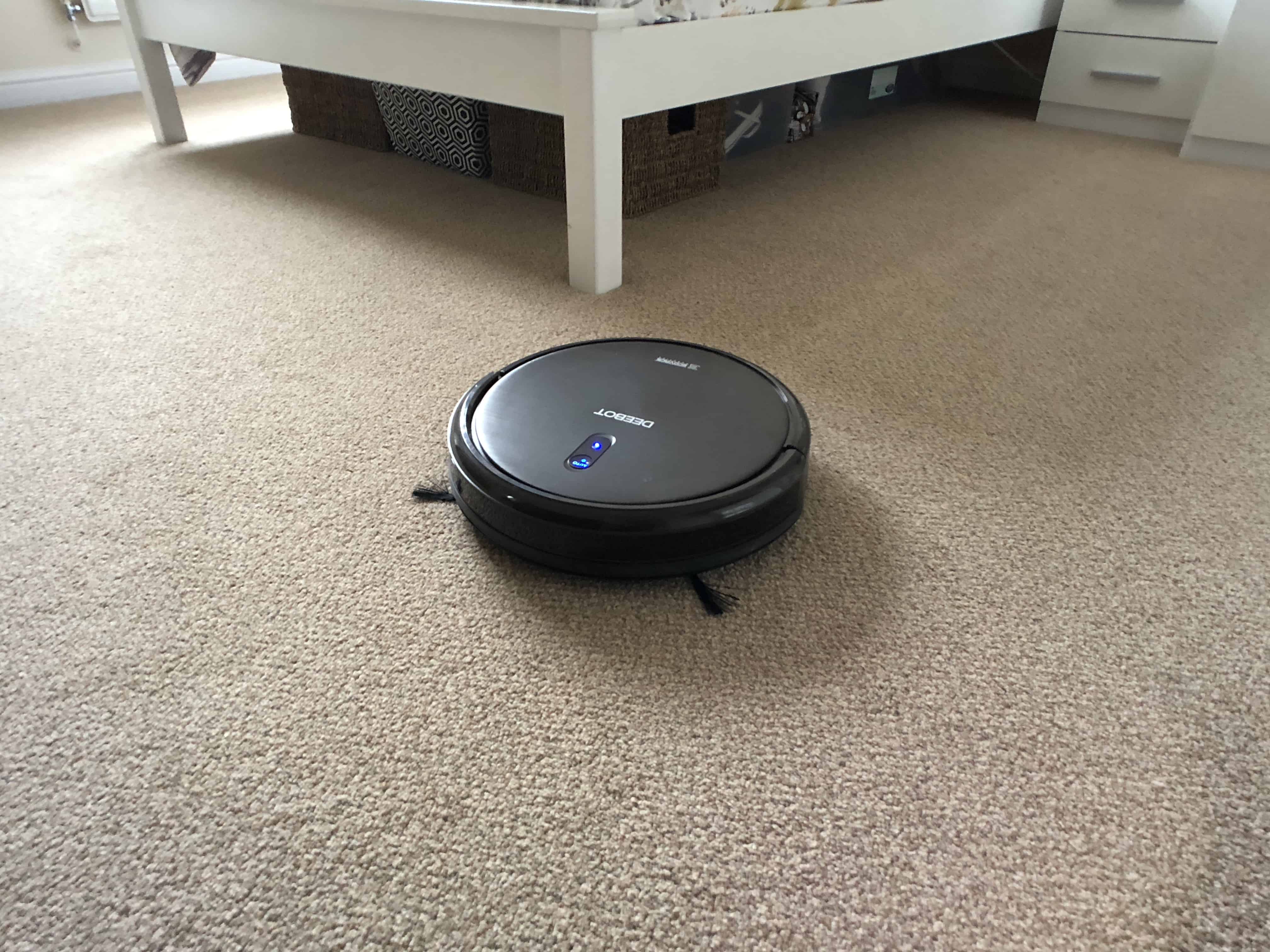
The Deebot N79S is sucking awesome. Photo: Killian Bell/Cult of Mac
No one enjoys vacuum cleaning, so why are we still doing it? Robotic vacuum cleaners have gotten so good — and so much more affordable — that manual cleaning is no longer necessary. I let the Deebot N79S do all my vacuuming for me.
The N79S is an updated version of the best-selling N79. It packs all the same features and the same great design, but now it supports Amazon Alexa. That means you don’t even have to push a button to get it going; you just tell it what to do.
It’s one of the many things that make the N79S one of the best affordable robot vacs you can buy.
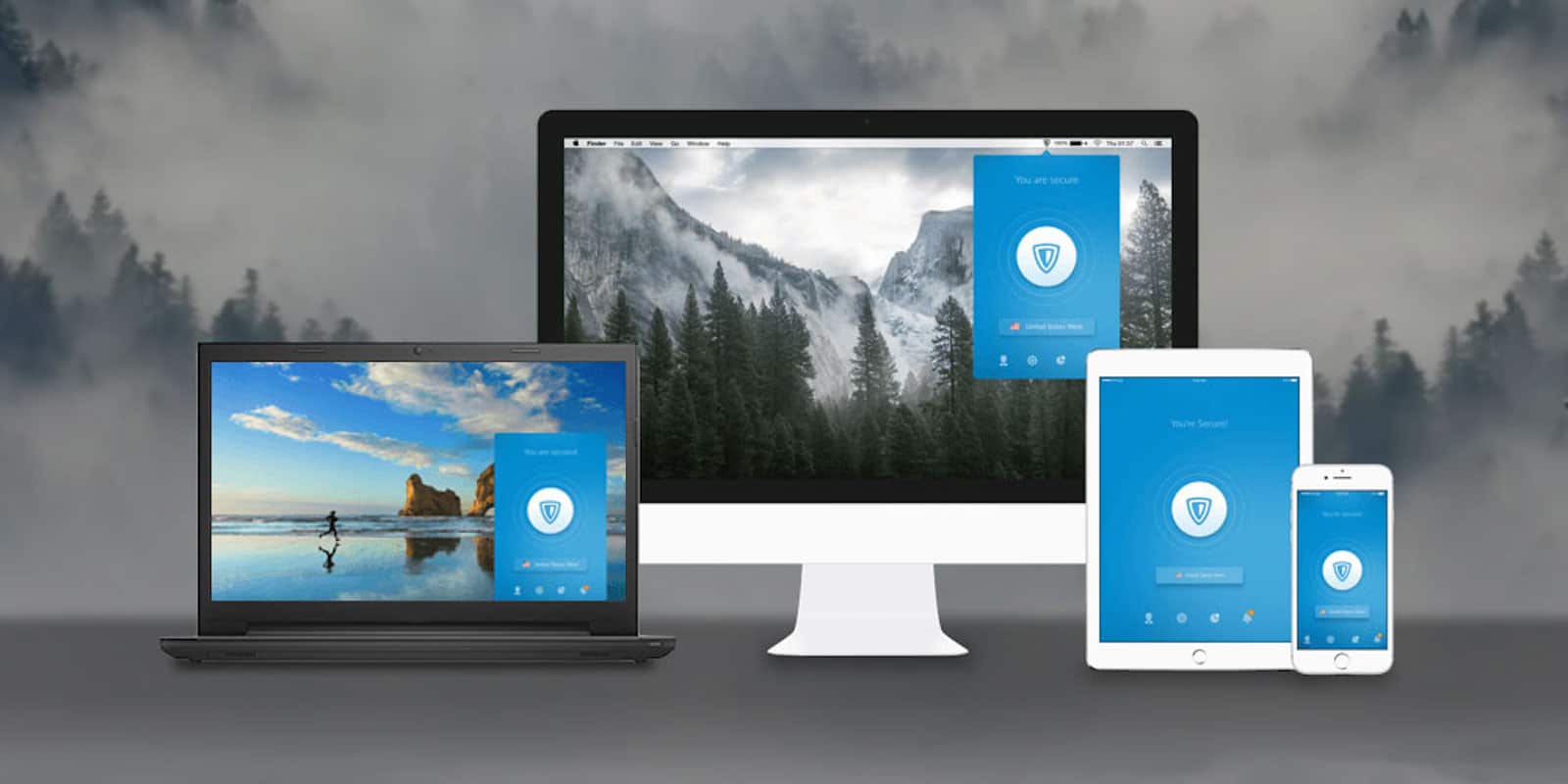
Get lifelong peace of mind online with this powerful, versatile VPN. Photo: Cult of Mac Deals
Life on the internet means feeling stress about having your data or identity stolen. That’s why signing on with a virtual private network (VPN) is key for online peace of mind. So where do you start?