Hate the notch? Then you need Notcho, a free app that creates wallpapers that hide the black camera-and-sensor array on the iPhone X, making it look like a black bezel instead.
Notcho app hides iPhone X’s fugly notch

Photo:

Hate the notch? Then you need Notcho, a free app that creates wallpapers that hide the black camera-and-sensor array on the iPhone X, making it look like a black bezel instead.

“Wireless” charging is possible with the iPhones 8, 8 Plus, and X. Doing so might seem as simple as just tossing the handset onto a charging mat, and largely it is. But there are some tips to make sure charging works as expected, and several things to avoid to make sure your phone ends up full in the morning.
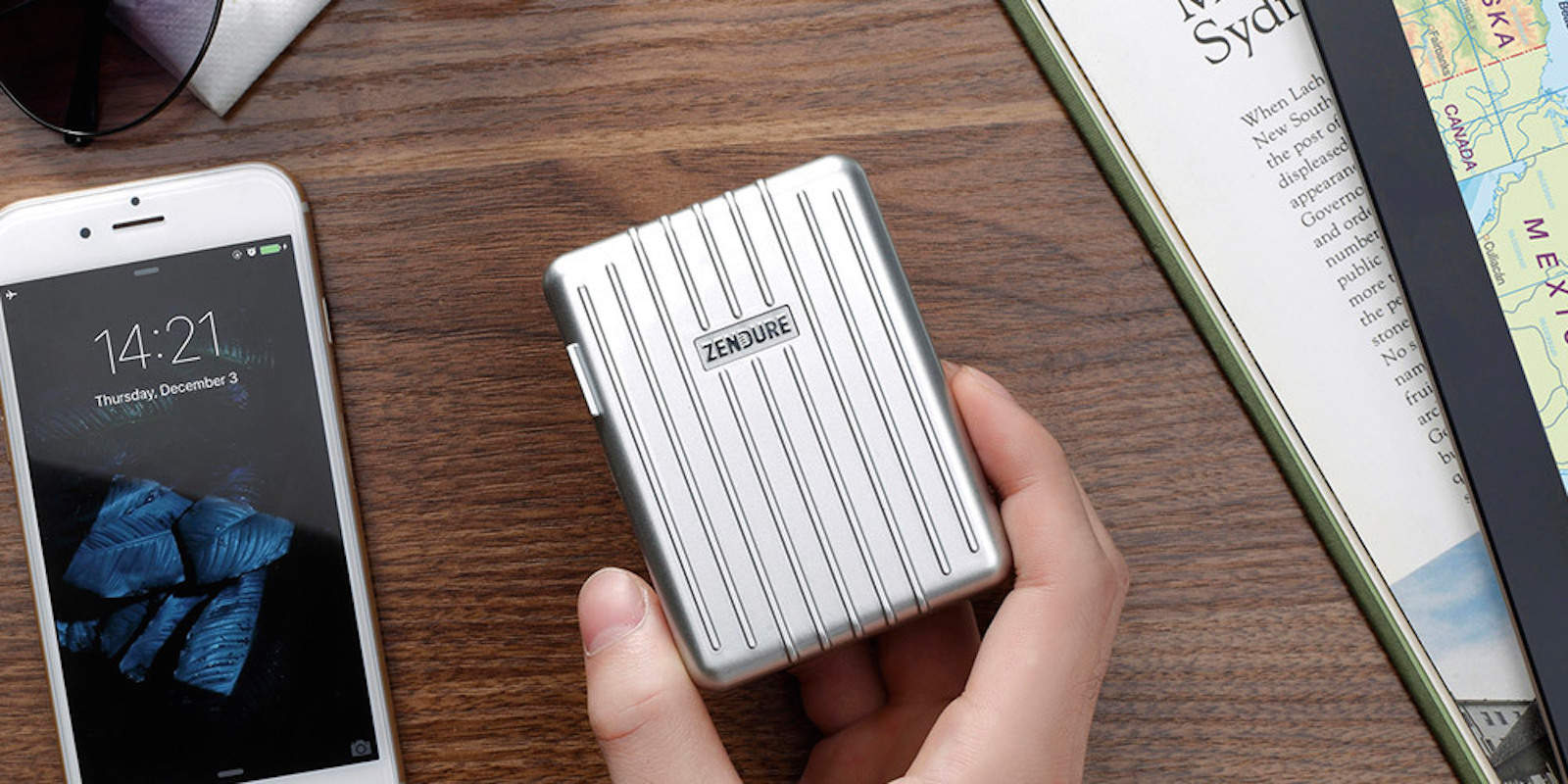
Whether you are out running errands or on vacation, you’re bound to see that dreaded low battery alert. This battery pack is like no other on the market, a combination of brain and brawn. The Zendure A8 Charger (26,800 mAh) on a full charge can replenish your iPhone with power nine times over. Also, the battery pack is capable to simultaneously charging four devices at once. Right now you can get the Zendure A8 26,800mAh QC3.0 Portable Battery Bank for just $76.46 with coupon code “GIFTSHOP15” at Cult of Mac Deals for a limited time.
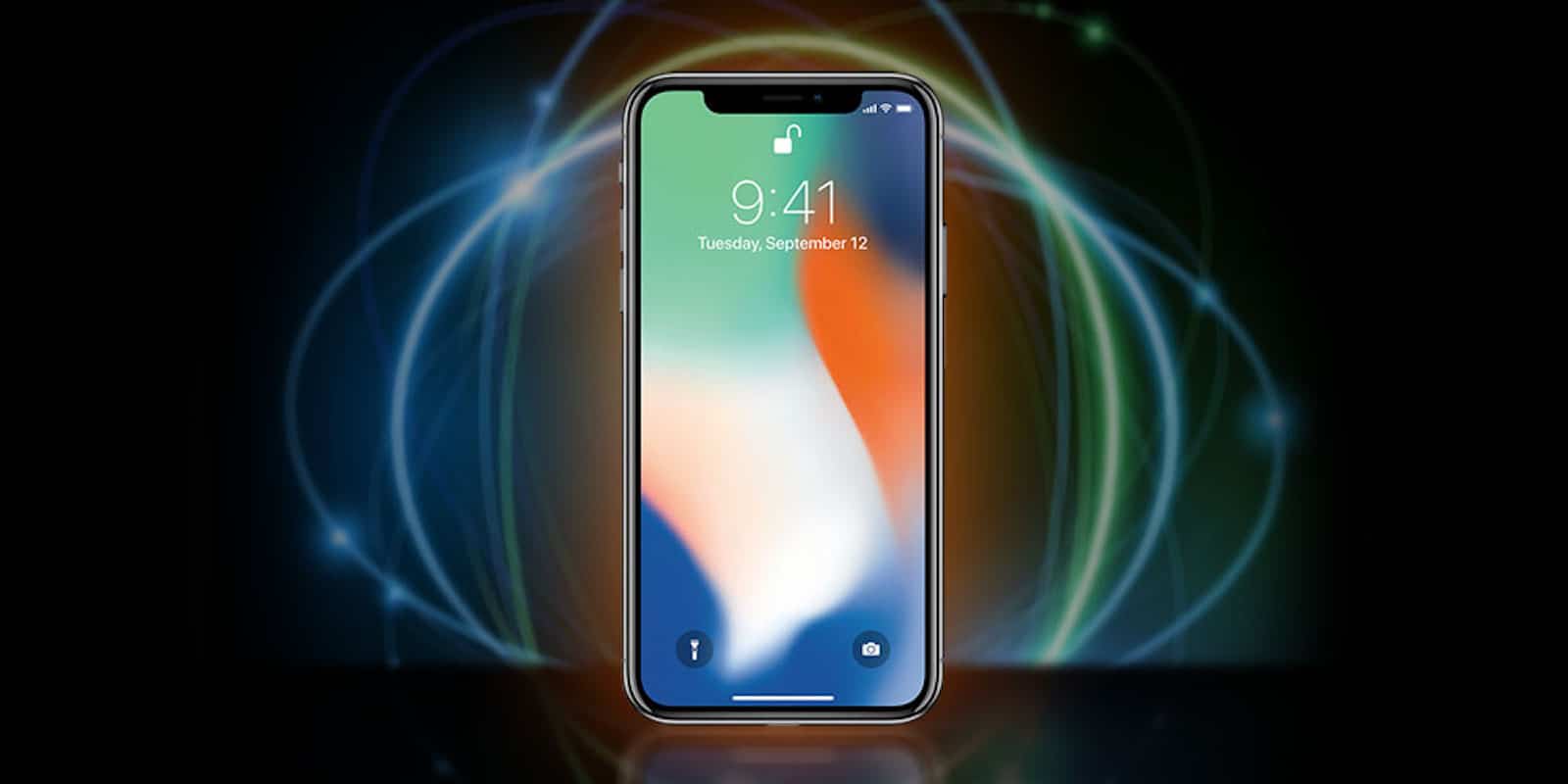
The jury is in on Apple’s latest flagship phone, the iPhone X. And the verdict? This is a very, very good phone.
However, it’s also a very, very expensive phone. To put a new iPhone X in your pocket, you will shell out a cool $1,000, minimum. But now’s your chance to get your hands on one of these drool-worthy phones for exactly zero dollars.
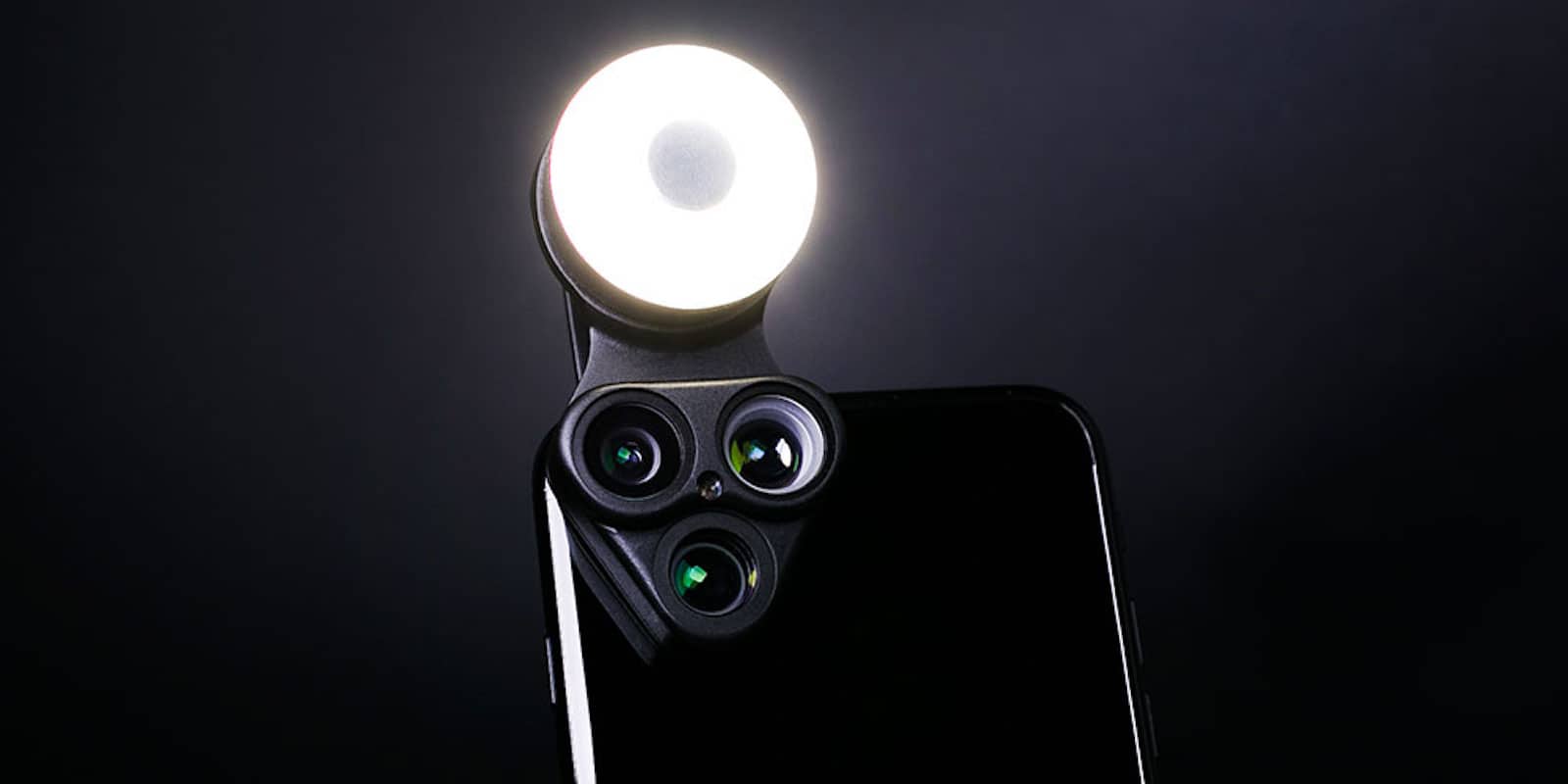
As the cameras on our phones improve, the value of having a variety of lenses goes up too. Having a killer photo sensor is one thing. But being able to bend light in new ways adds whole new dimensions to your Instagram game.

Did you ever wonder how Face ID sees you? After all, it has an incredibly complex set of eyes that project invisible dots onto your face, and then turns the results into a 3D representation of your head. If you want to know what that representation might look like, then check out the new Face Mesh tool in the latest update to MeasureKit, the AR measuring app.

 If you need to access your home network from anywhere in the world, you need the incredible AmpliFi Kit. It provides fast and stable Wi-Fi all around your home, and provides an encrypted gateway to your network from anywhere.
It’s just one of the awesome ideas in this week’s Crowdfund Roundup. We also have a wireless charger for MacBook and MacBook Pro, a high-quality speaker that’s small enough to fit in your pocket, and the ultimate Apple Watch companion.

GarageBand for iOS often gets dismissed as a toy by more experienced musicians. That’s partly because it’s free, and partly because it looks so simple when you first fire it up. And it is dead easy to use — making some great music is simple even for a first timer. But if you take a while to dig in, you might be surprised at just how music power GarageBand for iOS now packs. And the latest 2.3 update adds enough amazing new features that it really could be called 3.0. Lets take a look.
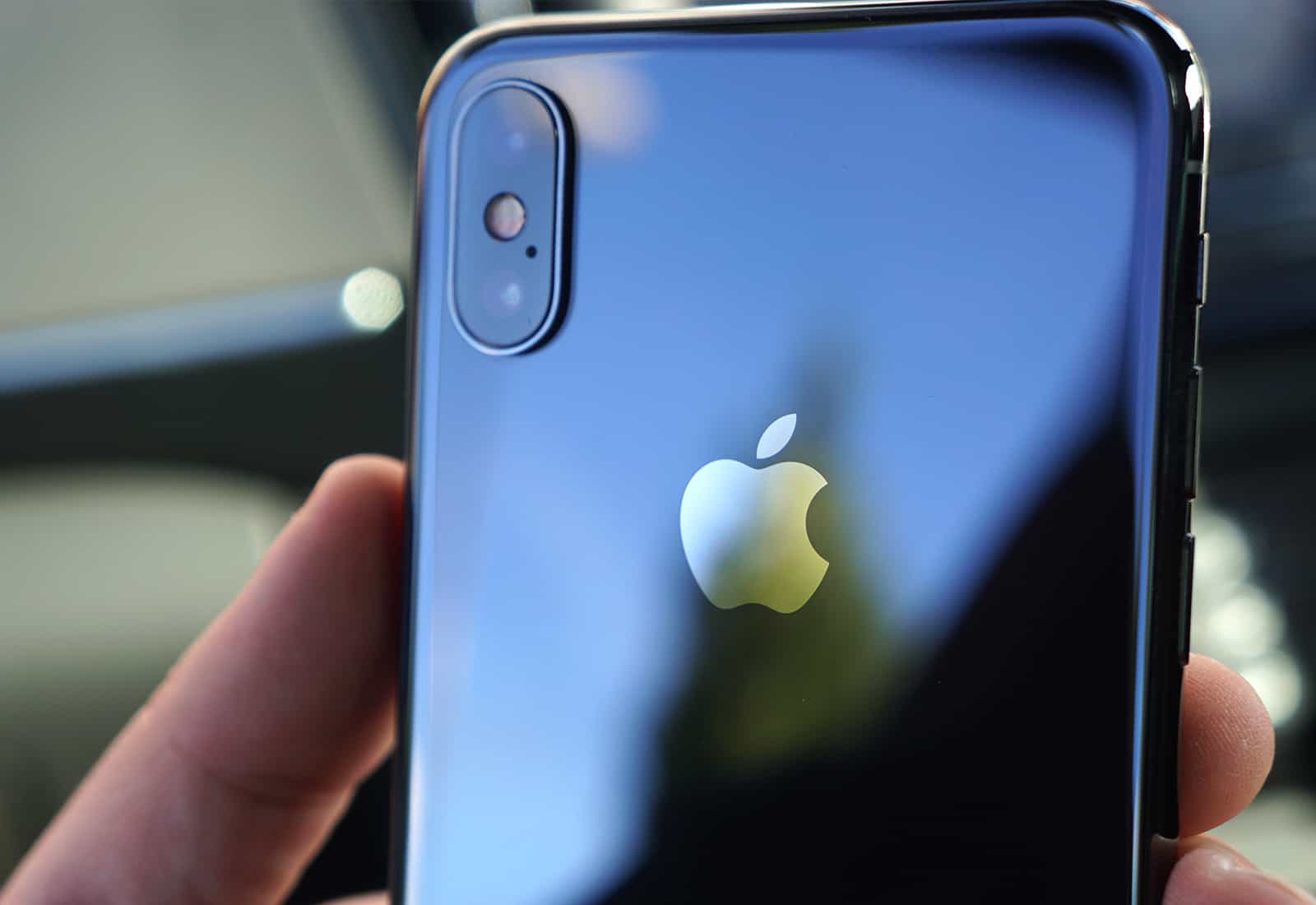
iPhone X has been rated the best smartphone camera for shooting still images. The experts at DxOMark have awarded the device a score of 101 for photos. Apple’s finest iPhone yet could use some improvement in video recording, however.
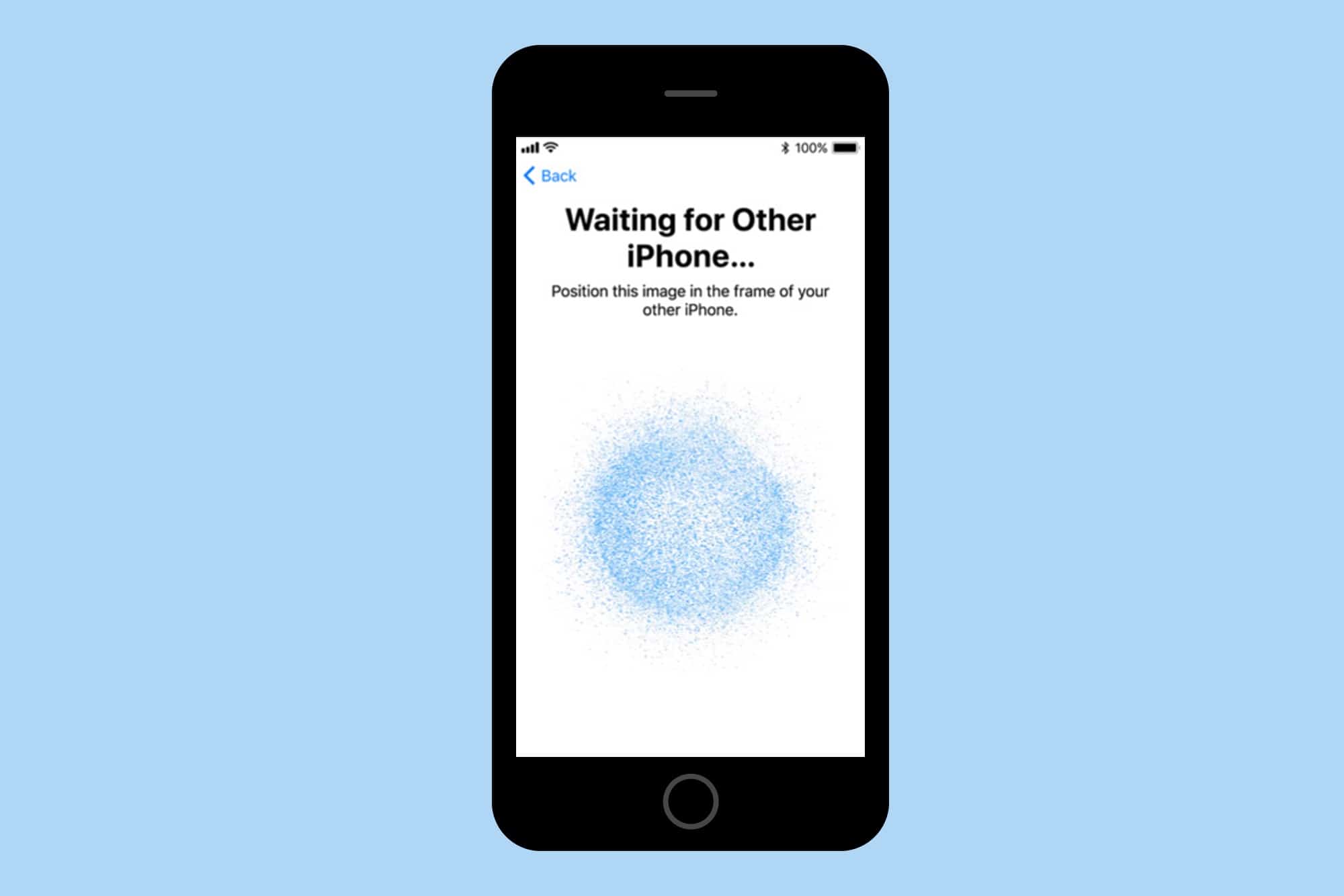
I used to think setting up a new iPhone was easy, but the iPhone X takes it to the next level.
On Friday, I got the new iPhone X and have been using it all weekend. The setup process was the easiest ever, and speaks to Apple’s constant drive to make things better.
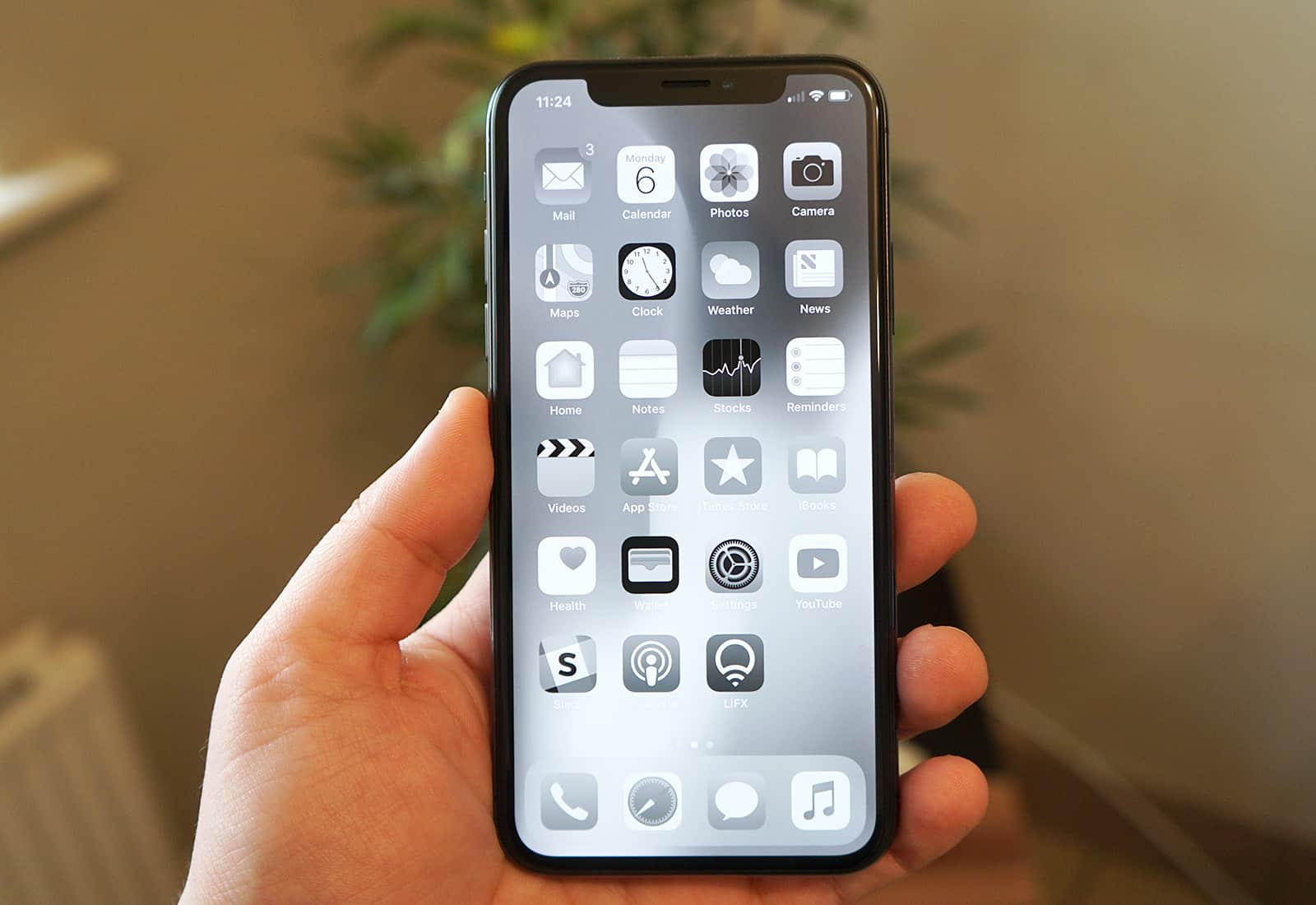
Usually guides to increasing the battery life of phones and tablets involve impractical advice like disabling Wi-Fi, turning off all background activity, killing notifications, and other “tricks” that make using the device pointless. After all, you could gain almost infinite battery life simply by never switching your iPhone on.
This piece of advice is just like those. It involves turning off the color on the iPhone X’s OLED screen to save juice. However, this tip actually turns out to be pretty useful, and makes the iPhone look totally badass, too.
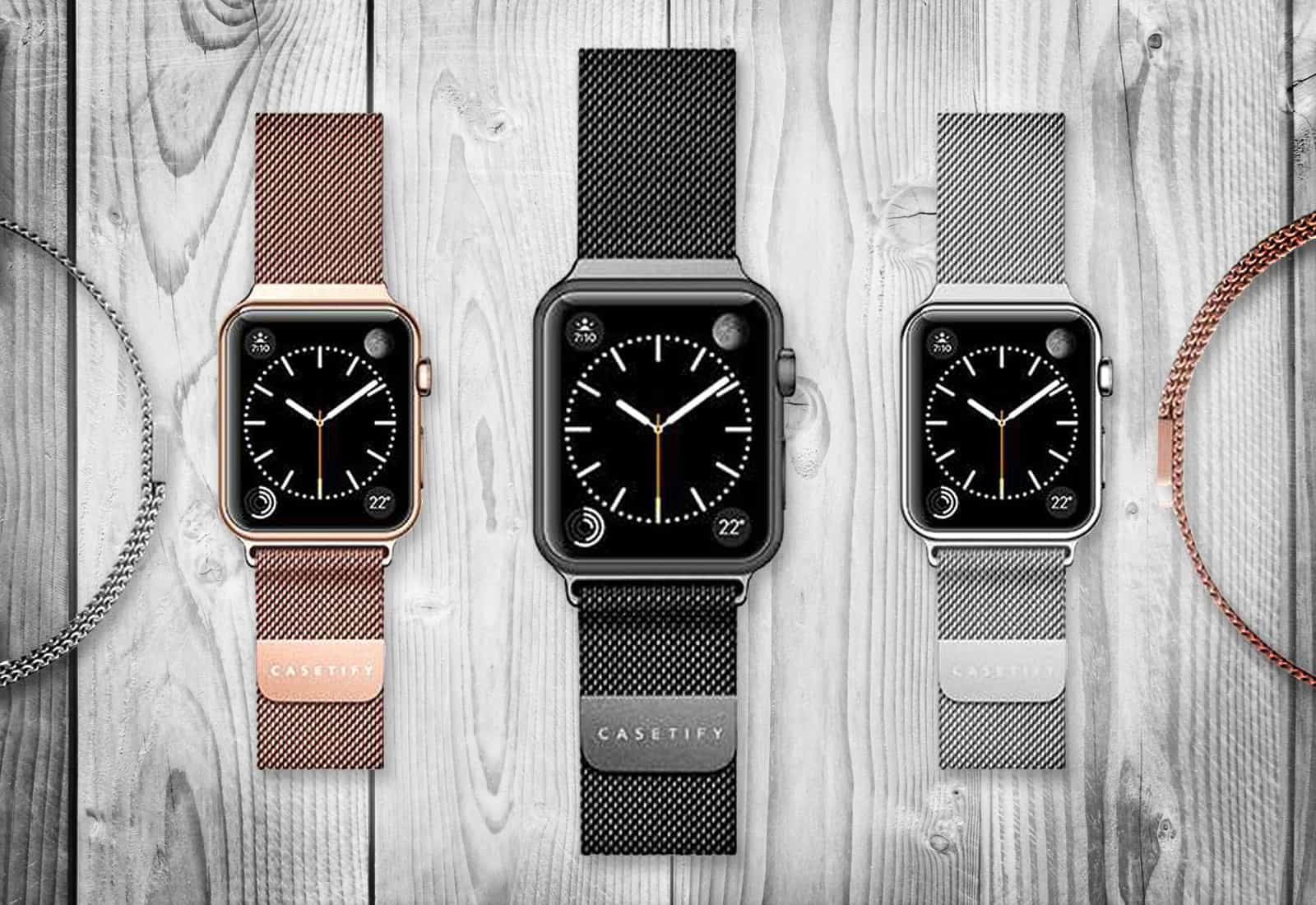
Stainless steel meticulously weaves its way through the Mesh Band for Apple Watch — Casetify’s answer to the significantly more expensive Milanese Loop by Apple. Casetify’s version is just as stylish and functional as the behemoth brand’s band, and now comes in two brand-new finishes: Iridescent and Gold (that matches the Series 3).
For penny-counters, you’ll save from $67 to $117 on Casetify’s silver and black stainless steel mesh bands, respectively, and gain three additional colors not offered by Apple: gold, rose gold and iridescent.
Casetify designs all its products to be super stylish and functional, and its latest collection of Stainless Steel Bands for Apple Watch is no exception. The Stainless Steel Mesh Bands are for both men and women. Check out the latest colors in our Watch Store, and read on to learn more.
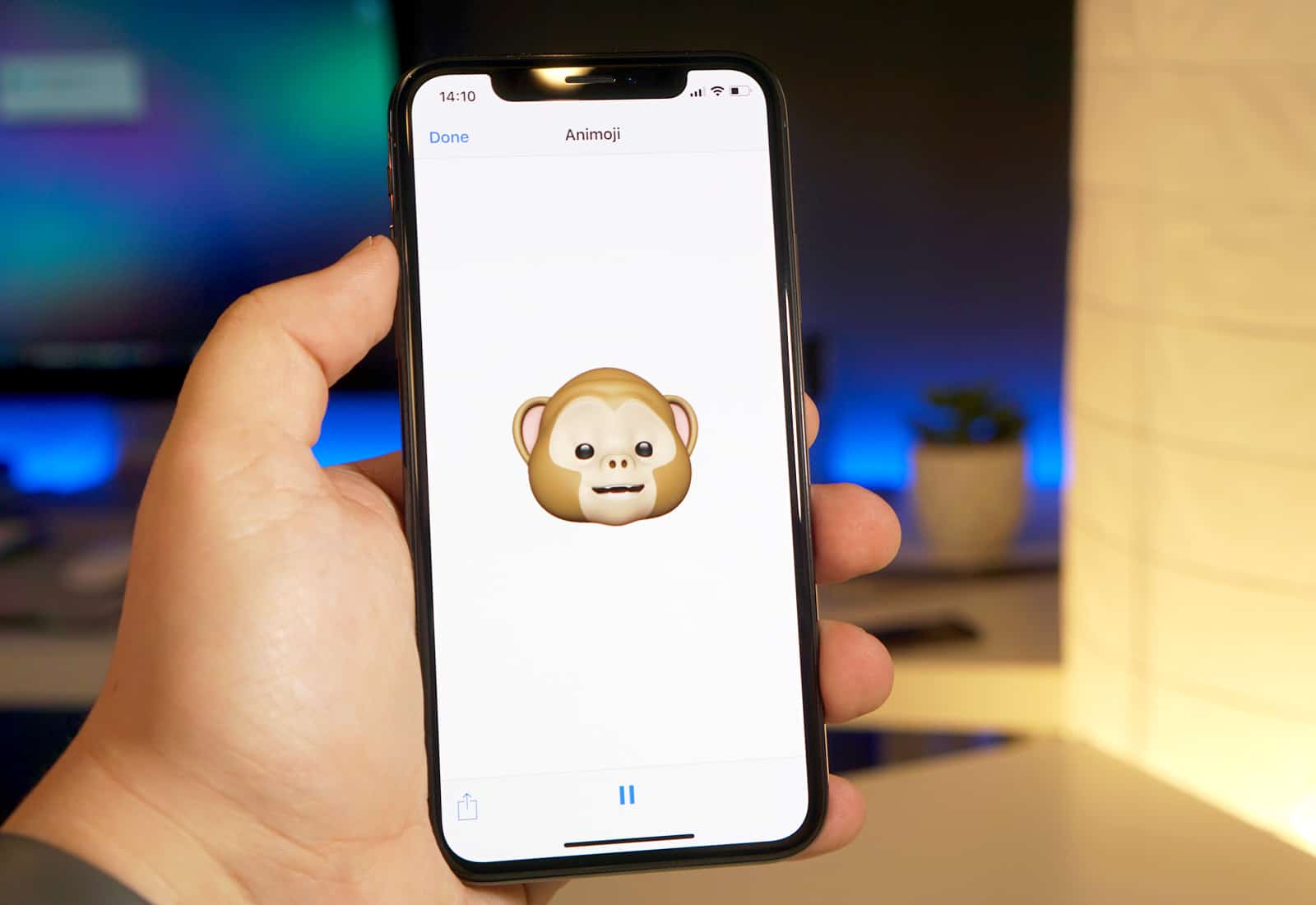
Forget Face ID, the edge-to-edge OLED screen, and the amazing portrait lighting. The real killer feature in the iPhone X is Animoji, a gimmick that uses the most advanced camera ever seen on a consumer device to map cute animal faces over your real expressions. Here’s how to use it.
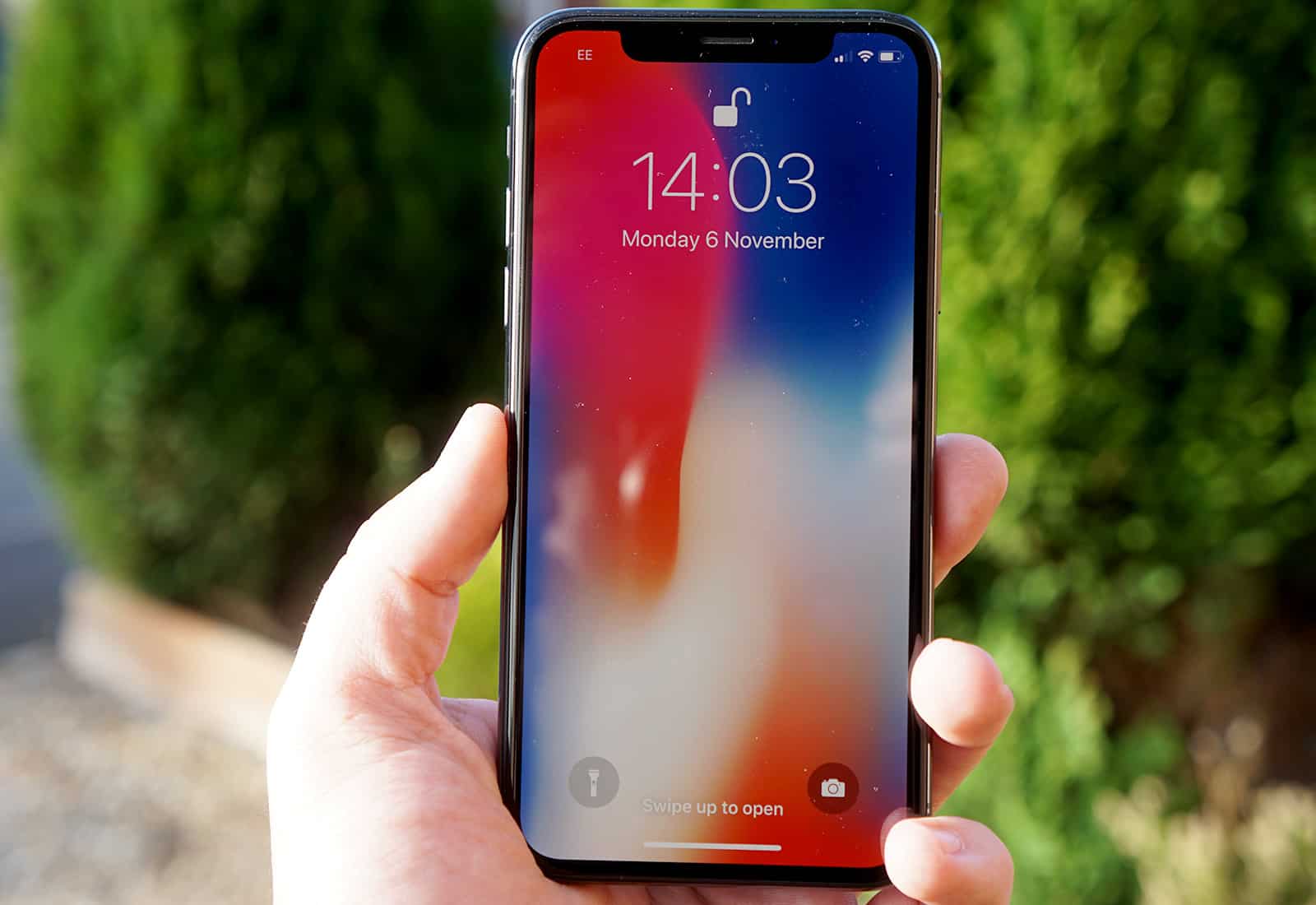
Smartphones are changing, and every manufacturer possesses its own take on what the future should look like. Apple’s vision is the iPhone X, which arrives 10 years after the original with big changes and an even bigger price tag. In this iPhone X review, we’ll take a look at everything that makes this groundbreaking device Apple’s finest smartphone ever.
For iPhone X, Apple did away with aluminum unibodies, chunky bezels, Touch ID and the beloved Home button. In their place, iPhone X sports polished stainless steel and smooth glass, an edge-to-edge Super Retina HD display, and Face ID.
The result proves stunning. Apple just made the iPhone exciting again. But is iPhone X worth $999?
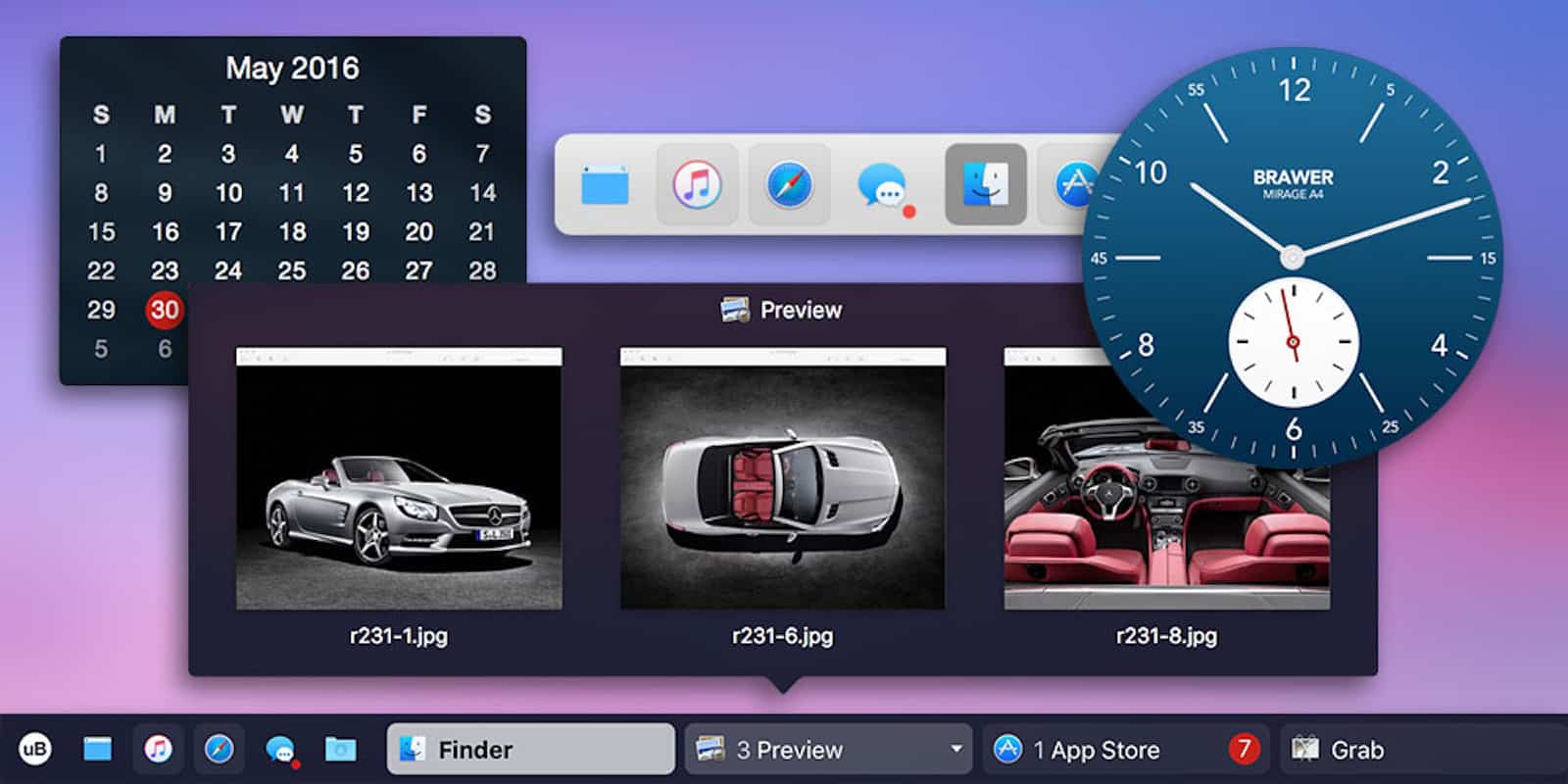
Use a Mac for long enough, you start to notice where your workflow could improve. One area that’s ripe for improvement is the Dock, that bar at the bottom (or side, if you’re fancy) of your screen.

The iPhone X is Apple’s most exciting iPhone in years. It packs an incredible portrait camera, ditches the home button so it can squeeze and iPhone Plus-sized screen into a regular-sized body, and adds Face ID.
If you want to read all about your new iPhone X, or to see what the fuss is before you purchase one, check out this roundup of all Cult of Mac’s iPhone X coverage.

These days, our phones ship with amazing cameras built in. But once the photo is taken, most people are more likely to edit it in Instagram than in Photoshop, if they edit it at all. And that’s no way to make the most of your mobile photos.

We finally have our hands on iPhone X and we couldn’t be more excited. I haven’t put mine down since it arrived at my door this morning, and while it’s too early to give you our full review, we are offering our first impressions.
Here’s what we think of the smartphone of the future so far, along with our iPhone X unboxing video.

Winter isn’t coming, it’s already here. If you’re looking for some cheer as the chill sets in, may we recommend checking out these fresh deals at the Cult of Mac Store. This week, we’ve got a software tool for guarding your camera, a connection expansion for the new Macbook, a super useful color sensor, and more. Everything is massively discounted, read on for more details:
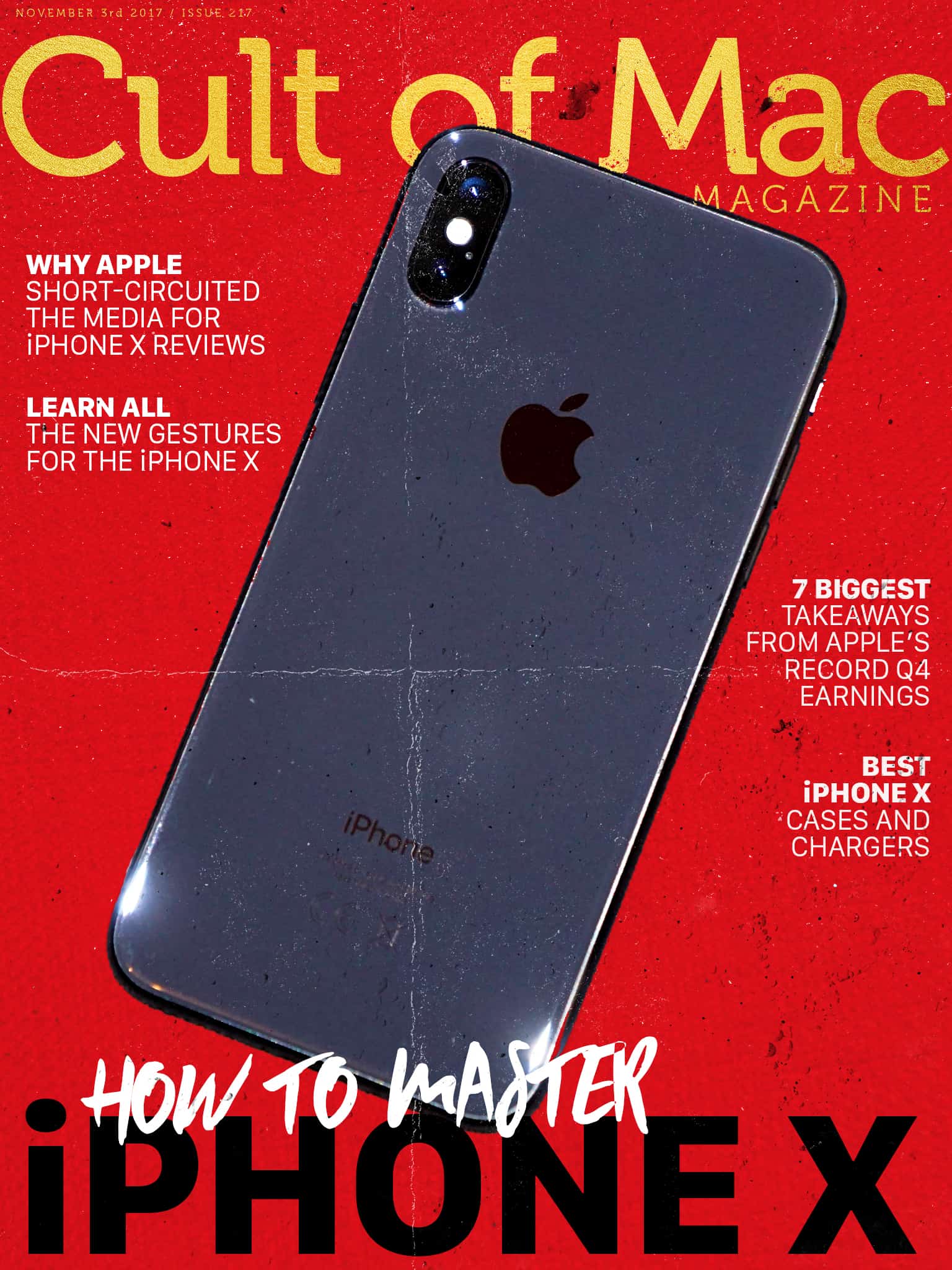
We finally have our hands on iPhone X and we couldn’t be more excited! It packs an incredible portrait camera, ditches the home button so it can squeeze and iPhone Plus-sized screen into a regular-sized body, and adds Face ID. Check out our roundup of all Cult of Mac’s iPhone X coverage including tips, tricks and how-tos.
In this week’s issue, you’ll find that story and more. Find out how Apple upended the typical review cycle by giving popular YouTubers early access to the iPhone X. Learn all the new gestures for iPhone X, and check out our roundup of the best wireless charging pads to juice it up. Check out Casetify’s new Stainless Steel Mesh Band for Apple Watch, and find out why it rivals Apple’s overpriced Milanese Loop. Get your free subscription to Cult of Mac Magazine from iTunes. Or read on for this week’s top stories.

Availability of the iPhone X seems to be better than expected. While the phone was predicted to sell out almost instantly, there seems to be a good supply at some Apple stores.
The big flagship store in San Francisco’s Union Square appears to have plenty of phones still in stock, according to Traci Dauphin, my wife, who just left the store.
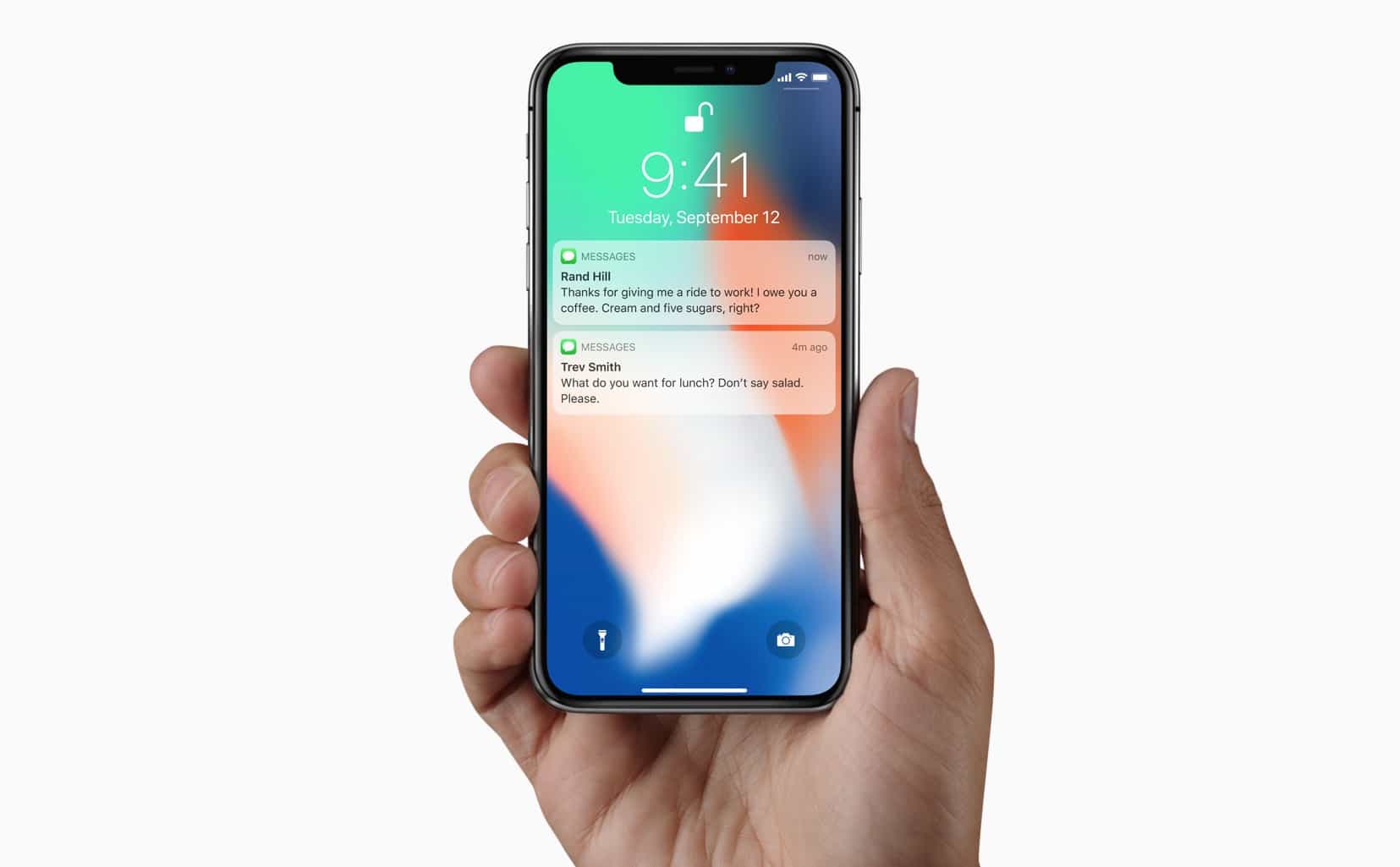
Thanks to Face ID, the iPhone X knows when its owner is looking at it, and can hide the content of your notifications until you do so. Now, if somebody else picks up your iPhone X and takes a peek at your incoming alerts, it will only see a list of the apps that have notifications for you. The content of the alerts remains hidden until you look at the screen, and Face ID expands the boxes to show you your messages.
The twist is that you can already do something very similar with Touch ID, just by changing one setting.
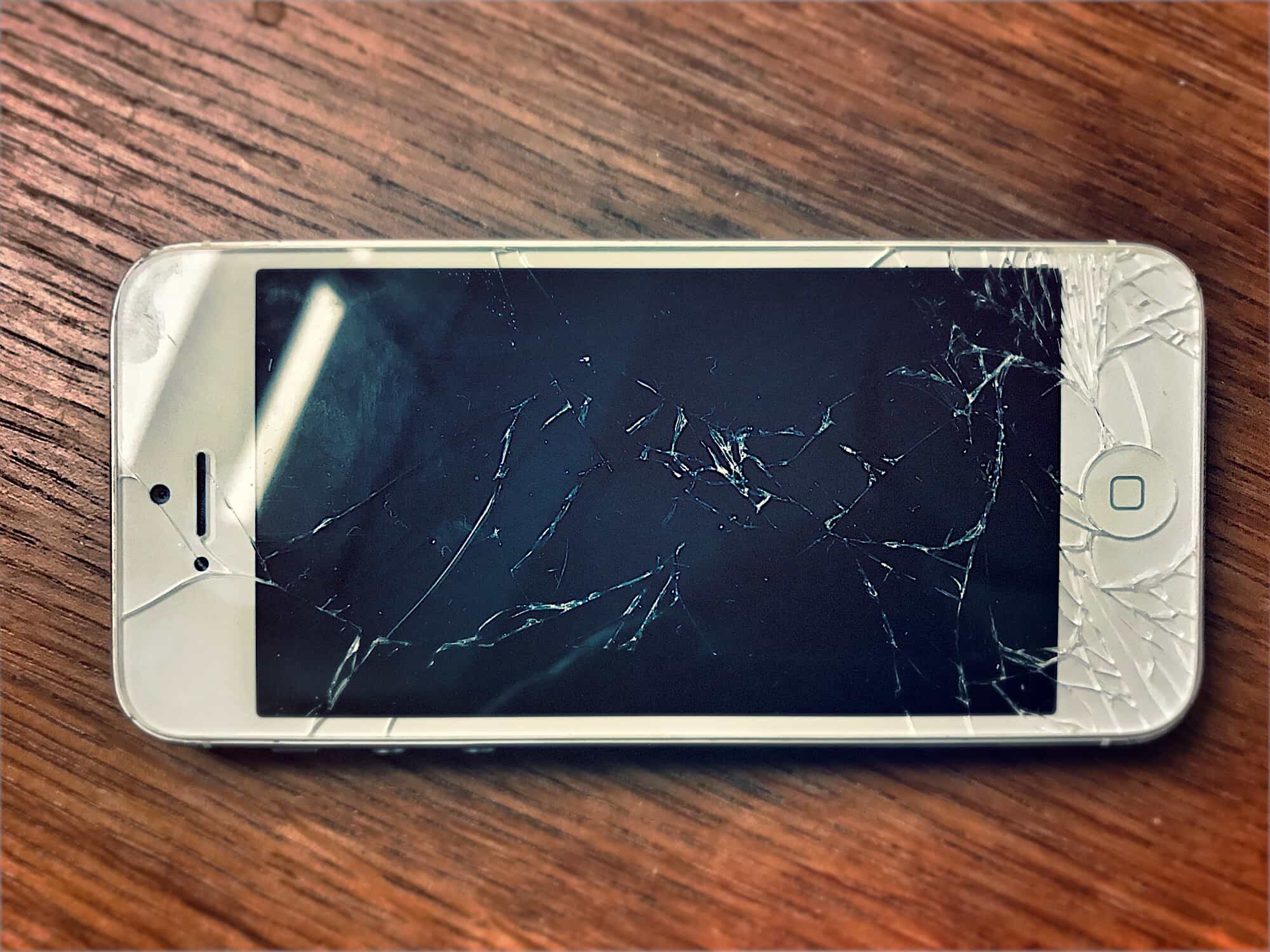
The iPhone X is almost here. Preorders have been taken, so now it’s time to spend the rest of the week until delivery choosing accessories for your new iPhone X.
Unlike the iPhone 8, which fits perfectly into (most) existing iPhone 7 cases, the iPhone X needs new clothes. Here are the best and/or most interesting iPhone 8 cases so far.

Using Apple Pay on the iPhone X is a little different than using it on the iPhone 8 and earlier. That’s because Apple Pay on older iPhones uses both the home button, and Touch ID, neither of which feature on the iPhone X. So how do you make an Apple Pay purchase with your new iPhone? It’s easy. Here’s how.

With the iPhone X making its way into customers’ sweaty hands, users can finally start putting the new handset through its paces. First priority? Coming up with a way to beat Face ID, apparently.
One developer claims to have already done it. But don’t get too concerned about any “Face-gate” just yet!