Deprecated: Creation of dynamic property Yoast\WP\SEO\Premium\Generated\Cached_Container::$normalizedIds is deprecated in /var/www/cultofmac/wp-content/plugins/wordpress-seo-premium/src/generated/container.php on line 27
Notice: Function _load_textdomain_just_in_time was called incorrectly. Translation loading for the popup-manager domain was triggered too early. This is usually an indicator for some code in the plugin or theme running too early. Translations should be loaded at the init action or later. Please see Debugging in WordPress for more information. (This message was added in version 6.7.0.) in /var/www/cultofmac/wp-includes/functions.php on line 6131
Deprecated: Creation of dynamic property REST_XMLRPC_Data_Checker\Rest::$debug is deprecated in /var/www/cultofmac/wp-content/plugins/rest-xmlrpc-data-checker/php/class-rest-xmlrpc-data-checker-rest.php on line 48 Top stories | Cult of Mac
'Appy weekend, everyone! Photo: Ste Smith/Cult of Mac
A great battle royale game that’s sure to become one of the year’s most popular titles (and isn’t Fortnite!) is just one of our picks for this week’s “Awesome Apps of the Week.”
In addition, we’ve got a great update for a tremendous iPad drawing app, a minimalist puzzle game, and more. Check out our selections below.
This week saw a lot of great deals on gear and gadgets. In this post, we’ll be rounding up some of the very best. From a sleek hub that instantly expands your MacBook’s USB-C connection, to a bundle of comprehensive coding lessons and way beyond, we’ve got something for everyone’s needs and budget. Read on for more details:
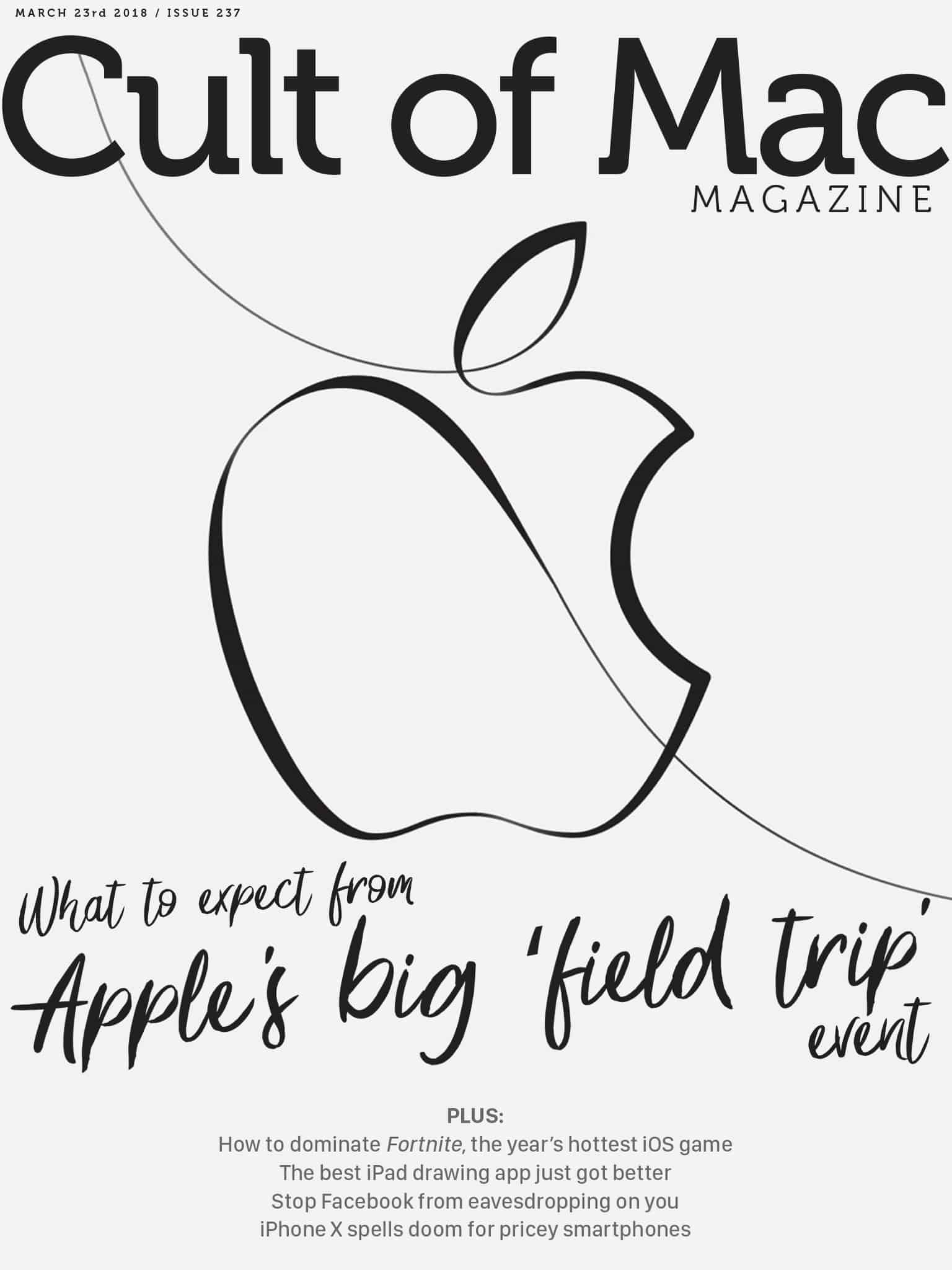
In this week's Cult of Mac Magazine: Apple will take a field trip out of Silicon Valley to host its first major event of 2018 next week, and much more. Photo: Ste Smith/Cult of Mac
In this week’s Cult of Mac Magazine: Apple will take a field trip out of Silicon Valley to host its first major event of 2018 next week. Instead of focusing on iPhones and Apple Watches, this keynote will be all about education and creativity.
Rumors have been swirling for months that new MacBook Airs and an updated, inexpensive iPad could arrive this spring. We might see those, but Apple probably has a couple other surprises in store that you haven’t heard of. Here’s what to expect from Apple’s education event next Tuesday.
The Ligero is built from robust 6061 series aluminum — the same aluminum used in the aircraft, automotive, boating and diving industries.
Photo: Juuk
When Eugene Ho first saw the Apple Watch, it made him think of a jukebox. If the watch piece is the player then the wristband is like a song that can be changed according to taste and mood.
Ho is building a band brand, Juuk Design, that acknowledges the watch wearer who likes to change bands on a whim. The Ligero is an aircraft-grade aluminum link band designed in vibrant finishes that will complement the aluminum Apple Watch model in Series 1-3.
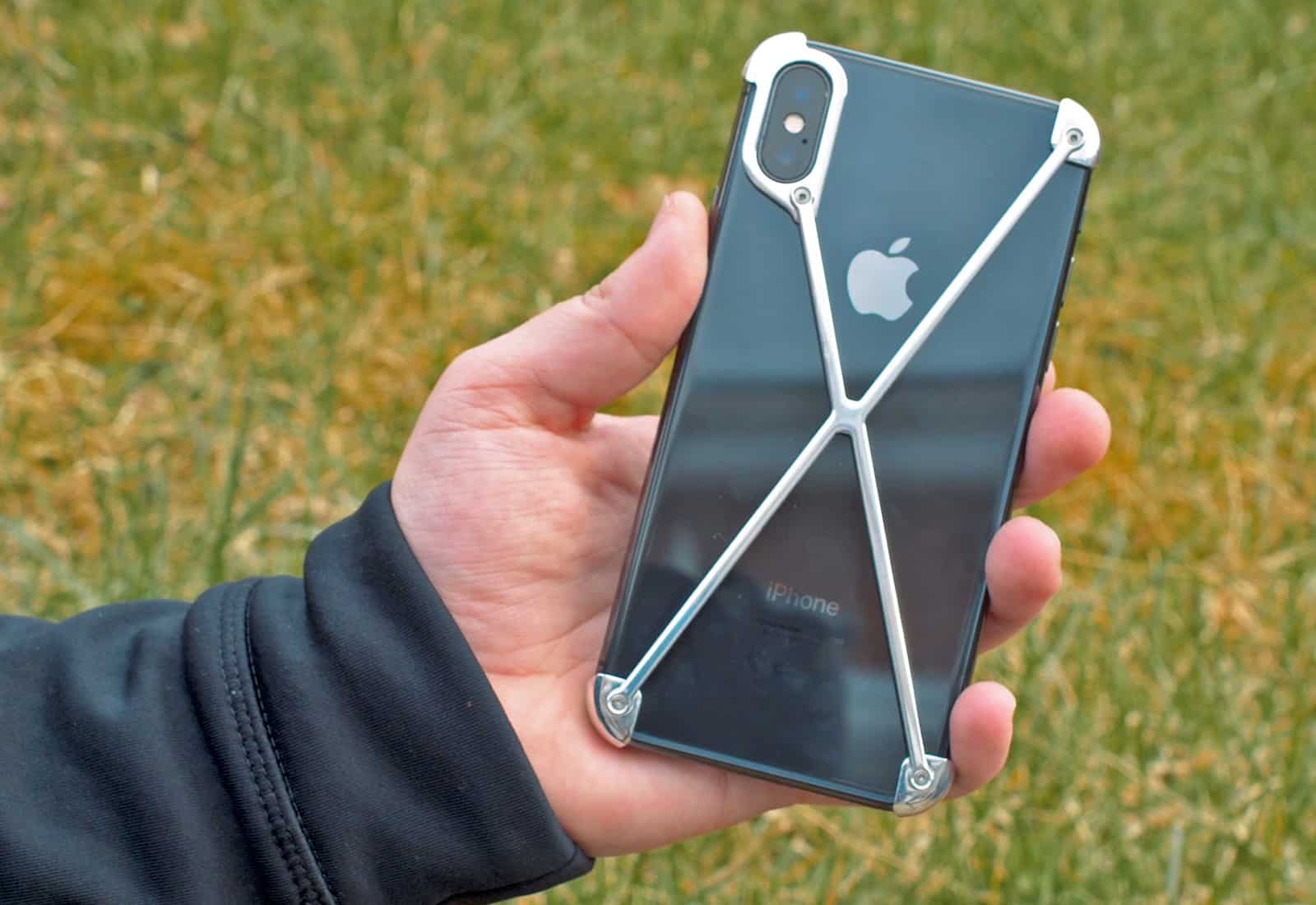
Is this the most unusual iPhone X case ever? Photo: Ste Smith/Cult of Mac
The futuristic design of Mod-3’s Radius X makes it one of the most unusual iPhone X cases I’ve seen. If you’re after the ultimate minimalist case, or don’t like having a case on your phone but still want to protect it, the Radius X could be the perfect candidate.
In fact, it’s less of a case and more of an exoskeleton (or an updated version of a bumper case). Find out what makes this case special in our video, or read our full Radius X review below.
Customize text in Safari. Photo: Charlie Sorrel/Cult of Mac
You probably spend more time in Safari than in any other app on your Mac. Some people I know almost never use anything else, even typing their blog posts into a text field in the browser. The good news is that Safari is an excellent browser, and makes it really easy to read most sites on the web. Today, though, we’ll see how to make things even easier to read. With a few quick tweaks in Safari’s settings, we can customize text for any website.
Apple today updated its Apple Events app for tvOS ahead of its education event on March 27. You’ll be able to watch a recording of the keynote on your Apple TV to see what’s in store — but only after the event has concluded.
Mail used to be such a pain to use. Photo: Charlie Sorrel/Cult of Mac
Apple’s Mail app has gotten pretty good. And one of its best features is mail swipe gestures: being able to swipe an email in your message list and quickly delete, archive, move, or flag that message, and lots more besides.
With gestures, you can speed through your inbox, deleting the cruft, archiving boss mails, and filing messages, all with single swipes. It makes dealing with mail easy, if not actually fun.
The default swipes gestures are fine, but you can customize them to do exactly what you want. Let’s see how.
Take your iPhone photography up a level or two with this roundup of must-have accessories. Photo: Cult of Mac Deals
Your iPhone is a content creation machine, especially for photo and video. That’s because it sports powerful cameras and image processing abilities. But it’s also a phone, and aren’t built like cameras with the sole purpose of making great images. So we’ve rounded up some of the top accessories you’ll need to make your iPhone a bona fide photography machine. From shutter grips to detachable lenses, all-terrain tripods and more, this is where you can level up your iPhone for pro-level photography. Read on for more details:
Joshua Leonard on the set of Steven Soderbergh’s thriller Unsane. Photo: Fingerprint Releasing / Bleecker Street
When director Steven Soderbergh set out to make a movie on iPhone, he cast an actor familiar with surprising audiences with a film shot with lo-tech cameras.
Astute film nerds will make the connection between Joshua Leonard’s first film with his most recent. Leonard, who plays a stalker in Soderbergh’s Unsane, was in The Blair Witch Project, a 1999 indie box office hit shot on digital video cameras.
This week on The CultCast: Apple’s surprise education event could showcase new, cheaper hardware — we’ll fill you in. Plus: A huge upgrade may be coming to the screens of Apple products; why 2018’s iPhone X refresh could cost less than last year’s model; the Fortnite iOS version will totally blow your mind; and you won’t believe how much some Fortnite streamers are earning.
Our thanks to Squarespace for supporting this episode of our podcast. It’s simple to accept Apple Pay and sell your wares with your very own Squarespace.com website. Enter offer code “CultCast” at checkout to get 10% off any hosting plan.
Safari is full of secret shortcuts, accessed by long-pressing on its various icons and buttons. One of the most useful uses the tabs button to quickly open and close multiple tabs, and more. Let’s take a look.
Learn how to stop apps from accessing your iPhone's microphone. Photo: Charlie Sorrel/Cult of Mac
A few months back, we started hearing a lot of creepy stories about folks having real-life, in-person conversations with friends, and then getting Facebook ads on the same subject soon after. Was Facebook using their iPhone/iPad’s microphone to eavesdrop on them, then serving ads based on what it heard? Technically, it’s not much different to Google scanning your email and serving ads based on their content. In reality, it’s a whole ‘nother level of creepy.
The flaw allows anyone to read your unread messages and other notifications without your passcode — even those that you’ve chosen to hide. It’s not yet clear if Apple will have the fix ready in time for iOS 11.3, which is already on its sixth beta release.
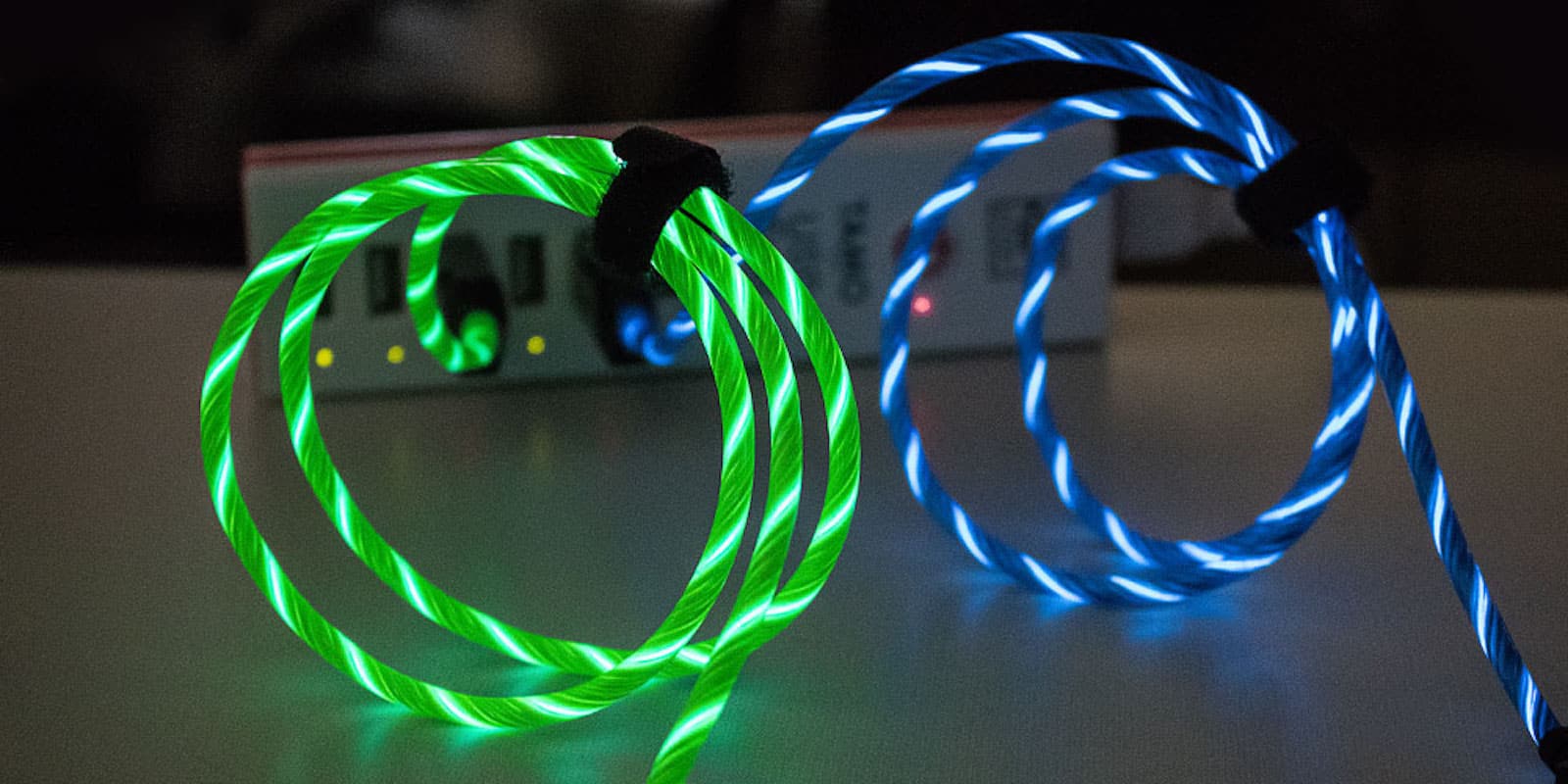
Add some fun and visibility to your boring old Lightning cables. Photo: Cult of Mac Deals
Let’s be honest, the standard Lightning cables are plain and boring. They’re also tough to find, which you know if you’ve ever found yourself searching around in the dark trying to charge your phone.
Everyone should welcome skill-based matchmaking. Photo: Killian Bell/Cult of Mac
You’re missing out on one of the greatest games to ever grace iOS if you’re not playing Fortnite. It’s that good. And now you can dive in knowing all you need to know about getting started with battle royale.
Our beginner’s guide will teach you how to win games without Fortnite experience. You’ll learn which weapons are best for new starters, where to land if you want to stay alive longer, how to loot effectively, and more.
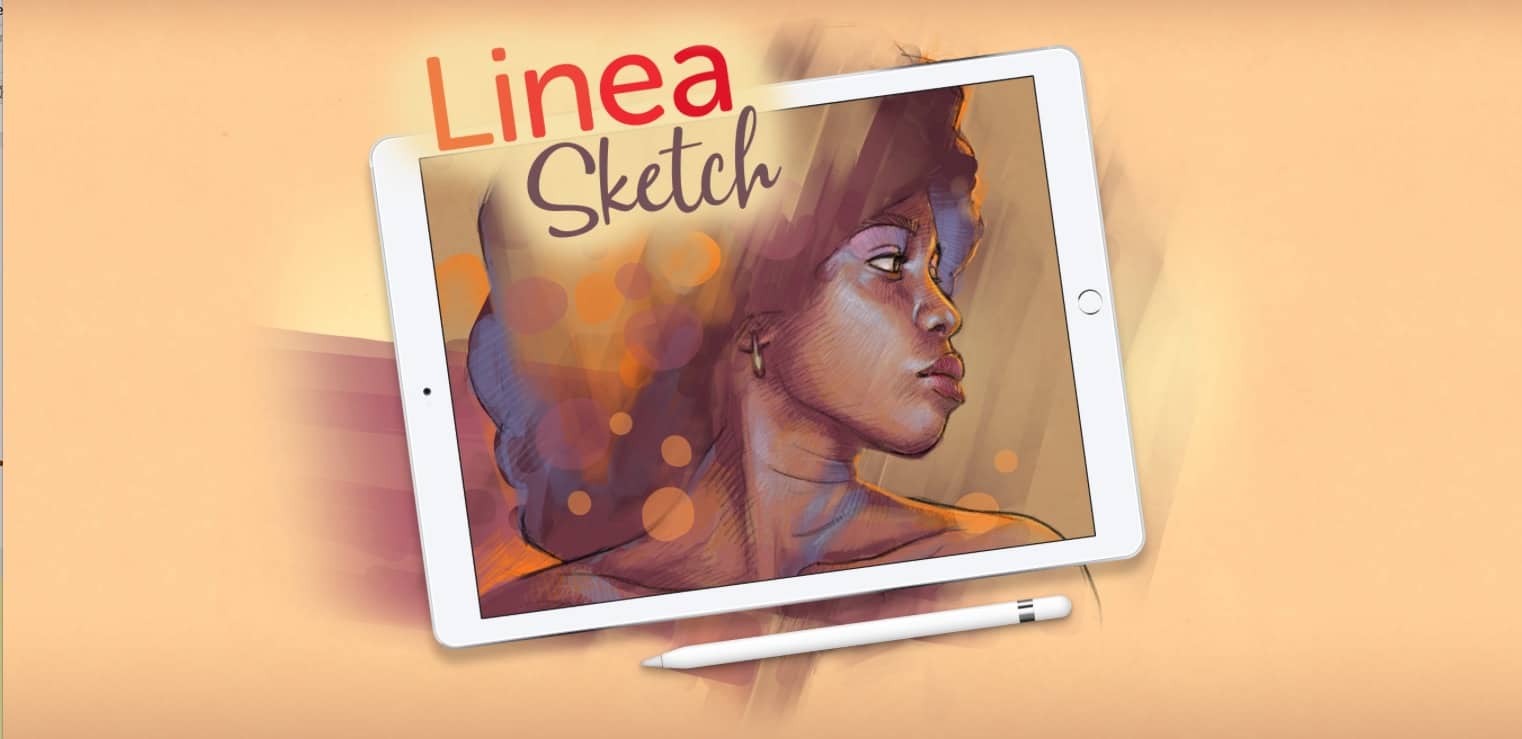
The Iconfactory’s Linea Sketch drawing app for iPad just got updated to version 2.0, and it’s a winner. Somehow, the developers have managed to keep the app’s signature simplicity and ease of use, while adding in some essential new features.
Facebook wants to know everything about you… Even where you've been. Photo: CC Charlie Sorrel/Cult of Mac
Your iPhone probably knows more about you than your husband or wife. It knows what websites you visit, and who’s in your VIP contact list. It knows your credit card numbers, and it knows what apps you like to read with your morning coffee. And it also knows where you are, at all times, and even what direction you’re moving in.
Apps like Facebook love to drain as much of this information as they can, but thanks to Apple’s privacy-first policy of giving control to you, the user, it’s easy to deny any app access to this sensitive data. Today we’ll see how to stop Facebook, or any other app, from tracking your location.
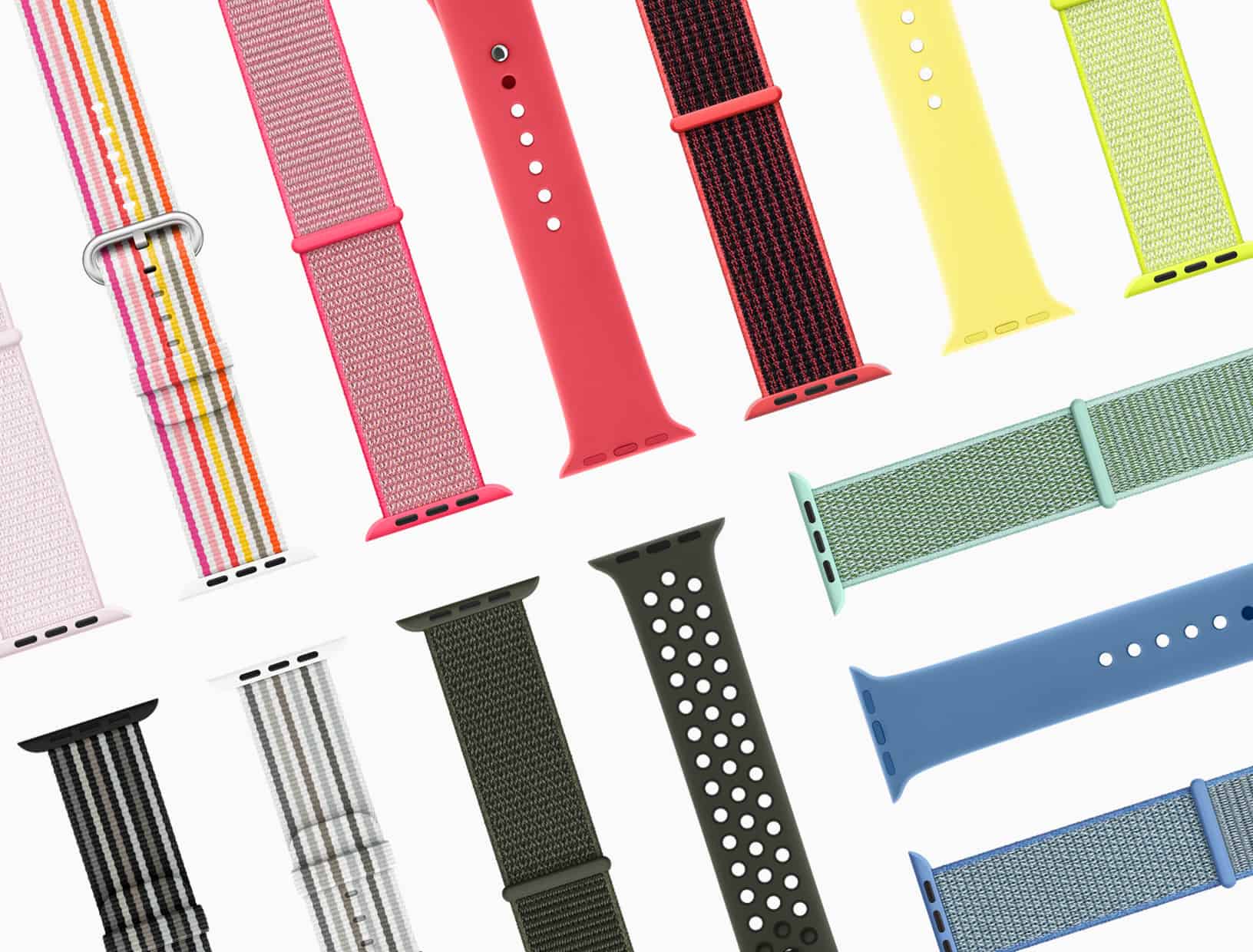
That Apple Watch band you wanted may be gone. Photo: Apple
Spring has sprung, and there’s a whole bunch of new Apple Watch bands to celebrate. They sport “vibrant colors and unique designs,” Apple says — and they’ll be available to purchase from select stores and carriers around the world later this month.
With this app, PDFs can be edited just as easily as a Word doc. Photo: Cult of Mac Deals
PDFs are supposed to be straightforward. Whether it’s a poster or a novel, they make documents big and small look nice, and easy to read and share. But if you want to edit one, you’re going to hit a wall.
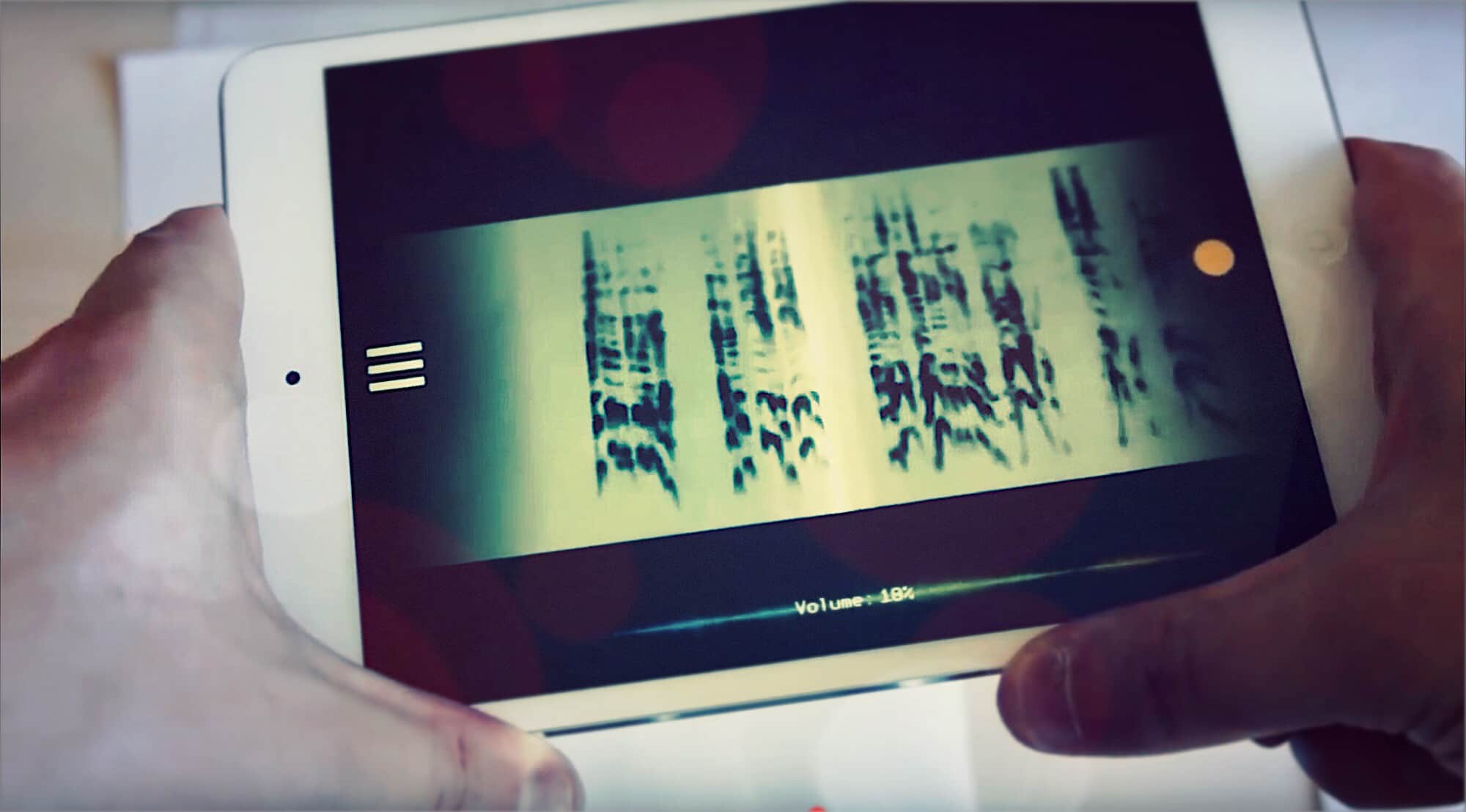
PhonoPaper is like a barcode for audio. Photo: Alexander Zolotov/YouTube
PhonoPaper is an iPhone app that turns sound into images, and uses the camera to turn pictures back into sound. It’s also probably the most fun you’ll have with your iPhone today.
What if you could always find your child on a map? Photo: Charlie Sorrel/Cult of Mac
Using the Find My Friends app to track adults is creepy stalker-type behavior. But using your iPhone to track your kids is like totally cool, right? After all, no child is safe if left to their own devices. Better to let them know as soon as possible that they should let others be responsible for their well-being.
Luckily, iOS has a bunch of neat, easy-to-use and (mostly) non-creepy tracking tools built in. Let’s see how to use them.
Apple is said to be working on a fix. Photo: Apple
Apple looks set to release its macOS High Sierra 10.13.4 update with official eGPU support at any moment. An inadvertent Mac App Store listing indicates the company is making preparations for a public rollout following weeks of beta testing.