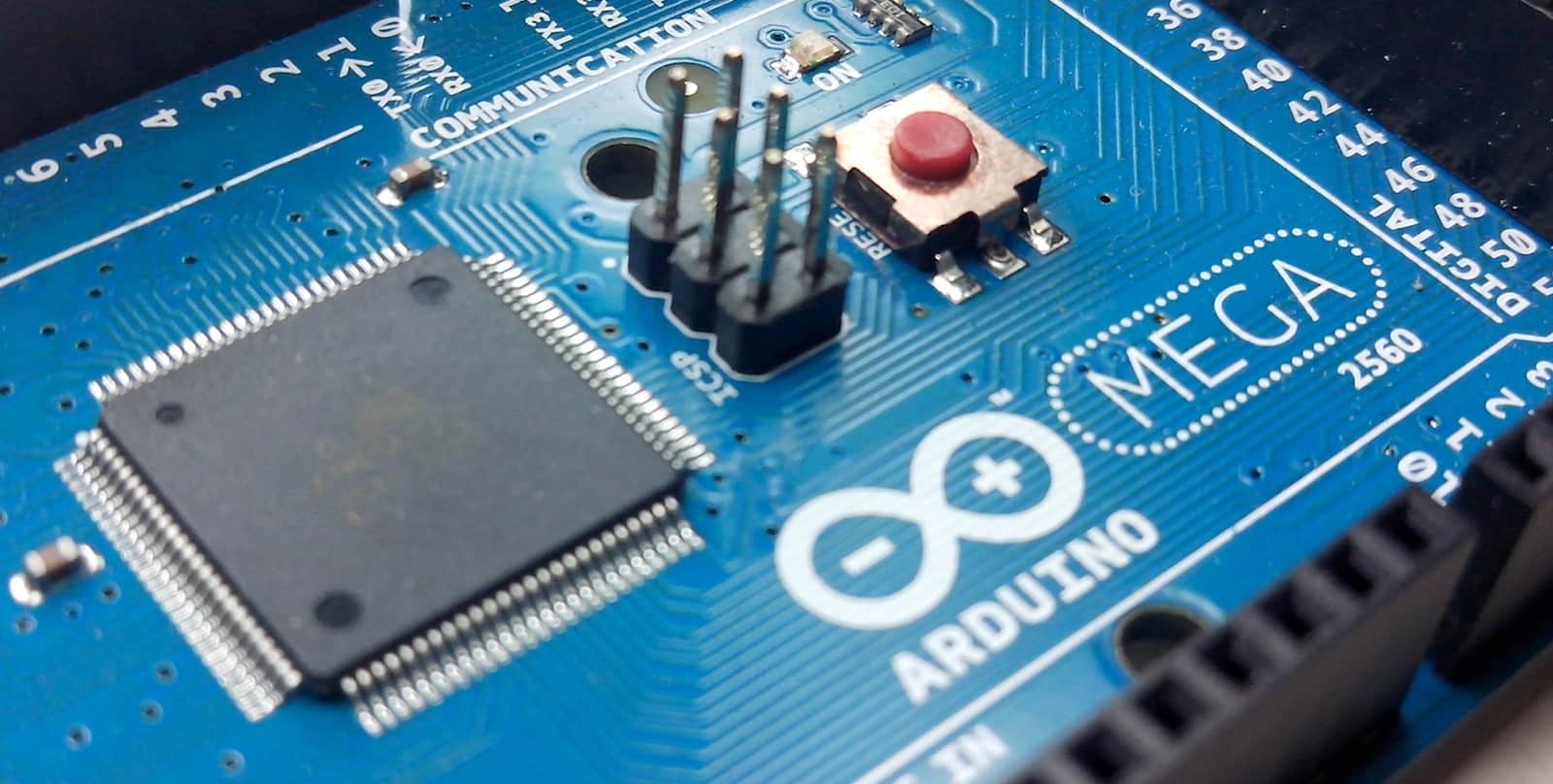
Get well acquainted with Arduino for whatever you want to pay. Photo: Cult of Mac Deals
Arduino offers amazing opportunities for makers of all kinds. It offers a vast variety of projects of that combine electronics and machines, so it helps to have some guidance.
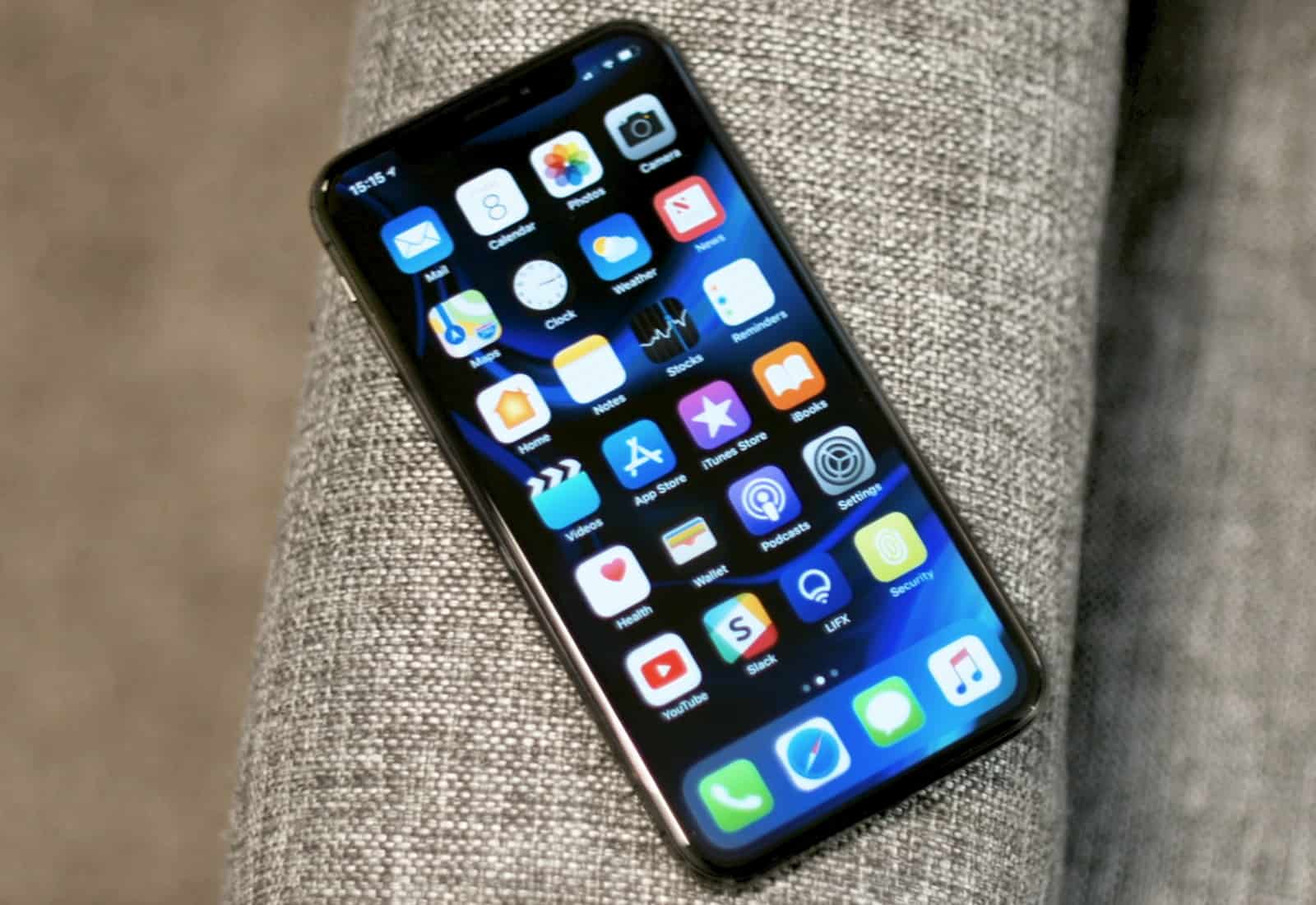
I wanted a Galaxy S10, but I'm stuck with iPhone. Photo: Ste Smith/Cult of Mac
iPhone X looked set to become the beginning of a worrying smartphone trend when it went on sale last November, sporting a hefty $1,000 price tag. We were sure future flagships would be similarly expensive. But consumers just aren’t having it.
With iPhone X demand showing no signs of improvement in 2018, analysts are warning that the market “may not tolerate” rising smartphone prices.
Taking notes the old-fashioned way. Photo: Charlie Sorrel/Cult of Mac
The Archive is the new best plain text notes app for the Mac, and a perfect alternative to nvAlt. If you love Notational Velocity and its spinoff, nvAlt, but hate using abandonware, then The Archive is for you.
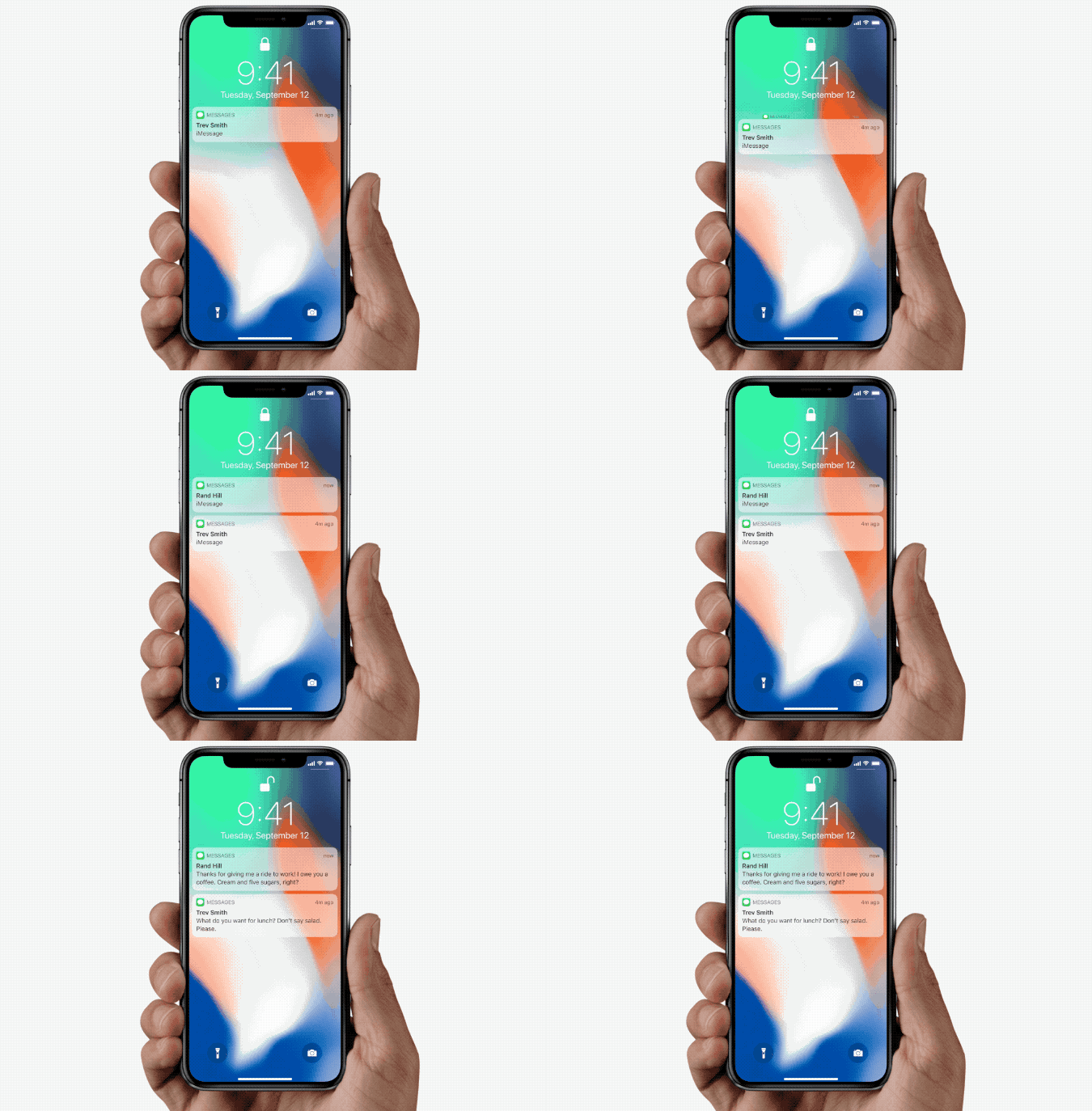
Avoiding phone calls used to be easy. Photo: Charlie Sorrel/Cult of Mac
Ex-husband won’t take no for an answer? Landlord keeps bugging you about the overdue rent? Boss keeps calling you to work extra shifts? Maybe you want to block their calls. Thankfully that’s easy to do on the iPhone. Not only can you block calls, you can block iMessages, and even FaceTime calls. Short of switching your iPhone off and hiding it in the freezer, this is the best way to stop people from getting in touch.
MicroLED could eventually replace OLED displays on Apple devices. Photo: Apple
Apple reportedly operates a secret manufacturing plant in California where it produces MicroLED displays, a new type of screen that could make future gadgets “slimmer, brighter and less power-hungry.”
Right now, the company is said to still be in the testing phase, manufacturing small quantities of the displays. The tech likely won’t arrive for years. But by developing its own custom displays, Apple could further differentiate its devices from rival products.
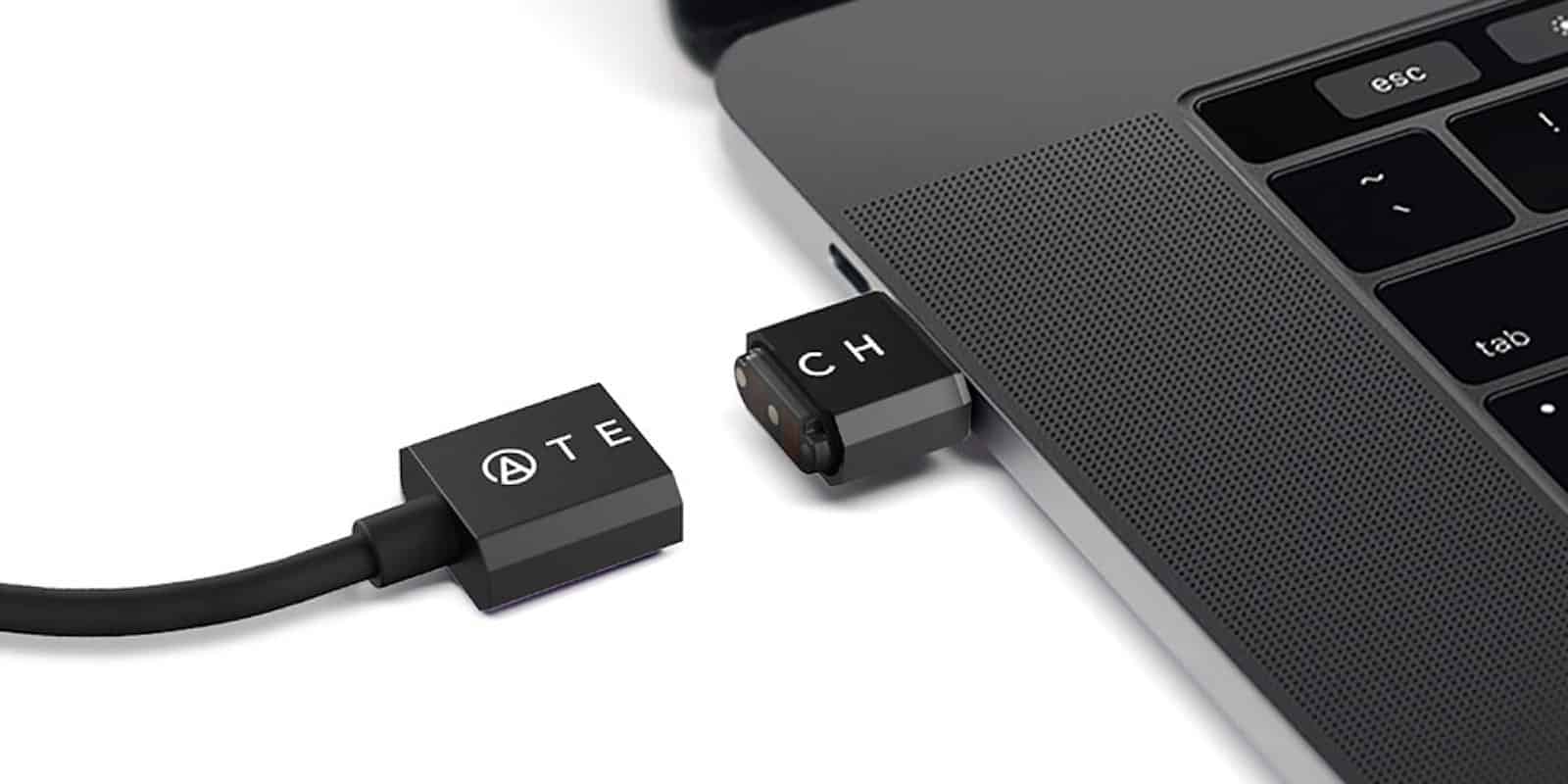
This magnetic breakaway USB-C cable adds a critical layer of protection against accidental trips over the power cord. Photo: Cult of Mac Deals
One of the most valuable additions to the MacBook was the MagSafe connector. Held to the computer by a small magnetic ring, it prevented an inevitable step on the power cable from bringing the computer to the floor. But with USB-C taking over as a charging option, the old risks of flying devices is back.
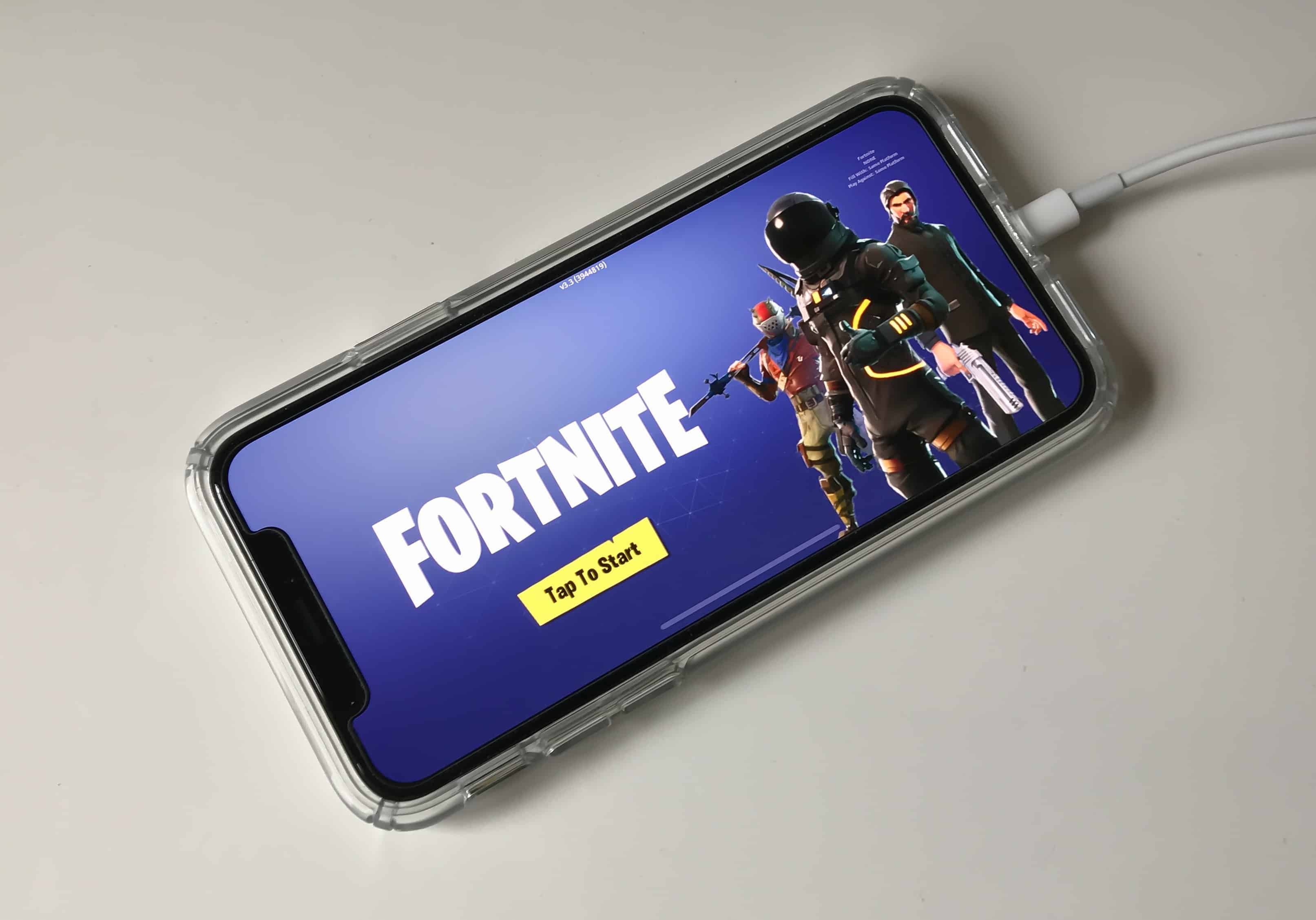
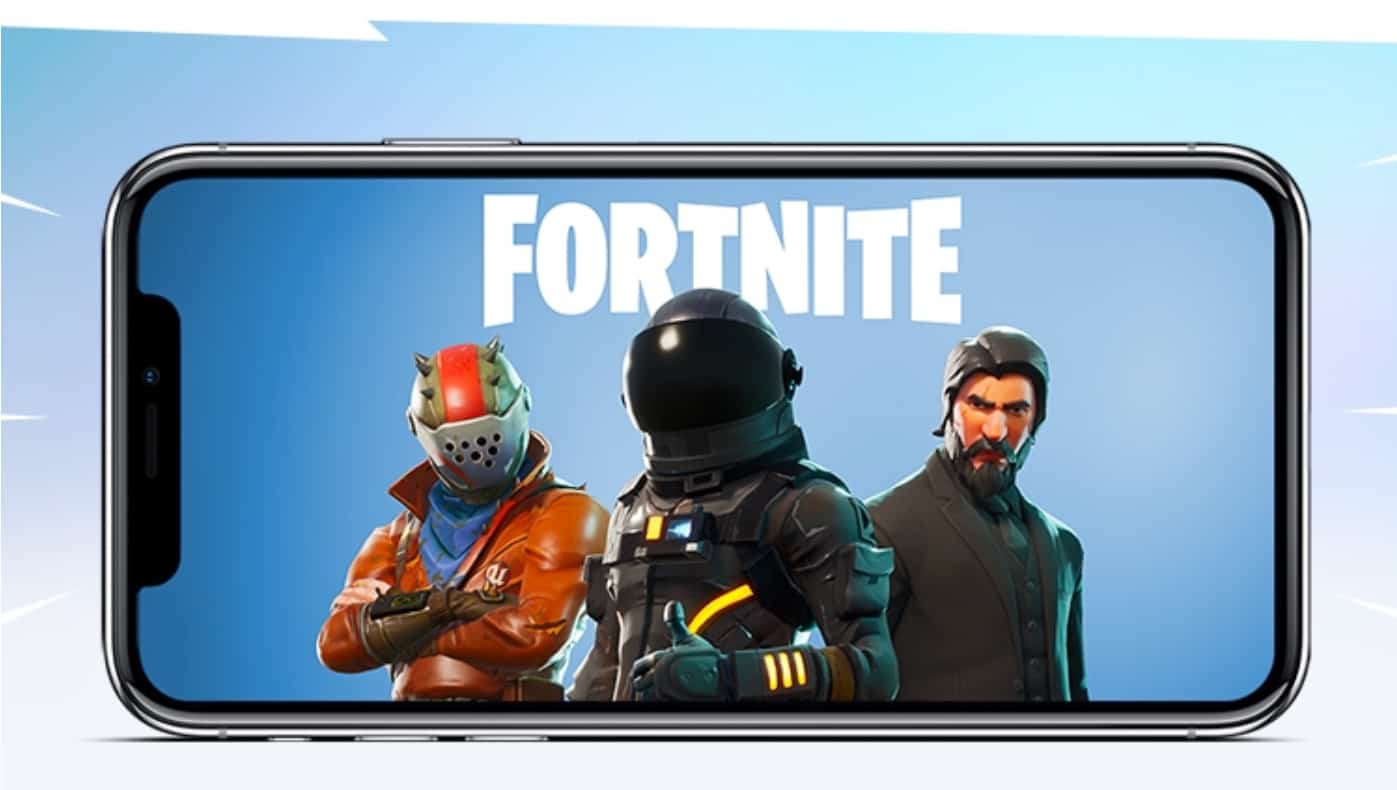
Fortnite is awesome on mobile. It just needs tweaking. Screenshot: Killian Bell/Cult of Mac
If it took you a while to sign up for early access to Fortnite on iOS, you’re probably still waiting to get an invite — but you may be able to play already.
Lots of fans have reported that they’ve been able to gain access to the game without receiving an email from Epic. If you haven’t already, you might want to try it yourself.
'Appy weekend, everyone! Photo: Ste Smith/Cult of Mac
Fortnite, arguably the most anticipated iOS game of 2018, is just one of our selections for “Awesome Apps of the Week.”
In addition, we’ve got Google’s AI assistant newly landed on iPad, a neat update to one of the most popular third-party keyboards around, and a great basic text-editing app for iOS. Check out our picks below.
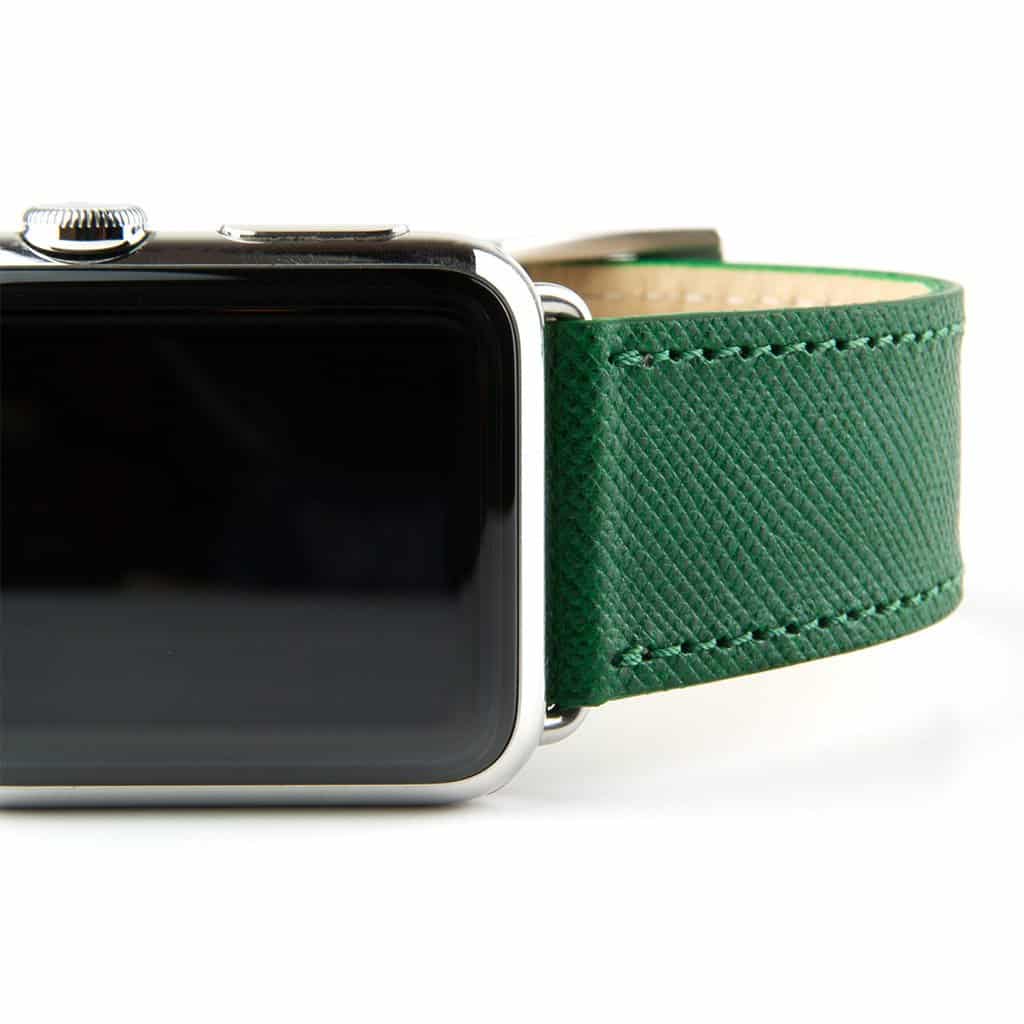
Happy St. Patrick's Day! Today only, take 20 percent any green Apple Watch band in Cult of Mac's Watch Store. Photo: Clessant
As St. Patrick’s Day imbibing commences, Cult of Mac offers up all things green for your Apple Watch band-buying pleasure.
We’ve scoured the Watch Store to feature eight special bands in green from these great companies: Casetify, Clessant, E3 Supply Co. and Ullu. Today only, save 20 percent on these Irish-inspired Apple Watch bands by using code IRISH2018 at Watch Store checkout!
Everyone should welcome skill-based matchmaking. Photo: Killian Bell/Cult of Mac
My plan to get to bed early last night was ruined when Epic Games dropped a Fortnite Battle Royale invite in my inbox. I had been itching to play it since I signed up for early access on Monday, so I ignored my body’s desperate calls for sleep and dived right in.
I had already played Fortnite on PlayStation 4 and PC, so I had a good idea of what to expect with the mobile version. Epic promised it would deliver exactly the same experience. But I had no idea what the game would look like, or if it would even be worth playing with touch controls.
I was blown away. Here are my first impressions of Fortnite on iOS.
Try loading this bookmark in Safari. Photo: Charlie Sorrel/Cult of Mac
You probably already know how to save a bookmark on your iPhone or iPad, but you might not know just how many neat things you can do with them. You can customize your Safari home screen to show the bookmarks you want, but that’s just the beginning. Let’s find out how to really use bookmarks on your iPhone.
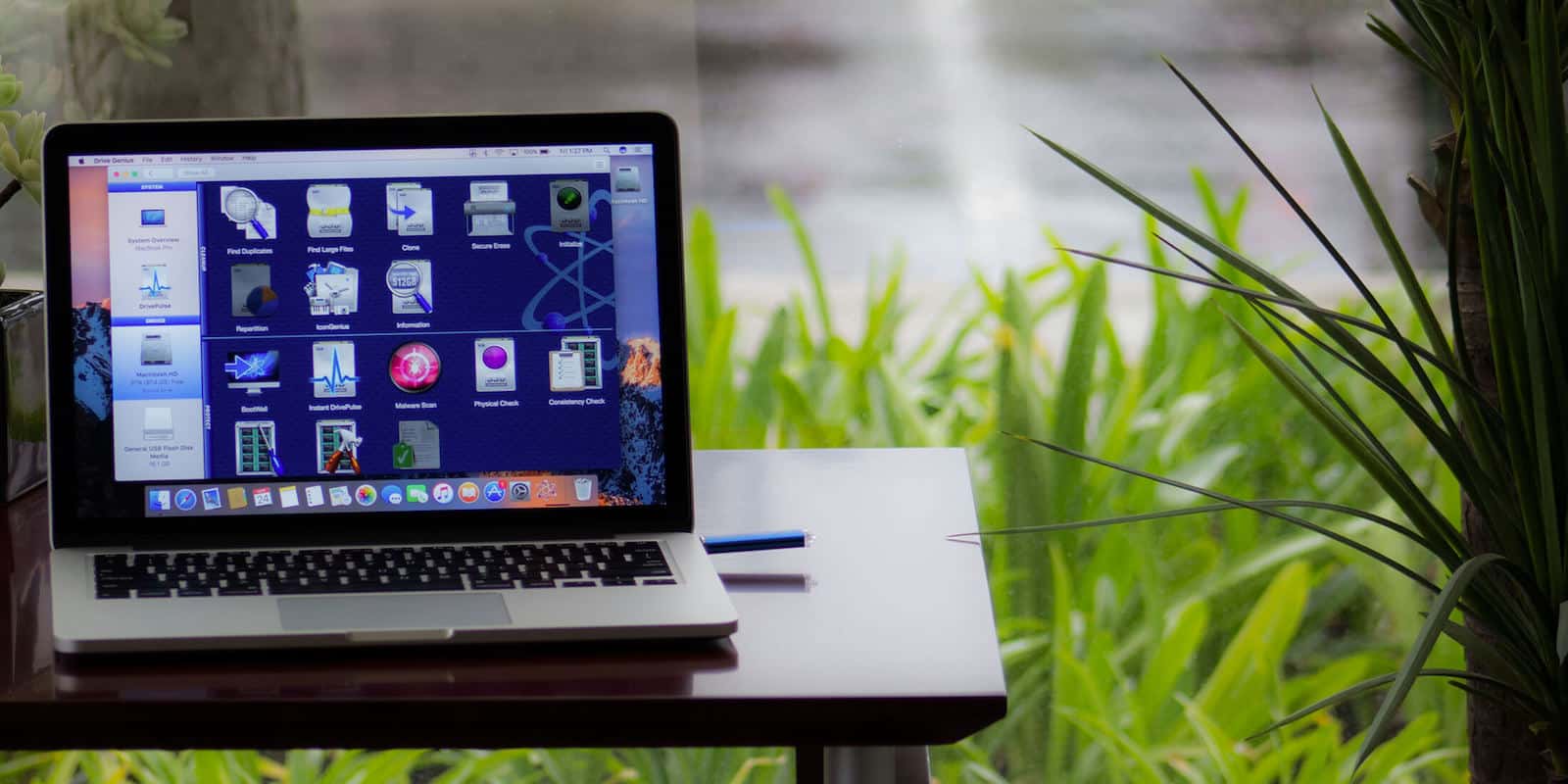
Keep your Mac's drive humming and healthy with this powerful diagnostic and repair tool. Photo: Cult of Mac Deals
Macs are complex machines, but in some ways they’re a bit like people. Everything they can do relies on a healthy, uncluttered hard drive; the “brains” of the operation. But you can’t take your Macbook to a psychologist (unless that’s your thing), so instead you’ll want a utility app like Drive Genius.
Apple issued invites Friday for an education-themed event in Chicago on March 27.
The invite promises “creative new ideas for teachers and students.” That could indicate the arrival of more-affordable Apple devices — like the new MacBook Air and iPad we’ve been hearing about.
Epic Games has started rolling out the first early access invites for Fortnite Battle Royale on iOS. It seems a large number of fans have been lucky enough to get one, but a handful have been left heartbroken after discovering they can’t play it.
It turns out Fortnite doesn’t support jailbroken devices.
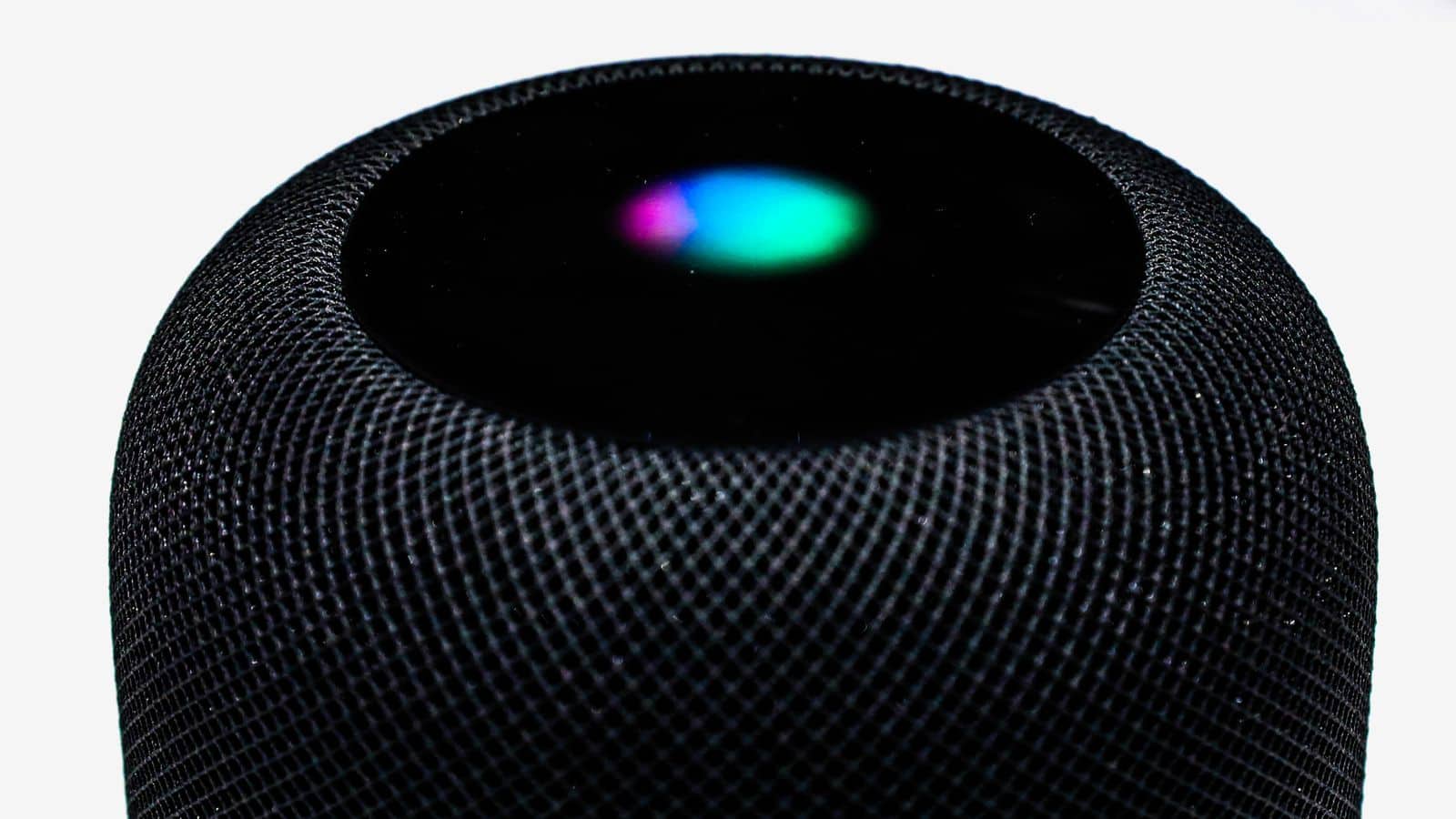
Siri and HomePod will oblige children in China when they ask for a story. Photo: Apple
This week on The CultCast: Siri sucks, Apple knows it, and Cupertino isn’t sure how to fix it … but there’s still hope. Plus: Our 2018 WWDC hardware expectations!
Our thanks to Squarespace for supporting this episode. It’s simple to accept Apple Pay and sell your wares with your very own Squarespace.com website. Enter offer code CultCast at checkout to get 10% off any hosting plan.
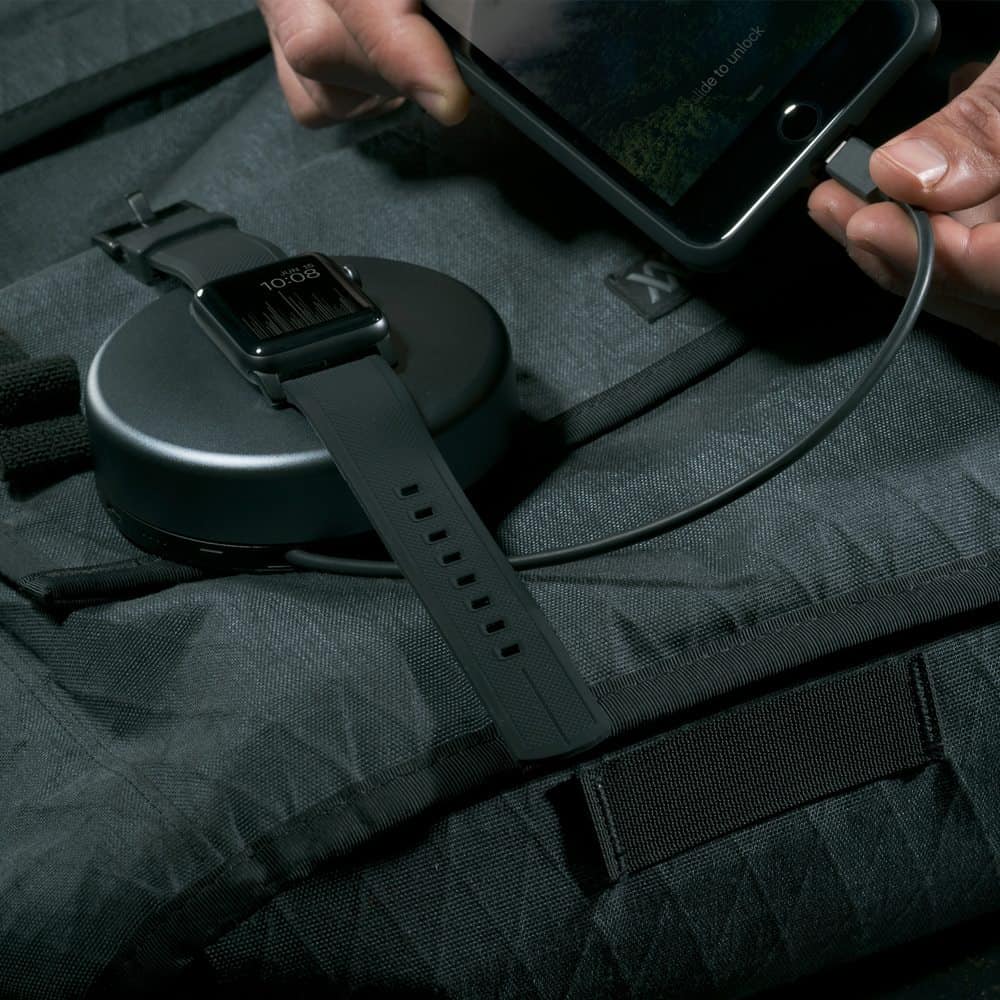
The Pod Pro charges Apple Watch and iPhone simultaneously. Nomad Rugged Strap with Black hardware shown above. Photo: Nomad
Charging the Apple Watch while traveling can be a little tricky. Generally, I lug along a super-long charging cable and a wall plug to get the job done when on holiday.
Nomad — makers of great Apple Watch straps and accessories — offers a stylish and super-portable charging solution called the Pod Pro. The Pod Pro wraps that lengthy charging cable neatly inside a stylish, round enclosure that also holds a massive 6000 mAh of power — enough to keep Apple Watch juiced up all weekend long.
Read on to learn more about this amazing, portable charging puck, and check out the Pod Pro in our Watch Store!
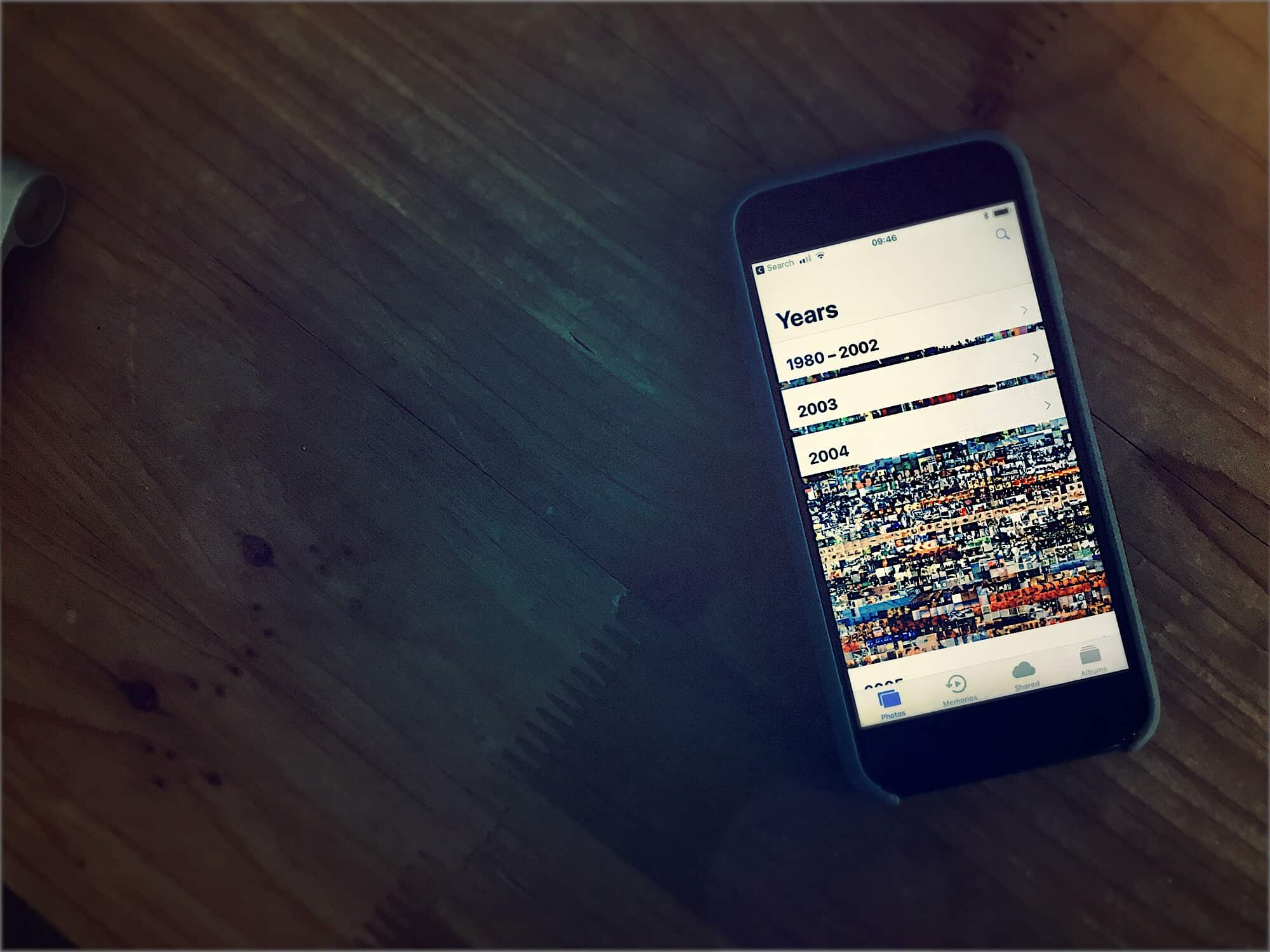
Ever scroll to the top of your photos by mistake? Don't worry. Photo: Charlie Sorrel/Cult of Mac
Ever tap the top of the screen in your Photos library and find yourself looking at pictures from way back in 2005? Did you swipe something the wrong way and end up stranded, viewing photos from years ago?
You probably sighed to yourself, then set to scrolling back to the bottom of the list to get to your latest photos. Big, angry swipes, just to show your iPhone how mad you were.
Well, after today, you’ll never need to to that again, because there’s a shortcut to scroll back to the very bottom of your Photos camera roll.
Kids love iPhones and iPad, but kids are also experts at doing the exact opposite of what you want them to do. That’s why Apple has built parental controls into iOS, so you can limit the mischief your kids can get up to, and even get notifications if they try to spend your money. Let’s see how you can make the App Store safe for your kids, how to choose what apps they can use, and how to control their in-app purchases.
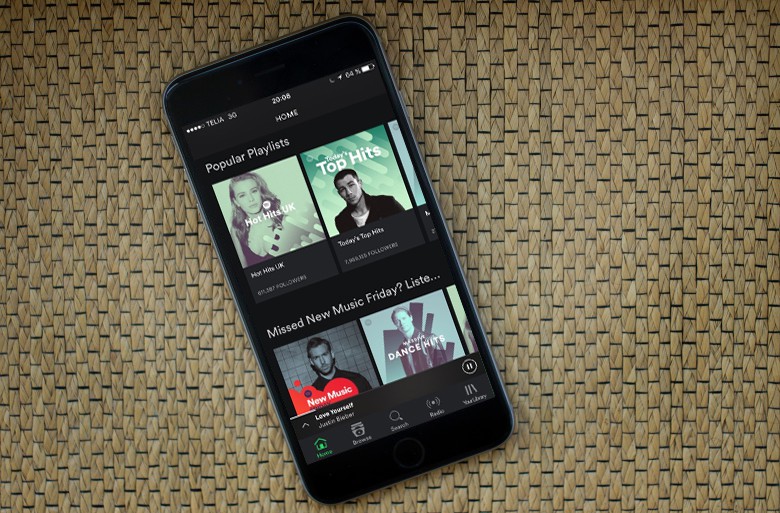
You won't have to listen to music you don't like. Photo: Jim Merithew/Cult of Mac
Music service Spotify has added a voice search feature to its iOS app that allows users to find song tracks, albums, and playlists.
The new test feature takes Siri out of the equation. With Apple trying to grow its music streaming service, it never allowed Spotify to integrate with Siri, including with Apple’s first smart speaker, HomePod.
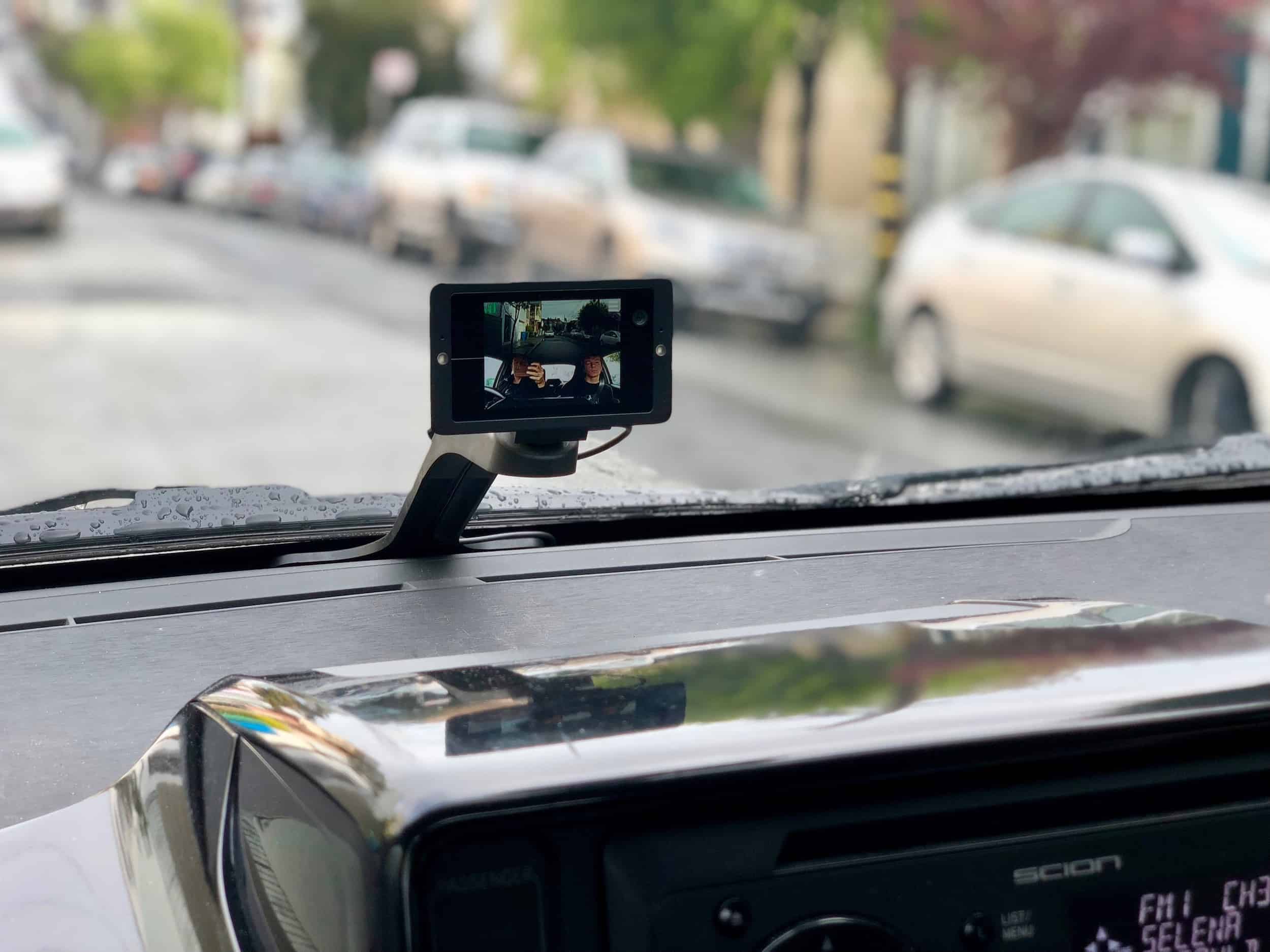
The Owl car cam is a combo dashcam and interior security camera. Photo: Lyle Kahney/Cult of Mac
I live in San Francisco where car crime in epidemic. Last year there were just under 30,000 reported break-ins — that’s about 85 a day! My car in particular seems to be a magnet for car thieves; it’s been broken into five times in the last couple of years, costing me thousands of dollars in repairs.
So I jumped at the chance to review the new Owl car cam, a combination dashboard cam and interior security device from one of the product design leads of the iPod and iPhone. The Owl combines two HD cameras — one pointing out, the other inwards — with bump-sensing accelerometers and an always-on LTE cellphone connection that sends alerts and live video to my iPhone.
It’s been great. Setup was the easiest of any gadget in recent memory and the video is surprisingly fantastic. Best of all, no one has broken in to steal it — yet!
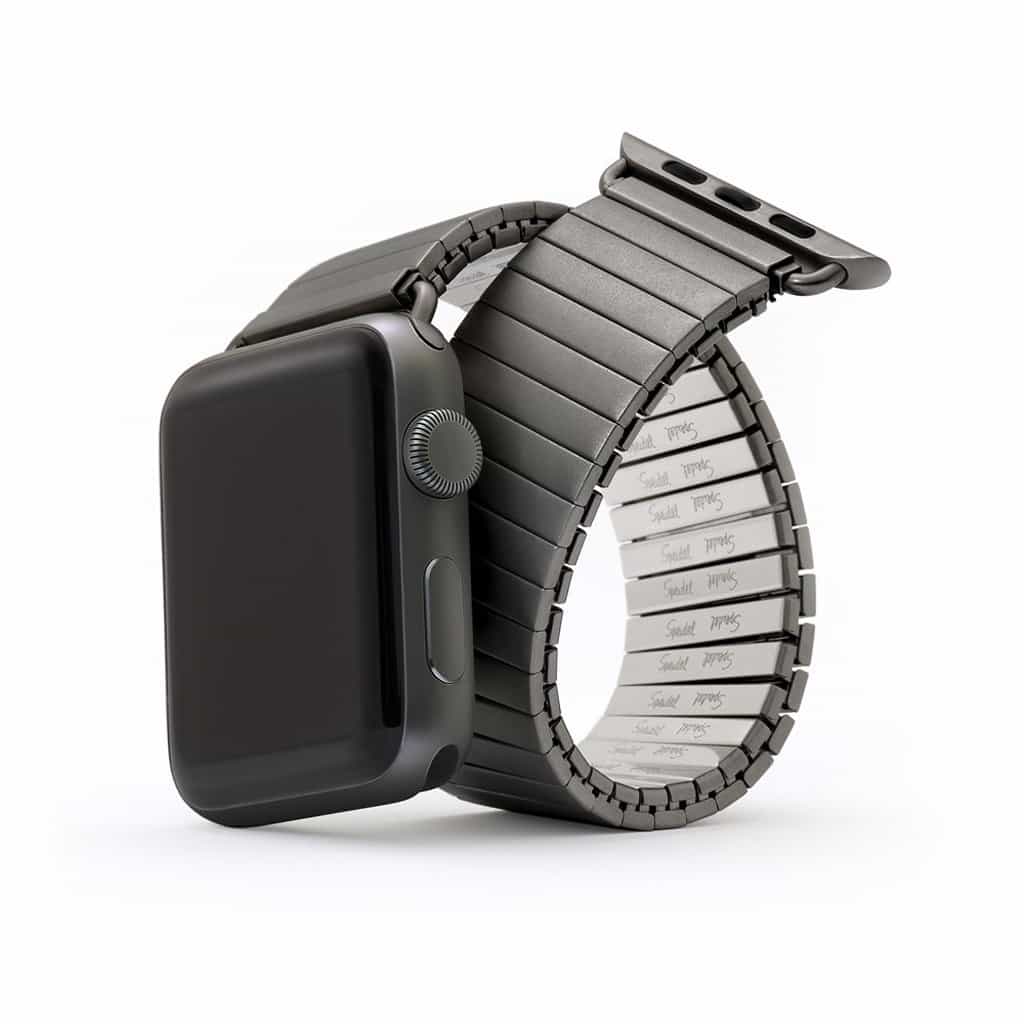
Speidel's classic Twist-O-Flex bracelet is now available in Satin Black for Apple Watch. Photo: Speidel
Best List: Speidel Twist-O-Flex stainless steel Apple Watch band
My grandfather, who fought in World War II, wore a beautiful mechanical watch. It had an eye-catching expansion band — a stainless steel link bracelet that stretched like elastic. He always took it off to play cricket, and I remember it dangled loosely around my skinny kid’s wrist when I tried it on. He loved that watch, and so did I.
Now I’m wearing a similar expansion bracelet on my Apple Watch courtesy of Speidel, the storied watch-band maker from Providence, Rhode Island. Introduced in the late 1950s, Speidel’s Twist-O-Flex Stainless bracelets are some of the most iconic bands in all of watchmaking. Now they’re available in three finishes for the Apple Watch.
Street Fighter II in AR shows that old games can learn new tricks. Screenshot:
Abhishek Singh/YouTube
All the Yoga Flames, Dragon Punches and Sonic Booms of Street Fighter II spill out into the real world in a new demo that mixes classic gameplay with augmented reality.
Michigan-based software developer Abhishek Singh‘s “Real World Warrior” edition of Street Fighter II features all the familiar characters, moves and sounds of the original. But now, the game’s arena is the outside world.
“I loved playing [Street Fighter] as a kid with my sister on an actual arcade machine,” Singh told Cult of Mac. “I was thinking about multiplayer experiences and this kind of popped into my head.”
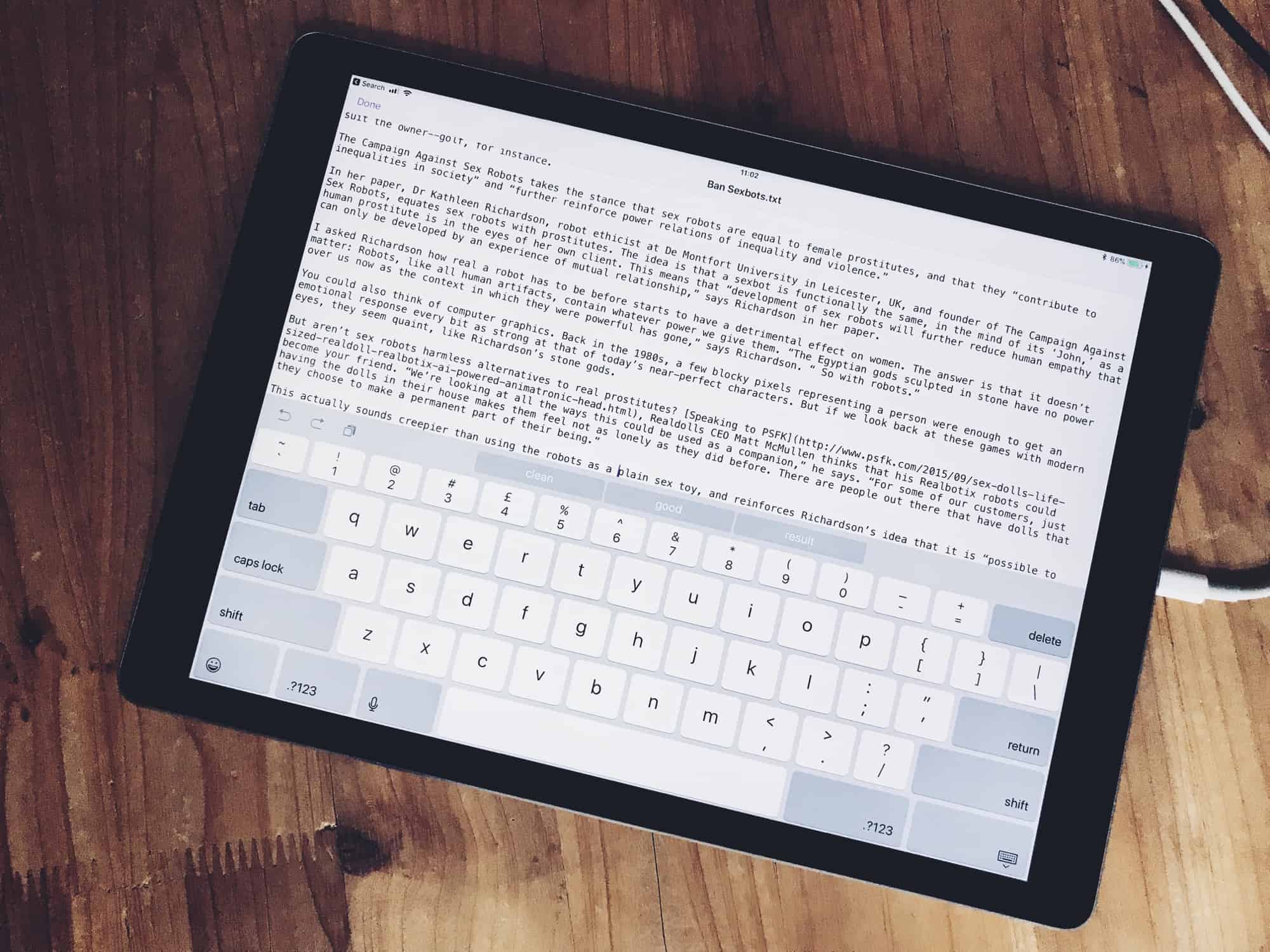
Textor is like TextEdit for iOS. Photo: Charlie Sorrel/Cult of Mac
On the Mac, you can quickly open up and edit any text file using TextEdit. And while there are a ton of great text-editing apps on the iPad and iPhone, none of them is quite as simple as the Mac’s built-in app. Until now, anyway: Textor combines the iOS 11 Files app with an ultra-simple text editor, making it possibly the quickest and easiest way to quickly view, edit and even create new text files on an iPhone or iPad.
The iPad has an amazing split-screen mode. It’s called Split View, and it lets you use two apps side-by-side. On certain iPads, you can even float a third app over the top. Split View lets you drag and drop text, pictures, links and almost anything else between apps, just like on a Mac or PC. It’s also super-easy to use. Let’s see how.
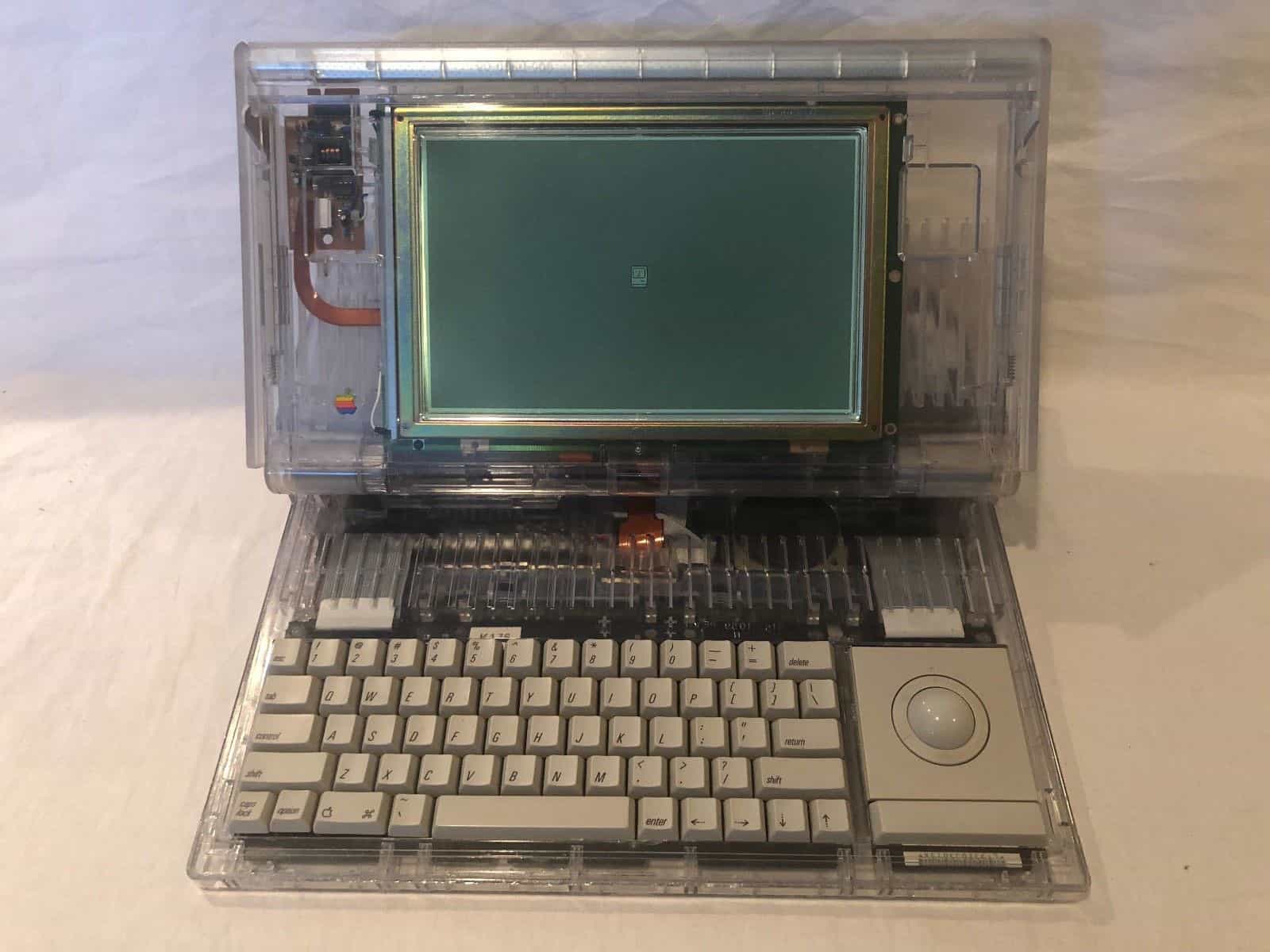
This early backlit Mac laptop sold on eBay for more than $16,000. Photo: Hap Plain
An Apple prototype of an early laptop, one of only four known to exist, sold on eBay Tuesday evening for more than $16,000.
It was the second time the owner of the Apple Macintosh Portable M5126 – fully functional and with a rare-for-its-time backlit screen – tried selling the test device on the auction site. Last month, bidding closed at just over $10,000 but the buyer backed out.