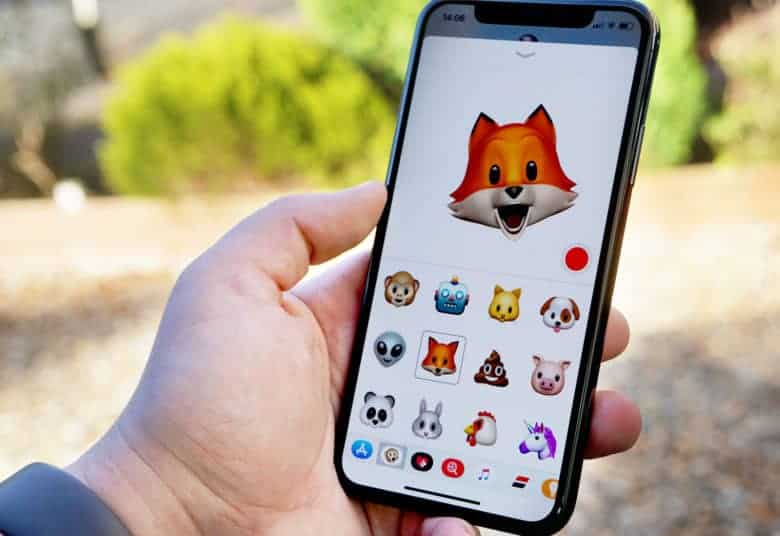
iOS 11.3 comes with four new Animoji. Photo: Ste Smith/Cult of Mac
The first major iOS update of 2018 has finally arrived, bringing a host of new features and improvements to the iPhone and iPad.
Apple initially released iOS 11.3 yesterday just for the only available to download on the new 9.7-inch iPad Apple. Now the software update is finally available to all users worldwide.
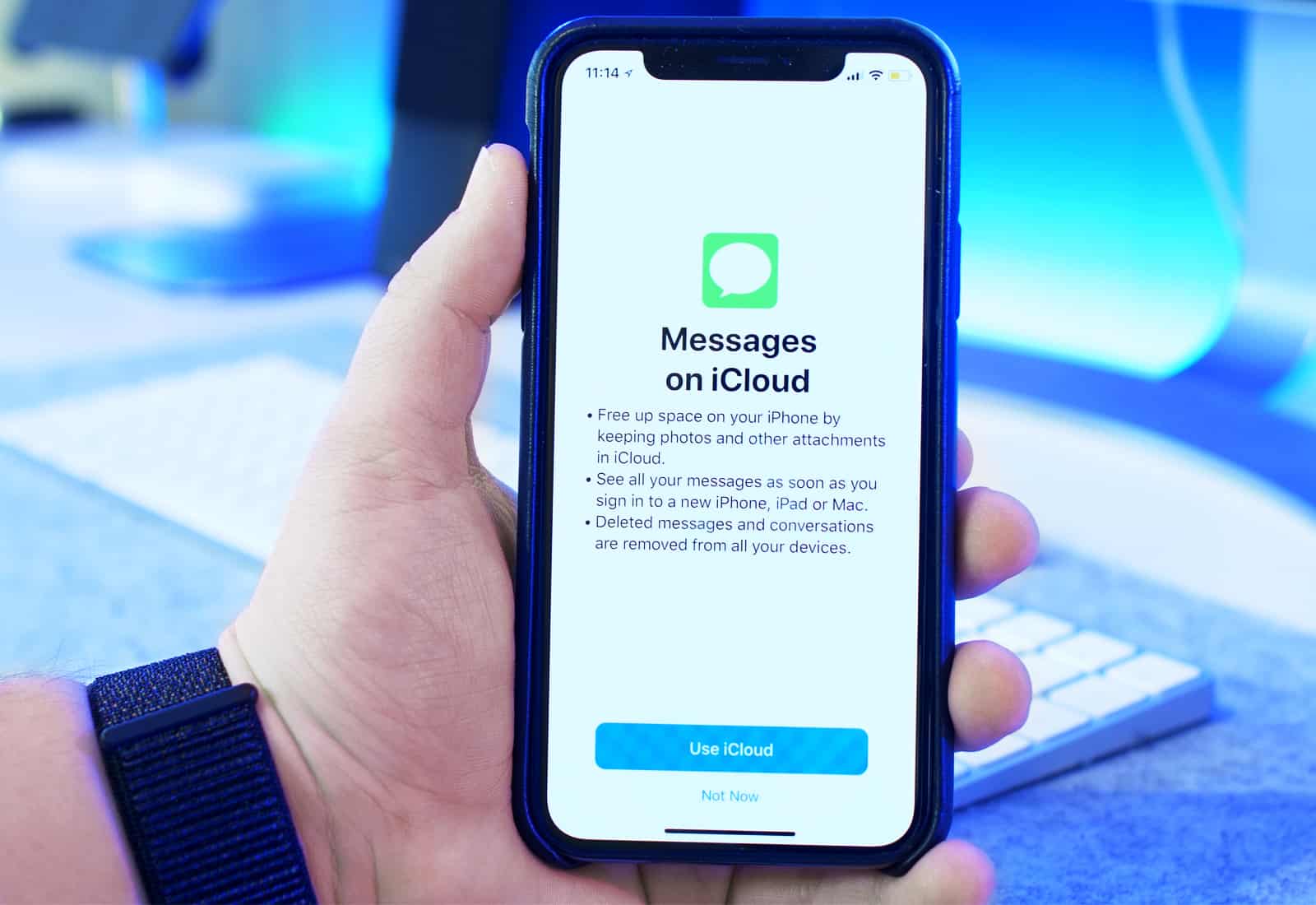
What happened to Messages on iCloud? Photo: Ste Smith/Cult of Mac
iOS 11.3 could be missing two big features when it finally makes its public debut this spring.
Messages on iCloud and AirPlay 2 are notably missing from early release notes. Both features, which were initially expected to come with iOS 11 last fall, have been hit by several days. Who knows when they will appear again.
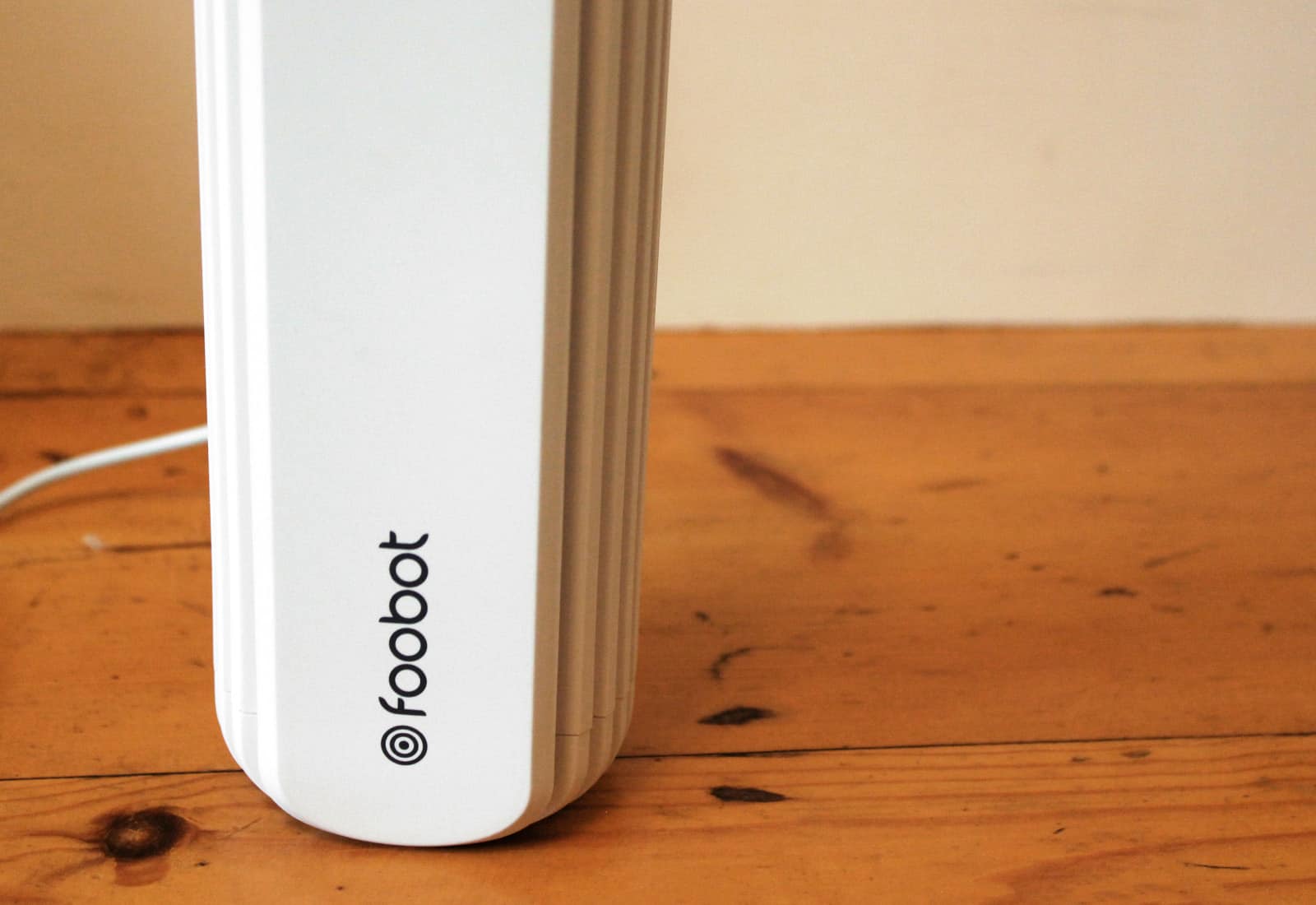
The unobtrusive Foobot stands less than 7 inches high. Photo: Luke Dormehl/Cult of Mac
Thunderclap Newman once sang that there’s something in the air. The Foobot smart air monitor promises to tell you what that something is.
Designed to detect a variety of air conditions in your home, the pint-size Foobot gathers loads of data about indoor pollution. It then let you delve into that information on your iPhone or iPad. So is it a “must have” device or one gadget too many? Get our initial thoughts in our Foobot review.
This highly rated VPN is loaded with features to keep your online activity safe and anonymous. Photo: Cult of Mac Deals
You’ve probably seen us recommending our readers get a VPN. It’s one of the easiest and most reliable ways to keep your online life anonymous and secure. The reminders are common, but deals on top-shelf VPNs like this one are not.
Apple's new entry-level iPad is just the tip of the educational iceberg. Photo: Ian Fuchs/Cult of Mac
CHICAGO — Apple’s vision for the future of the classroom is clear: Students armed with iPads and quality apps, and instructors leveraging creative teaching methods. Laying the groundwork for a combination of interactive group projects, immersive audio and video experiences, and some gamification, Apple thinks students will find greater success in schools through the use technology.
Is the new iPad right for you? Photo: Ian Fuchs/Cult of Mac
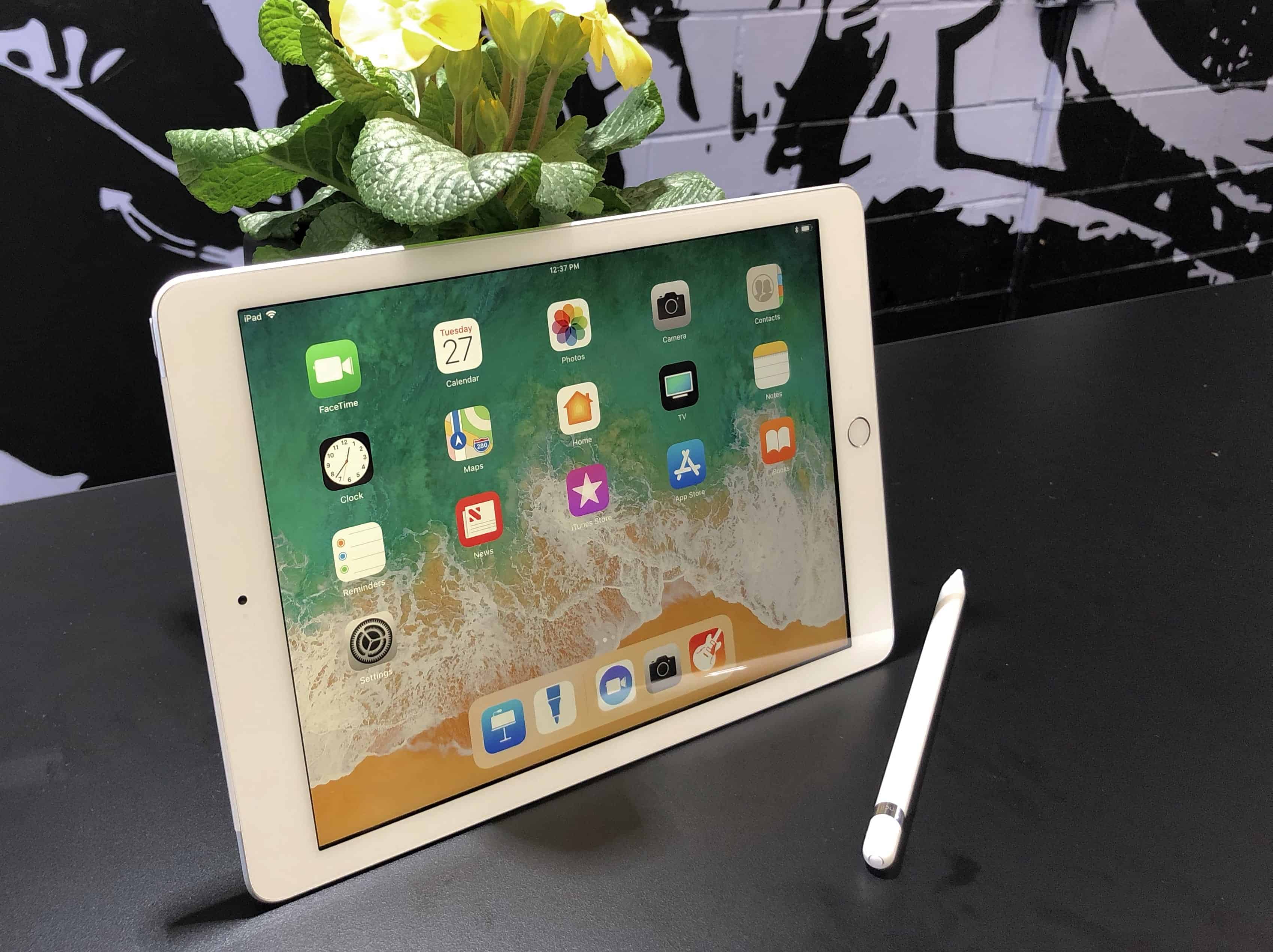
Apple’s most affordable iPad is now even greater. With a faster A10 processor and support for Apple Pencil, it’s closer to the iPad Pro than it’s ever been. And yet, it’s less than half the price — and even more affordable if you’re a student.
So, what’s the difference between them? Is the iPad Pro still worth the extra cash?
Choosing between the two doesn’t have to be difficult. Our helpful comparison will help you decide which iPad is right for you.
Pages’ pixels might finally be better than paper. Photo: Charlie Sorrel/Cult of Mac
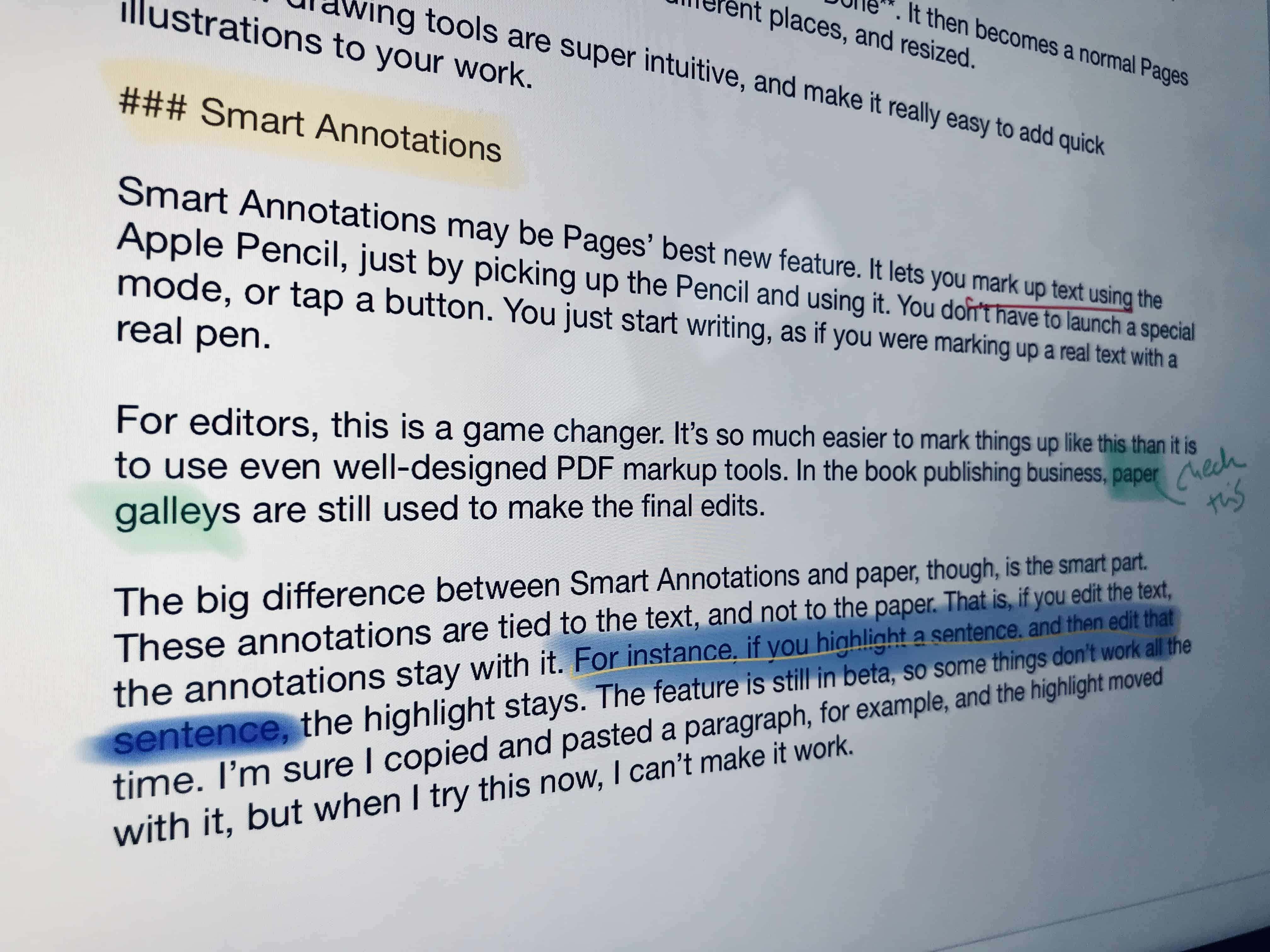
In Pages 4.0 for iPad, you can use Apple Pencil for more than just tapping stuff. Now you can use two great new iOS-only features in Apple’s word processing software. Smart Annotations lets you mark up text just like a teacher would — scoring red lines through words, running a highlighter over a sentence, etc. And a new drawing mode means you can easily add a sketch to a page just by tapping it with the pencil.
The drawing feature is neat, and brings Pages into line with Apple’s Notes app. But Smart Annotations will be a game-changer for many people, because it replicates something many folks still prefer to do on paper. Here’s how to take advantage of the new Pages features.
Unlike HomePod, UPstage 360 supports all your favorite services. Photo: UPstage 360
If HomePod just doesn’t do it for you, you need the immersive sound of the UPstage 360. This incredible speaker uses patented technology to deliver high-quality sound that fills almost any room, and it connects to all your favorite services.
It’s just one of the awesome ideas in this week’s Crowdfund Roundup. We also have smart home doorbells, stunning mechanical keyboards, and more!
How Apple could give watchOS a tune-up. Photo: Graham Bower/Cult of Mac
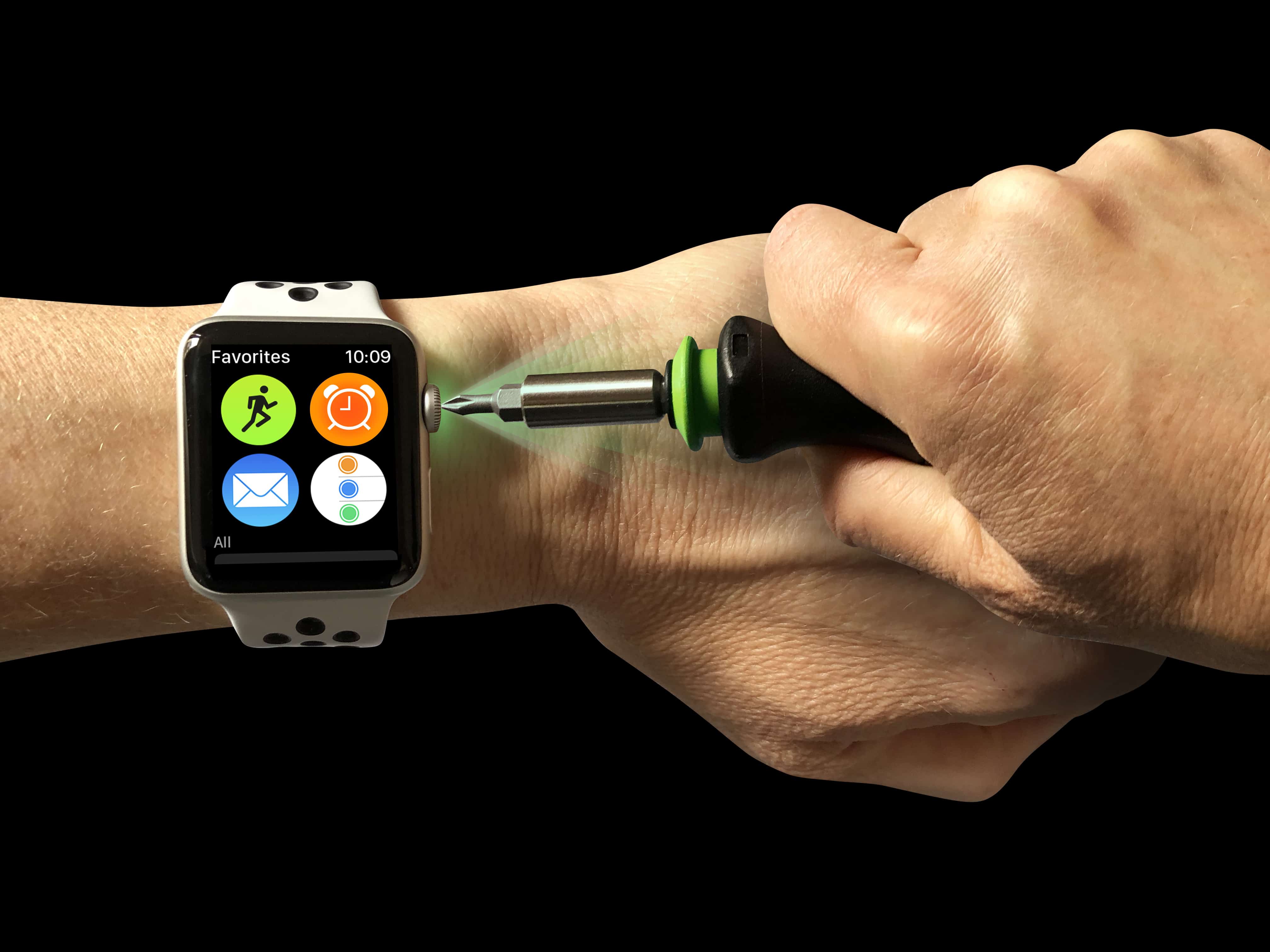
In the three short years since Apple Watch debuted, Cupertino has massively improved its smartwatch. Remember the early days, when Glances took ages to load, only to show out-of-date information? When the Fitness app refused to stay in the foreground during a workout? Or when the side button launched a doodling app?
Since the launch, Apple has rolled out big upgrades to watchOS every year at its Worldwide Developers Conference. But there is still loads more that could be done to really unleash Apple Watch’s full potential.
With this year’s WWDC confirmed for June, here’s my wish list of the all the new watchOS stuff I’m hoping will be announced in San Jose, California. It’s a pretty long list, so I’ve broken it down into three separate posts, starting with usability. In followup posts, I’ll focus on fitness, apps and setup.
The Master Storyteller’s Bundle is packed with quality apps. Photo: Cult of Mac Deals
There’s a story in all of us. To get it out, though, you’ll need more than just a tale to tell. You’ll need skills and tools to connect your stories with an audience. And in the digital age, there are plenty of tools to master.
Apple is making education a bigger focus. Photo: Ian Fuchs/Cult of Mac
Apple is ready to make a major push into the education market. During its keynote in Chicago this morning, the company revealed how it plans to make students and teachers fall in love with Apple.
Armed with a bevy of new apps, APIs and other software tools, Tim Cook and company revealed Apple’s cheapest iPad ever. Apple pitched it specifically at students, though we suspect it will prove pretty popular with normal Apple fans, too.
Moment brings the silver screen to your tiny screen. Photo: Moment
Moment, the maker of premium smartphone lens attachments, unveiled a filmmaker bundle Tuesday that includes an anamorphic lens.
The square lens will give iPhone video a similar look to the wide, letterbox view created with the large, expensive cameras used in the motion picture industry.
The iPad might finally be better than paper. Photo: Charlie Sorrel/Cult of Mac
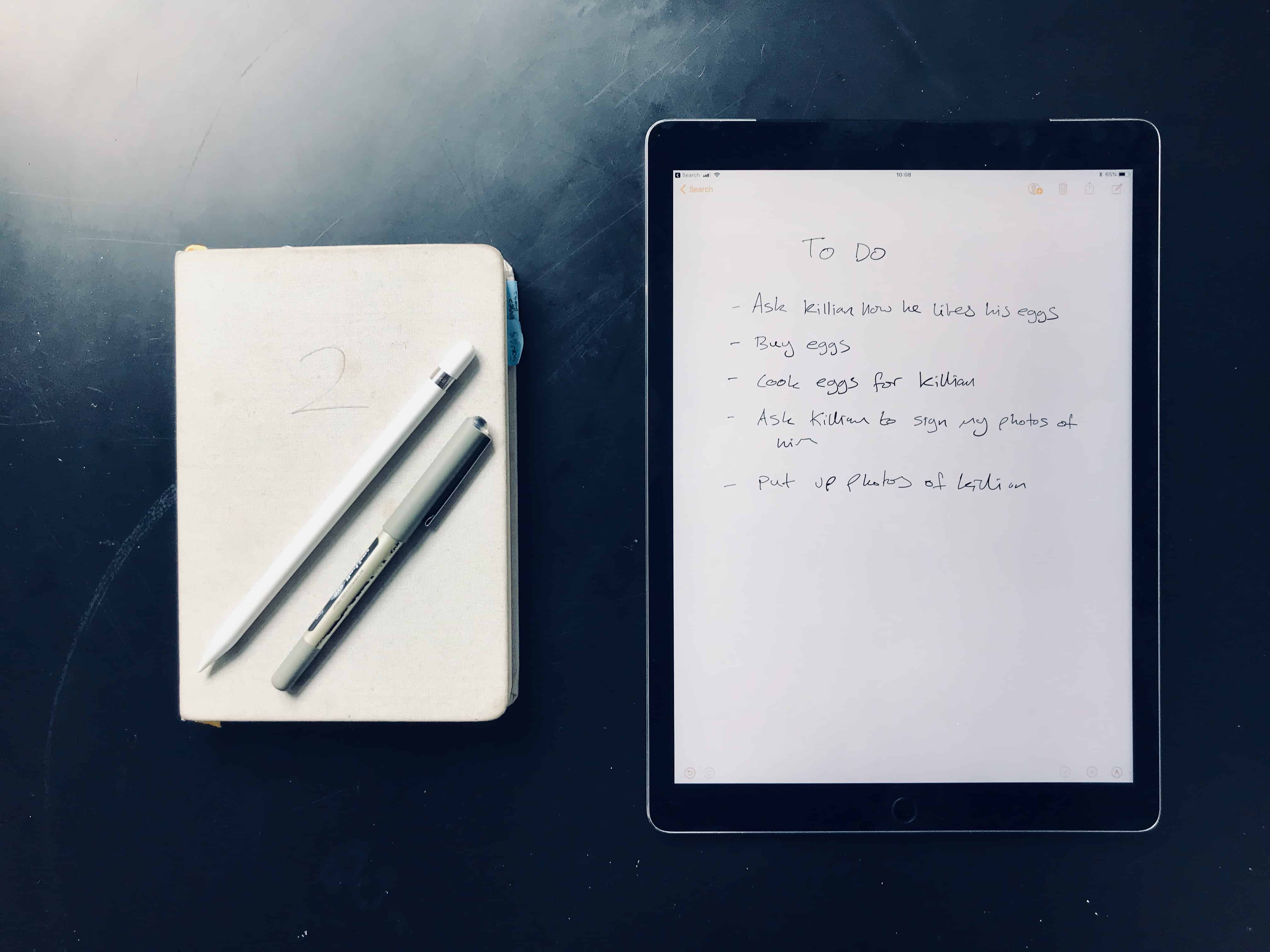
The iPad has replaced many things — it’s a TV, it’s a games console, it’s a book, it’s a (huge) camera, and it’s even a typewriter. But until recently, it hasn’t made a very good alternative to paper. But thanks to the Apple Pencil, and to iOS 11, that has changed. Now you can write and draw a note without even unlocking your iPad, and you can search for anything you write, just as if it were text. Let’s check out lock-screen notes.
Apple is ready to takeover the classroom. Photo: Ian Fuchs
Apple is ready to unleash a wave of new software for teachers going into the 2018 school year.
At its big “field trip” education event in Chicago today, Apple unveiled a series of new apps and APIs that will make it easier for students and teachers to embrace the iPad. From the redesigned iWork iOS apps to the new ClassKit framework, Apple’s got something new for students, teachers and developers.
The iPad (2018) is aimed at students. Photo: Ian Fuchs/Cult of Mac
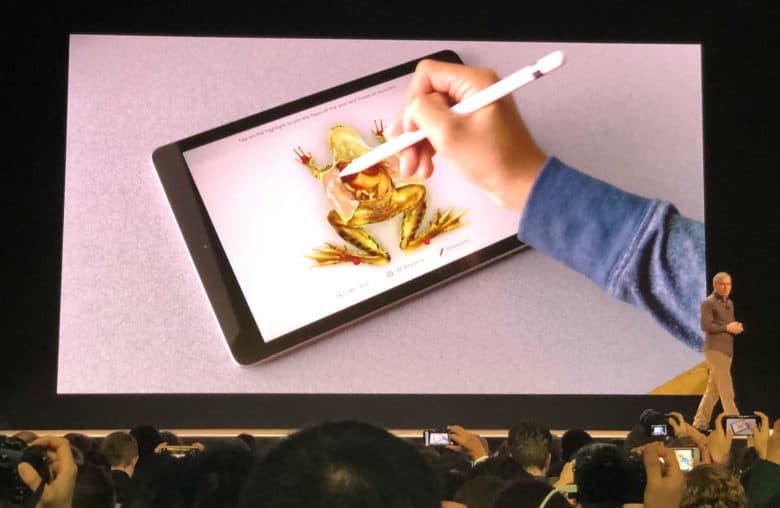
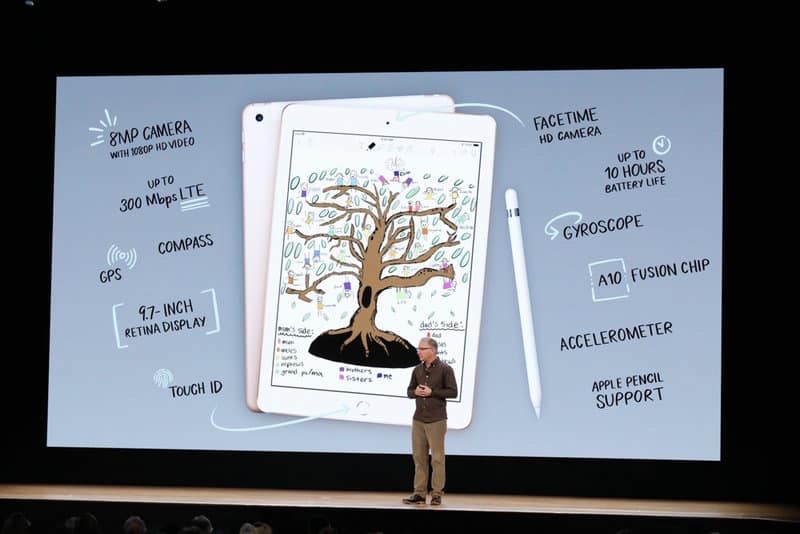
Apple just unveiled a 9.7-inch iPad that will cost schools just $299. The debut came at today’s education-oriented event in Chicago because this tablet is designed for students, with Apple Pencil support and a faster processor.
Tim Cook and crew did not unveil this tablet at a high school by accident. Apple is aiming the new iPad straight at classrooms and budget-conscious school districts. Support for Apple’s pressure-sensitive stylus is a big part of that.
Apple is focusing on students and teacher for its first keynote. Photo: Apple
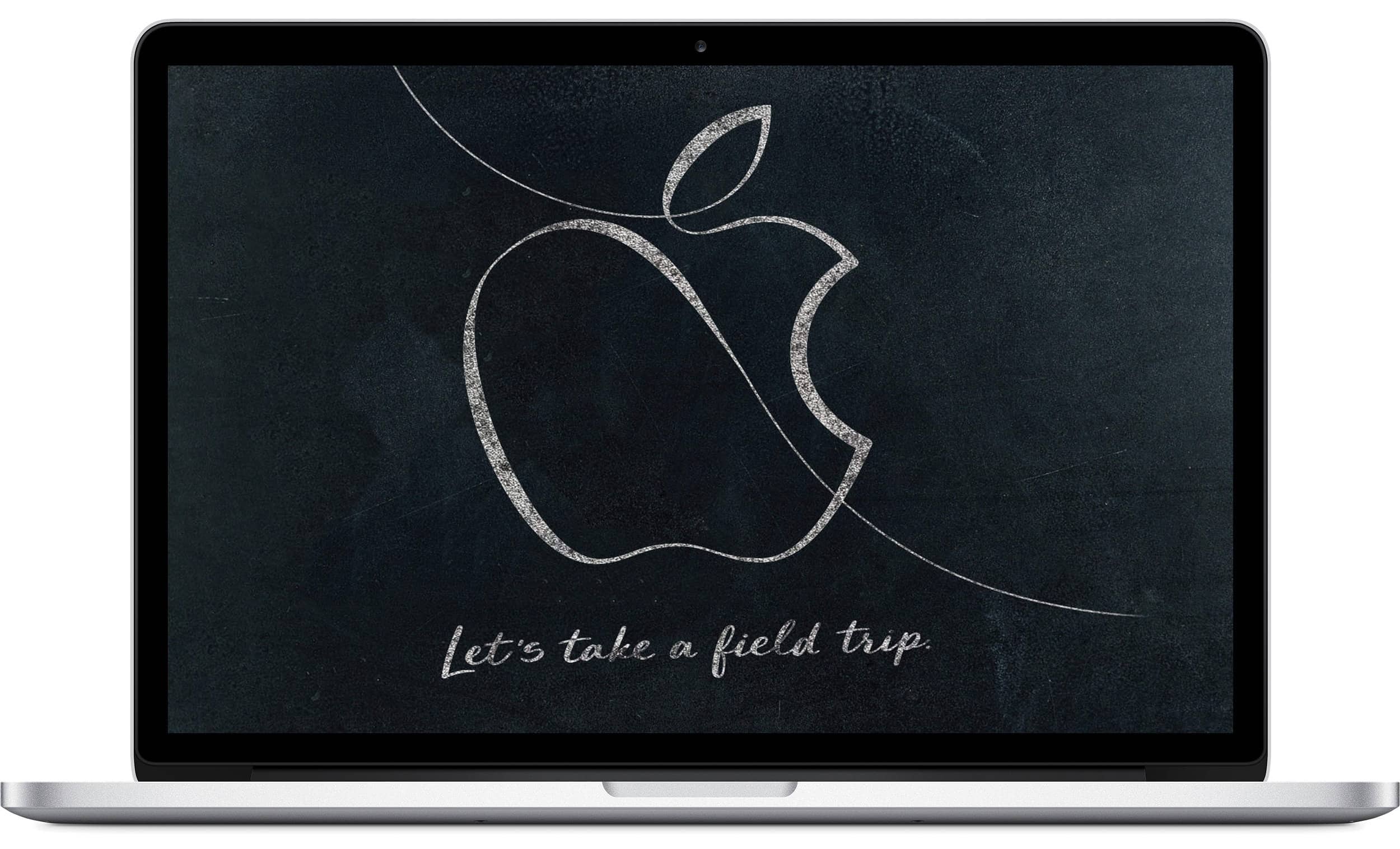
Apple’s first big event of 2018 is practically here! Unlike most Apple keynotes, today’s “field trip” education-oriented event in Chicago won’t be streamed live.
Don’t worry. Cult of Mac will be in attendance and we’ll be live blogging everything with up-to-the-minute info on all the new goodies. Not only is Apple expected to preview some new educational software, but we could also see a new iPad, improved Apple Pencil and maybe even a new MacBook Air.
The keynote starts Tuesday, March 27, at 10 a.m. Central time. So save this page and get ready for Apple’s most mysterious event in years.
Learn new coding skills with the Complete 2018 Learn to Code Bundle. Photo: Cult of Mac Deals
Coding skills still count among the most marketable anyone can have. So whether you’re looking for new career opportunities, or just a deeper understanding, it pays to get expert guidance on the details and the bigger picture. And that’s just what the Complete 2018 Learn to Code Bundle offers.
Facebook and CEO Mark Zuckerberg are wrapped up in controversy over the social network’s link to data analytics firm Cambridge Analytica.
The alleged data abuse has caused an outcry among both the public and Silicon Valley entrepreneurs, including one of the co-founders of WhatsApp and Space X and Tesla founder Elon Musk. But it may not have come to this had Zuckerberg followed a piece of advice laid out by Steve Jobs back in 2010.
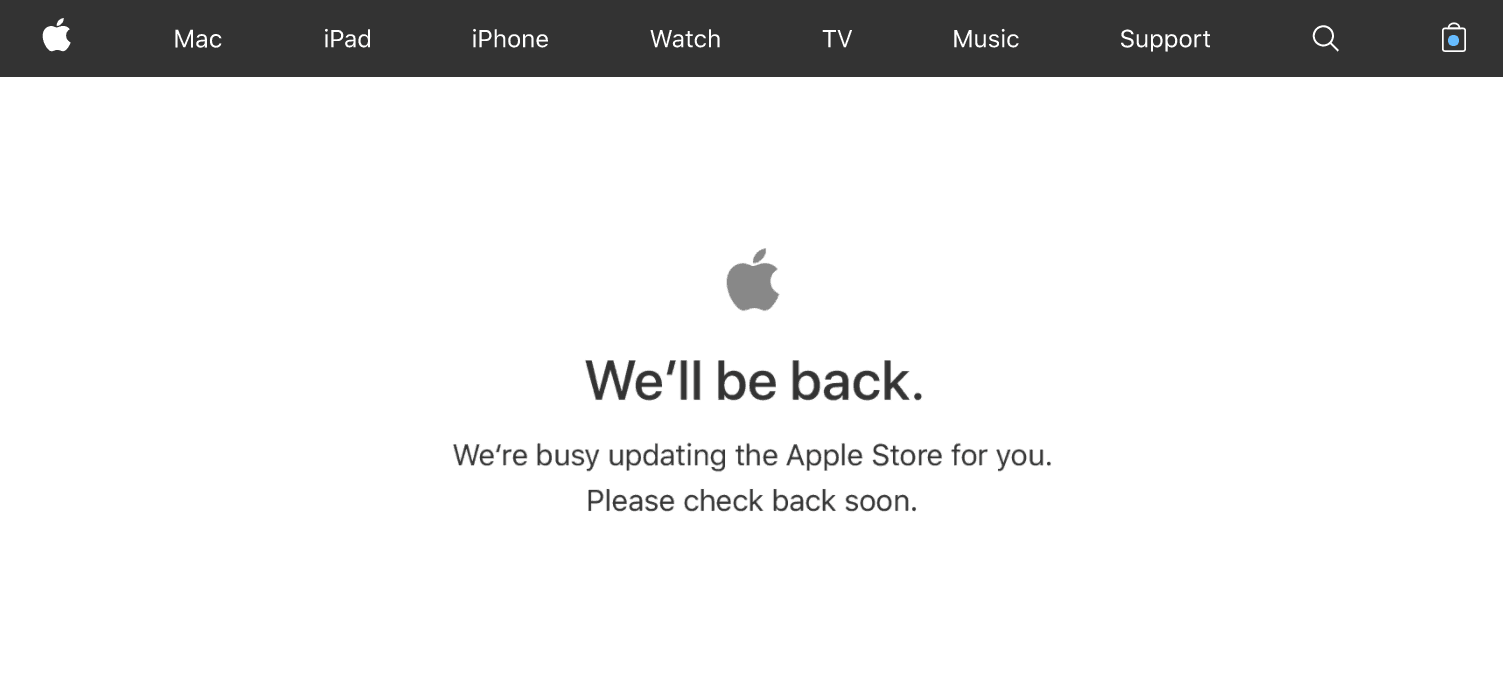
The Apple online store is down ahead of today’s big education event, which kicks off at 10 a.m. central time.
Downtime is an indication that Apple is preparing to add new products to its lineup, which could be available to purchase or pre-order later today. Recent rumors have hinted at the arrival of a new MacBook Air and an even more affordable iPad.
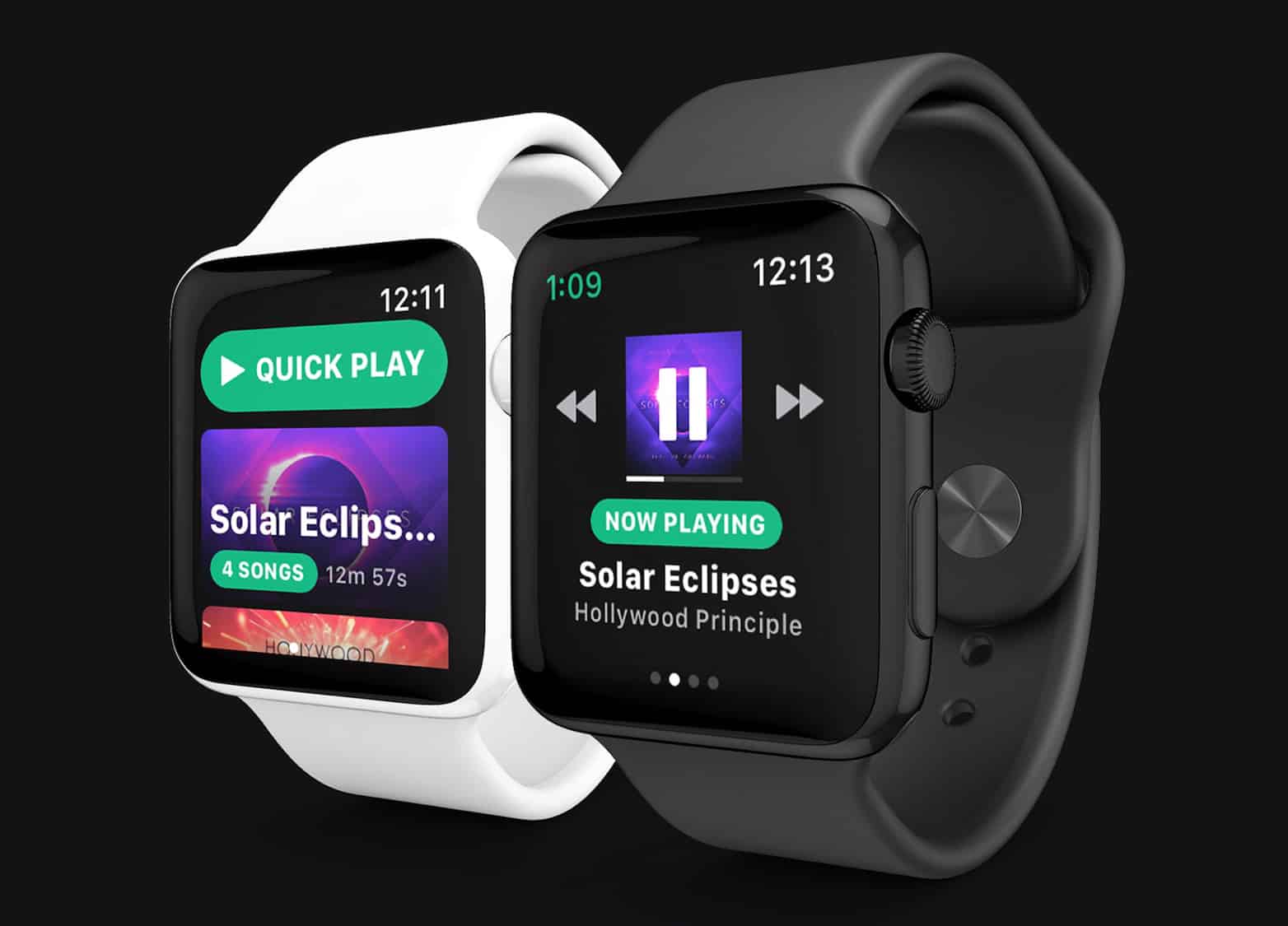
Spotify hired Andrew Chang, creator of a third-party Spotify app for watchOS, last April. Photo: Snowy
Spotify will finally deliver its first Apple Watch app this year, according to a new report.
It could get an official reveal at the Worldwide Developers Conference in June alongside “StreamKit,” a new framework for watchOS 5 that will boost the cellular Apple Watch’s standalone capabilities.
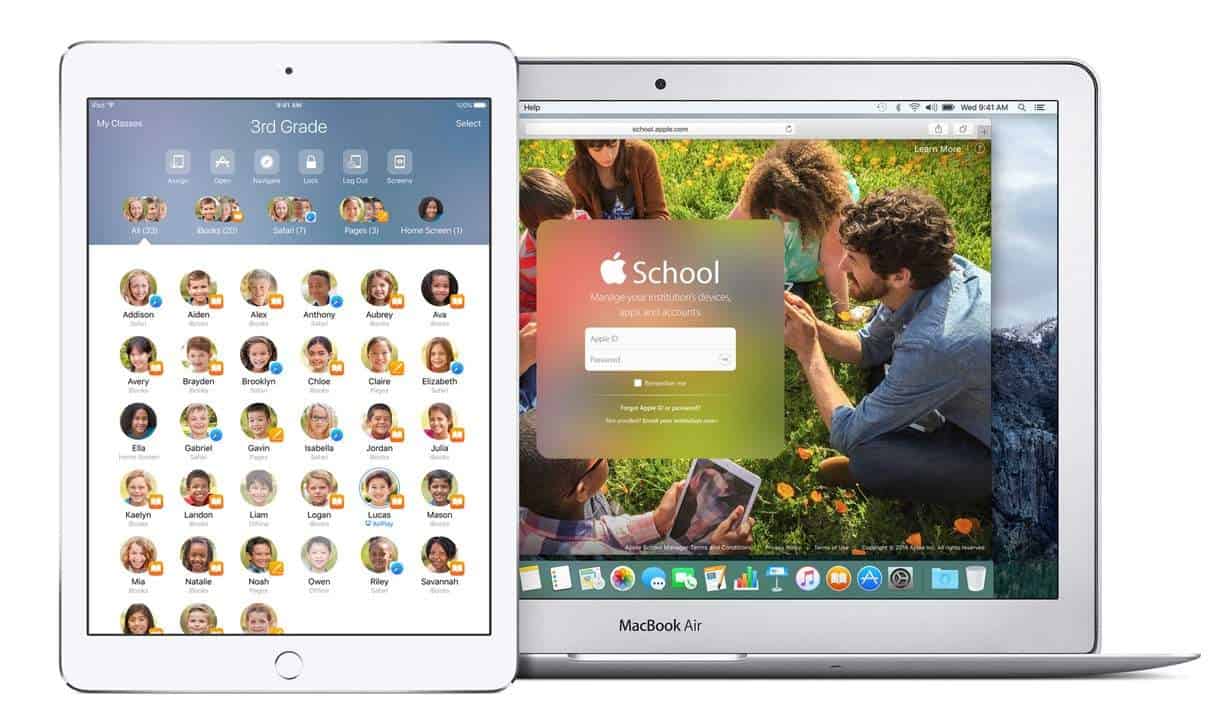
Apple's Classroom app could get a whole lot better. Image: Apple
During Apple’s big education event tomorrow, we undoubtedly will hear Cupertino’s grand plan for reshaping the classroom. Just as Apple predicted that the future of television is apps, what if the future of classrooms and textbooks is also apps?
It’s time to consider what Apple’s rumored new ClassKit framework will mean for students and teachers — and what role a new, cheaper iPad could play in education.
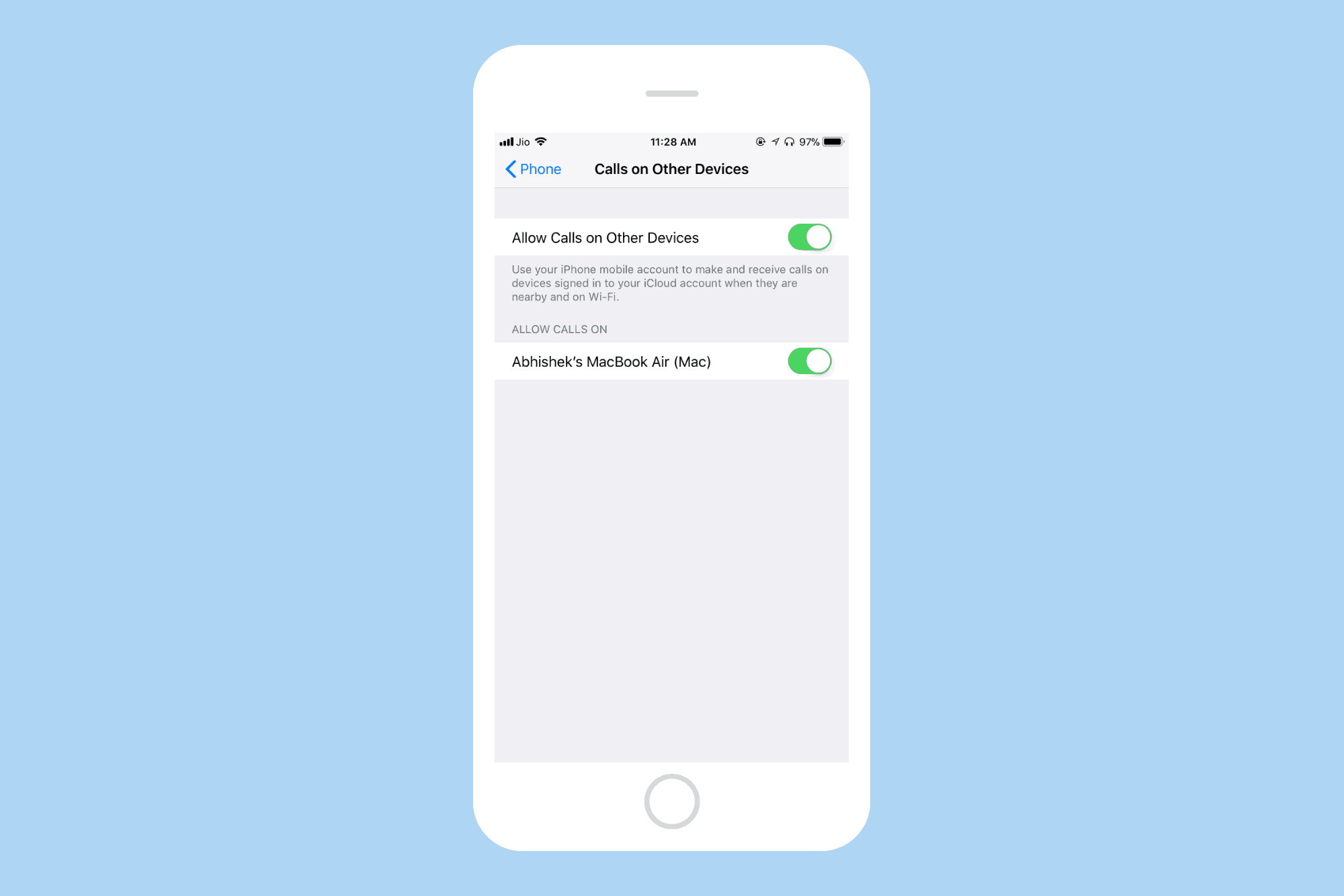
Allow calls on other Apple devices. Photo: Cult of Mac
Wi-Fi Calling is a technology that lets you make and receive calls over a WiFi connection instead of the regular cellular connection. Wi-Fi Calling on your iPhone can be helpful in areas with little or no cellular coverage.
Let’s see how you can enable Wi-Fi calling on your iPhone.
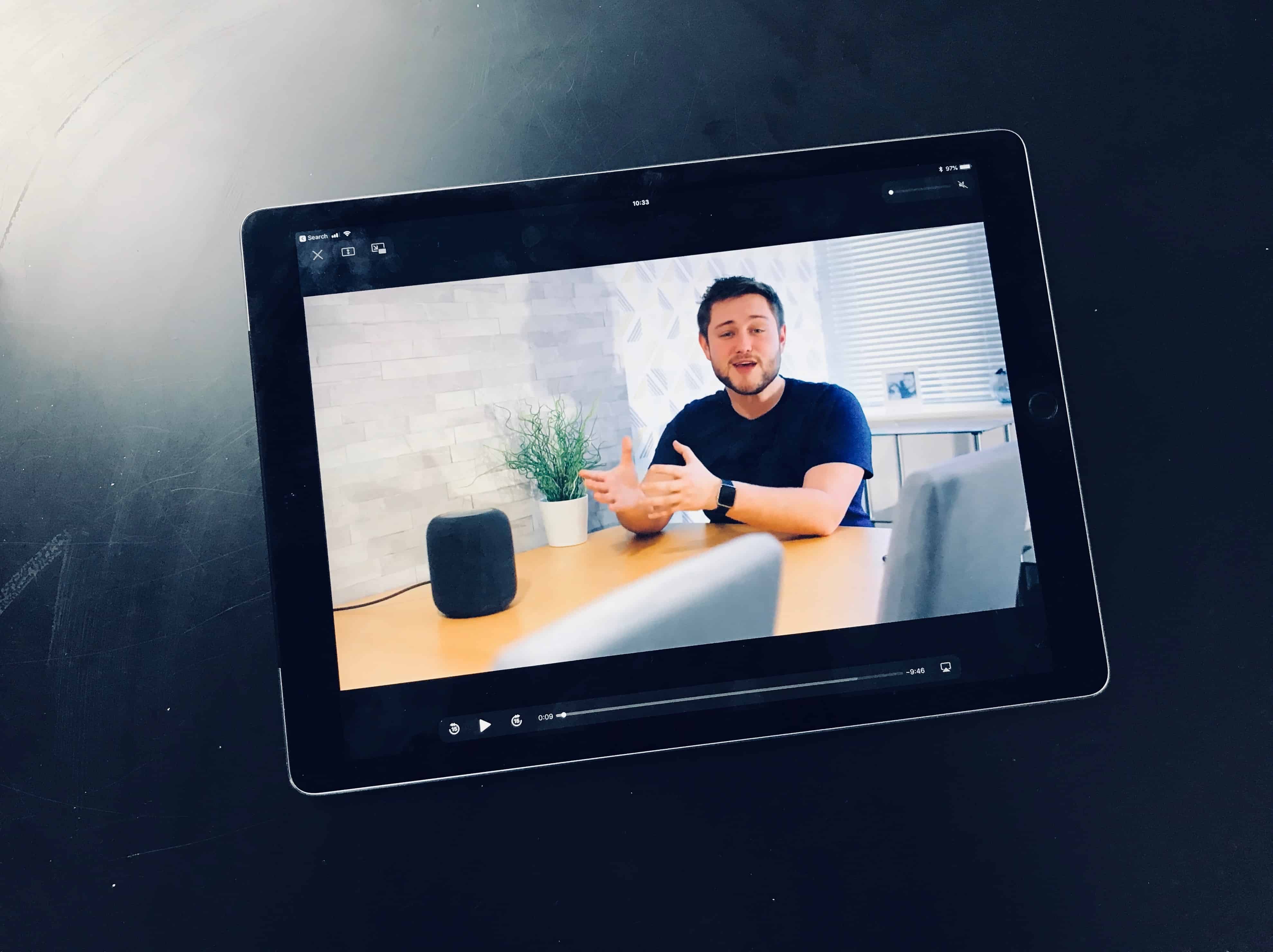
Is it time you took a break from YouTube? Photo: Charlie Sorrel/Cult of Mac
If you’re watching YouTube on your iPhone or Mac, then you can just tap a button to watch the video in proper full-screen, just you and a skateboarding dog, with nothing to distract you. But on the iPad, the same “full-screen” button just maximizes the video into the browser tab, with all the Safari chrome still surrounding it. And because it doesn’t use the native iOS video view, you can’t watch the video in Picture in Picture mode.
Happily, we can fix that. Today we’ll see how to make YouTube play its video in full screen on your iPad, with one tap, using a bookmarklet. If you’re experiencing videos not playing on iPhone, you might be encountering a recent YouTube bug—learn more about it here.
Apple will take a field trip out of Silicon Valley to host its first major event of 2018 tomorrow. Instead of focusing on iPhones and Apple Watches, this Apple keynote will be all about education and creativity.
Rumors have been swirling for months that new MacBook Airs and an updated, inexpensive iPad could arrive this spring. We might see those, but Apple probably has a couple other surprises in store that you haven’t heard of.
Apple will not provide a livestream of the event, but Cult of Mac will be in attendance. Joins us Tuesday morning for our liveblog of everything that’s going down at the event. In the meantime, here’s our handy guide to what to expect.
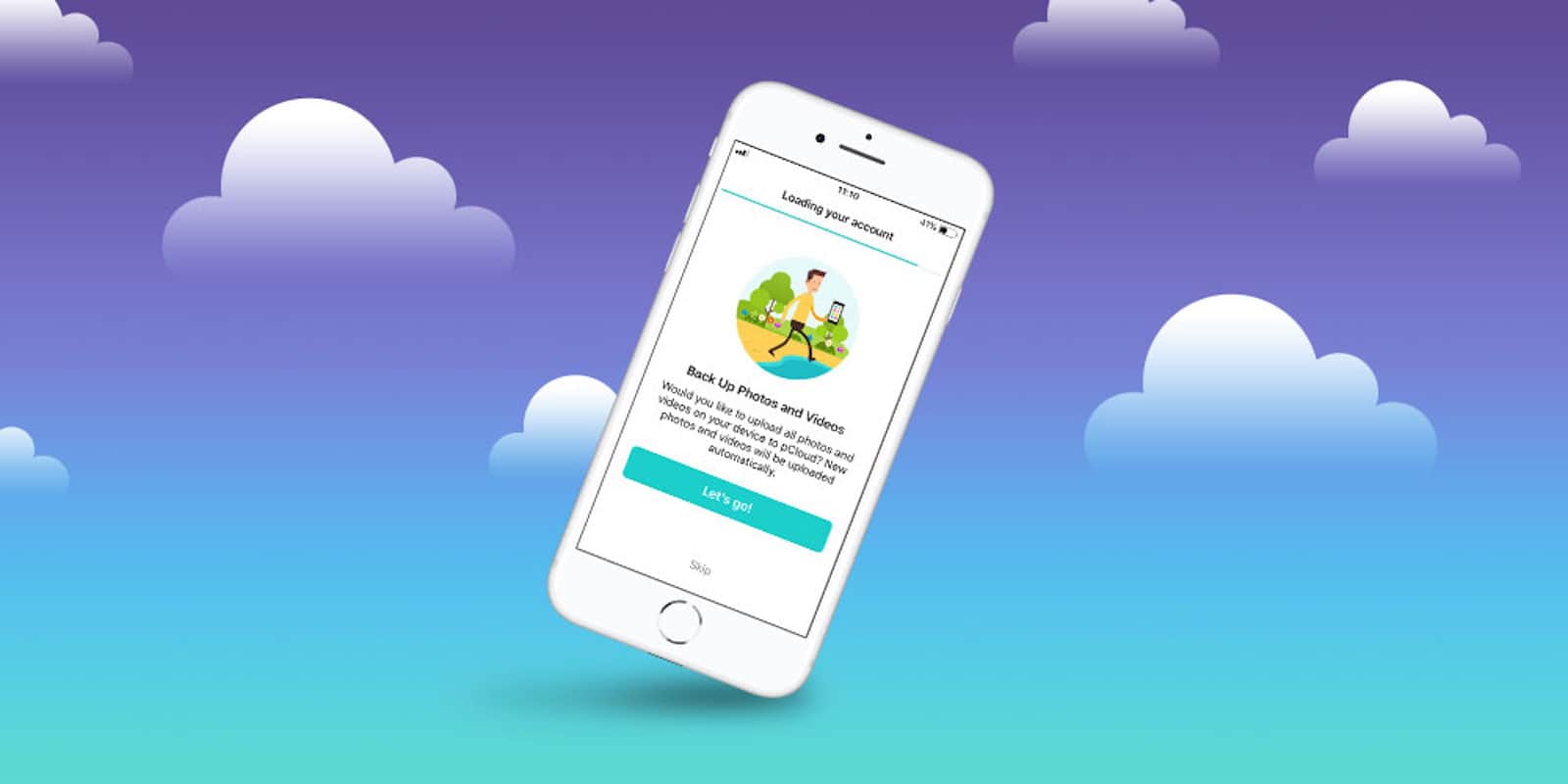
With the growing amounts of data we use each day, digital storage is at a premium. So is security, as the internet grows more risky. So whether for backup or for privacy, cloud storage option is a must-have.