Turn your dusty old Mac into a fat stack of cash. Photo: Ste Smith/Cult of Mac
Professional Mac users holding out for the next Mac Pro are going to have to wait at least another year.
After revealing in 2017 that it was completely redesigning the Mac Pro, some fans held out hope that the new Mac Pro would come out by 2018. That’s not going to happen though. In a series of interviews, Apple executives revealed that the new Mac Pro will be a 2019 product.
Get the Digital Marketing Foundations Mega Bundle at a massive savings. Photo: Cult of Mac Deals
Making money today means knowing how to market online. From social networks to SEO and more, the tools for connecting consumers to content are key to marketing.
And you thought all those messages were private. Sucker! Photo: kropekk_pl/Pixabay CC
Just when you thought Facebook couldn’t be more intrusive, the company has confirmed that it keeps an eye on our Messenger conversations to make sure we’re being good.
Messages you send are scanned to ensure they abide by Facebook’s rules — and if they don’t, they won’t be delivered.
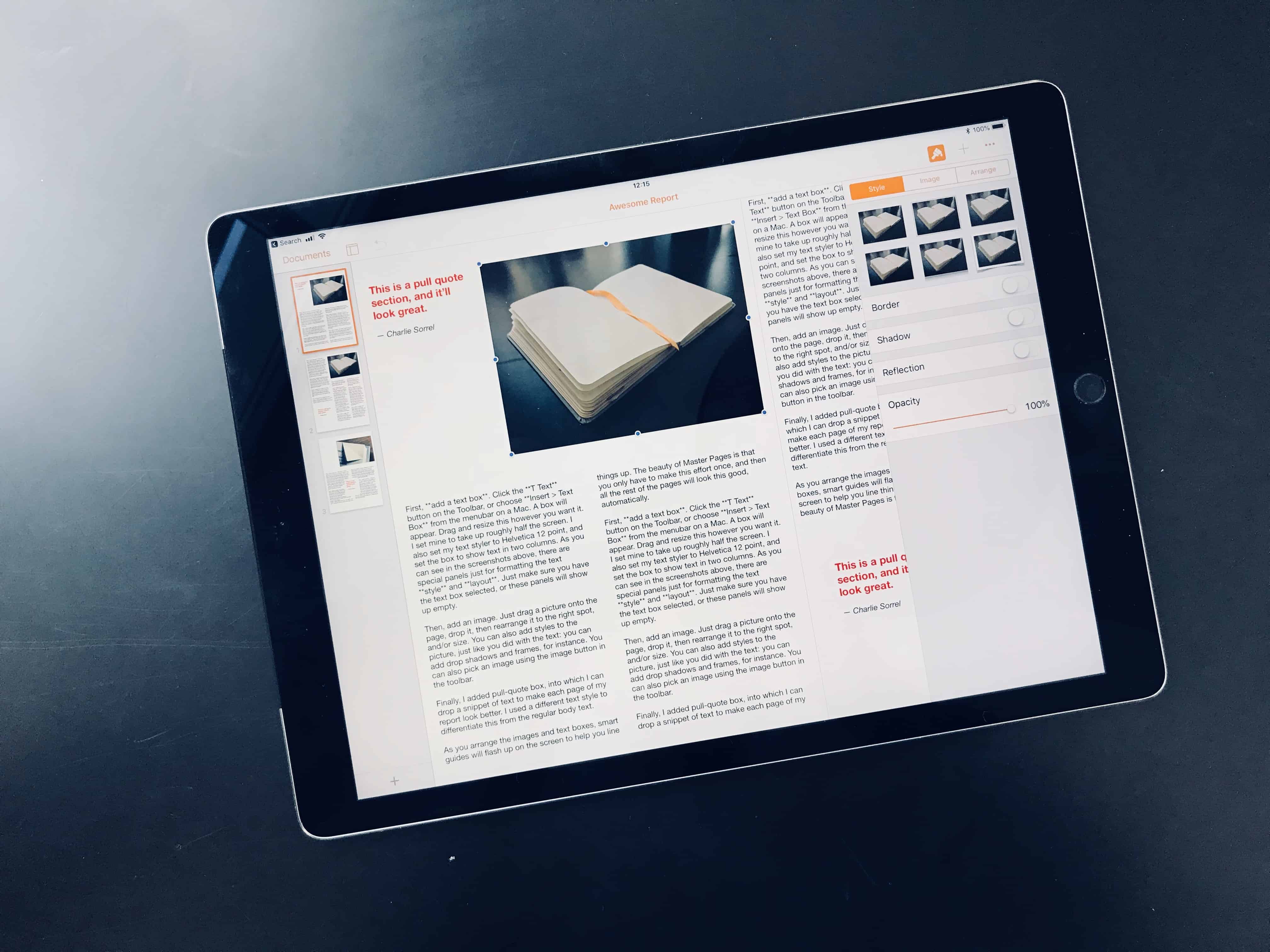
Pages may be the best "desktop" publishing app for most people. Photo: Charlie Sorrel/Cult of Mac
Today we’re going to use the new features in Pages 4.0 to create an amazing report. If you need to write a book report, or create a longer document for school or work, the new Master Pages feature in Apple’s free word processor will prove extremely handy.
With Pages, it’s now easier than ever to throw together an amazing-looking document with almost no effort. Apart from the writing, that is.
Pen2Bow turns the Apple Pencil into a virtual violin bow. Photo: Pen2Bow
The Apple Pencil, now compatible with pretty much all new iPads, is not just good for drawing and writing. Because if its bevvy of sensors — tilt, pressure, acceleration, and orientation — the Apple Pencil is also a pretty good musical instrument. Pen2Bow is a new iPad app which turns the Pencil into a violin bow, letting you use all of these natural gestures to play a virtual violin.
OCD users of macOS 10.13.4 rejoice! You can now reorder your Safari bookmarks alphabetically. Instead of having to settle for having Safari’s bookmarks always being in the order you created them, or having to manually drag them into the order you want, you can now have Safari sort them for you.
Why would you want to do this? Well, if you’re browsing through a huge folder of bookmarks, then having any kind of sort order is better than none. And if you’re using accessibility options — for instance if you are using screen readers because your sight is impaired — then alphabetical listings are essential.
Get your iPhone (or your iPad or MacBook) fixed the fast, cheap and painless way. Photo: Ste Smith/Cult of Mac
When you break your iPhone, you want it fixed fast and frugally. That’s why our cheap iPhone repair service stands out. We’ll get your broken iPhone fixed up and shipped back to you in no time, at an extremely competitive price.
Protect and organize all the sensitive files on your machine with this one app. Photo: Cult of Mac Deals
Losing track of personal or sensitive data is getting easier, and riskier. Most of us worry about our online activity and information, so we sign on with VPNs, encrypt our web traffic, and take other measures. But the data on your machine itself is worth protecting too.
iPad obviously makes the list (but Apple Pencil doesn't). Photo: Apple
Happy birthday to the iPad.
Apple’s revolutionary tablet first went on sale eight years ago today, two months after its big unveiling at the Yerba Buena Center for the Arts in San Francisco. It remains the best tablet money can buy, and recent rumors have claimed it’s going to get even better in 2018.
What might Tim Cook announce at this years WWDC keynote? Photo: Apple
What’s next for Apple? We’ll find out in June, when the company hosts devs from around the world at the Worldwide Developers Conference 2018.
Every year, the event gives Cupertino execs a chance to show off Apple’s new software and hardware. It’s a chance for outsiders to get a direct look at what’s in the Apple product pipeline. In the video below, we round up all the latest WWDC 2018 rumors to give you a heads-up about what’s on the horizon.
Get the feel of a classic mechanical keyboard under your fingers again. Photo: Cult of Mac Deals
Keyboards have come a long way, but not always in a better direction. Get your hands on a clackety old mechanical keyboard and you may wonder why soft keys became a thing. And the look of old keyboards, especially typewriters, are masterclasses in classy design.
'Appy weekend everyone! Photo: Ste Smith/Cult of Mac
A great music-making app recreating one of the all time great synthesizers on iOS is just one of our picks for this week’s “Awesome Apps of the Week.”
In addition, we’ve got a superb Twitter client app update, the world’s most popular battle royale game, and a gamebook RPG recreating some of the genre classics of the 1980s. Check out our selections below.
Save tons of time on your next WordPress project with this massive library of themes and templates. Photo: Cult of Mac Deals
Anyone who works in design knows the value of a good library of assets and templates. That definitely applies for WordPress, where getting designing a page can quickly add up to hours.
This classic alarm clock comes with 4 USB ports and some other cool features. Photo: Cult of Mac Deals
Having reminders on our phones is super convenient. But no touchscreen can replace the satisfaction of slapping an actual snooze button on a good old alarm clock.
This might be the cutest MIDI keyboard kit ever. Photo: Roli
Roli’s new Songmaker Kit is a kick-ass portable music-making setup that hooks up to your iPad, iPhone or Mac. It consists of a mini version of Roli’s amazing Seaboard keyboards, along with a couple of the company’s modular Blocks. Everything connect via Bluetooth, creating a custom music workstation that’s easy to use and extremely portable.
Let’s take a look at the Roli Songmaker Kit and see how you can use it to make music anywhere.
In today’s edition of Deals & Steals, we found a brand-new 12-inch rose gold MacBook for $400 off. We also have great deals on a Logitech universal remote bundle, a surprisingly stylish router and a cheap smartphone.
HomePod isn't as bass-heavy as it once was. Photo: Ste Smith/Cult of Mac
Apple’s software update released yesterday for the new HomePod may have altered the sound quality on its smart speaker.
Many angry HomePod owners that installed the update yesterday have taken to Twitter and Reddit claiming Apple’s fine-tuning of the speaker with the update has totally ruined how some songs sound.
Mac owners can finally use an external GPU to boost their computing power now that Apple has released macOS 10.13.4 to the public.
The software update has been in beta testing with developers for months and is now available to everyone for the first time. macOS 10.13.4 brings a number of improvements to the Mac, including some updates to iMessages, Safari and more.
Give your iPhone a solid grip, for steadier photos and videos, and access to other attachments and accessories. Photo: Cult of Mac Deals
Your iPhone takes great pictures, but it doesn’t feel like a camera. After all, cameras are easy to grip and hold steady, and that’s by design. But the design for phones focuses on being sleek and slim enough fit in your pocket.
Apple's new iPad is powerful, cheap, and a great deal. Photo: @YSR50
This week on The CultCast: Apple has powered up the new iPad so much, it’s hard to resist! We’ll tell you why we’re so excited. Plus: What you need to know about iOS 11.3; everything Apple revealed at its “field trip” event; a reliable report says Apple Watch Plus is incoming; and you asked, we answer — from the best Home apps, to our Mac mini predictions, to Commando versus Predator, we answer your most burning questions.
Our thanks to Squarespace for supporting this episode. It’s simple to accept Apple Pay and sell your wares with your very own Squarespace.com website. Enter offer code CultCast at checkout to get 10 percent off any hosting plan.
The Velo by Juuk — an aluminum, three-link band shown here in Obsidian. Photo: Juuk
Juuk’s precision-made aluminum Apple Watch bands are always on point. The Velo is the latest style in Juuk’s lineup of amazing steel bands — the Locarno, the Revo, the Ligero and the Vitero — and is decidedly different in design from its predecessors. Redesigned and reengineered from the ground up, the Velo Apple Watch band features a three-row link design.
This beautiful band comes in three different finishes — Midnight, Silver and Ruby. Obsidian and Cosmic Grey are currently in production. Check out Juuk’s latest lineup below!
A discreet backpack that holds more than you think. Photo: David Pierini/Cult of Mac
Marketing language often invites a reviewer to find the flaw in the claim. So skepticism was in order when the OnePack arrived with the declaration of being the “Most Functional Backpack.”
I have a backpack for every time I heard that one. But of all the backpacks I’ve shouldered for reviews, OnePack at least comes close to keeping its word.
Nothing is as annoying as really drums. Apart from children, I guess. Photo: Charlie Sorrel/Cult of Mac
Are you a table drummer? Then here’s a fantastic way to annoy your family and friends this weekend. It’s a iPad and iPhone app called AAS Objeq, which uses the iPad’s microphones to listen to your ceaseless, OCD tappety-tapping, and transforms it into more drumlike sounds. That it, the sound of you whacking the table becomes a bass drum, a chopstick on a water glass can become a hi-hat, and so on. The possibilities for irritating those around you are almost endless.
Facebook is one of many tech giants that builds is business on user data. Photo: Facebook
Thanks to the Cambridge Analytica scandal, a backlash is brewing against the way tech giants like Facebook monetize data. This could result in government regulation, which has the potential to upend the business models of some of the world’s biggest companies.
Luckily, Apple is practically immune. Here’s why 2018’s biggest tech scandal could actually help the world’s biggest tech company.
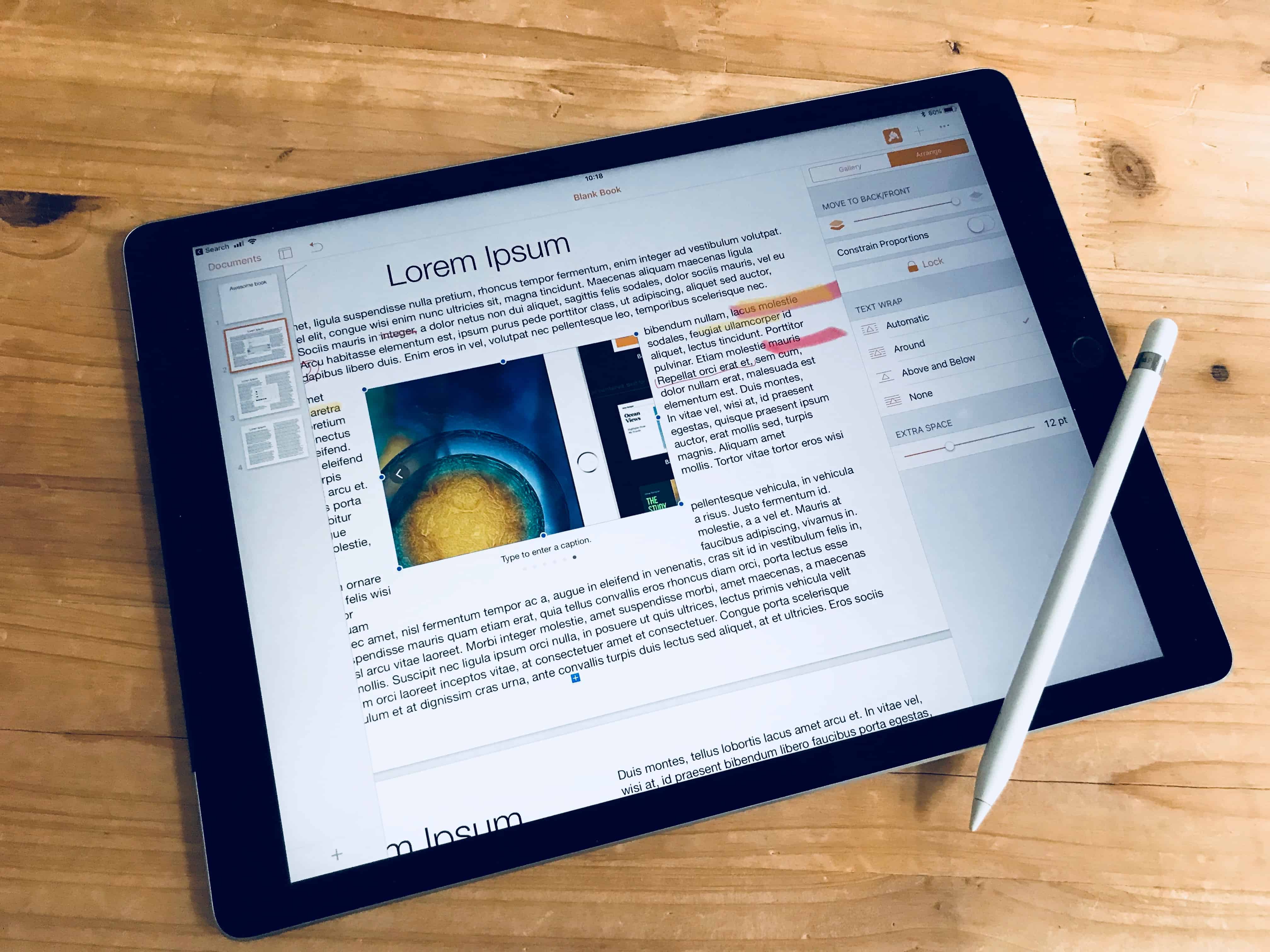
Image galleries are easy to add, and look great. Photo: Charlie Sorrel/Cult of Mac
The new Apple Pencil-friendly version of Pages for iPad also has a couple of other big new features. One of these is iBook creation, which we’ll look at in another post. Today we’re going to see how to add an Image Gallery to a regular Pages document. This is handy if you need to include lots of pictures into a document, but don’t want to use pages and pages to do so.
You could, for instance, include galleries of vacation photos in a newsletter for family and friends, with images stacked into daily galleries, or organized by event. Or you could pile a bunch of diagrams into one Image Gallery, allowing you to include a lot more information without cluttering the document. Better still, you can export your Pages document as an eBook, and the galleries become fully interactive.