★★★★☆
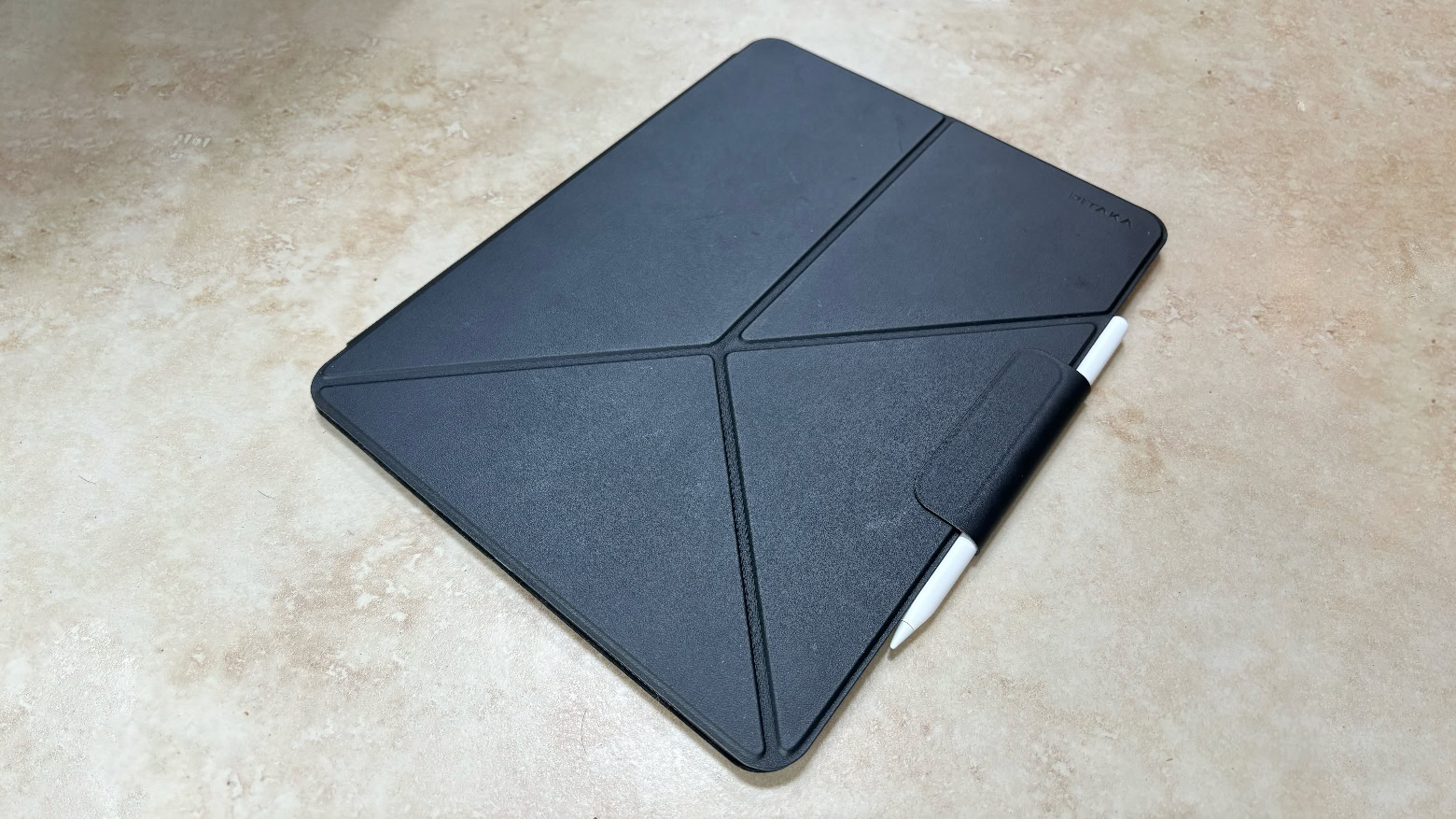
Pitaka MagEZ Folio 2 adds protection and a kickstand to your iPad. Photo: Ed Hardy/Cult of Mac
Pitaka MagEZ Folio 2 case both protects your iPad when you’re carrying it around and offers an origami kickstand when it’s time to use the tablet. It can be configured to hold the tablet at a variety of angles, in both portrait and landscape modes. Plus there’s a strap to hold an Apple Pencil in place.
I tested the version with my new M4 iPad Pro, and I like the sleek, lightweight design. Read on for more of my thoughts on this case.
Sonos Ace or AirPods Max? Photo/Graphics: Apple/Sonos/Rajesh Pandey/CultofMac
The Sonos Ace is the first pair of wireless headphones from the company renowned for its room-pounding wireless speakers. With premium features and a fat price tag to match, the Sonos headphones compete with Apple’s over-ear headphones, the AirPods Max. But in a Sonos Ace versus AirPods Max comparison, which pair of high-end headphones comes out on top?
If you have the money to spend, check out the specs, pros and cons of each model in our hands-on comparison.
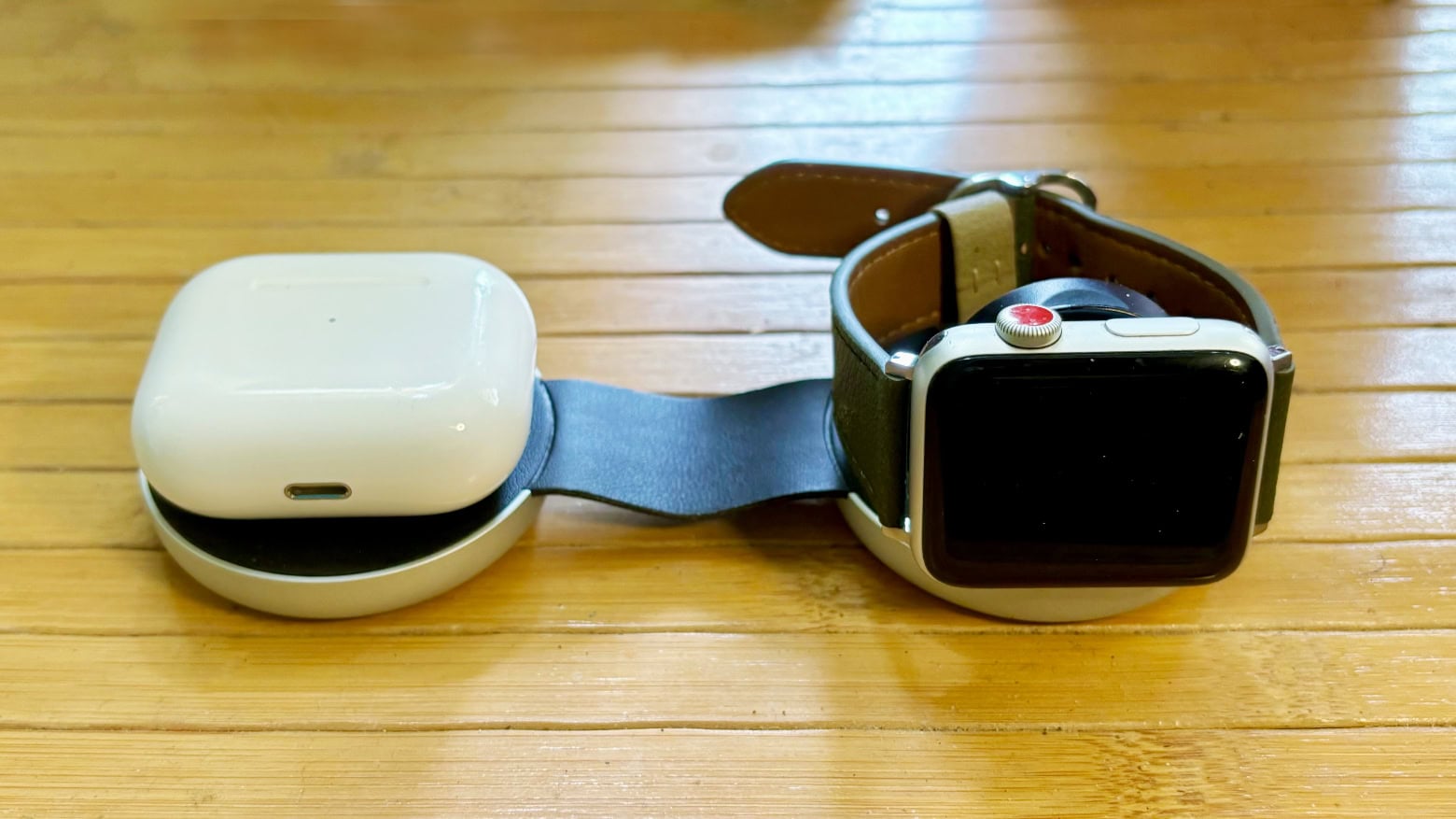
Make charging your devices on the go easier with a wireless travel charger. Image: Cult of Mac
With the summer travel season in full swing, it’s time to think about keeping your Apple devices ready for the road. Here are some of the best wireless travel chargers for powering up your iPhone and Apple Watch at the same time.
I’ve been a frequent traveler for many years, toting Apple devices across three continents. I’m happy to share my experience.
Natalie Portman, Jake Gyllenhaal and Vince Vaughn all headline series on Apple TV+ in summer 2024. Photo: Apple TV+/Cult of Mac
Apple TV+ subscribers are getting new comedies and thrillers to enjoy in summer 2024. And there are plenty of big-name stars, too. Eight new shows debuted between the beginning of June and the end of August (and a film to boot).
Here’s what’s new on Apple’s streaming service or coming in the next two months.
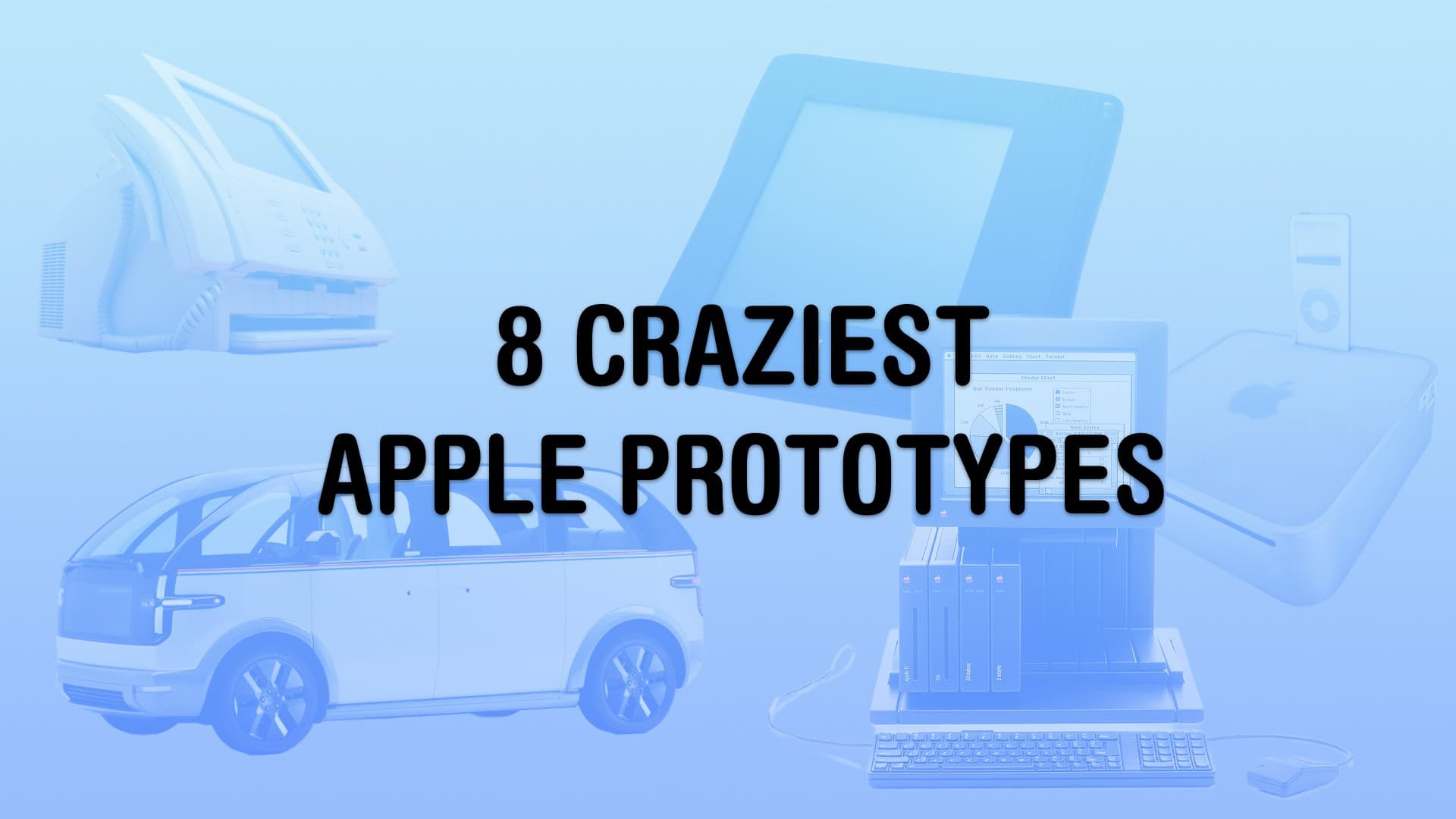
These unfinished concepts go back 40 years. Image: Apple/Jim Abeles/Canoo/DongleBookPro/D. Griffin Jones/Cult of Mac
Apple only shows off its finished products, which makes the company’s secret prototypes and early concepts all the more fascinating. Details of these first-draft designs usually don’t come out until years after Apple dreams them up and discards them. Even if you’re well-versed in Apple history, these alternate-history unreleased Apple products will intrigue and confuse.
The wild and crazy ideas go back more than 40 years. If anything, it proves that Apple continuously skates toward the next hit. The quest for innovation continues, no matter whether the company is in dire straits or cruising on success. Keep reading or watch our video to see the wildest Apple products that might have been.
★★★★☆
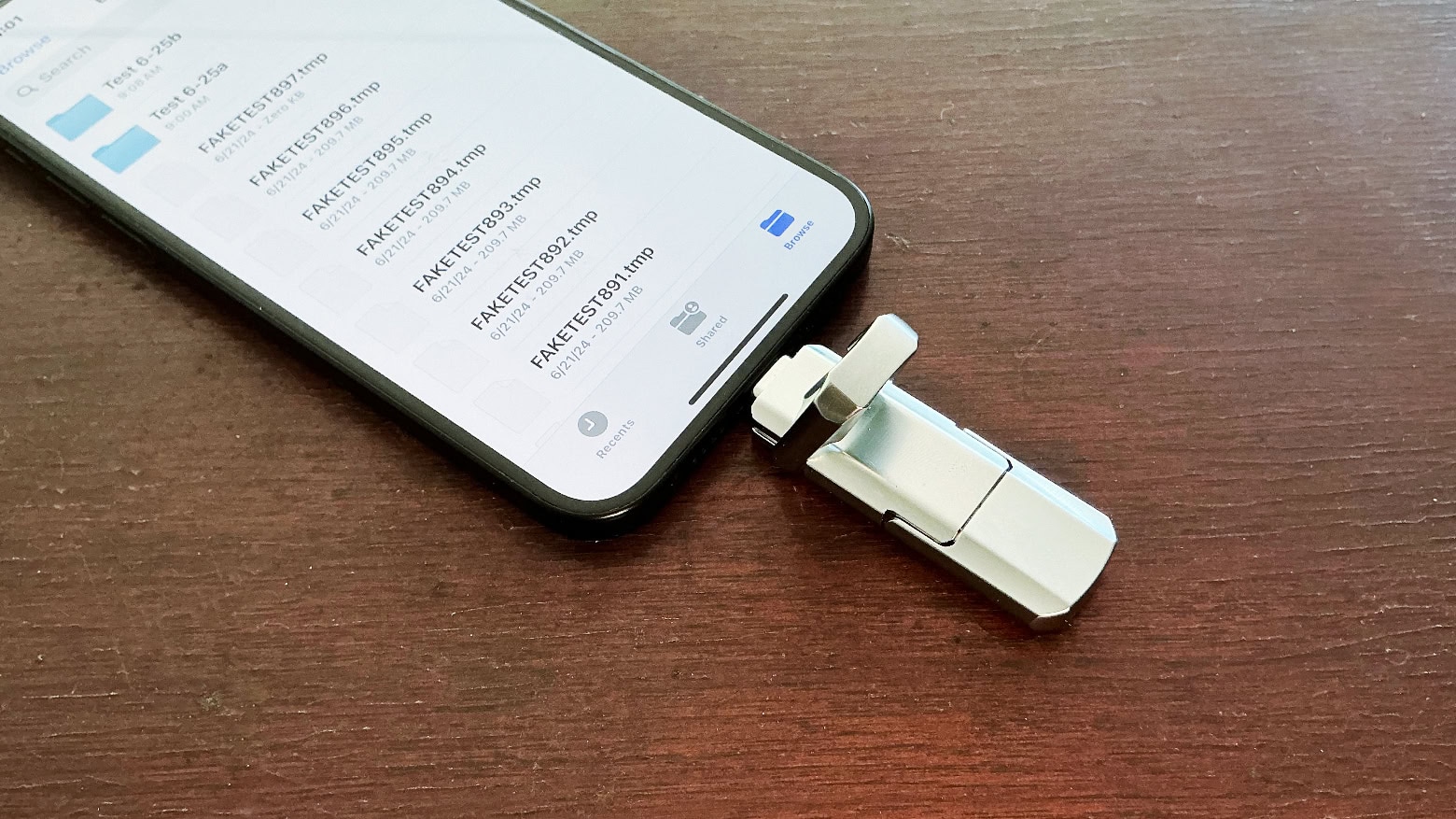
UGR Tech Dual USB-C + USB-A 3.2 High Speed Flash Drive is better than you might think. Photo: Ed Hardy/Cult of Mac
UGR Tech Dual USB-C + USB-A 3.2 High Speed Flash Drive plugs into your new Mac or iPad but it can also be used with devices that still have an old full-size USB port.
It’s a low-cost flash drive so I was very suspicious. But the aluminum exterior is quite rugged, the design is clever and the accessory passed a fraud test.
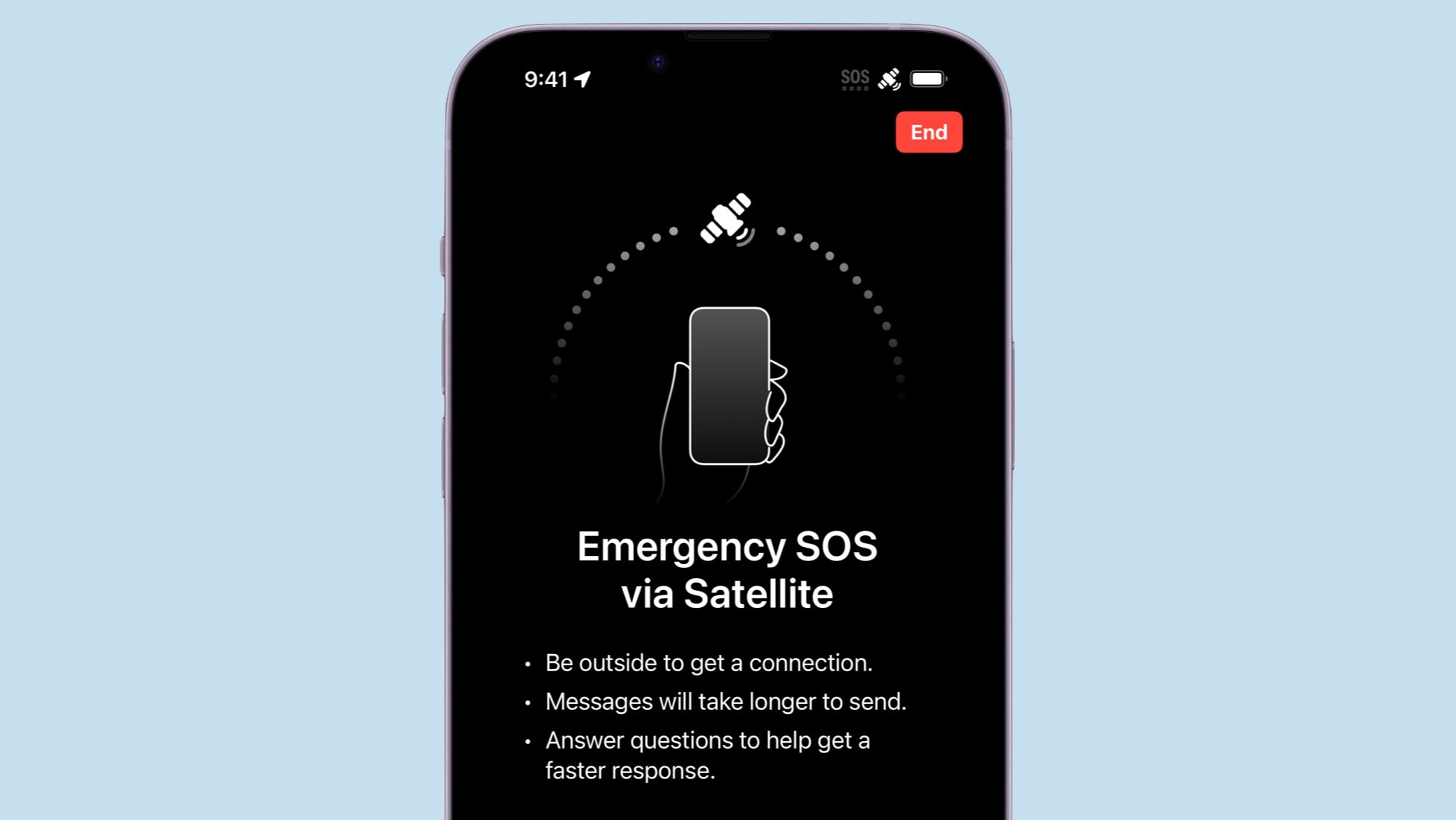
Your iPhone 14 or iPhone 15 can save your neck by sending out an SOS for help over a satellite connection. Photo: Apple/Cult of Mac
If you own an iPhone 14 or iPhone 15, it’s time to test one of its best abilities: Apple’s Emergency SOS via satellite service. This allows users of these iOS handsets to exchange messages with emergency services while outside of cellular and Wi-Fi coverage.
Getting a compatible iPhone in contact with a satellite isn’t complicated. But it’s something users should know how to do before they need this potentially lifesaving feature.
Here’s how to use the iPhone’s Emergency SOS via satellite feature.
When Apple Intelligence was unveiled at WWDC24, Craig Federighi didn't answer a burning question. Photo: Apple
The iPhone 15 Pro and Pro Max will be able to run Apple Intelligence features, but no other current phone can handle the upcoming AI-powered features. Apple’s reasons for the limitation seem somewhat vague, at least so far. They don’t fully explain why a 2-year-old iPhone chip isn’t up to the job but a 4-year-old Mac chip is.
As it stands, some people harbor suspicions that it’s an attempt to force iPhone users to upgrade to the latest models this fall. And some iPhone 15 owners are angry that their relatively new devices won’t be able to take advantage of Apple Intelligence.
Cult of Mac asked Apple to explain the decision but we didn’t hear back. So, I’ll do what Apple hasn’t: Go through a range of hardware features and explore what role they might play in keeping Apple AI off so many iPhones.
Some iOS 18 features won't be ready at launch. Photo: Rajesh Pandey/Cult of Mac
iOS 18 will bring lots of useful features, big and small. But when the new iPhone operating system launches later this fall, you won’t get to enjoy all its new additions on day one. Many headlining features won’t arrive until later in the year or early 2025. But which iOS 18 features will be delayed?
Here’s a roundup of iOS 18 features that won’t arrive on launch day. Note: Many of these delayed features also will come to iPads and Macs in iPadOS 18 and macOS Sequoia. For the purposes of this article, we will talk in terms of iOS 18 only.
Sorry EU, no Apple Intelligence for you! Image: Lewis Wallace/Cult of Mac
Apple revealed Friday that it will not introduce in the European Union the artificial intelligence features for iPhone, Mac and iPad it recently announced. The company blamed the EU’s Digital Markets Act for the decision.
Several other new features of the upcoming macOS Sequoia, iOS 18 and iPadOS 18 will also not debut in the EU.
★★★★★
Twelve South ButterFly is ready to charge your devices wherever you go. Photo: Ed Hardy/Cult of Mac
Twelve South ButterFly is a 2-in-1 MagSafe iPhone and and Apple Watch travel charger that folds into a tiny package. It offers fast-charging and can serve as a kickstand for your handset.
It’s a bit pricy, but an innovative design makes it very portable. I put the gadget to the test.
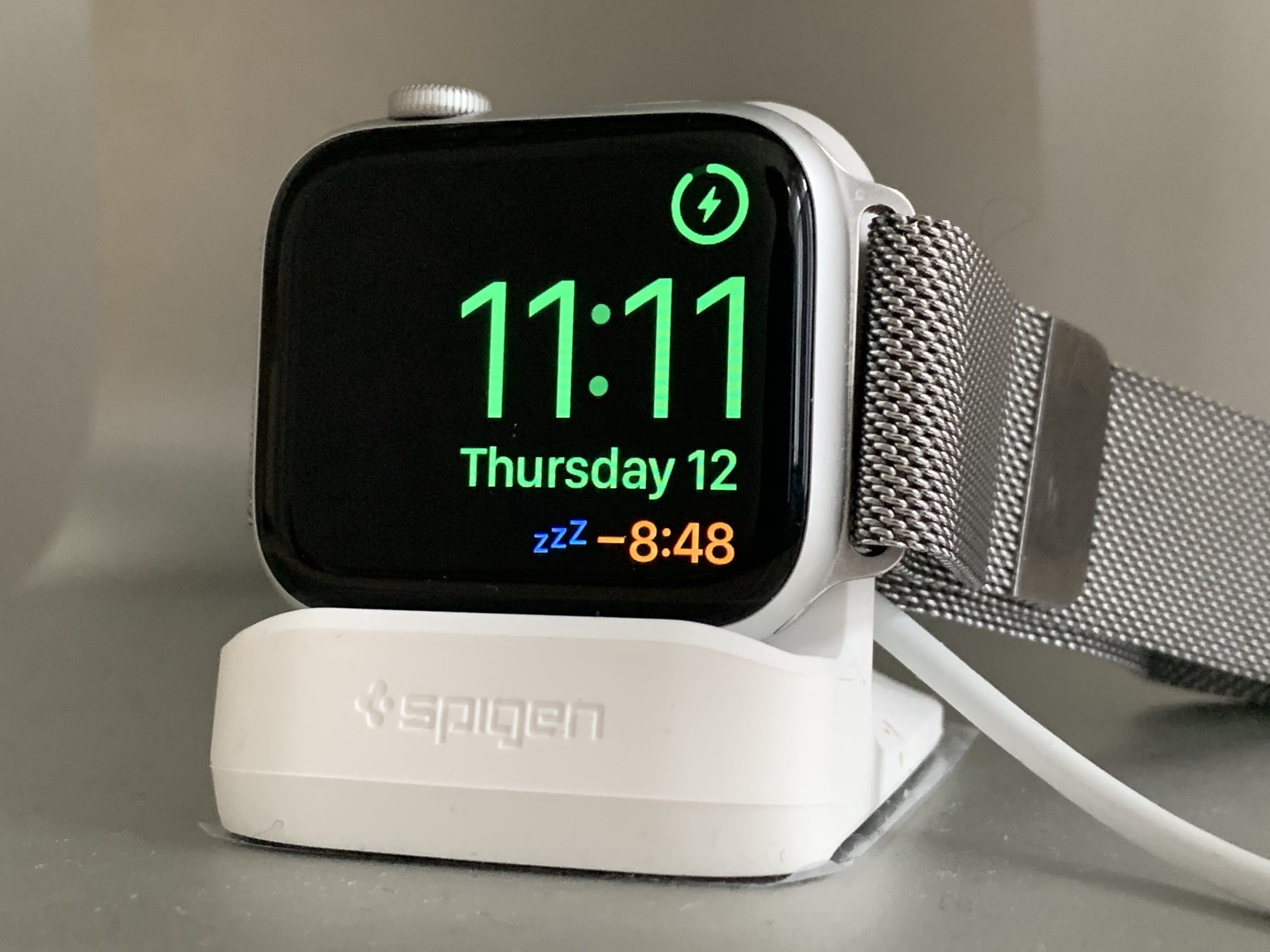
Zzzzzz. The Apple Watch's nightstand mode even has snooze. Photo: Charlie Sorrel/Cult of Mac
Have you heard of the Apple Watch’s nightstand mode? I knew about it from digging through the settings in the Watch app on my iPhone, but I never tried it out. I wear my watch while sleeping, mostly so I get a nice haptic alarm in the morning instead of an audible iPhone alarm. But if you charge your watch overnight, you should almost certainly be using nightstand mode, formerly known as bedside mode.
★★★★☆
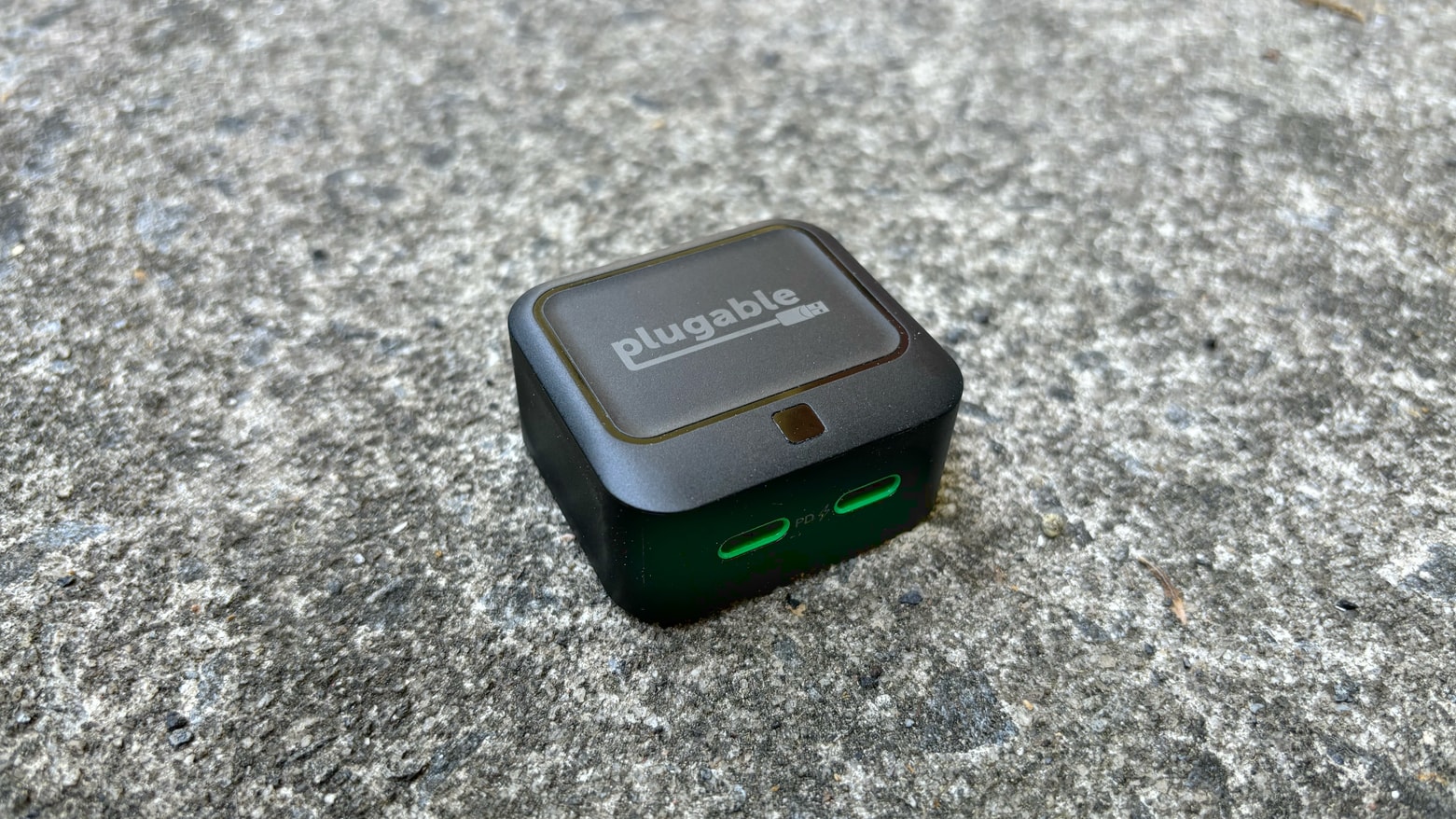
Plugable 40W Dual USB-C Charger: Powerful enough to be useful, small enough to go anywhere Photo: Ed Hardy/Cult of Mac
Happily, powerful USB chargers keep getting smaller. The new Plugable 40W Dual USB-C Charger is the most portable one I’ve ever used, but it still puts out enough juice to keep a MacBook, iPad and/or iPhone going.
I went hands-on to test the capabilities of this affordable accessory.
★★★★☆
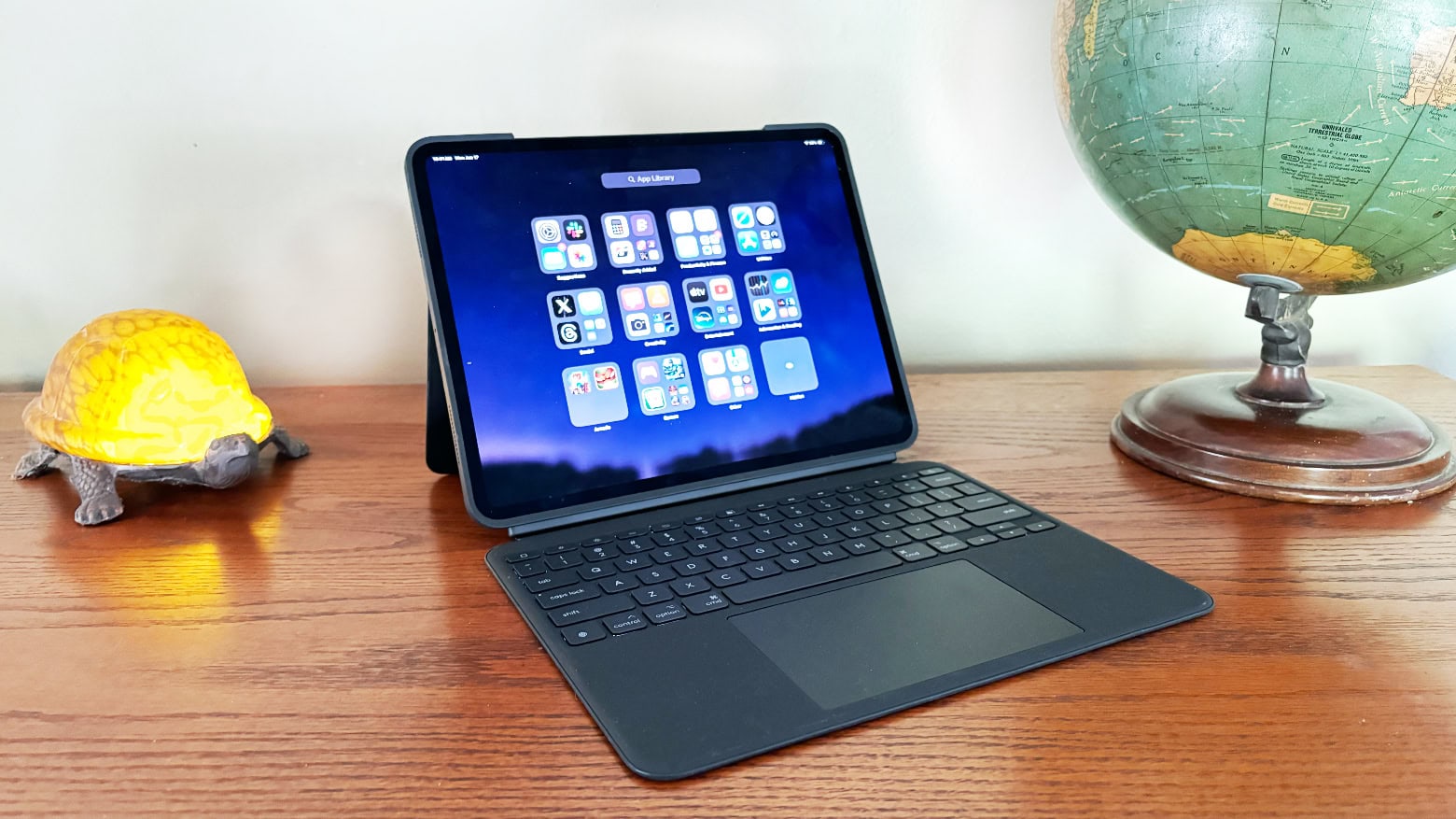
Logitech Combo Touch is one of the best M4 iPad Pro keyboard cases available. Photo: Ed Hardy/Cult of Mac
Logitech’s Combo Touch keyboard case for the new M4 iPad Pro offers nearly everything Apple’s beloved Magic Keyboard case does. And the Logitech version includes features Apple’s does not.
I put both peripherals through hands-on testing. Here’s where the Combo Touch comes out ahead … and where it doesn’t.
Your iPhone may run iOS 18, but may not get all the latest features. Image: D. Griffin Jones/Cult of Mac
iOS 18, iPadOS 18, macOS Sequoia and watchOS 11 bring exciting new features, but some of them might not arrive on older iPhones, iPads and Apple Watches, even if you can run the new software. Which features won’t older devices get? We rounded up everything we can find that won’t make it to aging gear.
Hands-on with iOS 18’s top new features. Image: Apple
After spending a few days trying out all the new features in iOS 18, I think it really is one of the biggest updates in a long time. However, hands-on testing shows there’s a lot that needs cleaned up before September, when it’s expected to ship.
The new customizable iPhone Home Screen opens a wide world of possibilities — but you’ll have to wait for third-party apps to update their icons to really make it sing. I’m impressed with the level of customization in Control Center, too, though it’s understandably pretty buggy in this first developer beta. The new Photos app is proving controversial, and I think there are some obvious areas it could be improved, but I like where it’s going overall.
I think there’s a lot to look forward to in iOS 18.
iPadOS 18 includes the Calculator app that iPad deserves. Photo: Apple
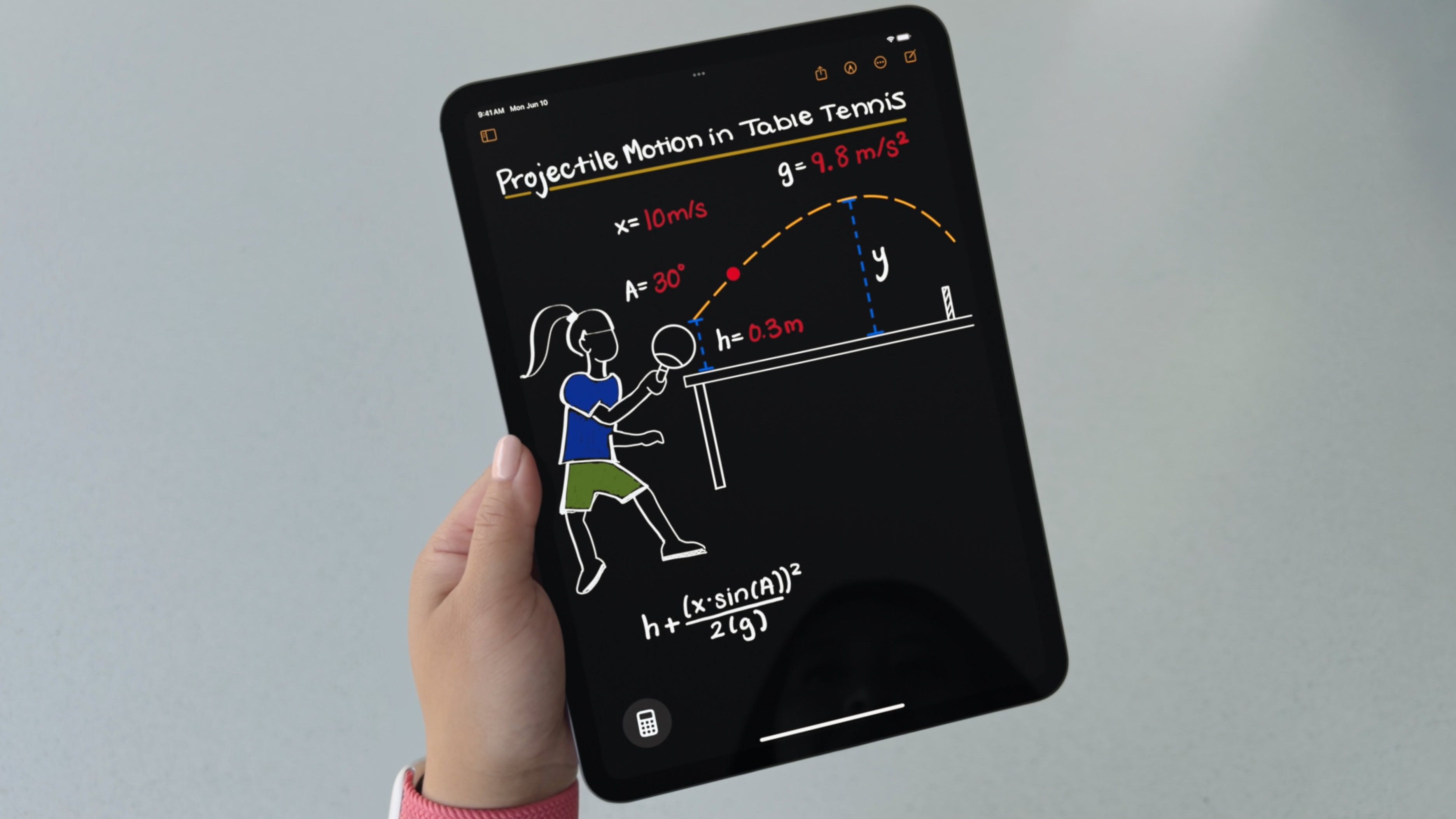
iPad never before included a built-in Calculator app because there wasn’t one Steve Jobs felt was worthy of a tablet. That all changes with iPadOS 18, which boasts a new Apple Calculator app that you can write into with Apple Pencil.
★★★★☆
Journey's LOC8 MagSafe iPhone wallet and stand is stylish and Find My-friendly. Photo: David Snow/Cult of Mac
Losing a wallet and all its contents can be a major drag. But rather than taking up precious space by inserting a tracking card, why not make the whole wallet a tracker? Enter your replacement wallet, Journey’s stylish LOC8 MagSafe Finder Wallet and Stand. And, oh yeah, did I mention it’s not just a magnetic iPhone wallet, it’s an iPhone stand? Yep. And it works beautifully with Find My, just like an AirTag or an Apple device you’d hate to lose.
And better yet, you can take 20% off the regular price of LOC8 through Father’s Day at Journey or Best Buy. See below.
Smart Script can make your handwriting easier to read, while staying your handwriting. Photo: Apple
Apple’s Notes app in iPadOS 18 includes a new feature called Smart Script that allows users to handwrite text and then have it smoothed and straightened in real time. It promises to make text scrawled on the tablet with an Apple Pencil more readable and aesthetically pleasing.
I tested Smart Script on my iPad Pro with Apple Pencil. It’s not doing exactly what you might think — let me explain.
Find your way around the store faster by converting your Reminders list into a grocery list. Image: D. Griffin Jones/Cult of Mac
In iOS 17, you can use Apple’s Reminders app as a grocery list app on your iPhone. It automatically sorts items you add into common sections, which proves incredibly helpful when you go shopping. Just open the Reminders app, and you can easily see if you’ve got everything you need as you’re making your way through the store.
I’ll show you how to use it, including how to share your Reminders app grocery list with someone else so you can both add items and check them off the same list.
Apple Intelligence: "AI for the rest of us." Photo: Apple
Judging by the reaction to Tim Cook’s post on X about Apple Intelligence, the internet is not ready for Siri integrated with ChatGPT. After Monday’s WWDC24 keynote, the Apple CEO posted a link to X about the new AI capabilities coming to Apple devices.
Immediately, dozens of critics — including Elon Musk — piled on. They slammed Apple for working with ChatGPT, which the vast majority of the commenters don’t trust.
“You’ve just ensured that no member of my family will EVER buy another Apple product,” wrote one. “Enjoy your spyfest!”
However, the hailstorm of surprisingly vitriolic and emotional comments seems based on a basic misunderstanding of how Apple Intelligence will work. As privacy-focused as ever, Apple put tons of work into making sure Apple Intelligence will keep your data secure, even from the prying eyes of AI companies it works with.
Watch the event in just 1.4% of the time. Image: Apple
During its WWDC24 keynote Monday, Apple laid out dramatic new software updates coming to iPhone, iPad, Mac, Apple Watch and Vision Pro — and the awesome Apple Intelligence features that will power them all.
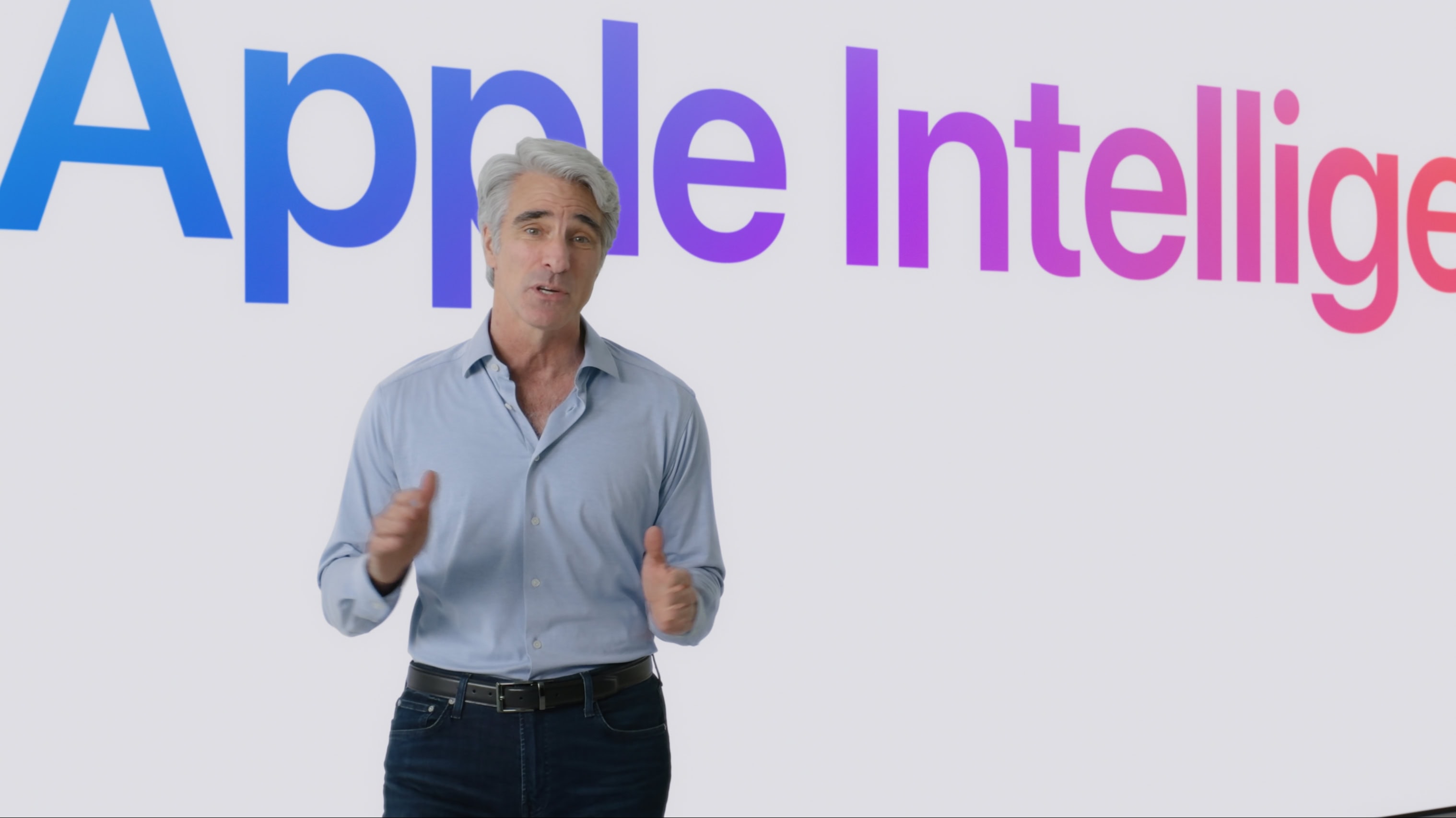
Apple software chief Craig Federighi introduces Apple Intelligence, the company's approach to adding AI to its devices, during the WWDC24 keynote. Photo: Apple
Apple unveiled its bold plan to weave artificial intelligence into its devices Monday, focusing on how the company plans to make AI personal. The new AI-powered features, which will launch in beta later this year under the umbrella term of “Apple Intelligence,” will follow Apple’s unique approach to computing.
“At Apple, it’s always been our goal to design powerful personal products that enrich people’s lives by enabling them to do the things that matter most as simply and easily as possible,” said Apple CEO Tim Cook as he took the wraps off Apple Intelligence during the WWDC24 keynote. “We’ve been using artificial intelligence and machine learning for years to help us further that goal. Recent developments in generative intelligence and large language models offer powerful capabilities that provide the opportunity to take the experience of using Apple products to new heights.”
And the next Mac operating system is ... macOS Sequoia! Photo: Apple
macOS Sequoia brings the “incredible features” of iOS 18 and iPadOS 18 to your Mac. This includes improvements to the Messages app, Math Notes and more.
Craig Federighi, the Apple software VP who unveiled macOS Sequoia during Monday’s WWDC24 keynote, said the new Mac operating system “introduces even more features to help you effortlessly get things done.”
Here’s what I want to see from WWDC. Image: Arne Müseler/Wikimedia Commons/Apple
Apple reportedly will focus heavily on AI when it announces the next major versions of all its operating systems Monday at WWDC24. Everyone expects an upgraded Siri, summaries that’ll catch you up on a flurry of notifications, image editing that can cut out parts of a picture and the like. But none of that is on my WWDC wish list.
Personally, I’m not convinced that Apple needs to go all-in on AI (or “Apple Intelligence,” as it reportedly will be called). I’d rather see fundamental fixes and long-missing features finally added. Plus, I find Apple’s rumored partnership with OpenAI, of all companies, pretty troubling.
Here’s my WWDC24 wish list of everything I hope Cupertino has been cooking up. Read the full list below or sit back and watch the video.