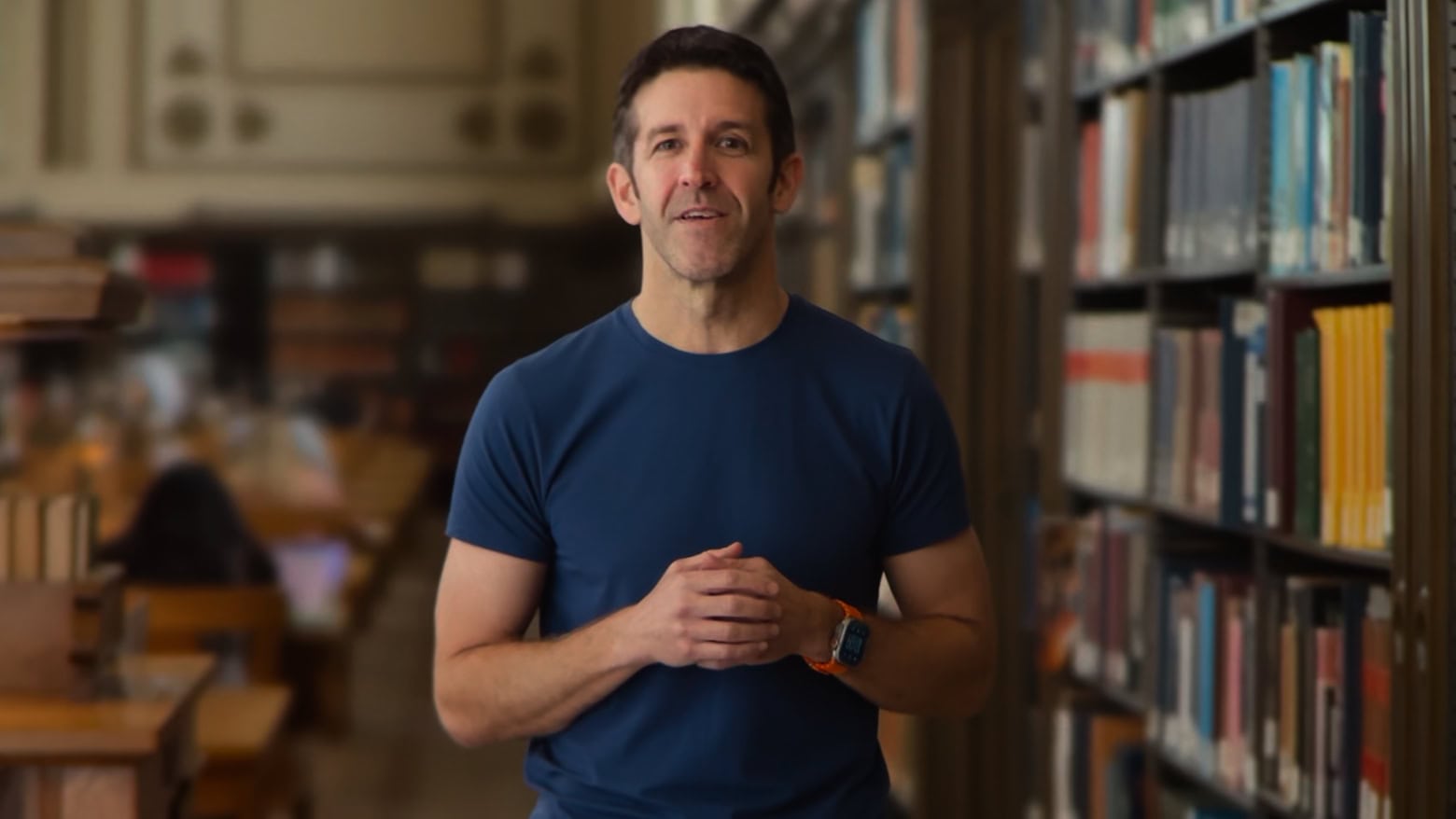
This might be Apple's next CEO. Does he have what it takes? Screenshot: Apple
John Ternus, Apple’s senior vice president of hardware engineering, reportedly sits at the top of the list to step into Tim Cook’s shoes when the current Apple CEO steps down.
But the real question is, does Ternus have what it takes to fill a role that Steve Jobs once did so brilliantly?
Apple gives the world its first look at the Apple Pencil Pro. Photo: Apple
Apple introduced a new third-generation “pro” Apple Pencil at its “Let Loose” iPad event Tuesday alongside new iPad Pro and iPad Air models. The first Apple Pencil Pro brings a new “squeeze” gesture, an internal gyroscope, haptic feedback and Find My support, making it the most capable iPad stylus yet.
Available to order today for $129 — the same price as the second-generation Apple Pencil — the Apple Pencil Pro gains features normally found on styluses for dedicated drawing tablets, like a new “squeeze” gesture and a “Barrel Roll” gyroscope for precise tool controls.
“The new features in Apple Pencil Pro are simply revolutionary,” said John Ternus, Apple’s senior vice president of hardware engineering, in the introductory “Let Loose” video. “And we’re also excited that Apple Pencil Pro works with the new iPad Air as well, giving air users yet another pro feature to push their creativity.”
2024 iPad Pro breaks ground with OLED screen and Apple M4 processor. Photo: Apple/Cult of Mac
Apple just took the wraps off the 2024 iPad Pro, the first with an OLED screen rather than a traditional LCD. If that wasn’t enough, a brand-new Apple M4 processor powers the tablet, which Cupertino says is the “thinnest Apple product ever.”
“We’ve always envisioned iPad as a magical sheet of glass,” said John Ternus, Apple’s senior vice president of hardware engineering, during Tuesday’s prerecorded “Let Loose” event. “And with this new design, that vision is brought to life more than ever.”
Apple's product launch event might be about more than iPad. Image: Apple/Cult of Mac
Gorgeous new iPad Pro and iPad Air models are expected to be the highlights of Apple’s “Let Loose” product event on May 7. Tablet accessories are on the agenda, too.
But there also could be big news for those who don’t use an iPad. Apple might surprise us with the M4 processor, a first glimpse at upcoming AI features, and maybe even a Mac Studio upgrade. Plus more.
The future looks bright if you're wearing Tim Cook's shades. Photo: Keming Tan/Unsplash License/Modified by Cult of Mac
Apple saw its revenue drop 4% year over year in the first quarter, the company reported Thursday. But revenue and earnings dropped less than analysts had expected, setting off a surge in the share price.
In a conference call with investors and analysts after the financial results had been announced, CEO Tim Cook and CFO Luca Maestri talked about this being the quarter of the “challenging compare,” were upbeat about iPhone sales in China, bragged about the M3 MacBook Air, and fended off questions about the company’s AI plans.
From left, Mike Faist, Zendaya and Chris O'Connor star in the film, along with a very annoying iPhone alarm. Photo: Amazon MGM Studios
Tennis love-triangle movie Challengers looks like a contender so far in theaters, but one co-star is getting panned — the iPhone alarm on the sports drama’s soundtrack. Social media shows viewers and listeners saying they find it “triggering,” among other rants.
Maybe that’s not the sort of product placement Apple would prefer, but hey … all press is good press, right?
★★★☆☆
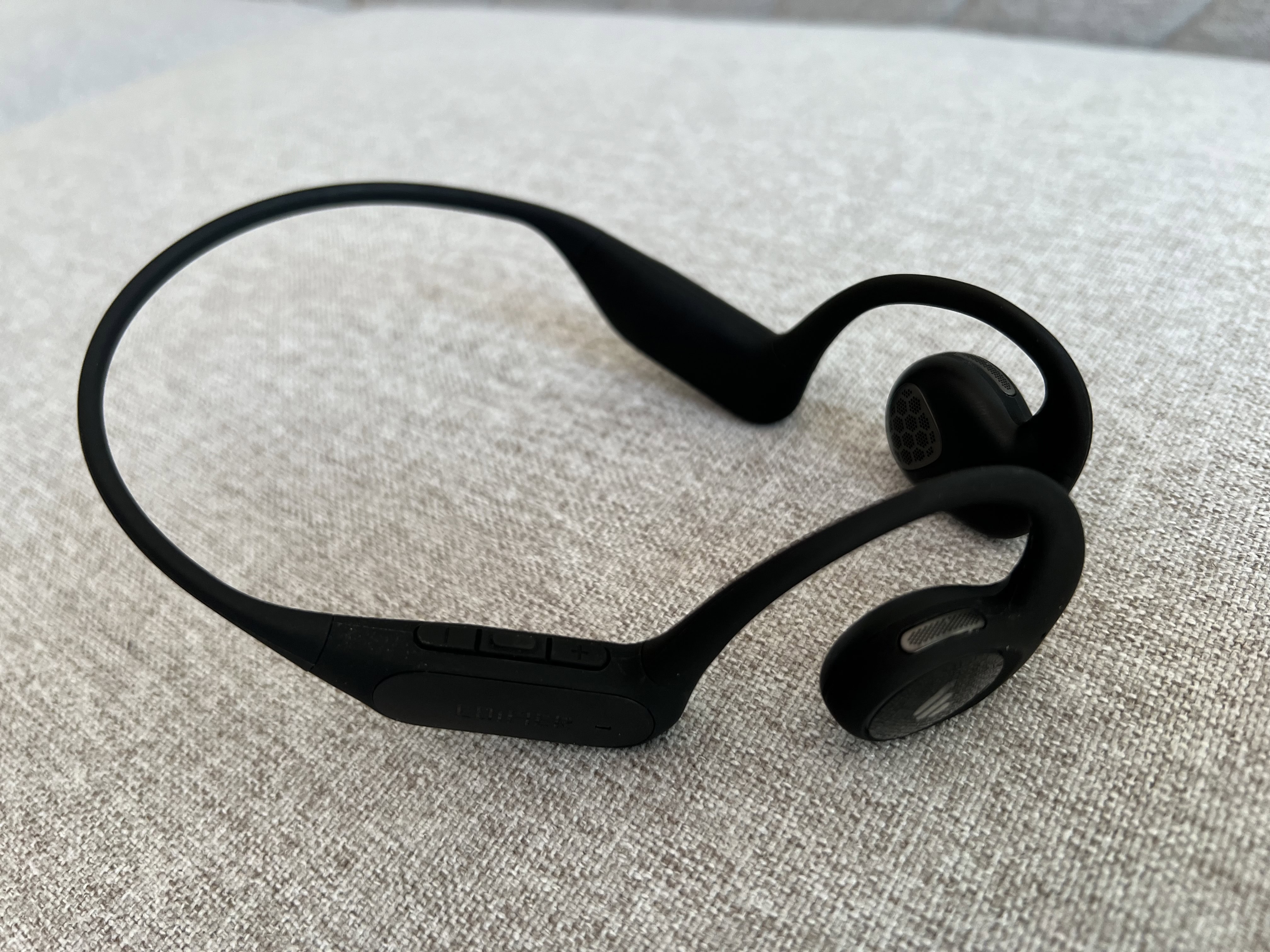
Edifier's sleek Comfo Run sports headphones don't enter your ear canal. Photo: David Snow/Cult of Mac
I’ve made no secret of my admiration for Edifier audio products in the past few years, but the streak couldn’t go on forever. But it’s not you, Edifier. It’s me, maybe. I blame my oversized head and clunky glasses for standing in the way of my affection for your sleek new Edifier Comfo Run sports headphones. I just couldn’t get the fit quite right for the best sound.
But I could see all sorts of athletes, and really anyone who prefers to keep earbuds and other objects out of their ear canals, loving these things. They work by air conduction.
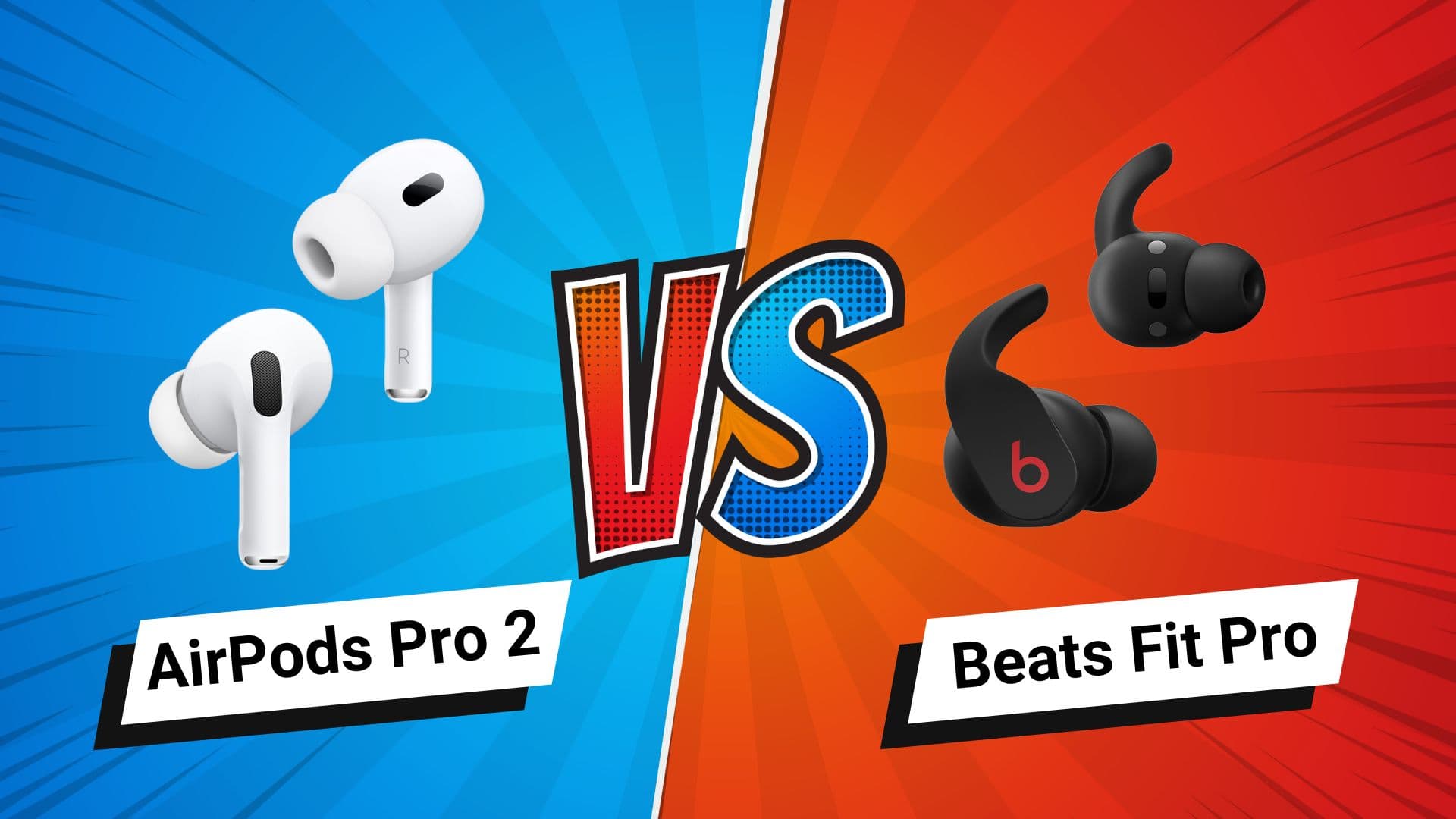
Which earbuds work better with your iPhone? Photo/Graphics: Apple/Rajesh
If you want new wireless earbuds for your iPhone, Apple’s own AirPods Pro 2 are likely your top choice. But Apple offers another pair of earbuds you might consider: Beats Fit Pro. In this Beats Fit Pro vs. AirPods Pro 2 buying guide, we’ll compare the features of these two premium noise-canceling earbuds from Apple.
Do the Beats earbuds provide the same features and sound quality as Apple’s flagship earbuds? Find out in this comparison.
★★★★☆
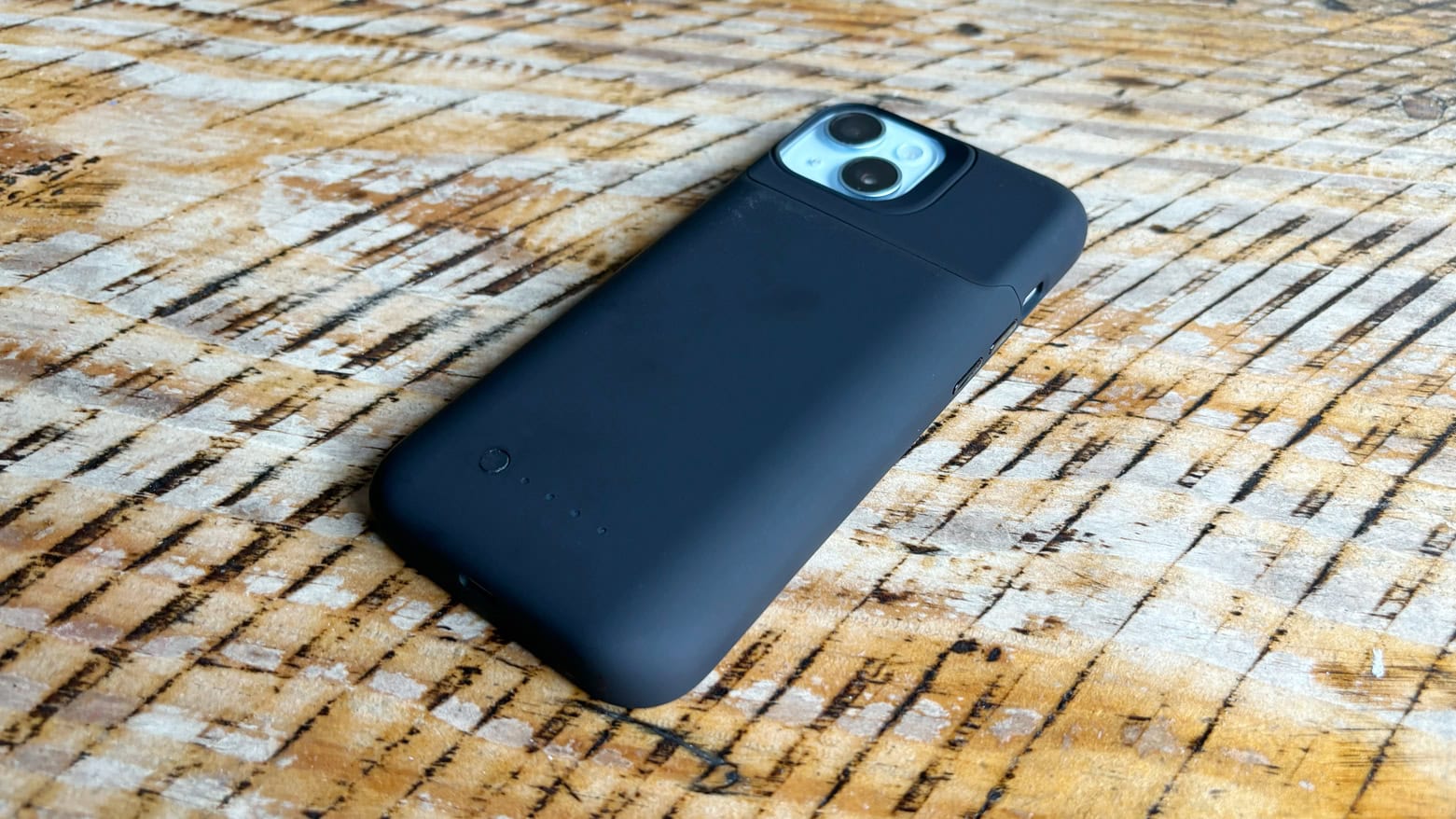
mophie juice pack is two useful iPhone 15 accessories in one. Photo: Ed Hardy/Cult of Mac
The new mophie juice pack for iPhone 15 combines a protective case with a power bank. Simply put your handset in the case to greatly extend your battery life and add 6 feet of drop protection.
I did real-world testing on the version specifically for the iPhone 15. (mophie also sells juice packs for the iPhone 15 Pro and Pro Max, but not iPhone 15 Plus.)
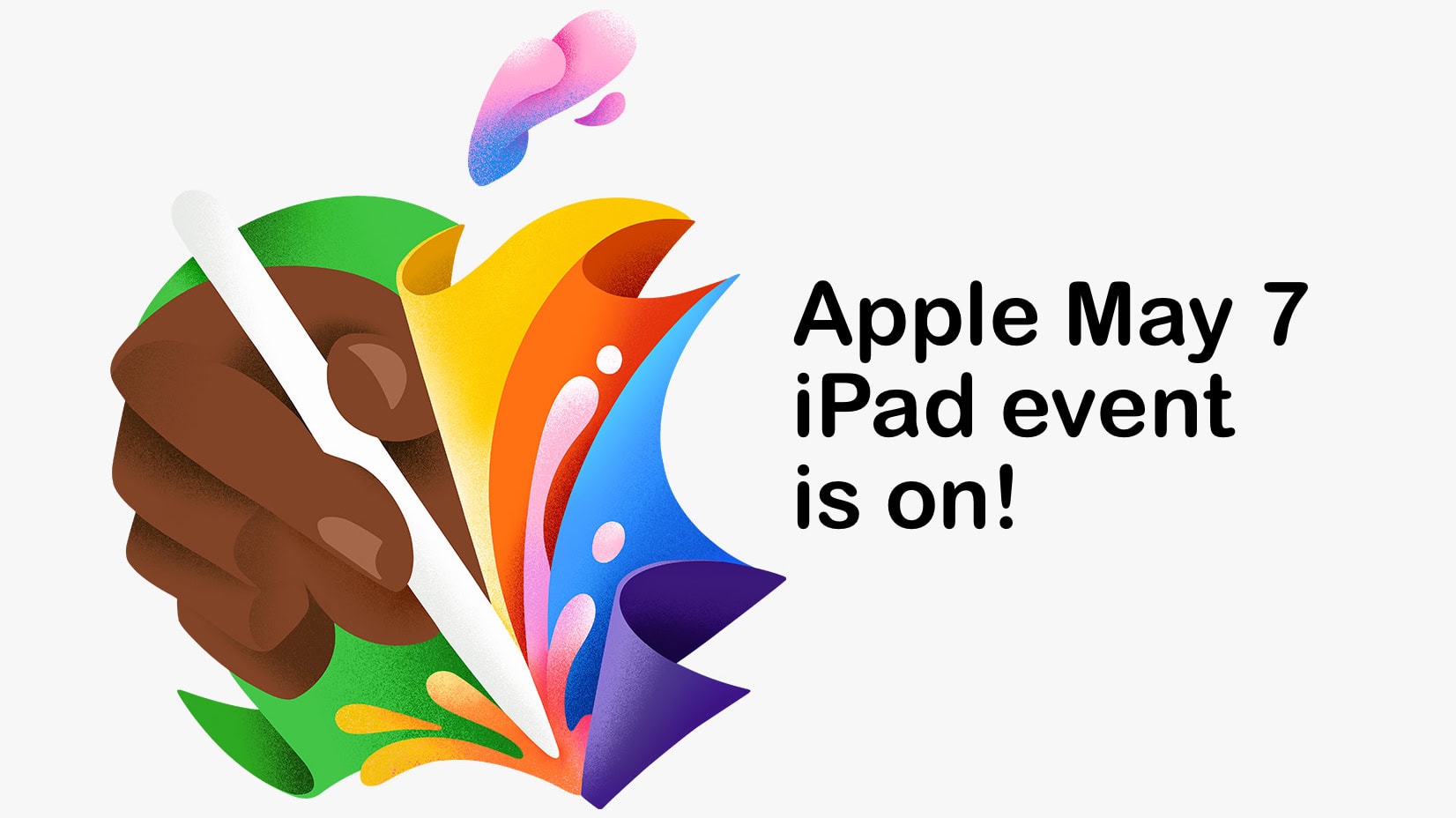
Apple's next product launch event will be May 7. iPads are finally coming! Image: Apple/Cult of Mac
Apple just invited the world to a May 7 product-launch event with the theme “Let Loose.” As an Apple Pencil is prominently included in the invitation’s image, there’s no doubt that two much-rumored new iPad models are on the agenda.
What is surprising is that there’ll be an event to announce the products, not simply a press release.
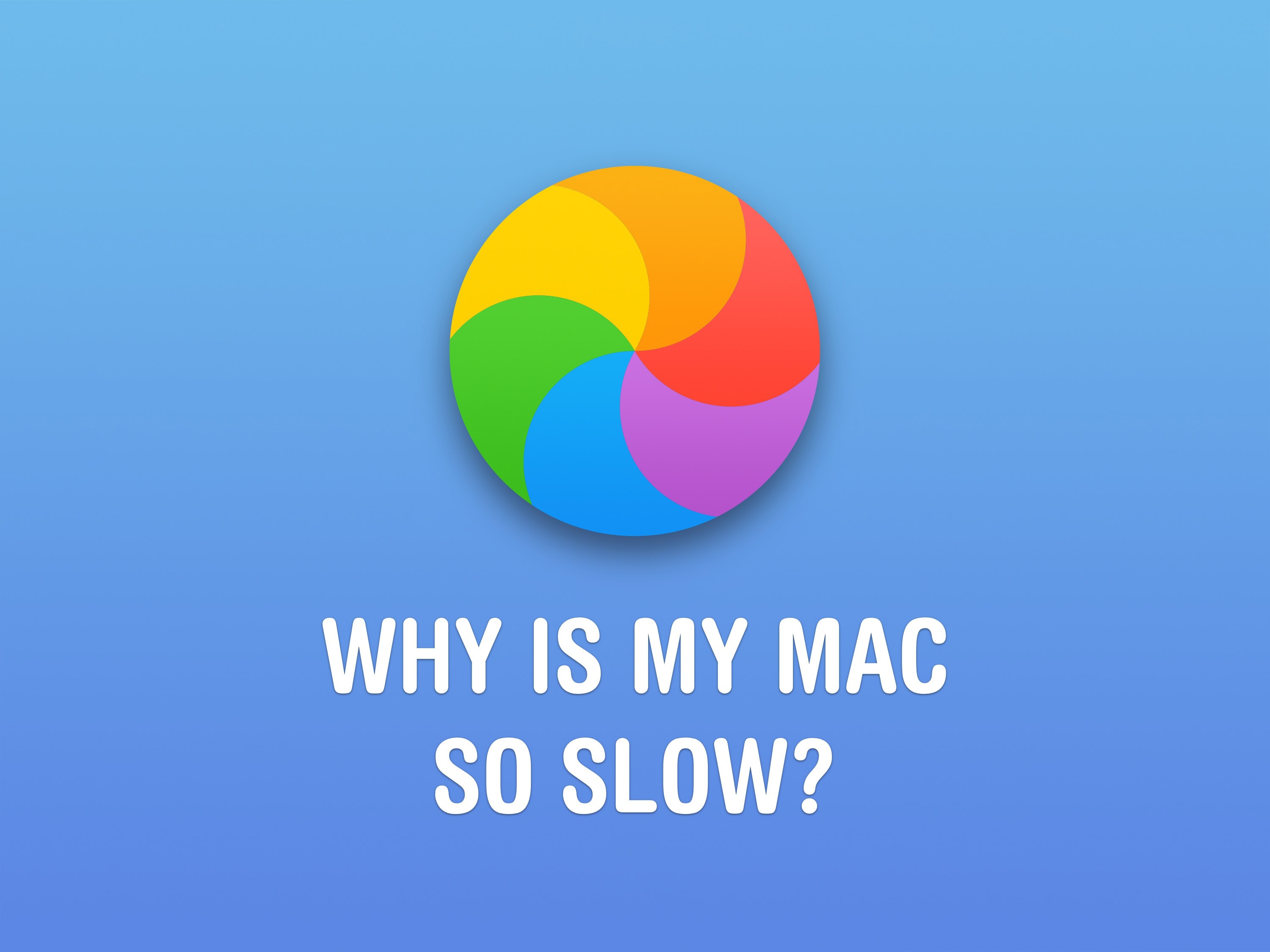
Are you seeing the spinning beachball a lot? Image: D. Griffin Jones/Cult of Mac
If your Mac is running slow, there are a few things you can do to speed it up and better understand what’s slowing it down.
It’s not just that your Mac is old — although that is an important factor. It could be that you don’t have enough memory, especially if you like to use Google Chrome. You may have a bunch of apps running in the background. There also might be dust in the vents, keeping your Mac from running nice and cool.
★★★★☆
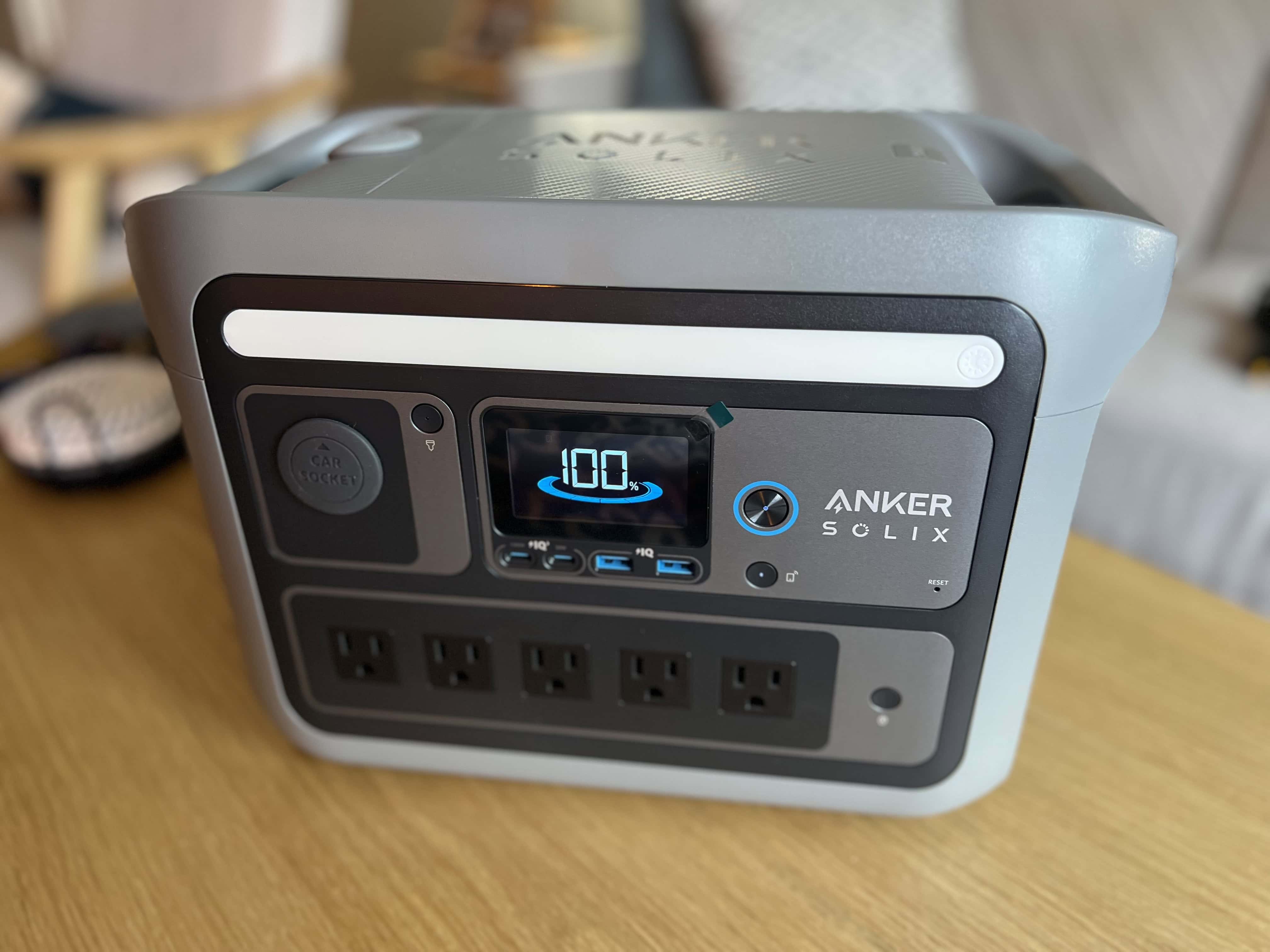
As a condo owner, I don't need more than Anker Solix C800 Plus (now called X) to keep the place going in a power outage. Photo: David Snow/Cult of Mac
The Anker Solix c800 Plus Portable Power Station is a capable and versatile portable power station that can get you through a power outage or let you live like a king on a camping trip.
With a stout 768Wh lithium-ion battery, the device packs a punch. It allowed me to charge multiple devices simultaneously and power various appliances in a simulated blackout. Now I’m just waiting for the power to go out for real, or for someone to invite me camping.
★★★★☆
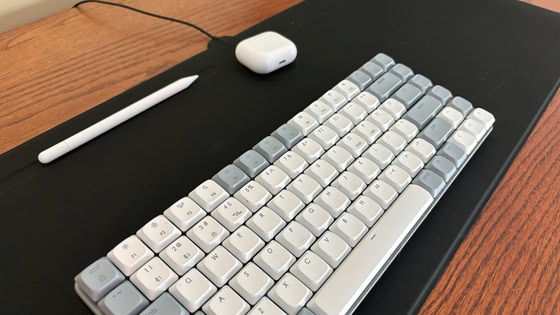
Zagg's new desk mat is also a wireless charger and a mousepad. Photo: Ed Hardy/Cult of Mac
The Zagg Desk Mat with Wireless Charging keeps your iPhone and other gear juiced up while also acting as a nonslip workspace, mousepad and stylus holder.
I put one in my home office and tested it with my iPhone and other accessories. Here’s how it went.
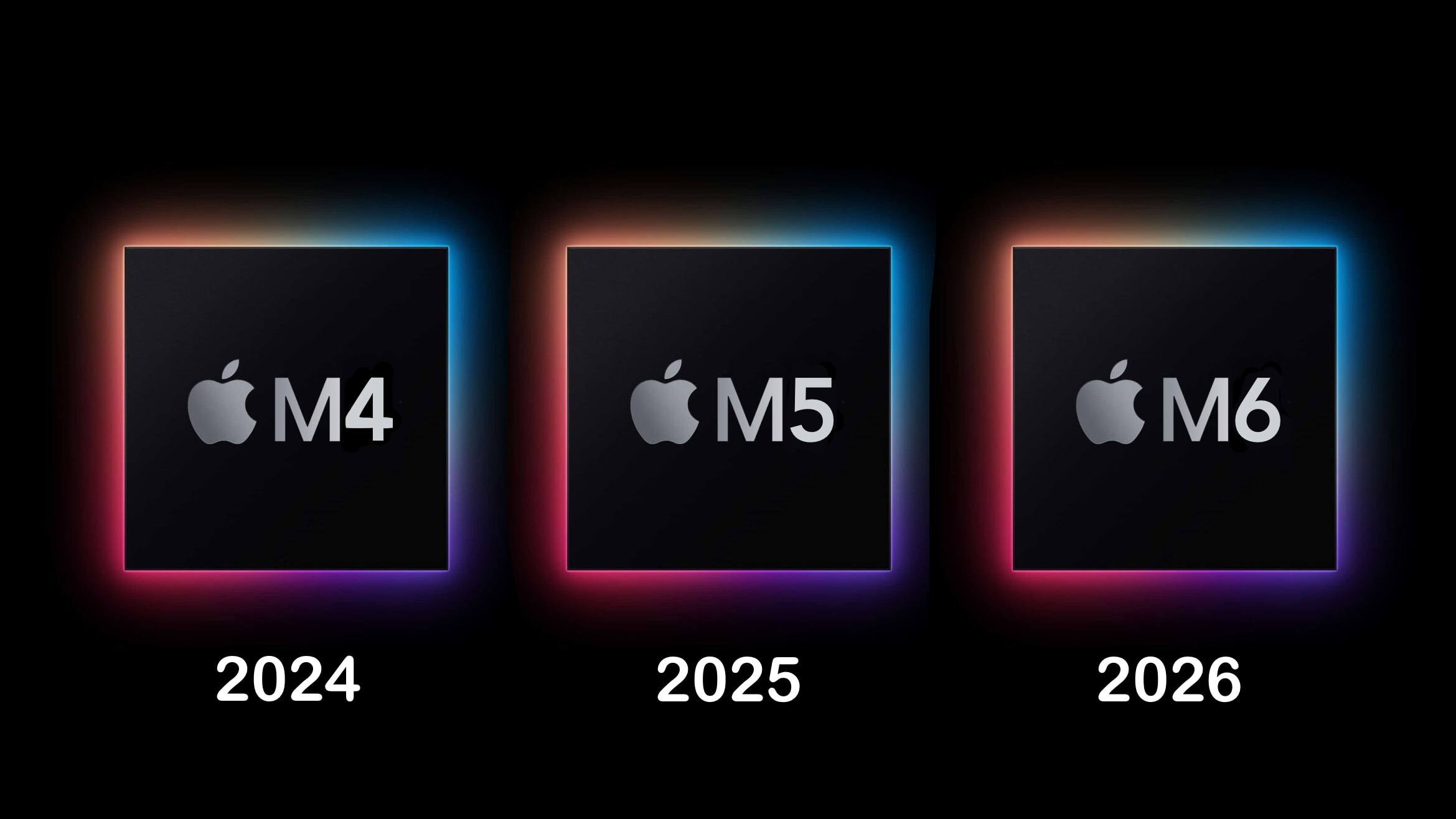
New M-series processors should start arriving like clockwork. Photo: Ed Hardy/Cult of Mac
A recent report that the Apple M4 Mac processor will launch this fall — only a year after the debut of the M3 — met with some surprise and skepticism. But it shouldn’t have — Apple’s goal to refresh the chip line every year is ambitious but achievable.
Just because Intel can’t bring out new generations of its processors annually doesn’t mean Apple and TSMC can’t.
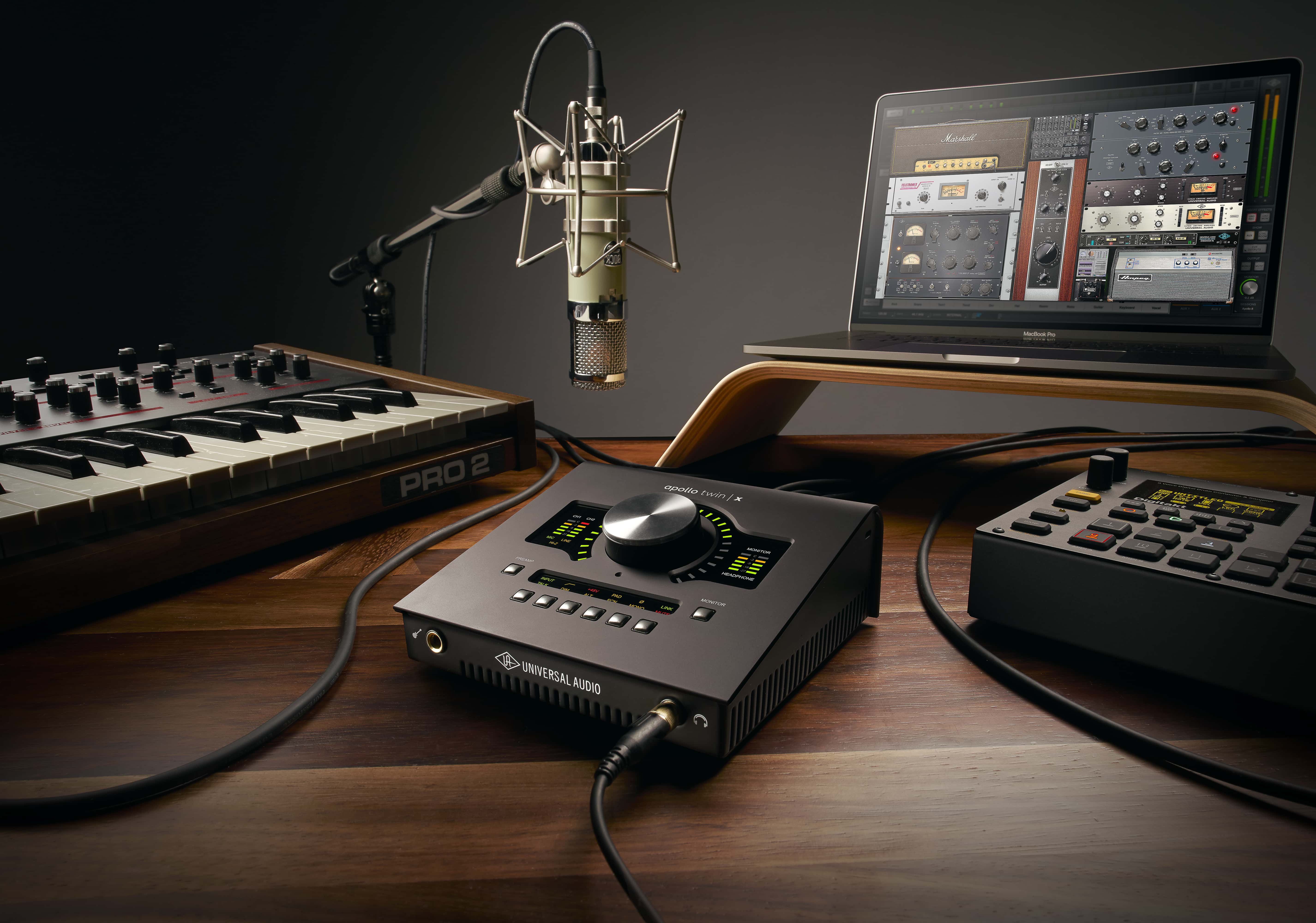
Our top pick for best audio interface for Mac is Universal Audio's Apollo Twin X Quad. Photo: Universal Audio
An audio interface serves as a bridge between your Mac and external audio sources like microphones and musical instruments. The hardware is essential for great sound reproduction, whether you’re a professional producer or a beginner. So finding the best audio interface for your Mac can significantly enhance your recording and mixing experience.
In this guide, we’ll explore top audio interfaces available for Mac, including several affordable options. We’ll discuss their features, performance, compatibility and price points to help you make an informed decision.
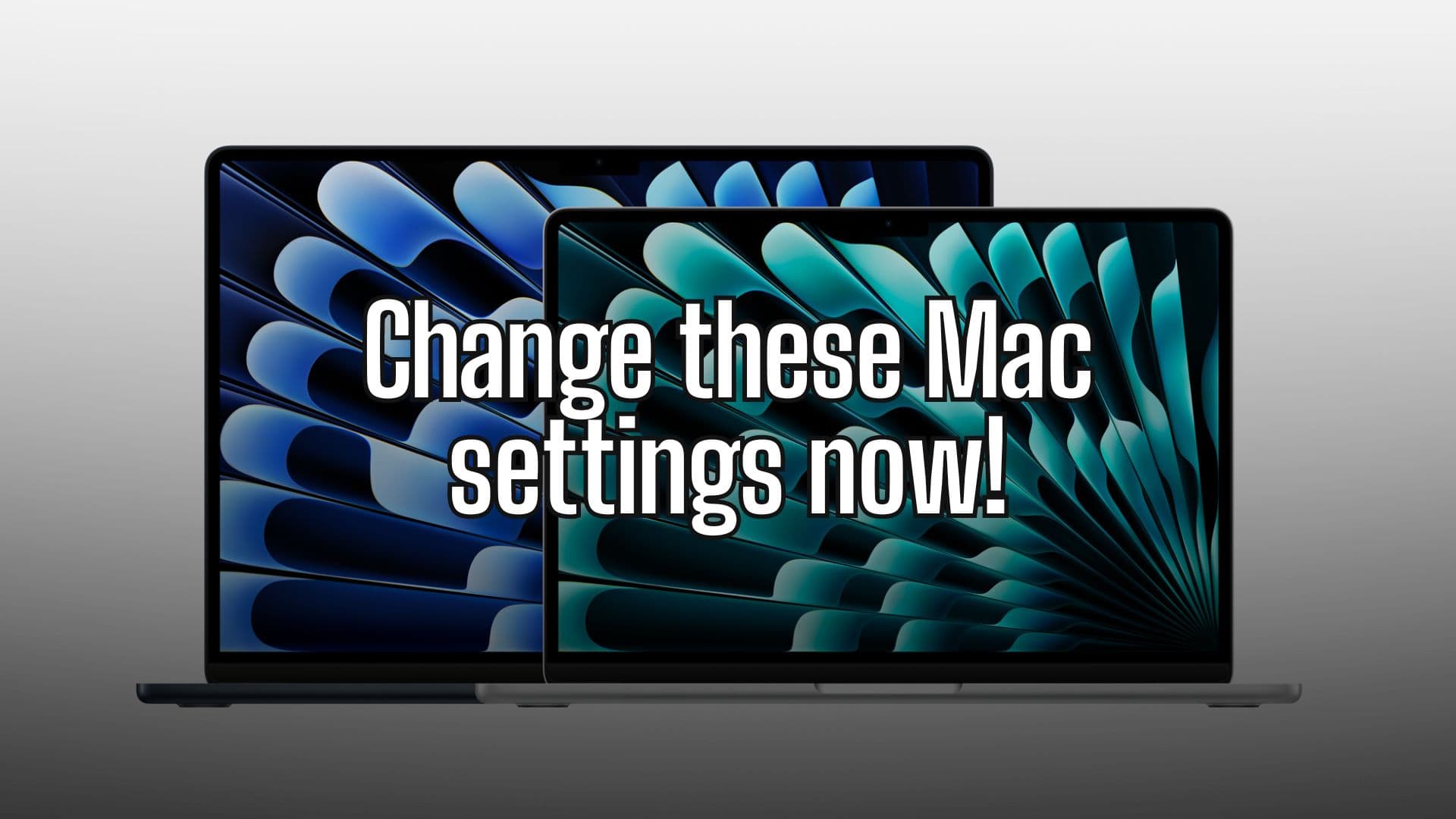
Change these settings on your Mac now Photo/Graphics: Apple/Rajesh
Setting up a new Mac is an experience in itself. But once you finish your initial setup, you should change these Mac system settings for a better experience. These five easy tweaks to default Mac system preferences will speed up your workflow and save you time.
Irrespective of whether you are a new or long-time Mac user, below are five settings to change on your Mac. Keep reading or watch our latest video.
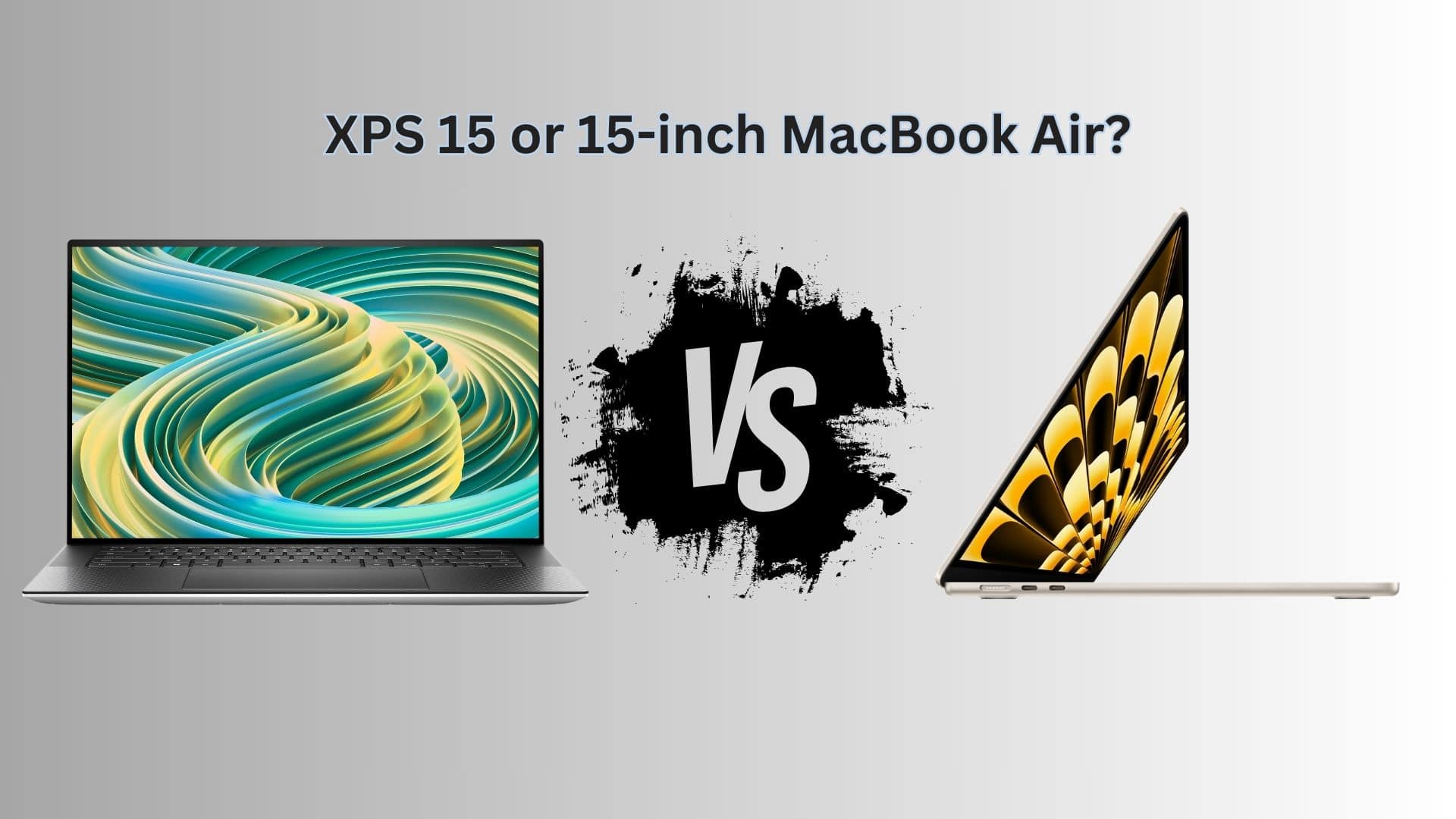
It's the battle of the 15-inch laptops. Photo/Graphics: Dell/Apple/Rajesh
If you are in the market for a slim laptop, there are few options better than the 15-inch MacBook Air. But if you look beyond Apple’s ecosystem, there’s the Dell XPS 15. It packs a slim and lightweight design and offers more value for money than the MacBook. So, which 15-inch laptop wins the MacBook Air vs. Dell XPS 15 smackdown?
Find out in this buying guide, which compares the two laptops on their designs, displays, performance, ports, battery lives and prices.
★★★★★
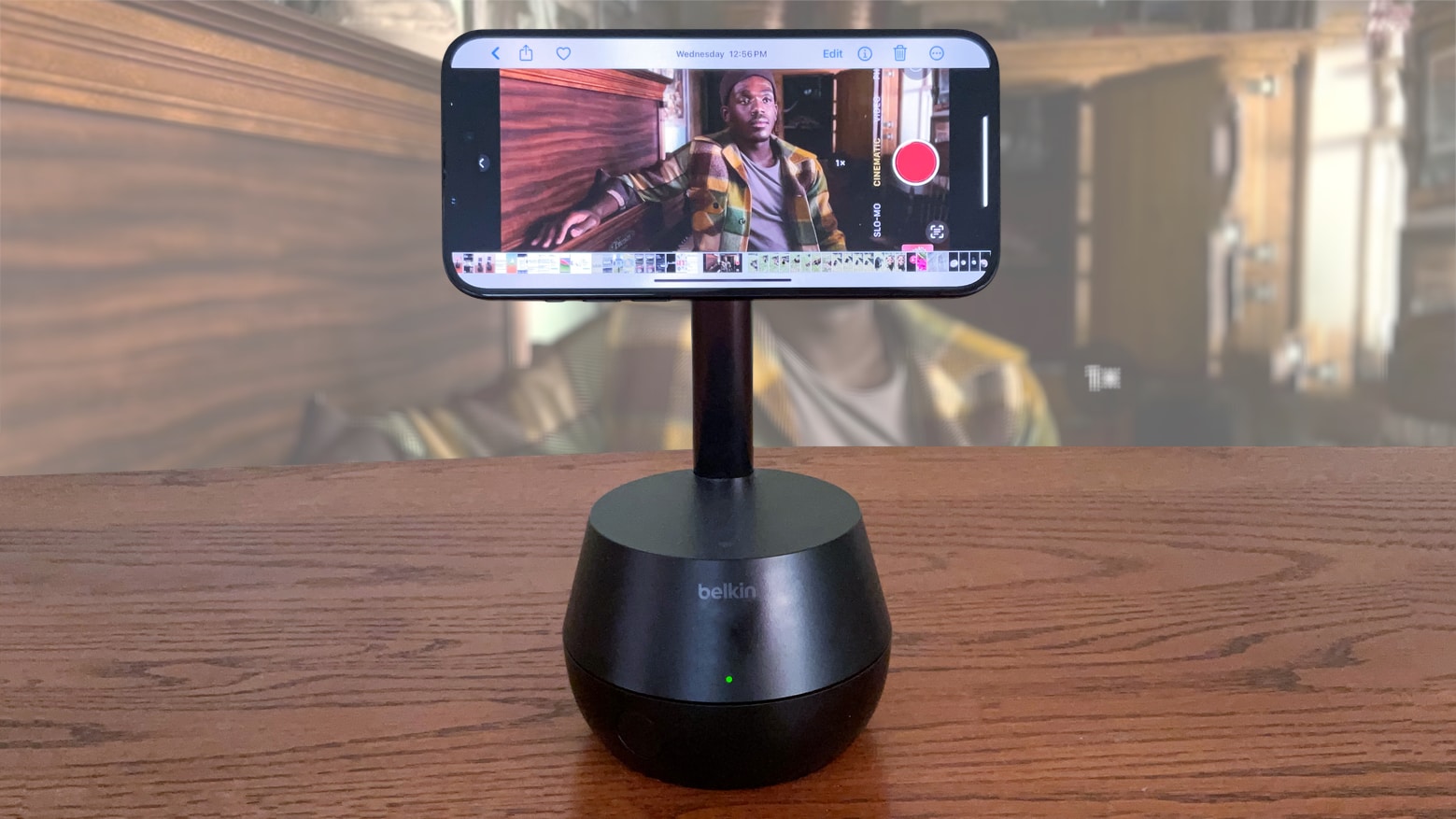
Enhance your video calls and content creation with the Belkin Auto-Tracking Stand Pro. Photo: Ed Hardy/Cult of Mac
The Belkin Auto-Tracking Stand Pro can hold up an iPhone, rotate and tilt to keep the camera focused on the user during video calls. It’s wish fulfillment for every TikTok or YouTube creator working alone. The same goes for anyone who’s frequently in video conferences.
I went hands on with the accessory and my iPhone 15. And wow, this thing is impressive.
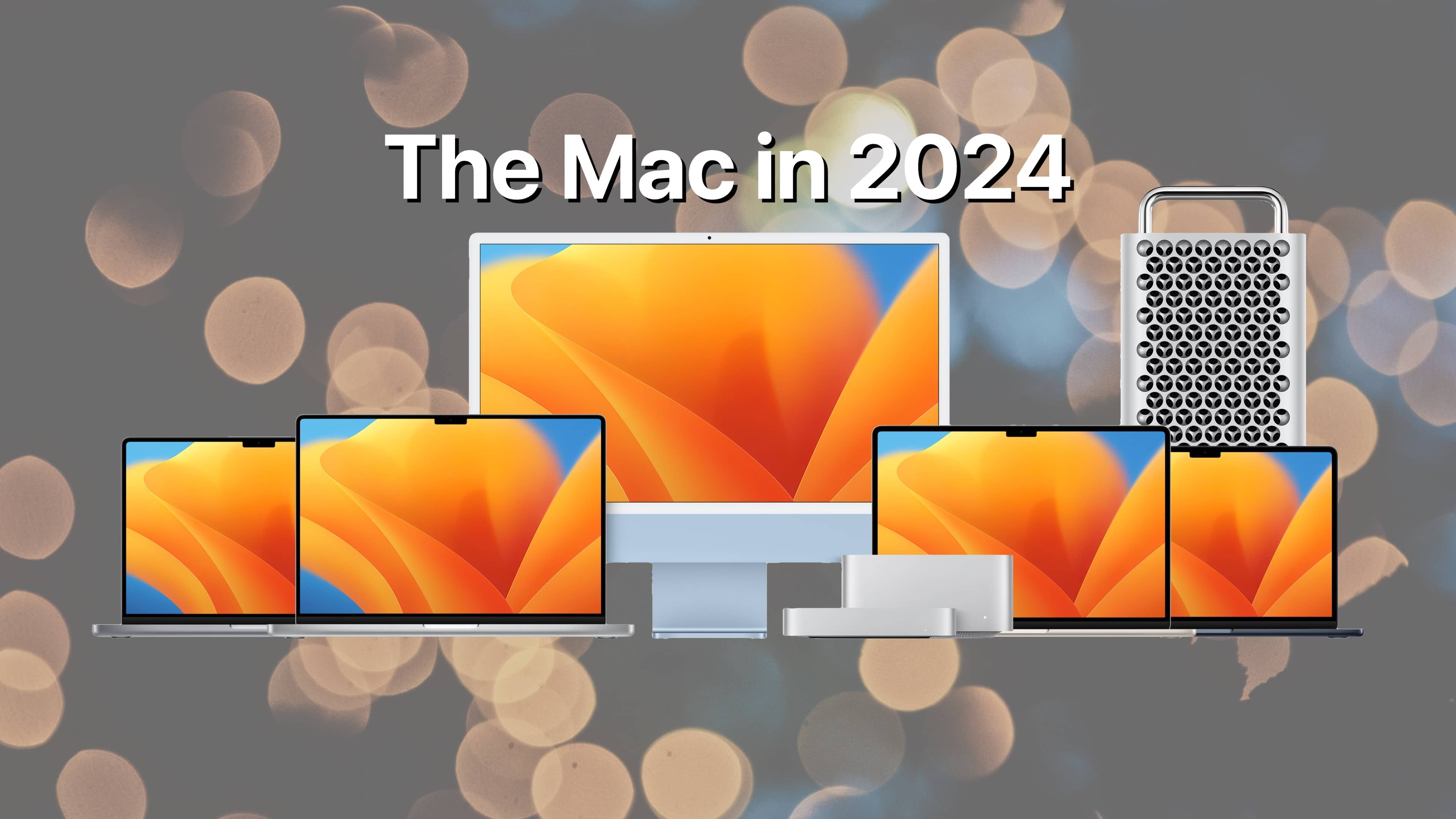
2024 will bring lots of M3-based Mac desktops, and maybe an M4 MacBook. Image: Apple/D. Griffin Jones/Cult of Mac
After Apple’s thunderous launch of the M3, M3 Pro and M3 Max chips a few months ago, these chips likely will roll out as spec bumps in the MacStudio, Mac Pro, and Mac mini later this year. Additionally, Apple enthusiasts are eager to see how them3 ultra chip will further enhance Mac performance in upcoming releases.
An M4 MacBook Pro remains a possibility for this fall. (I suspect M4 will be the first “must-have” Mac upgrade for anyone still on an M1-series chip.)
There's an AirTag hidden in there somewhere. Photo: Device Therapy
The Device Therapy Bike Mount & Reflector gives you a place to hide an Apple AirTag tracker. With this combination, you can (hopefully) track the location of your bike if it gets stolen because millions of iPhones around the world can report the location of your lost item.
Here’s how to take the best solar eclipse photos with an iPhone. Photo: Good Free Photos/Unsplash License/Cult of Mac
There are lots of questions about how to take solar eclipse photos with your iPhone. Firstly, can a solar eclipse harm your iPhone’s camera or lenses? Won’t the sun’s rays damage the camera?
Not according to Apple. Cupertino says it’s safe to photograph a total solar eclipse with your iPhone; but be sure to protect your eyes.
However, photographing the solar eclipse is hard without the right tools. To get a good picture of the solar eclipse with your iPhone, you’re going to need a 12-18x telephoto lens attachment, a solar filter and a tripod. Make sure you have everything you need before the big event on Monday.
★★★★☆
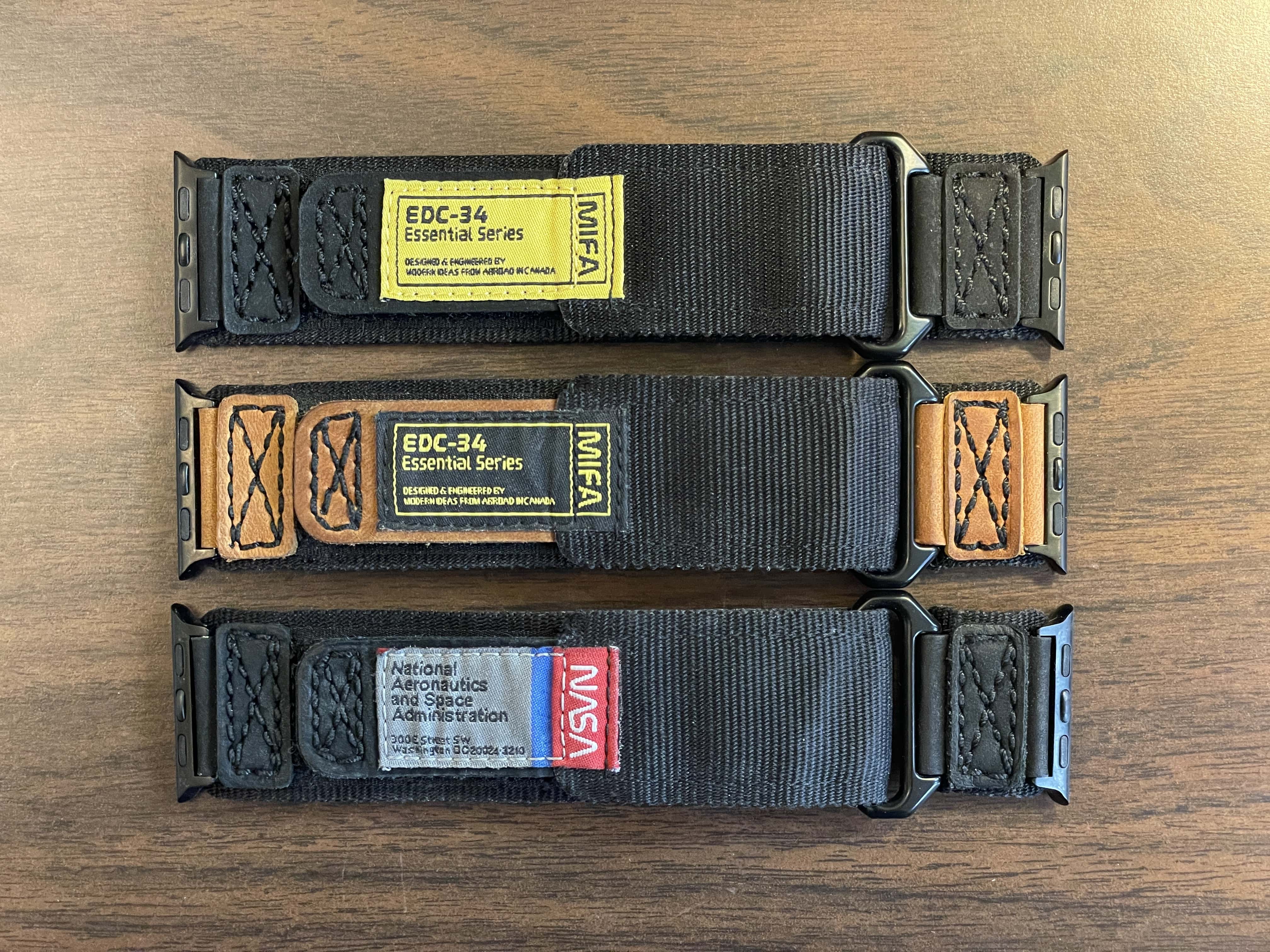
The same high-quality velcro Apple Watch band comes in these three variants. (A new green model comes with a different NASA logo.) Photo: D. Griffin Jones/Cult of Mac
If you’re looking for a hardy velcro EDC watch band for your Apple Watch, Mifa has you covered. Mifa’s Nylon Sports Leather Apple Watch Band is sturdy, the velcro is strong and the stitched leather is high-quality.
It’s a nice band for daily wear.
It comes in five different styles. The gray-on-black NASA-inspired design is my favorite. Two other designs in brown and black emphasize “EDC-34 Essential Series” with the Mifa name. And two new versions (in green and orange) sport NASA’s classic “meatball” insignia.
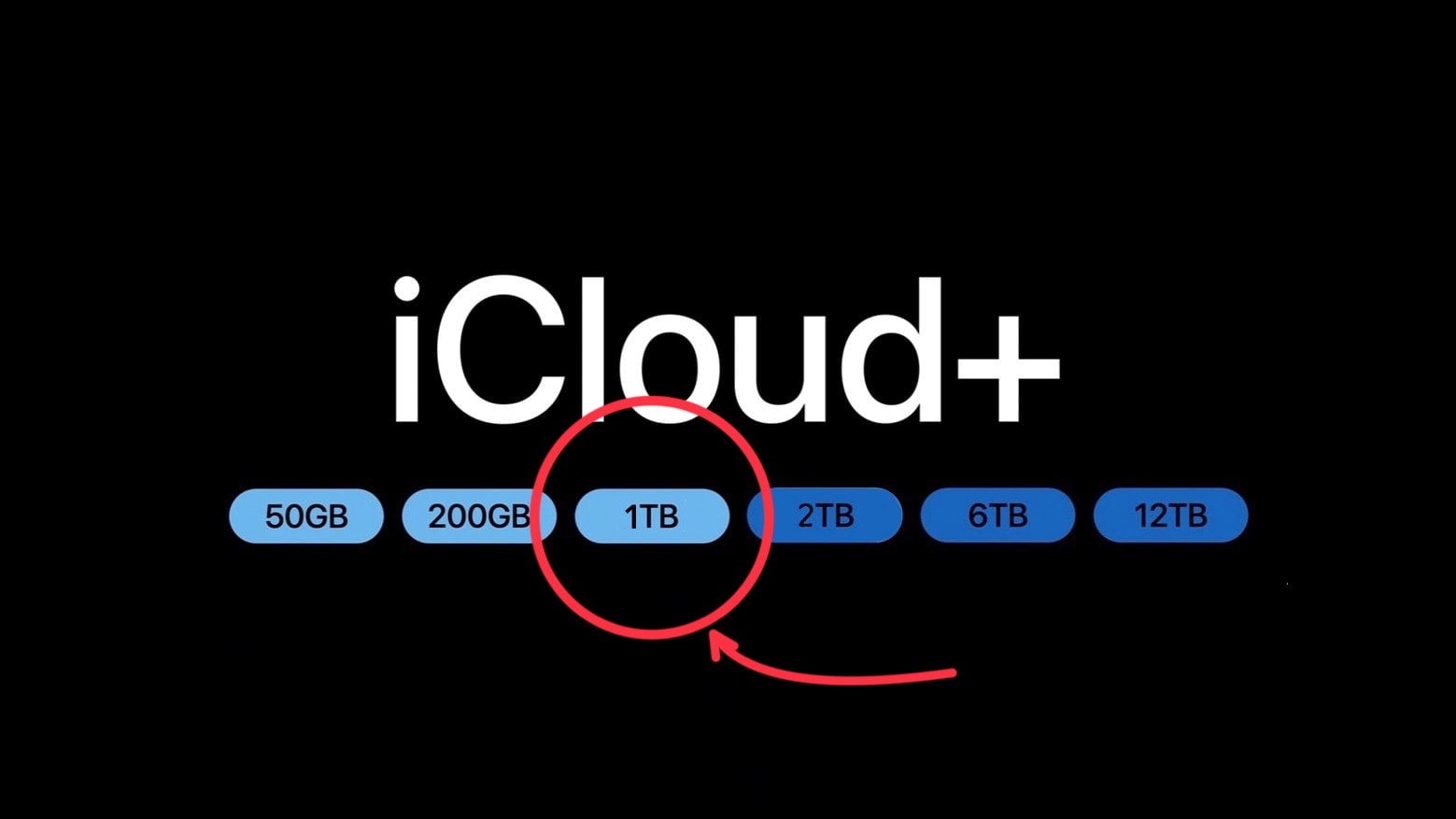
Adding a 1TB iCloud storage plan makes so much sense. Photo: Apple/Cult of Mac
Apple offers iCloud plans for iPhone and Mac users who need a bit of extra storage capacity, and other plans for those who want a huge amount. But there’s a noticeable gap in the middle the company should really fill.
The lack of a 1TB iCloud+ storage plan is painfully evident. Adding it would be a boon to many users, and to Apple, too.
Today is World Backup Day — a fine opportunity to lobby for the additional tier.
Audiences are thrilled by Constellation on Apple TV+. Photo: Apple TV+
Apple TV+ pumped up its reputation as a hub for thought-provoking and visually stunning science fiction with Constellation, a series that’s part sci-fi, part horror and part family drama. The intricately plotted space thriller’s season finale airs Wednesday. And, as the season concludes, the show must clear a high bar to make the ending ring true.
After all, hit TV mysteries like Lost disappointed lots fans with their finales. And those same sci-fi fans (and their kids) are sick of being disappointed.
UPDATE: The show’s season finale is satisfying but does not “solve” the mysteries of space travelers’ fractured realities as much as it deepens them while inviting viewers, along with characters, to accept them. In some ways the show seems like a metaphor for mental illness as an unavoidable part of the human condition. The victim and their loved ones must accept what they cannot change so they can move on. And my Lysenko theory, below, turned out to be correct.
It's easy to customize your iPhone's look by adding widgets and removing app icons you don’t want to see. Image: Kristin Hardwick/Wikimedia Commons/D. Griffin Jones/Cult of Mac
Your iPhone doesn’t need to look like it came from 2012. You can easily swap out wallpapers and/or customize iPhone Home Screen layouts by adding widgets and folders (and by hiding unwanted apps from your view).
This guide will help set up your iPhone screen so it looks exactly how you want it to.