iOS 17.6.1 fixes a problem with Apple's Advanced Data Protection. Photo: Ed Hardy/Cult of Mac
Apple released iOS 17.6.1, iPadOS 17.6.1 and macOS Sonoma 14.6.1 on Wednesday. These are patches to fix a problem with Advanced Data Protection, a collection of tools to keep data and communications safe in the cloud.
While there are no new features, the updates are nevertheless important.
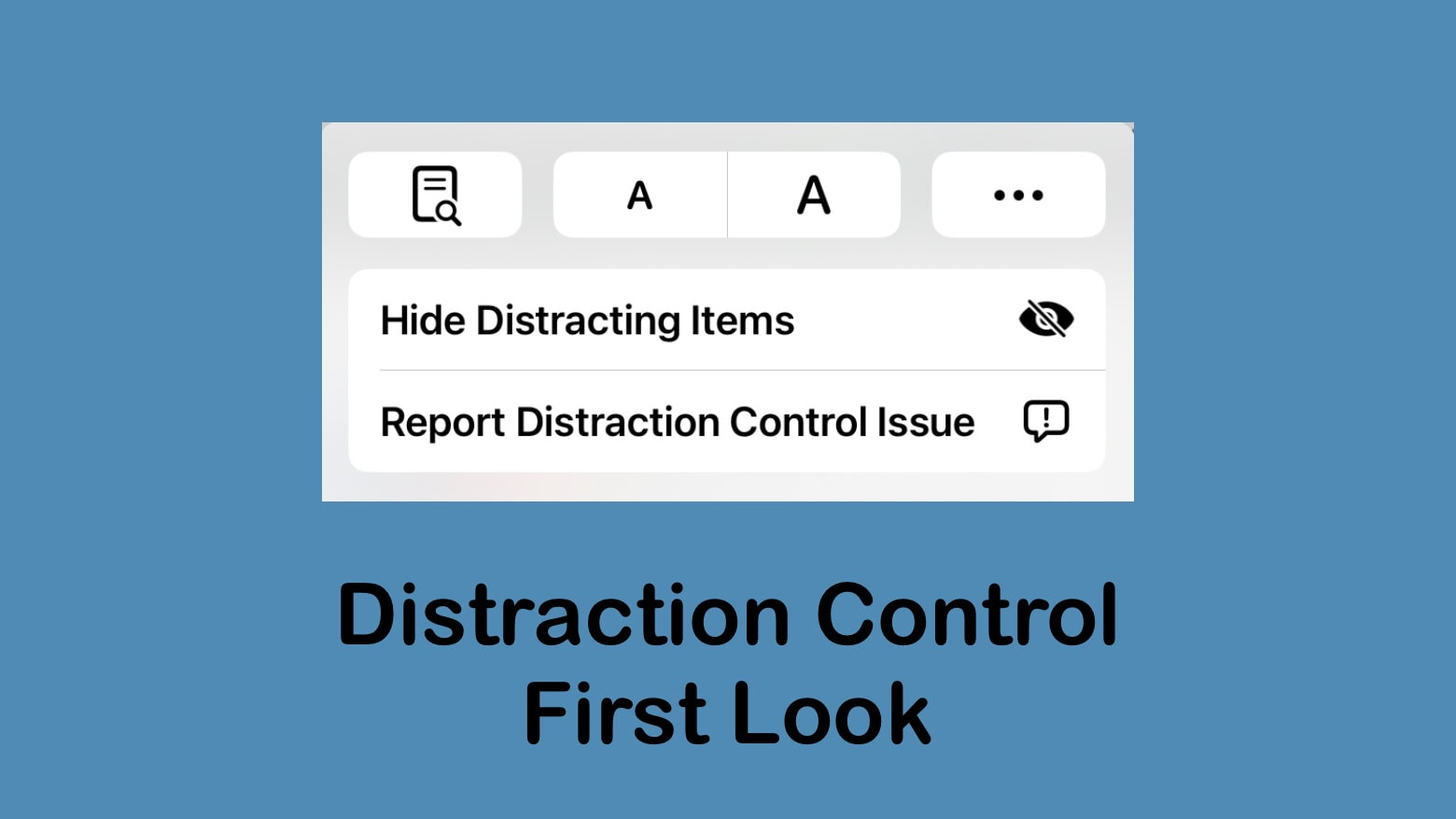
While Distraction Control in Safari will be useful, don't call it an ad blocker. Photo: Ed Hardy/Cult of Mac
Apple added Distraction Control to the Safari web browser in the iOS 18, iPadOS 18 and macOS Sequoia 15 betas released Monday. The new feature allows users to remove elements they find irritating or distracting from web pages.
Some have called Distraction Control an ad blocker. It’s not. Or certainly not a very good one.
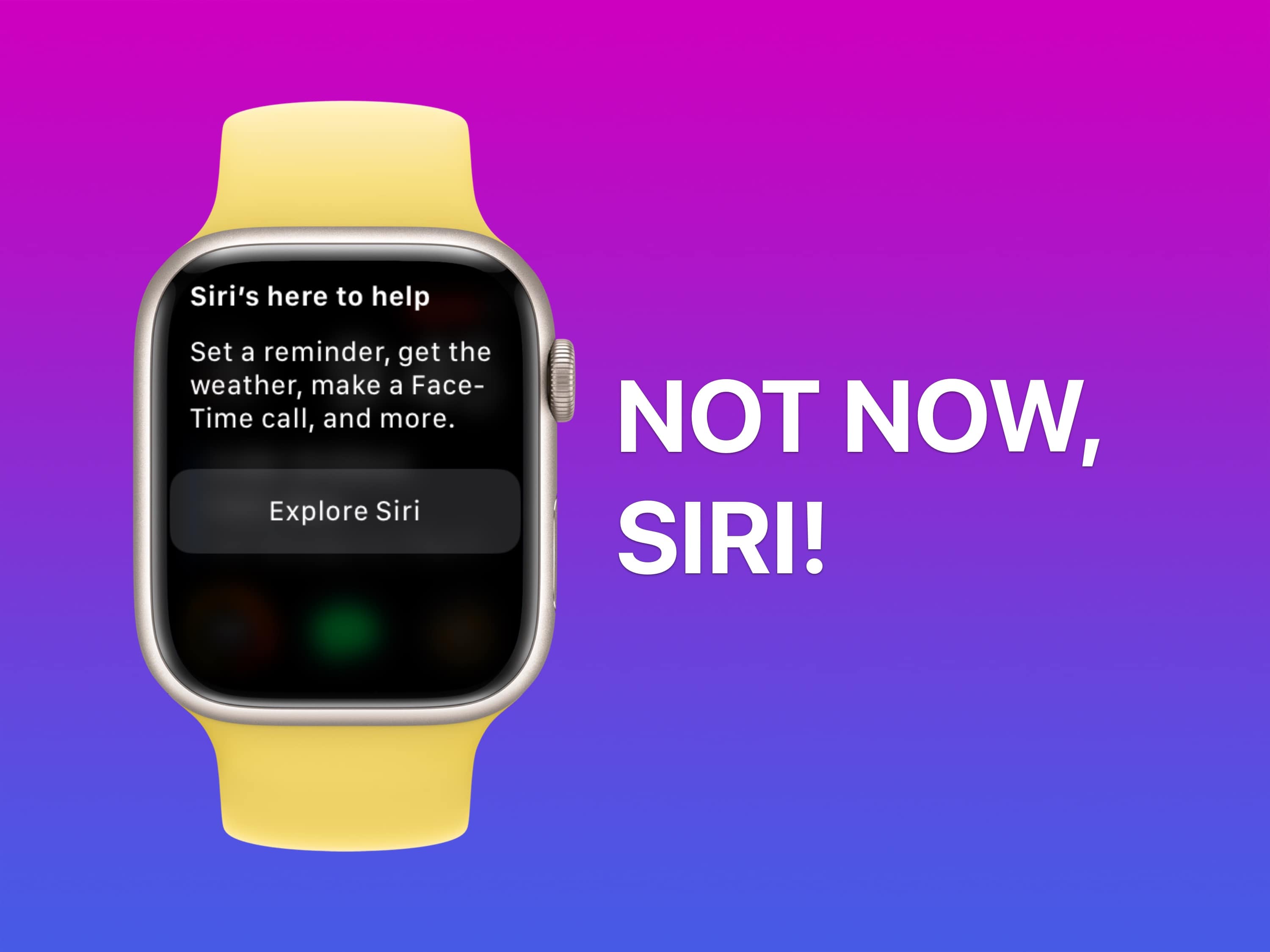
Siri always interrupts at the wrong time. Image: D. Griffin Jones/Cult of Mac
As if Siri’s unhelpful answers were not irritating enough when you actually want them, Siri often interrupts a conversation, meeting or TV show when you haven’t asked for anything at all. The good news is you make it stop — if you know how to deactivate Siri on your Apple devices.
★★★★☆
Once again, EarFun brings great value with its excellent new Air Pro 4 wireless noise-canceling earbuds. Photo: David Snow/Cult of Mac
EarFun launched its new flagship Air Pro 4 active noise-canceling (ANC) wireless earbuds Monday, calling them “the world’s first Auracast-supported earbuds under $100.” And the new buds run true to form for EarFun. They’re great-sounding, well-equipped earbuds that present an excellent value at a list price of $90. And EarFun Air Pro 4 present an even better value with the launch discount (see below).
Learn to market your business like a pro with this $29.96 bundle. Photo: Cult of Mac Deals
If your business can’t afford a marketing team, it’s up to you to become an expert. From social media to search engine optimization, you can learn digital marketing on your own with the information-packed courses in the 2024 Meta Marketing Bundle.
Whether you need to write copy for a website or stand out on Instagram, you can master it all with this four-course bundle. Normally, this beginner’s guide to marketing would cost $436, but you can get it for $29.96.
★★★★☆
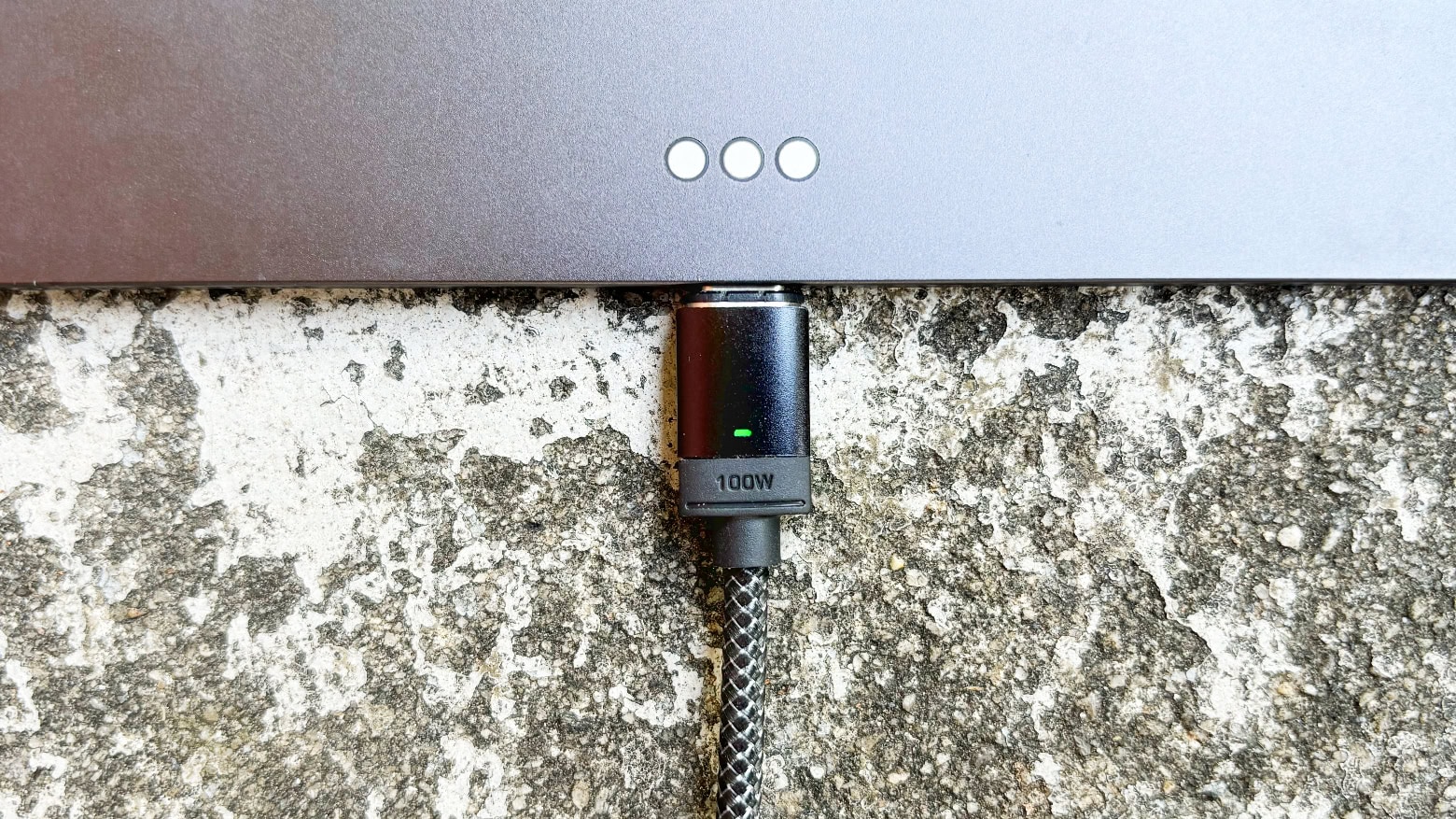
Chargeasap Connect Pro can juice up an iPad but also your old micro-USB devices. Photo: Ed Hardy/Cult of Mac
Chargeasap Connect Pro is a charging and data cable with a built-in power meter and swappable magnetic connectors. It’s ready to power up a broad variety of devices at up to 100W, and iPhone at up to 27W.
The high-quality cable is 4.75 feet long, and it comes with three magnetic connectors. And with the meter, you always know how much current is flowing.
I tested it with my Apple devices, and a bunch of others, too. Here’s how it performed.
★★★★☆
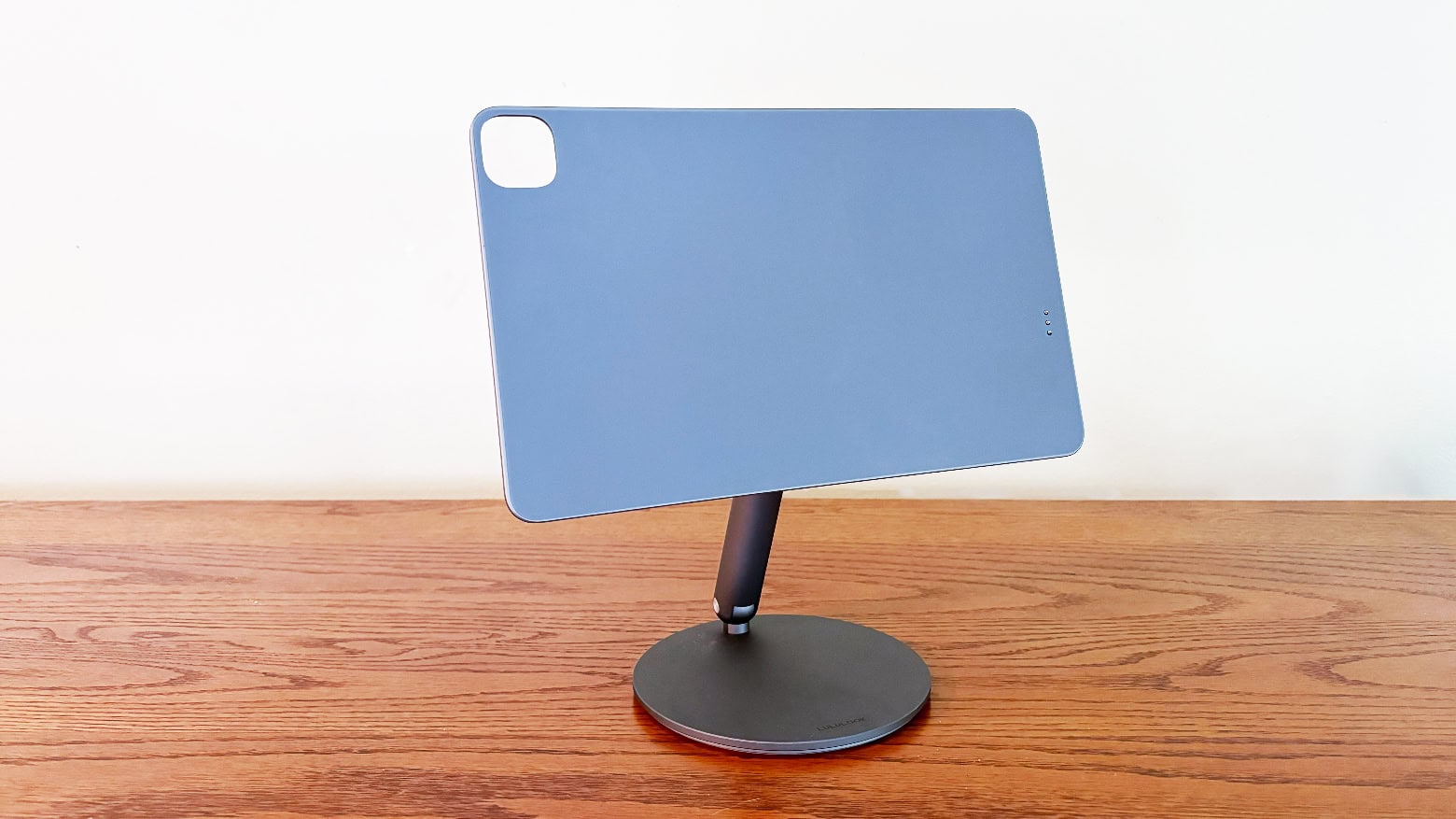
This stand not only supports your iPad, it also provides cable-free charging. Photo: Ed Hardy/Cult of Mac
Imagine putting your iPad onto a stand and it immediately begins charging, without needing to plug it in. That’s possible with the Lululook 360 Rotating Foldable Magnetic iPad Charging Stand.
It’s very flexible, doesn’t take up the tablet’s USB-C port, and works with a variety iPad Pro and iPad Air models, including the ones released in 2024.
I love this accessory. Absolutely love it. Here’s why.
Apple Intelligence is a collection of AI-powered features coming ... soon-ish. Screenshot: Apple
When iOS 18 and iPadOS 18 launch this fall, do not expect Apple Intelligence to be part of the first releases of the operating system upgrades. The company’s cool new AI capabilities reportedly will arrive about a month later. Monday’s release of the first developer beta of iOS 18.1 — which includes some Apple Intelligence features — seems to confirm that release roadmap.
This means Apple Intelligence likely will arrive in October, around the same time as macOS Sequoia. So Mac users might get Apple AI along with their big upgrade.
★★★★☆
Scuf Nomad is one of the best iPhone game controllers I've tested. Photo: Ed Hardy/Cult of Mac
The new Scuf Nomad makes playing advanced games on your iPhone much more fun by adding physical buttons, triggers and sticks. It’s designed to go where you go, and works on nearly every iPhone.
The controller emphasizes customization, allowing you to change what the buttons do even if the game itself doesn’t support that. And there are rear paddles in addition to all the usual controls.
I happily played hours of games on the Nomad — here’s what it’s like to use.
★★★★☆
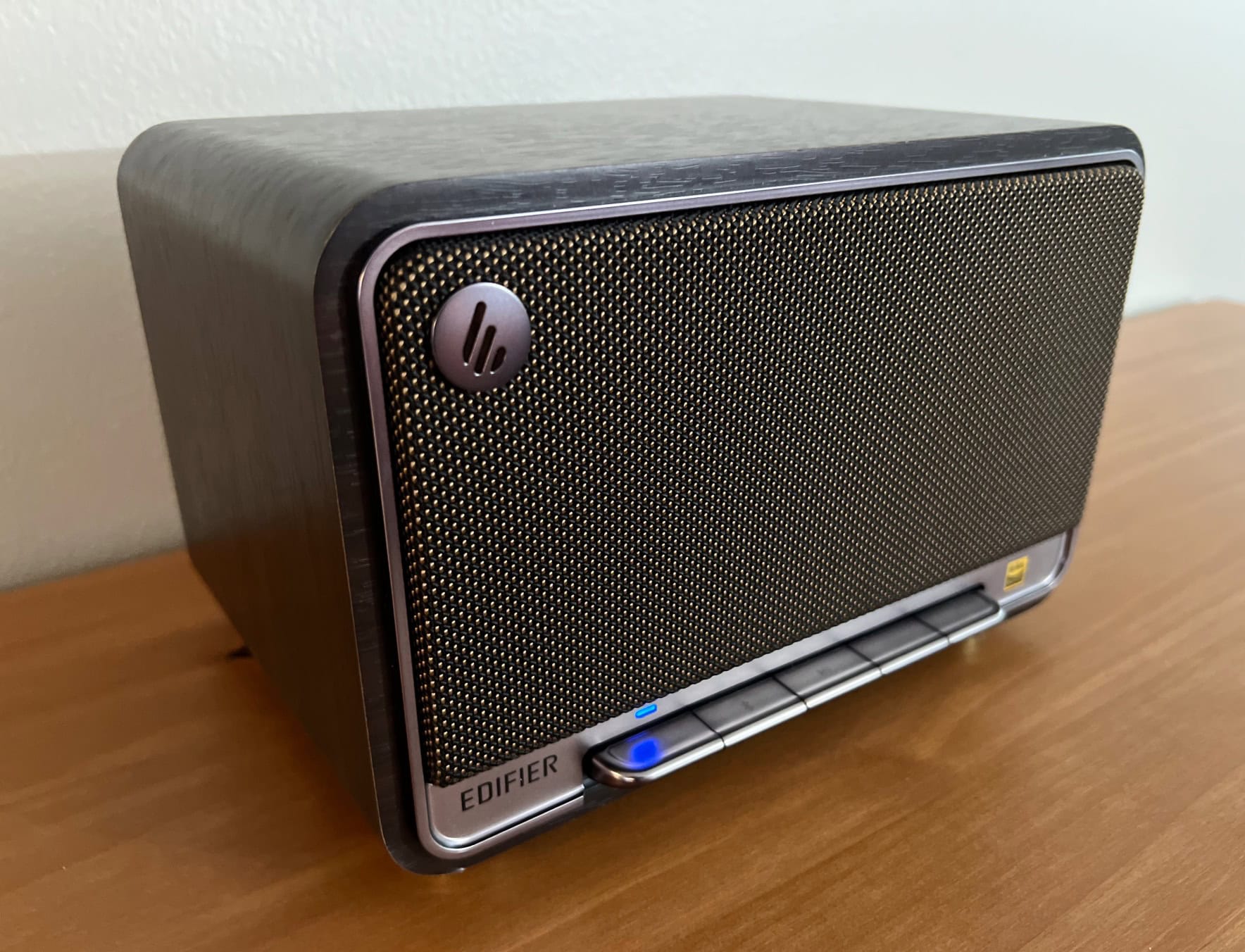
Here's the Edifier D32 Tabletop Wireless Speaker in black walnut. Photo: David Snow/Cult of Mac
Using a time machine, the new Edifier D32 Tabletop Speaker could show up in the 1950s without raising an eyebrow, given its retro-cool design. But it sure would surprise everyone, not being a radio and failing to do anything at all because the necessary audio technology didn’t exist yet. But in the here and now, those who like the old-school look will find the box packs a sonic punch and connects to practically anything that streams audio.
So whether you’re a Mac user seeking a stylish addition to your desktop setup or someone with a space that needs a substantial audio source — even the living room of a small house or apartment — the D32 is poised to impress, especially for its very reasonable price. I can’t say it’s perfect, given some connectivity struggles, but it’s great.
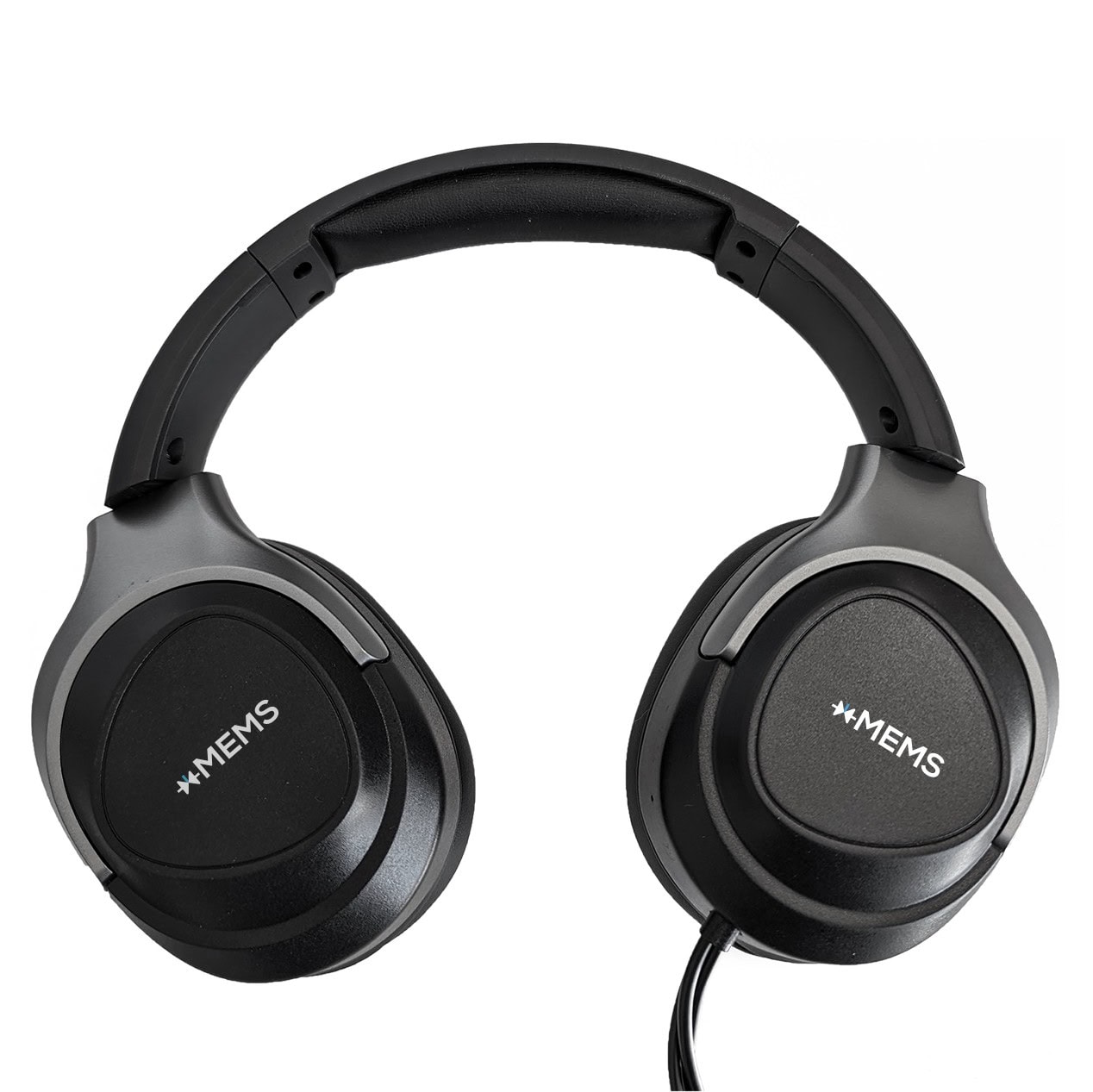
While this is a prototype, headphones makers can start incorporating the 2-way design starting in September, Ampacs said. Photo: Ampacs
The first over-ear headphones with solid-state micro speakers are almost here, AMPACS said Tuesday. It noted reference-design prototypes with xMEMS solid-state micro speakers are now available. That brings us one big step closer to headphone makers putting it in their new headphones. That could start after the production version of the design becomes available to them in September. Before now, the new micro speakers were limited to earbuds.
xMEMS Labs’ patented 2-way module architecture uses solid-state micro speakers for mids and highs and a dynamic driver for bass. It improves spatial audio accuracy and reduces weight for gamers compared to conventional single-driver cans, AMPACS said. The new reference design is a cost-effective advance that could figure into multiple audio brands’ headphones.
Ahead of the latest news, Cult of Mac conducted an interview with folks behind the development from xMEMS Labs in May. After all, you have to wonder if some future AirPods Max or Beats cans might incorporate the technology (for the record, xMEMS told Cult of Mac it’s open to working with all partners, but confirmed none).
"Boundless" premieres with Hot Air Balloons,” transporting viewers to Cappadocia, Türkiye. Photo: Apple
Apple unveiled a slate of new Immersive Videos for Vision Pro in the form of series and films Thursday. So users of the AR/VR headset are in for some new audio-visual treats. And some are available now.
“Apple Immersive Video is a groundbreaking leap forward for storytelling, offering Apple Vision Pro users remarkable experiences with an unparalleled sense of realism and immersion,” said Tor Myhren, Apple’s vice president of Marketing Communications.
These secret gestures will speed up your iPhone. Image: D. Griffin Jones/Cult of Mac
Here are a few secret tricks and gestures that will help you get around your iPhone faster. These hidden gestures help you text pictures to your friends faster, scroll through big pages and screens, type special characters and use your phone one-handed.
Playing Roia is a unique and relaxing experience. Screenshot: Emoak/Cult of Mac
New game Roia challenges players to guide a river down a mountain by rearranging the terrain. It’s another unique premise from Emoak, a team of developers with a history of creating standout games.
I spent a couple of hours playing it on my iPhone, and found the game to be demanding but also relaxing. And not like anything I’ve played before.
★★★★☆
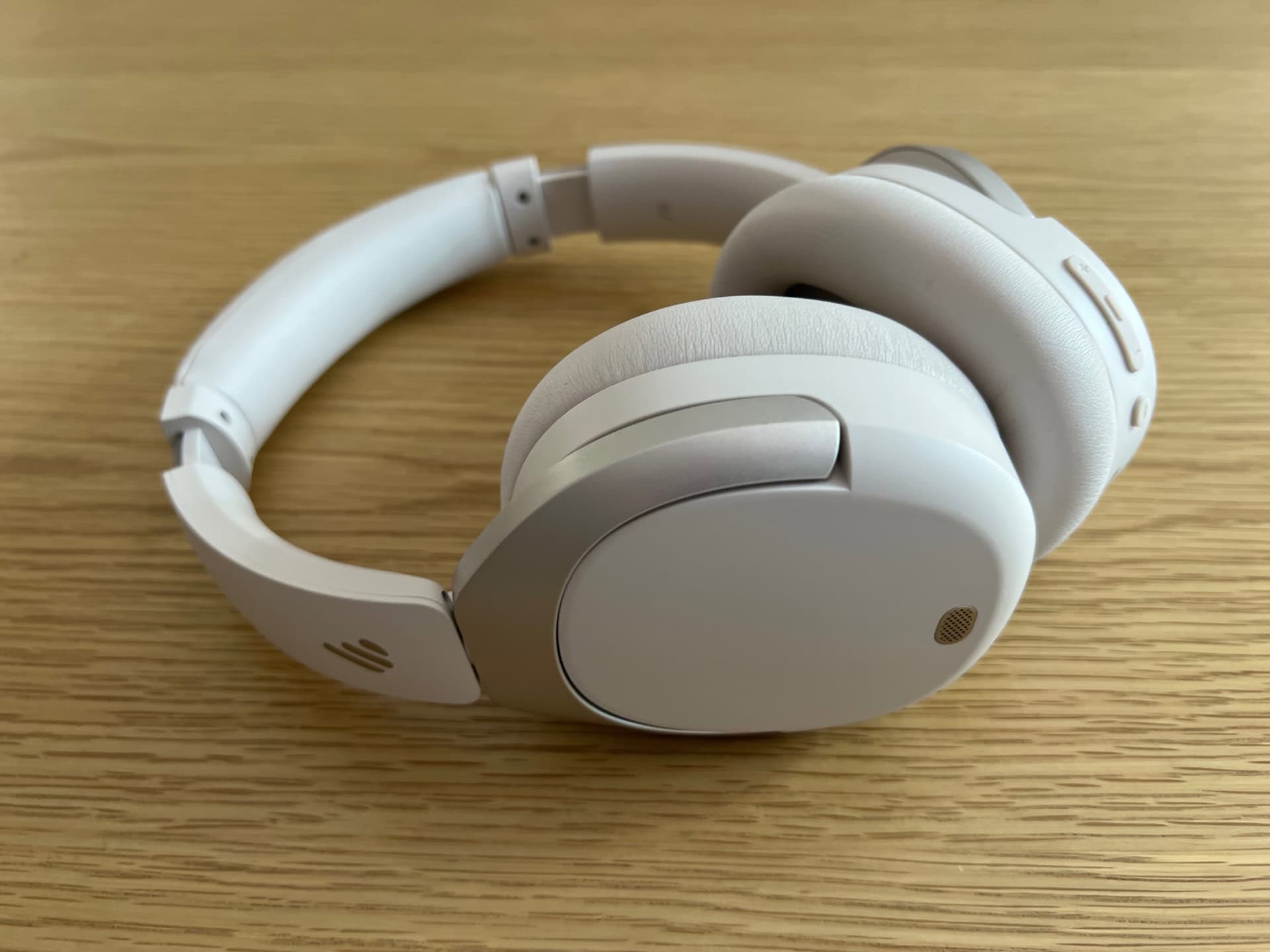
If you only have $80 to spend, Edifier's new W830NB is a good choice. Shown here in "sandwhite," but also available in black and gray. Photo: David Snow/Cult of Mac
Looking for good Bluetooth headphones that won’t throttle your wallet? In this Edifier W830NB headphones review, I look at Edifier’s latest noise canceling set. They might just be your ticket to affordable listening.
Following up on its W820NB model, Edifier packs serious punch for the price in this $80 pair (or $63 for Amazon Prime Day!). Just don’t expect them to beat out top-shelf cans from the likes of Apple and Sony.
The new Photos app is divisive. Image: Apple/D. Griffin Jones/Cult of Mac
With the major Photos app redesign coming in iOS 18, Apple aims for simplicity. However, the version of the Photos app in iOS 18 developer beta 3 is a hodge-podge of design that will confuse users. I think that if Apple doesn’t revise its approach, the company will face significant backlash when it releases the updated app to the public this fall.
Yes, iOS 18 is still in beta. And Apple very well could change the Photos app before its anticipated release in September. I certainly hope Apple tweaks things — I’m writing this as more of a wish list than a design critique. In fact, I already filed my suggestions through the official channel of Apple’s Feedback system (submitted as FB14289280).
As of iOS 18 developer beta 3, Apple has already made a few little tweaks to the Photos app redesign. But unfortunately, there’s been no movement on any of my major criticisms from beta 1. For that reason, I feel obligated to outline the goals of the new Photos app, applaud what it gets right, point out where the design fails, and explain what aspects prove confusing.
I don’t think Photos needs to be reverted entirely to the way it worked before. But these key features need changing ASAP. Keep reading or watch my video.
Knowing your iPad battery health helps you decide when it's time for a new tablet. Image: Ed Hardy/Cult of Mac
Checking the health and maximum capacity of the battery in older iPad models isn’t as easy as it should be, but we can walk you through the process. Finding out how worn out the tablet’s battery is can help you decide if it’s time for a new model.
But for those who already upgraded to the latest iPad Pro or iPad Air, checking battery health is a snap.
★★★★★
DodoCase English Bridle Leather iPad Case is elegant and professional. Photo: Ed Hardy/Cult of Mac
An iPad is practically a work of art — don’t put it in a cheap plastic case. Wrap your iPad in English Bridle Leather with the latest handcrafted product from DodoCase.
It’s a carrying case, and folds into a stand when you’re ready to work. And there’s an Apple Pencil holder, too.
I’ve been testing one with my M4 iPad Pro, and I’m quite taken with the look. And the design, too.
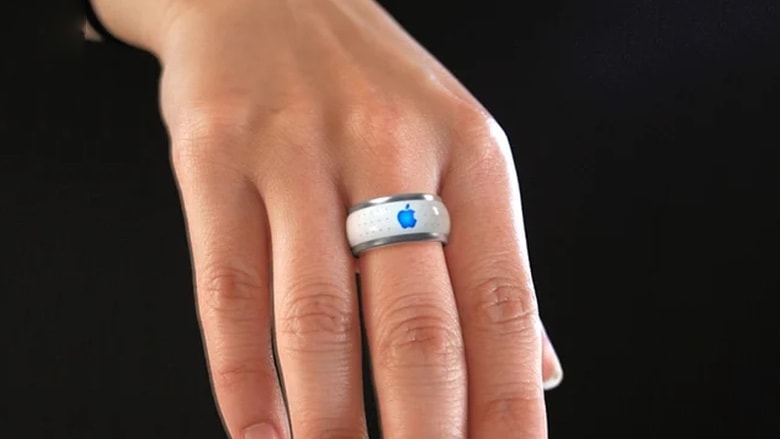
An Apple Ring should join Apple Watch as a way to let wearers monitor their health. Concept: Victor Soto/BluePoly
Apple’s next new product should be a smart ring. No, not so you can scroll through Instagram on a teeny-tiny display. The Apple Ring would be packed with health sensors that allow wearers to track their exercise and fitness goals while carrying no other device.
It wouldn’t even require developing new technology. All that’s needed is for Apple CEO Tim Cook to make the decision to offer a new type of health tracker.
Samsung unveiled Galaxy Ring on Wednesday, showing that this type of wearable is going mainstream. It’s time for Apple to step in and show its rivals how it should be done.
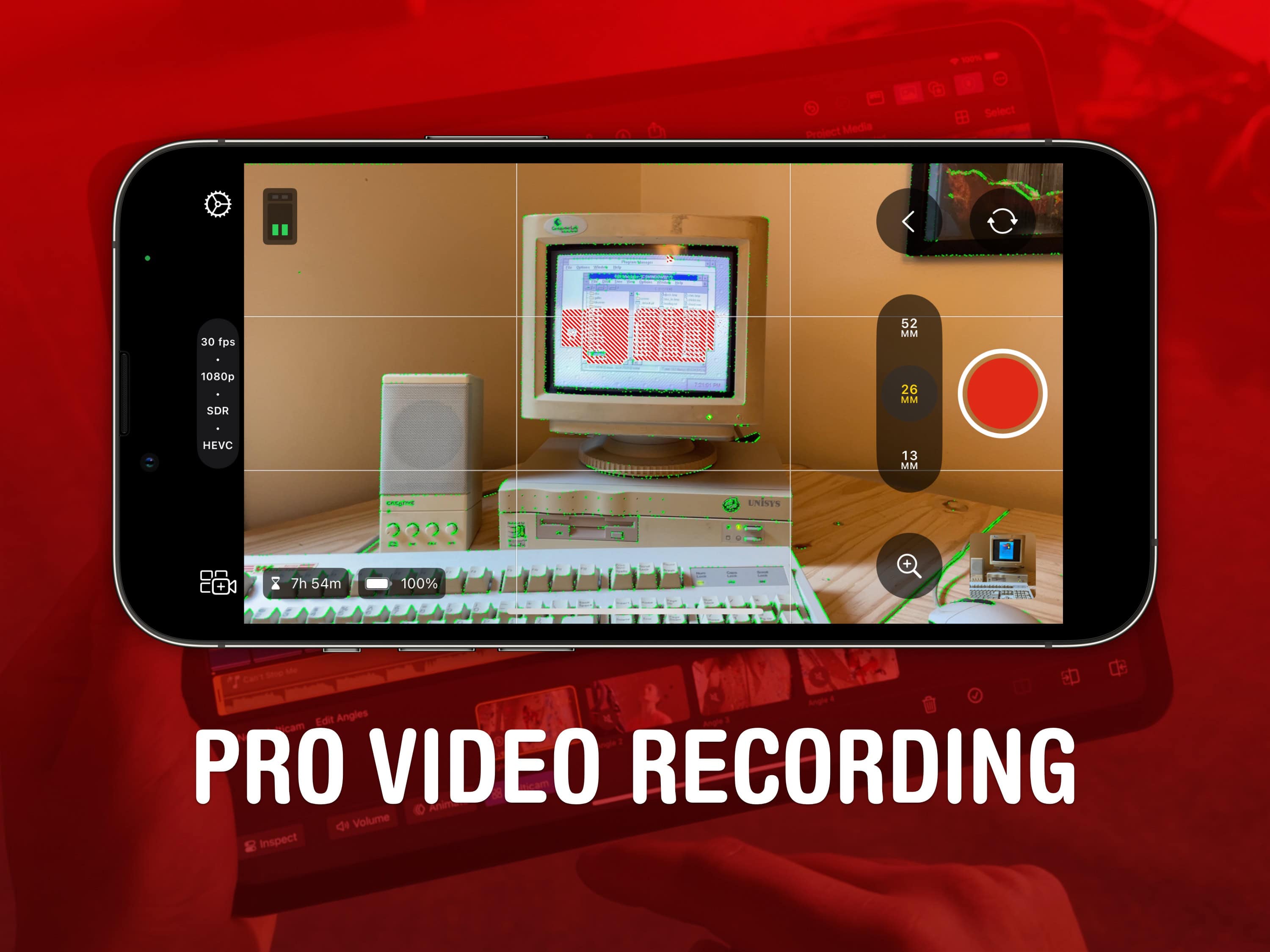
Final Cut Camera goes above and beyond the regular Camera app. Image: Apple/D. Griffin Jones/Cult of Mac
Final Cut Camera is a new Apple app that offers incredible manual control over your iPhone’s camera system. If you use your phone for professional videography — or even for a hobby project — you should use this free app to take videos rather than sticking with the stock Camera app.
Final Cut Camera comes absolutely packed with professional features the Camera app can’t match. The new app gives you finer control over exposure, white balance, color temperature and more. You can enable image overlays to see which parts of the frame are in focus or overexposed. In short, it’s a highly versatile camera. You can even pair it with Final Cut Pro for iPad to capture footage from multiple iPhones simultaneously.
Final Cut Camera is totally free on the App Store. Keep reading to learn how to use it.
★★★★☆
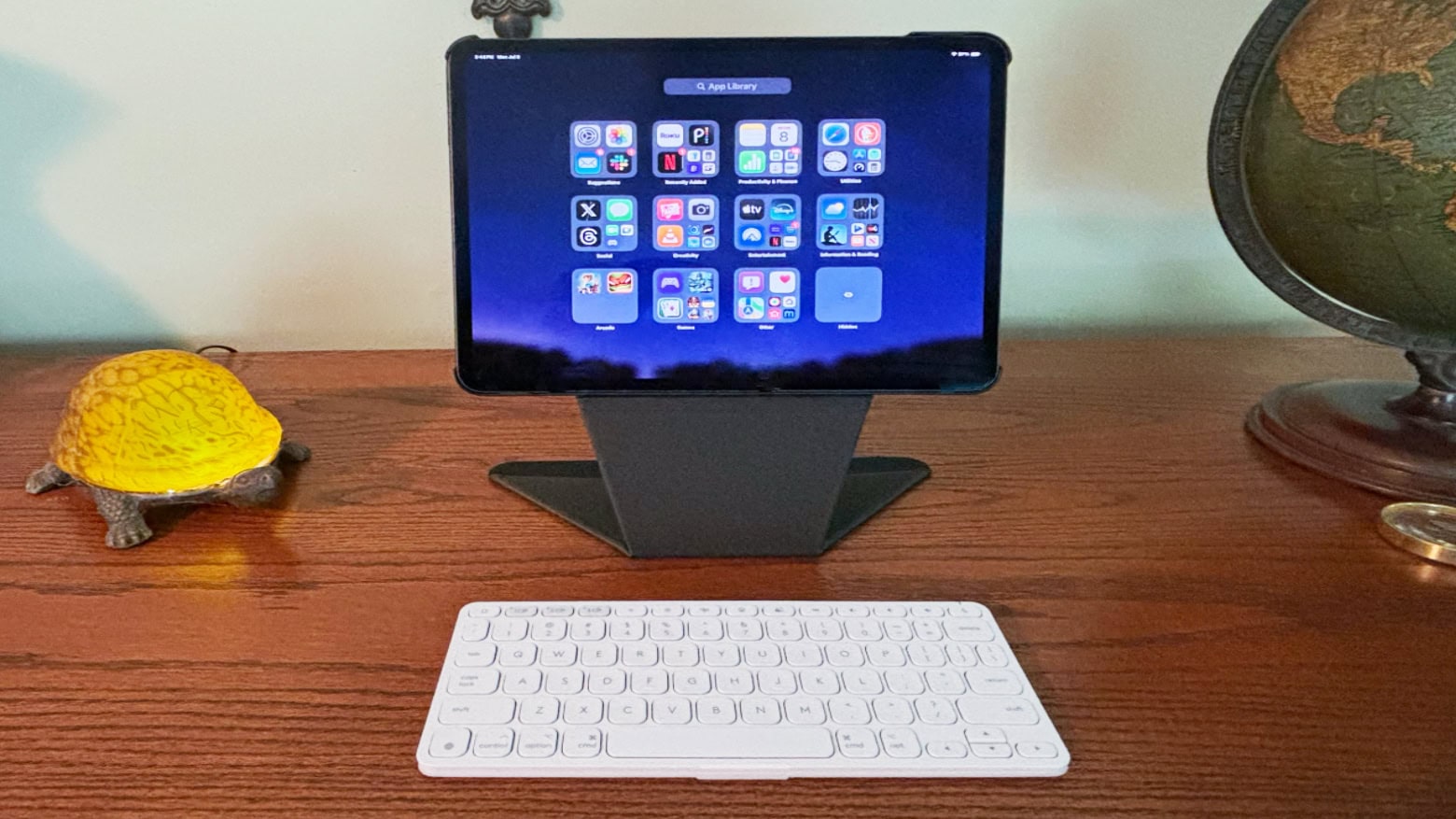
Logitech Keys-to-Go 2 helps make you productive wherever you go. Photo: Ed Hardy/Cult of Mac
Logitech Keys-to-Go 2 for iPad is the portable keyboard for those who need to type on the go but don’t want a keyboard built into their tablet’s case. It’s a standalone accessory designed to travel with a tablet or be left behind when it’s not needed.
I tested the very slim and lightweight product with my iPad Pro and my iPhone 15. Its extreme portability makes it useful in situations that more typical keyboards are not.
Discover the difference between soft and hard resets. Photo/Graphics: Apple/Rajesh Pandey/Cult of Mac
Are your Apple earbuds acting weird? Sometimes you need to reset your AirPods Pro, AirPods Max or regular AirPods to eliminate connection problems and other minor glitches. You have two possible courses of action: a hard reset and a soft reset.
Follow this guide to learn the difference between those two options, plus how to reset, unpair and remove the earbuds from the Find My network.
If you don’t know where to start, here’s a taste of what’s possible. Image: D. Griffin Jones/Cult of Mac
If you’ve never tried making your own Siri Shortcuts, I’ve compiled a short list of the best shortcuts for iPhone to introduce you. Shortcuts can quickly run automated actions on your phone (and on your iPad or Mac). They’re made using Apple’s Shortcuts app, where you can visually piece together actions offered by the apps installed on your device.
You can run a shortcut by asking Siri or by putting a widget on your iPhone’s Home Screen. Not a lot of people know this powerful feature exists — or what it can do for them. For eight examples of what you can do with shortcuts, keep reading or watch our video.
Make the most out of your Apple Watch widgets. Image: D. Griffin Jones/Cult of Mac
Customizing the widgets Smart Stack on your Apple Watch is a great way provide easy access to the apps you use most. If you have a Tim Cook-esque Apple Watch face full of complications, you can rely on widgets instead. You just need to edit the widgets in your Apple Watch’s Smart Stack to provide the same quick access to your most-used apps and activities.
Today, I’ll show you how to make the most of your Smart Stack of widgets on Apple Watch.
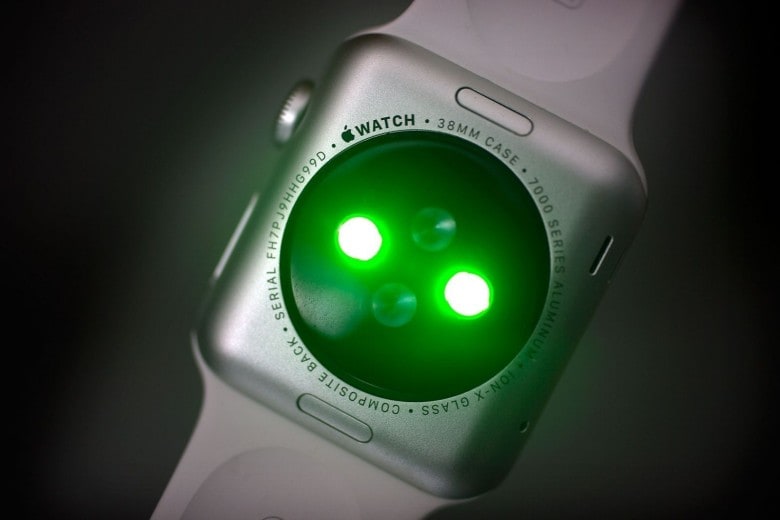
Apple Watch's heart rate monitor can detect heart blockages. Photo: Jim Merithew/Cult of Mac
The Apple Watch can detect a leading cause of heart attacks — an unadvertised capability that could have big implications for health monitoring — according to a Dutch doctor.
After using the Apple Watch’s electrocardiogram feature, Dr. Ruud Koster, a cardiologist from Amsterdam, accidentally discovered that he had a potentially fatal heart blockage that caused myocardial ischemia. The doctor wrote a paper about his experience and now recommends that the Apple Watch be studied for its ability to alert wearers about potentially deadly heart blockages.








![Guide rivers to the sea in meditative new Roia game [Awesome Apps]](https://www.cultofmac.com/wp-content/uploads/2024/07/Roia-Emoak-review-1.jpg "Guide a river to the sea in meditative new Roia game [Awesome Apps]")