Satechi’s USB-C Slim Dock sits on the stand for the 24-inch iMac and adds six frequently-used ports. It also sports an enclosure for user-installed SSDs.
It launched Friday, and is available now for 20% off the usual price.

Satechi’s USB-C Slim Dock sits on the stand for the 24-inch iMac and adds six frequently-used ports. It also sports an enclosure for user-installed SSDs.
It launched Friday, and is available now for 20% off the usual price.

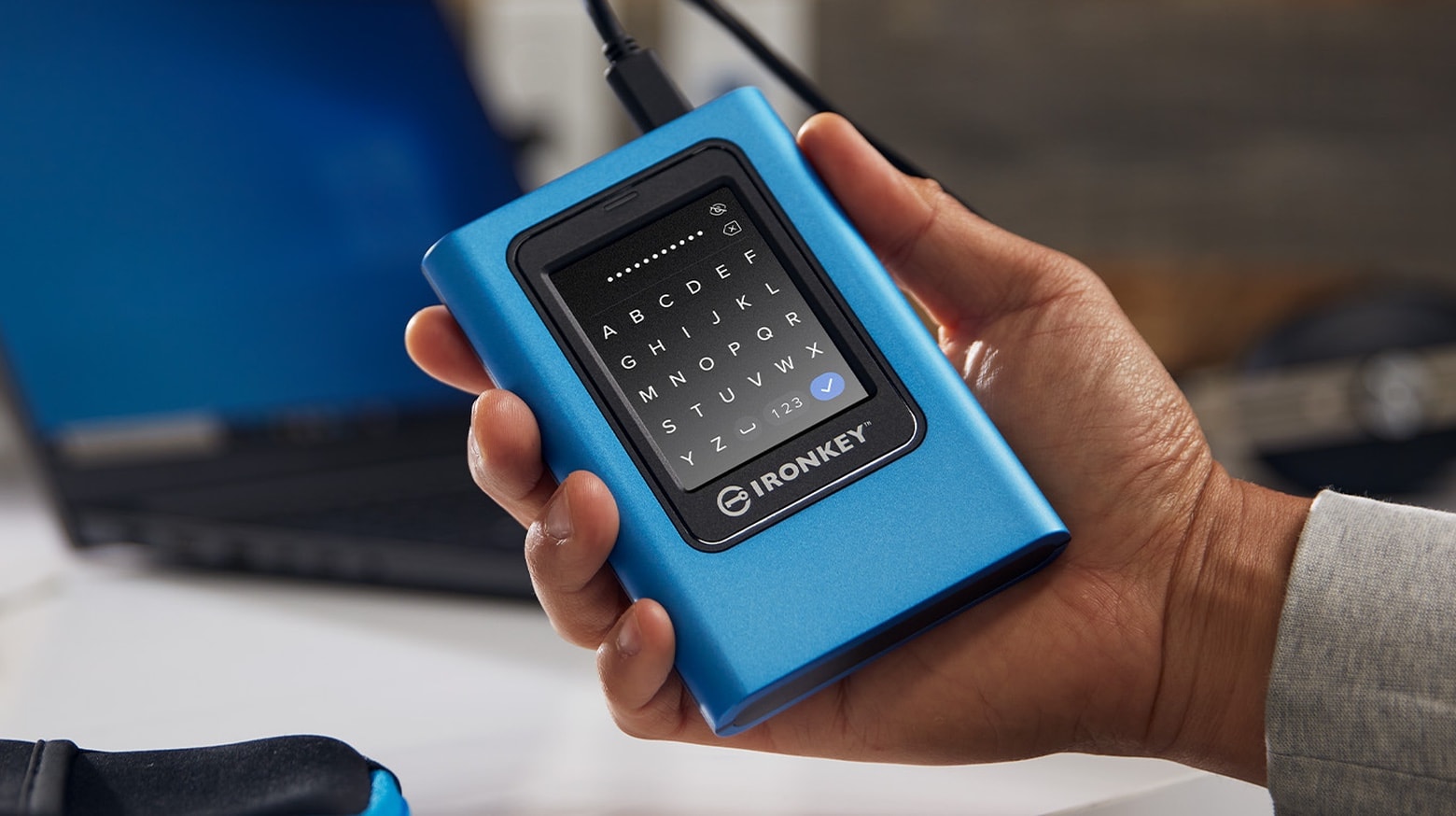
The Kingston IronKey Vault Privacy 80 External SSD includes a touchscreen and hardware encryption to protect user data. Unlock the XTS-AES 256-bit encryption by tapping in a password or numeric passcode onto the touchscreen.
It’s available in capacities up to 1920 GB.
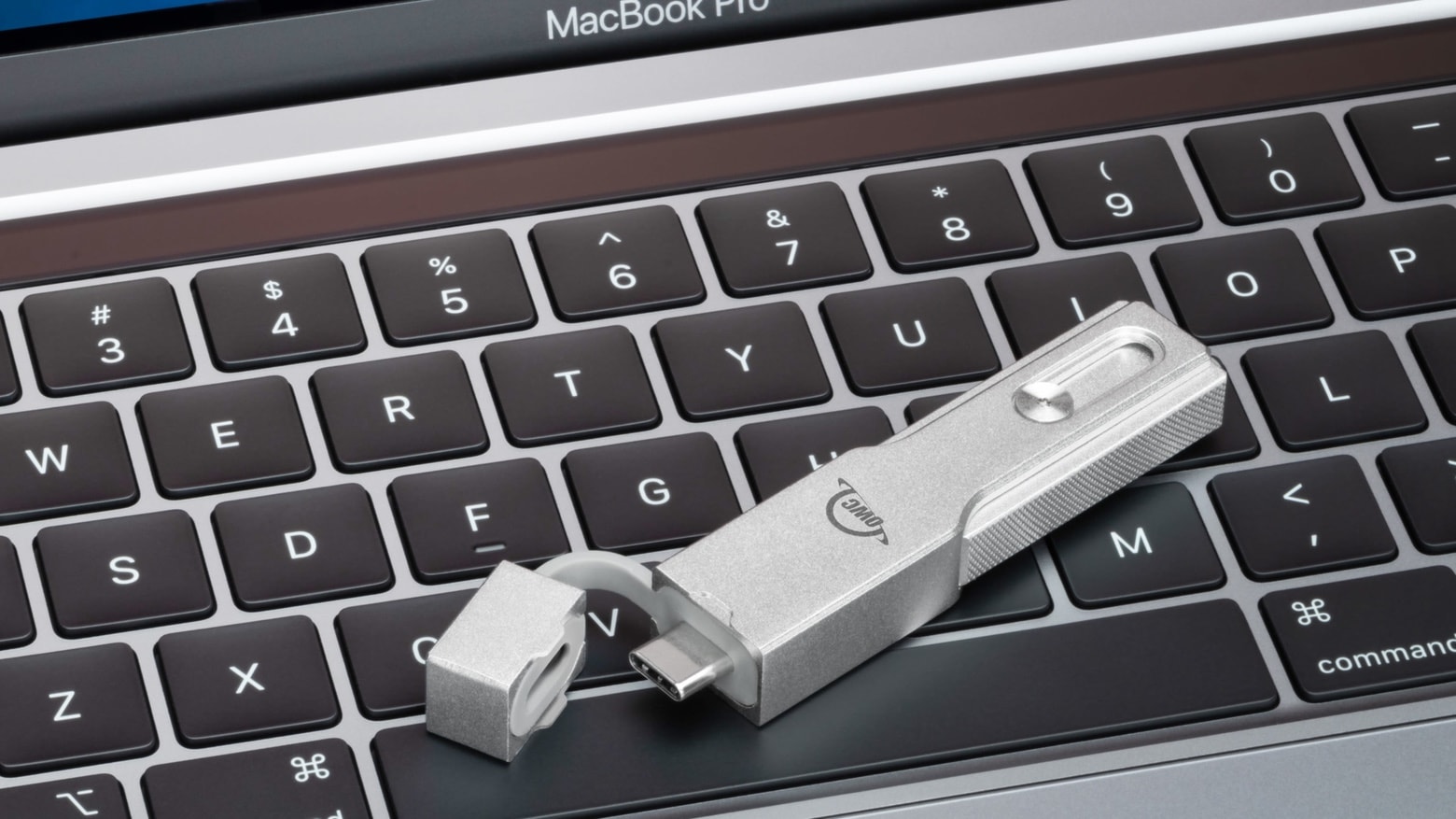
The OWC Envoy Pro mini is a thumbdrive designed to work with almost any computer. It has both USB-C and USB-A connectors, and comes with up to 1TB of storage.
The tiny drive supports USB 3.2 Gen 2 and benchmark tests show it can transfer data at over 900 MBps.
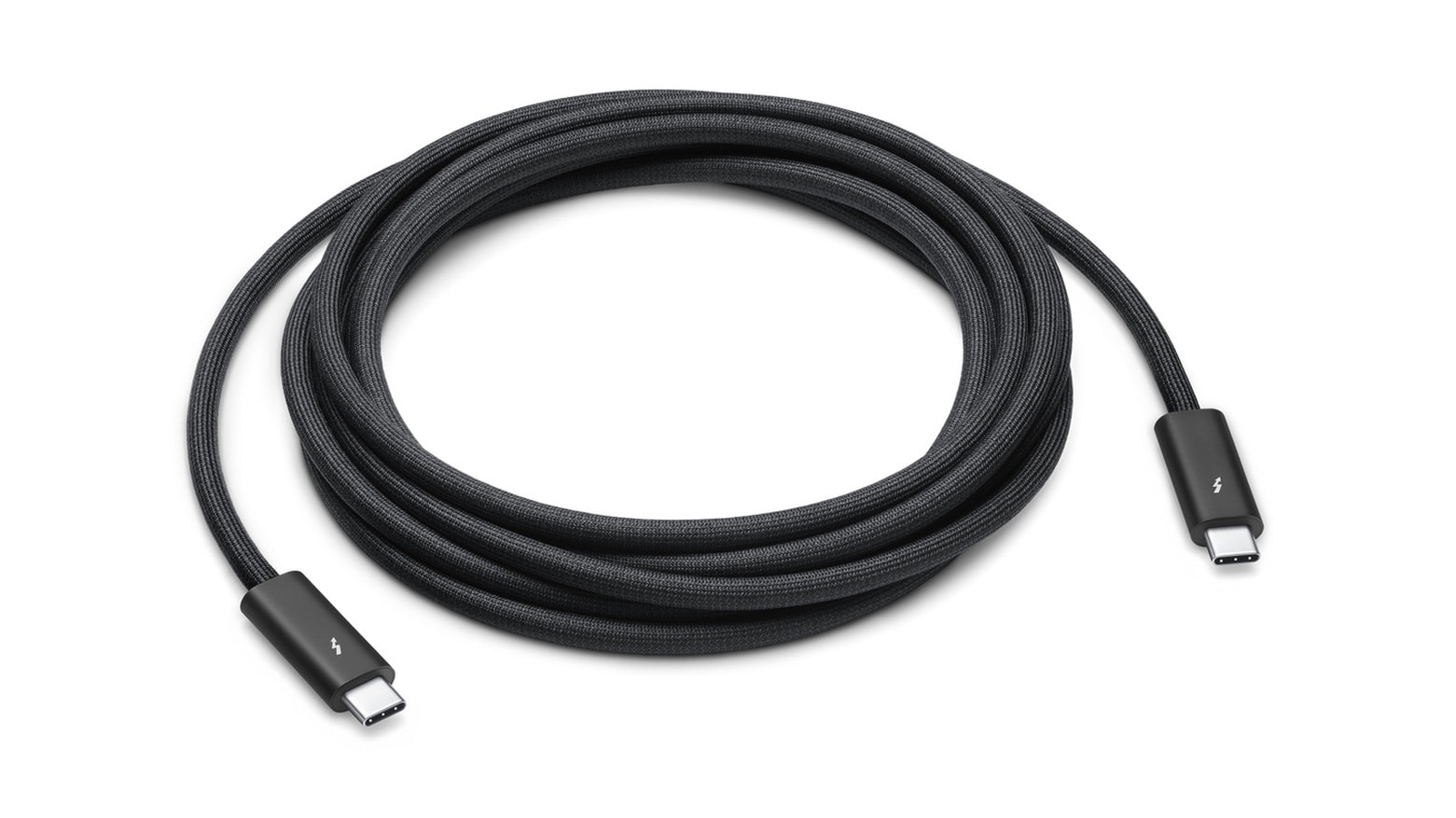
A 3-meter version of the Apple’s Thunderbolt 4 cable can now be ordered. The extra-long cable connects Macs to peripherals at up to 40Gbps and 100W of power.
It’s $159, or two or three times the cost of a high-quality 2-meter Thunderbolt 4 cable from rival companies. Trouble is, the 3-meter cable doesn’t have any direct competition.
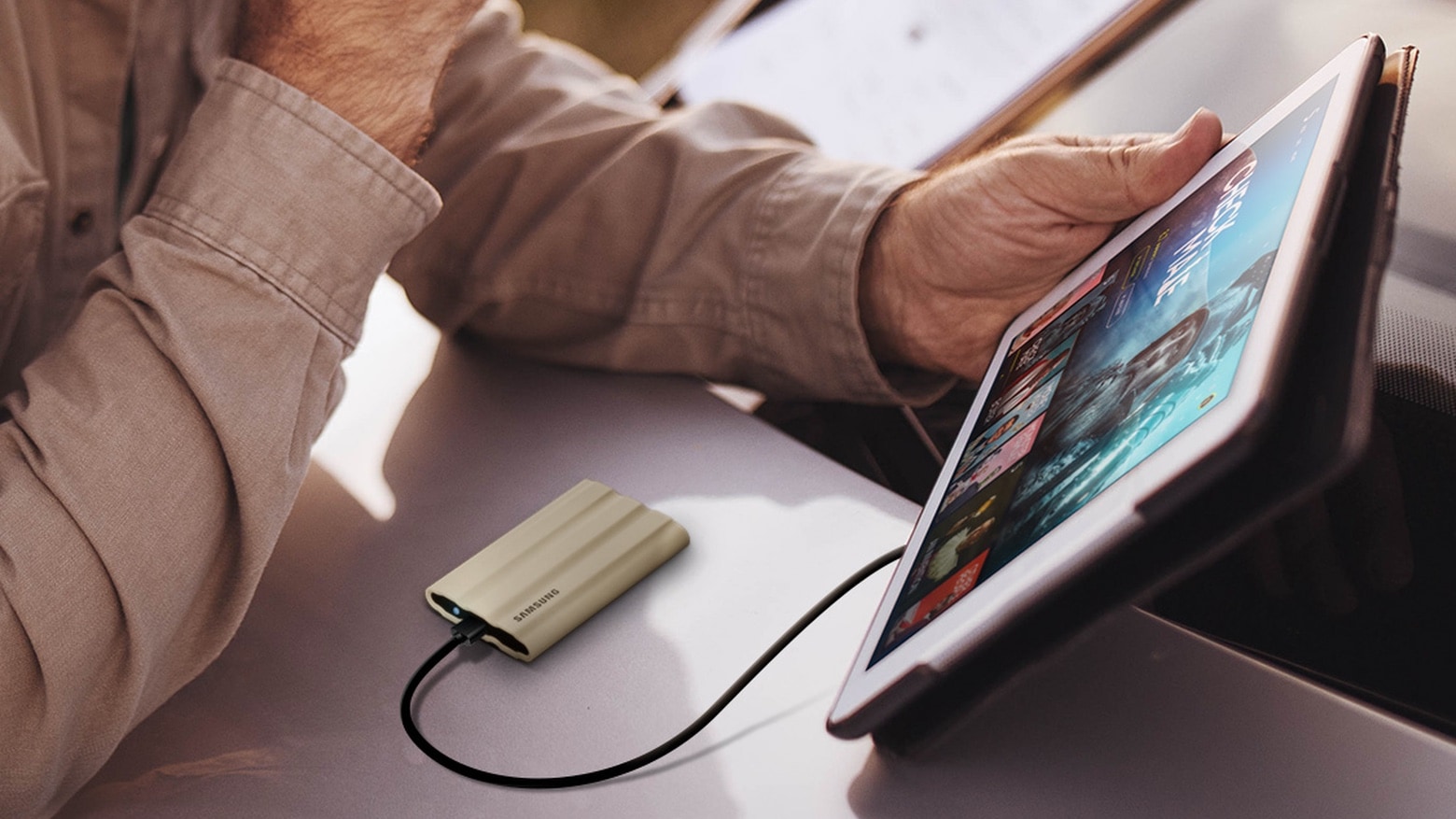
The Samsung T7 Shield is a a credit-card size external SSD intended for outdoor content creators or travelers. It’s drop, water and dust resistant, and offers up to 2TB of capacity.
This new rugged version joins other SSDs in the Samsung T7 line.
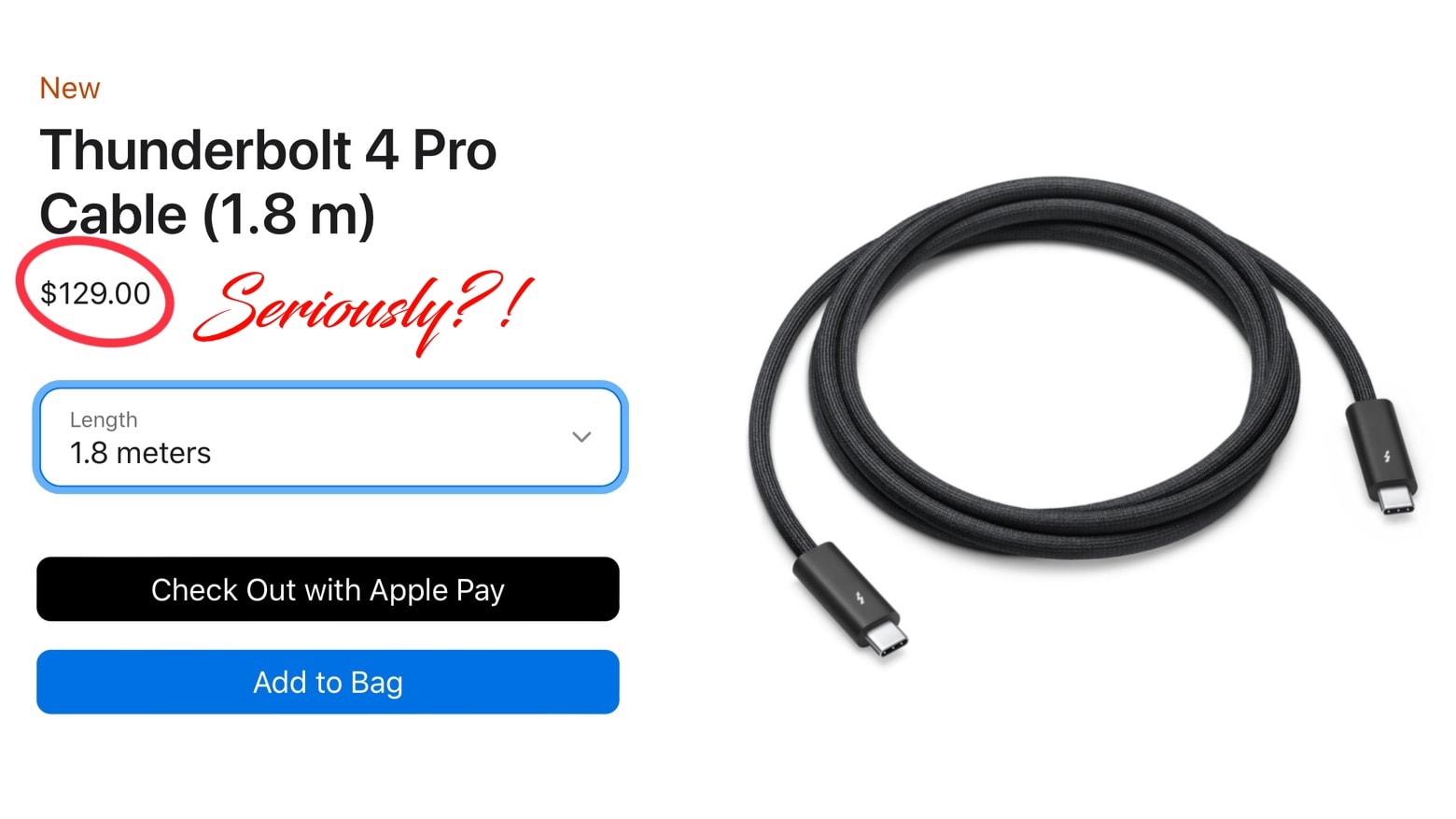
The Apple Tax is real. Apple really does overcharge for some of its products. Nowhere is that clearer than with Apple’s 1.8-meter Thunderbolt 4 cable that costs double what it should.
But you don’t have to pay the tax. Not for high-quality cables, anyway. I tested 2-meter Thunderbolt cables from OWC and Plugable to show they do the job for a lot less money.
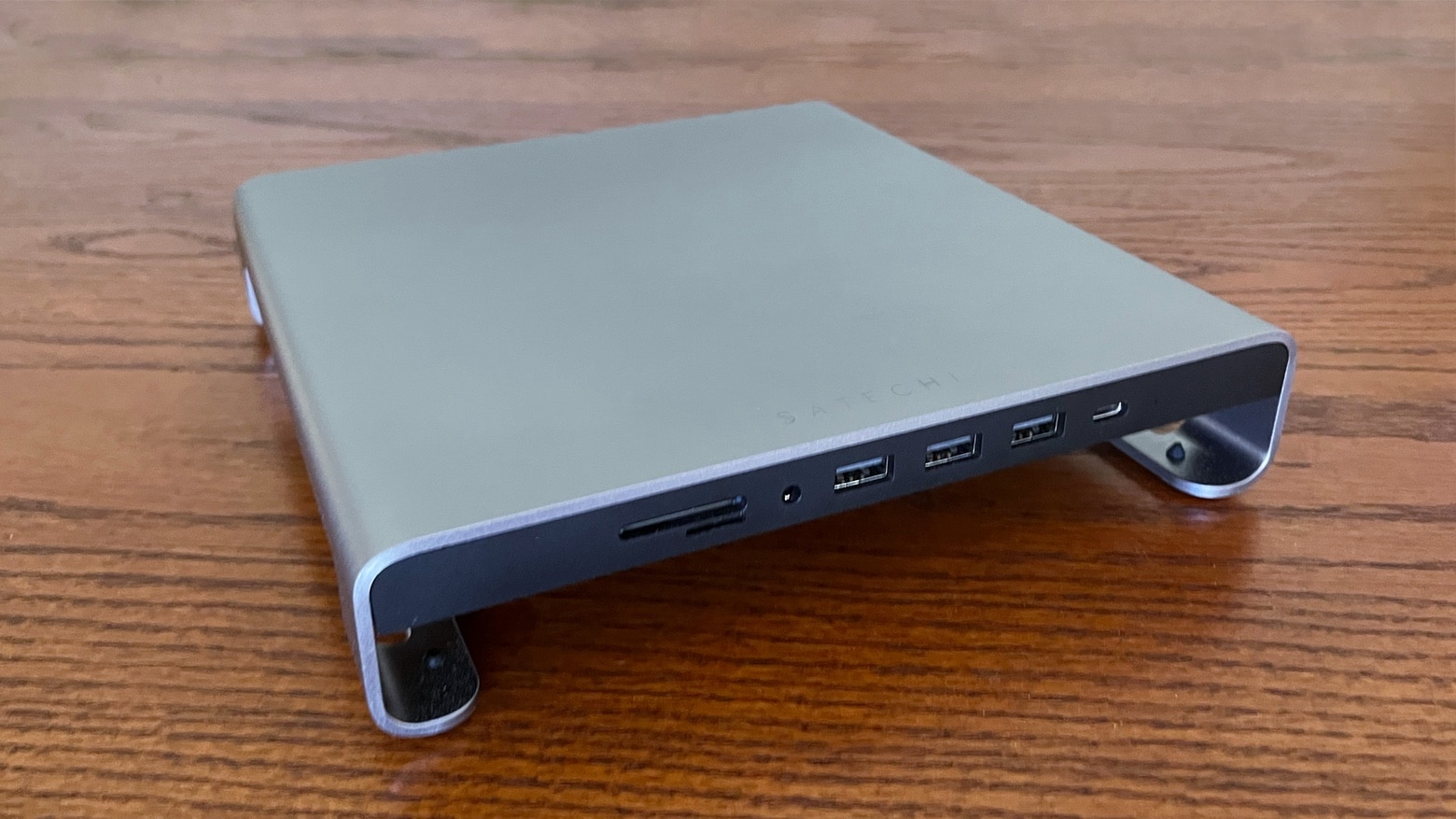
The Satechi Type-C Aluminum Monitor Stand Hub for iMac adds some extra height to the all-in-one desktop. And it makes room for four additional USB ports, an SD card reader and an audio jack.
I put stand/hub combo through its paces to see how it stands up in everyday use.
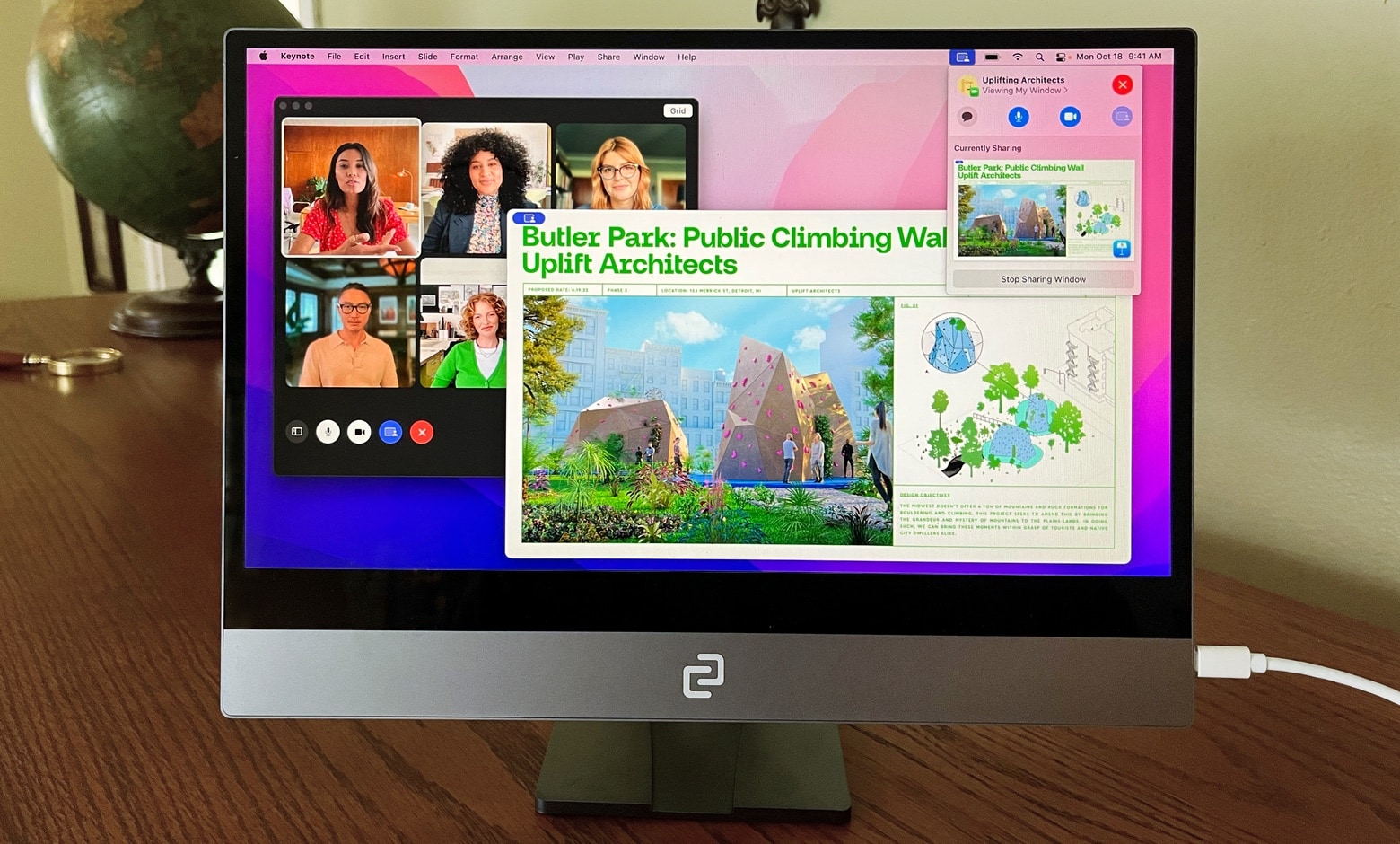
Although Apple refuses to make a touchscreen Mac, the Espresso Display V2 is ready to fill in the gap. There are 15.6-inch and 13.3-inch versions of the very slim external display, and both support touch and an optional stylus.
I tested the screen with a MacBook and iPad to see how well it performs in ordinary use. And I also tried out the stylus as well as the stand for desktop use and the case for taking the display on the go.
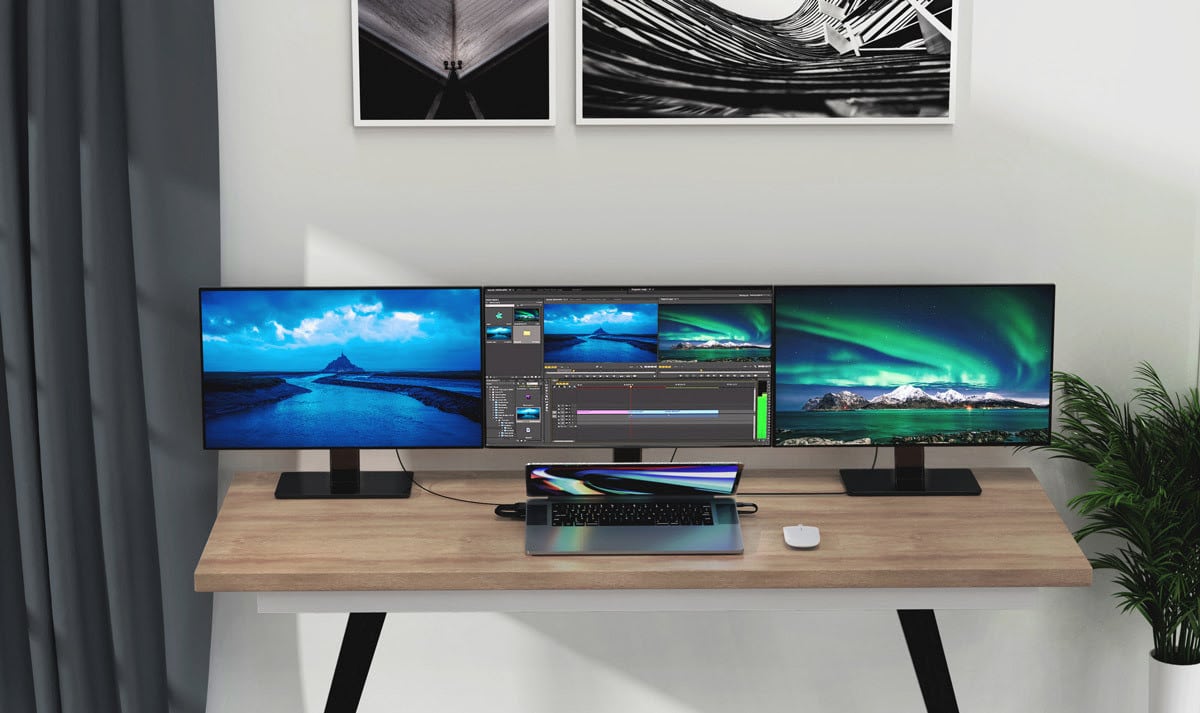
Feel the need for more external screens to go with your MacBook Air or MacBook Pro? On Tuesday Hyper rolled out its new HyperDrive 4K Multi-Display Docking Station. It’ll help you connect up to three 4K displays with a 60Hz refresh rate.
And what’s more, the dock works with every MacBook made since 2016, Hyper said.
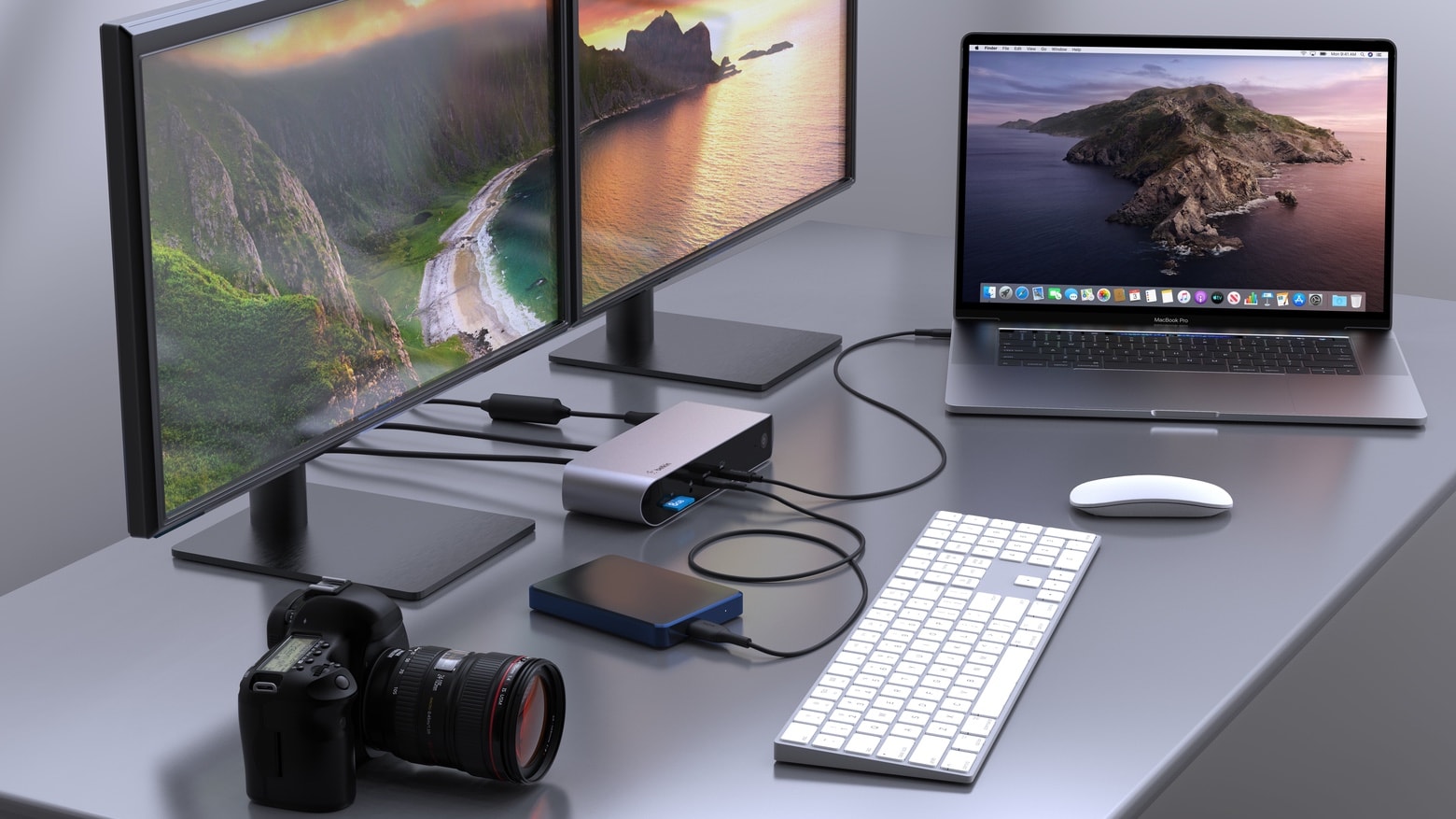
With a dozen ports, the Belkin Connect Pro Thunderbolt 4 Dock lets users connect a Mac to multiple accessories for data, video, Ethernet and power. All through a single high-speed cable connection.
Belkin also introduced a Thunderbolt 4 cable capable of handling data transfers at 40 Gbps.

The InnoView 15.6-inch Portable Monitor might be everything you’re looking for in a second screen for your MacBook. First off, it’s beautiful. And it’s very slim and lightweight. Plus it works with a wide variety of devices: Mac, iPad, even iPhone with the right adapter.
I used InnoView’s on-the-go display for both work and entertainment. Here’s all the many ways it impressed me. And its one flaw.
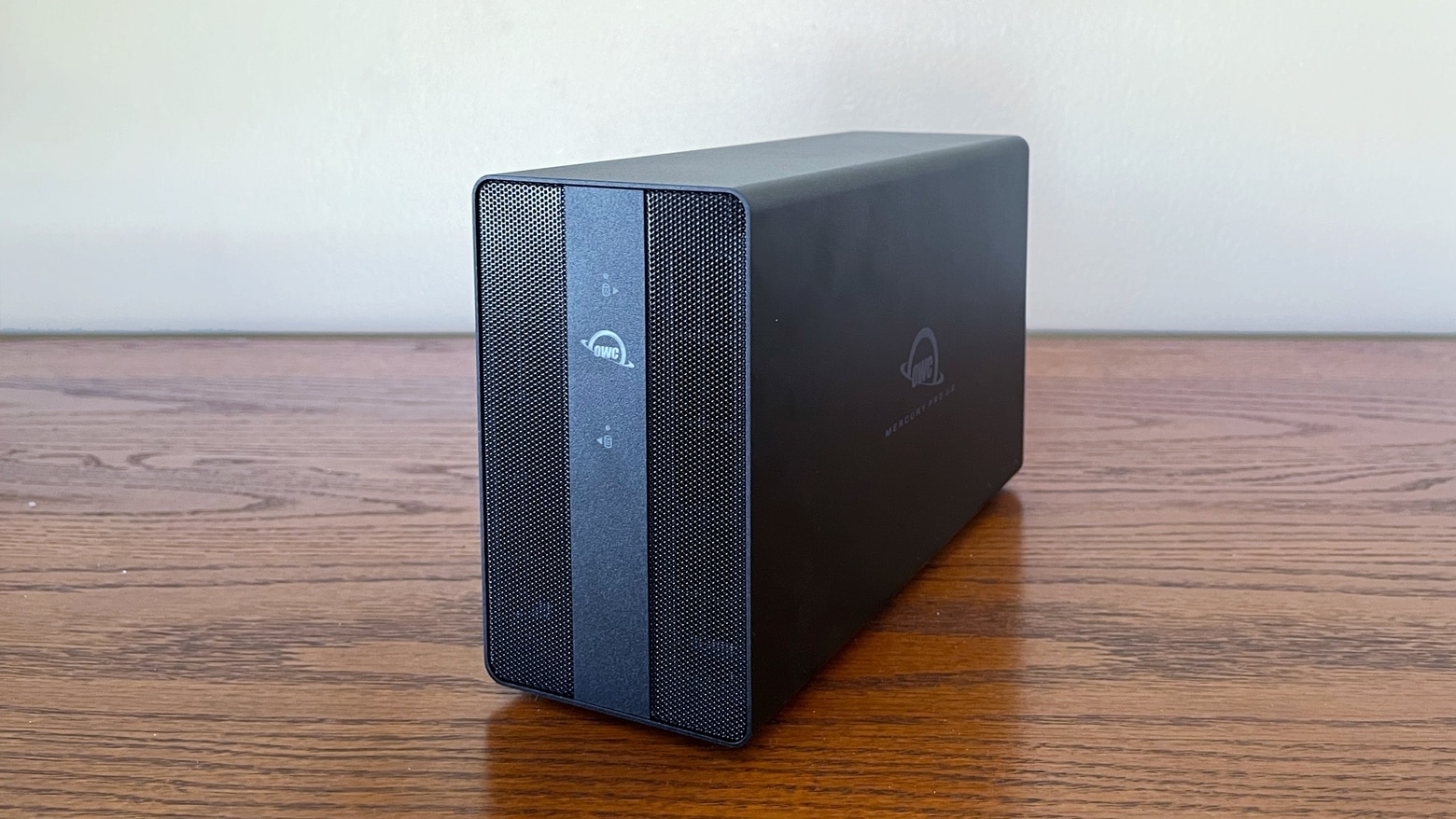
The OWC Mercury Pro U.2 Dual can handle up to eight U.2 SSDs. And it can be pre-configured with up to 64TB. That’s a lot of storage capacity. Or put in your own SSDs. And the external drive enclosure uses Thunderbolt for high-speed connections to your Mac. Plus there’s RAID support.
I put the drive holder through testing. Here’s what I found.
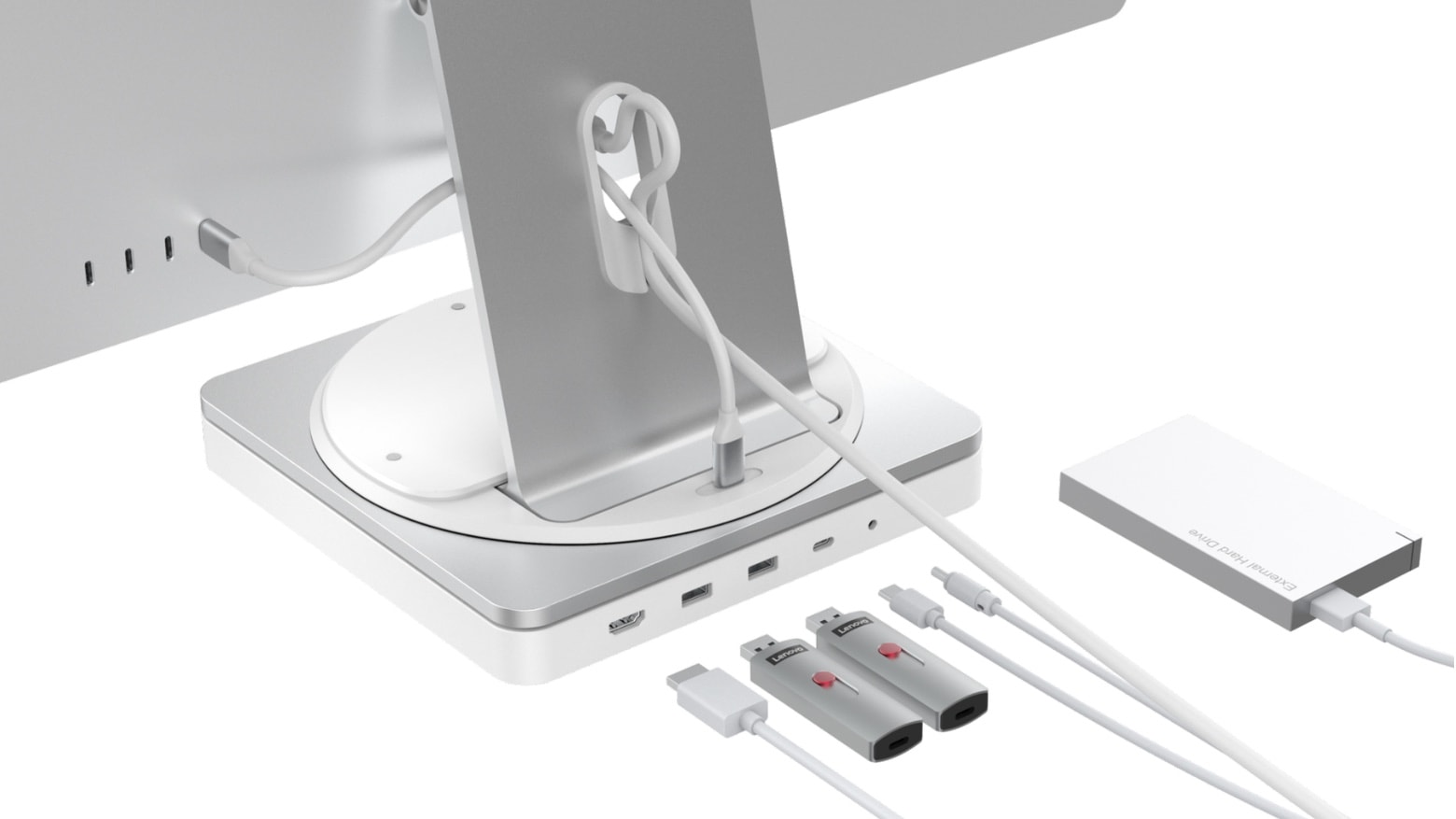
The HyperDrive Turntable Dock for iMac includes a 360-degree swivel mechanism that makes turning the computer a breeze. Plus, it has room for an SSD and 10 useful ports.
Hyper also unveiled on Monday the HyperDrive Thunderbolt 4 Power Hub, which combines a docking station and 100W computer charger.
Both are nominated for CES Innovation Awards.
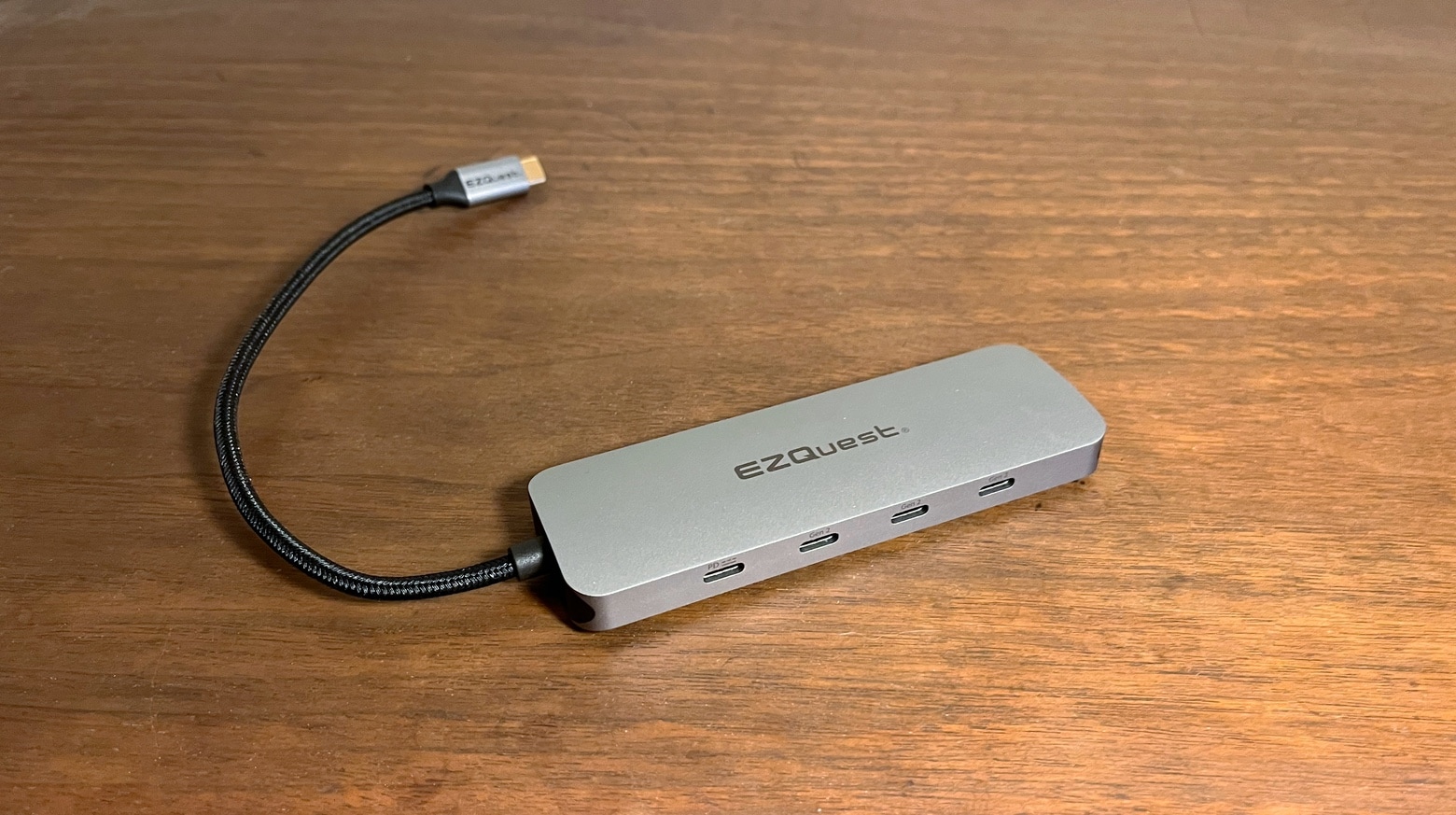
You can never be too thin, too rich or have too many USB ports. The EZQuest USB-C Gen 2 Hub Adapter adds four USB-C ports and three USB-A ones, making room for an array of peripherals for your Mac or iPad.
I put the USB-C hub through real-world testing. Here are its strengths and weaknesses.

Satechi’s just-launched Thunderbolt 4 Dock includes a whopping eleven ports, including three Thunderbolt 4 and four USB-A ports. And there’s also a range of other ports for connecting additional peripherals.
Plus, Satechi launched a pair of USB-C hubs on Wednesday.
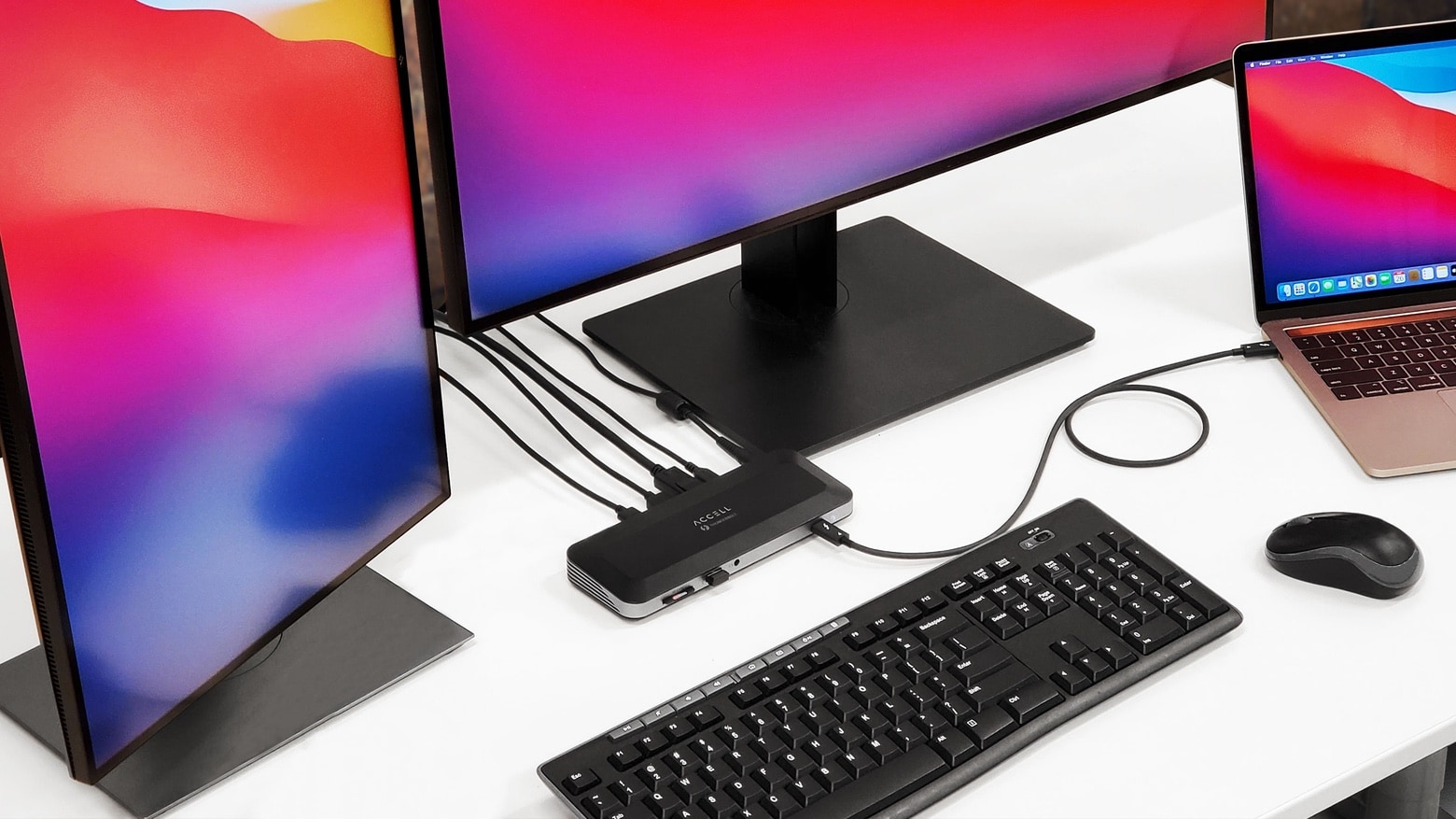
The Accell Thunderbolt 4 Docking Station allows multiple peripheral connections to Mac through a single Thunderbolt 4 cable. It turns a single Thunderbolt port into two, while also offering DisplayPort, USB-A, Ethernet and more.
The professional-grade hub is available for purchase starting Monday.

Logitech’s new Pop collection hopes to make dark, drab desks a thing of the past. Both its Pop Keys keyboard, which features real mechanical keys, and the Pop Mouse sport quirky designs with bright and colorful finishes.
Prices start at $39.99, and they work great with Apple devices, including Mac and iPad. You can order yours this month.
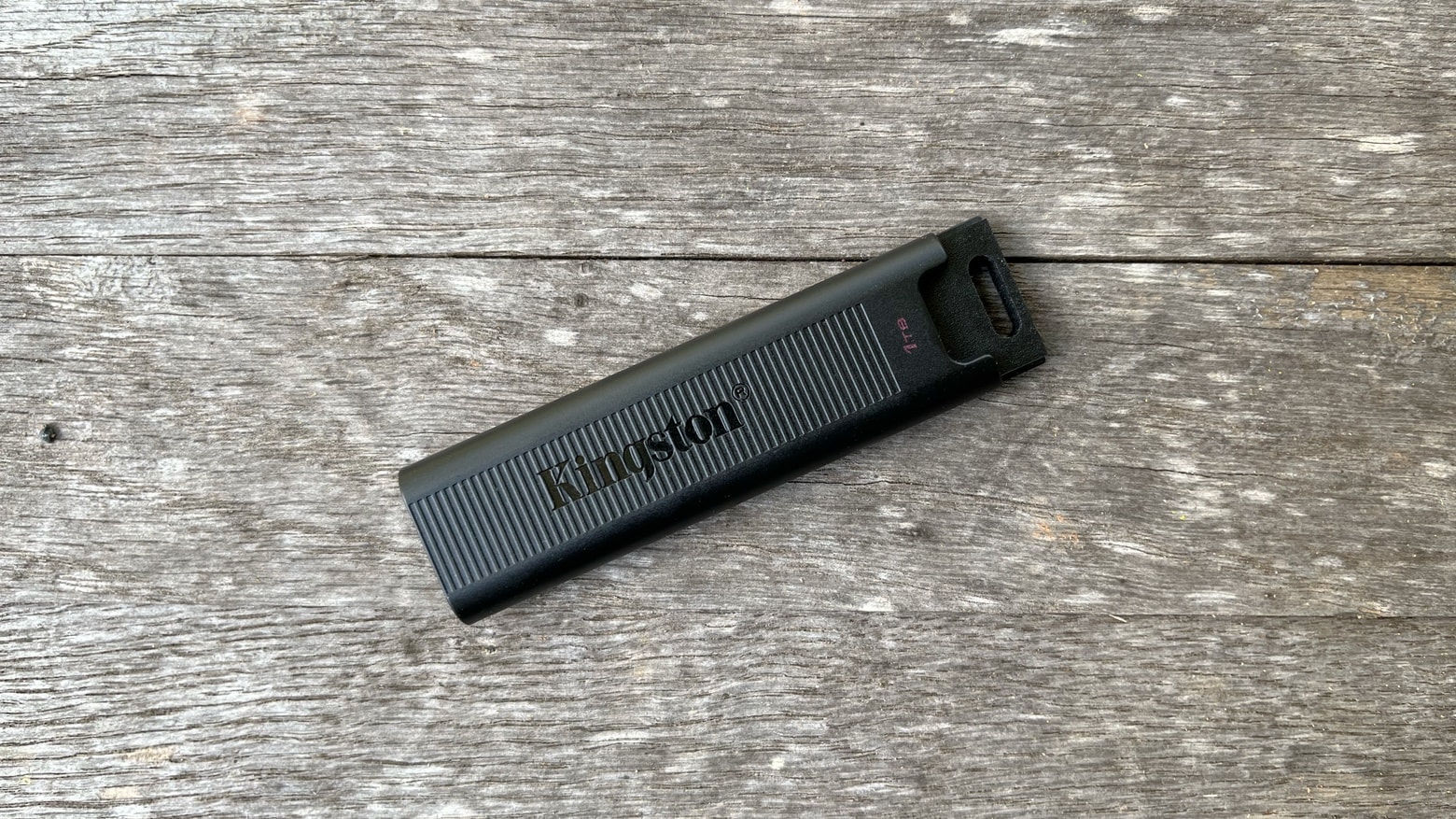
The Kingston DataTraveler Max is blazing fast. It supports USB 3.2 Gen 2 so the new flash drive can transfer data at up to 1,000MBps. And it uses USB-C so can be plugged into any Mac and most iPads.
I tested Kingston’s speed claims under real-world conditions. And data transfers are so quick it made me want to pitch out all my old flash drives.
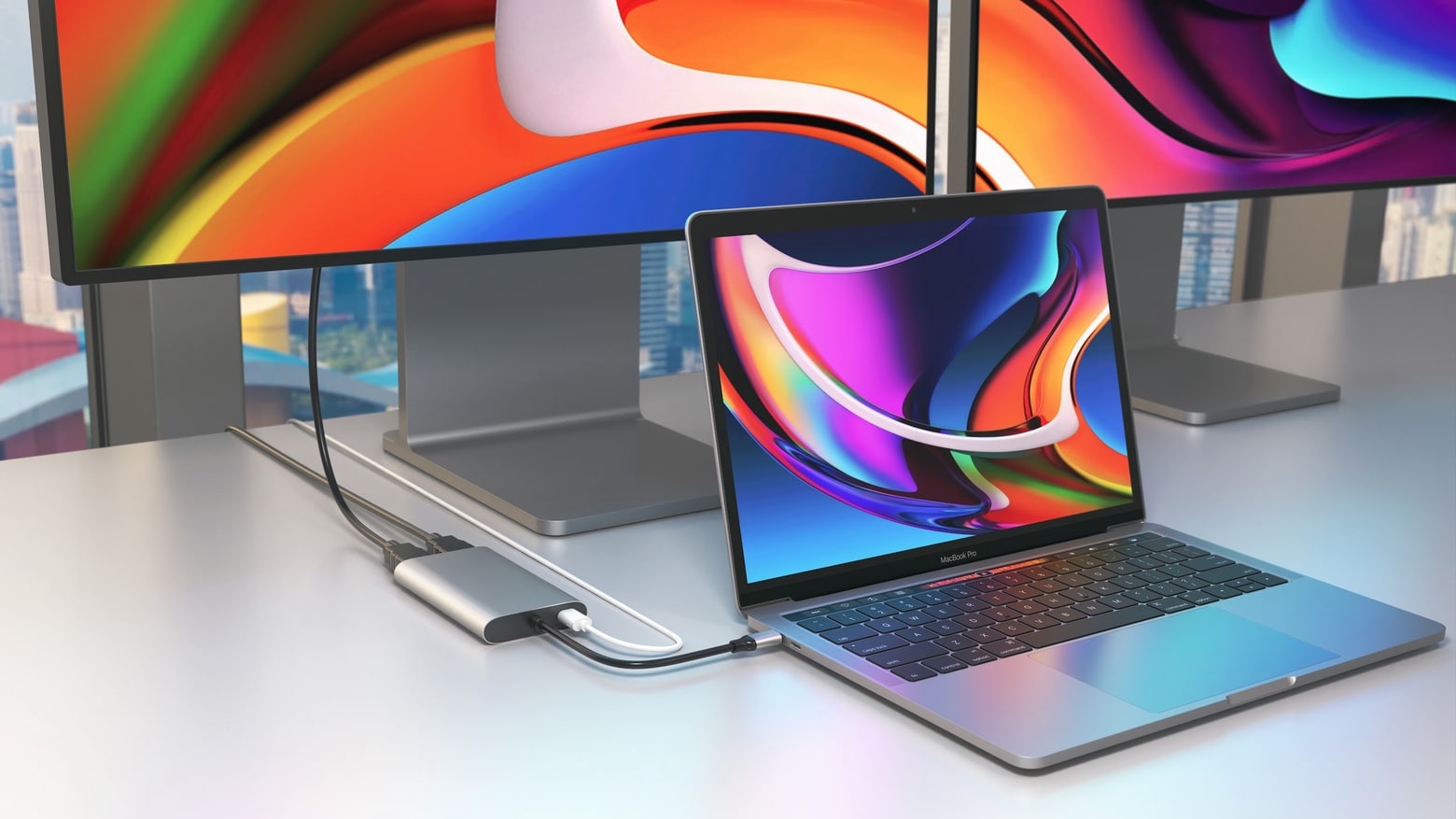
A pair of adapters just launched by Hyper let MacBooks with an Apple M1 processor connect to dual HDMI monitors. Apple says the macOS notebooks can only use one external display, but users found a workaround. And Hyper built this workaround into its latest accessories.
There’s a basic HyperDrive Dual 4K HDMI adapter, plus a second version that offers additional ports.
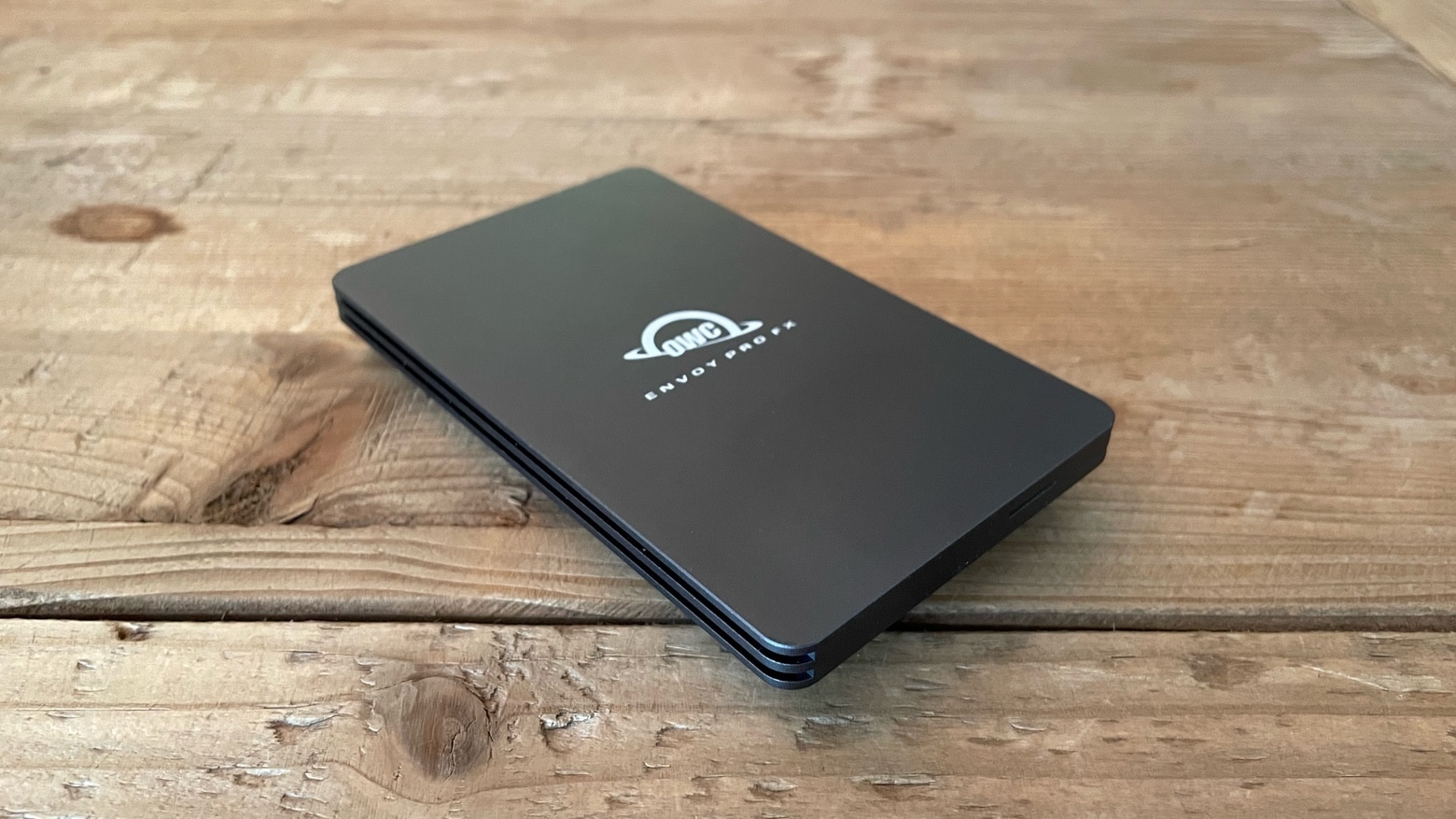
No matter how hard you are on your gear, you aren‘t going to destroy the OWC Envoy Pro FX. The 2 terabyte SSD is waterproof and offers military-level drop toughness. Plus the USB-C accessory supports Thunderbolt 3 so data transfers are super fast.
I put the solid state drive through testing. Here’s how it stood up.
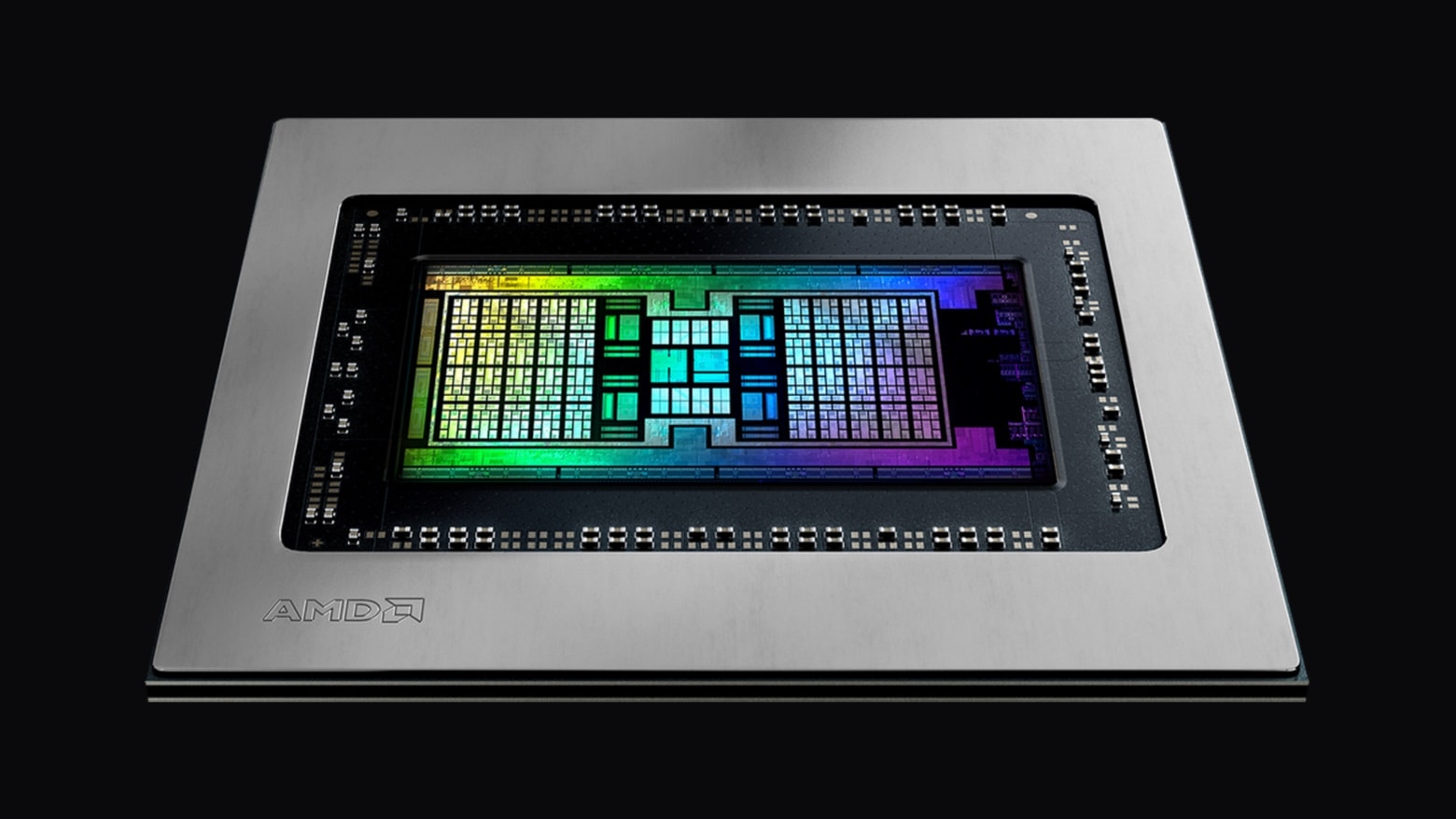
AMD launched new Radeon Pro W6000X series GPUs for Mac Pro on Tuesday. These add-on graphics processing units for Apple’s most powerful macOS desktop are designed for demanding professional applications, including 3D rendering, 8K video compositing, color correction and more.
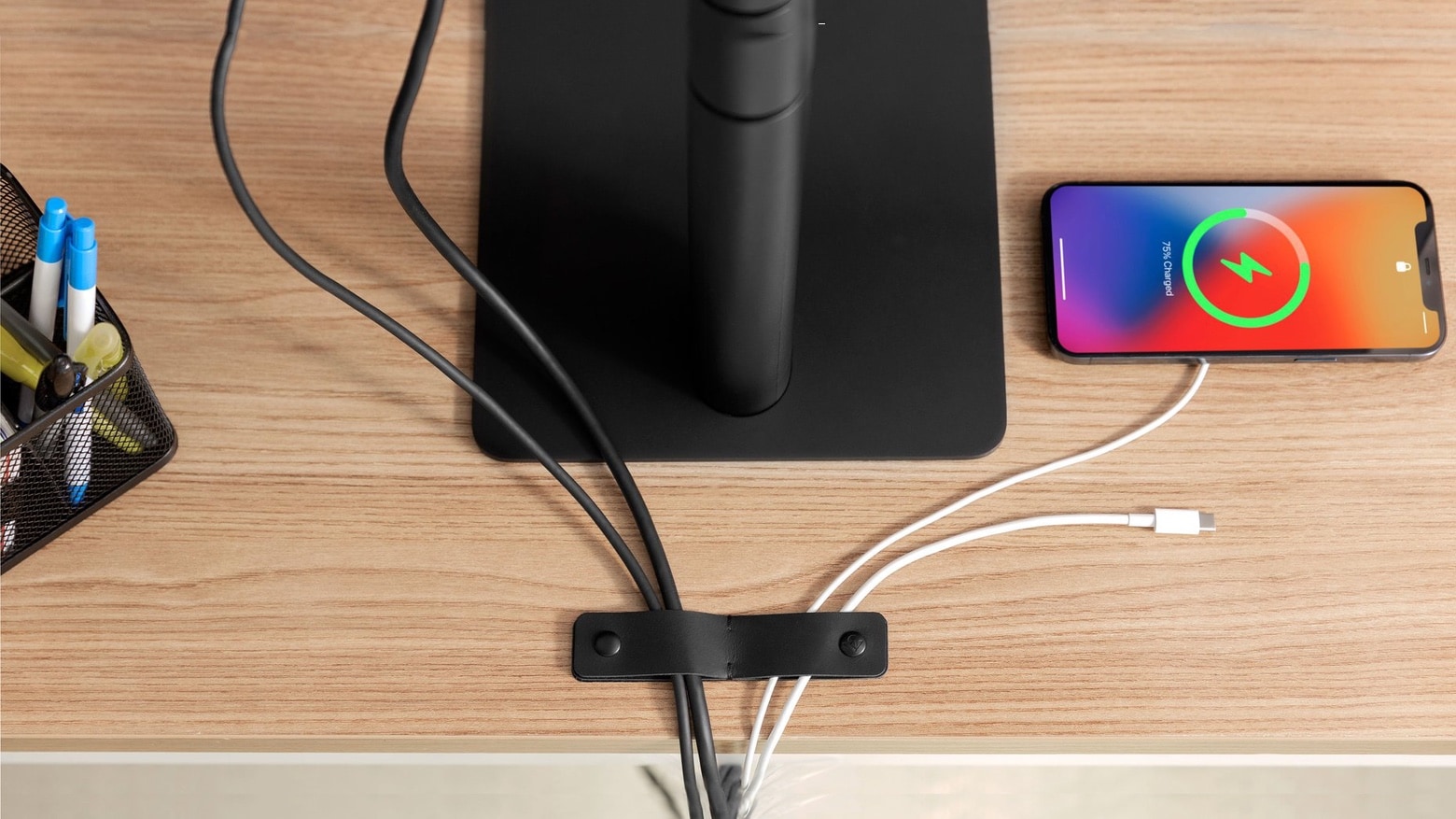
TwelveSouth has an attractive solution for the problem of messy cables stretching across nearly everyone’s desk. SurfaceSnap offers leather bands with button snaps. Attach one or more of these to a desk or table to secure charging and computer cables.
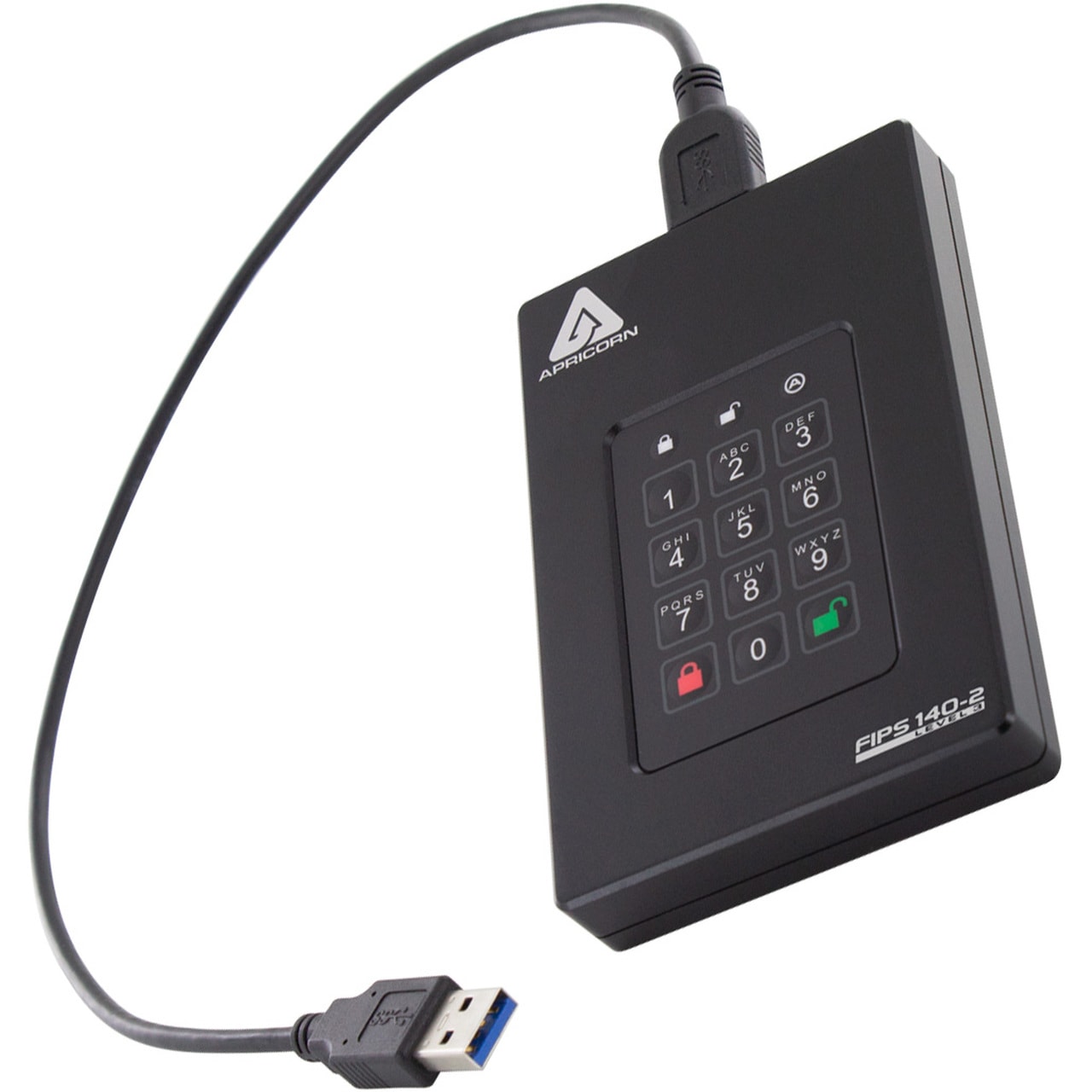
The headline should probably read, “Got data? And money?” Storage device-maker Apricorn released on Thursday what it bills as the largest-ever portable encrypted solid state drive. It holds 20TB of data and costs $12,999.
But don’t worry, you can get a much smaller one for as little as $239.
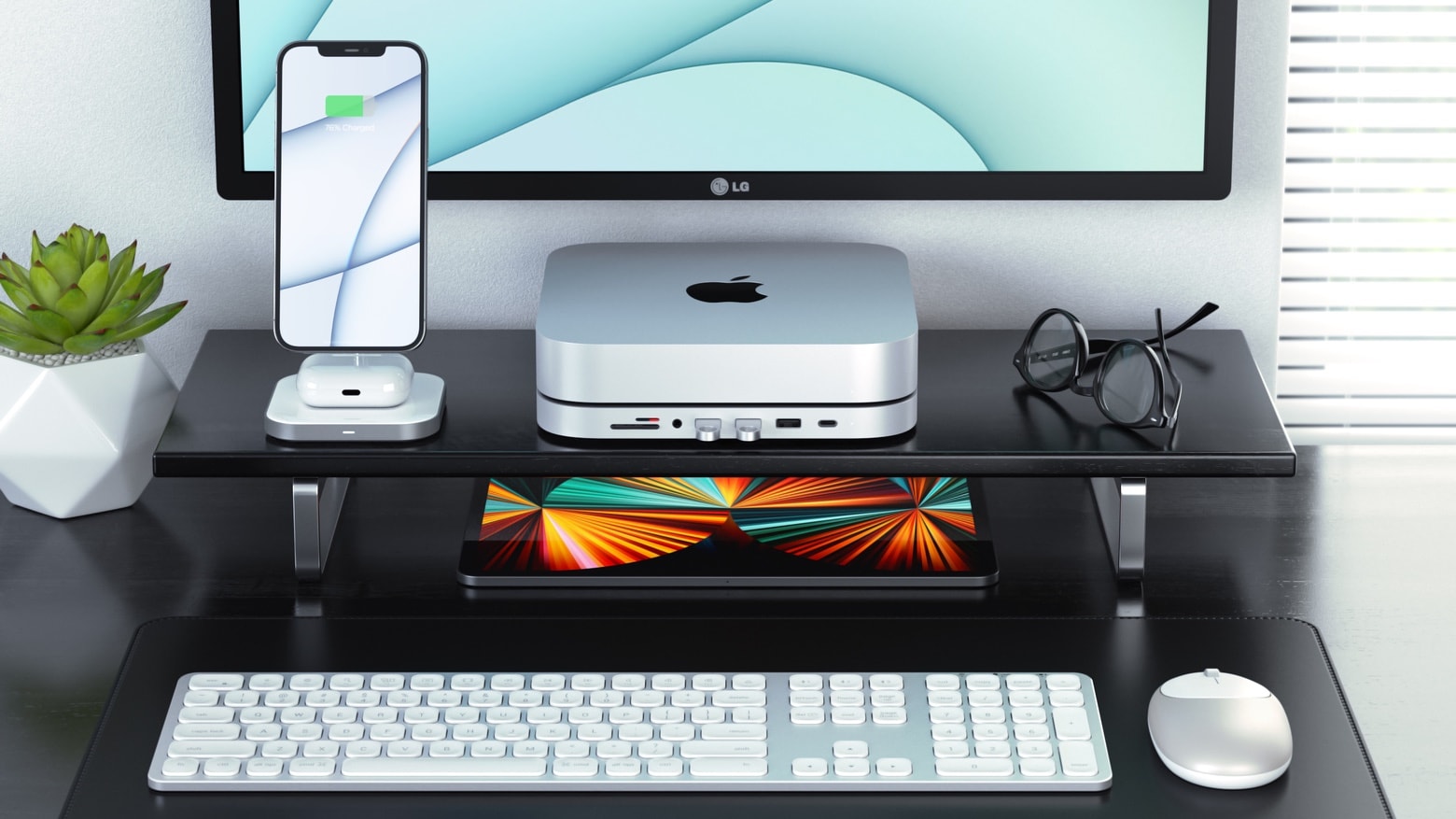
Satechi’s stylish Mac mini stand includes an array of front-facing ports. A new version adds space for a sold-state drive to further increase the macOS desktop’s storage capacity.
The Satechi Type-C Stand & Hub for Mac Mini with SSD Enclosure launched Wednesday. And it’s currently on sale.
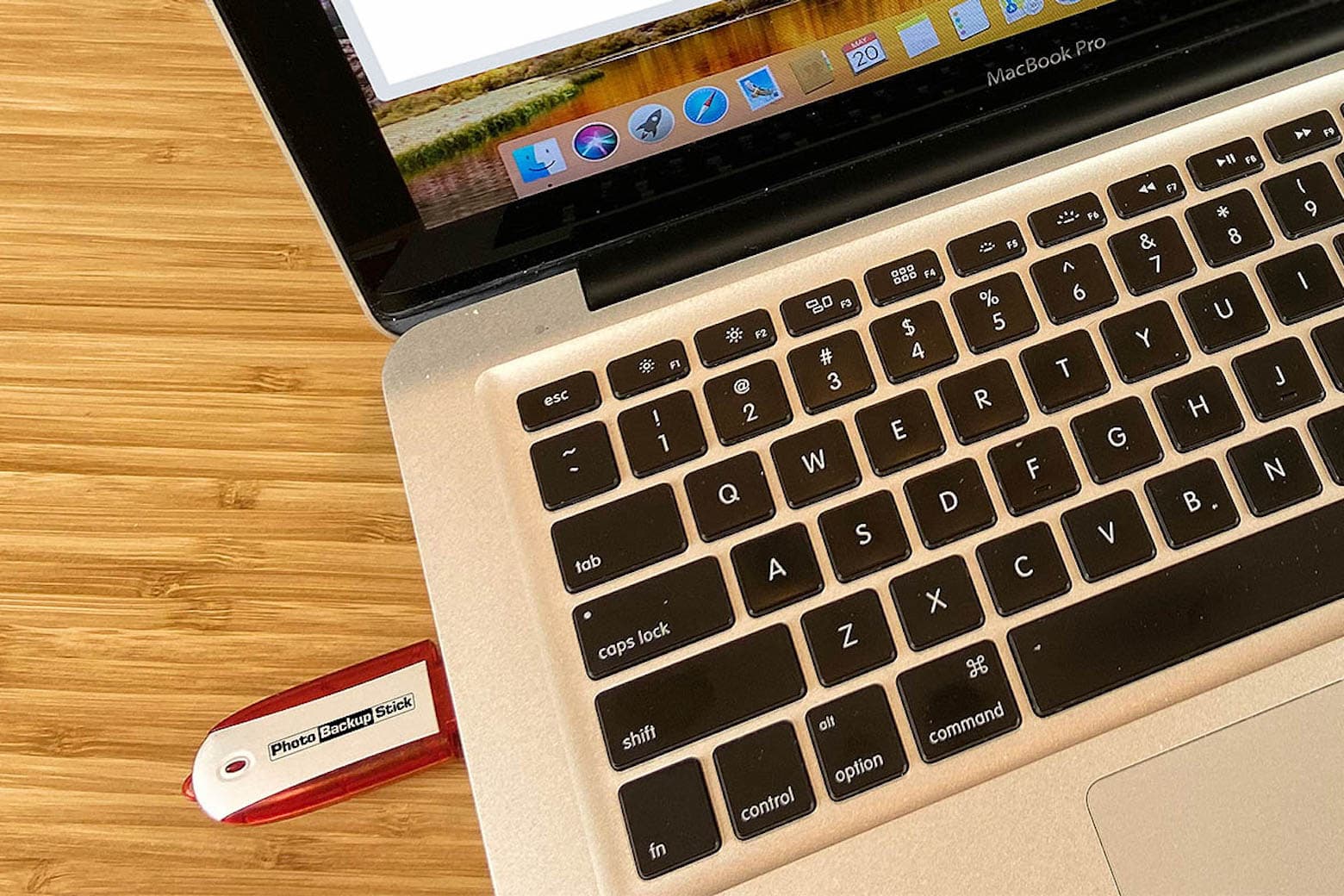
We all go through a similar thought process when our phones, laptops or iPads break, get lost or are stolen. Somewhere between trying to remedy the situation and coming to terms with the loss comes the sharp realization that all your content is gone. Saying goodbye to your photos is never fun, but you can prevent this nightmare from happening by taking precautions now.
What’s better than using cloud storage? Keeping your photo and video content in the palm of your hand. While the cloud can be convenient, the Photo Backup Stick automatically backs up pictures and videos — without having to rely on an internet connection. It can eliminate the need to pay for monthly cloud-storage fees.