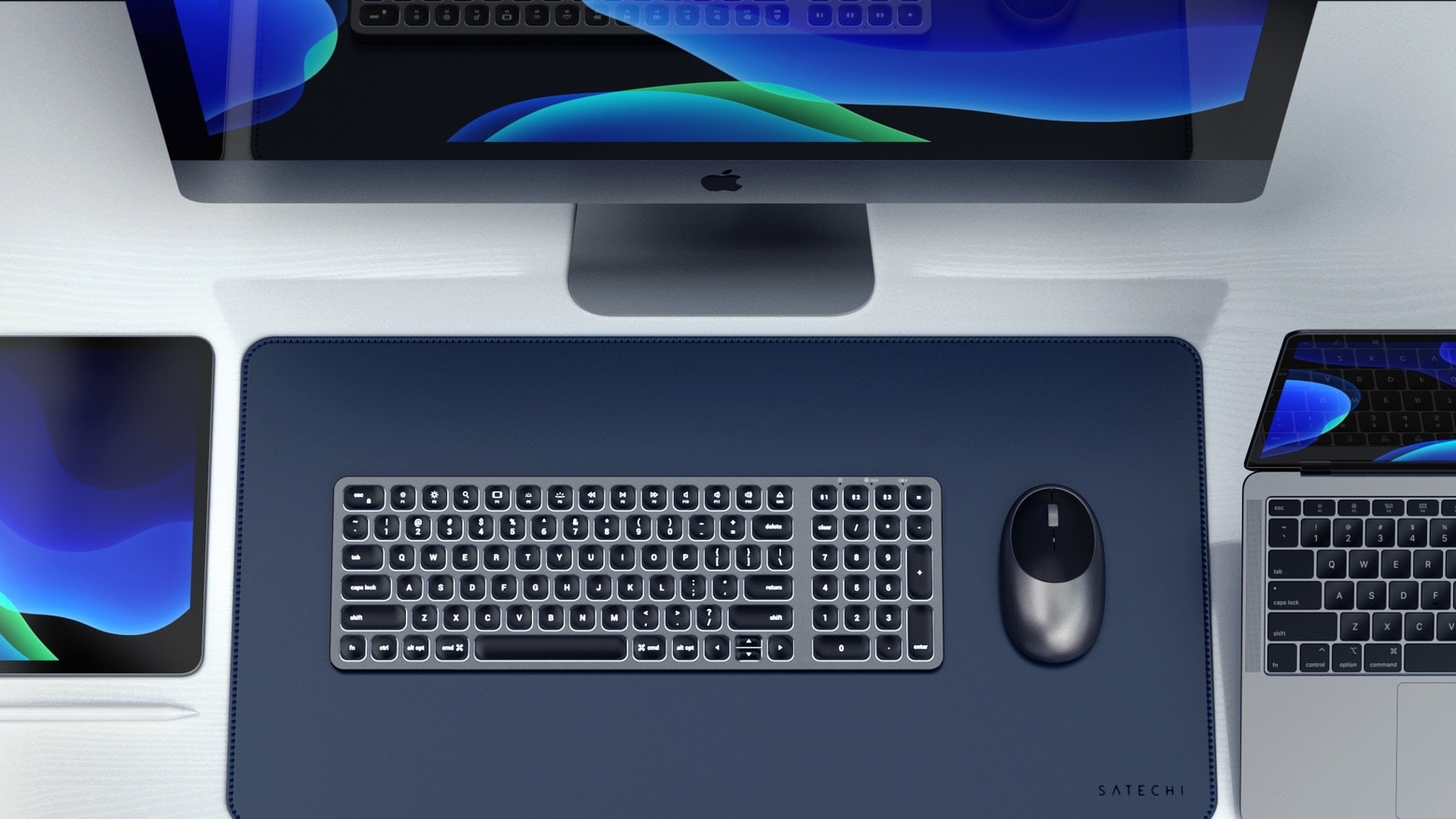
The Satechi Compact Backlit Bluetooth Keyboard leaves plenty of extra room on your desktop. Photo: Satechi
Don’t let the name fool you — the Satechi Compact Backlit Bluetooth Keyboard includes a full keypad and numberpad. Plus, it can be paired with three devices, and switch easily between them.
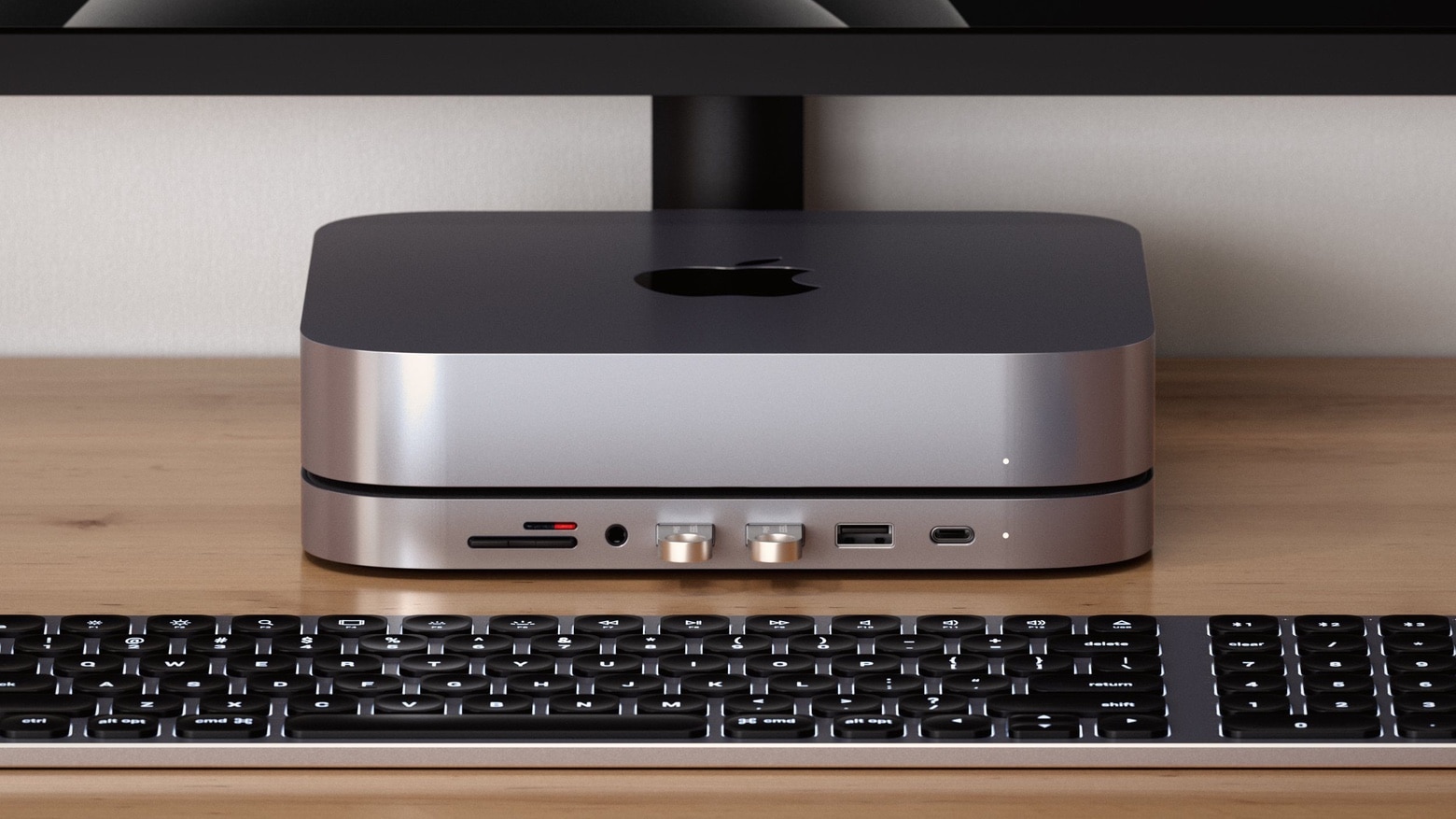
Satechi Type-C Aluminum Stand & Hub really matches the look of the Mac mini. Photo: Satechi
A just-released stand adds an array of front-facing ports to a Mac mini, and it matches the look of this tiny desktop. The Satechi Type-C Aluminum Stand & Hub not only elevates the computer, it includes six expansion ports.
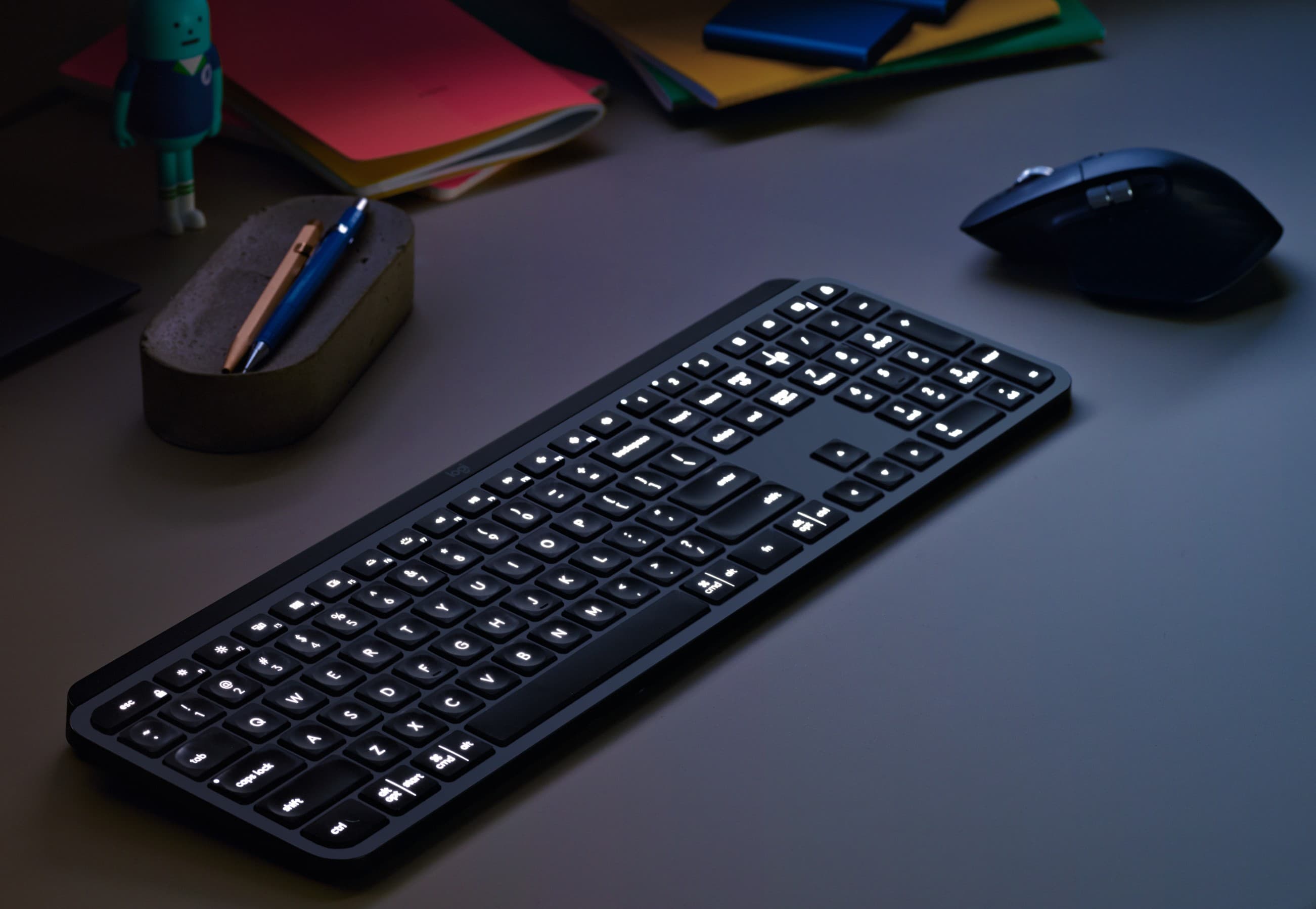
Meet MX Keys and MX Master 3, Logitech's new dynamic desktop duo. Photo: Logitech
A great mouse just got even better (and it brought a friend). Logitech’s new MX Master 3 mouse raises the bar on speed, thanks to a new electromagnetic scroll wheel that the company says can breeze through 1,000 lines in a second.
Meanwhile, the high-end mouse maintains the precision tracking, aggressively comfortable design and endless customization options that make it ideal for power users. And, it gains a new desktop productivity partner — MX Keys, a deluxe keyboard with sweet backlighting and other advanced options.
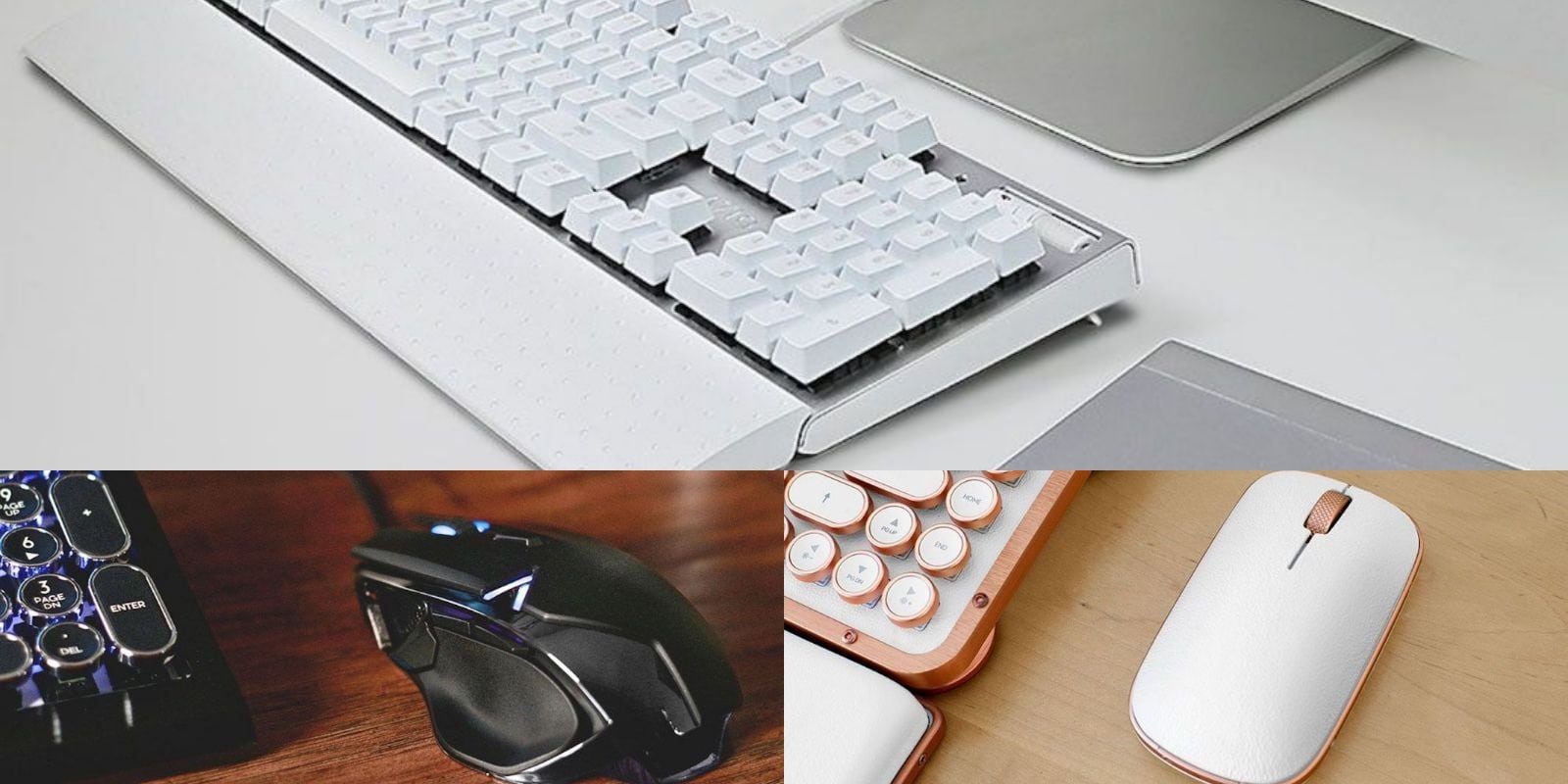
This roundup of keyboard and mice offers an easy way to enhance your Mac's feel and functionality. Photo: Cult of Mac Deals
Using your computer is only as fast and effective as what you use to interface with it. That means your mouse and keyboard, so these upgrades from Azio offer a way to work and play better with your Mac.
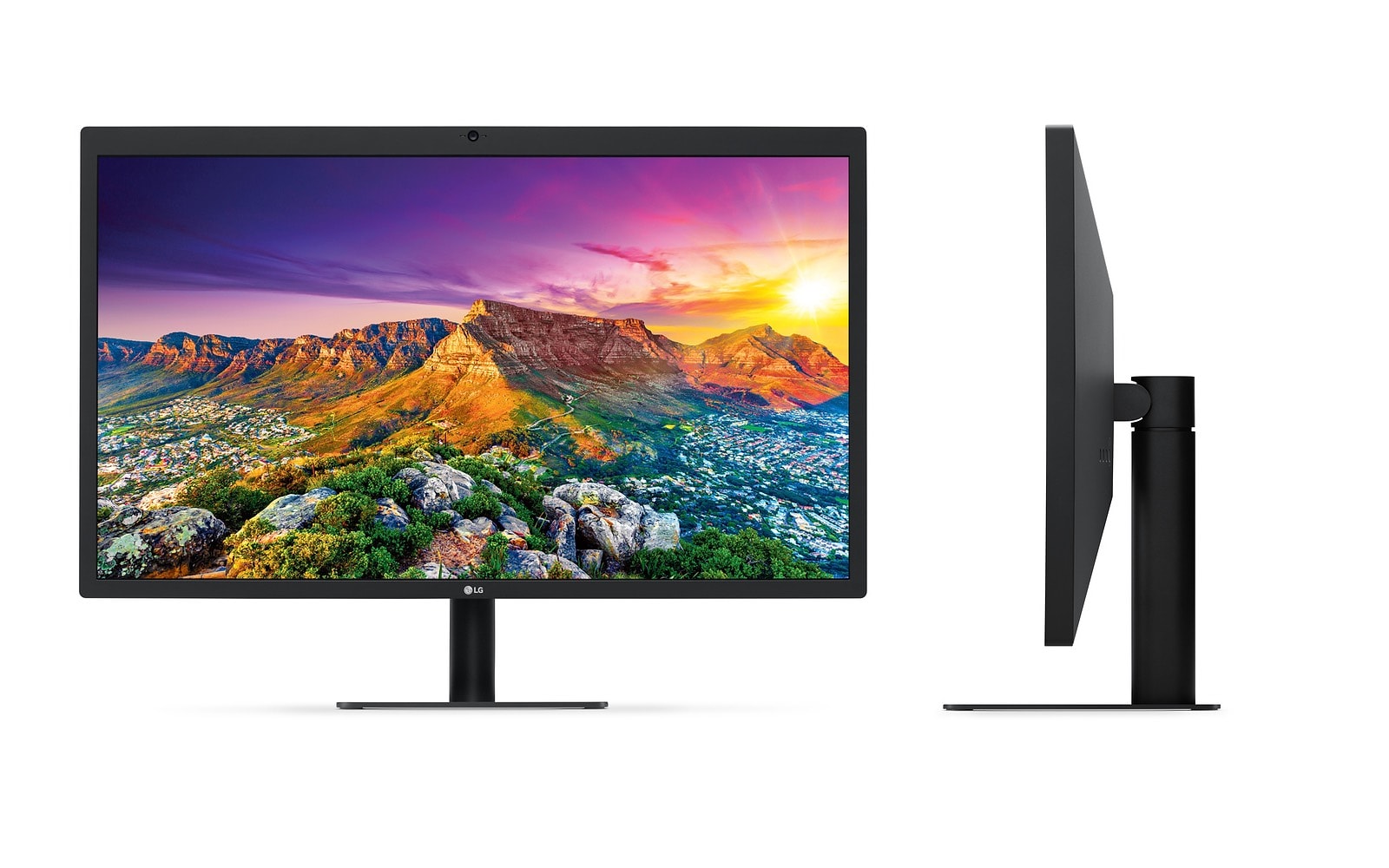
For a non-Apple design, the UltraFine 5K is pretty fine. Photo: Apple
LG’s UltraFine 5K monitor is back in the Apple Store, and it’s even better than before. Or at least it does more than before. The 27-inch, Retina-quality monitor now works with the iPad Pro as well as the Mac, so you could use it as a single screen for all your devices.
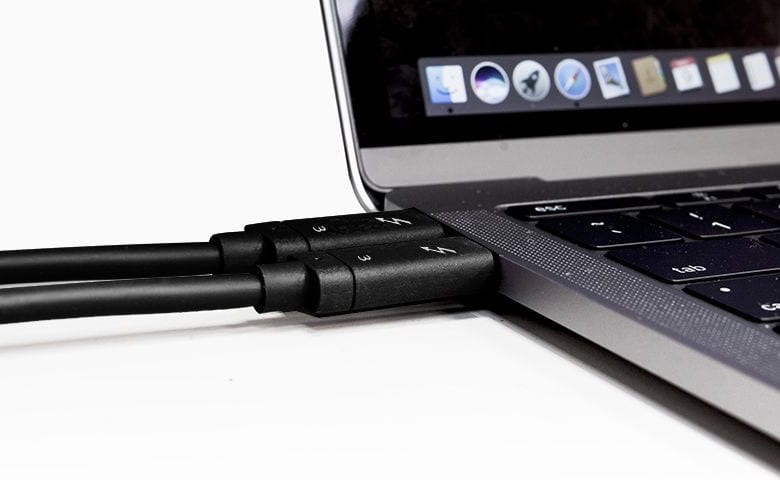
A Thunderbolt 3 cable is also a USB4 cable. Photo: Caldigit
Just a week after USB 3.2 was unveiled, the USB Promoter Group went ahead and took the wraps off the follow up. But if the specs of USB4 sound familiar, that’s because they’re based on the Thunderbolt 3 standard already implemented in most Macs.
So users of other types of computers can finally benefit from the faster connection speeds that Apple devices have been enjoying for years.
You can’t tell which version of the USB standard a cable uses just by looking at it. Photo: Charlie Sorrel/Cult of Mac
The USB Implementers Forum (USB-IF) today released a description of the next version of USB.This brings welcome improvements in data transfer speeds, and USB 3.2 also attempts to remedy some of the confusion the public experiences trying to understand what USB products offer.
Luna Display gives you a touchscreen Mac. Photo: Luna Display
Even the most committed iPad user still needs a Mac occasionally. You might need to add music to your iTunes music library, or get files off an SD card, or use BitTorrent, or keep local backups of your photo library. Or you might just like using a Mac, but you don’t want a huge iMac, and what’s the point in buying a MacBook if you have an iPad already?
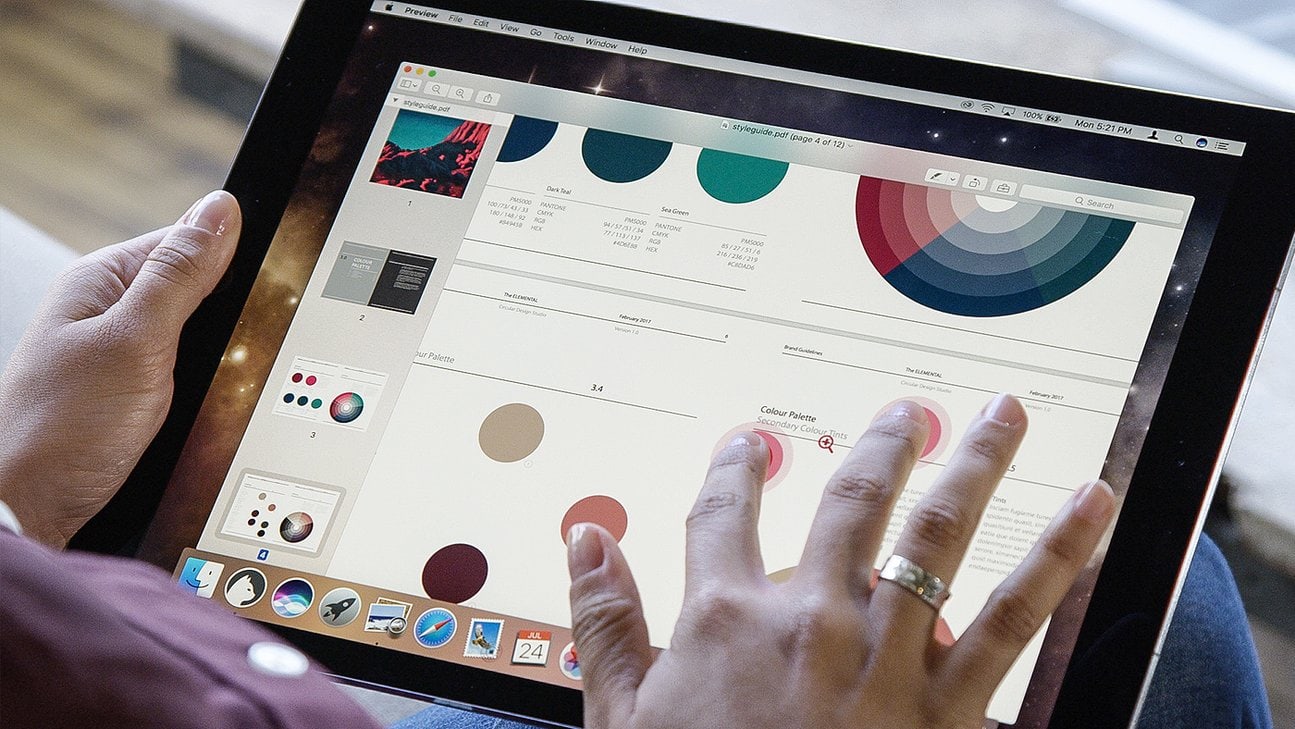
The obvious choice is a Mac mini. And with this tip, you can use your iPad Pro as a display for the Mac. That means you won’t need an extra monitor, but it also means that you can quickly turn your iPad into a Mac when you need to.
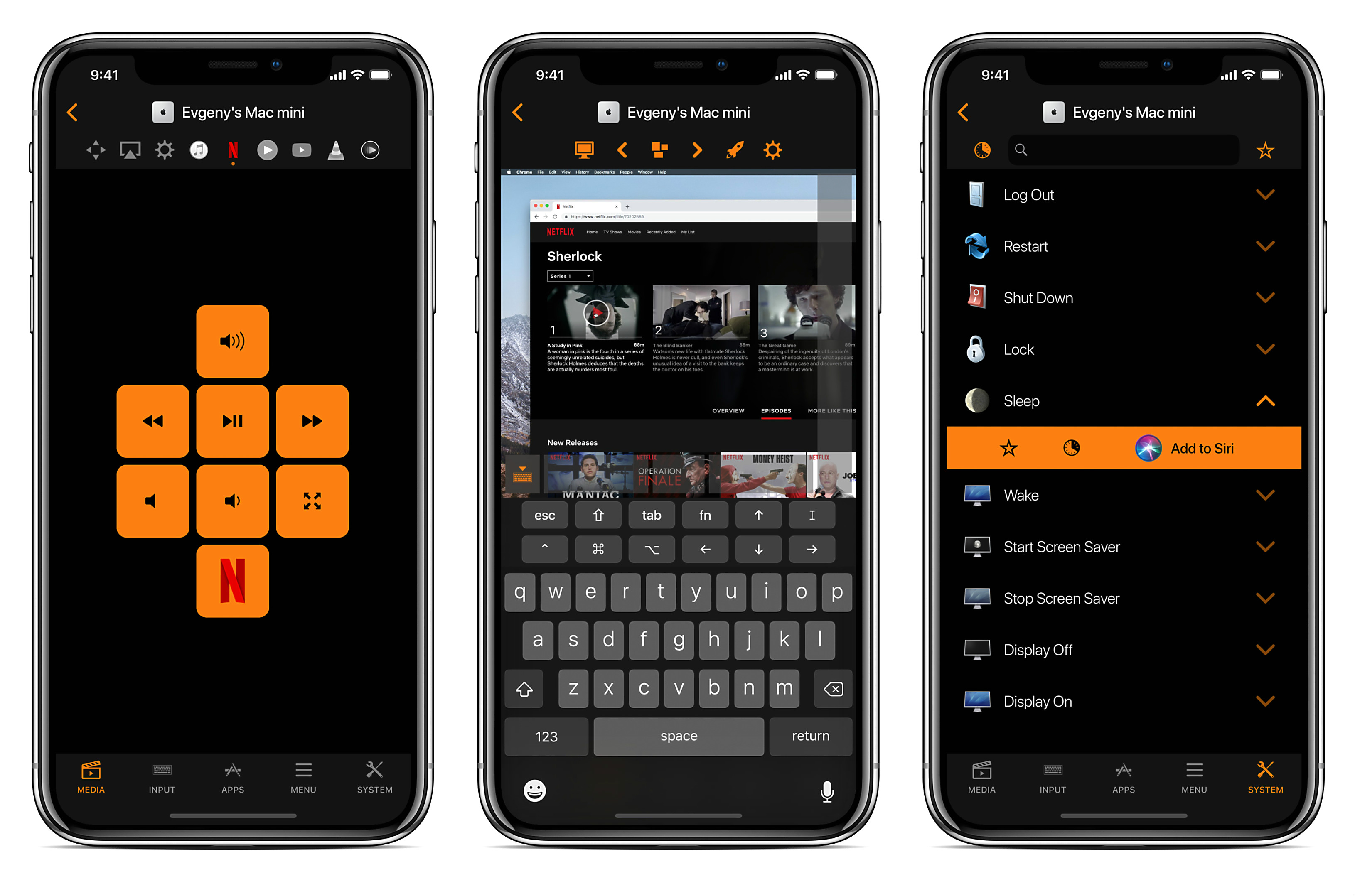
Your Mac or MacBook is a modern media hub. It’s your source for movies, music, podcasts, games, apps and plenty more. But to use it, you’ve still got to walk up and tap at the keyboard and mouse. So in that sense, it’s like a step back to the bad old days of dialing in radio and TV stations.
Remote for Mac adds the convenience that we expect from our devices in the 21st century. It turns your iPhone or iPad into a fully loaded remote control for all kinds of functions on your Mac. It brings full trackpad and keyboard control to your phone, so you can use your Mac without leaving the couch.
Any Songmaker Kit can be turned into the GarageBand Edition. Photo: Roli
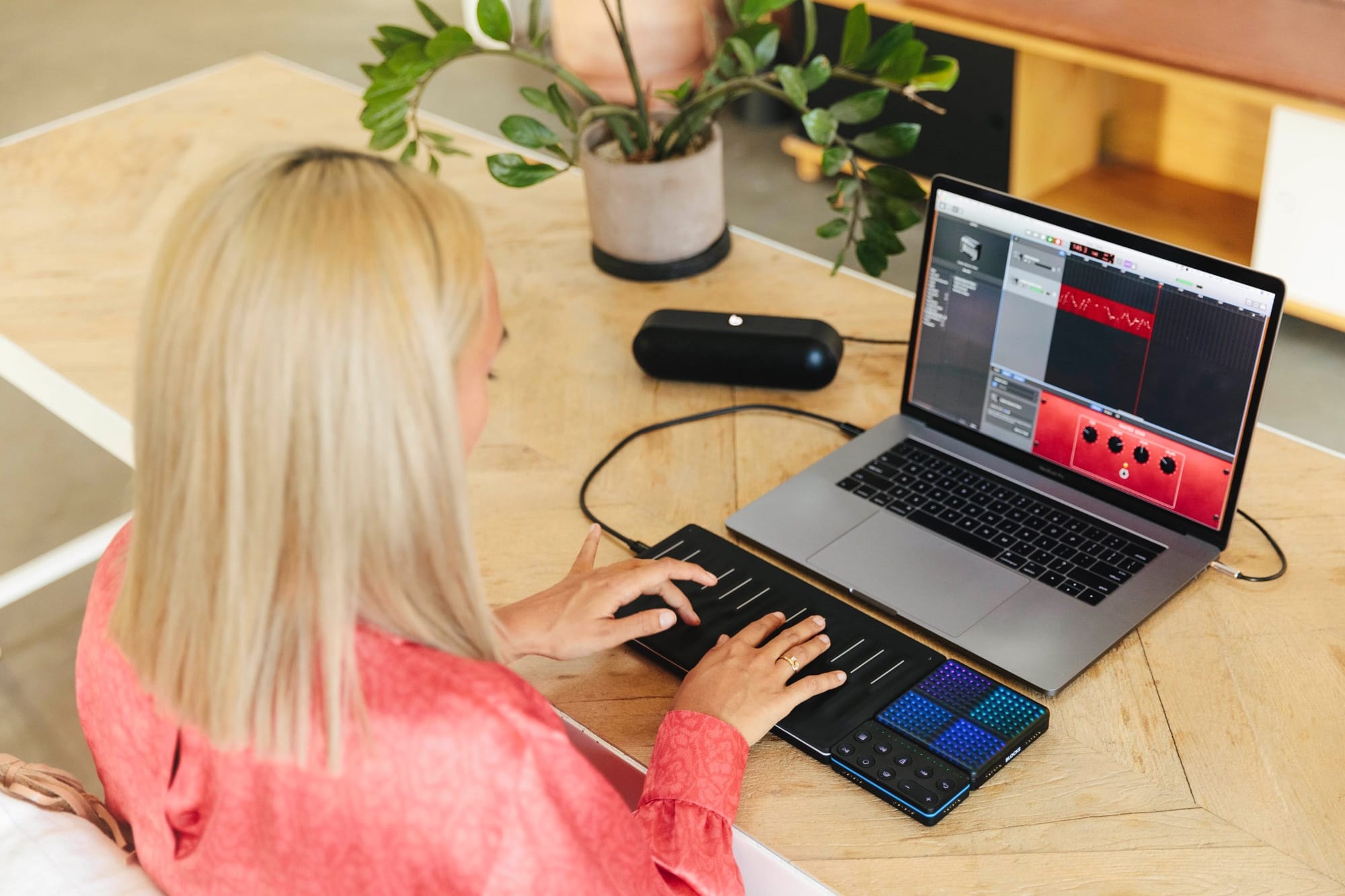
Roli makes touch-sensitive controllers for music apps, and they come in Blocks, little modular units that can be snapped together via magnets to form bigger, better controllers. They’re kind of like Transformers for music. Now, Roli will now sell you a GarageBand-friendly version of its amazing Songmaker Kit, optimized for use with the Mac version of GarageBand.
But what if you already bought a Songmaker Kit? Should you return it and buy the new one? Nope. The hardware is exactly the same, all you need is a software update.
Today we’ll see what the Songmaker Kit GarageBand Edition can do, and find out how to update your own Blocks to use it.
Make no mistake. This cord has been tagged. Photo: David Pierini/Cult of Mac
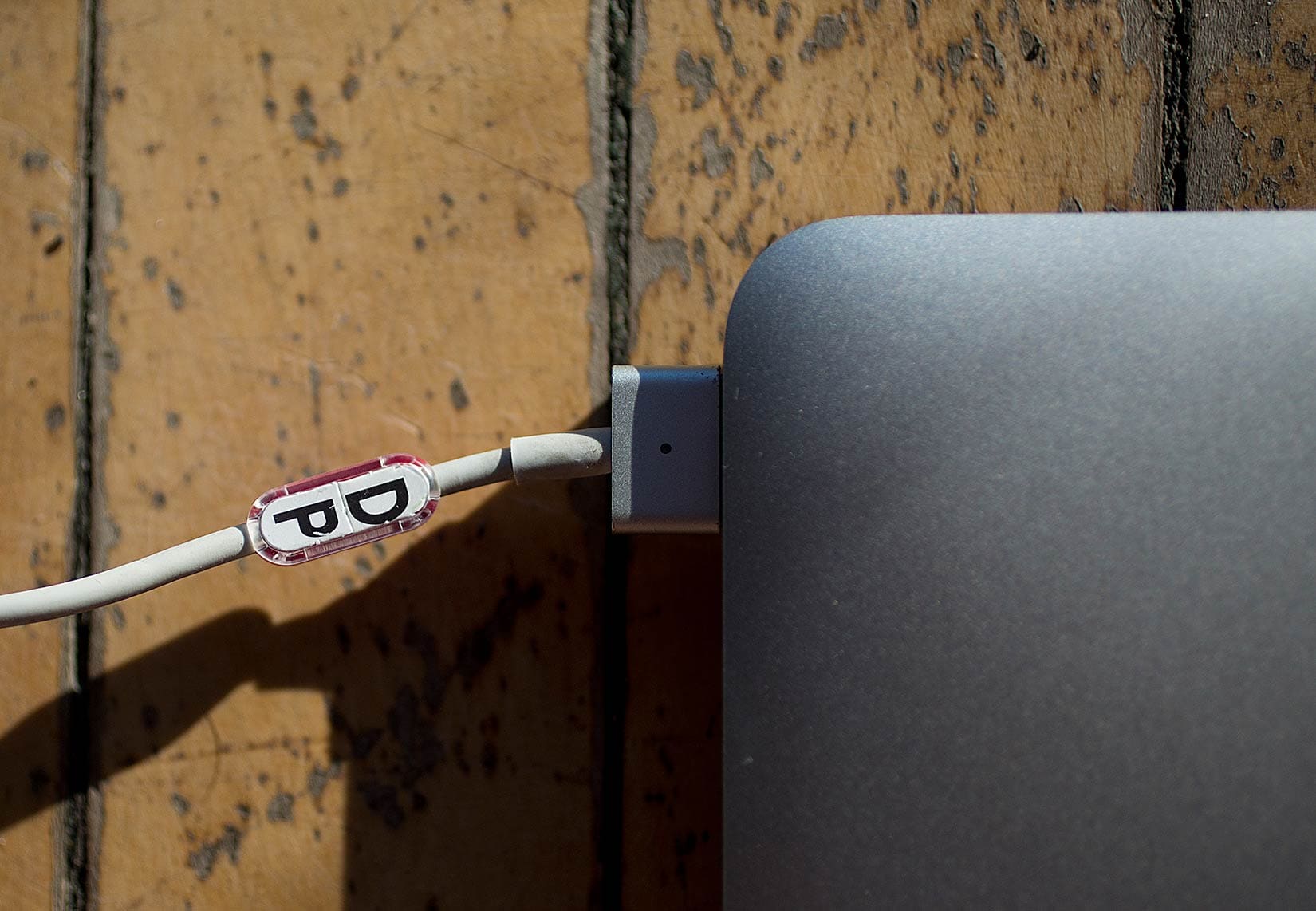
Buoy Tags, in a nutshell, are labels for cables. Apparently, some of us could use them.
I didn’t know this until my little box of Buoy Tags arrived. But once I saw the little clip-on tags, I could see how they might solve a common problem in households with multiple devices, or in communal offices where everyone plugs into power strips.
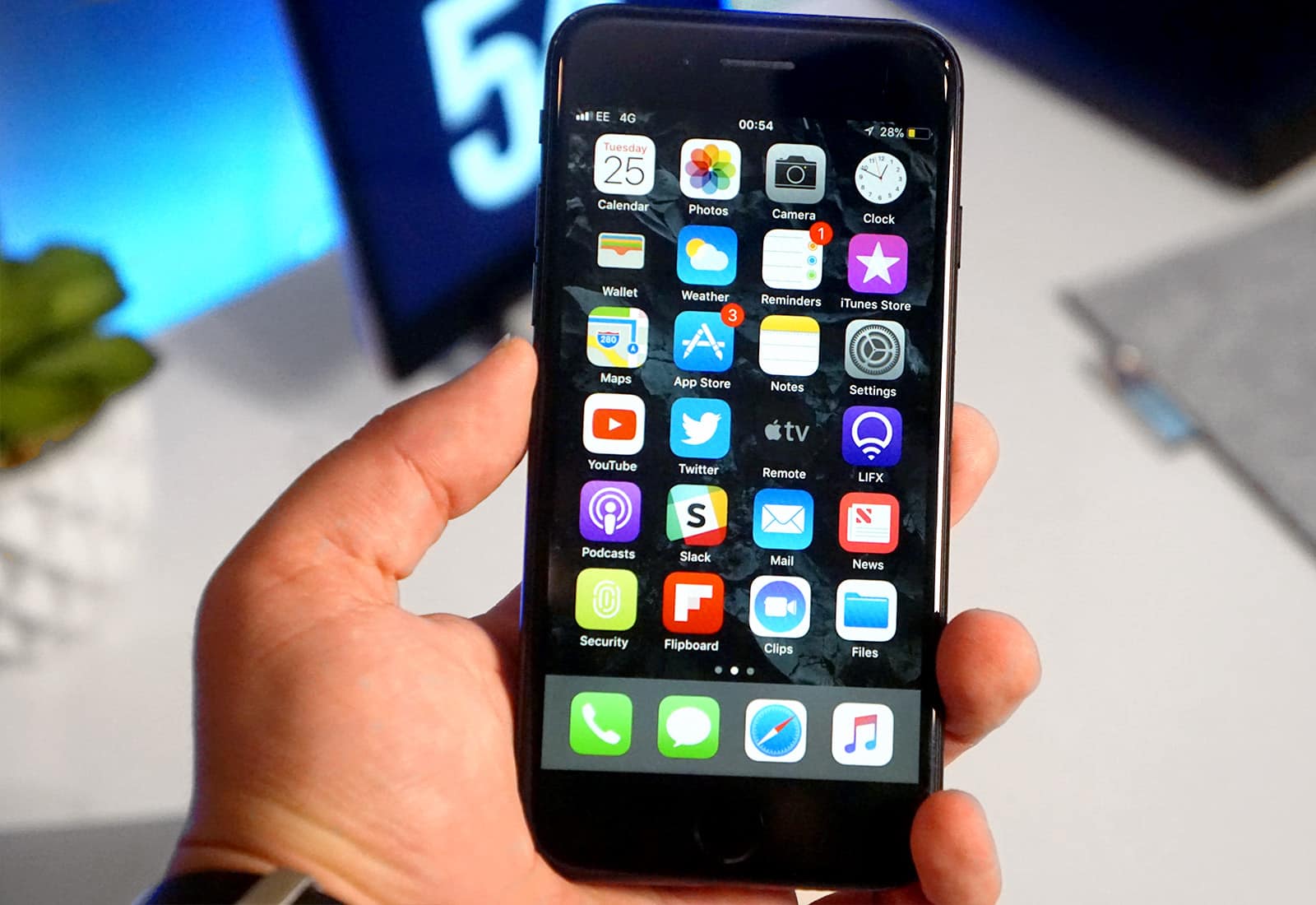
Save a small fortune on prepaid iPhones at Best Buy. Photo: Ste Smith/Cult of Mac
Best Buy is running another big Apple Shopping Event, with impressive discounts on iPhone, iPad, and Mac. It’s just one of the awesome offers in today’s Deals & Steals roundup. We also have Apple-certified Lightning cables at a bargain price, and $20 off a great USB-C hub for MacBook.
Plus, you can save $60 on the Astro A20 gaming headset for Mac, and there’s still time to save $55 on the Belkin Valet charging stand for Apple Watch at B&H Photo.
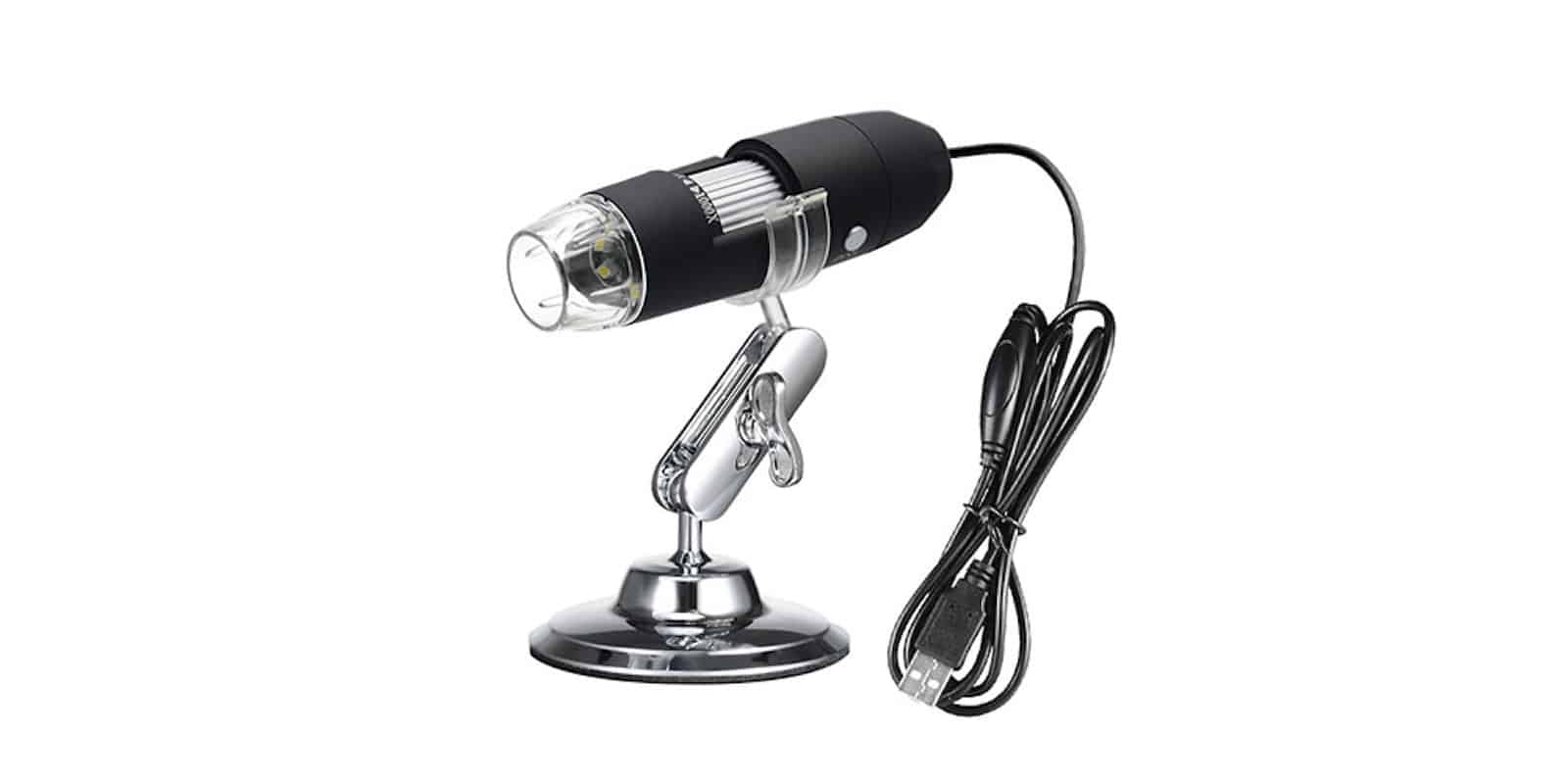
This USB-connected microscope lets you get up close and personal with any object. Photo: Cult of Mac Deals
Digital cameras sure have come a long way, but they’re limited by the realities of glass and plastic. So if you want to capture far-off subjects, you need a telephoto lens. If you want to photograph something close up, you get a macro lens.
If you want to get really close, you want a microscope.
These accessories are perfect for any Mac owner on your gift list. Image: Ste Smith/Cult of Mac
Christmas creeps up on you quickly, so if you haven’t already started your shopping, it’s time to do something about it. Cult of Mac can help! In this guide, you’ll find a selection of stellar gifts that are perfect for the Mac lover in your life.
We have killer keyboards, stunning stands, super speakers and more!
From dongles to docks, these are the year's best Mac accessories. Image: Ste Smith/Cult of Mac
We value our Mac computers. Whether on a desk or in a lap, they help us complete many life tasks. But you and your machine wouldn’t make it without reliable accessories — especially now that we live in the USB-C era.
Storage drives, hubs with extra ports, a good pair of headphones, maybe a bag to carry your tech — all these Mac accessories play important roles. They often remain unsung, but sometimes come through to help us avoid a devastating loss of hardware or important work.
So if you are looking to bolster your Mac support team, look no further than this list of some of Cult of Mac’s favorites accessories from 2016 for iMacs, MacBooks and MacBook Pros.
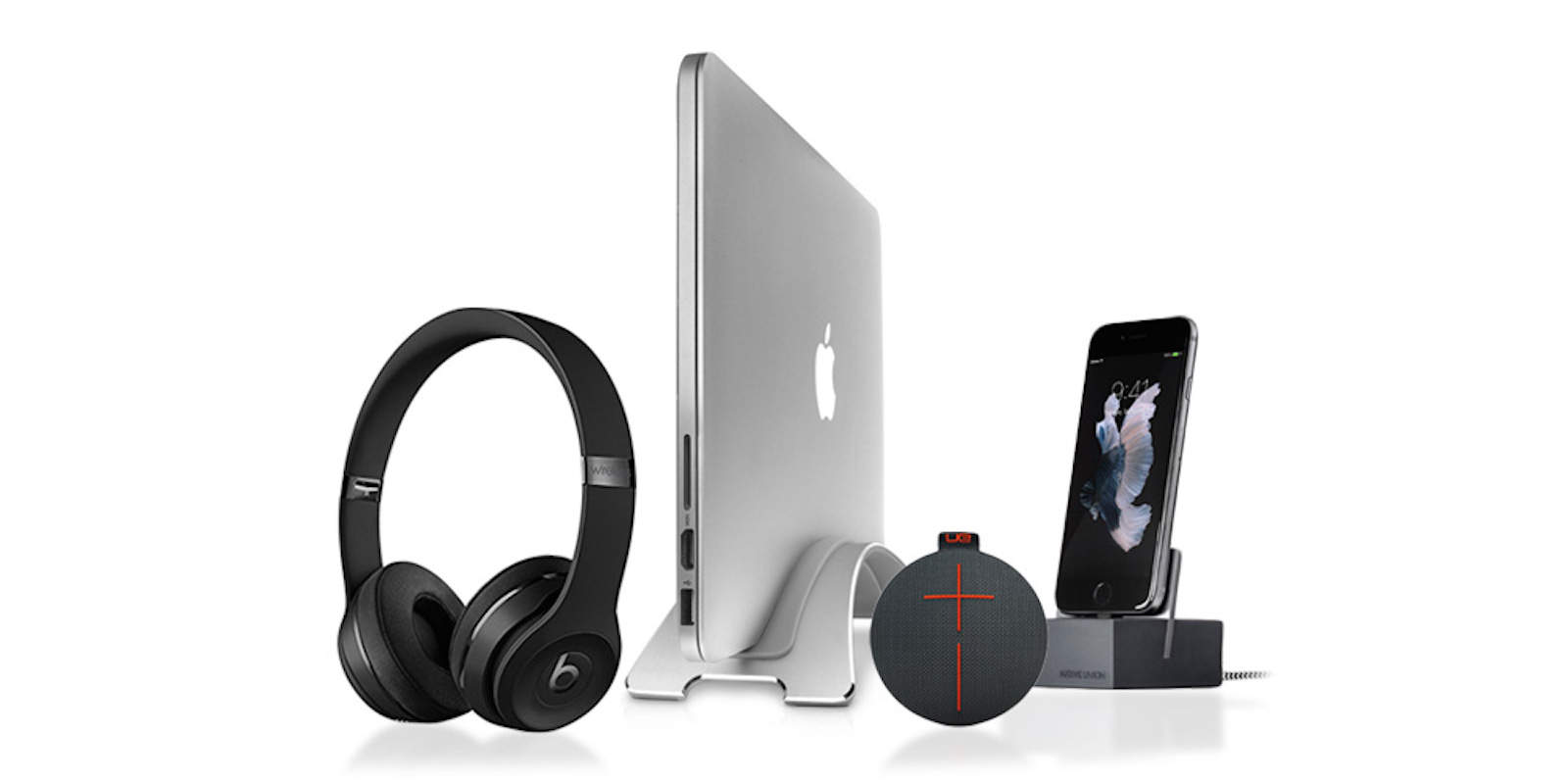
Beats by Dre, UE ROLL 2, and lots of Mac amenities make for some very happy holidays.
The people on your holiday shopping list deserve cutting-edge gifts. That’s why you won’t find ugly sweaters or gifts that are actually meant for pets not people in the Cult of Mac gift guide.
Loaded with tech gift ideas for Apple fans, this handy guide will make you the best gift-giver in the family for once.
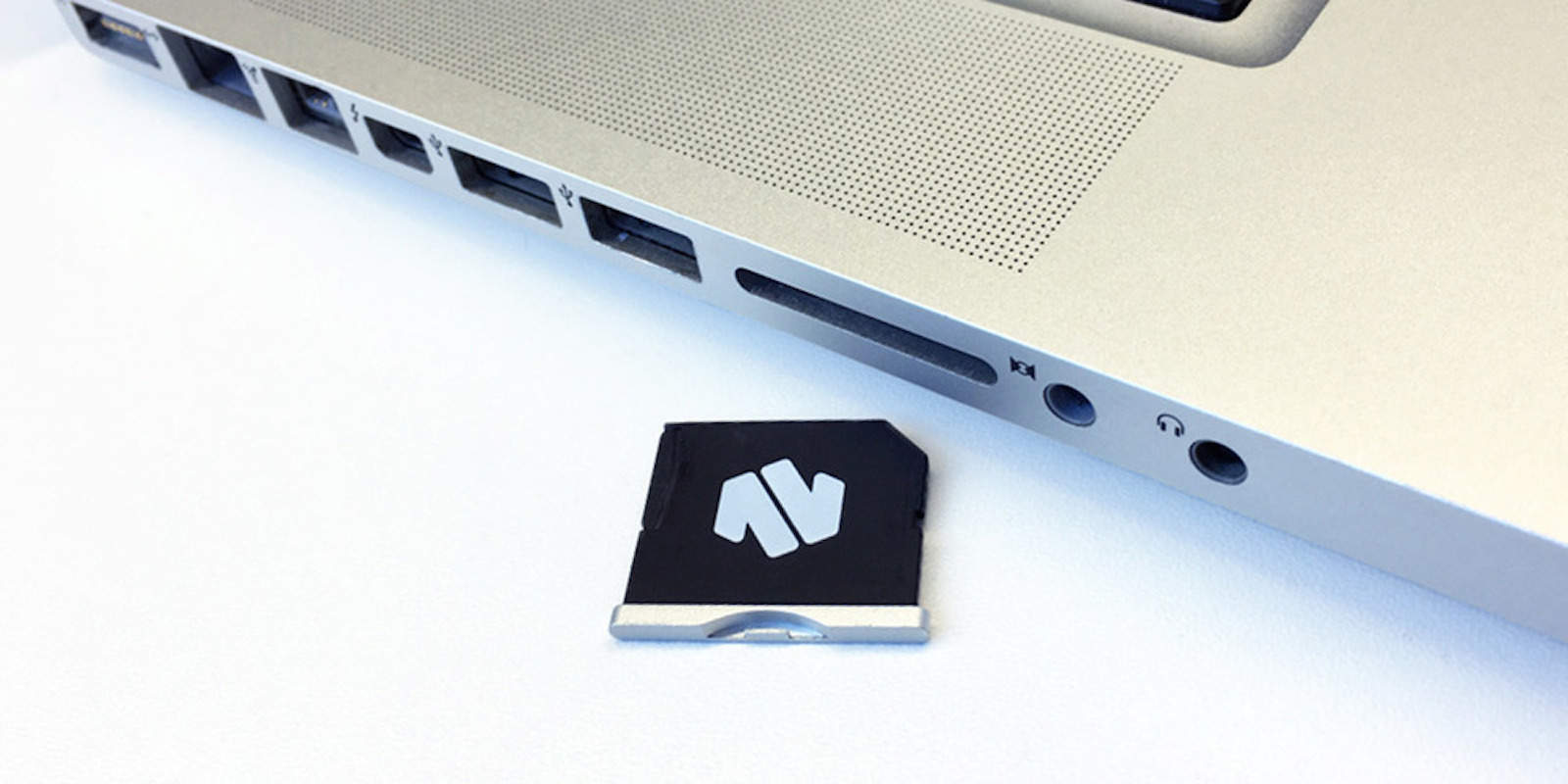
Seamlessly add up to 256GB to your Macbook with this handy MicroSD adapter Photo: Cult of Mac Deals
When you need extra hard drive capacity for your MacBook, the obvious options aren’t very attractive. Either add a bulky external drive to your computer bag, or go through the inconvenience and steep expense of getting a higher-capacity drive installed.
This stunning 4K LG Display plays nicely with USB-C. Photo: Ste Smith/Cult of Mac
The upcoming 2016 MacBook Pro is rumored to feature only USB-C ports, much like last year’s MacBook refresh.
If you’re hoping to get an external display to go with your shiny new laptop, right now the options are somewhat limited. Luckily, the stunning new LG Electronics 27UD88 monitor will provide you with everything you need.
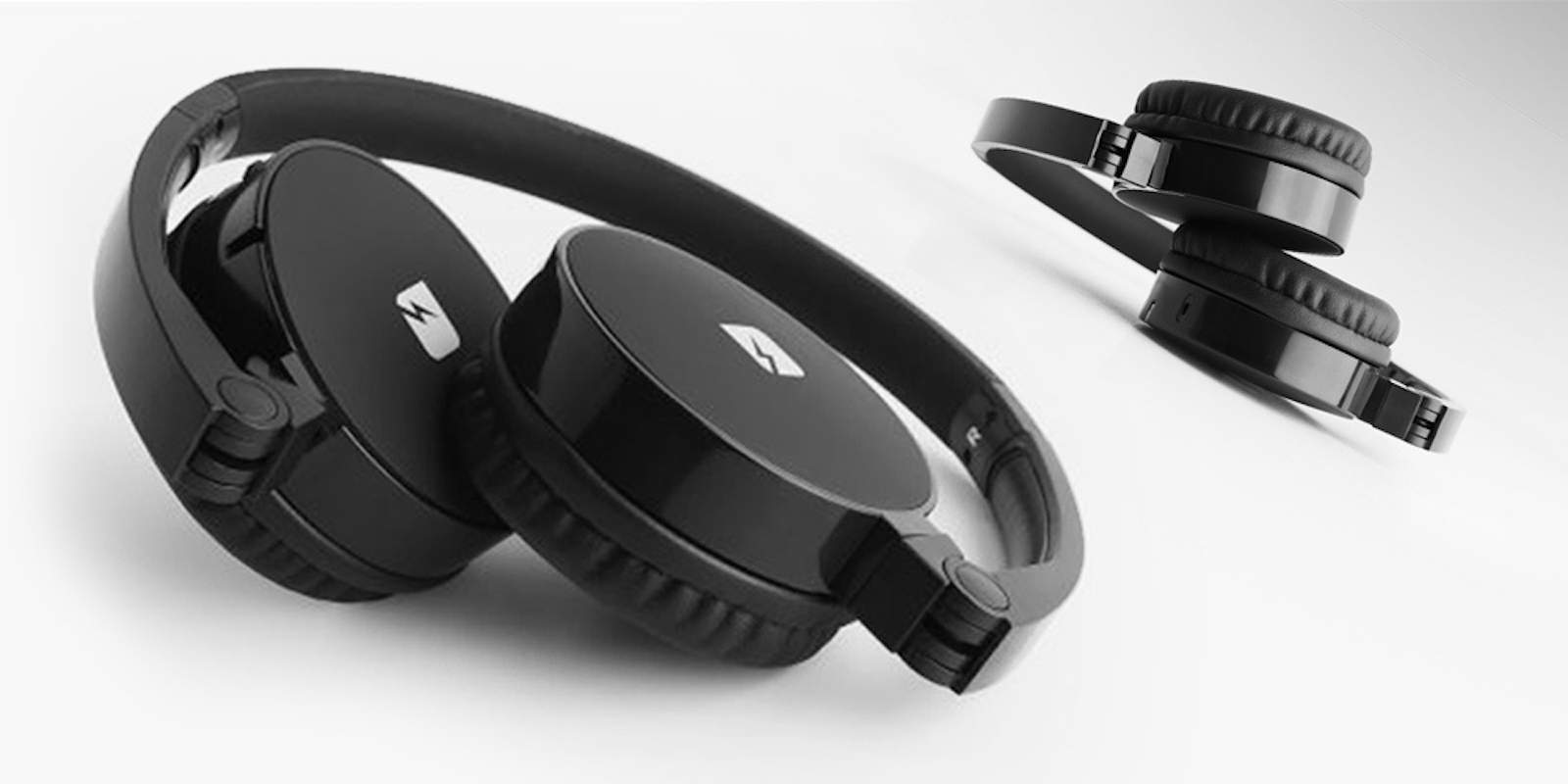
These headphones bring the beat and the best of Bluetooth. Photo: Cult of Mac Deals
When scoping out a new set of headphones, the balance between quality, convenience and cost is always at play. These headphones from Franklin manage to hit the intersection of all three, with a foldable yet solid build, sonorous sound and all the convenience of Bluetooth. Right now you can pick up a set for just $39.99 at Cult of Mac Deals.
Grovemade's hardwood desktop speakers aims to improve the sound coming out of your Mac. Photo: Grovemade
A small woodwork shop in Oregon has a fondness for Apple products and goes to great lengths to craft eye-appealing iPhone cases, iPad docks, and monitor stands.
Now, Portland-based Grovemade makes a play for the ears with horn-shaped hardwood desktop speakers that debuted this week.
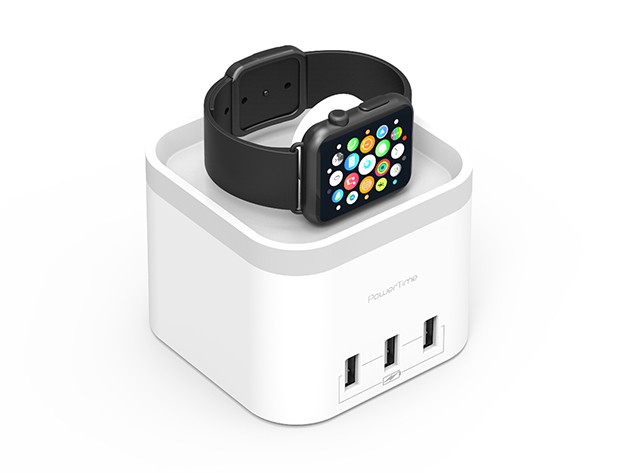
Juice up your Apple Watch and three USB devices with this handy charger. Photo: Cult of Mac Deals
We take our iPhones, iPads, Apple Watches and MacBooks everywhere with us, which means there are that many more chances for a dead battery (and a lot fewer available outlets). Whether at home, in a packed car, on a plane or in another country, these Apple chargers will make sure you’ve got access to power when you need it.
These MacBook accessories are going fast! Photo: Griffin
Whether keeping them charged, free from damage or just having enough connections for all the devices we use, our MacBooks can sometimes use a little help fulfilling our needs.
That’s why this collection of peripherals is exciting — there’s something here for everybody, and at prices that won’t last. Take a look:
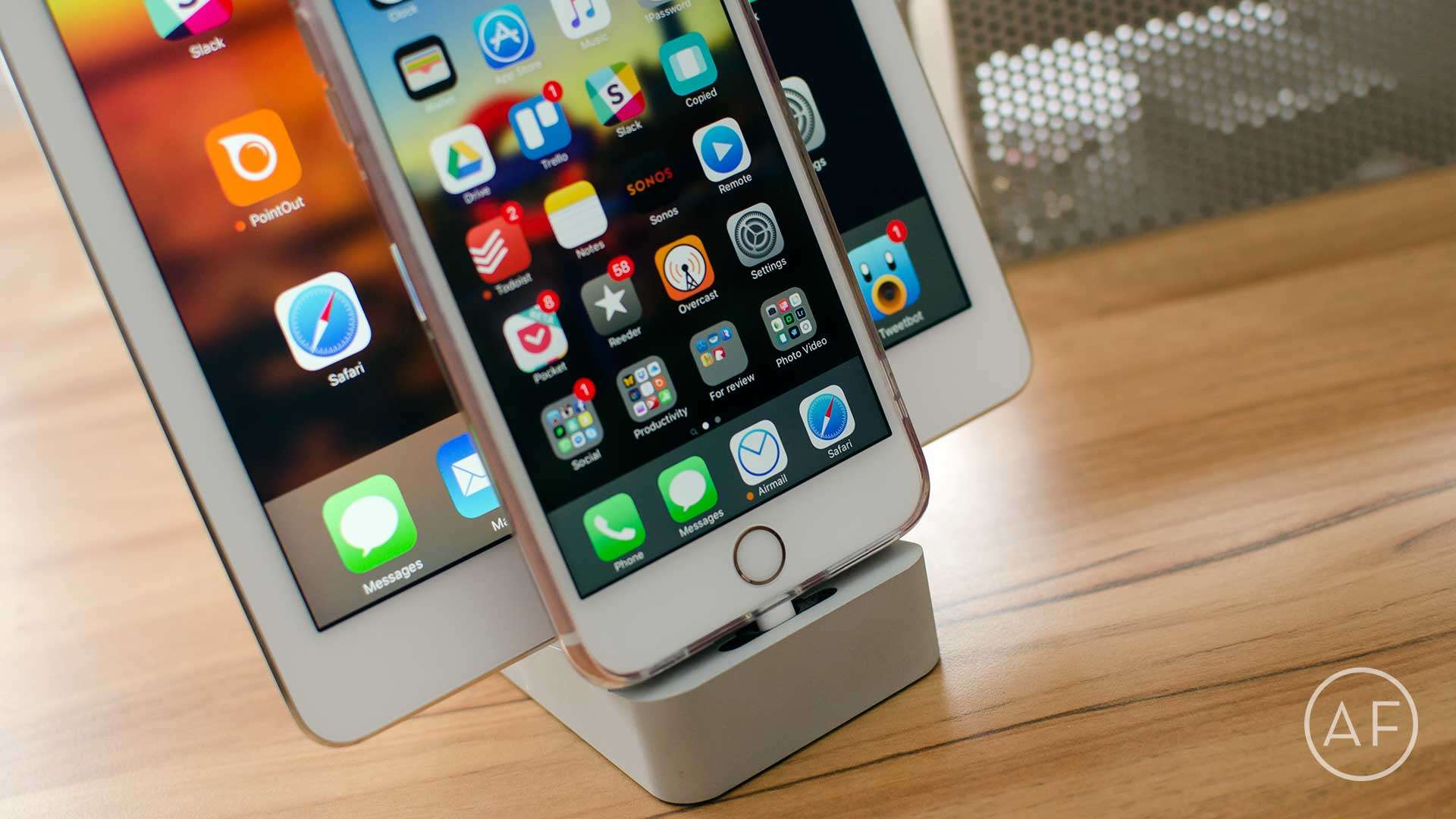
When it comes to charging docks, not all are created equal. Here are my favorite two and why I like them better than everything else out there. Photo: Ally Kazmucha/The App Factor
If there’s a single iPhone and iPad accessory I consider myself to be the most picky about, it would be charging docks and stands. While there isn’t a shortage of options, let’s be honest, most of them aren’t that great. They either don’t dock securely or they’re obsolete when a new iPhone or iPad form factor comes out.
That’s why I’ve narrowed down my vote for best iPhone and iPad charging docks to only two candidates. Yep, just two. Here’s what they are and why I think they’re better than most:
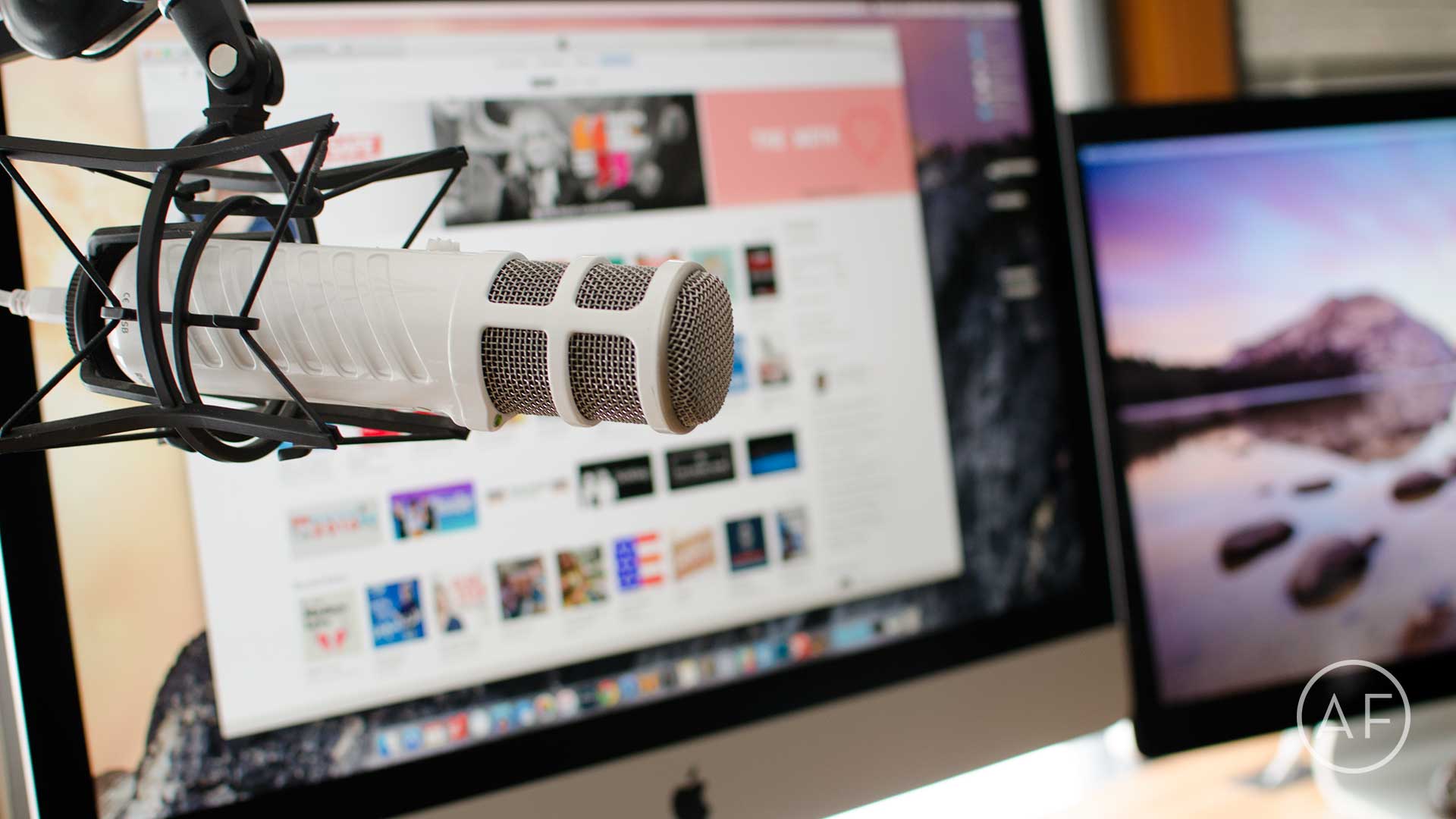
Podcasting doesn't have to break the bank. Here are some high quality rigs and Mac apps to get you started. Photo: Ally Kazmucha/The App Factor
Podcasting has been experiencing a renaissance lately, and for good reason. Podcasts can be about a wide variety of topics, from Apple to sports, comedy, storytelling and so much more. It’s a great time to get into podcasting because the barrier to entry is so low and you don’t have to break the bank to buy a totally workable setup.
Some of the greatest podcasts in the iTunes Top Charts are regularly recorded using sub-$100 to $300 mics. Whether you want to gain influence in a community or nerd out about the latest iPhone, a podcast is a great place to do it.
Work behind a Mac all day? Be sure you're protecting your back, neck, and feet with these accessories. Photo: Luke Chesser/Unsplash
Sitting, or standing, in the correct position while working behind a Mac, or any computer, is incredibly important to your overall health — and ergonomic accessories can help. As I’ve come to learn over the past year, incorrect posture and bad ergonomics can result in back, neck and even foot injuries.
When I started struggling with neck and shoulder tightness, I never thought how I was working could be to blame, but after some back and forth with my doctors, the root of the problem had everything to do with my posture and how I was sitting and standing, particularly while working on my iMac or MacBook.