Soon iOS 27 will make this process a lot smoother. AI image: ChatGPT/Cult of Mac
Apple’s WWDC26 keynote brought a wave of updates to Apple Wallet well beyond cosmetic tweaks. From AI-assisted bill splitting to richer hotel stays, iOS 27 turns Wallet into a more capable everyday tool. Here’s what’s coming.
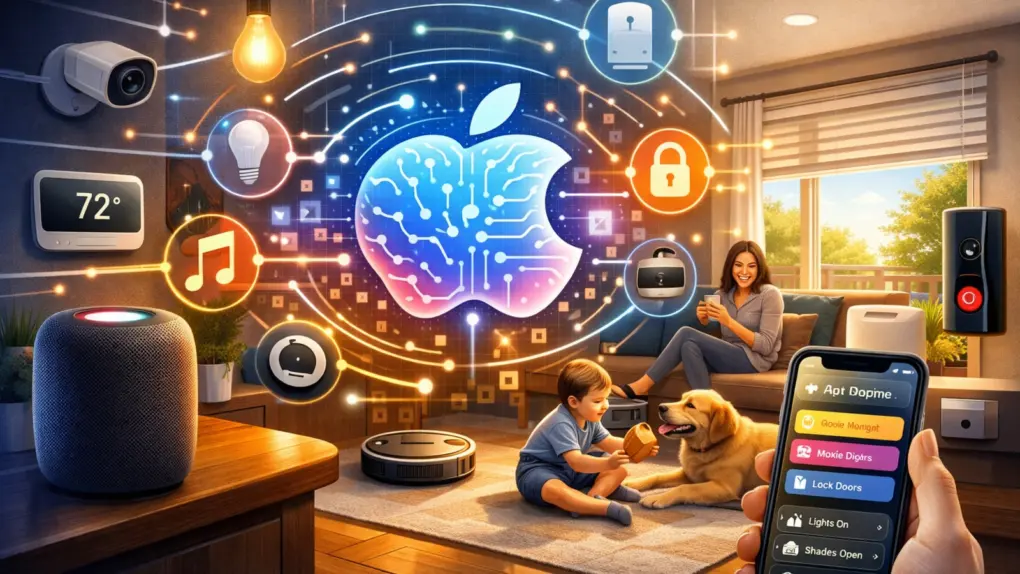
Updates unveiled at WWDC26 should boost Apple's Home app nicely. AI image: ChatGPT/Cult of Mac
WWDC26 drew plenty of attention for the rebuilt Siri and the relatively substantial iOS 27 overhaul. But buried beneath those headlines lies Apple’s biggest push yet to turn the Home app into a genuinely capable smart home platform. iOS 27 and tvOS 27 updates make your home smarter, from AI-powered security cameras to a more reliable wireless backbone.
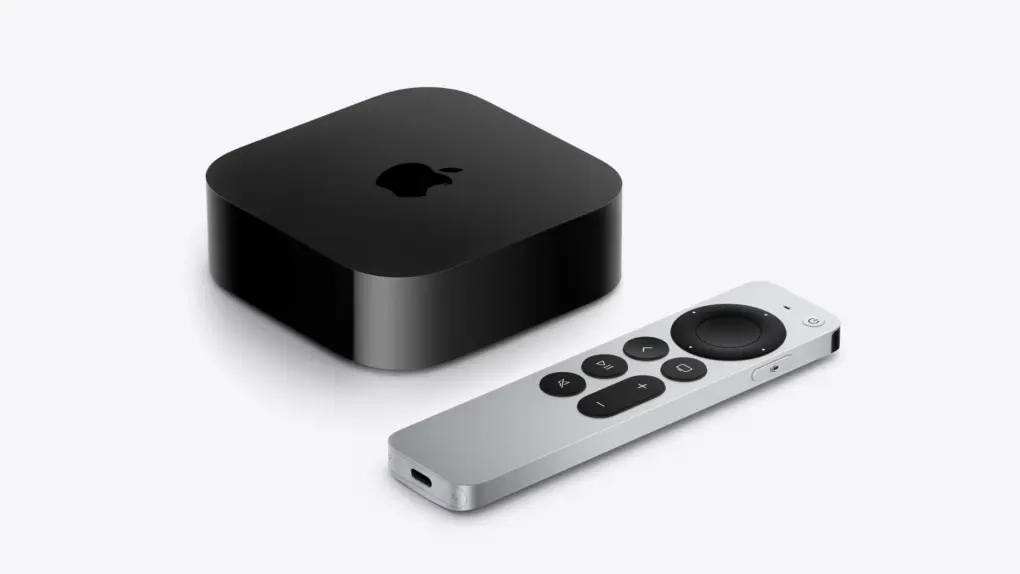
Two Apple TV models may be left behind as tvOS 27 arrives. Photo: Apple
Apple’s tvOS 27 brings a few new features, but it also will leave two Apple TV models behind. According to Apple’s developer website, the tvOS 27 beta is compatible with “Apple TV 4K (2nd generation or later).”
That would mean the Apple TV HD and the Apple TV 4K (1st generation) won’t get the update. If you own either of those set-top boxes, you’re probably stuck on tvOS 26, with no new features coming.
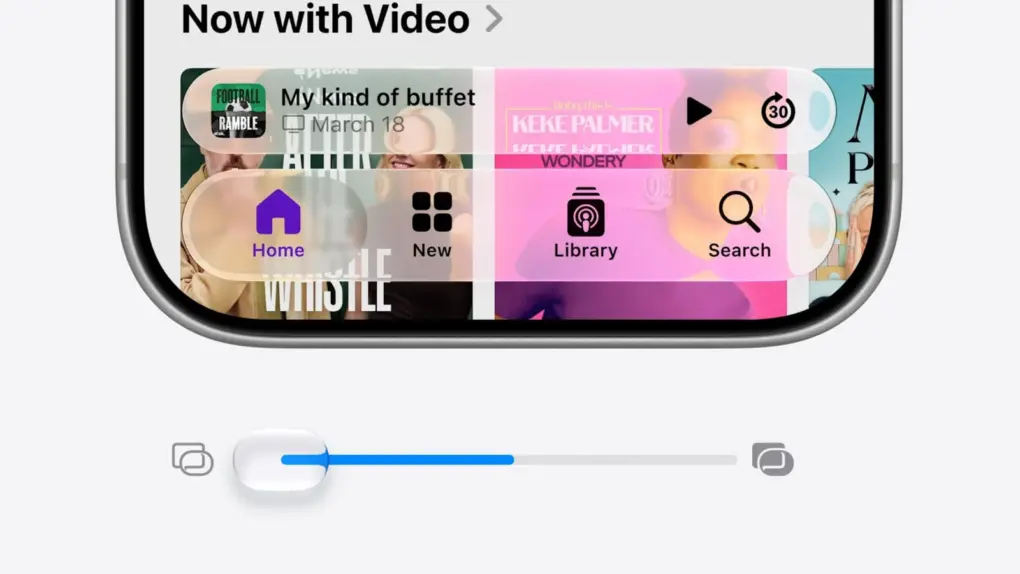
Apple provides more options for tweaking Liquid Glass in iOS 27, macOS 27 and iPadOS 27. Image: Apple
Refinements to Apple’s divisive Liquid Glass user interface in iOS 27, iPadOS 27 and macOS 27 address many of the quirks that made some people despise the glossy new UI over the past year.
Apple straightforwardly addressed users’ concerns during Monday’s WWDC26 keynote. And Shubham Kedia, Apple’s human interface design director, said Apple updated “the foundations of how Liquid Glass is built” for this year’s new operating systems.
“Last year, we introduced our most ambitious cross-platform design update ever with Liquid Glass, which made apps and experiences even more expressive and delightful,” said Kedia. “Like with all major design updates, there’s a natural process where we take a bold leap forward and then we continue to iterate.”
Will the changes to Liquid Glass satisfy users who dislike the current state of affairs? The first developer betas are out, and early reactions seem mostly positive. Here are the biggest changes coming to Apple’s design language this year.
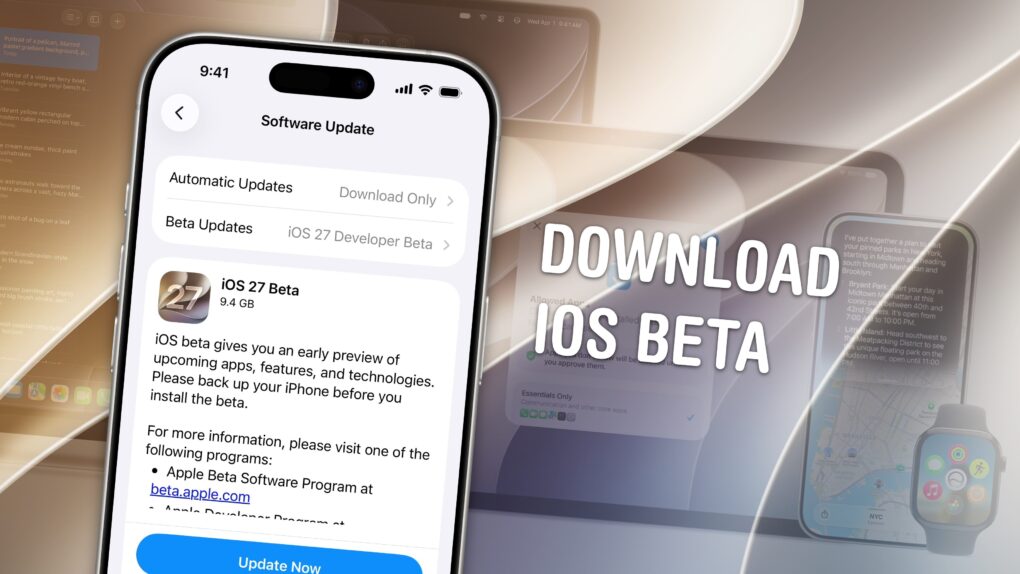
Of course, there are a few things you should look out for. Beta software is buggy and can lead to data loss. That being said, iOS 26 has been buggy since September. iOS 27 promises broader system stability — unlike most early betas, in my testing, the system runs smoother than before. But it comes at the expense of odd behavior you may find in third-party apps, since they haven’t been updated to support the new changes to Liquid Glass.
If you want to try it out, you should make sure you have a backup of your most important data with two copies of your photo library before you try installing. I’ll show you how.
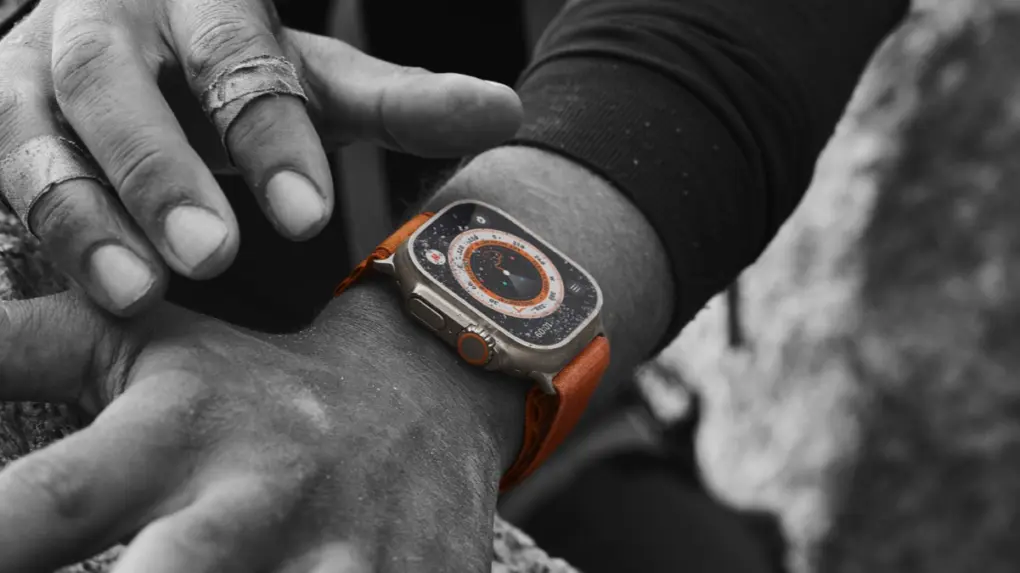
Your Apple Watch Ultra isn't suddenly obsolete because it can't install watchOS 27. Photo: Apple
When Apple unveiled watchOS 27 at WWDC26 on Monday, it also revealed that the new version drops support for several Apple Watch models. That leaves many users wondering what this means for their wearable — did it just become rubbish?
Here’s what’s really going on, and why you should be able to keep using the device for years to come.
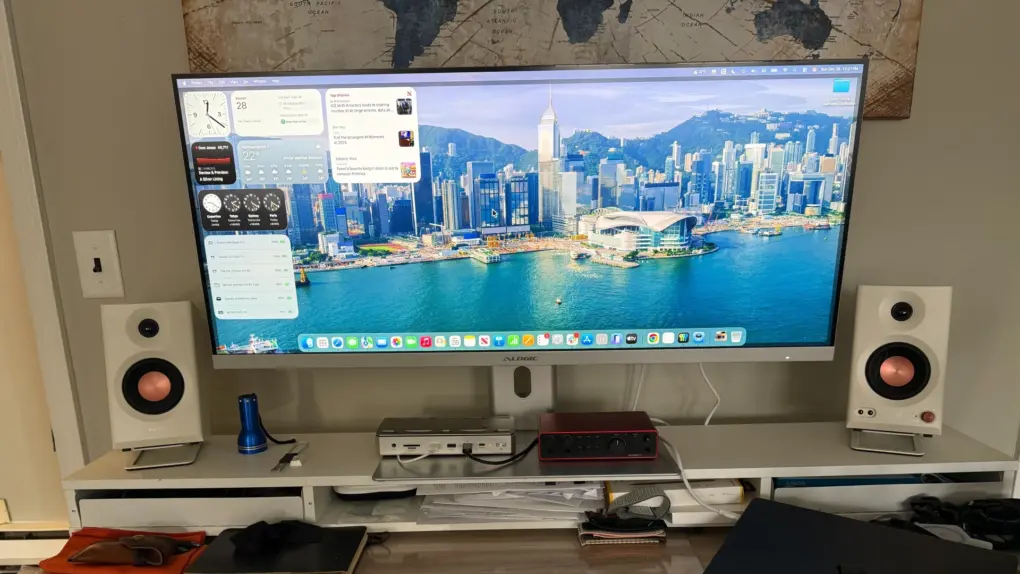
This 40-inch ultrawide display sports a Mac-friendly look, feel and functionality -- and will work all the better with macOS 27, apparently. Photo: David Snow/Cult of Mac
Mac users who rely on ultrawide monitors (ahem, like me) have been waiting years for Apple to treat their setups as first-class citizens. With macOS 27 Golden Gate unveiled Monday at WWDC26, that wait appears to be over.
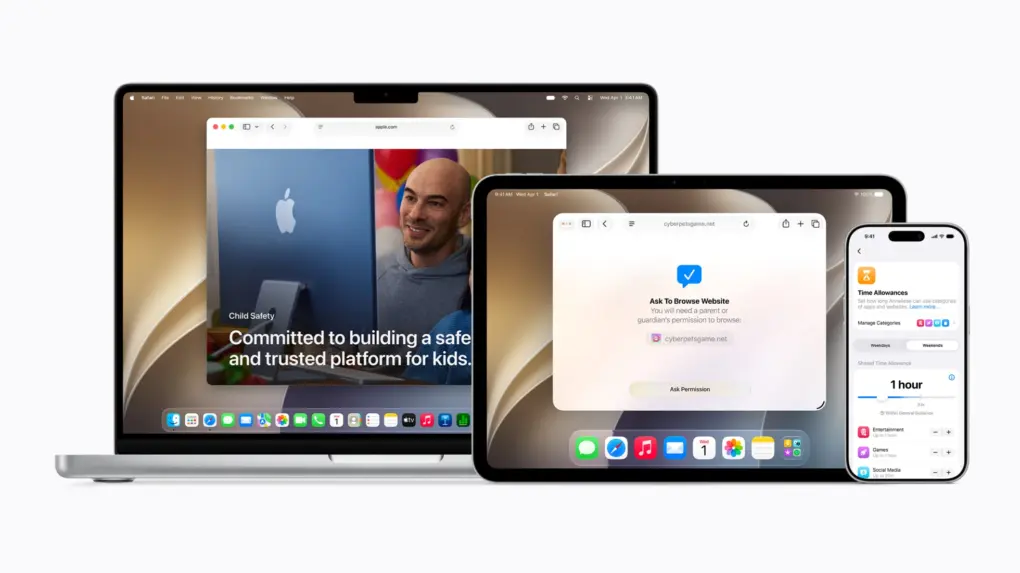
The new tools should help parents create safer digital experiences for their kids. Photo: Apple
A sweeping set of child safety features including parental controls give families sharper tools for managing what kids see, who they talk to and how long they spend on devices, Apple said Monday at WWDC26.
“At Apple, our mission has always been to create technology that empowers people and enriches their lives, while helping keep them safe,” said Sumbul Desai, M.D., Apple’s vice president of Health and Fitness.
“Our approach to helping families create safer digital experiences is grounded in the belief that every child is unique,” she added. “That’s why we build simple and intuitive tools, based on expert guidance, to let parents tailor their kids’ digital journey.”
The features arrive with iOS 27, iPadOS 27, and macOS 27 this fall.
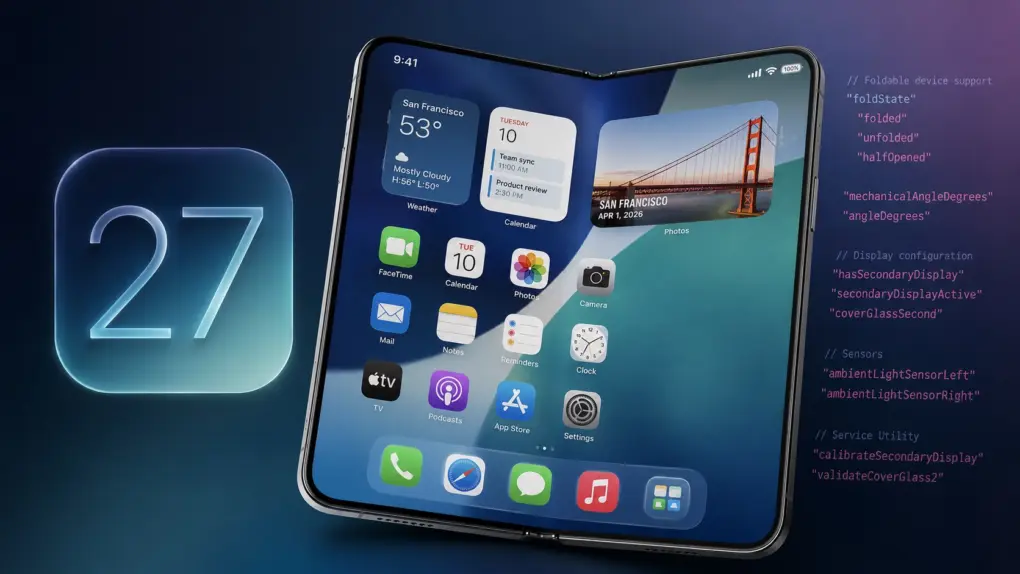
Apple all but confirms foldable iPhone in iOS 27 beta 1. AI image: ChatGPT
The first iOS 27 beta contains multiple references to Apple’s rumored foldable iPhone. Hidden within the operating system are strings and other code pointing to features designed specifically for a foldable device.
At this point, it’s no secret that Apple is working on a foldable iPhone. The company itself is now just indirectly confirming it.
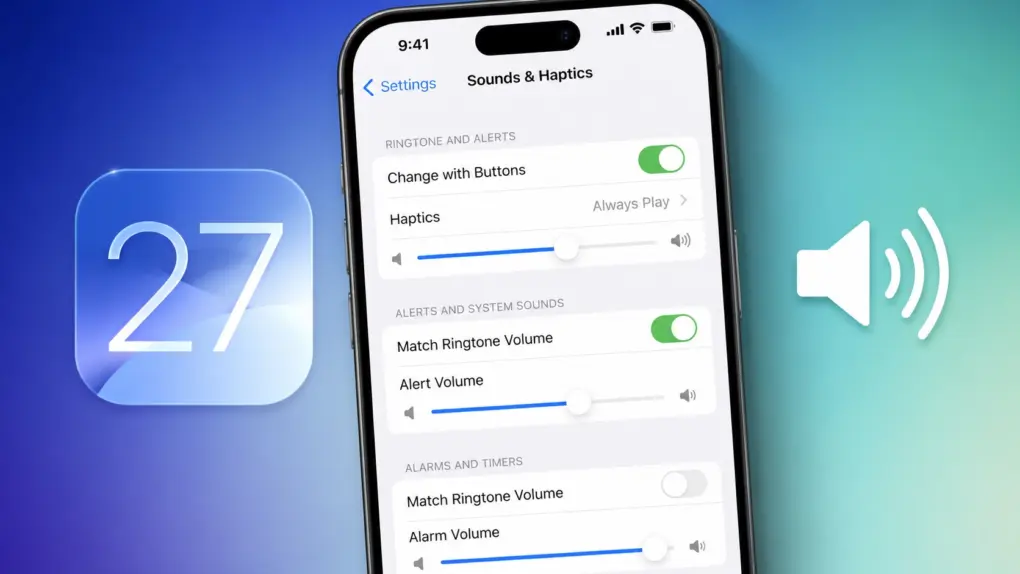
iOS 27 brings independent volume controls. AI image: ChatGPT
With iOS 27, Apple finally brings independent volume controls for alarms and timers on the iPhone. This means adjusting your phone’s ringtone volume will no longer affect how loud your alarms, timers and other system sounds are.
It’s a small quality-of-life improvement, but one that iPhone users have been requesting for years.