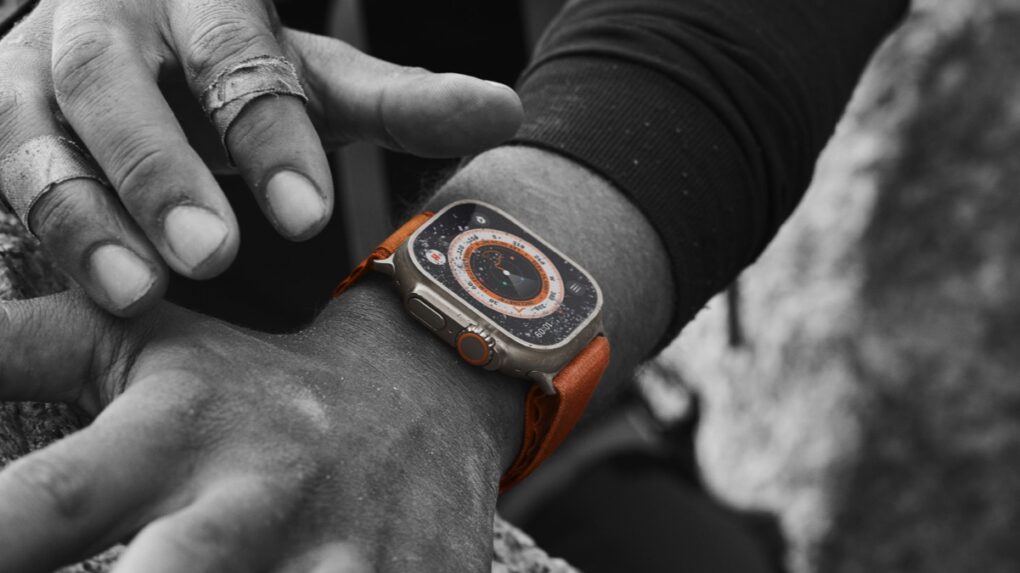
When Apple unveiled watchOS 27 at WWDC26 on Monday, it also revealed that the new version drops support for several Apple Watch models. That leaves many users wondering what this means for their wearable — did it just become rubbish?
Here’s what’s really going on, and why you should be able to keep using the device for years to come.
Apple Watch keeps working without watchOS updates
I have personal experience in this area. My first Apple Watch was a Series 3, which I used until 2025, even though Apple stopped releasing new watchOS versions for it in 2022. That’s three years without an upgrade … and it was fine.
I lost out on new features, but my wearable wasn’t instant rubbish. Here’s why.
Your older Apple Watch isn’t suddenly obsolete
The just-announced watchOS 27 drops support for several older models, including the original Apple Watch Ultra, Apple Watch Series 8 and Apple Watch SE 2. But these devices remain usable.
When Apple removes a Watch from the compatibility list, it simply means the device can no longer upgrade to the newest operating system. Existing features continue to work, and users can generally keep using the wearable for notifications, fitness tracking, health monitoring, messaging and other everyday tasks.
You’ll likely notice little immediate change. Your Apple Watch should continue syncing with your iPhone as it does now, filling your rings and displaying notifications.
That said, older devices will miss out on the new Siri AI app, a smarter Workout Buddy and other useful new watchOS 27 features.
The long-term situation
The end of new watchOS updates should be considered the beginning of a device’s “sunset period” rather than the end of its useful life. Many Apple Watch models continue providing years of service after receiving their final major software update. My Apple Watch Series 3 certainly did.
That said, developers of third-party apps might eventually stop supporting older versions of watchOS, limiting access to new features and updates. Security patches from Apple also might become less frequent.
The biggest concern is future compatibility with iPhone software, as Apple will inevitably phase out support for pairing older watches with newer versions of iOS. That’s a long way down the road, but it’ll eventually happen.
In the short term, though, the end of software upgrades doesn’t mean an immediate replacement is required. You can wait until the Apple Watch hardware really starts to show its age through poor battery life or performance problems.

Ed Hardy has been writing full-time about tech for 26 years, and using it for much longer than that. His intro to Apple was a Macintosh SE/30 (which he still has), but now he uses a 13-inch iPad Pro as his primary computer.
That’s because he’s a “tablet first” type of guy. Rather than use a Macbook, he connects a keyboard case to the iPad. And instead of a desktop Mac, he connects his tablet to a 27-inch display and full-size keyboard. (So don’t try to tell him that everyone has to use a Mac to be productive.)
Before coming to Cult of Mac, Ed wrote for NotebookReview, TabletPCReview and Brighthand, as well as other sites.

