
 A sweeping set of child safety features including parental controls give families sharper tools for managing what kids see, who they talk to and how long they spend on devices, Apple said Monday at WWDC26.
“At Apple, our mission has always been to create technology that empowers people and enriches their lives, while helping keep them safe,” said Sumbul Desai, M.D., Apple’s vice president of Health and Fitness.
“Our approach to helping families create safer digital experiences is grounded in the belief that every child is unique,” she added. “That’s why we build simple and intuitive tools, based on expert guidance, to let parents tailor their kids’ digital journey.”
The features arrive with iOS 27, iPadOS 27, and macOS 27 this fall.
Apple adds parental controls based on new child account
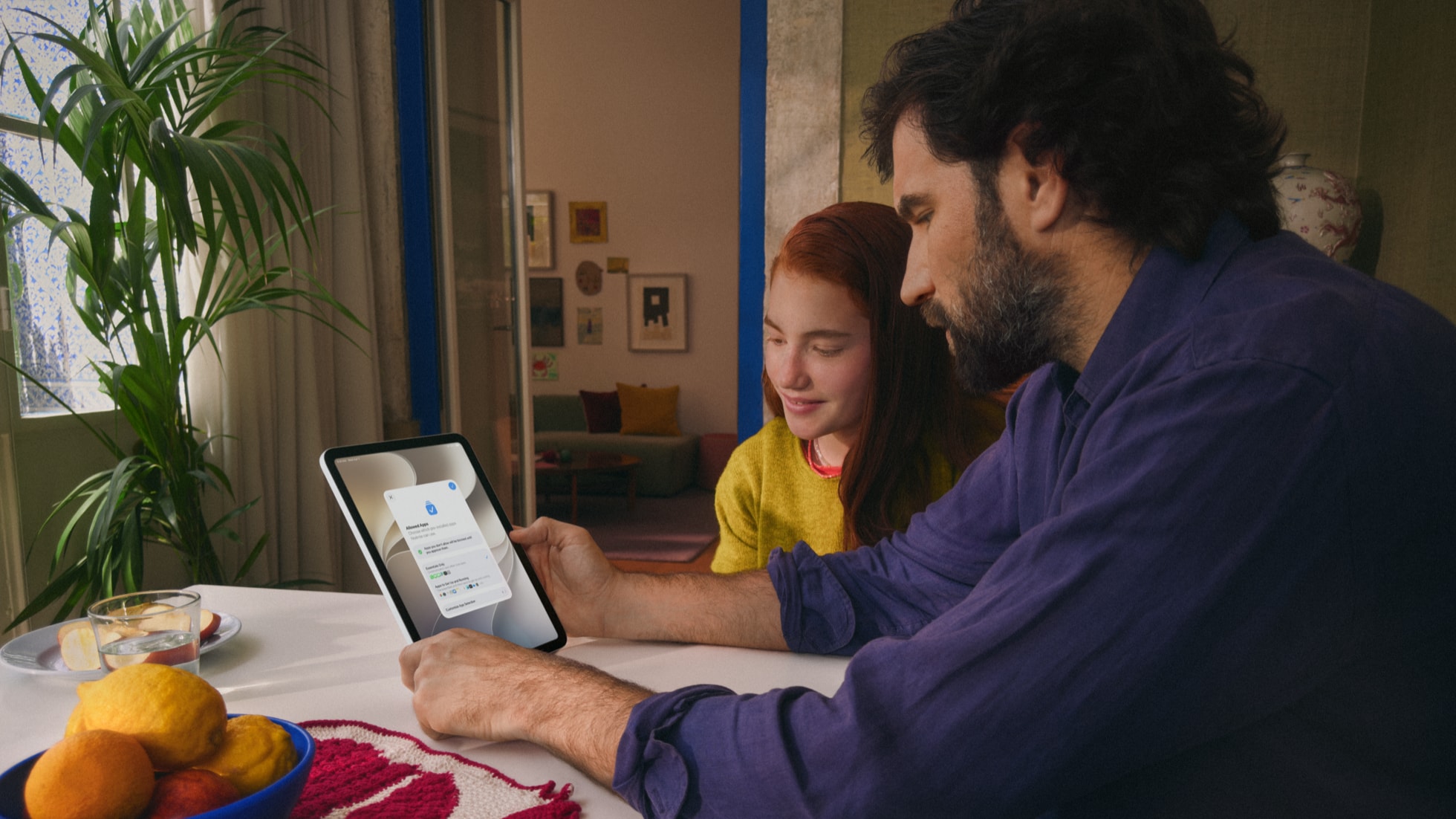
Photo: Apple
The centerpiece of Apple’s updated and expanded system unveiled at WWDC26 is the newly created child account. Apple positions the child account as the foundation on which all other parental controls build for use across devices. Without one, the more granular tools that follow won’t activate.
A child account is a required setup for children under 13 and available for users up to 18. When a parent configures a new device for a child, the setup process now walks them through creating one. Once active, the account automatically enforces age-appropriate safeguards. It filters adult websites, restricts App Store downloads by age rating and limits media to content suitable for the child’s age group.
“Today, we’re introducing major updates to help families thoughtfully establish age-based protections and develop healthy digital habits,” Dr. Desai said.
Controlling apps, browsing and purchases
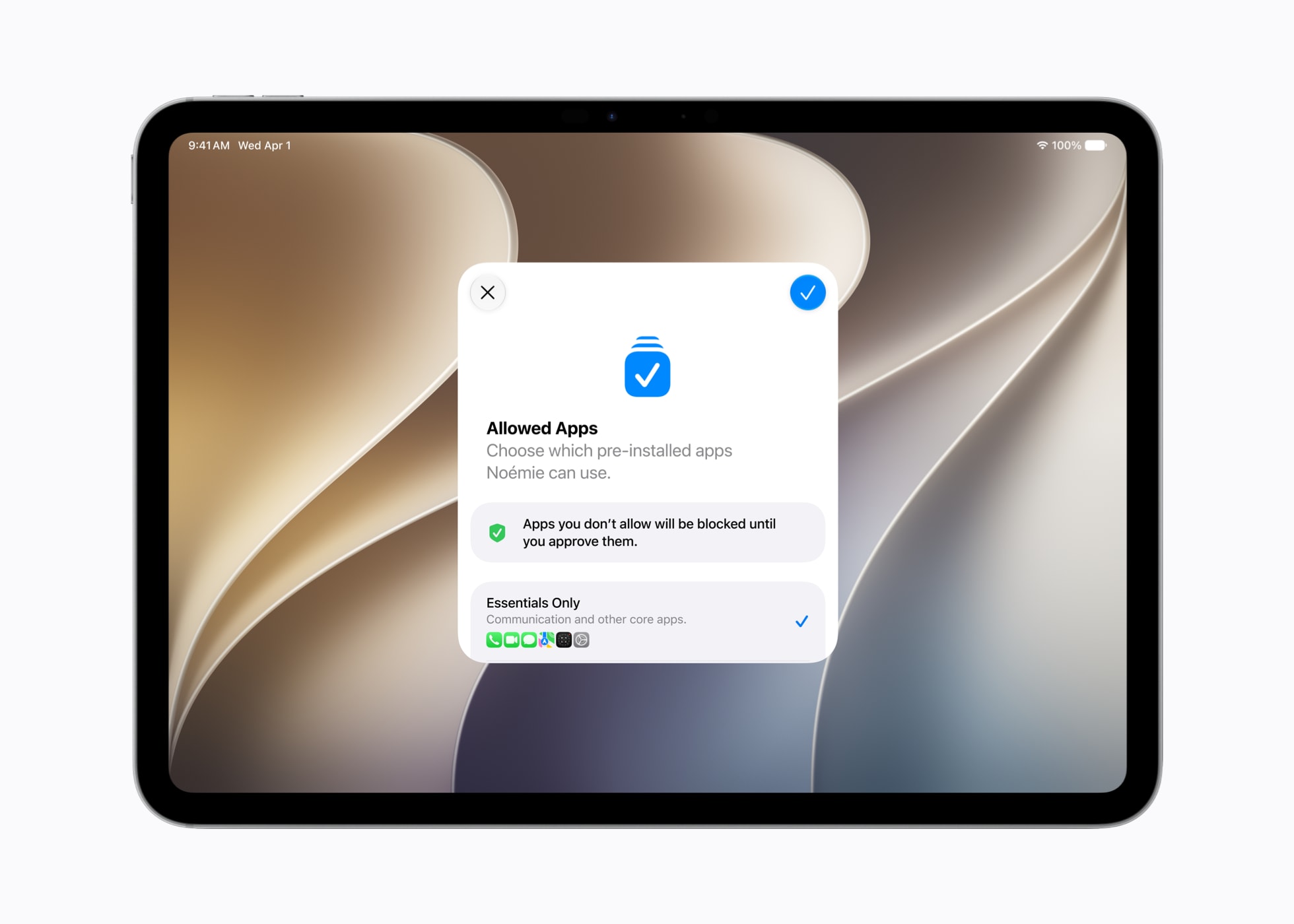
Photo: Apple
After setup, parents choose which apps their child can access from day one — picking from a small set of essentials, a curated starter collection, or a fully custom selection. They can open up access gradually over time, rather than handing over a fully loaded device at once.
Two approval-based features extend that control further. Ask to Buy, which already requires parental sign-off on App Store purchases, now covers free app downloads as well as paid ones. Joining it is Ask to Browse, a new Safari feature that requires kids to request permission before visiting any website not yet on their approved list. Ask to Browse works across iPhone, iPad, and Mac.
Managing who kids can contact
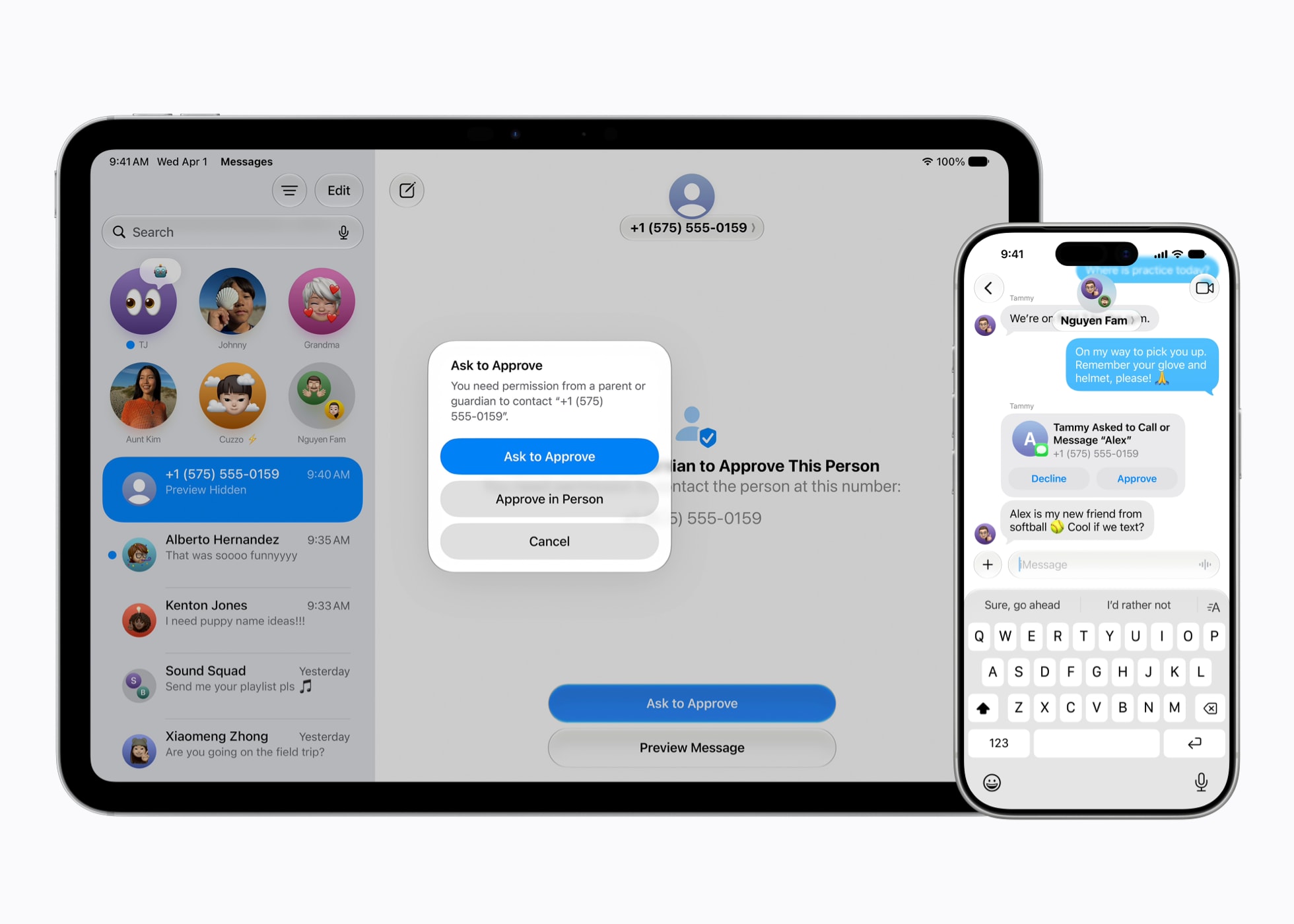
Photo: Apple
Parents can lock down who their children reach via Messages, FaceTime and phone calls. When a child wants to add a new contact, the system can require them to ask a parent first.
The existing Communication Safety feature, which already detects and blurs nudity in Messages and FaceTime for users under 18, gets an expansion. It will now catch and block gore and violent imagery in shared photos and videos as well.
Setting time limits and schedules
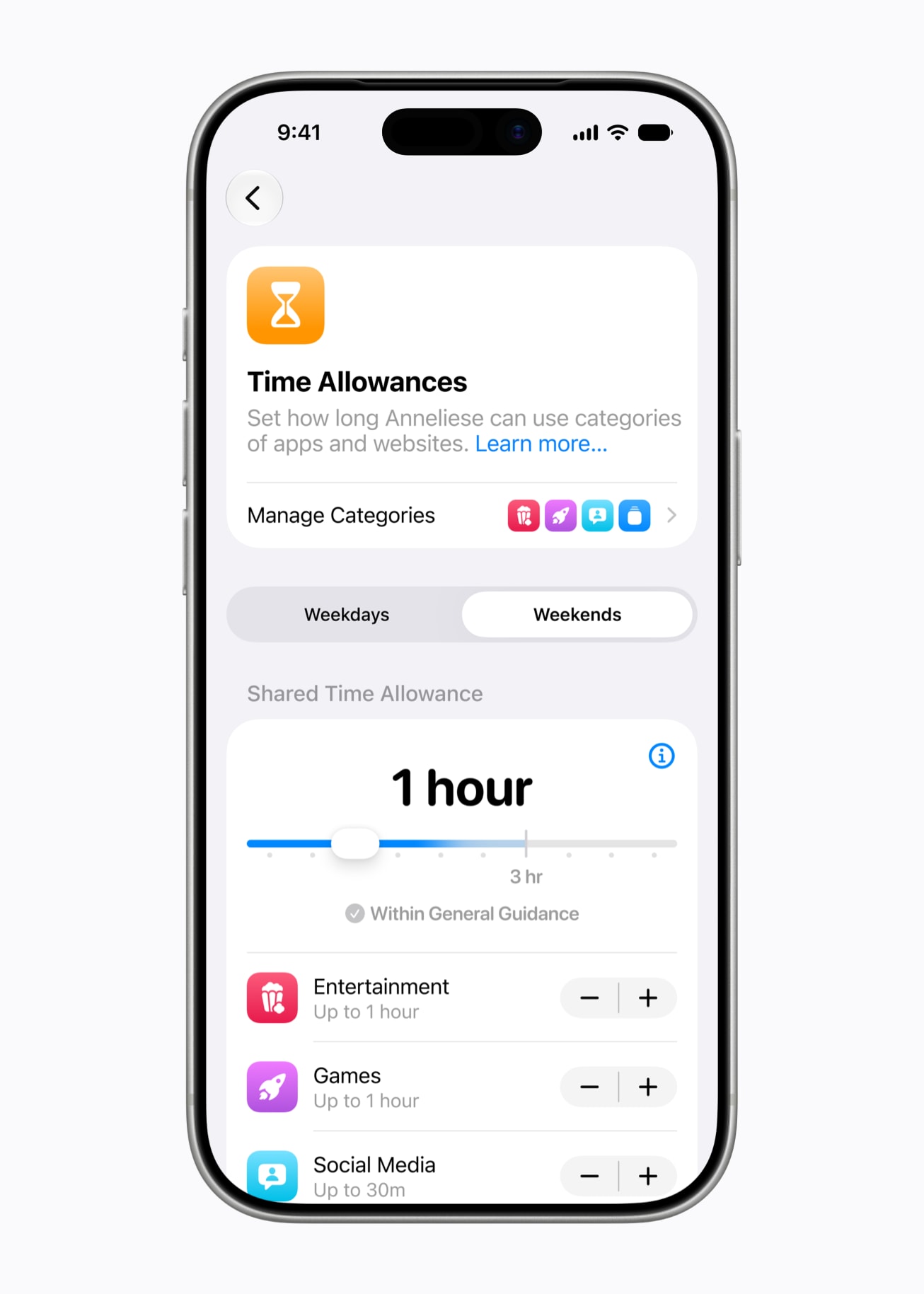
Photo: Apple
New Time Allowances let parents cap how long kids spend within specific app categories — Entertainment, Games and Social Media among them. Apple surfaces age-based guidance from expert research when parents configure these limits. That gives families a sensible starting point rather than leaving them to guess.
Parents can also build daily Schedules that determine which apps their child can reach at particular times of day or on specific days of the week. That’s useful for keeping kids focused during school hours or offline at bedtime.
Redesigned Screen Time dashboard
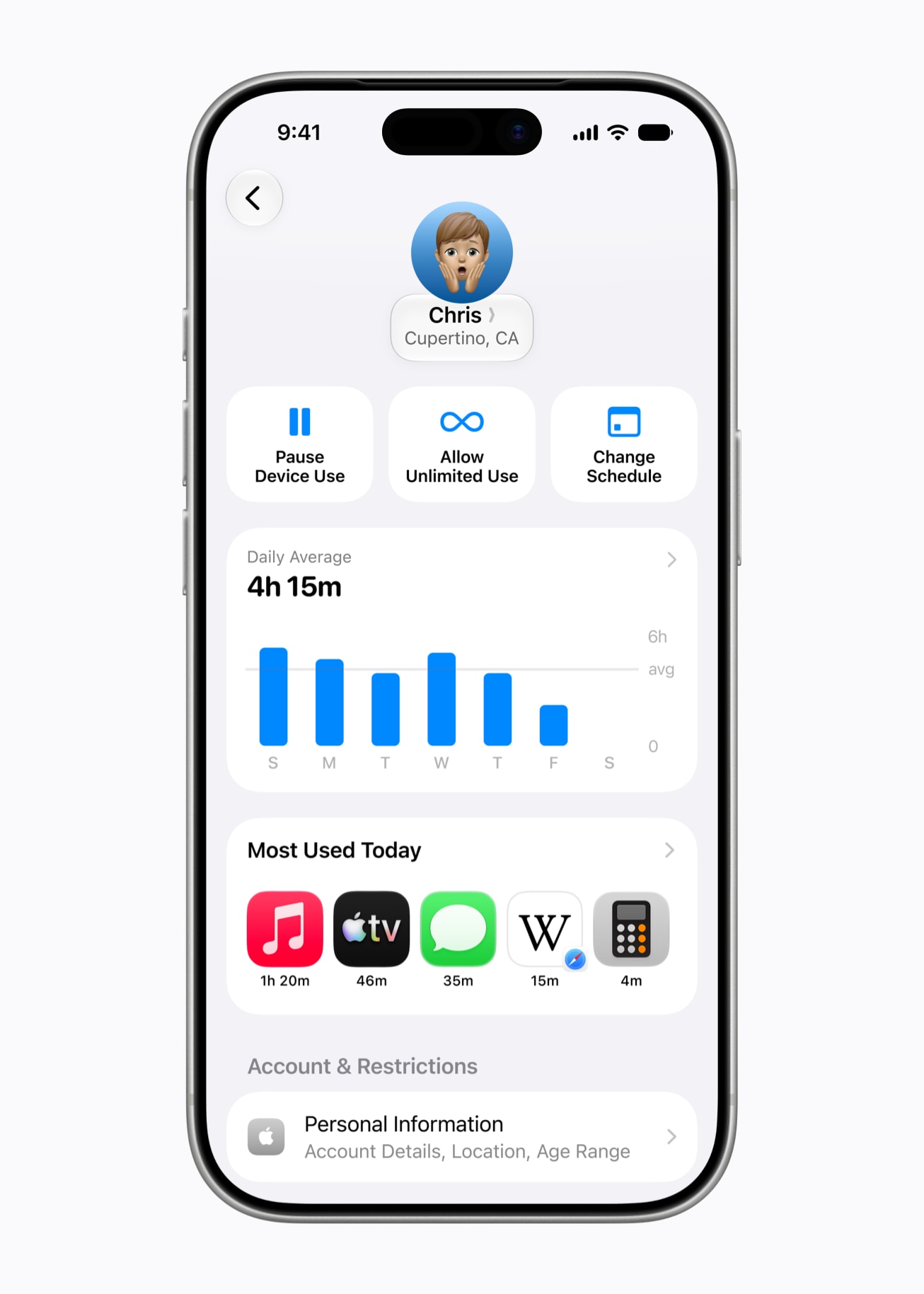
Photo: Apple
Apple rebuilt Screen Time to give parents a clearer, faster way to see how their child spends time on a device. The new dashboard surfaces daily average usage and most-used apps at a glance. And parents can adjust access or pause the device entirely with a single tap. That’s handy for dinner, outdoor time or any moment that calls for a screen-free pause.
And if a kid needs a bit more time to finish something, parents can grant a quick extension from the same interface.
Expert backing and a new family resource site
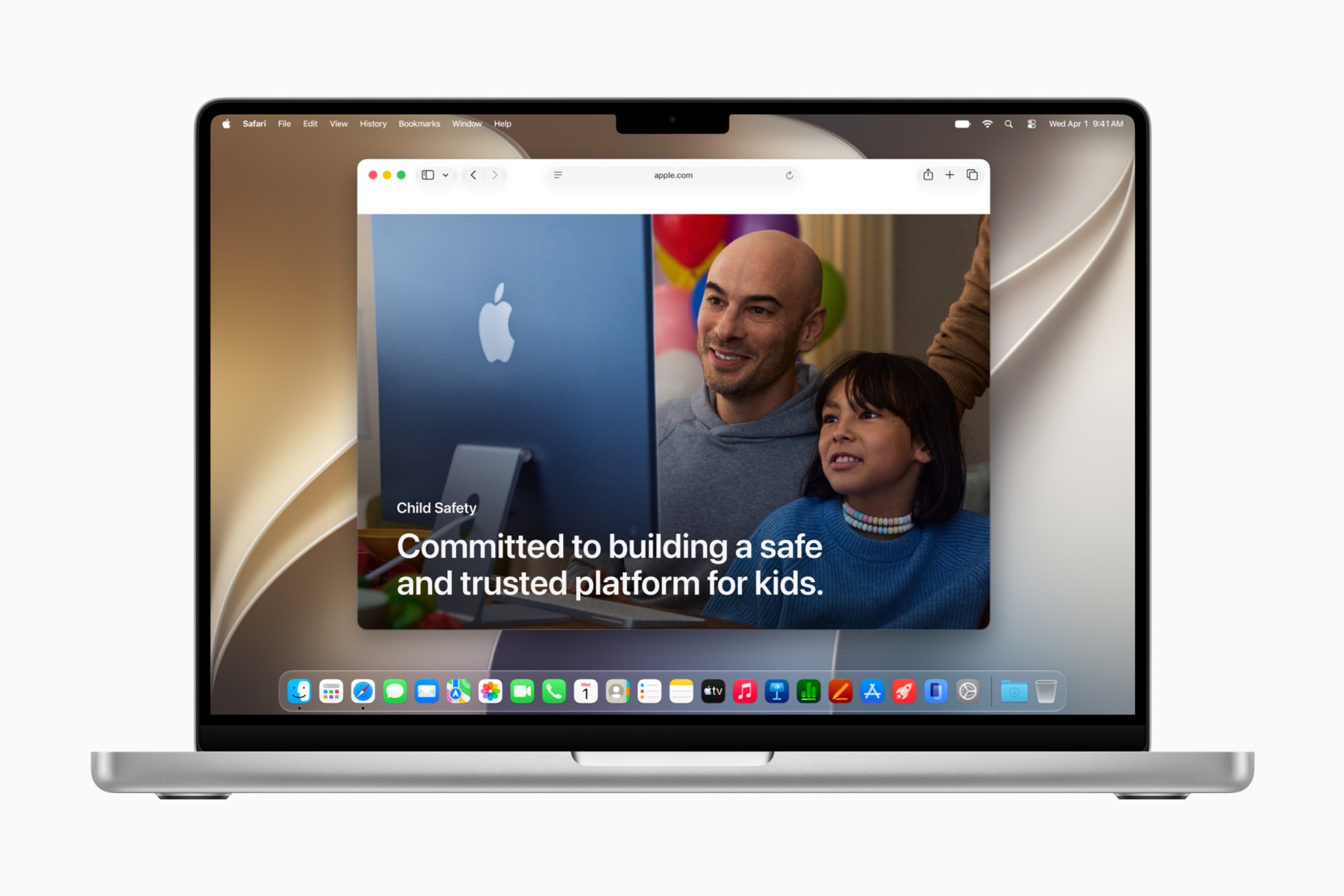
Photo: Apple
Apple said it collaborated with the American Academy of Pediatrics (AAP) to adapt the AAP’s Family Media Plan into guidance tailored to Apple products. The company also said it continues to fund and contribute to research on children’s digital wellbeing.
Alongside the feature announcements, Apple launched a dedicated website for parents and families. It consolidates setup guidance, tool descriptions and answers to common parenting questions in one place.
Developer tools for age-appropriate app experiences
Apple also reminded developers that it offers tools to help them build child-safe experiences inside their apps.
For example, SensitiveContentAnalysis can screen for violent or explicit material. PermissionKit routes new in-app contacts through parental approval. And the Declared Age Range API lets apps adjust their experience to a child’s age group without exposing birthday data.
Availability
All new features roll out with the Screen Time update in iOS 27, iPadOS 27 and macOS 27. Apple has not yet specified an exact release date beyond fall 2026.

David Snow, an expert on Apple hardware and software, writes on a variety of technological and cultural topics for Cult of Mac. They include Apple news, technology buying guides, and features about computer setups and Apple TV shows and movies.
With 30 years of experience covering technology and other subjects, he has written and edited for numerous print and online publications, including CMP Media, TechTV.com, CNET, Wired News, Red Herring magazine, Law.com, The National Law Journal and Law Technology News magazine. Among other roles, he served as executive editor of the Law.com network of websites and editorial director, technology, for ALM Media.
Snow graduated with a B.A. from Syracuse University with majors in magazine journalism and psychology. While there, he worked as a reporter for The Daily Orange newspaper and associate editor of Equal Time magazine.
Founder of the blog At the Waterline, he can be reached on X (formerly Twitter) via @atthewaterline and on Mastodon via @dsnow.

