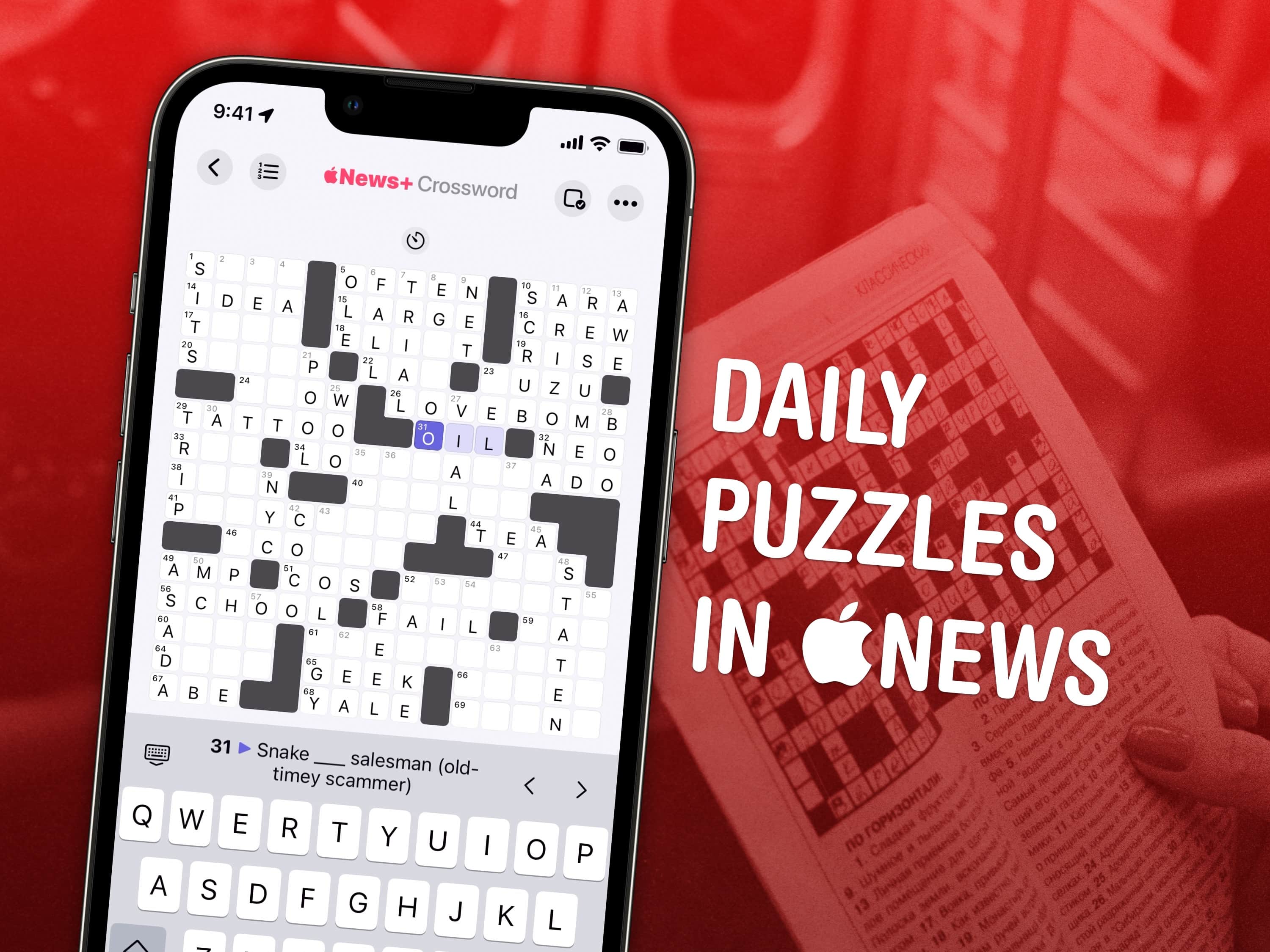
Get a crossword every day in the Apple News app. Image: Wil540 art/Wikimedia Commons/D. Griffin Jones/Cult of Mac
Apple has a daily crossword and crossword mini that you can play on your iPad and iPhone inside the News app. This feature is available to anyone with an Apple News+ subscription or the Apple One Premier bundle.
I absolutely love playing the crossword puzzles every day. I’m not very good at them, but it’s a fun challenge and it’s a well-designed app.
Older iPhones will get iOS 26 but with some key features missing. Photo: Rajesh Pandey/Cult of Mac
iOS 26, iPadOS 26, watchOS 26 and macOS 26 introduce a host of new features in addition to the Liquid Glass design makeover that will bring glossy, translucent harmony to Apple’s software ecosystem this fall. However, not all of those advanced features will make it to every compatible device when Apple releases its next-gen operating systems.
If you own an old iPhone or Intel-based Mac, you will miss out on several improvements. Here’s a look at what won’t make the cut.
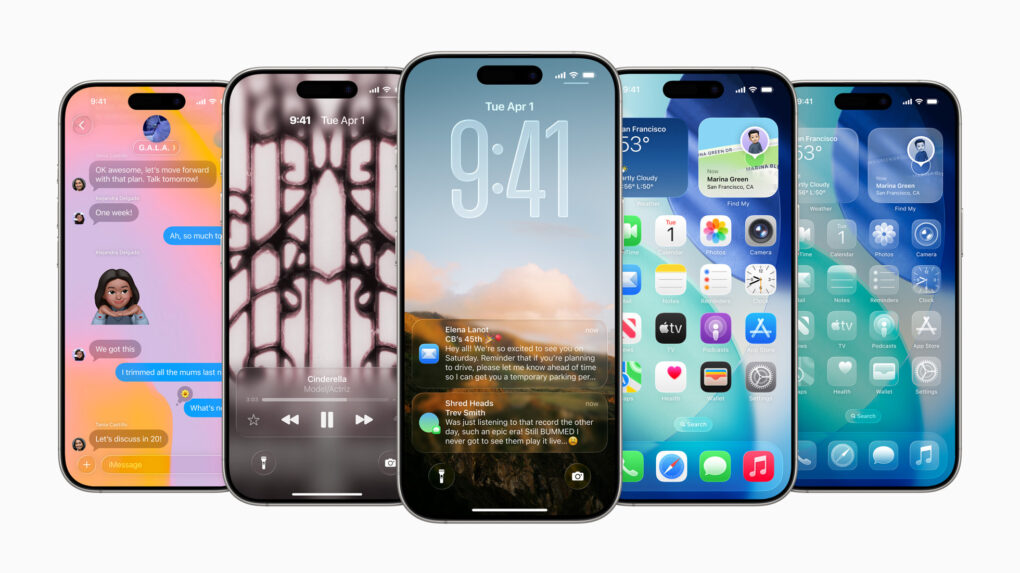
The big iOS 26 update brings a beautiful new design, intelligent experiences and various other improvements to the apps users rely on every day. Photo: Apple
With Monday’s iOS 26 announcement at WWDC25, Apple transforms how users interact with their iPhones through big design changes headlined by the striking look of “Liquid Glass,” enhanced AI capabilities and improved cross-platform integration with helpful changes to core apps like Phone, Messages and more. All in all, iOS 26 represents Apple’s boldest OS step forward in years.
“iOS 26 shines with the gorgeous new design and meaningful improvements to the features users rely on every day, making iPhone even more helpful,” said Craig Federighi, Apple’s senior vice president of Software Engineering. “Experiences are more expressive and personal, from the Lock Screen and Home Screen, to new capabilities across Phone and Messages that help users focus on the connections that matter most.”
“And with powerful new Apple Intelligence capabilities integrated across the system, users can get things done easier than ever,” he added.
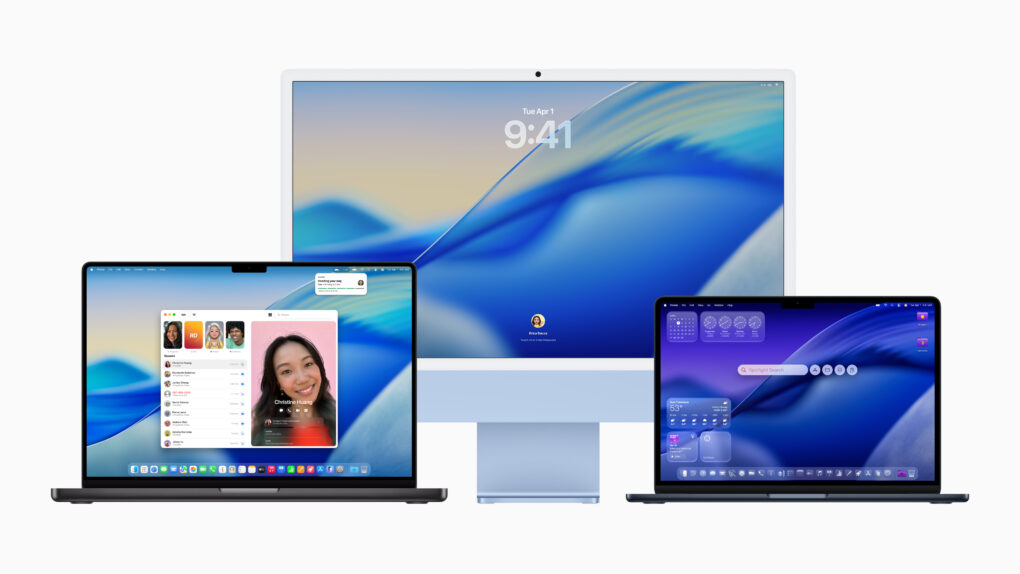
But that’s not it. macOS 26 Tahoe includes a redesigned Control Centre, a revamped Spotlight, and, for the first time ever, brings the Phone app to the Mac.
“macOS is the heart and soul of the Mac, and with Tahoe, we’re building on what users love most. Whether you’re a power user or just getting started on Mac, there’s something for everyone, with even more features to turbocharge productivity and make working across Mac and iPhone more seamless than ever before,” said Craig Federighi, Apple’s SVP of Software Engineering.
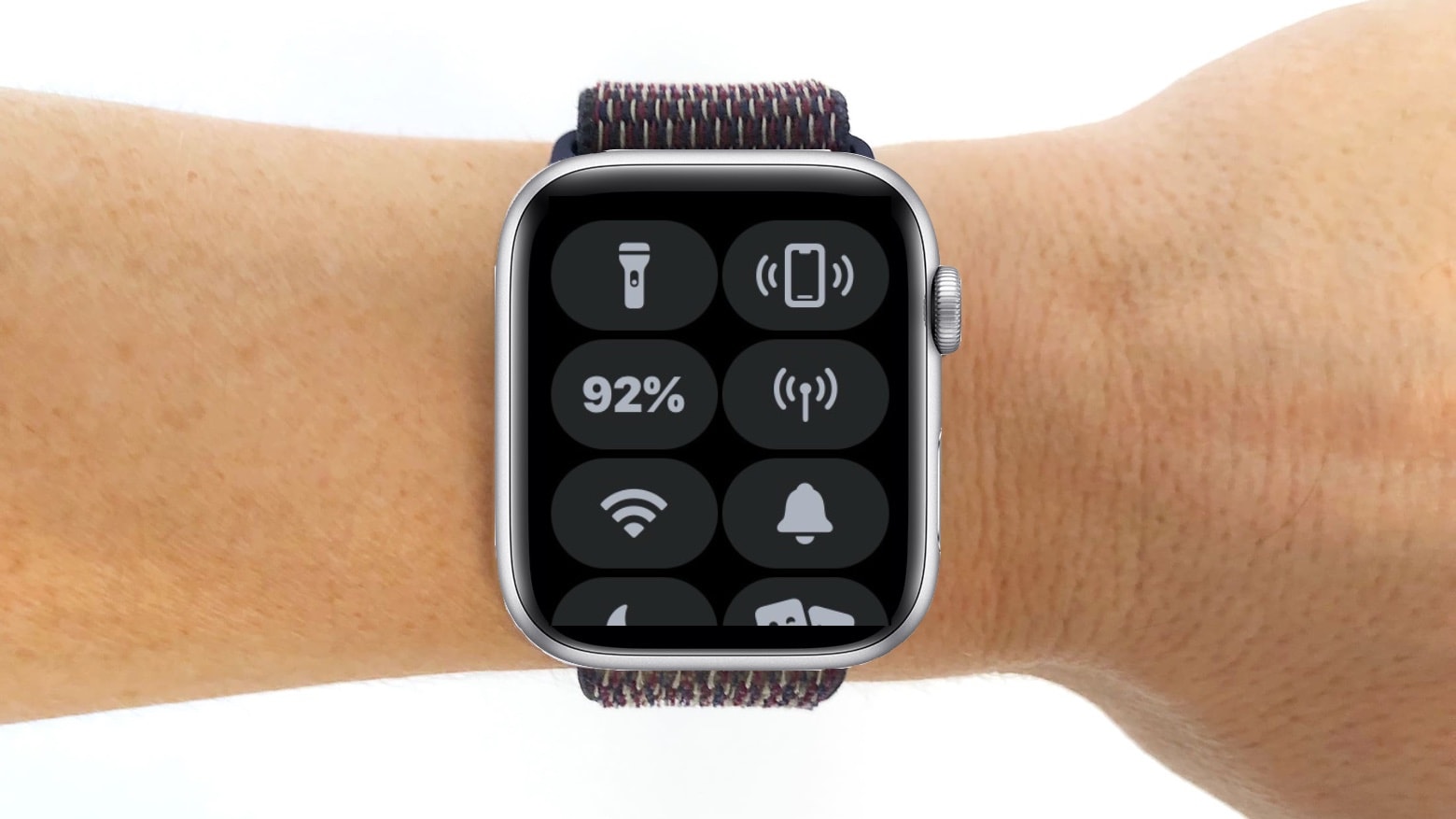
watchOS 12 could give the Apple Watch's Control Center a big upgrade. Photo: Cult of Mac
The upcoming version of watchOS reportedly will shake up the Apple Watch’s Control Center by adding support for third-party widgets. Right now, it only surfaces toggles for Wi-Fi, Battery, Focus mode, and other system settings.
However, like the iPhone, Apple supposedly will open the watchOS Control Center and allow for greater customization.
This could be a big year for Apple’s big new platform. Image: Apple/D. Griffin Jones/Cult of Mac
WWDC25 is a mere days away. While the hottest news is that iOS, macOS, watchOS and other platforms will get a visual redesign borrowed from visionOS, the question left unasked is … what’s coming to visionOS?
Rumors say there will be new advanced eye tracking features and support for VR hand controllers. But with a full twelve months of development, Apple probably has much more in store for its premium spatial computer.
Here’s what Apple may announce on Monday for the Vision Pro.
The next major macOS release could pack bigger changes than anticipated. Illustration: ChatGPT
WWDC25 is nearly here, with iOS 19 and iPadOS 19 possibly set to steal the spotlight. However, the latest rumors indicate you shouldn’t count macOS 16 out just yet, as it might bring more upgrades than expected. It might not even be called macOS 16, if Apple’s rumored switch to year-based release names happens. (We’ll refer to it as macOS 16 until the big switch happens.)
With June 9 fast approaching, here’s a breakdown of what macOS 16 could bring to the table.
WWDC25 won’t be as Apple Intelligence-packed as last year. Image: Apple/D. Griffin Jones/Cult of Mac
Apple doesn’t have as many Apple Intelligence features to announce at WWDC25 as it did during last year’s developer conference. However, a handful of new AI features should arrive, including Apple Intelligence-generated Shortcuts automations, an Apple Intelligence API for developers, and AI-powered health tips. Apple’s foundation language model itself will also be improved, with versions in four different sizes currently in testing.
Here’s what to expect on Apple Intelligence next Monday during the WWDC25 keynote.
Raycast transforms how you get things done on a Mac. Photo: Raycast/Rajesh Pandey/CultOfMac
Anyone who’s used a Mac for years understands the value of Spotlight search, as it can quickly help you search through your Mac, email, apps, and system settings. But if you want to take things to the next level, check out Raycast — a powerful Spotlight alternative that goes beyond simple search.
From setting reminders and tracking flights to running Terminal commands and finding files, Raycast is built for speed and efficiency. It really is a Swiss Army knife for your Mac. Here’s how I use it to supercharge my productivity on the Mac.
Suck away battery life, that is. Image: D. Griffin Jones/Cult of Mac
There are a bunch of not-great apps like Spotify and Slack that suck battery life, because they basically run a full copy of Google Chrome inside each window. Chrome is a notorious energy hog, and running multiple copies of its Blink engine inside four different apps can take unnecessary memory and resources.
But you can create your own, much better versions using web apps based on Safari. Web apps are easily made in Safari and live in your Mac’s Dock.
For apps that you use every day, like Spotify, Discord and Slack, it’s easier to launch them from the Dock and move them around separately from your browser tabs. Let me show you how they work.