Mobile menu toggle

Search results for: shortcuts

Everything new in iOS 26: Liquid Glass and 70+ new features

By

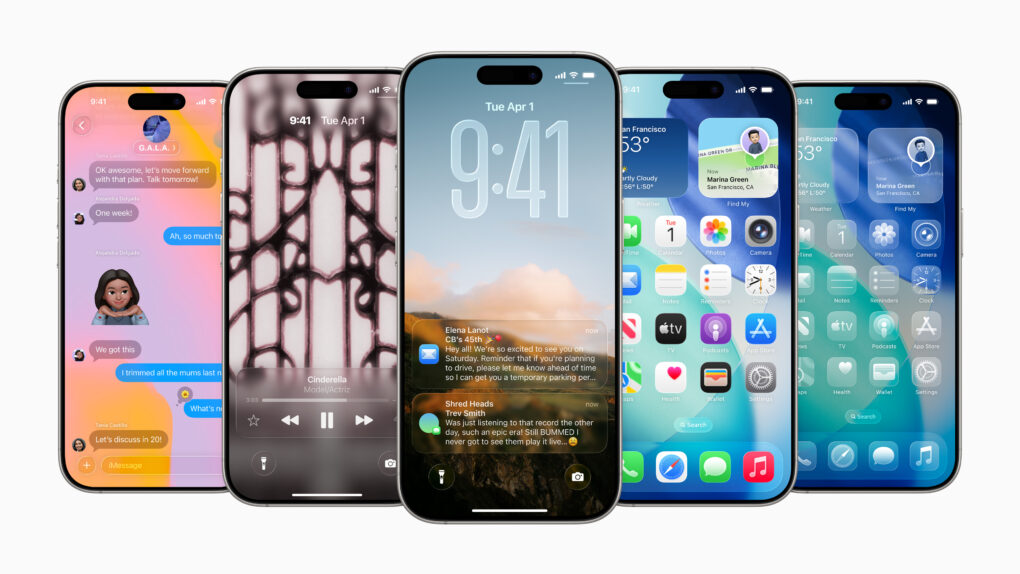
iOS 26 hero image
Packed with new features.
Image: Apple

iOS 26 is a major new update that brings the biggest visual redesign in 12 years — on top of more than 70 new features. It’s easy to overlook the new goodies that Apple sprinkled throughout the operating system because the shiny Liquid Glass user interface takes center stage.

But iOS 26 brings loads of great enhancements to Apple’s major apps. Group chats in Messages become much more useful. The Phone app gets a fresh design and plenty of smart new features. Other great enhancements level up Safari, Passwords, Maps, Photos, Journal and other Apple apps. And just like previous years, Apple added an expansive list of useful accessibility features you should check out.

iOS 26 is out now. Here’s where to find the good stuff — keep reading or watch our video.

iOS 26 and macOS Tahoe take penultimate step toward release

By

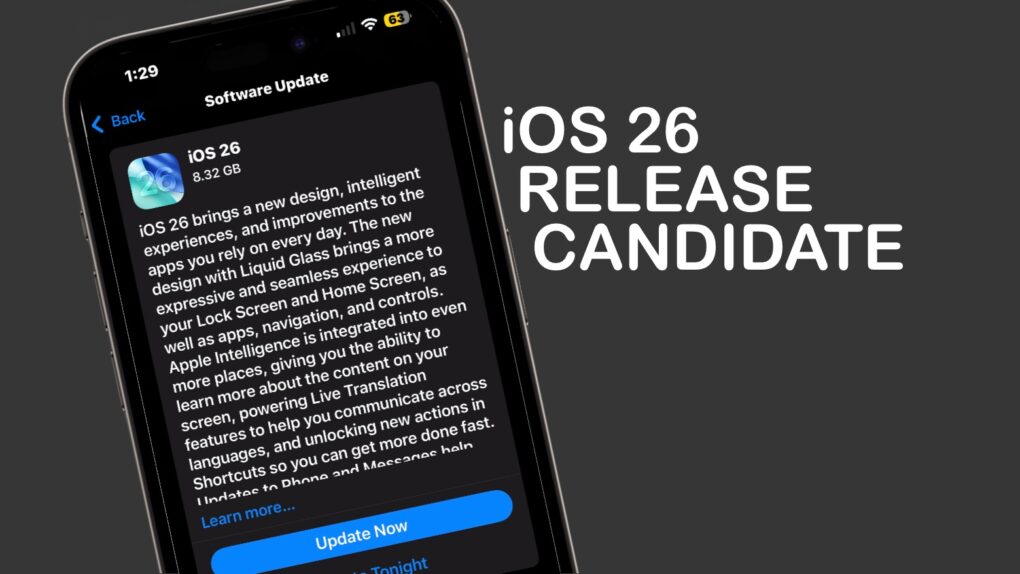
iOS 26 release candidate
The iOS 26 release candidate is available for anyone to test.
Graphic: Cult of Mac

Apple on Tuesday seeded to developers and the public the release candidates for iOS 26 and macOS Tahoe. This is usually the final step before new versions launch — which should happen next week.

The release candidates for iPadOS 26, watchOS 26, tvOS 26 and visionOS 26 also went out on Tuesday.

Say hello to world’s first 6K touchscreen monitor ‘for Mac’

By

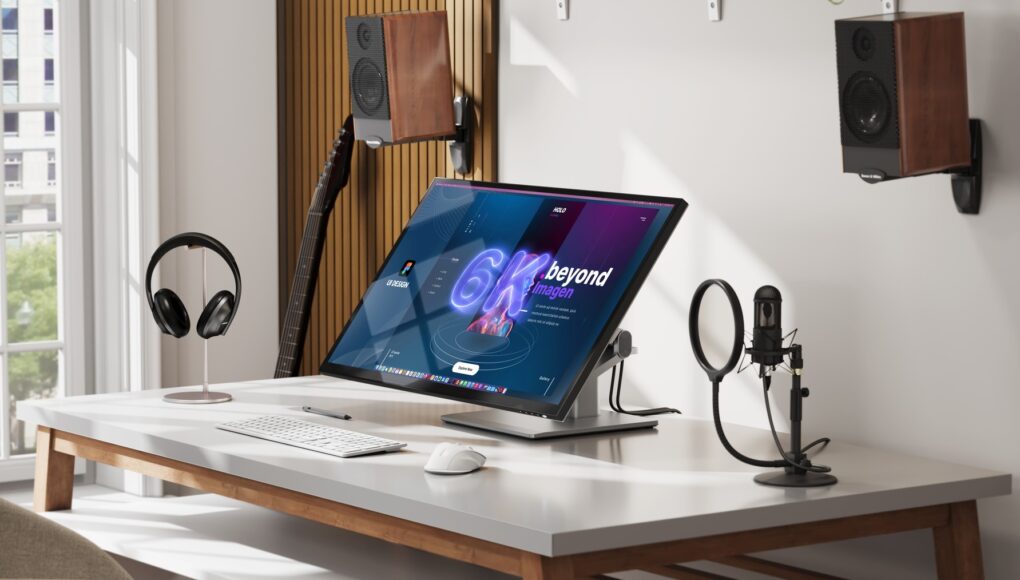
Alogic Clarity 6K Touch monitor
What if an Apple Pro Display XDR sported a touchscreen? Might be like Alogic's new 6K Clarity Touch.
Photo: Alogic

Alogic made waves at IFA 2025 in Berlin Friday, introducing advanced displays specifically designed for Mac users — including the first 6K resolution touchscreen display optimized for Mac. That’s like an Apple Pro Display XDR with a touchscreen. The Australian company’s new lineup also features innovative 4K docking monitors and an expanded ultrawide display series.

“With this launch at IFA Berlin, Alogic is delivering a complete ecosystem of professional displays,” said Ritesh Kumar, CEO of Alogic. “From the brand-new, patented Aspekt 4K docking monitors to our flagship Clarity 6K Touch, we are setting new benchmarks in resolution, connectivity and interaction for modern professionals and enterprises.”

6 tricks to master Preview on the Mac

By

Image of the Mac's Preview app icon, with the words
Make the most of the built-in Mac app. It can edit PDFs, remove backgrounds from photos, and more.
Image: D. Griffin Jones/Cult of Mac

You might only use the Mac’s built-in Preview app when you need to read a PDF or zoom in on a picture, but there’s much more to the software than meets the eye. It’s a pretty handy image editor for Mac, too.

In this how-to, I’ll go over six features that will let you make the most of Preview, a handy tool that’s an overlooked benefit to using a Mac. I have three tips for working with documents and three for editing pictures.

How I supercharge window management on my Mac

By

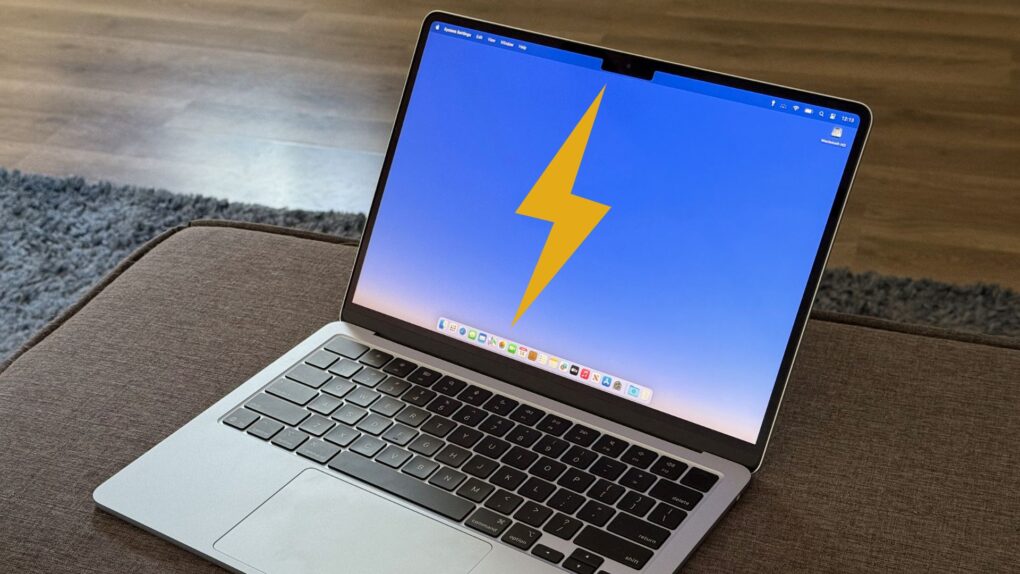
M4 MacBook Air with lighting icon on screen
Level up your Mac window management like I did.
Photo: D. Griffin Jones/Cult of Mac

As a power user, I find Mac window management clunky and broken when using the options built into macOS. Switching between apps, and snapping apps into desired screen locations, should not be so frustrating.

So, I took matters into my own hands — streamlining how I snap, switch and manage windows to finally make macOS work for me, not against me.

PDF Editor ,PDF Book Reader ®: How to use the powerful PDF app built for Apple devices

By

PDF Editor PDF Book Reader update
This is the one PDF tool Apple fans need.
Image: PDF Editor, PDF Book Reader

Struggling trying to figure out the best way to edit PDFs? Thanks to the PDF Editor ,PDF Book Reader ® app for Mac, iPhone and other Apple devices, editing and managing PDF documents doesn’t need to break the bank — or frazzle your mind.

It’s a great all-in-one PDF app — and Cult of Mac readers can get a free one-year subscription.

Ingenious RollerMouse Red wrist rest changes mousing. But is it worth $394? [Review] ★★★★

By

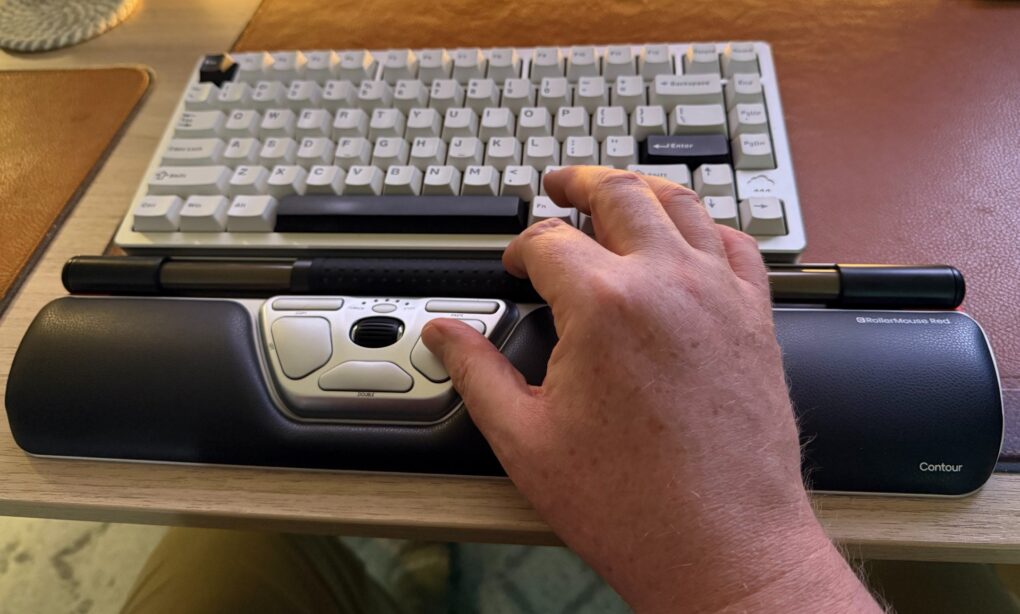
Contour RollerMouse Red Wireless review★★★★
It's a cool and highly functional device, but it might cost too much for most people. For those suffering pain from mousing, though, it could be well worth it.
Photo: David Snow/Cult of Mac

Would you spend $394 on a mouse? This Contour RollerMouse Red Wireless review might raise eyebrows, considering the device’s unusual design and premium price tag. The centralized pointing device with roll bar, scroll bar and three unfamiliar buttons in a wrist rest sits in front of your keyboard rather than beside it, challenging typical notions of computer navigation. But for those who need help with pain from repetitive strain injury (RSI), it could make a world of difference.

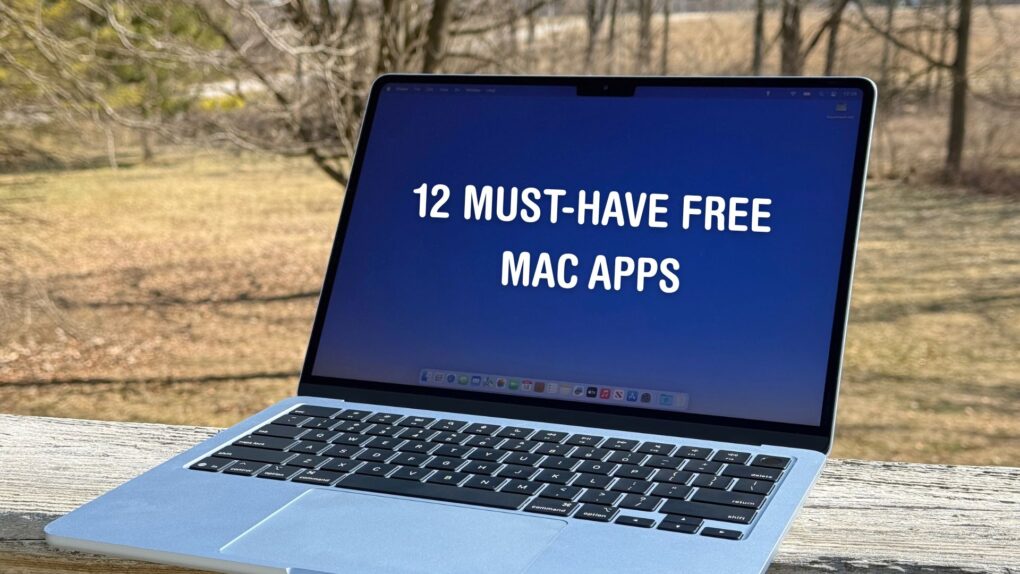
12 must-have free Mac apps I always install first

By

Set your Mac up like a pro with these 12 free apps.
Photo: D. Griffin Jones/Cult of Mac

The 12 free Mac apps in this roundup prove that the best software doesn’t need to cost you anything.

These are the first apps I install on any new Mac, as they either boost my productivity or add essential functionality missing from macOS.

How to autofill passwords, email addresses and more on iPhone

By

Instantly Autofill Anywhere
No more futzing around, looking up a password or email to copy and paste.
Image: D. Griffin Jones/Cult of Mac

AutoFill on iPhone is supposed to help you out when you’re entering a password or typing in your email. When it doesn’t work, it can be incredibly frustrating — especially if you don’t know some complicated password offhand. The phone’s supposed to remember it so you don’t have to!

Sure, you could switch over to the Passwords app — or you can instantly autofill passwords right from the text box. AutoFill works anywhere you can input text, including third-party browsers.

In addition to passwords, you can autofill credit cards, contacts and more. You can even autofill scanned text from documents, signs and more using the camera.

Here’s how it’s done.

All the ways iOS 26 tightens integration between iPhone and Mac

By

iPhone and Mac together
Your iPhone and Mac will work even better with iOS 26 and macOS Tahoe.
Photo: Rajesh Pandey/Cult Of Mac

With every new iOS and macOS release, Apple deepens the integration between its mobile and desktop operating systems. iOS 26 is no different, building on the iPhone Mirroring feature introduced in iOS 18 and macOS Sequoia.

Check out all the new cross-device features and integrations that iOS 26 and macOS 26 (aka Tahoe) bring.

1 13 14 15 16 17 121