Mobile menu toggle

Search results for: shortcuts

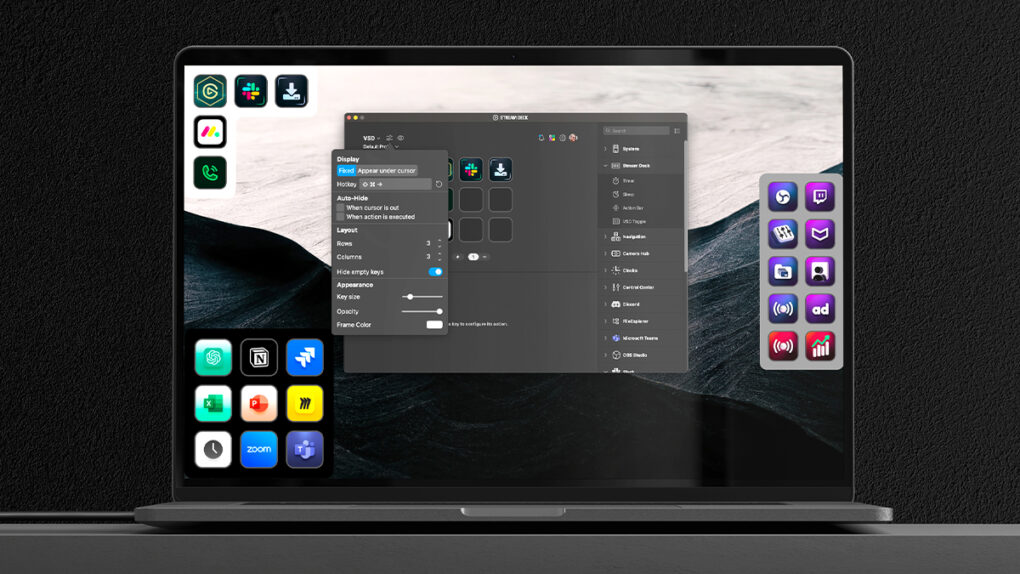
Elgato brings Virtual Stream Deck to Mac screens and beyond
By

Elgato Virtual Stream Deck
Elgato's new Virtual Stream Deck will let you put control right on your Mac's screen.
Photo: Elgato/Corsair

Elgato, the Corsair-owned maker of popular content creation tools, announced a major expansion of its Stream Deck ecosystem Tuesday with a new “Stream Deck Everywhere” strategy unveiled at Computex. It includes four significant innovations designed to make the customizable control interface accessible to more users and workflows beyond its traditional creator audience. And that includes a Virtual Stream Deck you can put right on your Mac’s screen.

Price is right on 2 sleek new keyboard-mouse combos

By

Seenda keyboard and mouse combos
Seenda's Creative keyboard and mouse combo is packed with style and color.
Photo: Seenda

Two stylish new Seenda keyboard and mouse combos offer seamless compatibility with Mac, iPad and iOS devices, the company said Thursday. The premium SKM64-3 Bluetooth combo and budget-friendly Creative SK73-3 wireless combo both deliver style and functionality for Apple users seeking alternatives to Apple’s peripherals.

Today in Apple history: System 7 debut shakes up the Mac

By

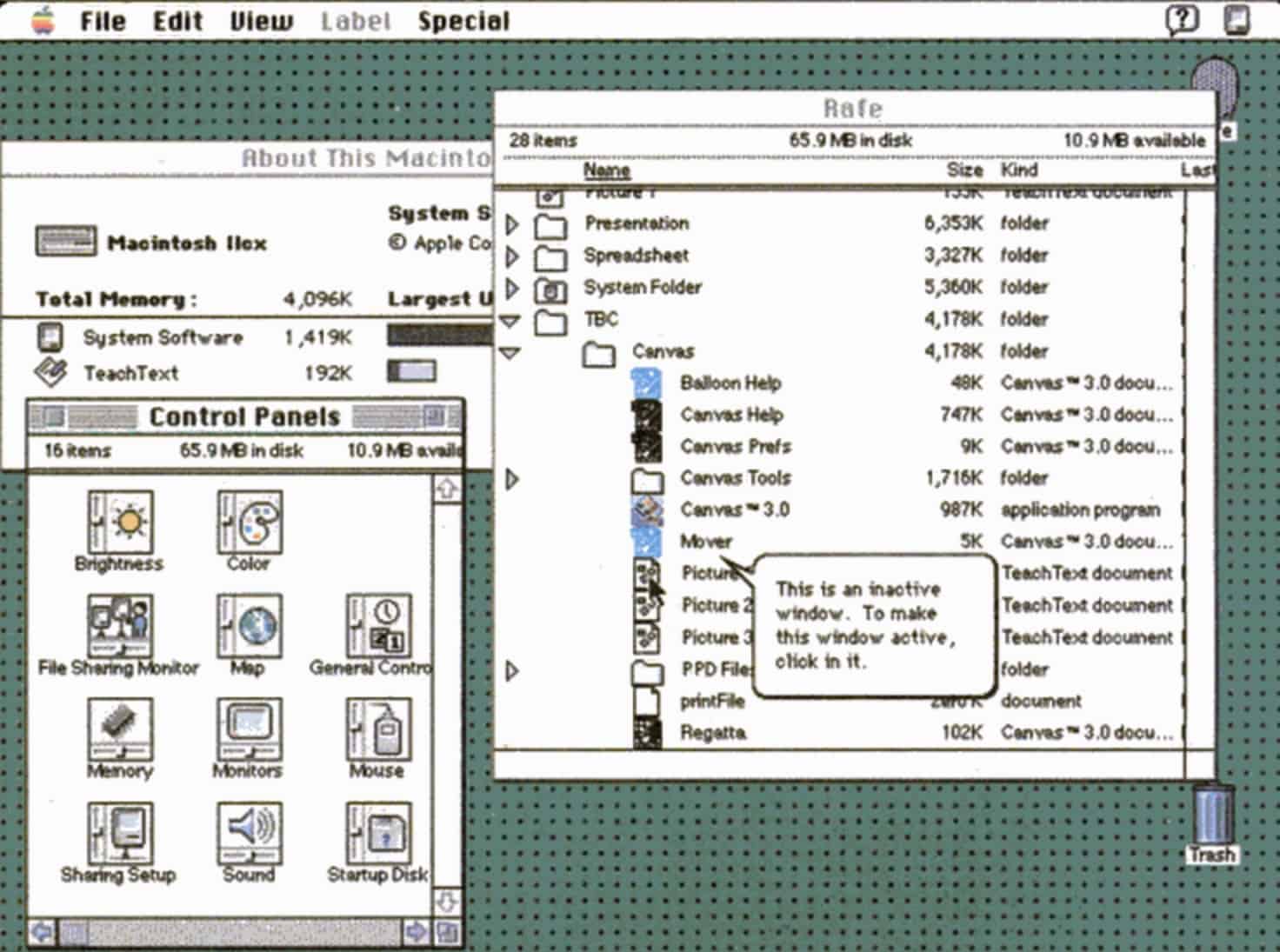
Mac OS System 7 screenshot
Bold new features in System 7 made the Mac even more impressive.
Photo: Apple

May 13: Today in Apple history: System 7 launch shakes up the Mac May 13, 1991: Apple releases System 7, the biggest upgrade to the Mac operating system since the original Mac shipped in 1984. The new Mac OS is whip-fast, beautiful to look at, and boasts a bevy of innovative features.

The longest-lasting of Apple’s classic Mac operating systems, it will remain current until System 8 replaces it in 1997.

Apple unveils major accessibility upgrades coming soon

By

Apple unveils major accessibility upgrades
Magnifier for Mac is on the way.
Photo: Apple

A comprehensive suite of new Apple accessibility upgrades relying on Apple silicon and machine learning to enhance usability across products and services will launch later this year, the iPhone giant said Tuesday.

The innovations aim to make Apple devices more usable for people with various disabilities. Those include visual impairments, hearing loss, mobility challenges and cognitive differences.

“At Apple, accessibility is part of our DNA,” said Tim Cook, Apple’s CEO. “Making technology for everyone is a priority for all of us, and we’re proud of the innovations we’re sharing this year. That includes tools to help people access crucial information, explore the world around them, and do what they love.”

Celebrate World Password Day by getting to grips with the Apple Passwords app

By

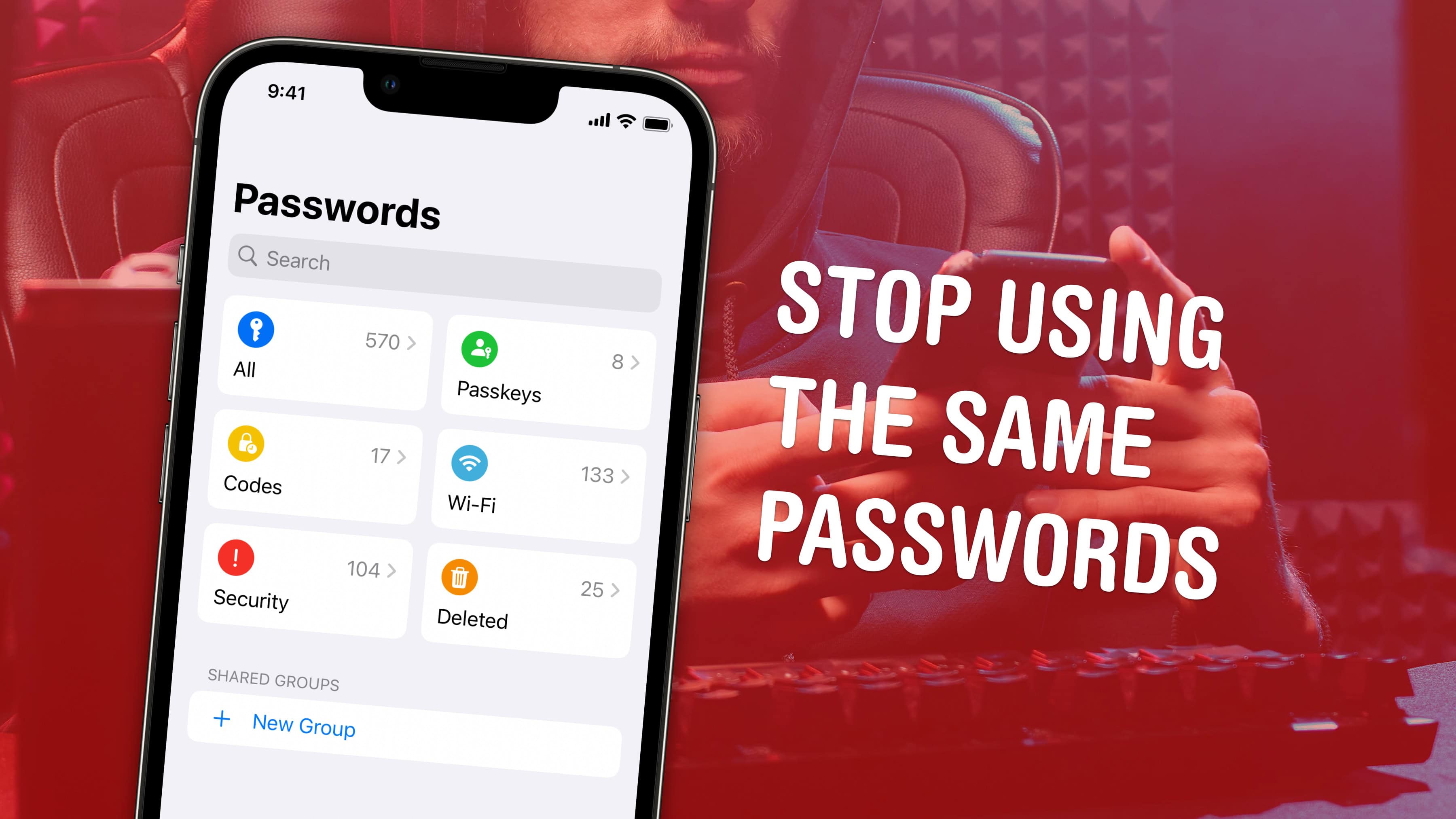
Stop Using The Same Passwords
The time has come to use a password manager.
Image: D. Griffin Jones/Cult of Mac

The new Apple Passwords app makes it easier than ever to save login details for your apps, start using passkeys and create shared groups.

iCloud Keychain has been around for years, saving your passwords for you. But if you’ve ever had to copy a password out of the system to enter on a different computer, you had to dig through Settings — if you could even figure out how. The functionality discouraged a lot of people from using Apple’s password manager. It’s easy to find in iOS 18, thanks to a dedicated Passwords app you can put on your Home Screen.

The time of using the same password on all your internet accounts is over. Apple’s password manager is free, syncs everywhere (even with Windows PCs) and is incredibly easy to use. It creates strong passwords and automatically fills them in so you never need to.

Here’s how it works.

3 ways to stop your Mac from sleeping

By

Keep Your Mac Awake
I certainly can’t stay up all night, but my Mac can.
Image: D. Griffin Jones/Cult of Mac

You can stop your Mac from sleeping if you want it to stay on indefinitely. This might prove handy if you find it locking when you don’t want it to, like during a class or meeting. You don’t need to wiggle the mouse every few minutes to keep the screen on.

There are a few different ways to set this up. The simplest and most permanent way is to disable sleep entirely in your Mac’s System Settings. However, if you just want a quick way to disable sleep temporarily, there’s a simple command you can enter in the Terminal. Or, if you want something more user-friendly and customizable, there’s a free app you can download that you can toggle on and off from your Mac’s menu bar.

Here are the three best solutions if you want to stop your Mac from sleeping.

5 Mac accessories I can’t live without

By

Image of a Mac with the word
Improve your Mac experience with these accessories.
Photo: Rajesh Pandey/CultOfMac

Apple makes the best desktop PCs and laptops. But I cannot say the same for its accessories. While I have been using Macs for more than a decade, I rely on these five Mac accessories made by third parties to enhance my experience.

The list ranges from a wireless keyboard to an ergonomic mouse to headphones that will amaze you with their noise cancellation. Read about my five favorite Mac accessories below.

The great iOS 19 squircles controversy [The CultCast]

By

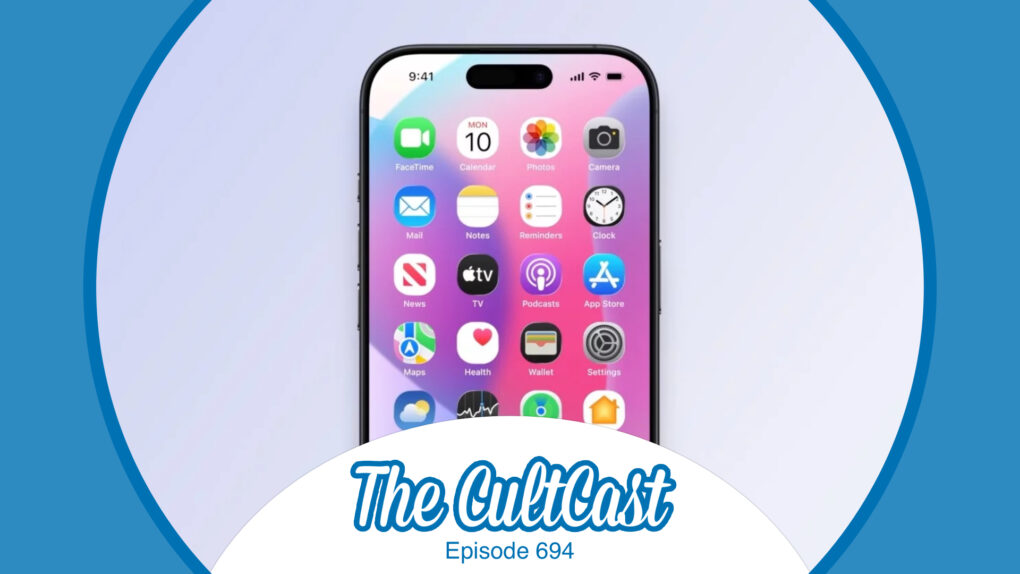
Image of iPhone with leaked iOS 19 Home Screen, along with
Why is funnier: stouter squircles or squabbling leakers?
Image: Cult of Mac

This week on Cult of Mac’s podcast: The latest video from Front Page Tech leaker in chief Jon Prosser gives us a closer look at what iOS 19 might look like. Its glossy UI elements and rounder “squircles” for app icons get us pondering the future. And the feud between Prosser and Bloomberg scoop machine Mark Gurman gets us laughing!

Also on The CultCast:

  • The iPhone 17 Pro might not look as different as previous rumors indicated.
  • The threat of rising prices due to tariffs propels some shoppers to Apple stores for a little (probably unnecessary 😬) panic buying.
  • On a related topic, if you thought Apple might move its manufacturing to the United States to avoid import tariffs, don’t hold your breath.
  • And finally, Griffin explains how you can do almost anything on your iPhone using voice commands.

Listen to this week’s episode of The CultCast in the Podcasts app or your favorite podcast app. (Be sure to subscribe and leave us a review if you like it!) Or watch the video live stream, embedded below.

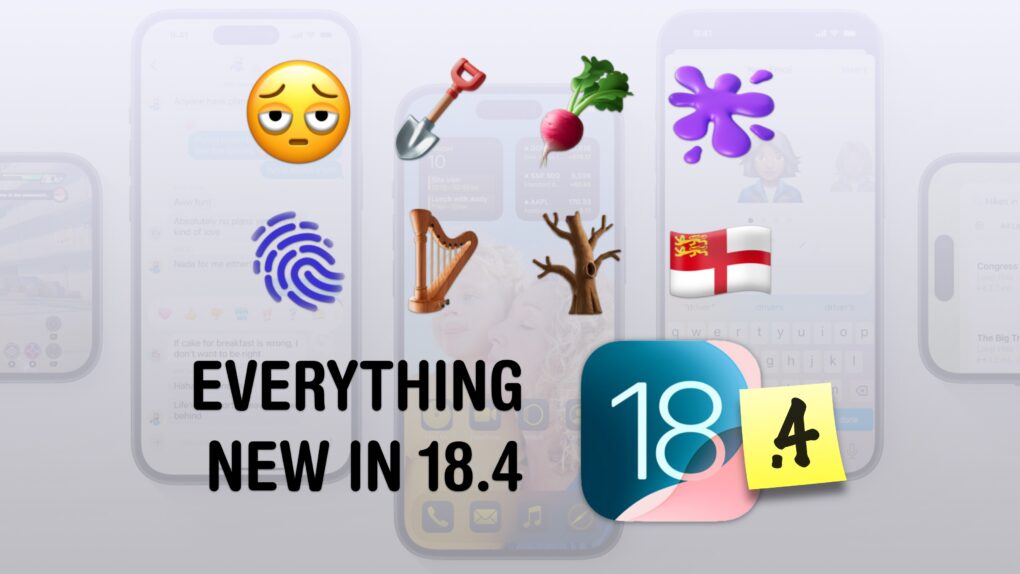
Everything new in iOS 18.4 [Out now]

By

Everything New in iOS 18.4
This one is the emoji update.
Image: D. Griffin Jones/Cult of Mac

iOS 18.4, which Apple released Monday, brings several significant new features to iPhones. It is one of the biggest updates to the operating system since the initial public release of iOS 18 in September 2024.

Among other things, the update will also introduce a key Apple Intelligence feature that Apple showcased at WWDC24. Keep reading to learn about all the new features in iOS 18.4 — or watch our video. (Apple also released iPadOS 18.4, macOS Sequoia 15.4 and visionOS 2.4, which include similar upgrades, on Monday.)

5 secret tips and tricks in Safari on iPhone

By

5 Safari Tricks & Secrets
Get the most out of the browser in your pocket.
Image: D. Griffin Jones/Cult of Mac

Since I spend a lot of time using Safari on my iPhone, any new tips and tricks I learn can feel life-changing. Apple’s mobile web browser proves absolutely instrumental to my iPhone usage (and odds are, it does for you, too).

Here are a few of my favorite hidden features. These Safari tips will help you browse the web faster, clean up your experience and restore tabs you accidentally close. I also have a handy Shortcut you can download at the end.

Keep reading or watch our video.

1 15 16 17 18 19 121