Mobile menu toggle

Search results for: shortcuts

Logitech MX Keys Mini vs. Apple Magic Keyboard: Which to choose?

By

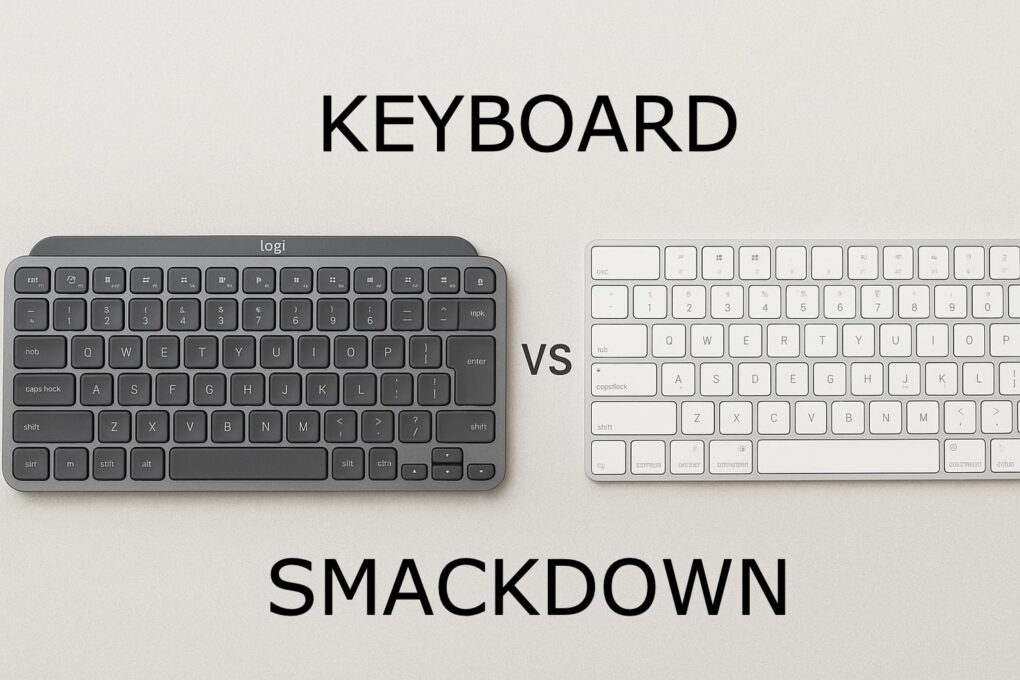
Logitech MX Keys Mini vs Apple Magic Keyboard
See which of these highly productive keeb suits you best.
Photo: chatGPT/Cult of Mac

It’s the ultimate battle of the small Mac keyboards: Logitech MX Keys Mini vs. Apple Magic Keyboard. Choosing between these two premium compact keyboards is tough, and the decisions you make can significantly impact your daily typing experience and productivity.

They’ve both become top contenders for professionals and tech enthusiasts alike. And while they’re similar, they’re not the same.

Find out which is better for you in our head-to-head comparison. 

With this smart clipboard manager, your Mac remembers everything you copy

By

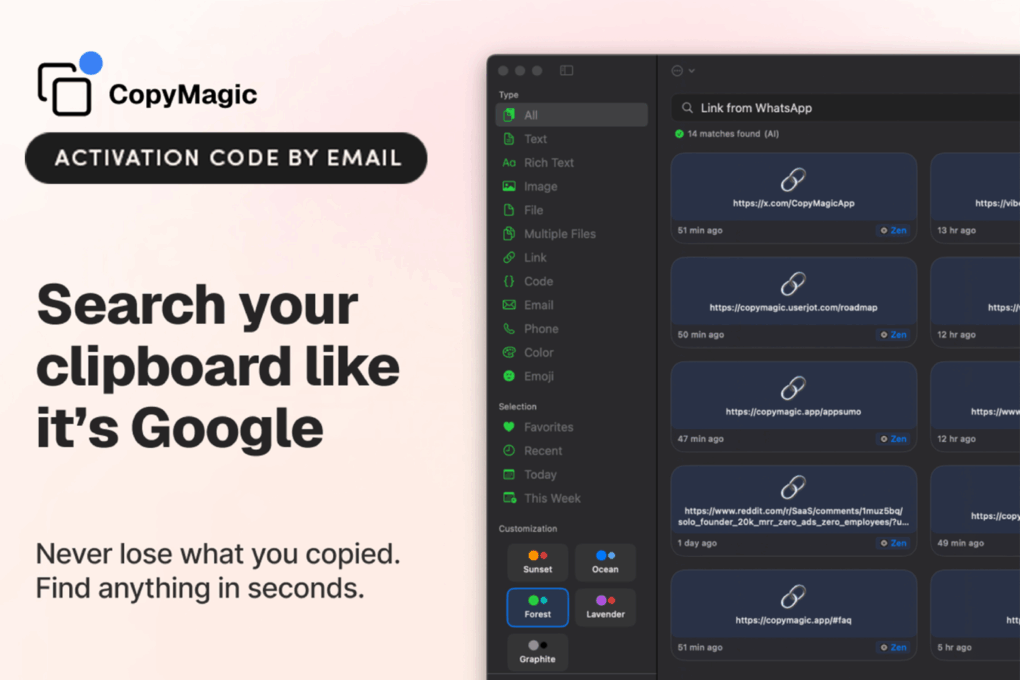
Mac screenshot showing CopyMagic smart clipboard manager
Get CopyMagic and never lose anything you ever copied onto your Mac's clipboard!
Photo: Cult of Mac Deals

Do you use a Mac clipboard manager? If the answer’s no, you’re missing out.

If you’re anything like most Mac power users, you’re constantly copying bits of text, links and code snippets across apps all day long. But the built-in Mac clipboard? It’s always been a bit of a goldfish — copy something, and the last thing you grabbed disappears forever. And while macOS 26 Tahoe added a clipboard management feature, it’s rudimentary at best.

Not so with CopyMagic, a smart clipboard manager for Mac that boasts advanced features. This offline, privacy-first tool transforms your clipboard into a lightning-fast, searchable archive you’ll actually want to use. And right now, you can snag a lifetime subscription to CopyMagic for just $29.99.

Make your setup shine with these great deals on Logitech gear

By

Amazon Prime Big Deal Days Logitech
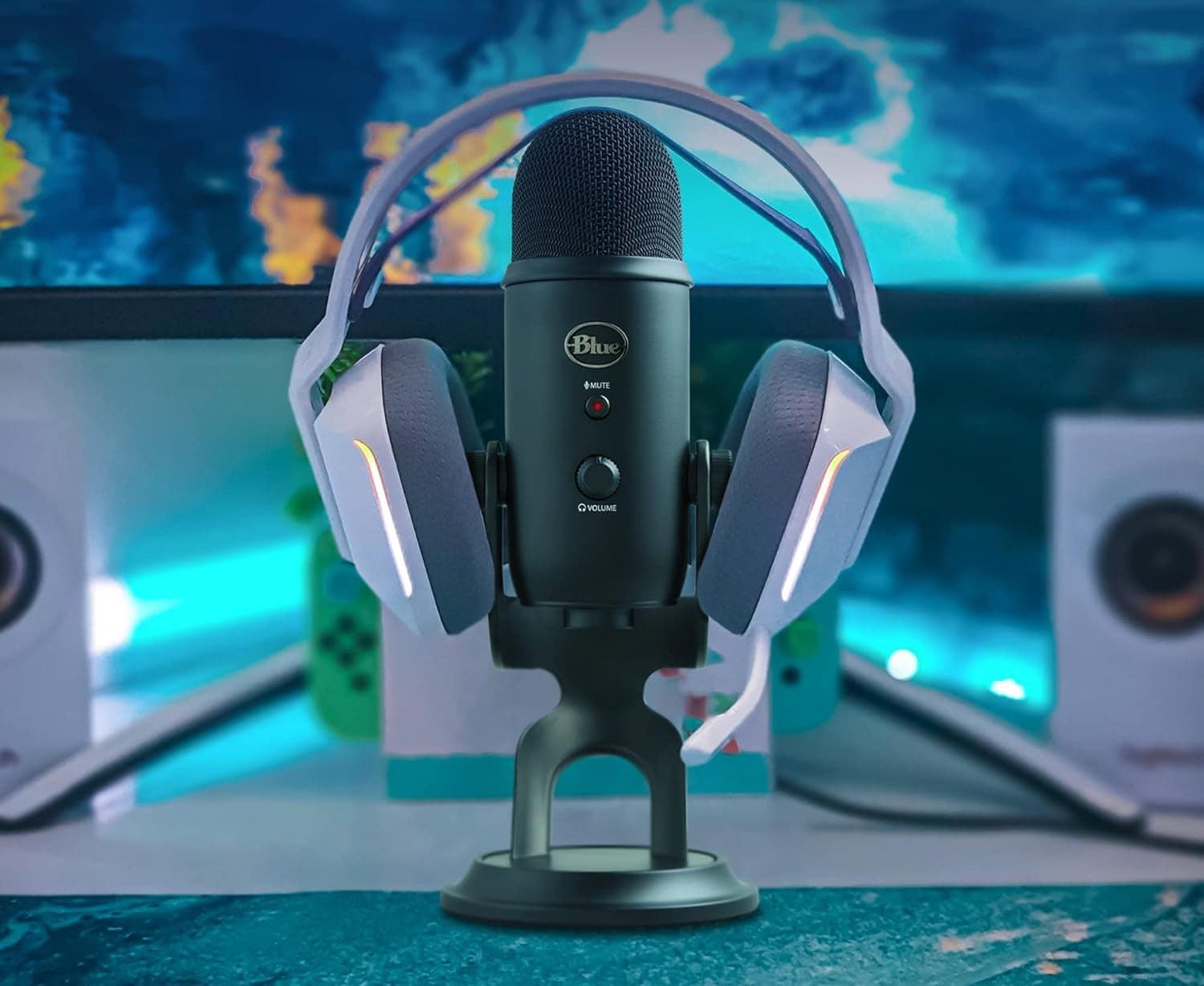
Now a Logitech product, the Blue Yeti USB microphone stands tall among streamers' favorites.
Photo: Logitech

Many a Mac computer setup relies on Logitech peripherals and accessories — some of the best gear in the business. Whether you need a reliable keyboard, a blazing fast gaming mouse, a shortcuts console, a powerful webcam or a great USB microphone, our guide to five great Logitech sale items from Amazon Prime Big Deal Days can help. 

The best damn e-scooter I’ve ever ridden drops to its lowest price yet

By

Navee ST3 Pro Electric Scooter in use
Navee ST3 Pro Electric Scooter is packed with features, many of which are accessible through your iPhone.
Photo: Navee

I’m having so much fun riding the Navee ST3 Pro Electric Scooter. It’s powerful enough to be exhilarating, while also being a practical way to get around. Honestly, I haven’t been as stoked about a product since I got the first iPad.

That’s why I’m happy to say that Navee is having a special promo deal that knocks $190 off the e-scooter. You can get that price from Amazon or when you buy it straight from the manufacturer. It’s down to $759.99 —that’s 20% off.  Now is a great time to buy!

Make sense of your epic screen recording by adding a voiceover

By

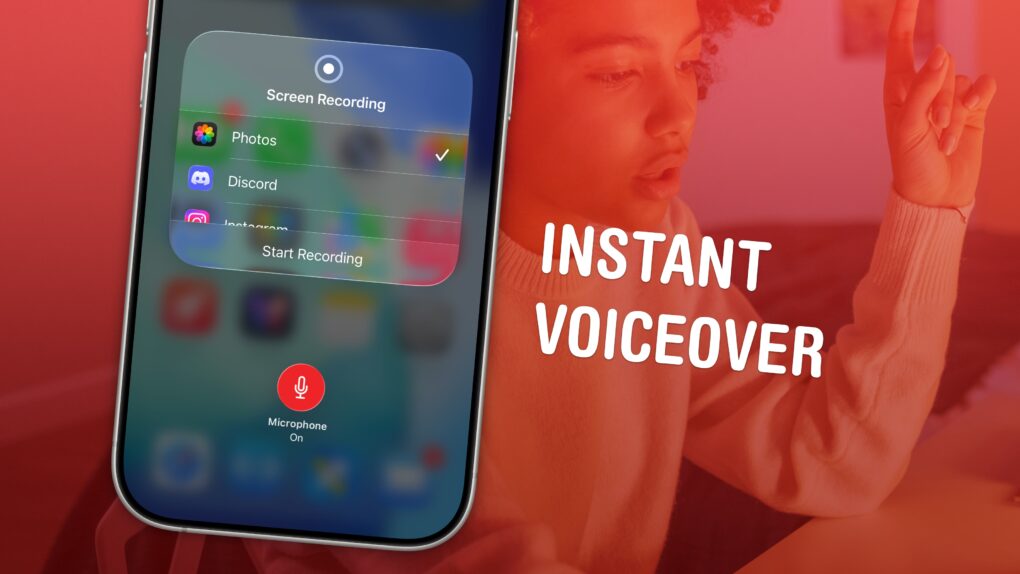
Instant Voiceover
Record your screen, its audio, and your voiceover in one.
Image: D. Griffin Jones/Cult of Mac

You can record your screen with audio (and a voiceover) on your iPhone to talk over your video. This functionality is built right into the iPhone. You don’t need to use a Mac or PC, or pay for an app to do it. 

This can come in handy for making presentations or projects — and you don’t want to waste an hour or more editing a video yourself. You can also make a recording with your voiceover explaining how something works for helping someone out, testing an app, making a tutorial, recording your reaction to watching a video or more. 

Here’s how to record your screen with audio — and add a voiceover — right from your iPhone. 

These 6 apps will change how you use your Mac

By

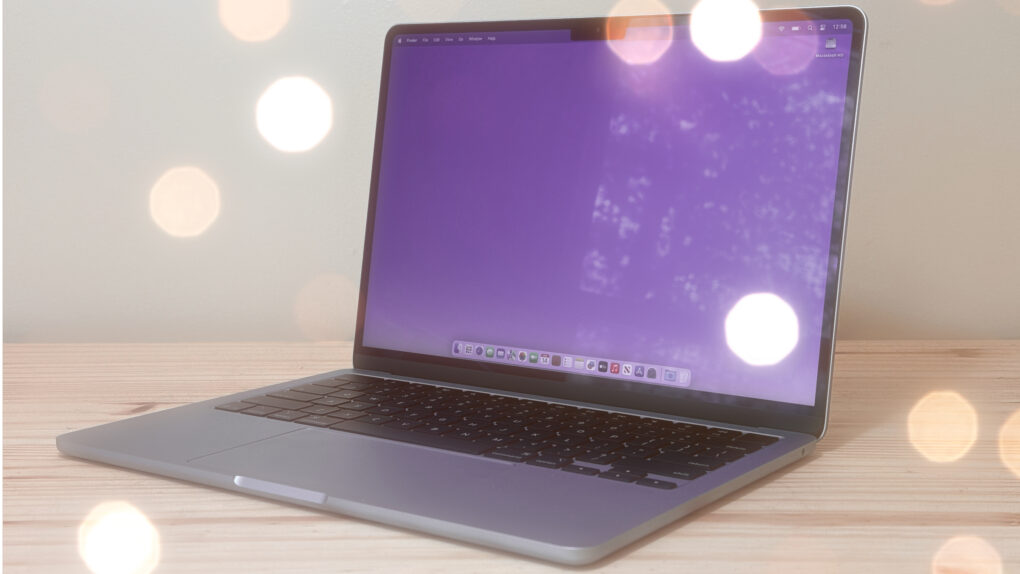
Photo of an M4 MacBook Air sitting on a desk with lights glinting off it, used to illustrate a guide to best Mac utilities.
I can't use my Mac without these utilities.
Photo: Cult of Mac

The best Mac utilities can make a great computer even better. From smarter window management to easier automation and cleaner navigation, a few well-chosen tools can dramatically improve your workflow.

I’m a longtime Mac user, and I can’t do my job without these six essential Mac utilities. In this guide, I’ll show you how they can make everyday tasks faster and simpler.

Make your iPhone read text out loud

By

Image of an iPhone with the words
Your iPhone can read text from websites and iMessages (and even words in photos). Here's how to make it happen.
Image: D. Griffin Jones/Cult of Mac

You can have your iPhone read out loud any text on its screen with a useful accessibility feature called Accessibility Reader. Apple designed this feature for people who have trouble reading small text, but you will find it handy even if you don’t — in lots of situations.

For instance, your iPhone can read recipes aloud while your hands are busy cooking. Or you can quickly hear how to pronounce a word you don’t know — that’s what I use Accessibility Reader for most often. You can even hear what you’re typing as you write.

The potential applications for everyday use are incredibly broad. Here’s how to use Accessibility Reader and all of the iPhone’s Read & Speak features. 

New Logitech MX Master 4 mouse brings haptic feedback and Actions Ring

By

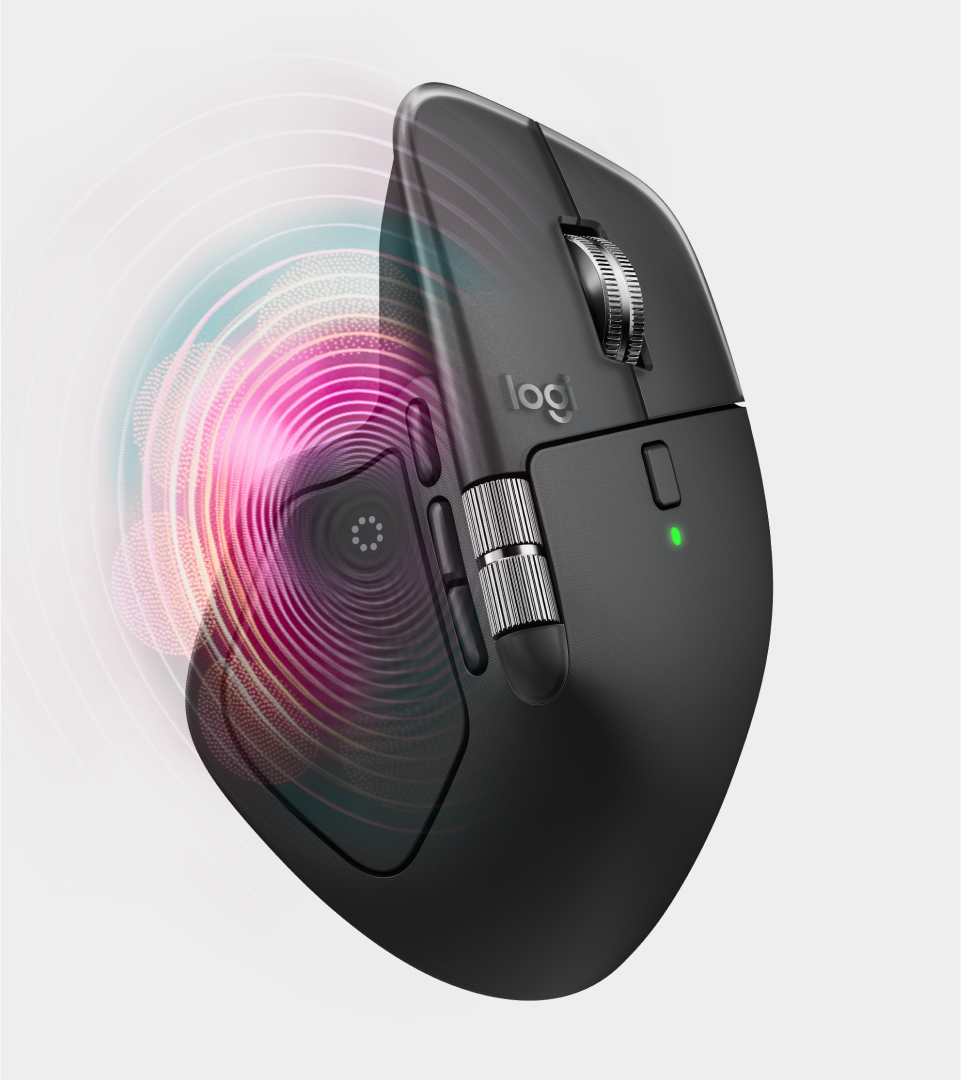
Logitech MX Master 4 wireless mouse
Haptic feedback is a new feature.
Photo: Logitech

The new Logitech MX Master 4 wireless mouse upgrades what many consider to be the best productivity mouse on the market, the popular Logitech MX Master 3/3S. At $119.99, the latest iteration introduces haptic feedback and an innovative Actions Ring overlay designed to streamline workflows for creative professionals, developers and power users across the Mac ecosystem.

iOS 18.7 and iPadOS 18.7 fix major bugs for those not ready for Liquid Glass

By

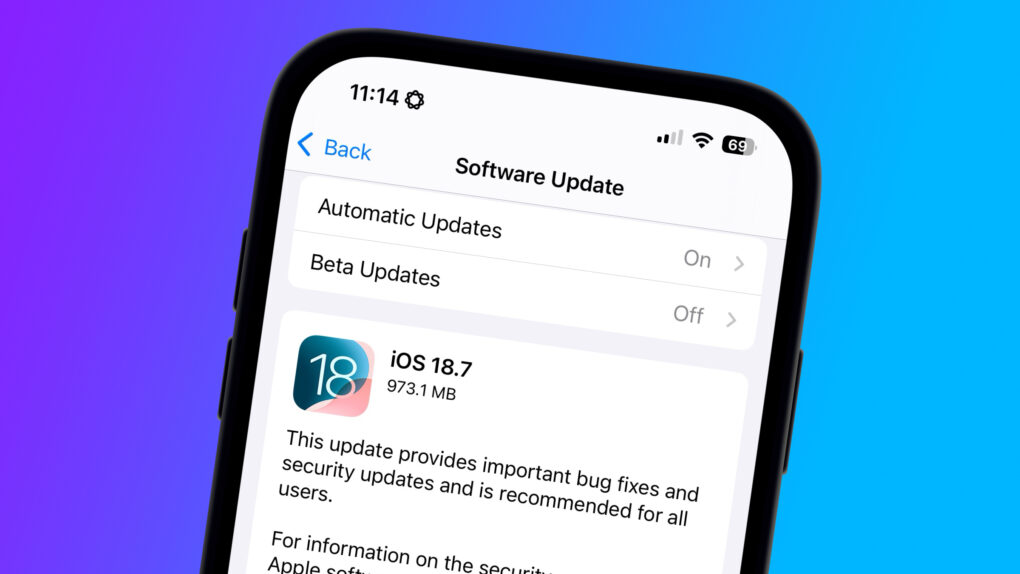
Image showing iOS 18.7 security update on an iPhone screen
If you're not jumping to iOS 26 today, you need this security update ASAP.
Image: Cult of Mac

Apple released iOS 18.7 and iPadOS 18.7 on Monday to close a lengthy list of security holes.

The updates address a wide array of threats, from unexpected app or system termination to an app being able to spy on users’ keystrokes. If you’re not updating to iOS 26 or iPadOS 26, which also arrived Monday, you should grab these security updates as soon as possible.

Everything new in macOS 26 Tahoe: Supercharged Spotlight and 40+ other features

By

macOS 26 Tahoe hero image.
A fresh new look for Mac.
Image: Apple

macOS 26 Tahoe is a milestone update with a dramatic new look, new power tools for pro users — and over 45 new features. It’s still recognizably Mac, but with a fresh coat of paint (or, should I say, glass). And there’s plenty to dive into once you get settled.

Spotlight has picked up lots of new features, replacing Launchpad and adding a native clipboard manager. There are loads of great enhancements to group chats in Messages. Other great enhancements are in Safari, Passwords, Maps, Photos, Journal and more. And a few new apps come over from iOS: Phone, Journal, Magnifier and the all-new Games app.

The update is out now; here’s what to expect.

1 12 13 14 15 16 121