Mobile menu toggle

Search results for: mechanical keyboard

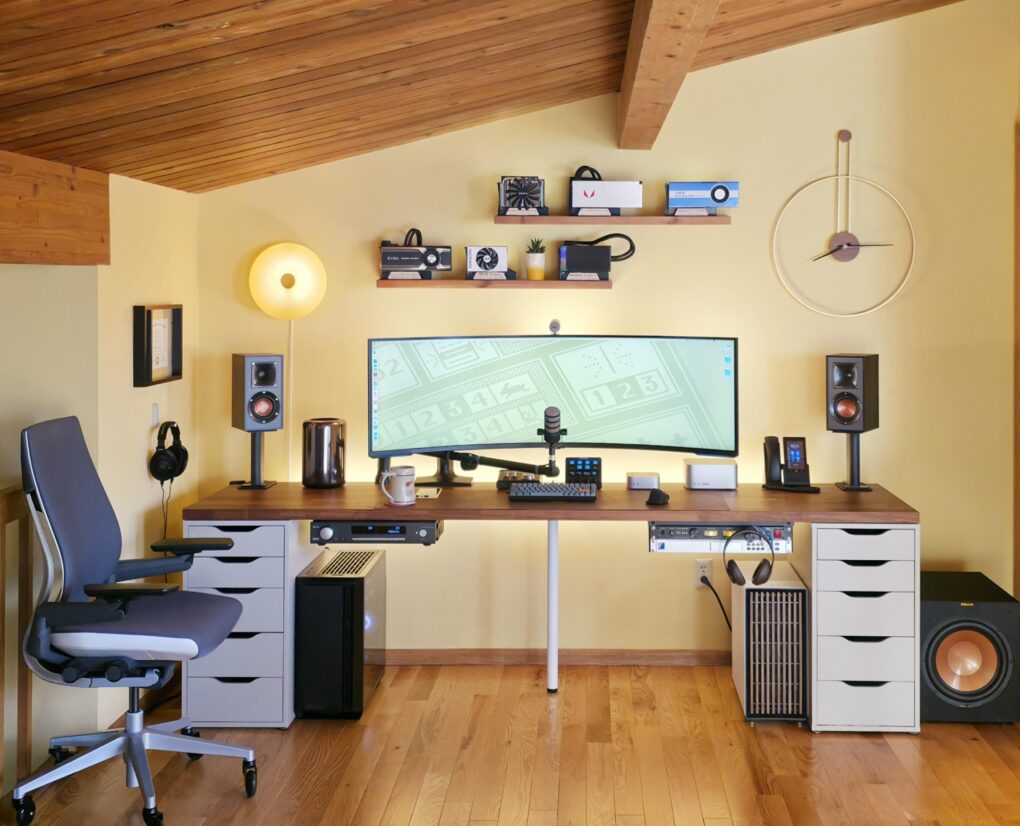
5-computer workstation boasts gargantuan 57-inch display [Setups]

By

huge computer monitor
Three Macs and two PCs work with that 57-inch Samsung curved ultra-wide monitor.
Photo: [email protected]

Believe it or not, today’s magnificent featured setup includes five computers — each with a job to do, even the ol’ trash-can Mac Pro — and one absolutely huge computer monitor. It’s a 57-inch curved ultra-wide Samsung. What, 49 inches wasn’t big enough for ya?

And the workstation includes other great features. Those include a Rode PodMic, the same great open-back Sennheiser headphones I own, and powerful Klipsch bookshelf speakers paired with a subwoofer that I wish I owned.

Mac mini rig elevates cable management to art form [Setups]

By

desk cable management
There's a reason this desk and setup look so clean and tidy. And that reason is hidden under the desk.
Photo: [email protected]

The best desk cable management seems like magic because it makes things disappear. Today’s M4 Mac mini setup with dual 4K displays shows that off beautifully, hiding most of the workstation’s gear underneath an elegant desk.

“That cable management is art,” said one appreciative commenter.

In this case, the user made the cable-management parts using a 3D printer. But you can achieve the same effect using a few inexpensive products that aren’t difficult to install.

Behold ‘an Apple fan’s dream setup’ [Setups]

By

dream setup
This dream setup features an M4 Pro MacBook Pro and a Studio Display.
Photo: [email protected]

“Everything starts with a dream,” goes an old saying — and it even applies to computer setups. Today’s attractive and highly functional M4 Pro MacBook Pro, Mac mini and Studio Display setup amounts to a dream for its owner. But in expressing that dream on social media, its owner found commenters had plenty to say about their versions of “an Apple fan’s dream setup.”

I want everything in this Mac Studio workstation [Setups]

By

pegboard stands
Pretty much every piece of this setup is enviable.
Photo: [email protected]

Today’s featured computer setup pretty much has it all in terms of enviable gear, though it could use better lighting. Its M1 Max Mac Studio may not be the latest Apple M-series desktop, but it’s still formidable. And it drives a Pro Display XDR, perhaps the ultimate external monitor. And the setup even excels at the little things, including great audio gear and a pair of illuminated pegboard stands I’ve never seen before.

Killer Mac mini rig sports color-calibrated BenQ displays [Setups]

By

Mac mini setups
Lucky Mac mini! BenQ calibrates these 4K displays for accurate Mac color matching.
Photo: [email protected]

If you work with visual media in some way — like as a graphic designer or video editor — you know how important color accuracy on external monitors can be. Today’s M4 Pro Mac mini user relies on a pair of BenQ monitors specifically calibrated to match Mac colors. They’re actually made for MacBook Pro and MacBook Air, to reproduce the rich colors on the laptops’ Liquid Retina (Air) and Liquid Retina XDR (Pro) displays.

And that’s not all. The sleek and deceptively simple setup actually packs in a surprising amount of cool gear. See below.

Sometimes it’s all about the irresistible knick-knacks [Setups]

By

computer setup decor
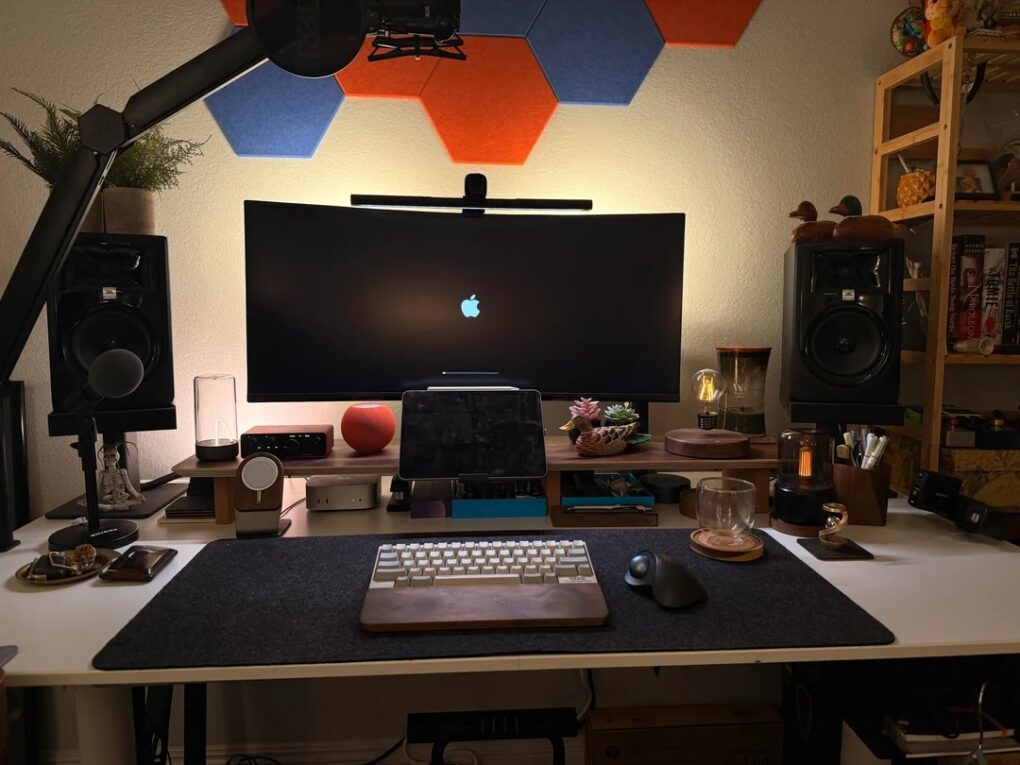
In this "after" photo, the cable management looks good, but commenters seem more interested in the cool decorative items.
Photo: [email protected]

This Mac mini and iPad Pro setup shows off a great cable management effort, complete with “before” and “after” photos. And yet all commenters wanted to know about — and I don’t blame them — are the cool knick-knacks. Mostly mood-lighting-related, they’re functional decor. And maybe everyone should have these three items in their setup!

These wild gaming light bars look like antennas [Setups]

By

Govee light bars
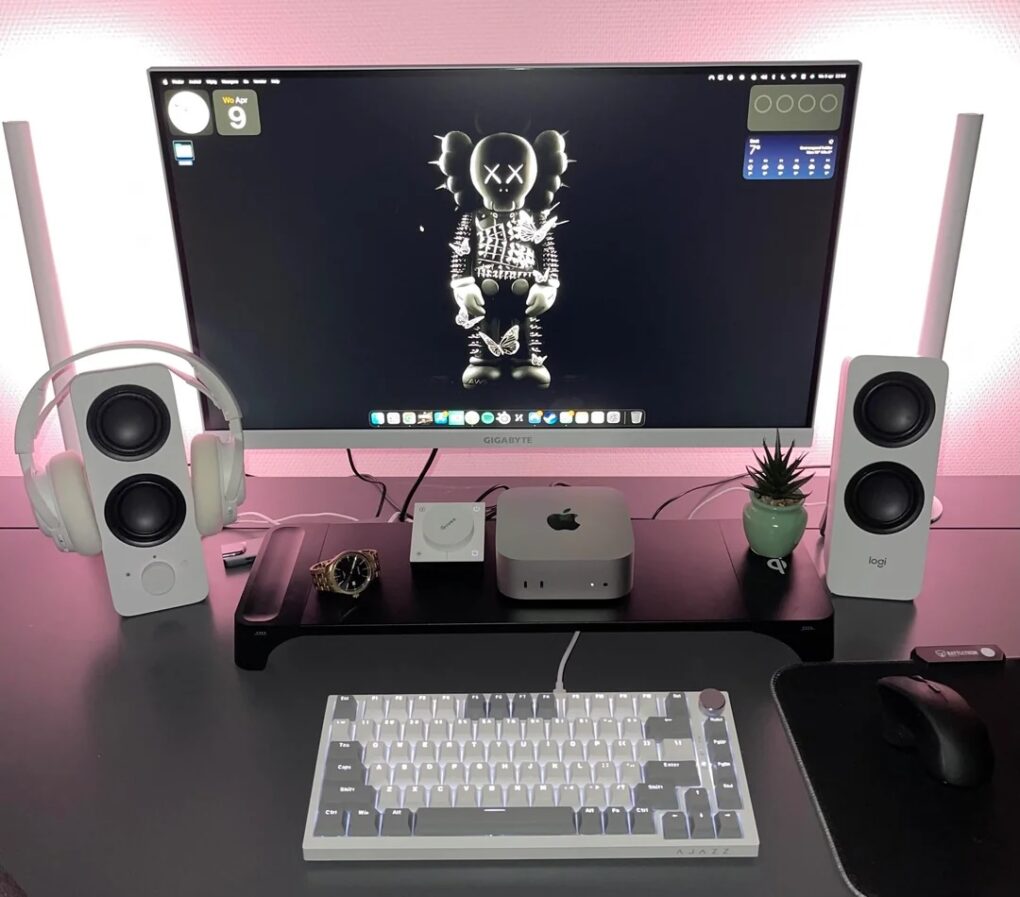
Those sticks on either side of the display are Govee Gaming Light Bars just behind the Logi speakers.
Photo: [email protected]

Every so often a computer setup on social media throws me for a loop with some odd visual — and it’s often related to desirable gear. Today’s M4 Mac mini workstation looks like it keeps a pair of walkie-talkies in the mix. But they’re actually computer speakers with tall, stick-like Govee light bars for gaming sitting right behind them. The way the light bars stick up makes them looks like antennas.

Mac mini drives brilliant pair of well-mounted displays [Setups]

By

Asus displays
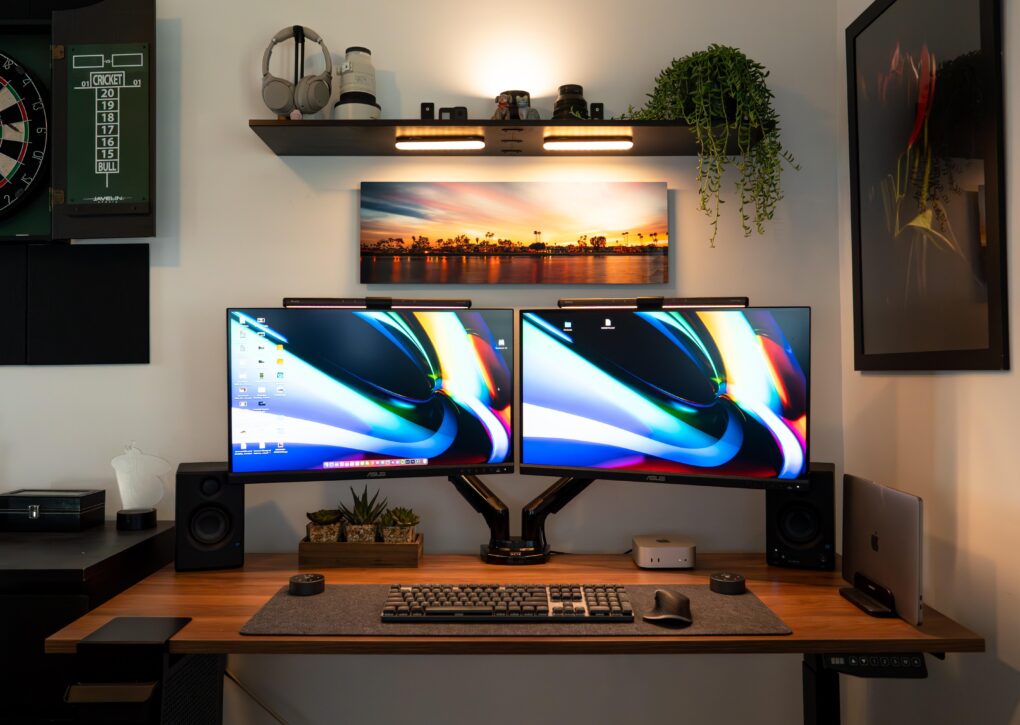
The good-looking and symmetrical setup features a pair of Asus displays nicely mounted on arms.
Photo: [email protected]

Few things take a computer setup up a few notches more than a good monitor mount — especially when it features dual arms positioning dual displays well off the desk. Today’s M4 Mac mini setup enjoys a pair of solidly affordable 4K Asus displays mounted on a Huanuo Dual Monitor Stand with two highly adjustable arms for optimal positioning.

1 13 14 15 16 17 48