Mobile menu toggle

Search results for: mechanical keyboard

Apple’s cute robo-lamp looks adorable! [The CultCast]

By

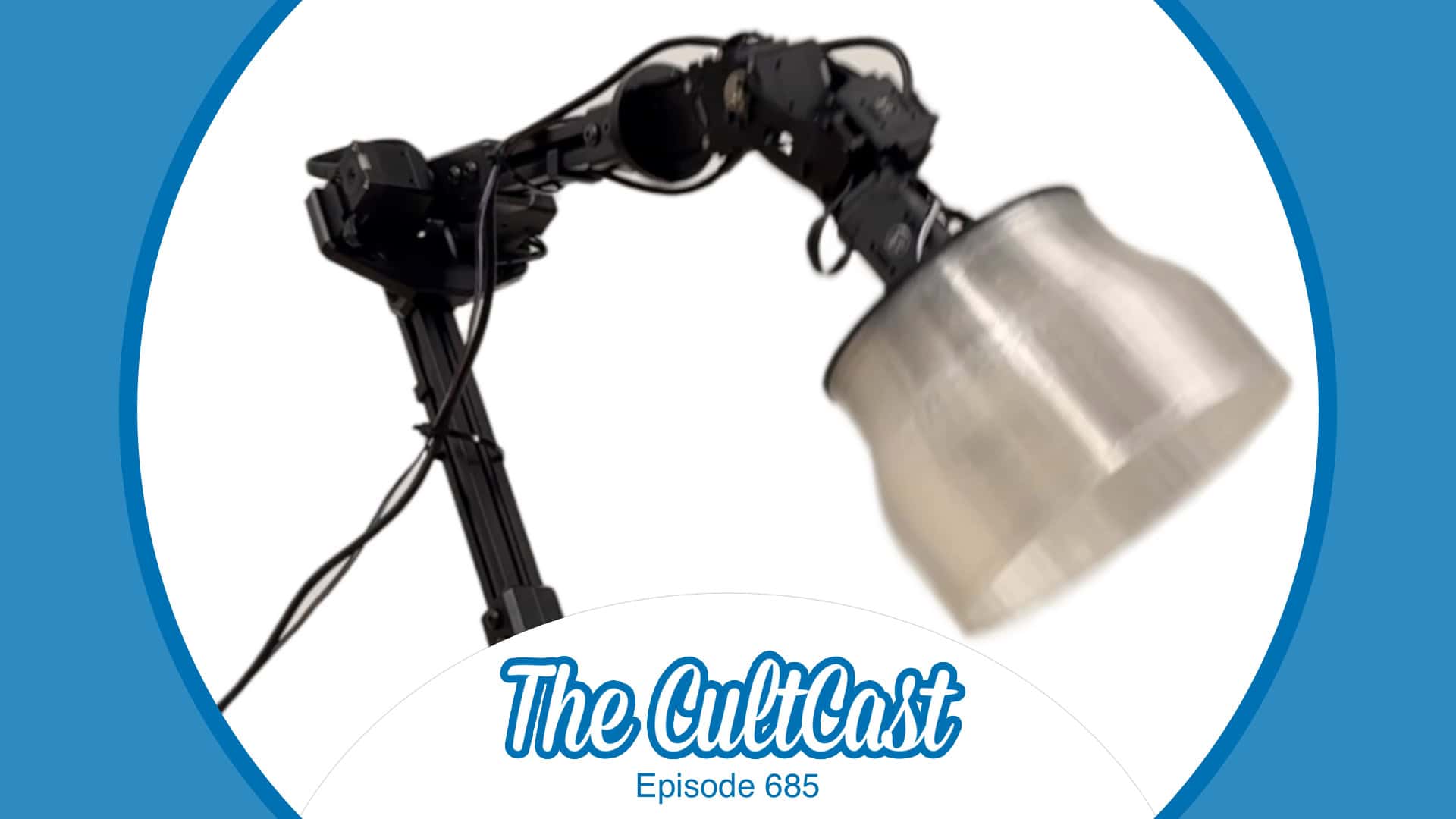
An image of Apple's robotic AI lamp, along with The CultCast logo (episode 685)
You've got to see Apple's AI-powered robotic lamp in action!
Image: Apple/Cult of Mac

This week on Cult of Mac’s podcast: Our first glimpse at Apple’s AI-powered robotic lamp makes us giddy with hope for the secret iPad-on-a-stick project we’ve been skeptical about in the past. The surprisingly lifelike Apple robo-lamp looks just like Pixar’s Luxo Jr. How cute is that?!?

Join us for the conversation about the future of Apple robotics. (We really want the lamp.)

Also on The CultCast:

  • Apple’s M5 chip is coming soon. How good will it be? And what product will it appear in first?
  • Griffin tells us all about Apple’s new Invites app, which makes party planning simple and elegant.
  • Erfon provides an update on his recent MacBook Pro and iPad Pro purchases. The 14-day return window is about to slam shut — and he’s not sure he’s keeping either of them! He explains why.
  • We weren’t sure we could top the Andy Warhol banana iPhone case, but Zugu’s iPad case with a built-in dead man’s switch is right up there on the “crazy products we love” list.

Listen to this week’s episode of The CultCast in the Podcasts app or your favorite podcast app. (Be sure to subscribe and leave us a review if you like it!) Or watch the video live stream, embedded below.

Not all multiport Thunderbolt 4 docks cost a fortune [Setups]

By

cheap Thunderbolt 4 dock
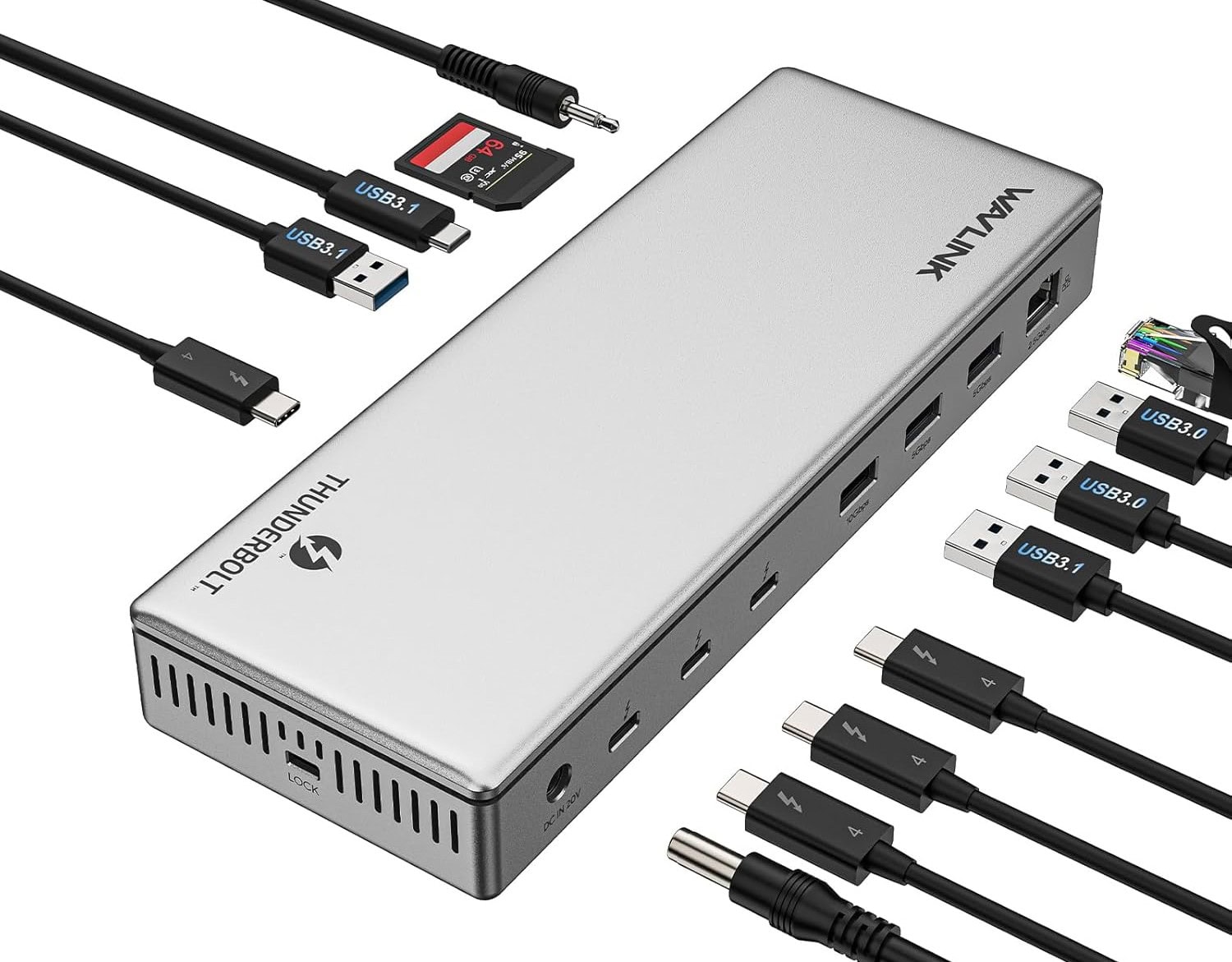
With the WavLink dock's 13 ports, you might run out of perhipherals to plug into it.
Photo: WavLink

As your Mac computer setup grows with newly added peripherals and capabilities, keeping it all connected and powered becomes a greater challenge. Enter multiport Thunderbolt 4 hubs. They offer high-speed data transfer, great options for high-resolution external displays and power for connected devices. Today’s featured MacBook Pro setup with dual displays and more takes great advantage of a cheap Thunderbolt 4 dock — the 13-port WavLink Thunderbolt 4 Docking Station. On sale currently, it goes for just $170.

This 4K display’s RGB sphere lighting dazzles gamers [Setups]

By

monitor RGB lighting
Take a look in the mirror behind the setup to see the portrait display's RGB lighting wheel.
Photo: [email protected]

Today’s dual-display MacBook Pro setup sits on a desk up against a mirrored wall. In the photograph above, that let’s us see the nifty ring of colorful monitor RGB lighting built into the back of the LG UltraGear display — a decorative and functional touch included in an aging but still formidable external display for serious gamers.

User goes for ergonomic comfort with Logitech MX Vertical mouse [Setups]

By

Logitech MX Vertical Wireless Mouse handshake
Logitech's photo shows the natural "handshake" position that can help reduce strain.
Photo: Logitech

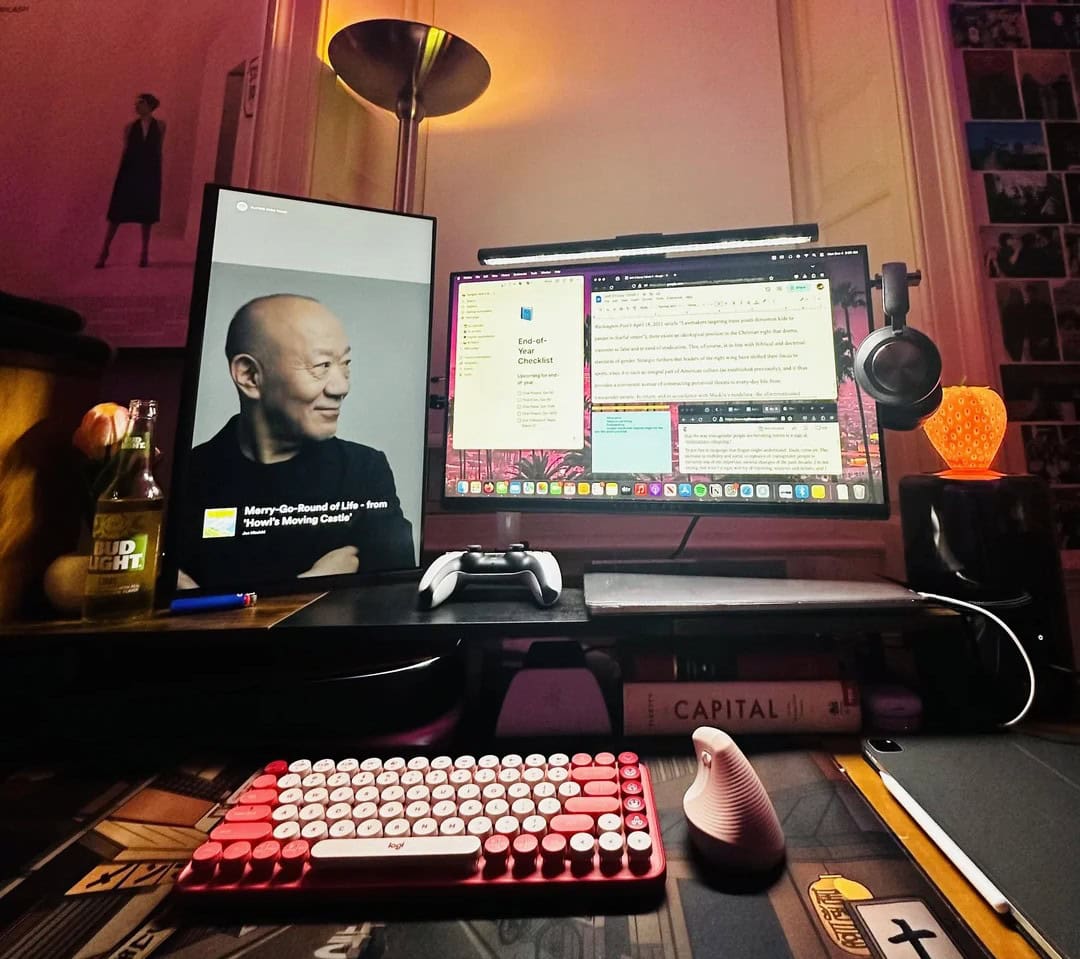
With all the mousing and typing people do, you’d think products designed for ergonomic comfort — and to help avoid repetitive-strain injuy — would crop up in more computer setups. Well, today’s MacBook Pro and Mac Pro rig answers the call. The user, a smarty-pants undergrad at Harvard, relies on a Logitech MX Vertical wireless mouse setup plus a Logitech Pop Keys Mechanical Keyboard for data input.

M3 MacBook Pro and modded trash can Mac Pro do data science [Setups]

By

M3 MacBook Pro setup
An M3 MacBook Pro, 2013 "trash can" Mac Pro and an Intel MacBook Pro crunch the data-science numbers for this Harvard student.
Photo:

A university student calling themselves a “broke Harvard undergrad” while showing off a computer setup loaded with older and newer Apple hardware is bound to take some ribbing from social media on various levels. But today’s data-science number-crunching setup makes impressive and thrifty use of newer and older gear, including a 2023 M3 MacBook Pro, a 2013 “trash can” Mac Pro and a 2018 Intel MacBook Pro, plus a 2021 iPad Pro and a PlayStation 5 console.

When a desk lamp trumps a monitor light bar [Setups]

By

architect desk lamp
Ever heard of an architect desk lamp? Well, it goes by other names and it might be a better choice than a monitor light bar.
Photo: [email protected]

Monitor light bars are commonplace in computer setups for good reason. They often do a better job of cutting monitor glare and lighting up desks than overhead lights or simple desk lamps. But what if a desk lamp worked more like a monitor light bar? That’s what so-called architect desk lamps do. They’re often called double-headed LED lights. Attached to their own stand or clamped arm, they can arch right over a display, providing tons of light, control options and physical flexibility.

Apple Cyber Monday deals: iPads, AirPods, Apple Watch and more [Updated]

By

A graphic illustrating Apple Black Friday deals.
All the insanely great deals we can find on Apple products on Cyber Monday.
AI image: MidJourney/Cult of Mac

There are plenty of great Apple deals this Cyber Monday 2024—but not from Apple directly. As usual, Apple keeps its discounts minimal (Tim Cook loves his big fat profits!). This year, you can get up to a $200 gift card with select purchases, but the newest products, like the iPhone 16, M4 MacBook Pros, iMac, and Apple Watch Ultra 2, aren’t included.

That said, third-party retailers like Amazon, Best Buy, Walmart, and B&H Photo are offering significant discounts on a ton of Apple gear. From AirPods to iPhones, Apple Watches, and iPads, you’ll find some fantastic deals. Here’s a roundup of the best offers we’ve come across.

Cool peripherals up M4 Mac mini’s game even more [Setups]

By

gaming peripherals setup
You can see the user's HyperX microphone and Corsair gaming mouse in this photo.
Photo: [email protected]

Today’s M4 Mac mini user was once devoted to MacBook Pro. And he still owns two of the laptops, for work and personal use, but he recently added a new M4 Pro Mac mini, and he absolutely loves it. He’s into gaming, so he added cool gaming peripherals like a mechanical keyboard and microphone from HyperX and a light-and-speedy mouse from Corsair. Check them out, along with all the rest of the setup’s gear, below.

M4 Mac mini user opts for stellar mini webcam [Setups]

By

Obsbot webcam setup
The Obsbot Tiny 2 Lite webcam atop that Lenovo display features a CMOS sensor.
Photo: [email protected]

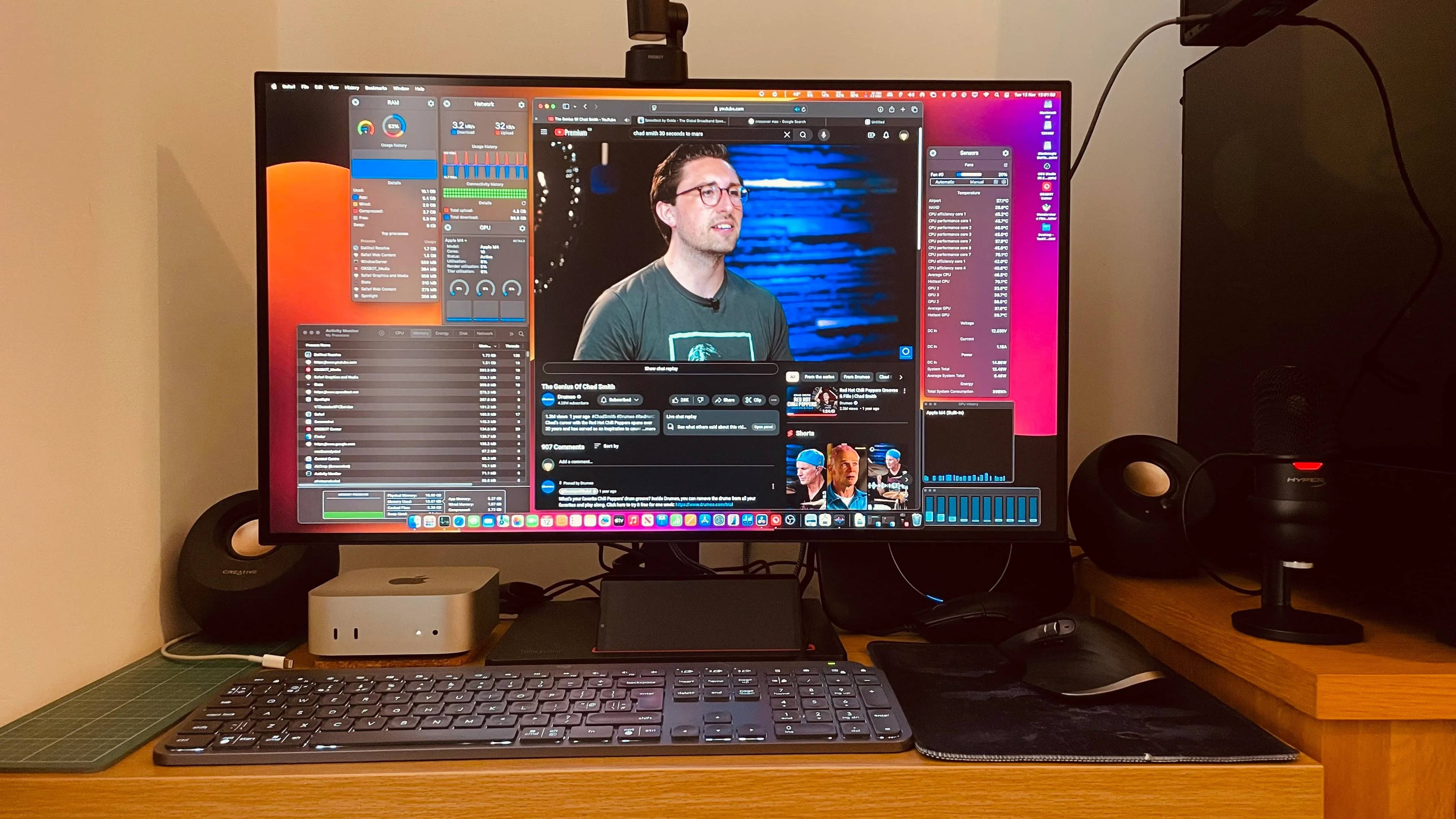
Lots of folks who do live video streaming or video calls opt for purpose-built webcams rather than what comes in laptops or displays. That’s because the standalone cameras usually feature better-quality images and video plus more features in general. Today’s M4 Mac mini user fixes an Obsbot webcam atop his external Lenovo display. We rarely if ever see it, but it packs a lot of interesting features.

MacBook Pro user finds M4 Mac mini ‘incredibly impressive’ [Setups]

By

M4 Mac mini setup
It's just the base model, but this user is over the moon so far.
Photo: [email protected]

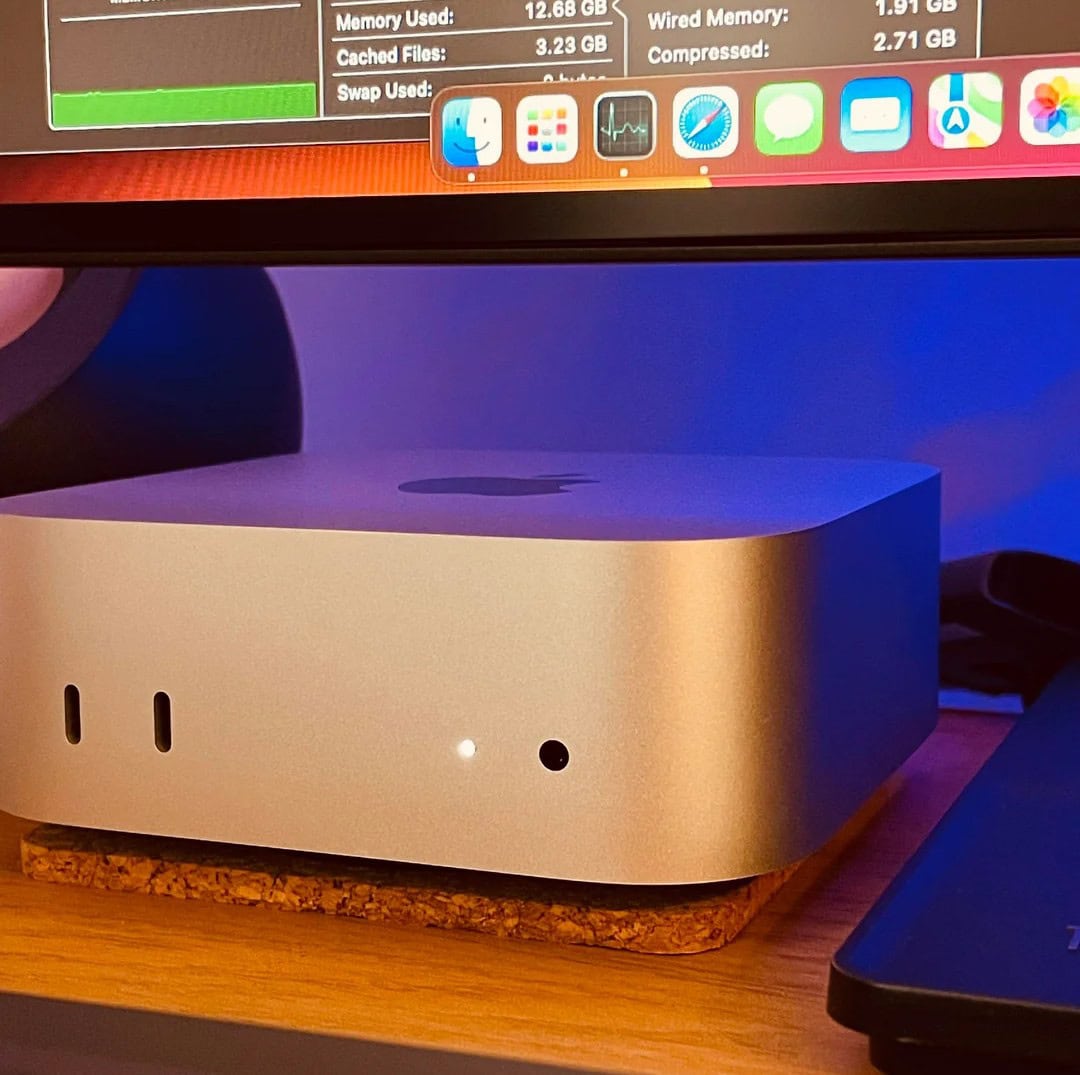
Now that the new M4 Mac mini editions are even smaller than before but mightier than ever, plenty of other Mac users might migrate. That could include laptop devotees. Today’s M3 Pro MacBook Pro user, who also has an M1 Pro laptop, “couldn’t be happier” with his “incredibly impressive” new M4 Mac mini (the base model, no less). And he’s doing some intense work on his new desktop machine, too.

1 15 16 17 18 19 48