Although I’ve always been delighted with my Apple USB Keyboard, but some people live and die by the clickety-clack. For some QWERTY warriors, in fact, things never got better than the vintage old IBM Model M, a platonic ideal of a mechanical keyboard.
DAS has been trying to appeal to the vintage old IBM Model M crowd for a couple years now with their fantastic series of DAS Keyboards, but those beautiful accessories — while admittedly both beautiful and satisfying to type on — weren’t strictly Mac compatible.
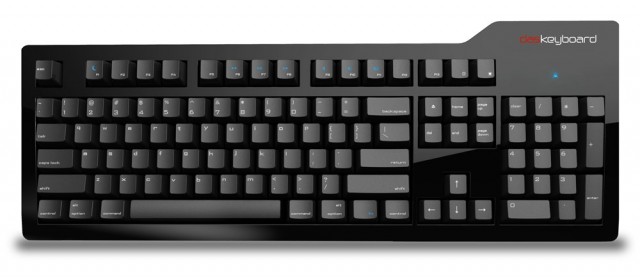
Now that’s all changed. Meet the DAS Keyboard Model S Professional for Mac, and it not only will help old Model M-ers make the switch… it should even please vintage Mac users who have been missing their old Apple Extended Keyboard II.
It’s hard to recall now, but the number-one complaint about the iPhone when it first came out was the on-screen keyboard.
Engadget’s Ryan Block asked: “Will the iPhone be undone by its keyboard?” People talked about how on-screen typing would destroy the iPhone in the same way that the hand-writing recognition system helped kill the Newton.
Even more incredibly, one of the main iPad criticisms when it first came out was the visibility of finger smudges on the screen when you turn the power off.
These concerns seem quaint now, textbook examples of the limited human-ape mind trying to grapple with novelty. It’s like people complaining about their new “motor car” a hundred years ago by saying the infernal contraption fails to slow down when they say, “whoa, Nellie!” and won’t speed up when they whip the fender with a riding crop. “It’ll never catch on!”
Many annoying tech pundits (including and especially Yours Truly) bitched and moaned about Apple’s global ban on the sale of third-party physical keyboard and refusal to create one of their own.
I believe Apple deliberately used its red-hot iPhone product to force the world to accept and learn to appreciate on-screen keyboards, and break them of their physical keyboard habit. When Apple released the iPad a year ago, it was usable with two Apple keyboards (the standard Bluetooth keyboard and a new cradle keyboard). But no matter. The on-screen keyboard idea had already been accepted by a critical mass of users.
Despite widespread acceptance, people are still divided on whether on-screen keyboards are good or bad, and most still prefer a physical keyboard. But let’s look at the big picture.
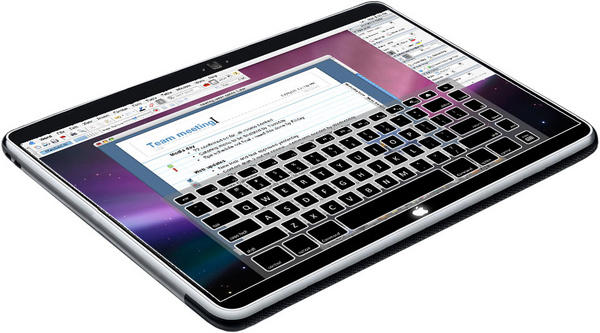
A series of patents may detail the user interface of Apple’s tablet, which could be unveiled in January. At the heart of ‘surprising‘ method for users to interact with the much-awaited device is what the Cupertino, Calif. company describes as an ‘articulated frame.’
“The articulating frame may provide key edge ridges that define the boundaries of the key regions or may provide tactile feedback mechanisms within the key regions,” according to an application entitled “Keystroke Tactility Arrangement on a Smooth Touch Surface” uncovered earlier this week.
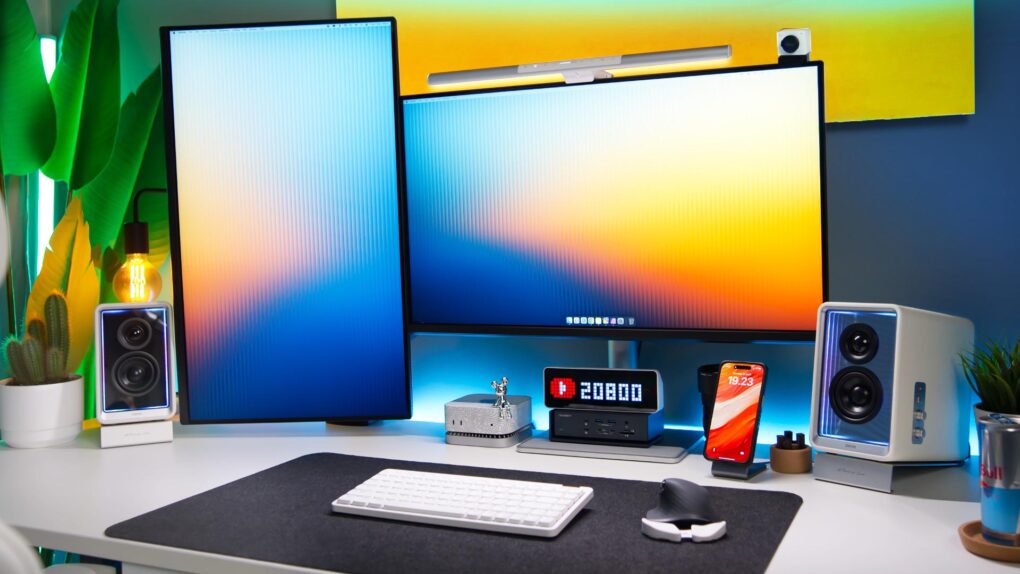
Most of the gear here is from NZXT. So let's look into that. Photo: [email protected]
Not being huge PC gamers, we aren’t particularly familiar with NZXT, a company based in Los Angeles that makes high-performance gaming PCs and the gear that goes with them. So when we saw today’s M1 Mac mini setup looking like a giant ad for NZXT, we thought we’d give it a look. The user loves his NZXT Relay lineup of gear, including powerful speakers and a wired headset with a surprisingly functional stand.
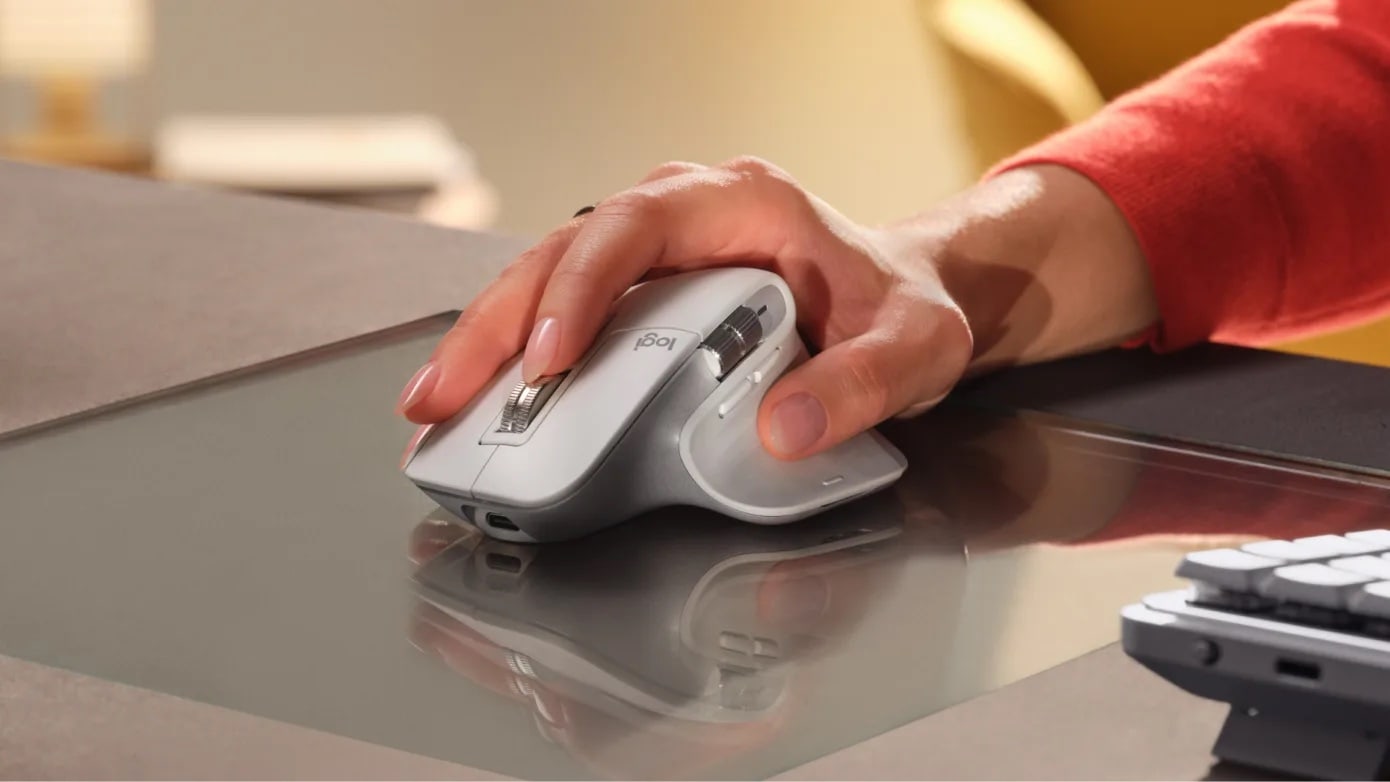
Mac users love Logitech mice like the MX Master 3S for Mac. Photo: Logitech
With summer on the wane and the new school year looming, peripherals giant Logitech — a mainstay in our computer setups coverage, especially for the MX Master 3S mouse and MX series keyboards — is running a site-wide sale through August 16.
Logitech’s back-to-school sale is “filled with cutting-edge technology and exclusive deals to help you embark on your academic journey with confidence and success,” the company said.
Obviously, you don’t need to be a student to get the deals. Anybody can do it. See below.
Today’s featured Mac Studio setup found an interesting way to arrange its four displays — three little ones in a row and one huge one broadcasting the Bat-Signal on top.
With Batman undoubtedly on his way (OK, maybe it’s just the logo, not the actual signal), the workstation also boasts a 12.9-inch iPad Pro with Apple’s Smart Folio and a remarkably affordable mechanical keyboard for use with the desktop machine.
Lucky Mac mini! BenQ calibrates these 4K displays for accurate Mac color matching. Photo: [email protected]
Looking to level up your Apple ecosystem? The Mac mini packs serious punch in a pint-sized package that’ll make you wonder how you ever lived without it. Apple users love the little desktop machine — as our roundup of best Mac mini setups below shows.
At standing height Uplift Standing Desk V3 remains rock solid. Photo: David Snow/Cult of Mac
What’s the biggest upgrade a computer setup can undergo other than a new computer, external display(s) or a massive audio boost? It’s the very platform the setup sits on — usually a desk. In my case, it’s an Uplift Standing Desk V3, which I reviewed recently (five stars, btw).
It’s a huge upgrade aesthetically and functionally. And it changes how I mount and use my gear, too.
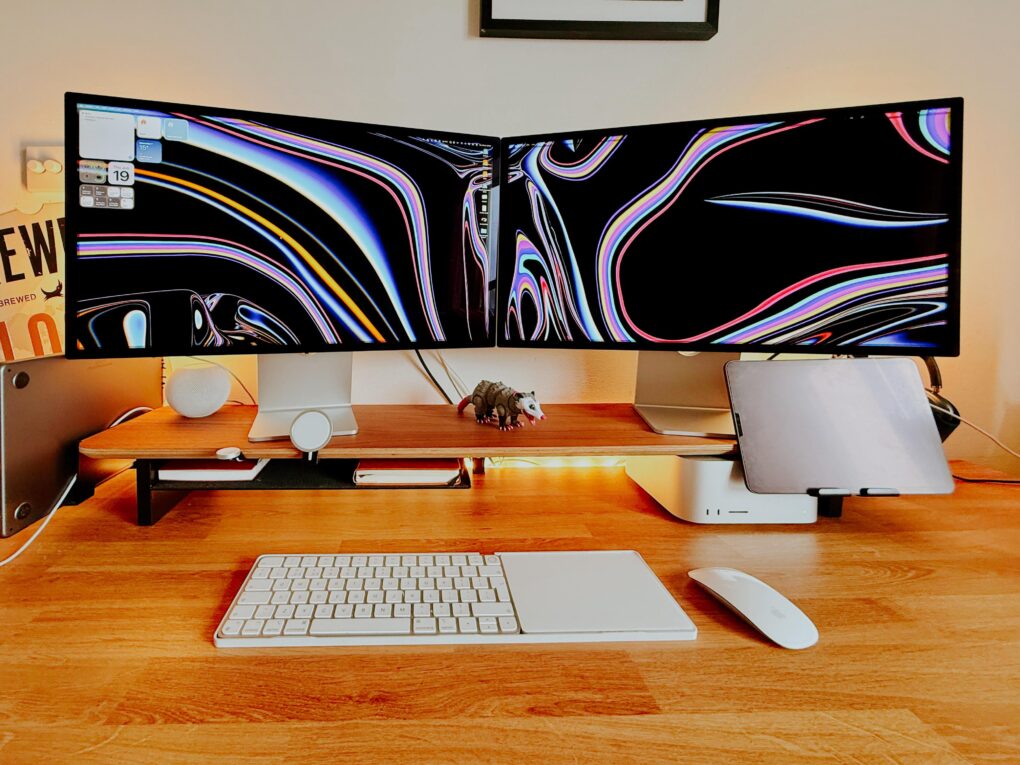
Two angled Studio Displays and a powerful Mac Studio? Yes, please. Photo: [email protected]
Few items in computer setups flaunted online induce more envy than Apple displays, particularly the one many people find almost financially within reach — the 27-inch 5K resolution Studio Display. (And let’s just stop frightening our wallets with any talk at all of the vaunted Pro Display XDR, starting at $5,000). So what’s even better than one amazingly vibrant, color-accurate Studio Display? Well, two of them, of course. We found 12 setups that might make you green with envy — the best dual Studio Display setups.
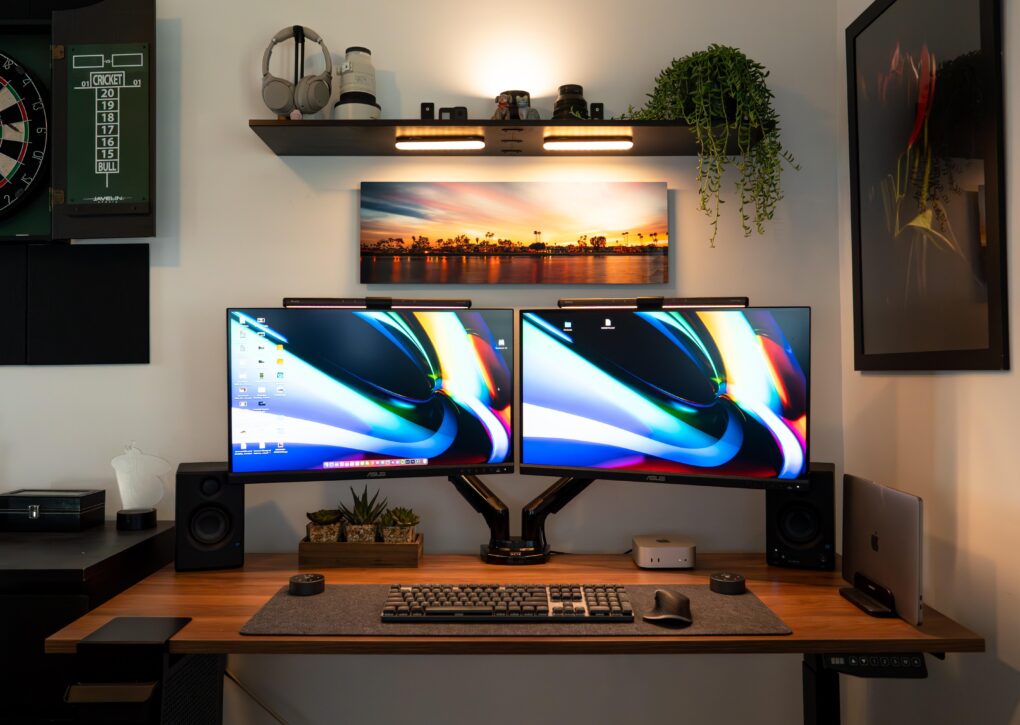
The good-looking and symmetrical setup features a pair of Asus displays nicely mounted on arms. Photo: [email protected]
Some people take an orthodox view of external computer displays and opt for just one with proper windows management. For the rest of us, the best dual-monitor setup we can afford is the best way to go for plenty of screen real estate without going overboard. Check out some of the greatest two-display rigs from setups coverage over the past few years below.