Mobile menu toggle

Search results for: mechanical keyboard

Perfect your setup with hot deals on Logitech gear

By

Logitech peripherals deal
With Logitech's big "Refresh" sale, now's the time to swap out some gear in your workstation.
Photo: Logitech

With the big Refresh sale in full swing with Logitech peripherals deals, now’s the time to jazz up your workstation with an array of great gear. After all, a setup is never really done, is it? The Swiss peripherals giant is moving keyboards, mice, webcams, headsets, earbuds, USB microphones and more at great prices in the big sale. You can score up to around 30% off on some items. And surprisingly, one sale item gets reduced by $125, a staggering 56% off. See below.

Affordable Aune open-back headphones thrill for the price [Setups]

By

aune
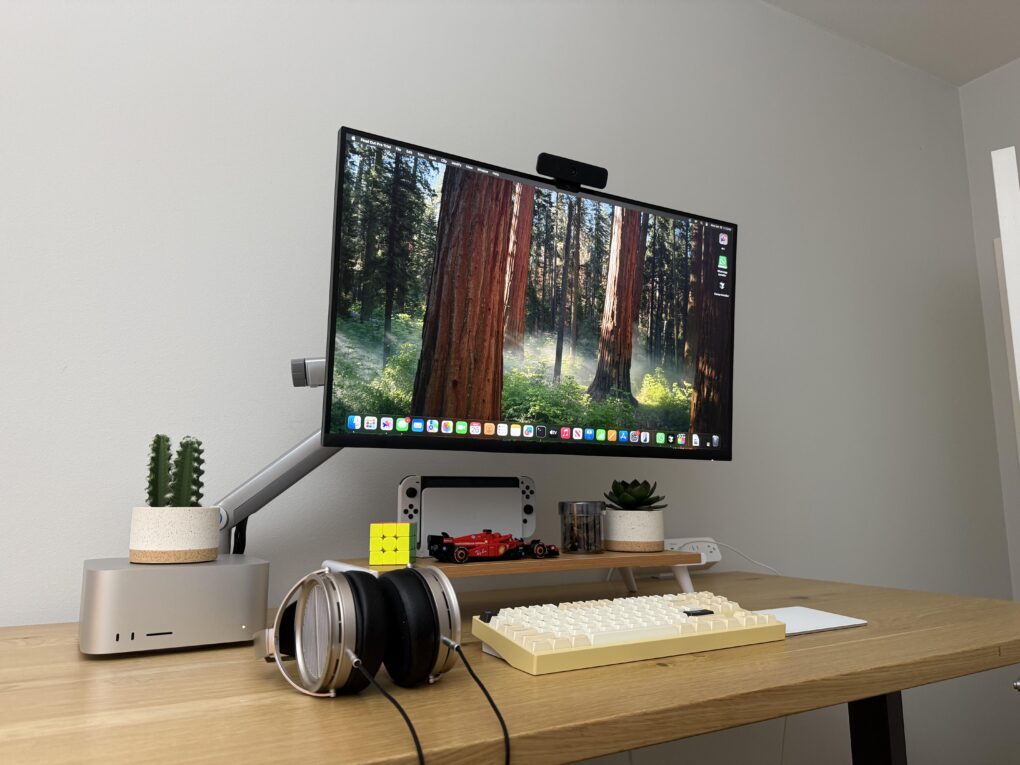
Two rarities here: Aune open-back headphones and Wobkey mechanical keyboard.
Photo: [email protected]

I love a solid setup featuring Apple’s killer Mac Studio desktop computer — and all the more so if some of the peripherals look fantastic and are completely new to me. Today’s compact workstation, for example, features a cool Wobkey 80 mechanical keyboard. But I was even more distracted by a fascinating set of relatively affordable open-back headphones — Aune AR5000.

When I think at a glance that it’s a pair of $2,000 headphones, but they only cost $300 despite having premium features, I get excited.

Compact MacBook Pro station wins for best use of space [Setups]

By

saving space with setup
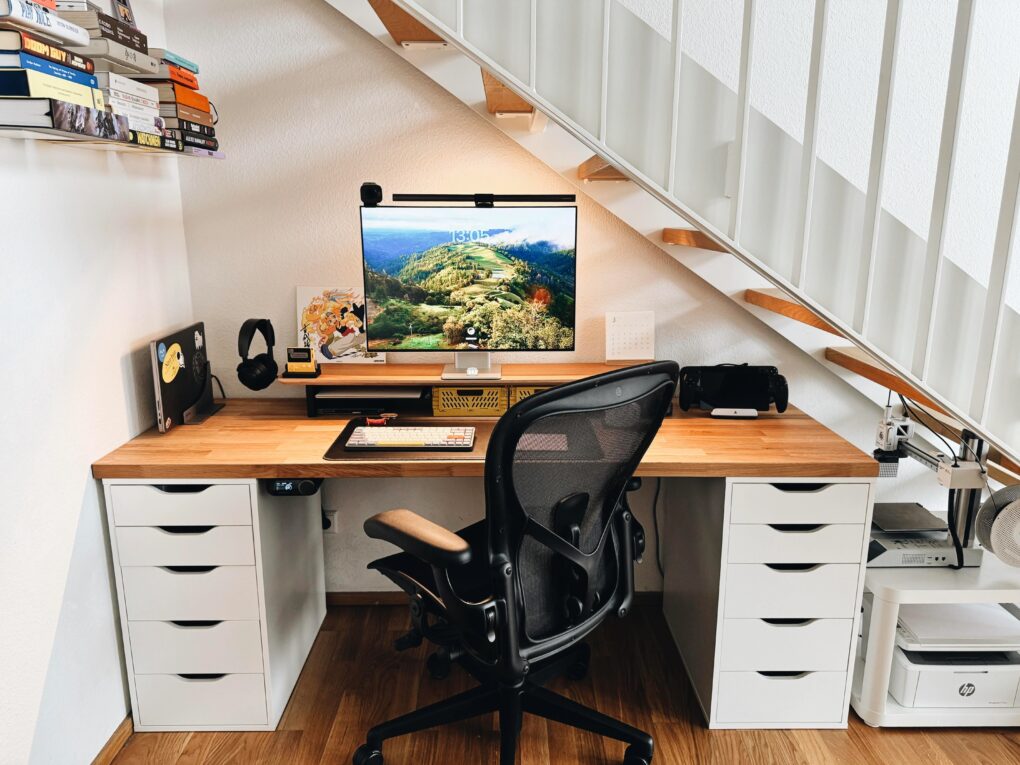
It's not like it's an incomplete setup, either.
Photo: [email protected]

Today’s MacBook Pro setup so excels at saving space it fits more into its little nook under a staircase than many people, including me, fit in setups without that constraint. In addition to the usual, they’ve even got multiple game systems, two printers and a book collection in there. And the user still rocks a version of my previous laptop, the great M1 Pro MacBook Pro. No doubt it’s still good for a few more years.

Kanto speakers sculpt Mac mini rig’s sound [Setups]

By

Kanto speakers
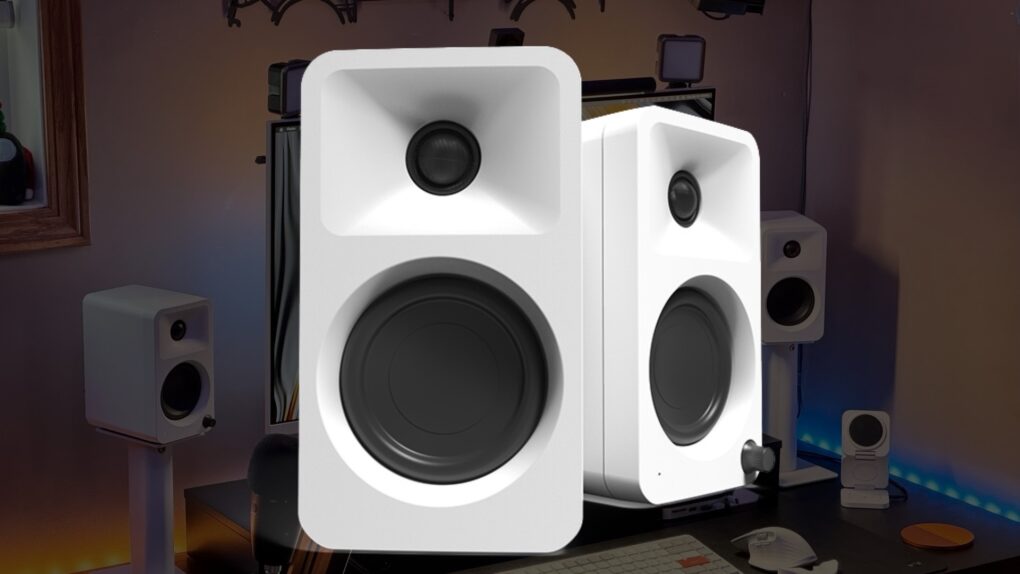
Kanto's Ora speakers are compact for small spaces, but provide ample clear sound.
Photo: Cult of Mac/Kanto/[email protected]

The M4 Mac mini comes with a built-in speaker, but it’s more for alert sounds, calls and the like rather than high-quality music streaming. So today’s M4 Mac mini user does the necessary thing and adds an external sound system. This one includes nice Kanto speakers on rising stands and a powerful Kanto subwoofer under the desk.

Turn your M4 Mac mini into a small-but-mighty ‘Mac Pro’ [Setups]

By

Mac mini stand - Mac Pro
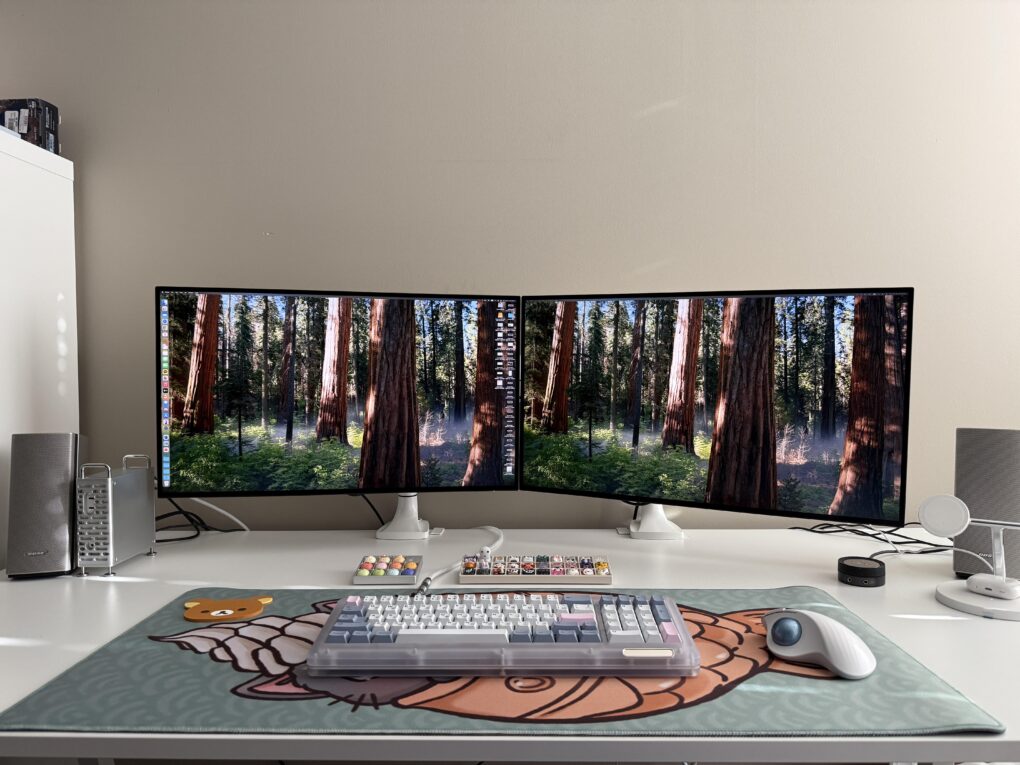
The M4 Mac mini disguised an a toddler Mac Pro sits to the left of the displays.
Photo: [email protected]

In my lengthy travels among computer setups displayed on social media, I saw a cool Mac mini case a while back that made the compact M4/M4 Pro desktop computer look like a little Mac Pro. I wondered if it’d catch on as a cool, must-have accessory, but then I never saw it again — until now. Today’s featured M4 Pro Mac mini setup sports one of the snazzy and functional cases in a dual-display workstation.

Look bad on video? Try this weird lighting trick. [Setups]

By

Ulanzi lights
This slick setup's lighting arrangement is unusual.
Photo: [email protected]

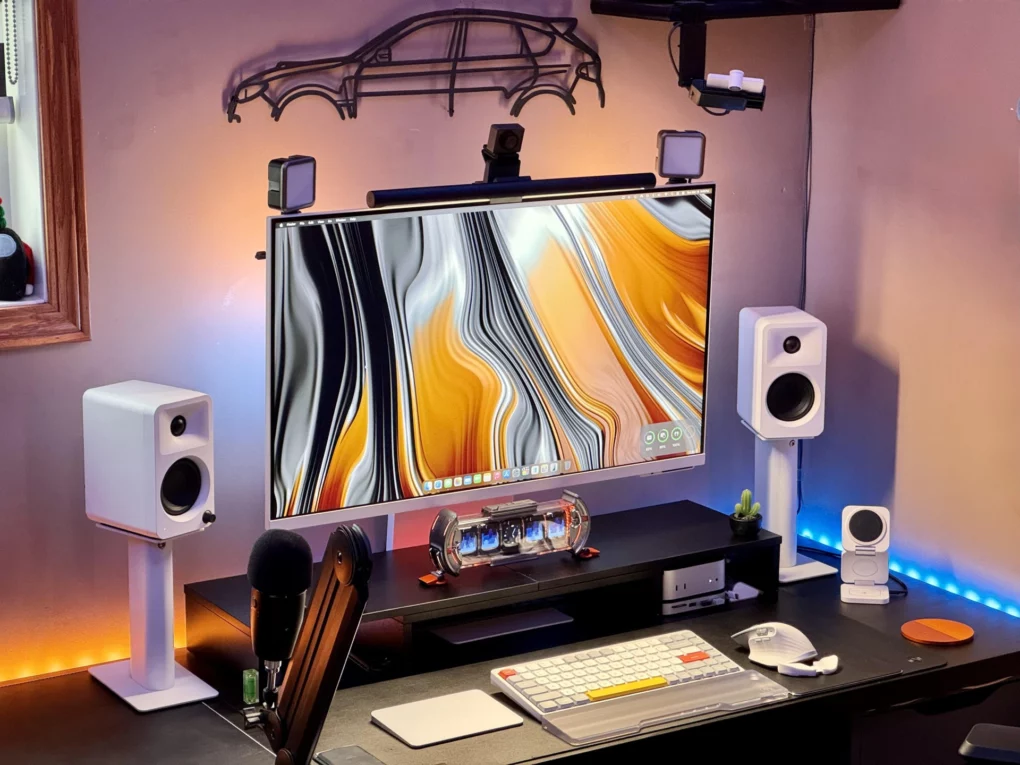
Today’s M4 Mac mini setup jumped out at me not because of the powerful little desktop or the gorgeous-but-distracting display wallpaper, but because of all you can see riding on top of the monitor. It features a typical monitor light bar with a pronounced webcam riding on top. But look to the corners and notice something I’ve never seen: two separate LED light panels — Ulanzi lights — mounted there to make the user look better on video calls.

His-and-hers MacBook Pro rigs make for matrimonial bliss [Setups]

By

2 Macbooks - his and hers setups
He said he and his wife are rarely in the setups room at the same time. Coincidence? Maybe.
Photo: [email protected]

In my setups coverage across social media, I see plenty more man caves and she sheds for solitary dwelling than dual setups meant for spouses working side by side. No surprise there, right? And yet dual setups for couples pop up occasionally, like today’s double workstation with 2 MacBooks.

Mac mini and potent 20-in-1 dock power killer workstation [Setups]

By

dock for Mac mini
A powerful and well-equipped M4 Pro Mac mini and iVanky Thunderbolt 4 dock power this great setup.
Photo: [email protected]

These days, a well-equipped new Mac mini and a good docking station buy you loads of computing power and connectivity to plenty of peripherals for years to come. Today’s M4 Pro Mac mini workstation features a fine dock for Mac mini in the iVanky FusionDock Max 1 (even though the Thunderbolt 4 dock with a whopping 20 connection options was designed for MacBooks).

Gorgeous workstation goes big on premium audio gear [Setups]

By

WiiM Ultra
It's a beautiful computer setup full of beautiful audio gear.
Photo: [email protected]

A physically beautiful computer setup is a wonder to behold. And one loaded with primo audio gear truly turns me green with envy. So today’s PC setup with desktop and laptop machines got my attention both for its aesthetic and the fact that it sports a raft of cool components. They include a very useful item I’ve never seen before: a WiiM Ultra Music Streamer and Digital Preamp.

This multi-MacBook rig has ‘everything’ [Setups]

By

Beelink Mini PC
That's an LG smart TV as a main display. To the right of it is a converted iPad HDMI display and a Beelink Mini PC in a 3D-printed housing with a 7-inch touchscreen.
Photo: [email protected]

When does a computer setup have everything? Never, really. Each one is a perpetual work in progress. But today’s fine example claims to have everything and it actually comes pretty close in some ways. It features MacBook Pro, MacBook Air, Beelink Mini PC with external touchscreen, gaming PC, big smart TV external display and an original iPad used as an HDMI display. And the other gaming-centric peripherals and knickknacks in the picture are pretty cool, too.

1 14 15 16 17 18 48