Mobile menu toggle

Search results for: SSD

MacBook Pro rig adds dual 5K displays and badass mechanical keyboard [Setups]
By

dual 5K displays
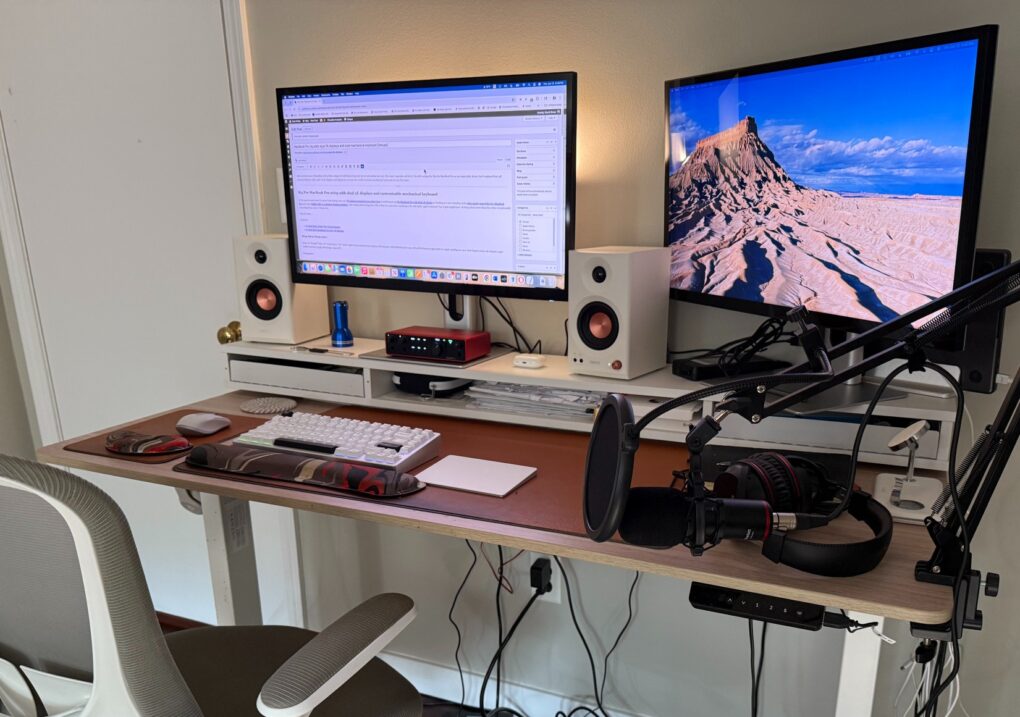
Since other recent changes, I added two 5K touchscreen displays and a mechanical keyboard. And yeah, please pardon my hideous cables.
Photo: David Snow/Cult of Mac
After several years of covering the Cult of Mac setups beat, I still rarely write about my own. But major new upgrades call for it. Since a spate of recent changes, I’m still rocking the M4 Pro MacBook Pro as my main daily driver. But I replaced dual 4K external displays with a pair of 5K touchscreen displays. And I dipped my toe into the world of serious mechanical keyboards for the first time.

User wants to downsize ultra-wide display, jack up refresh rate [Setups]

By

Setups tech-ant-Reddit high refresh rate June 6 2025
The M1 Pro MacBook Pro is still going strong, but the user wants to get a smaller external display with a higher refresh rate.
Photo: [email protected]

In Setups world, the struggle continues over display preferences, in terms of those who want bigger and those who want more. Today’s MacBook Pro user dwells on the “bigger” side an an ultra-wide monitor user, but they actually want to downsize from a mammoth 49-incher and get something with a higher refresh rate. Meanwhile, they’re thrilled their M1 Pro MacBook Pro still runs like a champ. And they conceived a way to have Touch ID while hiding the keyboard it comes with.

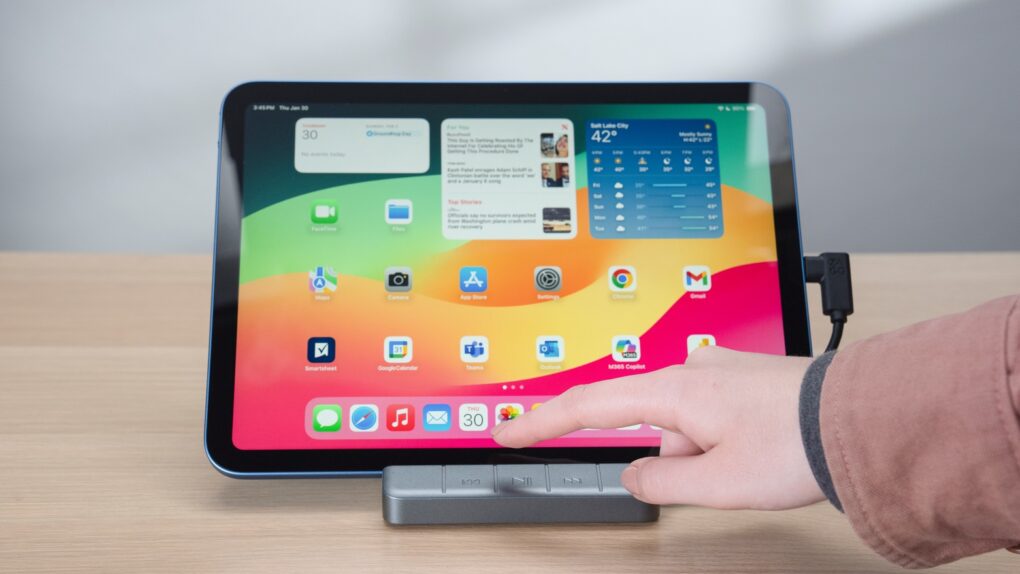
6-port iPad stand/hub adds convenient media control buttons [Review] ★★★★☆

By

Zagg 6-Port Media Hub for iPad★★★★☆
The Zagg 6-port Media Hub features an iPad stand, useful ports plus media controls.
Photo: Zagg

The Zagg 6-port Media Hub includes a flip-up iPad stand, an HDMI port, a USB-A port and more, with the standout feature being an easily accessible set of media controls. And all this fits into the same space on your desktop as a more conventional tablet stand.

I used the iPad hub/stand in my home for weeks, and it does its job well. That said, a design quirk might limit its appeal.

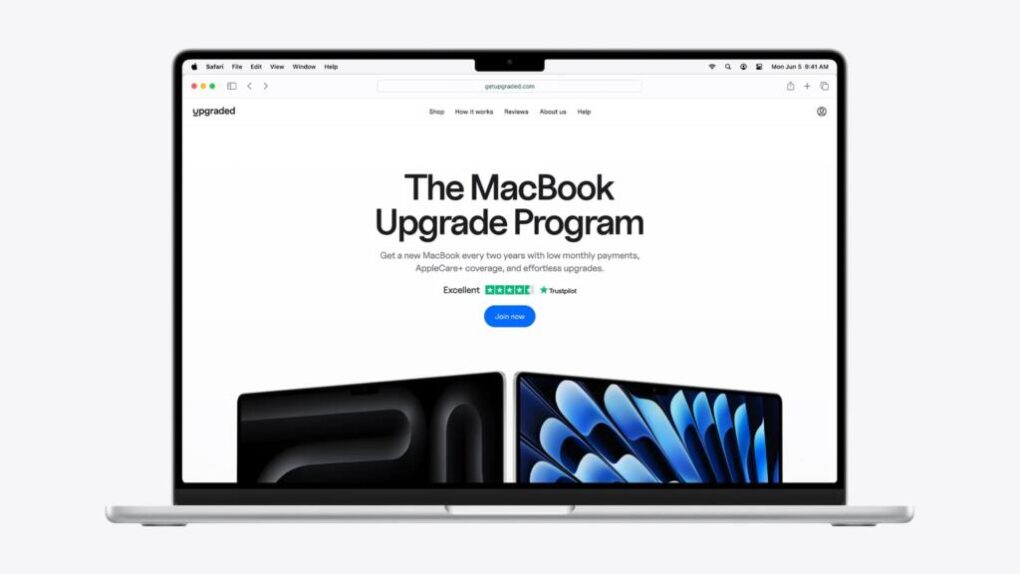
How to get a brand-new MacBook (even a custom build) for one low monthly price

By

Image of a MacBook with the words
With this MacBook subscription plan, it's easy to stay ahead of the upgrade curve.
Photo: Upgraded

If you rely on your MacBook to handle serious workloads — think 3D renders, Xcode builds or 200-tab research sessions — you know the right machine doesn’t come cheap. Luckily, you can finance MacBooks with Upgraded, a convenient upgrade program that makes it easy to get the exact laptop you need, when you need it … without paying thousands upfront. 

With 0% interest financing over 36 months and the option to upgrade every 24 months, the subscription-based service is an ideal option for power users who want the latest Apple silicon without paying a fortune upfront.

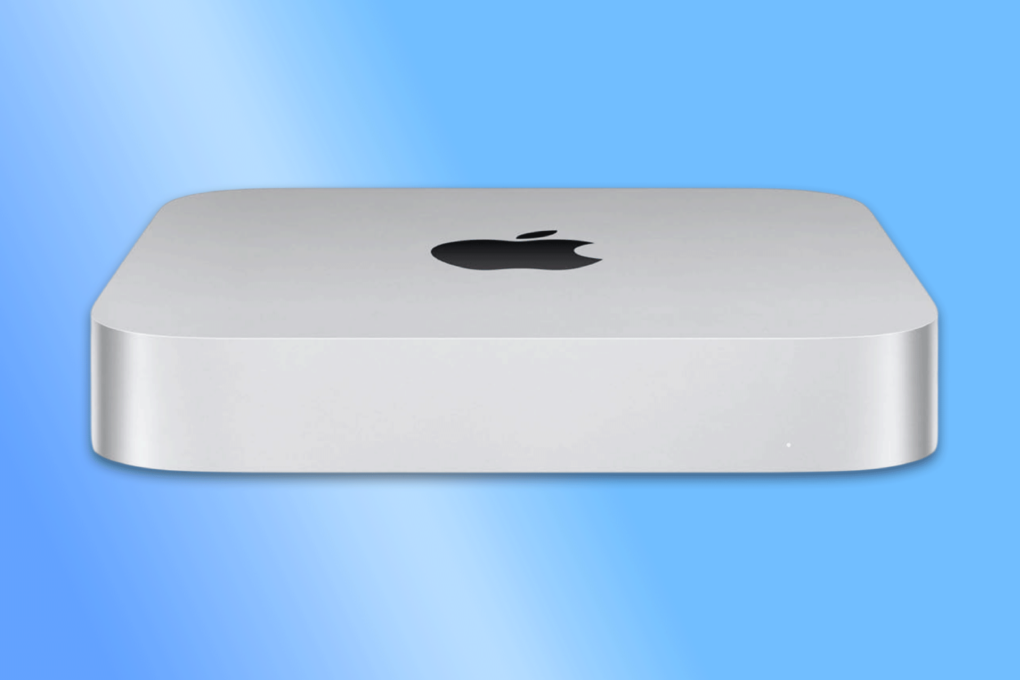
Get an M2 Mac mini for just $359.99

By

Mac Mini M2
Get 27% off the price tag of this Mac Mini M2 refurb!
Photo: Cult of Mac Deals

The Mac mini is already a great deal, but this grade-A refurbished model drops the price of a 2023 model to just $359.99 with free shipping. Apple’s M2 chip powers the small desktop computer, delivering excellent performance in a sleek, compact design.

This deal offers exceptional value for both professionals and casual home users. But if you want one, act fast — stock is limited.

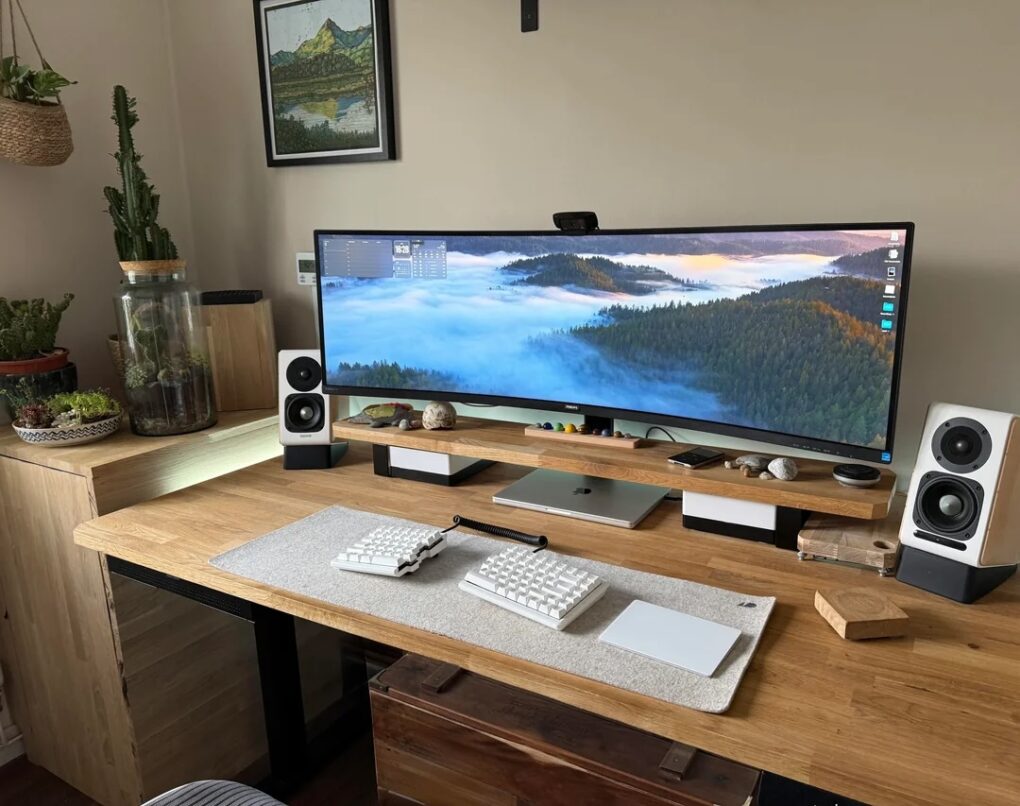
5-computer workstation boasts gargantuan 57-inch display [Setups]

By

huge computer monitor
Three Macs and two PCs work with that 57-inch Samsung curved ultra-wide monitor.
Photo: [email protected]

Believe it or not, today’s magnificent featured setup includes five computers — each with a job to do, even the ol’ trash-can Mac Pro — and one absolutely huge computer monitor. It’s a 57-inch curved ultra-wide Samsung. What, 49 inches wasn’t big enough for ya?

And the workstation includes other great features. Those include a Rode PodMic, the same great open-back Sennheiser headphones I own, and powerful Klipsch bookshelf speakers paired with a subwoofer that I wish I owned.

How to choose the right iPad for you

By

iPad Pro, iPad Air, iPad and iPad mini
With a variety of models to choose from, what the best iPad for you?
Photo: Apple/Cult of Mac

You want the best iPad, but shopping for one can be overwhelming. Apple sells six iPad models in a wide range of sizes, prices and capabilities. Our iPad comparison explains the strengths and weaknesses of each model. You don’t want to get one that doesn’t have all the features you want, but you also don’t want to pay too much for features you won’t use.

Here’s some straightforward advice on picking the best iPad for you.

How to upgrade your Mac’s storage the smart (and cheap) way

By

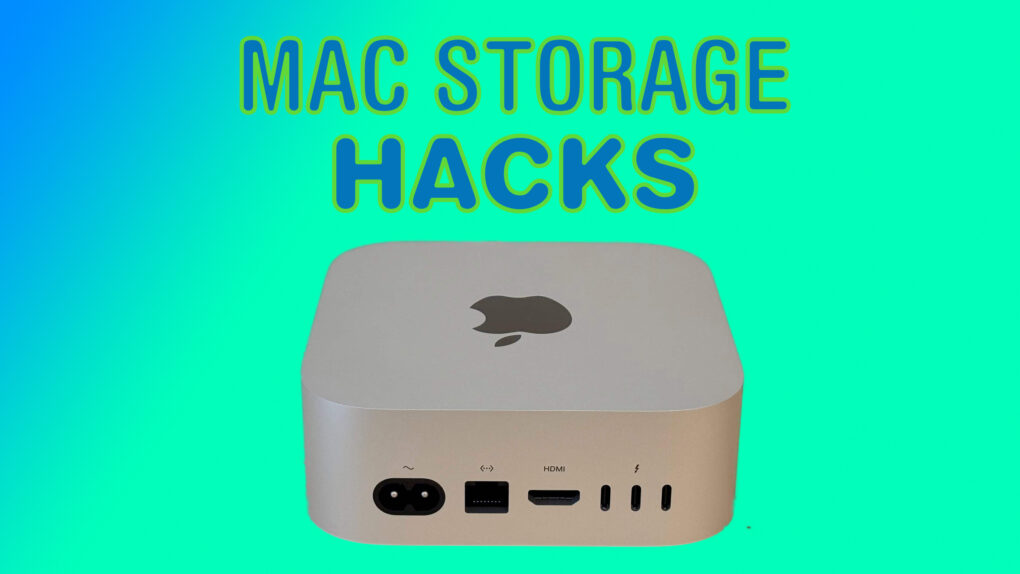
Image of a Mac mini with the words
Here are all the ways you can boost your Mac's storage.
Image: Cult of Mac

Apple charges a ton for storage upgrades on Macs. Worse, you cannot extend the built-in storage after buying the Mac. Thankfully, smarter solutions exist, as long as you don’t mind plugging an external disk into your Mac.

Here’s a breakdown of the best ways to expand your Mac’s storage, along with ideal solutions based on particular needs.

Behold ‘an Apple fan’s dream setup’ [Setups]

By

dream setup
This dream setup features an M4 Pro MacBook Pro and a Studio Display.
Photo: [email protected]

“Everything starts with a dream,” goes an old saying — and it even applies to computer setups. Today’s attractive and highly functional M4 Pro MacBook Pro, Mac mini and Studio Display setup amounts to a dream for its owner. But in expressing that dream on social media, its owner found commenters had plenty to say about their versions of “an Apple fan’s dream setup.”

1 18 19 20 21 22 144