★★★★☆
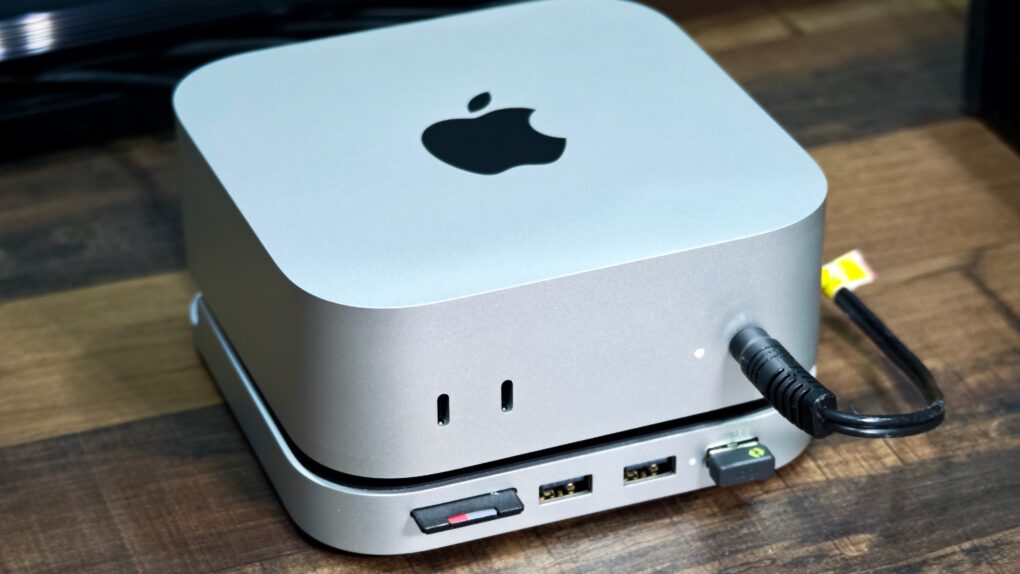
The Satechi Stand & Hub for the M4 Mac mini is a sleek and practical accessory. Photo: Rajesh Pandey/Cult Of Mac
The M4 Mac mini stands out as one of the best value-for-money Macs in Apple’s lineup. But it’s not perfect, with the lack of an SD card slot and USB-A ports being two major annoyances. Satechi’s Mac Mini M4 Stand & Hub with SSD Enclosure aims to address these flaws while offering a way to expand storage on the cheap.
That’s a bold pitch. So, does the accessory deliver? Here’s what I found.
Plenty of users adorn their setups with knick-knacks, but rarely do we see such extensive collections. And a pooch, no less. Photo: [email protected]
OK, today’s MacBook setup doesn’t actually live in a camera and Lego museum like the headline on this post suggests — but close enough. The user is clearly a collector. The sheer number of cameras on display is impressive, and the Lego Star Wars spaceships flying up high on a shelf in the photo inspire some awe, too. And it’s not every day we see a dual-MacBook setup with both mounted open on stands, either.
Lucky Mac mini! BenQ calibrates these 4K displays for accurate Mac color matching. Photo: [email protected]
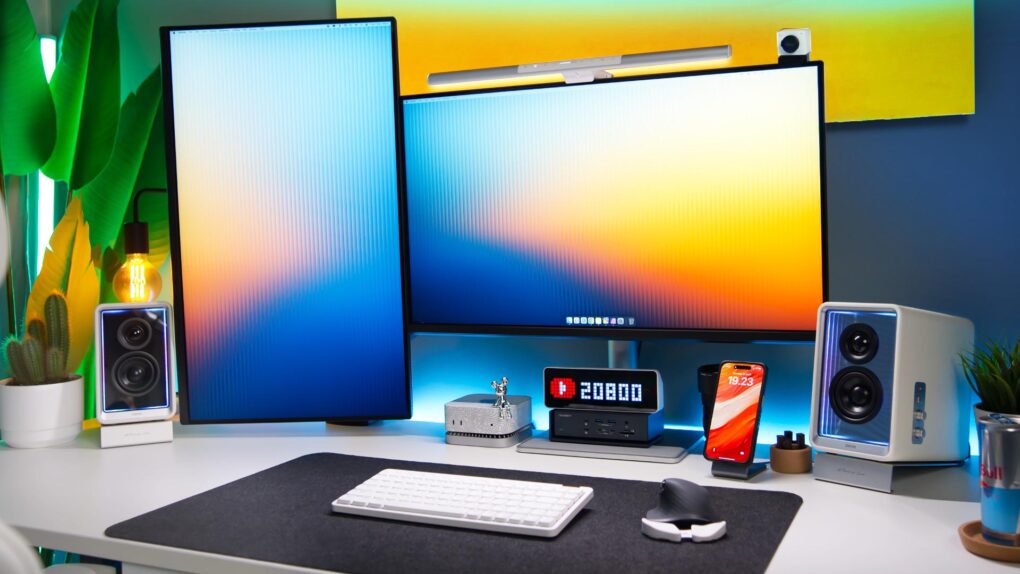
If you work with visual media in some way — like as a graphic designer or video editor — you know how important color accuracy on external monitors can be. Today’s M4 Pro Mac mini user relies on a pair of BenQ monitors specifically calibrated to match Mac colors. They’re actually made for MacBook Pro and MacBook Air, to reproduce the rich colors on the laptops’ Liquid Retina (Air) and Liquid Retina XDR (Pro) displays.
And that’s not all. The sleek and deceptively simple setup actually packs in a surprising amount of cool gear. See below.
Improve your Mac experience with these accessories. Photo: Rajesh Pandey/CultOfMac
Apple makes the best desktop PCs and laptops. But I cannot say the same for its accessories. While I have been using Macs for more than a decade, I rely on these five Mac accessories made by third parties to enhance my experience.
The list ranges from a wireless keyboard to an ergonomic mouse to headphones that will amaze you with their noise cancellation. Read about my five favorite Mac accessories below.
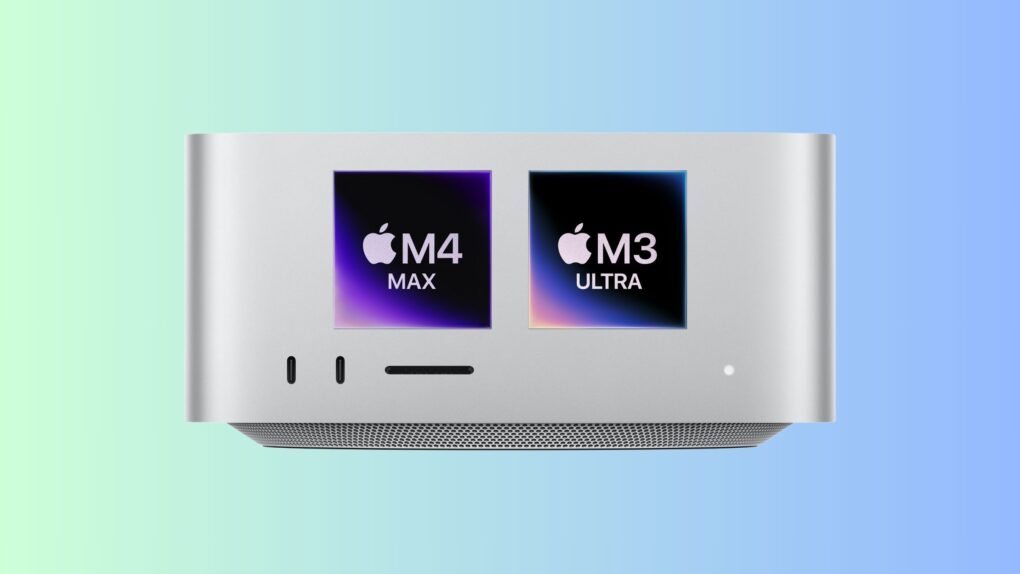
Pick wisely between the M3 Ultra and M4 Max Mac Studio. Photo/Graphics: Apple/Rajesh Pandey
The Mac Studio reigns supreme as Apple’s most powerful desktop computer to date. However, when it comes to pitting the M3 Ultra Mac Studio vs. the M4 Max Mac Studio, which should you spring for?
The M3 Ultra processor packs up to a 32-core CPU and 80-core GPU. That’s a staggering amount of horsepower. However, the M4 Max uses a new CPU architecture, offering faster single-core performance.
So, which powerhouse Apple computer will suit your workflow better: Mac Studio with M3 Ultra or M4 Max? It depends on several factors.
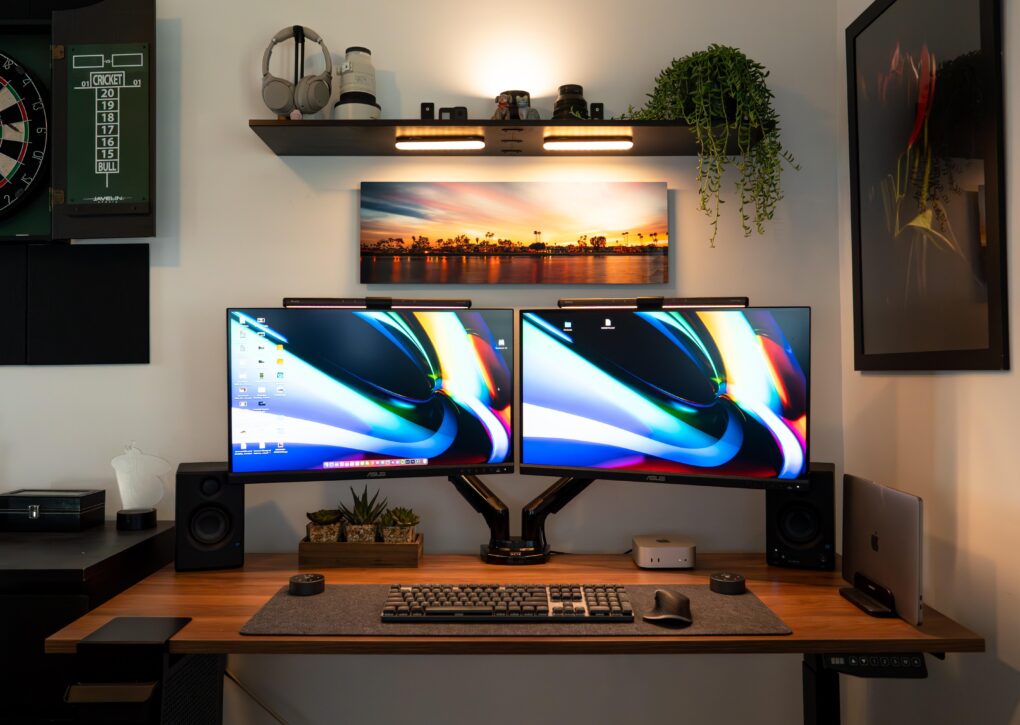
The good-looking and symmetrical setup features a pair of Asus displays nicely mounted on arms. Photo: [email protected]
Few things take a computer setup up a few notches more than a good monitor mount — especially when it features dual arms positioning dual displays well off the desk. Today’s M4 Mac mini setup enjoys a pair of solidly affordable 4K Asus displays mounted on a Huanuo Dual Monitor Stand with two highly adjustable arms for optimal positioning.
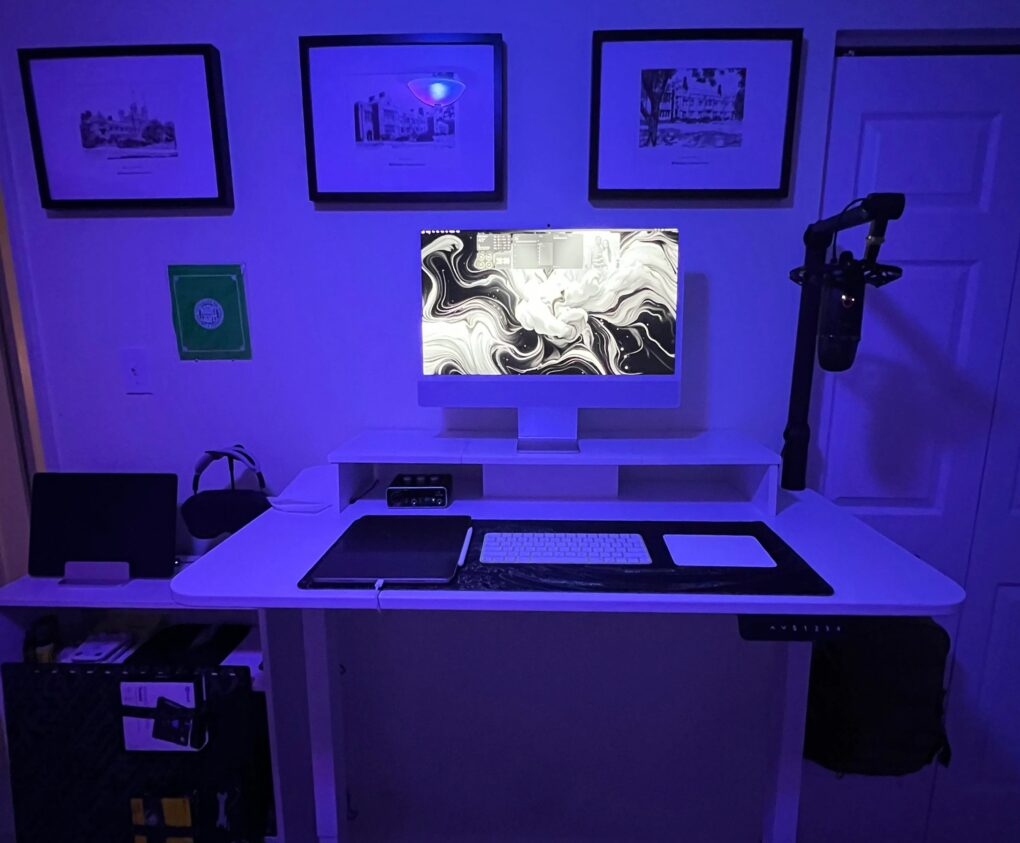
This user's Blue Yeti mic on a nice boom arm plus a Behringer audio interface get the job done. Photo: [email protected]
Sometimes a computer setup showed off on social media demonstrates just how easy and affordable it can be to add a nice set of audio gear for podcasting, streaming, Zoom meetings and more. Today’s M4 iMac workstation sets a good example. It not only includes AirPods Max, Apple’s premium over-ear headphones. It also features one of the most popular USB microphones mounted on a boom arm, plus a capable audio interface. And it’s all pretty much plug and play, so the user can start broadcasting or recording in minutes.
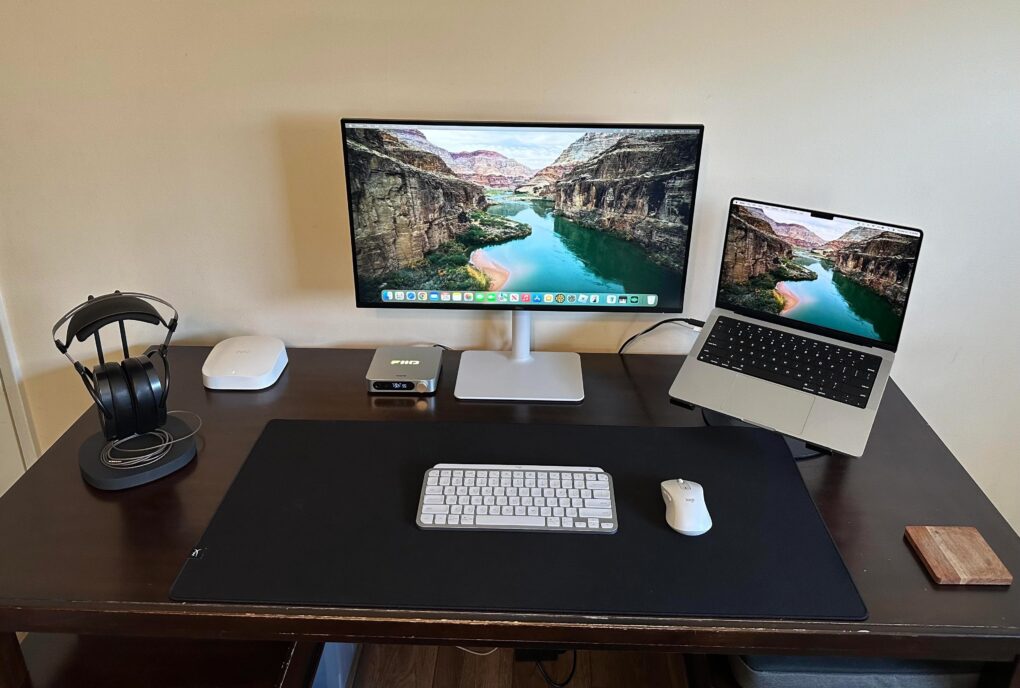
The Dell 4K display is new to this MacBook Pro setup. Photo: [email protected]
This setup is simple but effective. The MacBook Pro workstation user added a Dell display that brings the setup to a whole new level, with a spacious screen sporting 4K resolution visuals.
Using a dual laptop stand, this user loves how easy it is to switch between MacBook Pro and MacBook Air with Studio Display. Photo: [email protected]
Hooray for (super-) simple solutions. Today’s MacBook Pro and MacBook Air user runs both laptops with Studio Display. But how does he switch between them? Sure, he could employ cabling and software fixes to run both at once, but in this case simple hardware in the form of a dual vertical laptop stand comes to the rescue.
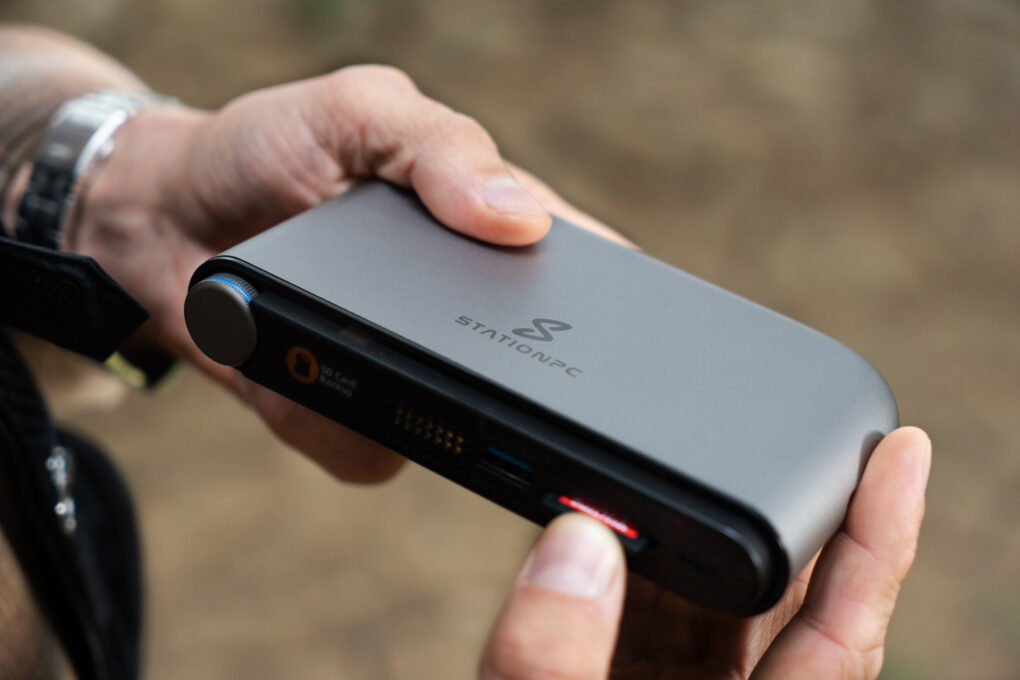
PocketCloud securely backs up and copies your space-hogging media files like photos and videos. Photo: StationPC
Billing it as “the world’s first truly portable network attached storage (NAS) device,” StationPC launched PocketCloud NAS on Kickstarter this week. The compact device blew through its crowdfunding goal with more than 40 days still to go, virtually assuring it will go into production, according to a StationPC representative.
So PocketCloud, available at a steep discount to early buyers, offers Apple enthusiasts a way to manage their growing media libraries and important files without relying solely on iCloud or external hard drives.
“PocketCloud revolutionizes portable data management with a sleek, compact design that eliminates the complexities of traditional NAS systems,” StationPC said. “Its modular backup system ensures secure on-the-go storage and seamless synchronization when docked. With intuitive controls, robust durability, and high-speed transfers up to 800 MB/s, it’s ideal for photographers, content creators, and everyday users.”