Mobile menu toggle

Search results for: SSD

Save 25% on over-the-air DVR that finally lets you cut cable

By

Tablo TV deal
A Tablo TV deal saves you 25% on an over-the-air DVR with antenna.
Photo: Nuvyyo/Cult of Mac

You want to cut cable, but can’t imagine giving up recording your favorite programs to watch later? That was me a few years ago, and a Tablo TV tuner was just what I was looking for. This digital video recorder from Nuvyyo captures up to two shows at once off free local airwaves, then streams them to your Apple TV, iPad or iPhone whenever you want.

Even better, you can now get one at 25% below the usual cost.

Price drop: Grab an M1 MacBook Air for just $429.99

By

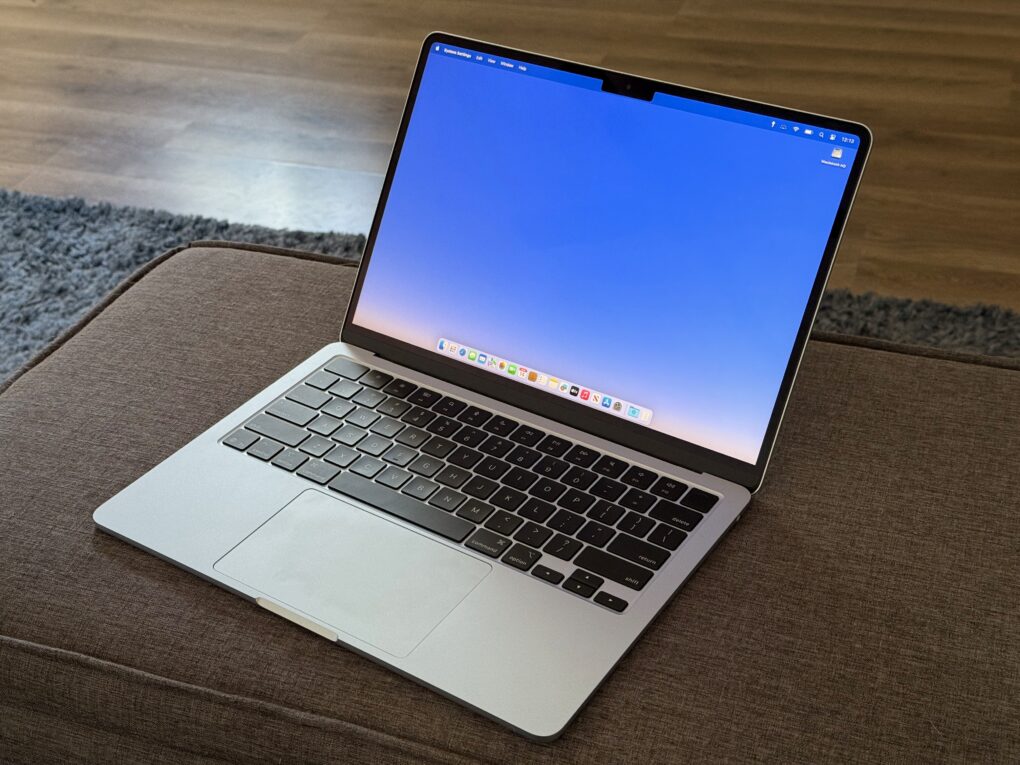
Product photo of the refurbished Ma MacBook Air with 13.3-inch display (2020).
Grab a perfectly capable M1 MacBook Air at a great price.
Photo: Cult of Mac Deals

Want a capable Apple laptop at a super-affordable price? This sale from Cult of Mac Deals means you can land a refurbished M1 MacBook Air for only $429.99.

That’s a crazy-good price for an Apple laptop that’s perfect for most people’s needs.

Long live Apple’s late, great iPod Hi-Fi stereo [Setups]

By

iPod Hi-Fi
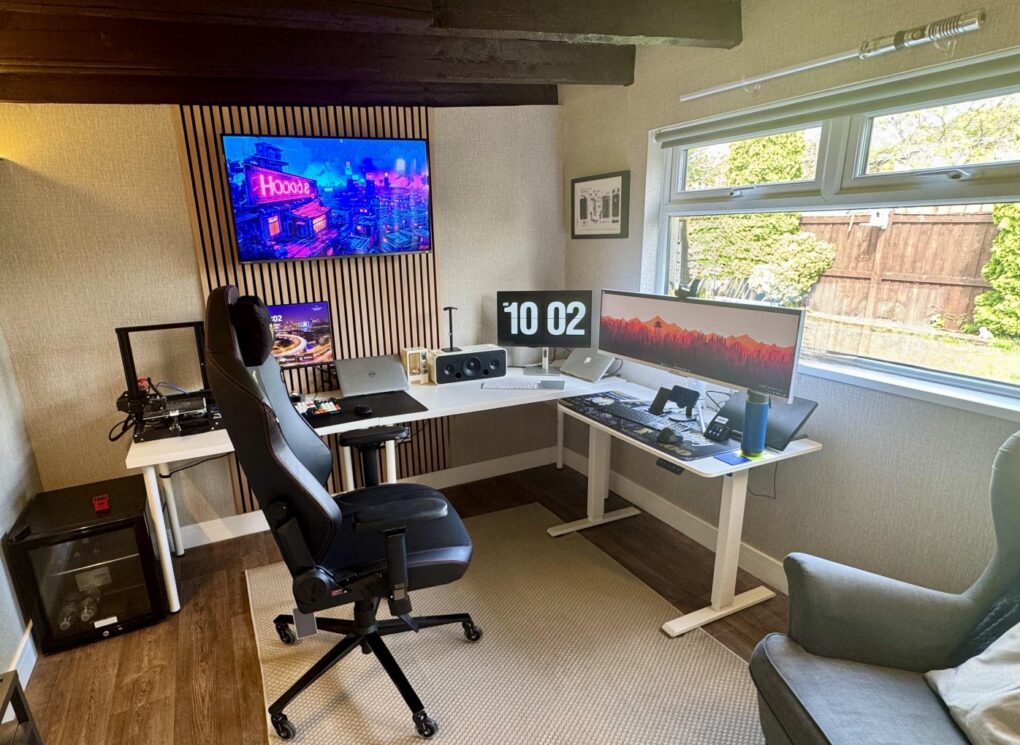
That ultra-wide monitor on the right seems even wider because it's so narrow. And don't miss the light saber over the window.
Photo: markgsj90-Reddit.com

Near the very top of my list of enviable things about computer setups sit two drool-worthy items — one, when the setup is in an irresistibly cool remodeled space, like a man cave or a she shed, and two, when the setup’s audio blows the dang roof off. Today’s expansive example is a multi-computer, multi-display outfit in the UK with a very special stereo system, one of Apple’s brilliant failures — iPod Hi-Fi. It’s so much more than an iPod dock.

Ho-hum MacBook Air rig packs surprises and gets great advice [Setups]

By

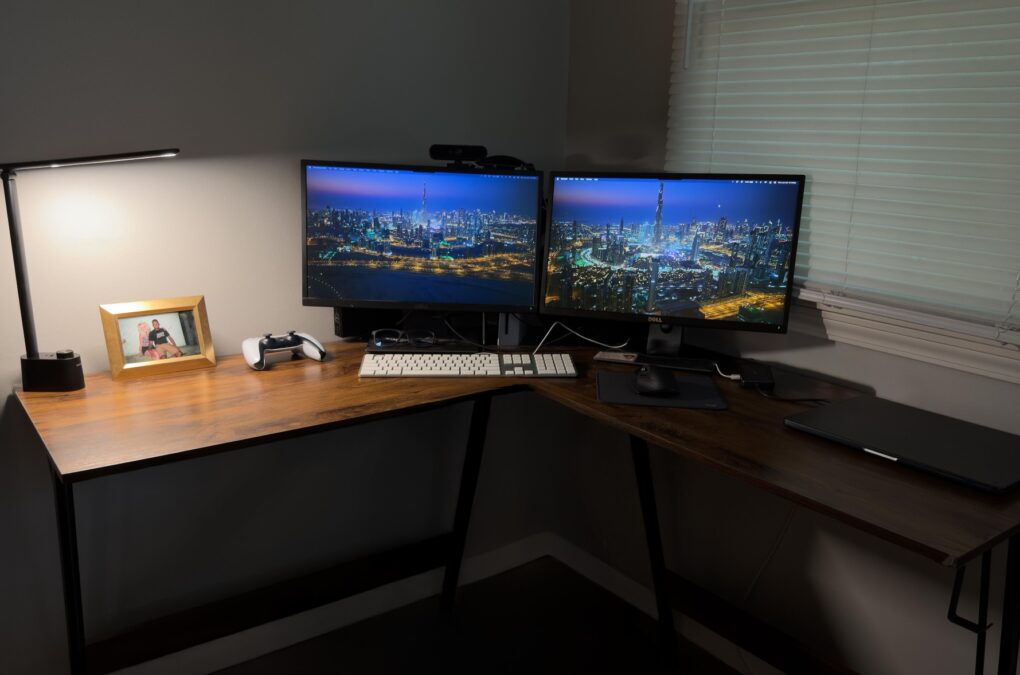
M3 MacBook Air with dual monitors setup
This M3 MacBook Air setup doesn't dazzle, but it includes some cool gear.
Photo: MikeBuckets171@Reddit .com

Sometimes a computer setup may look basic or boring at a glance — but it still might get the job done quite well and pack some surprisingly cool gear. Today’s featured setup, centered on an M3 MacBook Air with dual monitors, is a good example. It features not only Apple’s great lightweight laptop driving a pair of displays, but some other solid peripherals — like a Harman Kardon Bluetooth speaker I’ve never seen before in a setup featured on Cult of Mac.

And while the user seemed unsure his not-super-cool setup warranted posting on social media, he ended up getting lots of reassurance and good advice for improvements.

New technology could cool down overheating smart glasses

By

New technology could cool down overheating smart glasses
The active-cooling fan on a chip could reduce frame heat and therefore user discomfort.
Image: xMEMS Labs

Here’s some encouraging news for Apple users eagerly awaiting the next generation of smart wearable — new technology could cool down overheating smart glasses. The world’s first active cooling system small enough to fit inside the frame of smart glasses arrives with µCooling fan-on-a-chip technology, xMEMS Labs said Tuesday.

That potentially addresses one of the biggest obstacles facing AR glasses projects like Apple’s rumored one. A sophisticated system in a frame generates heat against a user’s skin, and a passive heat sink may not dissipate it enough.

Want a Mac for college? Apple’s clever PowerPoint could seal the deal.

By

The Parent Presentation templates
You can download and use the template in Keynote, PowerPoint or Google Slides.
Photo: Apple

Apple posted a clever new marketing tool Friday that puts students in charge of making their own sales pitch — a customizable template called The Parent Presentation, designed to help convince parents that a Mac is essential for college success. And it comes complete with a video demo by comedian and Saturday Night Live performer Martin Herlihy (part of the trio behind those Please Don’t Destroy digital shorts videos, which are a lot funnier than his work here, to be honest).

Update: Apple made the YouTube video private for unknown reasons Saturday. It remains offline, although The Parent Presentation is still available as a free download.

Here’s the best way to hide your computer [Setups]

By

under desk mount
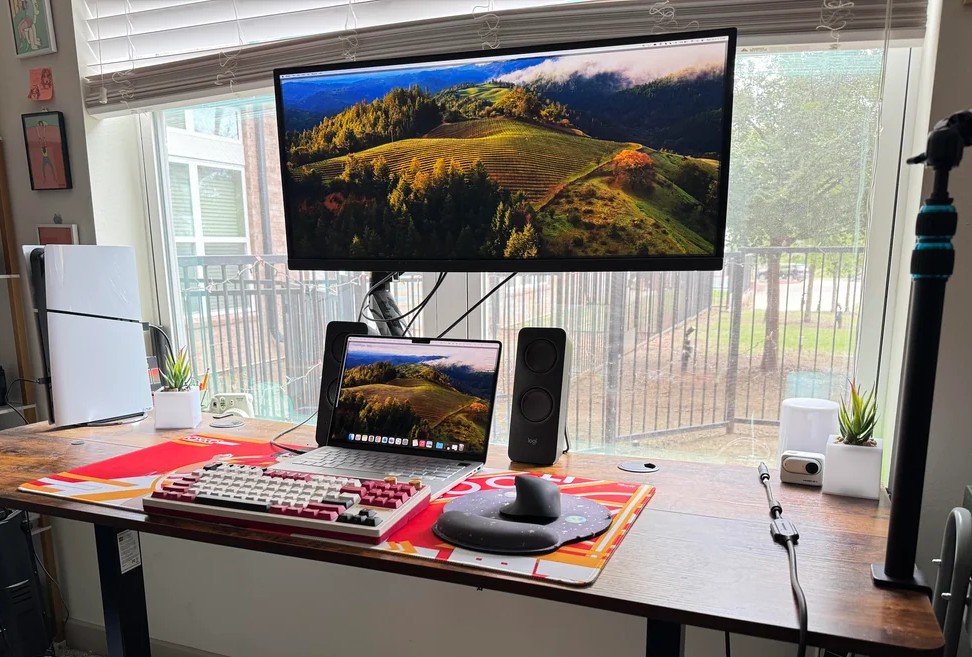
The M4 Mac mini is small, but it takes up even less space when it's mounted under the desk.
Photo: [email protected]

The M4 and M4 Pro Mac mini desktop computers are smaller than their predecessors, but they still take up space on desks. That is, unless you come up with a clever way to hide them while keeping them fully functional. In today’s featured setup, which also includes a MacBook Pro under an overarching external display, the user mounts the mini under the desk. And under-desk mount is the best way to hide your computer.

Upgrade your Mac mini with 7 more ports and storage but no extra clutter

By

Macally MminiDock
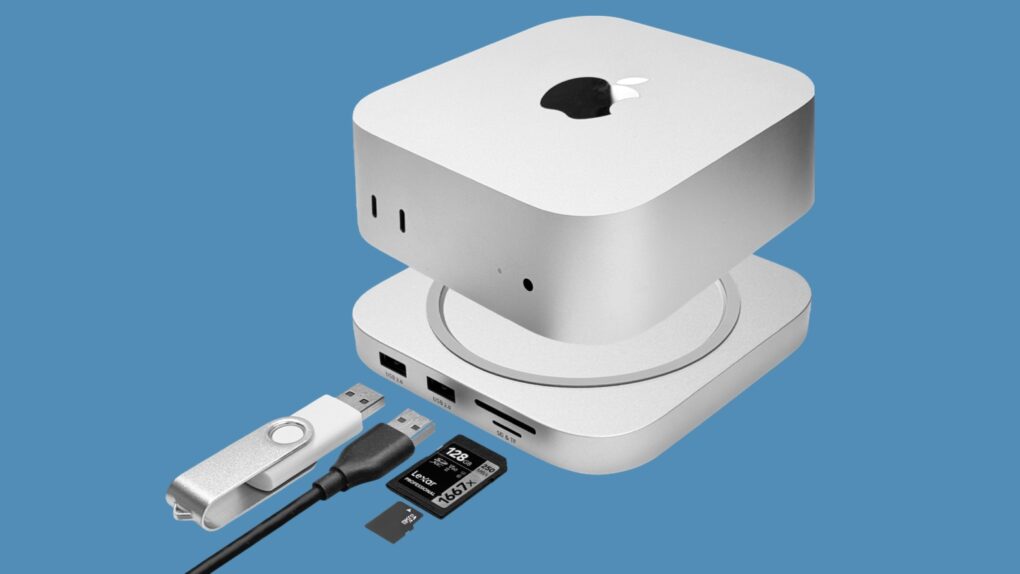
Add more ports and storage capacity to your M4 Mac mini with the Macally MminiDock.
Image: Macally

Macally designed the new MminiDock with the M4 Mac mini in mind. It sits under the tiny desktop, increasing the selection of available ports with front-facing USB-A, plus 4K HDMI, an audio jack and more without increasing the computer’s footprint. And there’s an SSD enclosure inside for 8TB of additional capacity.

The accessory launched Monday and comes with a 20% off launch coupon.

Powerful Mac Studio drives epic ultra-wide display [Setups]

By

Mac Studio display
The user liked their dual 27-inch monitors, but likes the ultra-wide even better, comparing it to having three screens.
Photo: [email protected]

I’m currently enjoying a pair of 27-inch 5K resolution touchscreen monitors, but many people prefer to go with one ultra-wide display — especially a big, curved one. Today’s featured setup uses a Mac Studio to drive a 49-inch, curved Samsung gaming monitor. The user loves it, but said it took some getting used to. They graduated to it from two 27-inch 4K displays, actually, very similar to what I used until recently.

1 17 18 19 20 21 144