Mobile menu toggle

Search results for: SSD

Reduce eye strain with these workspace fine-tuning tips [Setups]

By

reduce eye strain
This M4 Pro MacBook Pro and Studio Display user takes eye strain seriously and offers helpful tips.
Photo: [email protected]

So many of us sit at a computer all day peering at a screen, it’s no wonder eye strain is a common problem. But only some of us — like today’s featured MacBook Pro and Studio Display user — really attack the problem beyond taking more breaks. They offer tips to reduce eye strain below.

Mac mini user loves NuPhy’s new low-profile mechanical keyboard [Setups]

By

NuPhy Air 75 v3
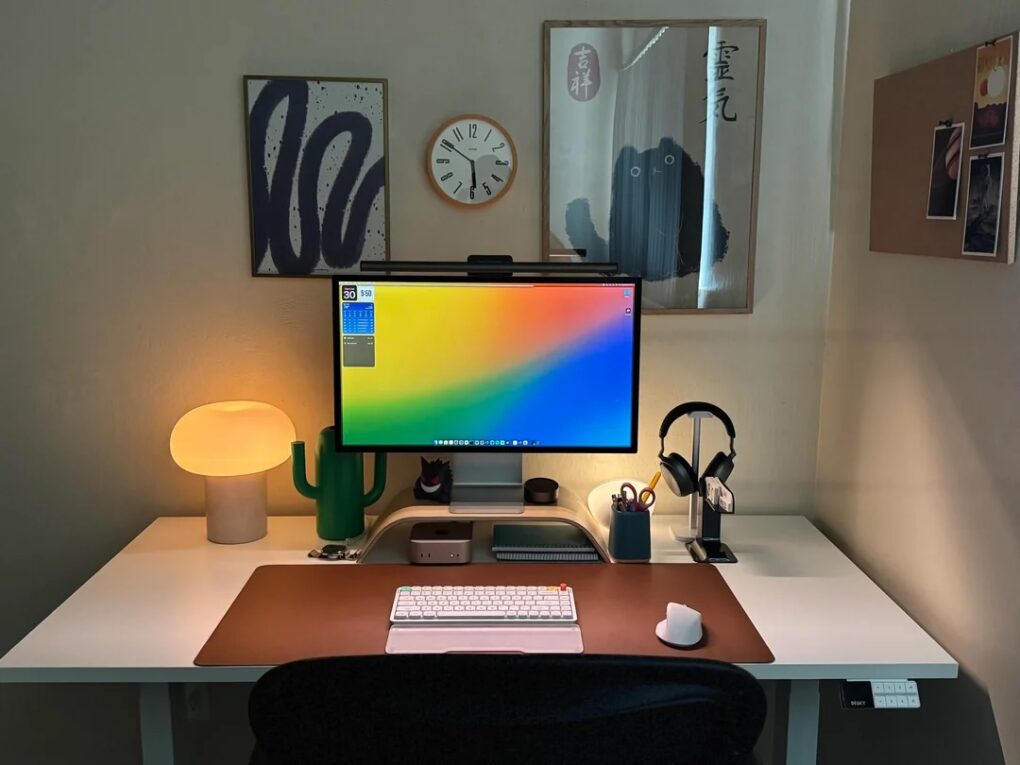
This Mac mini and Studio Display also features two new items: the latest NuPhy Air 75 v3 low-profile mechanical keyboard and BenQ updated Halo monitor light.
Photo: [email protected]

Who doesn’t love new gear in their computer setup — either brand new or just new to them? Today’s Mac mini and Studio Display setup comes complete with two shiny new items recently added to the market — the NuPhy Air75 v3 low-profile wireless mechanical keyboard and the updated BenQ ScreenBar Halo 2 monitor light. And he’s got some over-ear headphones I find enviable, too.

Today in Apple history: Macintosh SE gets supersized storage

By

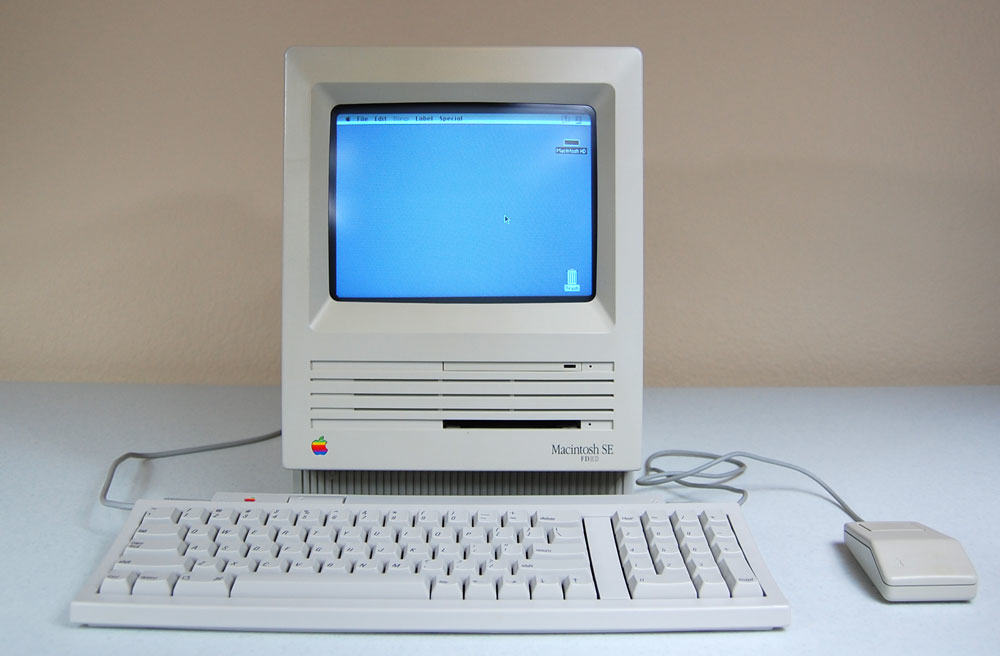
The Mac SE FDHD, the first Mac with a SuperDrive for high-density floppy disks.
The Mac SE FDHD was a mouthful to say -- but what a computer!
Photo: Vetronic's Apple World

August 1: Today in Apple history: Macintosh SE gets supersized storage August 1, 1989: Apple gives the Macintosh SE a storage bump, courtesy of the new SuperDrive in the new Mac SE FDHD. The high-density floppy disks the SuperDrive uses offer an astonishing 1.4MB of storage.
In terms of portable storage, it’s a big step up for most Mac owners. The HD floppy disks compare very favorably to the 400KB single side double density (SSDD) disks and 800KB double side double density (DDSD) disks in use at the time.

Giant smart TV dwarfs 32-inch display in Mac mini rig [Setups]

By

Hisense smart TV
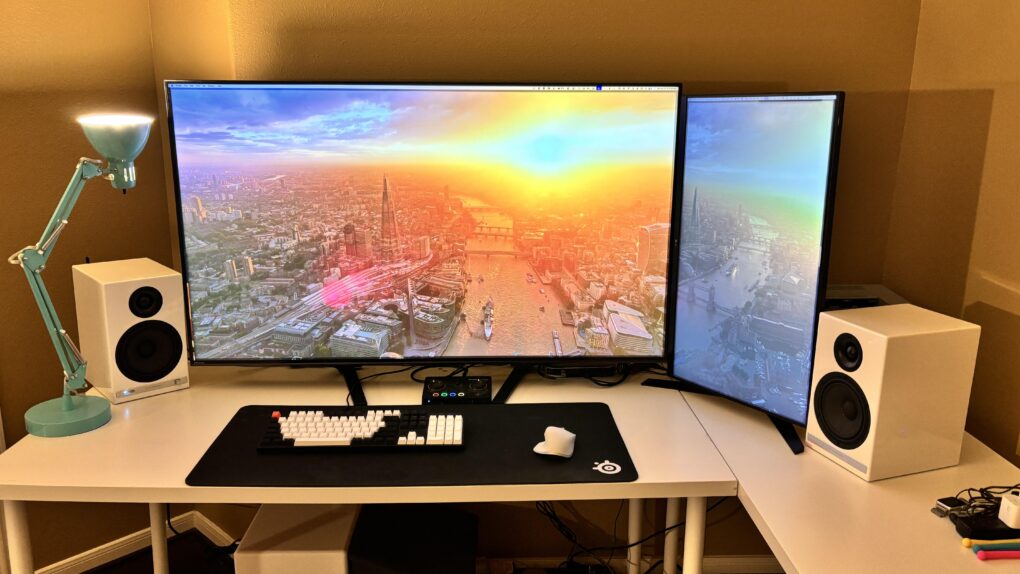
A huge smart TV and a complete Audioengine sound system distinguish this M2 Mac mini setup.
Photo: [email protected]

Big smart TVs crop up in computer setups online as external displays with increasing regularity. That includes today’s featured M2 Mac mini rig with a 55-inch Hisense smart TV as well as a 32-inch LG 4K monitor that looks tiny by comparison.

And the setup’s audio is no slouch. It features excellent Audioengine bookshelf speakers, a dedicated digital-to-audio converter (DAC) plus a wireless subwoofer for a big low end. Most setups stop at speakers on the desk.

How to download the macOS 26 Tahoe public beta (if you dare!)

By

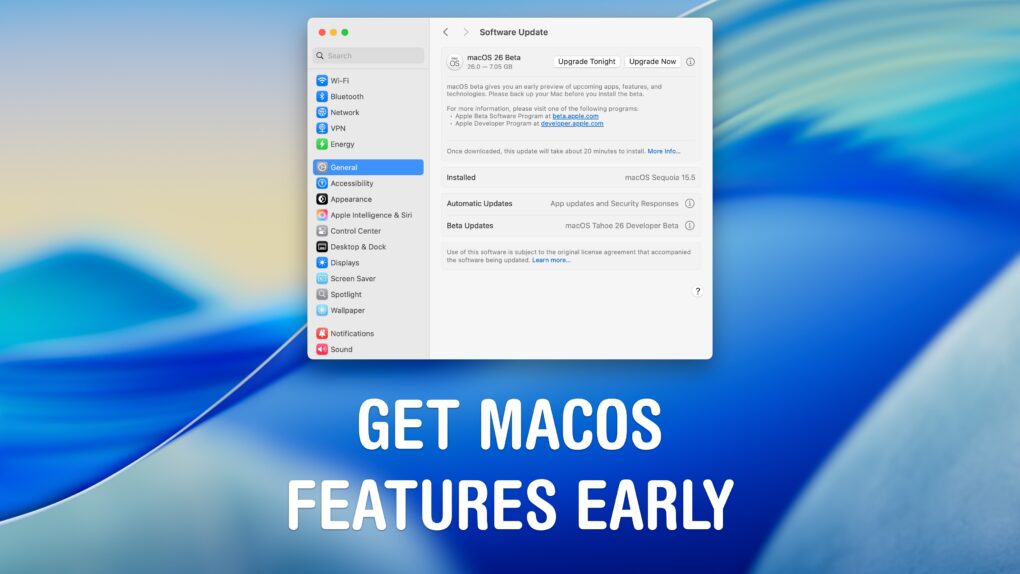
Get macOS Features Early
If you want Liquid Glass now!
Image: D. Griffin Jones/Cult of Mac

You can download the macOS 26 Tahoe public beta right now. You can get a look at the exciting new design coming to the Mac before the update is shipped to everyone. And you can try out the new super-charged Spotlight.

Of course, there are a few things you should look out for. Beta software is buggy and can lead to data loss or apps that don’t work. This particular beta is a rough one, with lots of broken animations and features. A lot of apps you use probably won’t work correctly. You’ve been warned.

If you’re still sure you want to try it out, you should make sure you have a backup of your most important data with two copies of your photo library before you try installing. I’ll show you how.

User ponders M3 iMac vs. M4 MacBook Pro [Setups]

By

iMac vs MacBook Pro
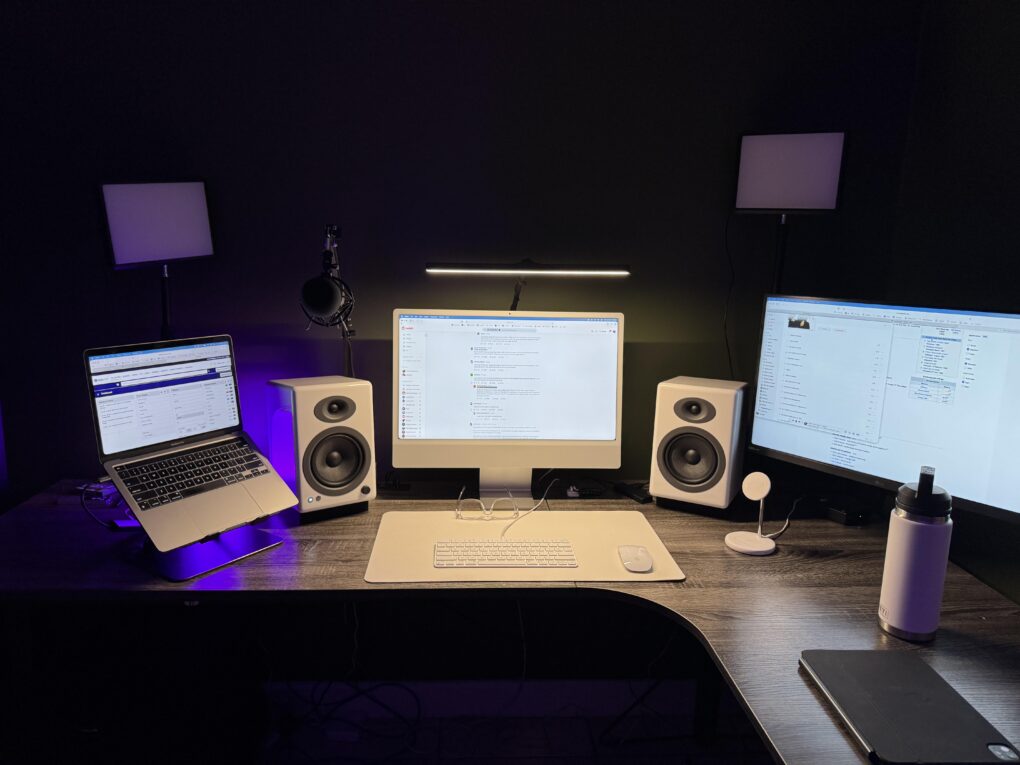
This user ponders replacing both the M1 MacBook Pro and the M3 iMac, possibly with an M4 Pro MacBook Pro.
Photo:

Today’s featured setup user seeks out and gets good advice on his upgrade questions. He runs an aging MacBook Pro and a more recent iMac, but wonders about replacing them both with a newer MacBook Pro, perhaps an M4 Pro model. Commenters on his post offered useful thoughts, below, on future-proofing choices of Mac models as well as external display options.

OWC 11-port Thunderbolt 5 dock: One hub to (almost) rule them all [Review] ★★★★

By

OWC Thunderbolt 5 11-port dock★★★★
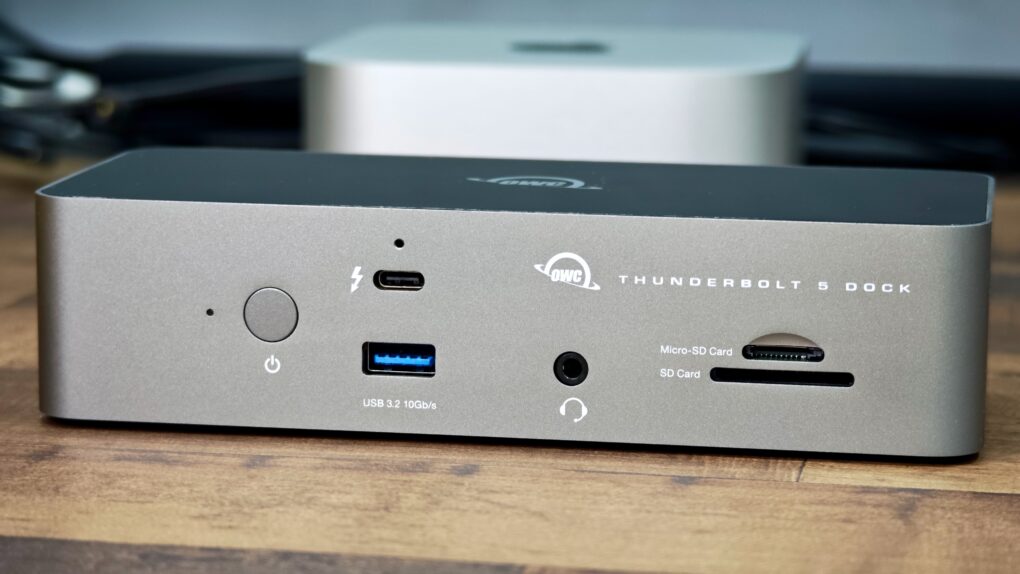
The OWC Thunderbolt 5 will extend your Mac's functionality with more ports.
Photo: Rajesh Pandey/Cult Of Mac

While there’s no shortage of Thunderbolt docks, the OWC 11-port Thunderbolt 5 dock stands out for several reasons. As you’ll see in my review, it packs plenty of Thunderbolt 5 and USB-A ports, along with SD card slots and the ability to fast charge your MacBook Pro at full speed.

Here’s what makes the OWC 11-port Thunderbolt 5 dock worth considering for your Mac.

Watch me go for world record number of input devices [Setups]

By

ergonomic workstation
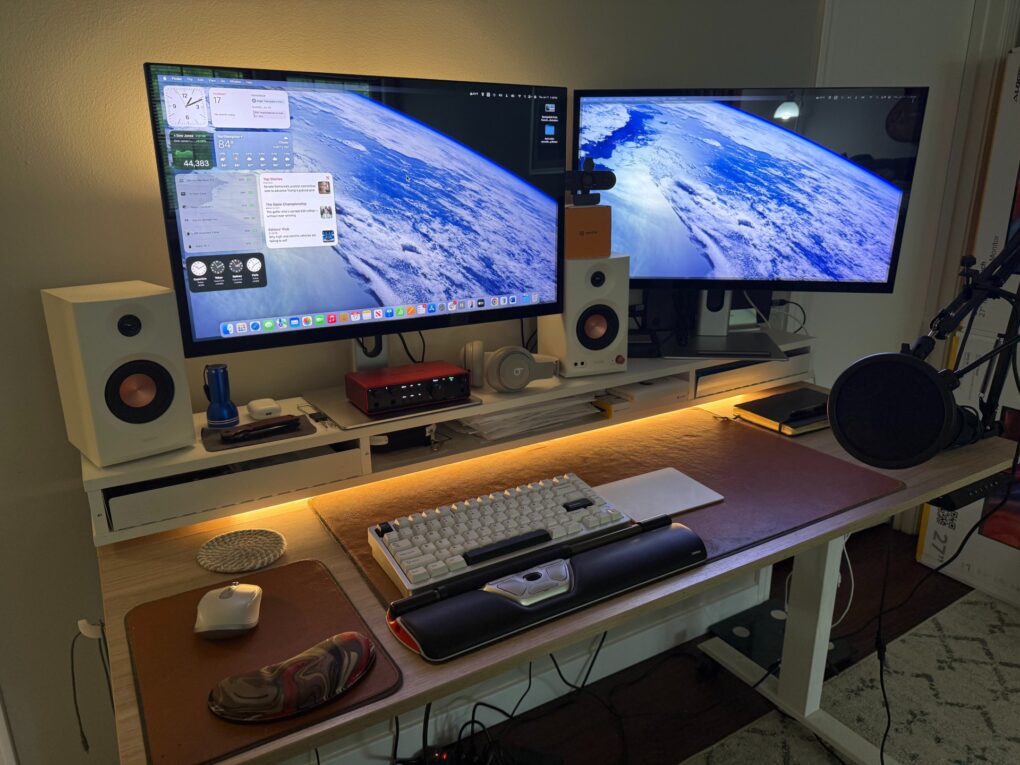
My setup now bristles with four separate input devices and a new webcam.
Photo: David Snow/Cult of Mac

Guess what, it’s time for another installment of Dave’s Setup Upgrades. Only about six weeks after I last wrote about my own computer setup instead of everybody else’s, here I go again. An M4 Pro MacBook Pro driving a pair of 5K touchscreen displays remains the core of my rig. But I’ve gone a little nuts lately with computer input devices as I strive for a more ergonomic workstation. I’m up to four, with backups for most, and that’s got to be some kind of record.

And I added a webcam because my current external displays don’t pack one. And my laptop, with its only-pretty-good webcam, sits hidden away on a vertical stand. I don’t want to have to pull it out for video calls.

Get a load of what replaces this 2017 iMac [Setups]

By

Satechi Mac mini hub
This is the user's "before" picture, with 2017 iMac. See the "after" picture below.
Photo: [email protected]

I love the “before” and “after” setups posts with photos on social media. Today’s is on the basic side, but it’s always fun to see clear visuals of what people do. In this one, an iMac toiling away for eight years gets judged into well-deserved retirement by Apple’s hot little M4 desktop machine on a Satechi Mac mini hub that greatly expands connectivity and storage. With the iMac’s lovely screen gone, the new rig is a Dell-4K-display-Mac-mini combo.

All the best Apple deals this Amazon Prime Day

By

Best Amazon Prime Day Deals
All the best Apple gear at a steep discount — right here.
Image: D. Griffin Jones/Cult of Mac

It’s that time of year again — Amazon Prime Day. The summer deals run from July 8 – 11. So the early deals flowed starting over the weekend, with the full-on sale hitting with even better deals on Tuesday through Friday.

We’ll show you the best Amazon Prime Day deals on Apple gear, from AirPods to iPads to MacBooks to the Studio Display. And that includes Apple audio subsidiary Beats, too. Click on the links below, and return to this page often — deals are subject to change, often for the better, and we’ll add more as we find them.

1 16 17 18 19 20 144