An emoji you send a co-worker can convey a sexual message you didn't mean. AI image: ChatGPT/Cult of Mac
Emojis are a fun and harmless way to lighten up work communication, right? Yes… most of the time. But some of these pictograms are downright creepy if you send them to a co-worker.
Here are some of the worst examples you should absolutely never use, and a few emojis you should use only cautiously.
Steve Jobs offers a sneak peek at the first Apple store prior to its opening. Photo: Apple
May 15, 2001: Apple CEO Steve Jobs flips the script on the dreadful experience of computer shopping, unveiling an ambitious plan to open 25 innovative Apple stores across the United States. The first ones, located at Tysons Corner in McLean, Virginia, and the Glendale Galleria in Glendale, California, are set to open later that week.
However, this new Apple initiative is about much more than just a couple of retail outlets. It’s a radical reinvention of tech retail that will change the way computers get sold.
Charge your iPhone while keeping it cool (literally) with this fast-charging magnetic car mount. Photo: Cult of Mac Deals
Adam Elements’ CQ3 Qi2 Cooling Car Mount Charger keeps your iPhone securely mounted, actively cooled and wirelessly charging at up to 25W as you roll down the road.
If you're going to sit there for 10 hours a day, you better make some changes, for health's sake. Photo: [email protected]
Sitting at a computer for eight or 10 hours a day will eventually catch up with you. Stiff necks, sore wrists, aching backs, eye strain — the toll of a poorly designed workstation is real. And the Cult of Mac Setups archive is peppered with users who know it firsthand. But it also shows an increasingly thoughtful community that does something about it. Here are 10 of the best ergonomic Mac setups from the past several years.
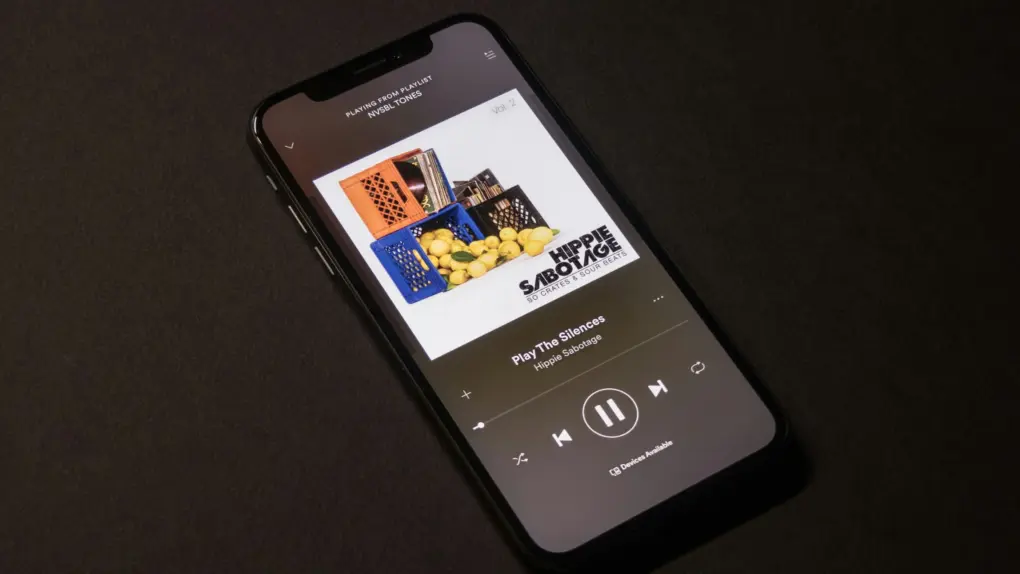
A rare Apple-Spotify crossover. Photo: Mildly Useful/Unsplash License
Spotify is making a big move toward video podcast interoperability, and Apple fans stand to benefit from it. The streaming service said Thursday that it will adopt Apple’s HTTP Live Streaming, or HLS, technology.
Apple is reportedly working on ways to safely bring autonomous AI agents to the App Store. Photo: Aerps.com/Unsplash License
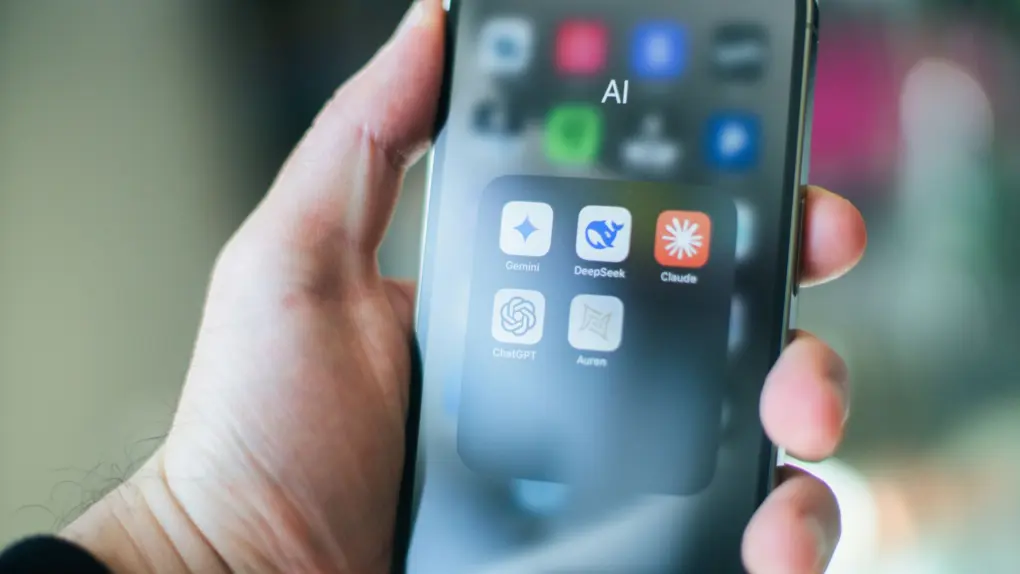
Apple might open the App Store to agentic AI, which could change how iPhone users interact with their smartphones every day. If the plan works, the App Store could expand from a straightforward marketplace for apps and instead become an intermediary for autonomous software.
That could be a much bigger deal than it sounds. These AI agents might be capable of performing complex things on your behalf, such as booking flights, managing your calendar, and even coordinating the whole day without you ever needing to tap a single button.
A fistfight between OpenAI CEO Sam Altman and Apple CEO Tim Cook seems unlikely, but... you never know! AI image: ChatGPT/Cult of Mac
A once promising partnership between Apple and OpenAI could be heading for a legal confrontation, according to a report published Thursday.
OpenAI has been providing artificial intelligence services for iPhone and Mac users since 2024, but the deal is souring behind the scenes, with the software developer reportedly unhappy that it’s not getting much benefit from the partnership.
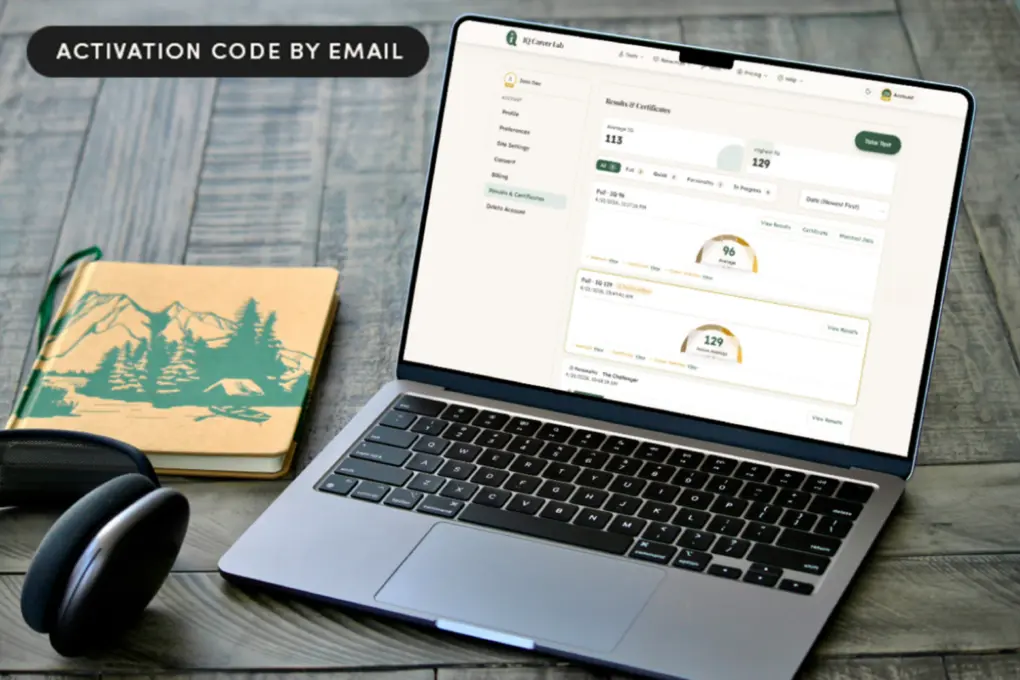
Find out which jobs fit you best with a lifetime access to IQ Career Lab, now on a huge price drop! Photo: Cult of Mac Deals
IQ Career Lab combines IQ testing, personality profiling and real-world job matching to help you discover better career opportunities. The platform combines a multidomain IQ assessment, Big Five personality testing and a career DNA report designed to help you understand how your brain actually works.
The data it generates can help you uncover stronger earning potential in jobs you’re less likely to hate by Wednesday afternoon. And right now, lifetime access costs just $19.99.
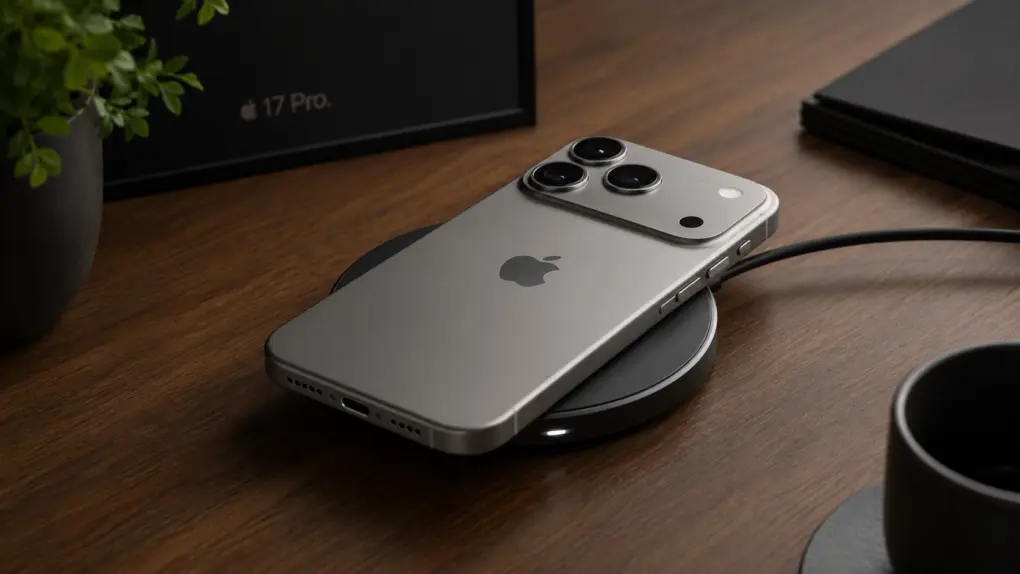
iPhone 17 Pro particularly excels at wireless charging, according to the tests. AI image: ChatGPT/Cult of Mac
Apple’s flagship handset — iPhone 17 Pro — claimed the crown as the fastest-charging phone in a rigorous new lab test, beating out rivals from Samsung, Google, Motorola, and more, according to a new report.
The iPhone 17 series has been a huge hit. But that's not the only factor. Photo: Ian Fuchs/Cult of Mac
New data shows how Apple’s iPhone bucks a US smartphone sales slump. Apple grew U.S. iPhone sales by 1.3% year-over-year in the first quarter of 2026, even as the broader American smartphone market contracted sharply, according to a new report.
For iPhone owners and fans of the Apple ecosystem, the numbers paint a picture of a brand that continues to tighten its grip on the U.S. market despite a challenging environment for the industry as a whole.
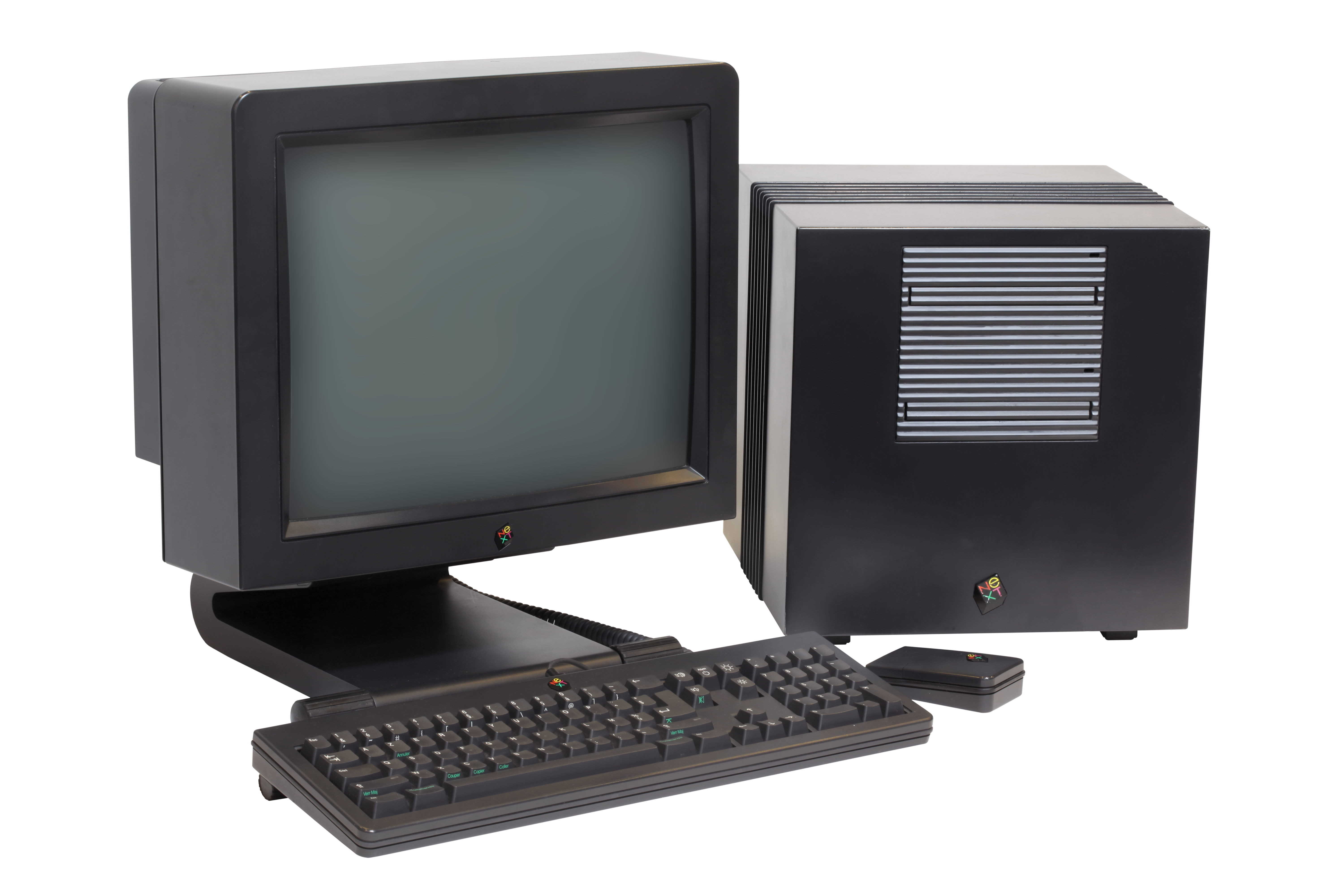
May 14, 1992: Apple co-founder Steve Jobs‘ company NeXT runs into trouble as it loses a crucial deal with Businessland after the computer retailer closes its stores.
It comes at a time when NeXT’s luck is going from bad to worse. The Businessland closure marks one of the lowest points in Jobs’ career — before everything starts to turn around again.
★★★★★
The Knog Scout Travel can track your luggage and help prevent it from getting stolen. Photo: Ed Hardy/Cult of Mac
The Knog Scout Travel is a tracker tag that stands out with an 85 decimal motion-sensitive alarm. Put it on your suitcase, and if someone moves it, the tag will let everyone nearby know it.
And it supports Apple’s Find My network, so the tag (and your luggage) can be tracked down almost anywhere if they go missing.
I put this travel accessory to the test. Here’s how it stood up.
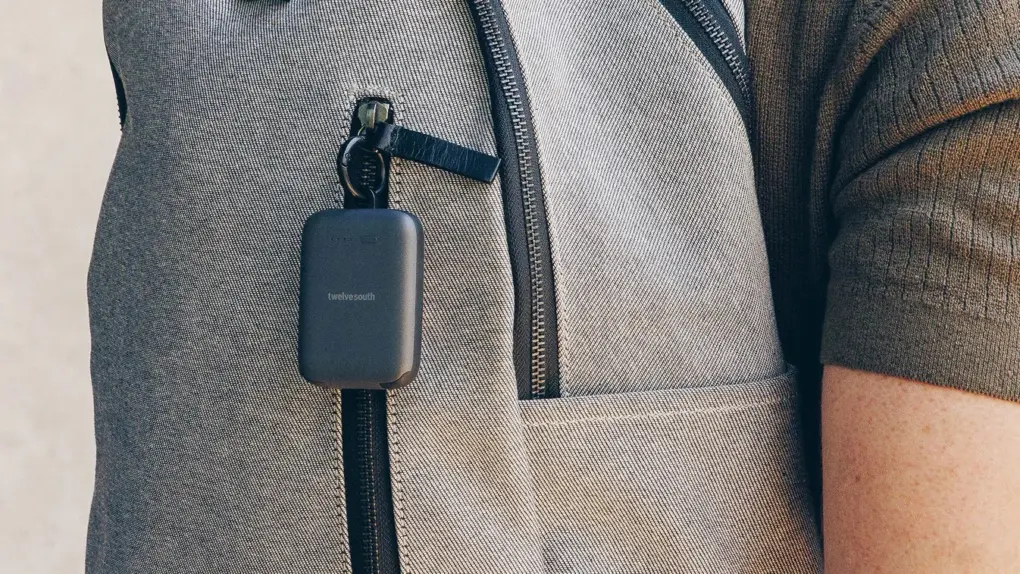
Clip it on a napsack or stick it in your pocket. It's tiny! Photo: Twelve South
New charging gadgets rarely excite me, but this one does. Twelve South built its new PowerClip, a 2,000mAh emergency power bank, around a simple premise. Most people already own a backup charger, but they rarely have it with them when they really need it. The tiny, lightweight PowerClip fixes that by living on your keychain, pocket or bag rather than in a drawer at home, the company said Tuesday.
And it’s only about the size of a container of dental floss — complete with two built-in cables! I would forget I had it with me — but hopefully remember it when my iPhone battery dropped into the red zone.
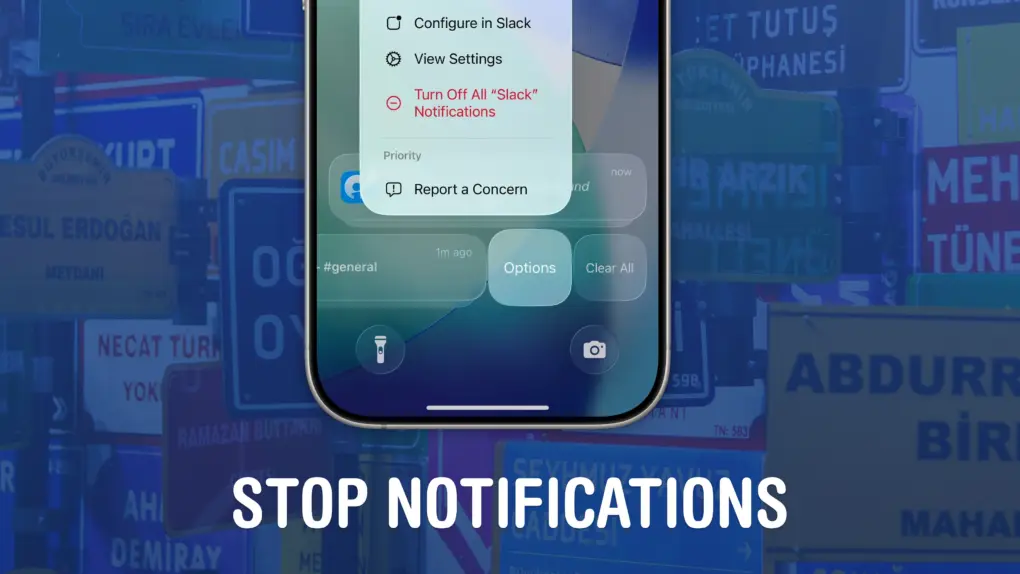
Quiet your phone down. Image: D. Griffin Jones/Cult of Mac
If your iPhone is always blowing up with junk and spam, you can stop notifications dead in their tracks. You may not know that you can entirely disable notifications per-app and turn off different types of notifications to keep them from cluttering your phone.
I’m not afraid to disable all notifications from an app if it crosses me one time too many. For others, I allow notifications on the Lock Screen, but disable them from Notification Center, so they’re more temporary.
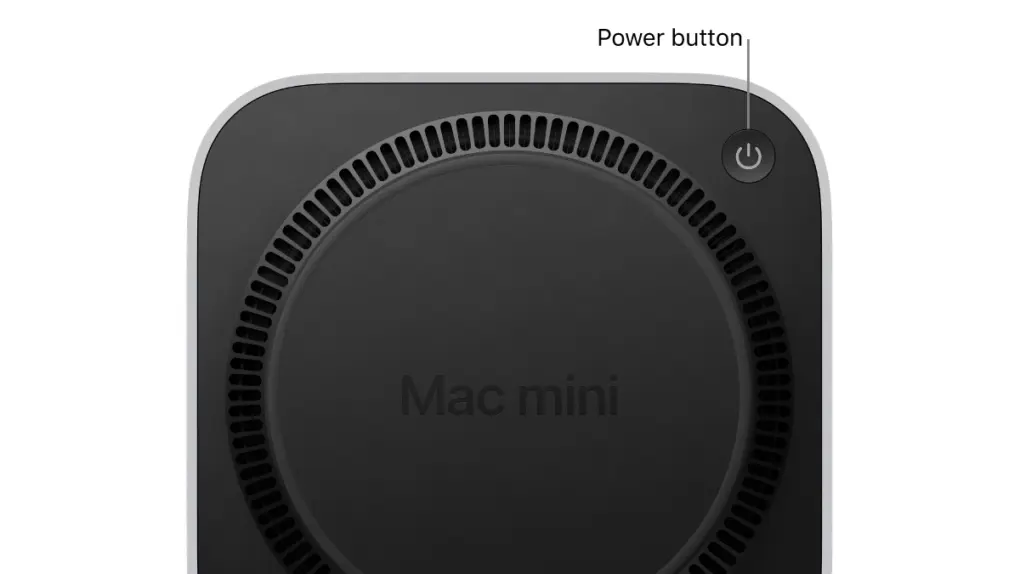
Users may never need to lift the M4 Mac mini to press its power button again. Photo: Apple
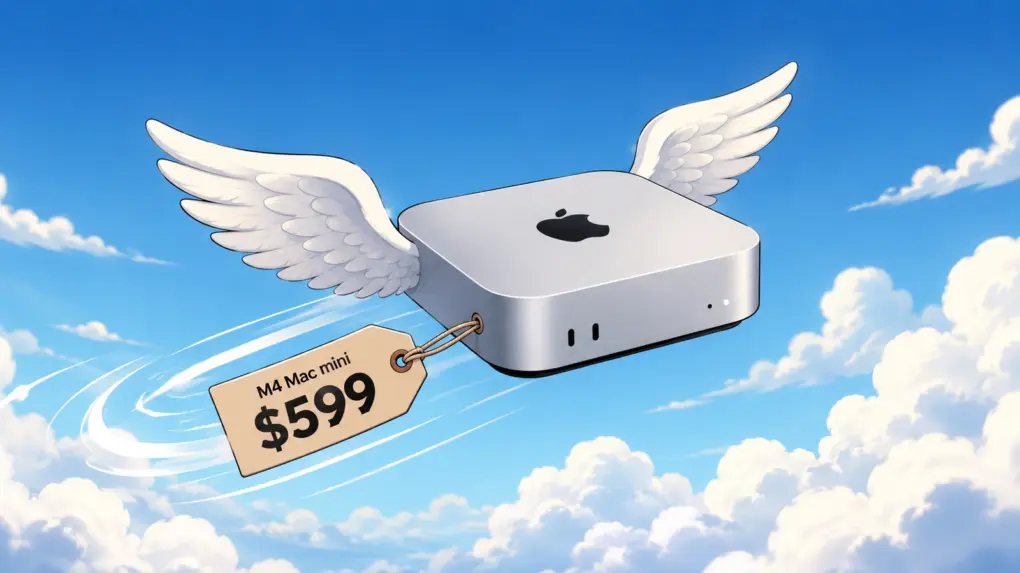
Apple finally found a software fix for one of the most mocked Mac design decisions in years. In macOS 26.5 Tahoe, released Monday, Apple added a new option that allows M4 Mac mini owners to turn on their machines without picking them up.
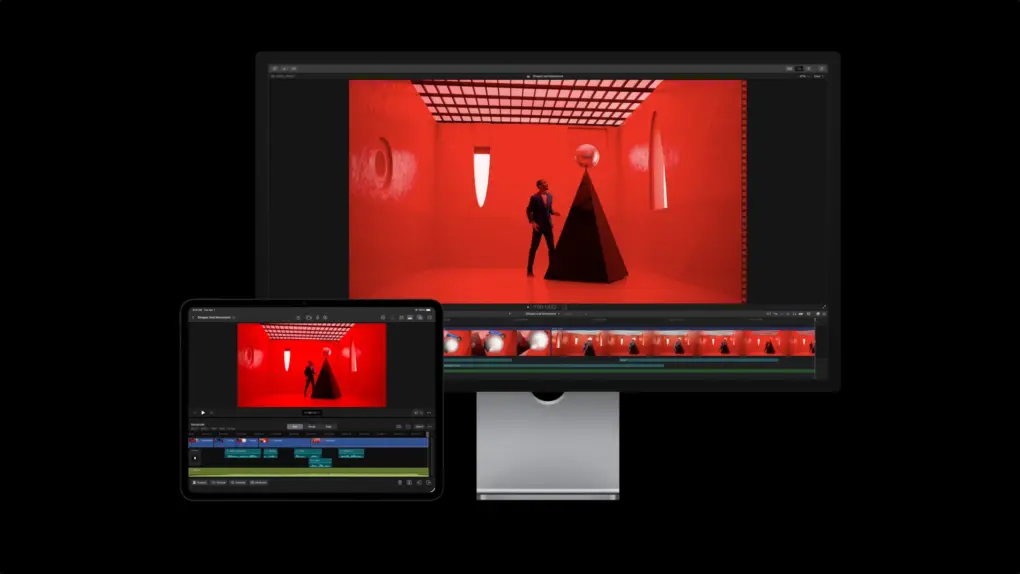
Final Cut Pro could gain some stellar new features thanks to a recent Apple acquisition. Photo: Apple
Apple’s recently disclosed acquisition of Color.io suggests a renewed focus on rebuilding Cupertino’s creative software suite.
Through a subsidiary, Apple acquired Patchflyer GmbH in January and hired the company’s sole employee, according to an EU filing. Patchflyer developed Color.io, a web-based cinematic color grading platform used by filmmakers and video professionals. And the purchase looks like part of a long-term strategy to win over creatives.
Pay just 49% for the 5-yr Premium Plan of ChatOn AI Assistant when you get it now! Photo: Cult of Mac Deals
With the ChatOn all-in-one AI assistant, you can access multiple top AI models, image-creation tools and real-time search, all in one app — and all for one low price.
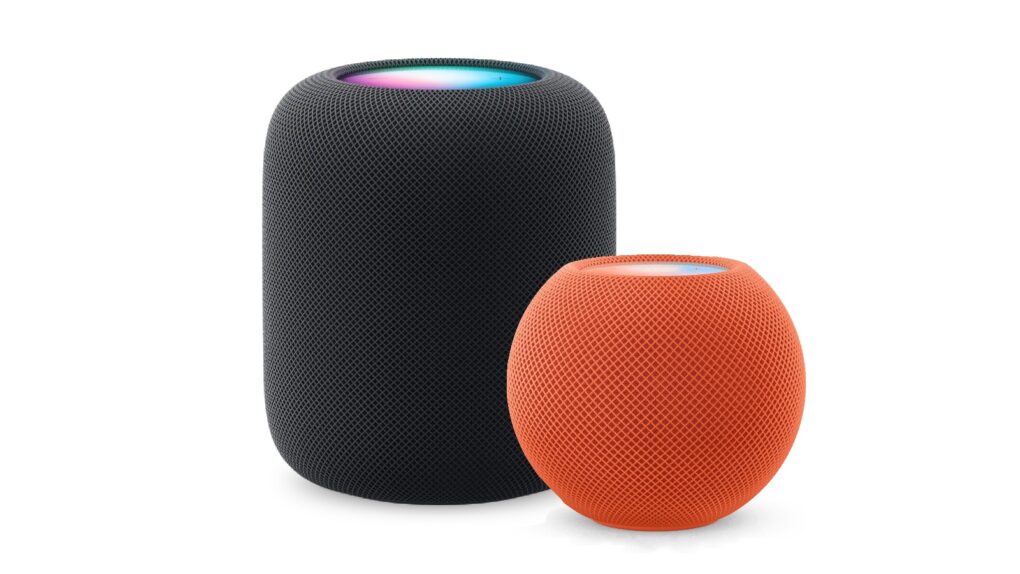
Here’s how to be sure you have the latest HomePod software update. Or stop your smart speaker from updating automatically. Photo: Apple
The HomePod operating system occasionally needs updating, because the device is a lot more than a simple speaker — it’s a computer. Here’s how to make sure your Apple smart speaker has the software version released this week. The new HomePod Software version 26.5 is a simple bug-fix update, but it’s still worth installing. Who wants bugs?
If you depend on automatic updates, it’s possible your smart speaker hasn’t yet installed the update. Here’s how to do so manually.
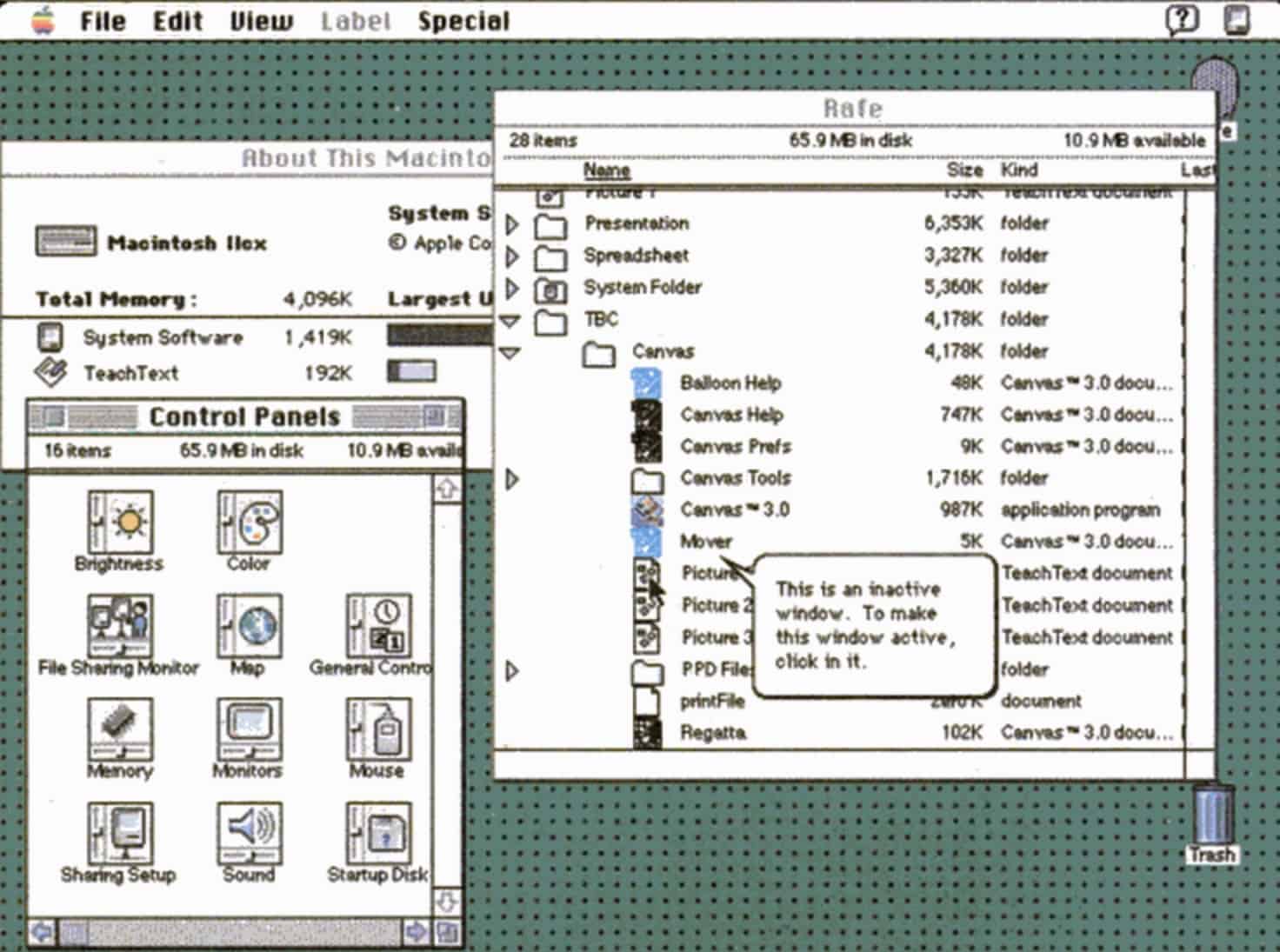
Bold new features in System 7 made the Mac even more impressive. Photo: Apple
May 13, 1991: Apple releases System 7, the biggest upgrade to the Mac operating system since the original Macintosh computer shipped in 1984. The new Mac OS is whip-fast, beautiful to look at, and boasts a bevy of innovative features.
The longest-lasting of Apple’s classic Mac operating systems, it will remain current until System 8 replaces it in 1997.
The attack struck a slew of major tech companies, including Apple. AI image: ChatGPT/Cult of Mac
Foxconn, a critical supplier for major hardware companies including Apple and Nvidia, confirmed Tuesday that a cyberattack struck its North American operations. And the group behind the attack claims to have walked away with a trove of sensitive data touching some of the world’s biggest tech companies.
That could include Apple files, but it’s difficult to say which ones and how important they are.
This Philips 5000 Series uses palm recognition for keyless home security, now 24% off! Photo: Cult of Mac Deals
Fingerprint recognition is so last year: You can unlock your front door with a simple wave of your hand with a Philips 5000 Series lock.
This premium lock uses touchless palm scanning to identify you by your veins. It also offers Wi-Fi connectivity, app controls and auto-locking features to modernize your front door for just $212.49 (MSRP $279.99). Oh, and if you want, you can use a physical key as well, you luddite!
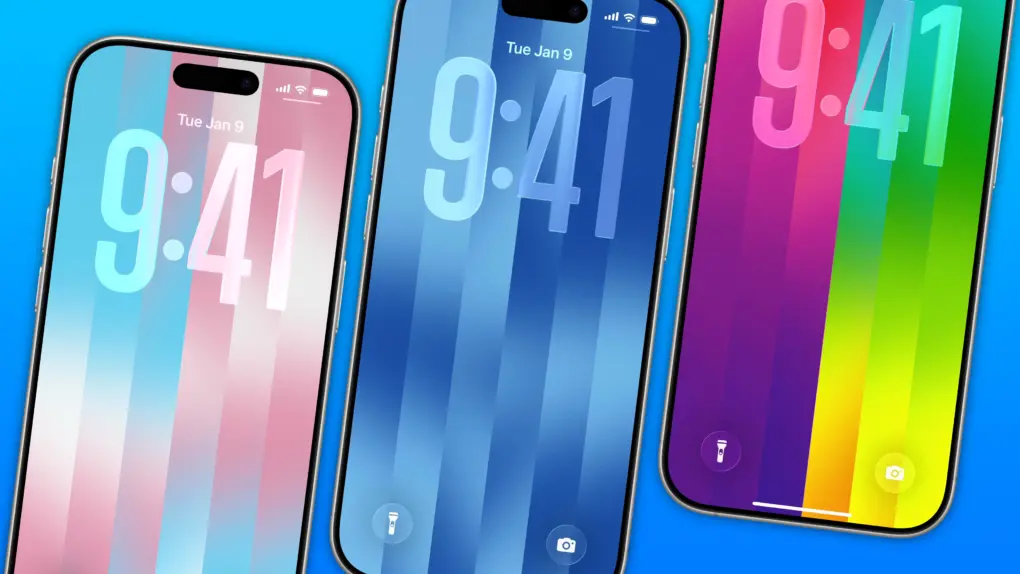
The dazzling new wallpaper for iPhone. Image: D. Griffin Jones/Cult of Mac
The colorful Pride Luminance wallpaper and watch face add beautiful color gradients to your iPhone and Apple Watch. You can download them both after updating to iOS 26.5 and watchOS 26.5.
Since they’re part of Apple’s annual Pride collection, they come with a bunch of preset styles for various pride flags. But you can customize the Lock Screen wallpaper and the Apple Watch face however you want. With a light and dark shade of the same color, the vertical stripes and gradients shimmer and animate when you swipe up to unlock your phone. Or you can go to the other extreme, picking up to 12 colors from the Luminance palette.
This is easily the best Pride wallpaper Apple has produced yet — in fact, it’s a great wallpaper, period. Check it out in our quick video or keep reading.
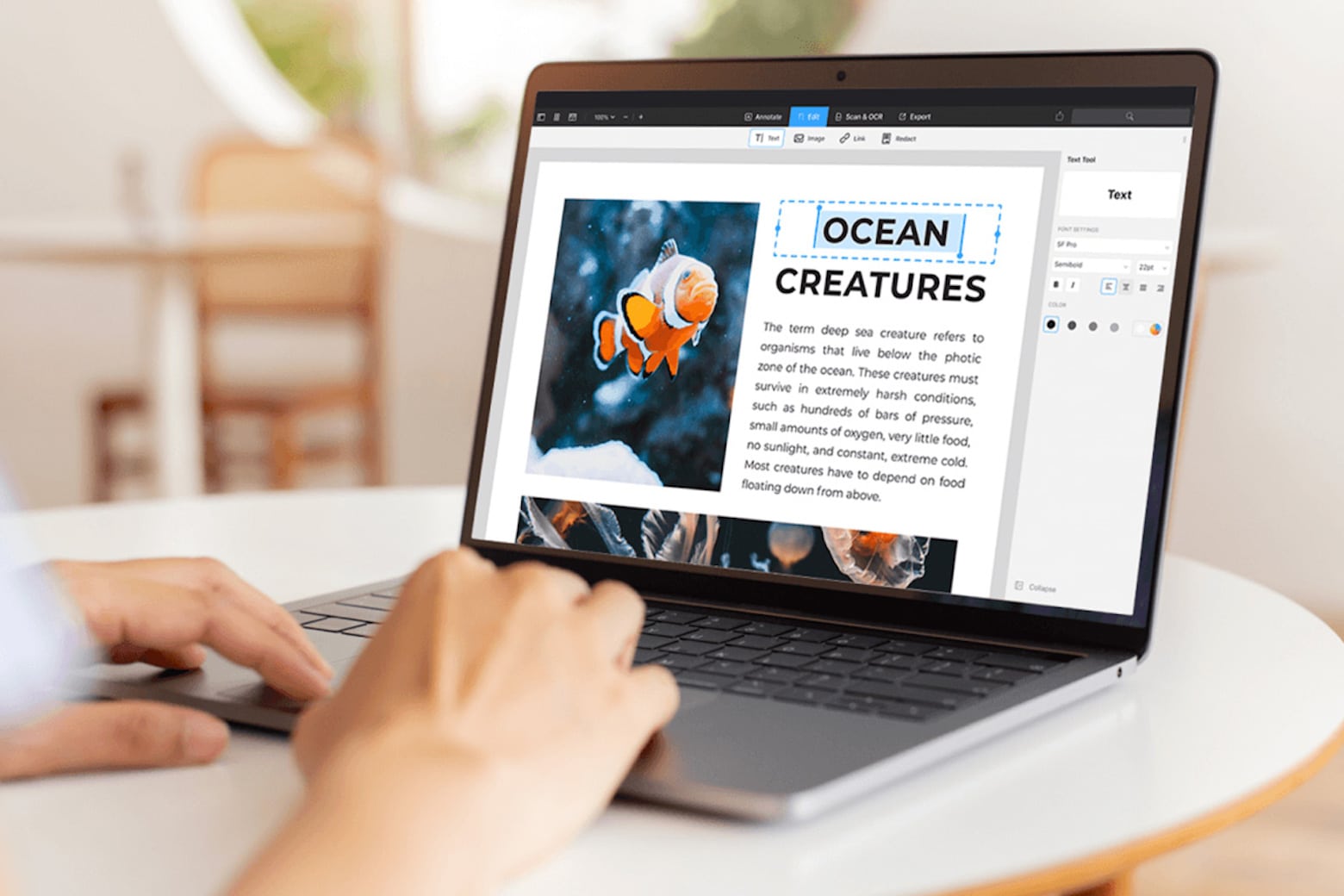
Get PDF Expert, an Apple Editor's Choice winner, for less than $80. Photo: Cult of Mac Deals
PDFs are arguably one of the most-used document formats by professionals, students and casual users alike. However, while they might be the best way to transmit documents, they’re not entirely easy to work with unless you own a capable PDF editor for Mac like PDF Expert.



 May 15, 2001: Apple CEO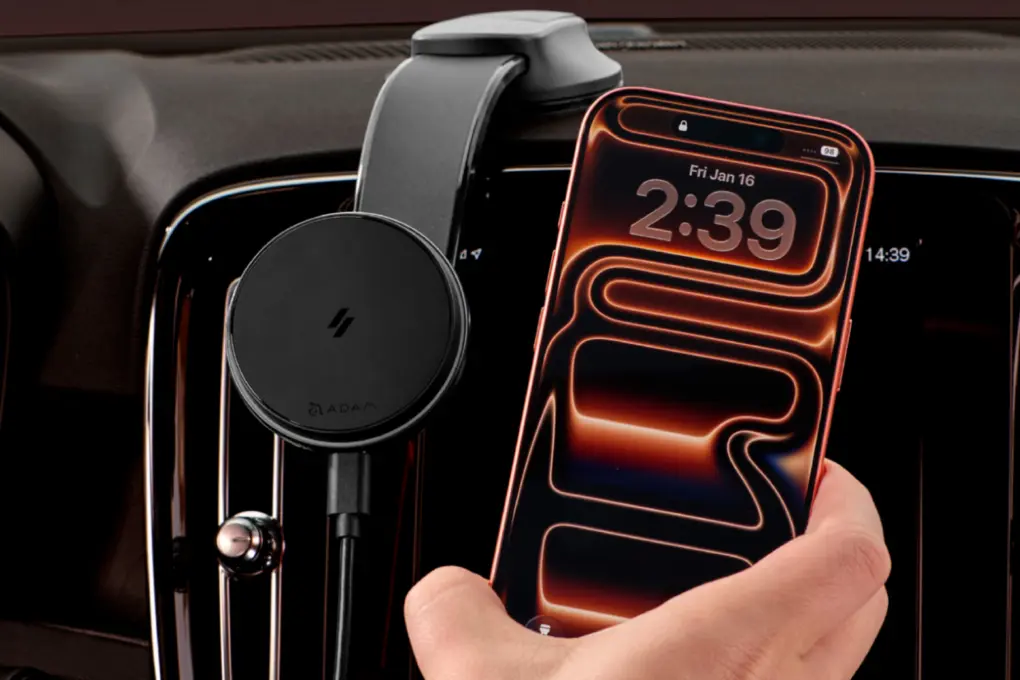


 May 14, 1992: Apple co-founder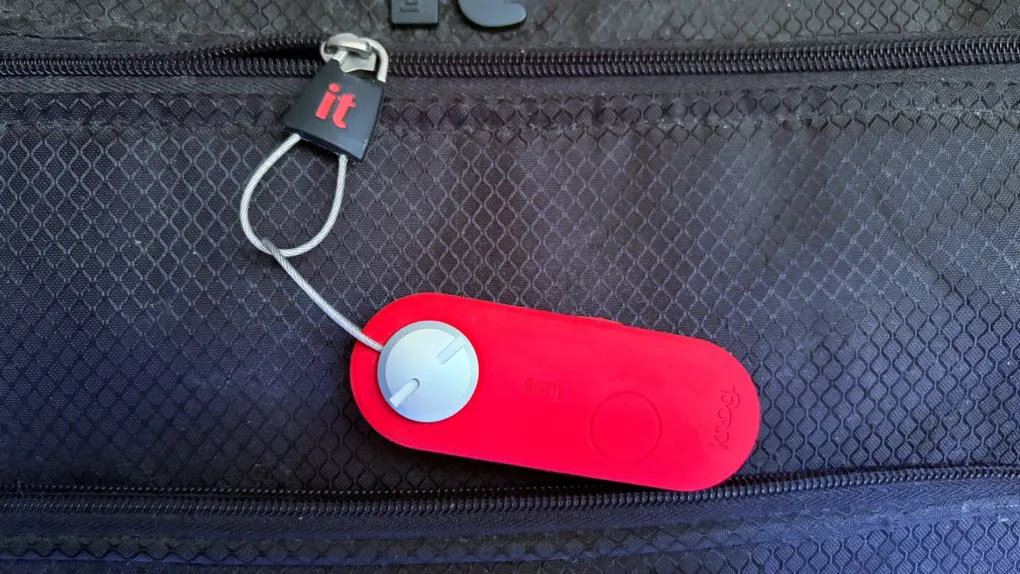
 May 13, 1991: Apple releases System 7, the biggest upgrade to the Mac operating system since the