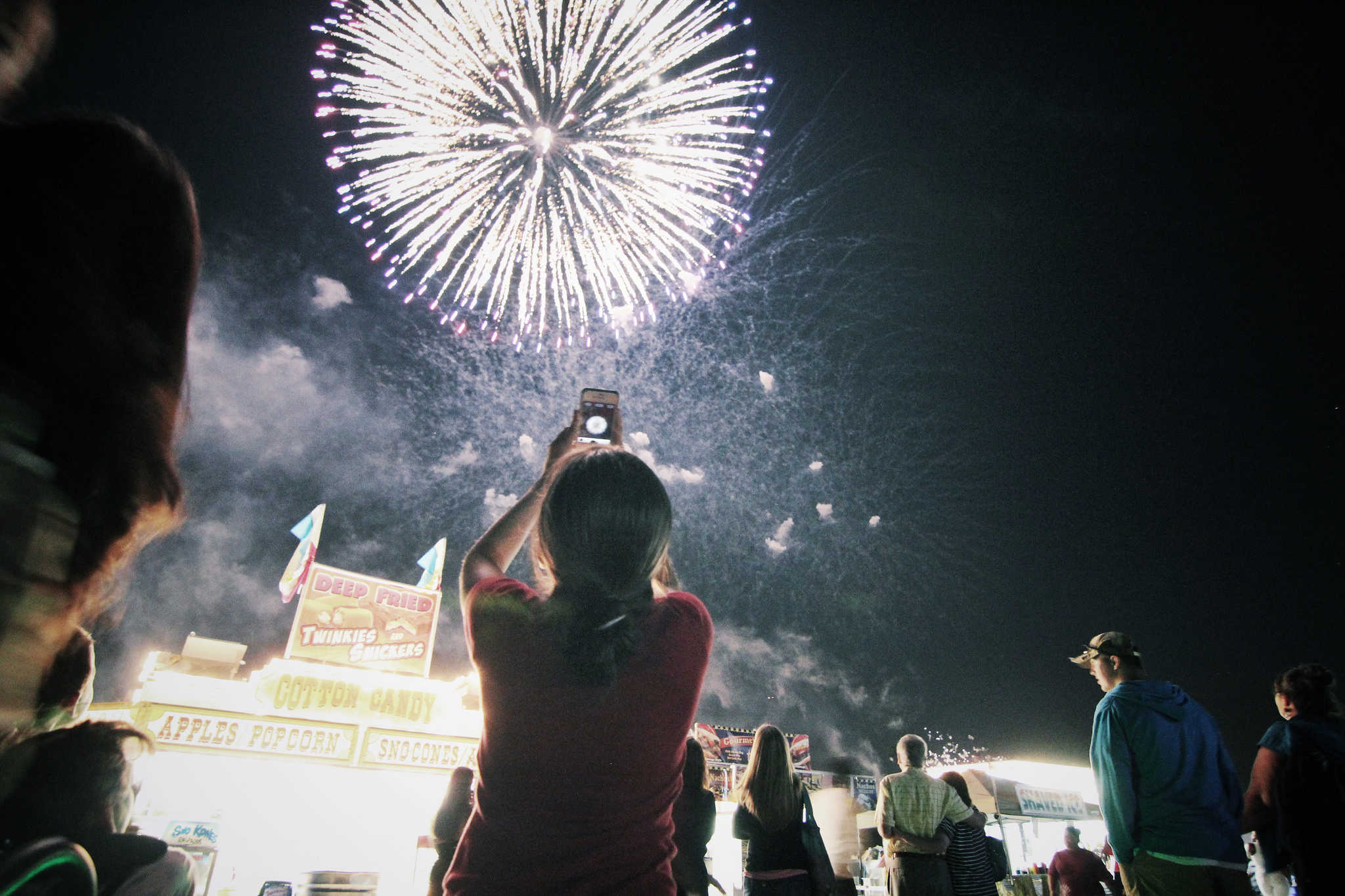
With a little know-how, you can photograph fireworks with an iPhone and achieve great results. But just pointing and shooting with no prior planning can lead to blurry, unexciting fireworks photos.
For instance, does this sound familiar? Last year’s fireworks made you say ooh and ahh, but when you look at your iPhone photos from that night, the sound you make is more of an ugh. Don’t blame Siri or some engineer in Cupertino for previous photo fails. The iPhone camera, as mighty as it is, can’t do all the thinking for you — especially in challenging lighting conditions like a fireworks display.
But with a little thought and preparation, you can make this holiday worth reliving on your iPhone camera roll. Below are some simple tips to make your iPhone fireworks photos sizzle.

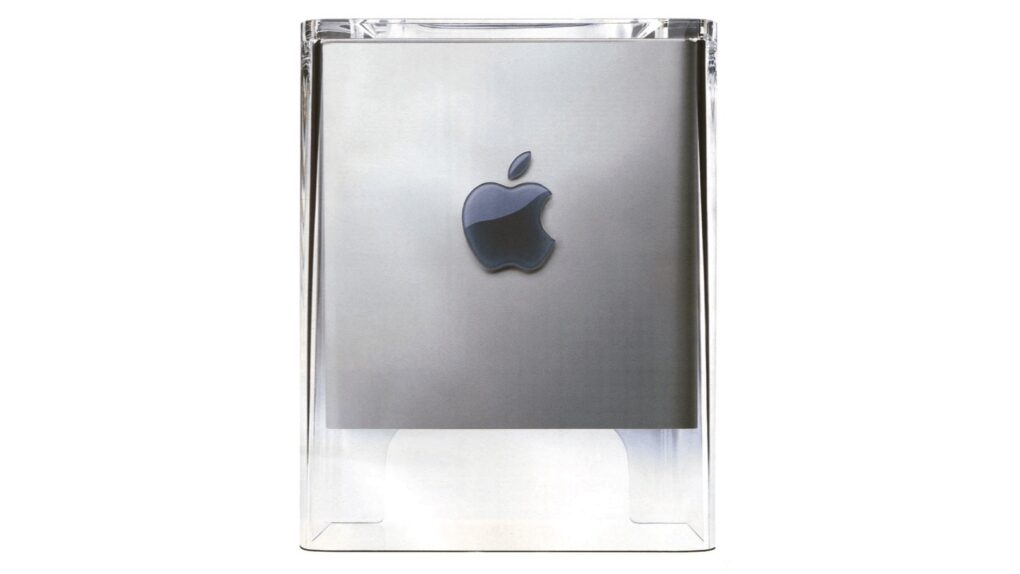
 July 3, 2001: Apple suspends production of its Power Mac G4 Cube, one of the most notable busts in Apple history — and the first major flop following
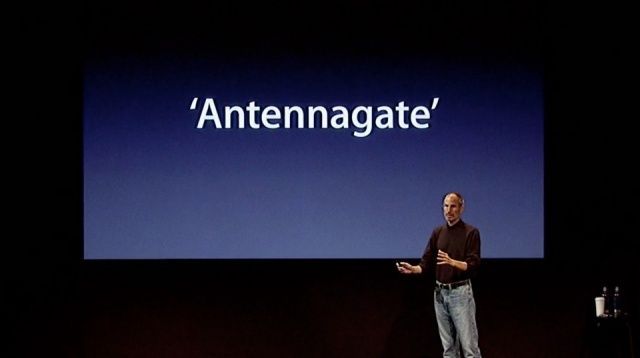
 July 2, 2010: Apple opens up about “

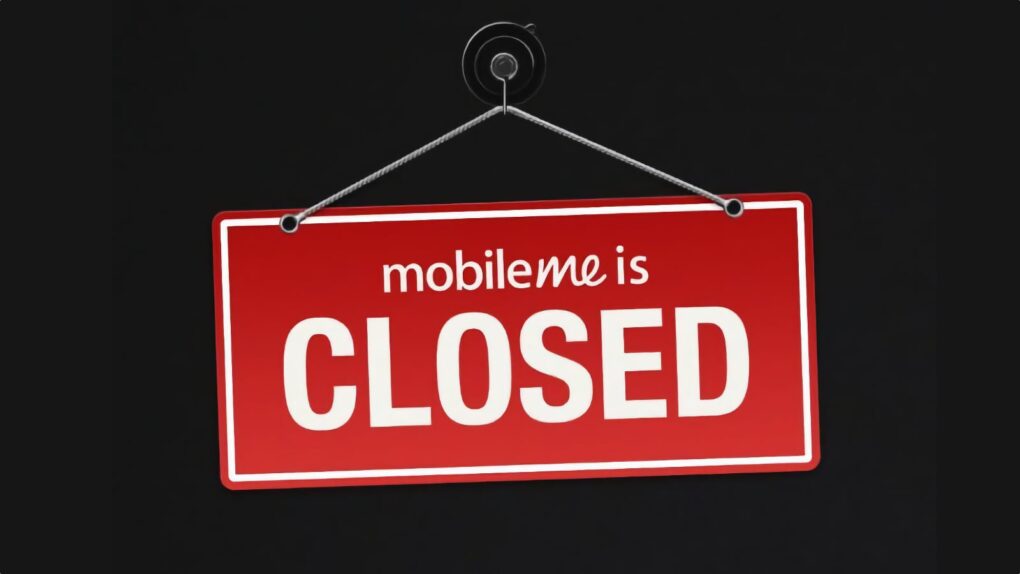
 July 1, 2012: Apple shuts down MobileMe, its subscription-based suite of online services and software offering push email, chat, data storage, a photo gallery and other features.

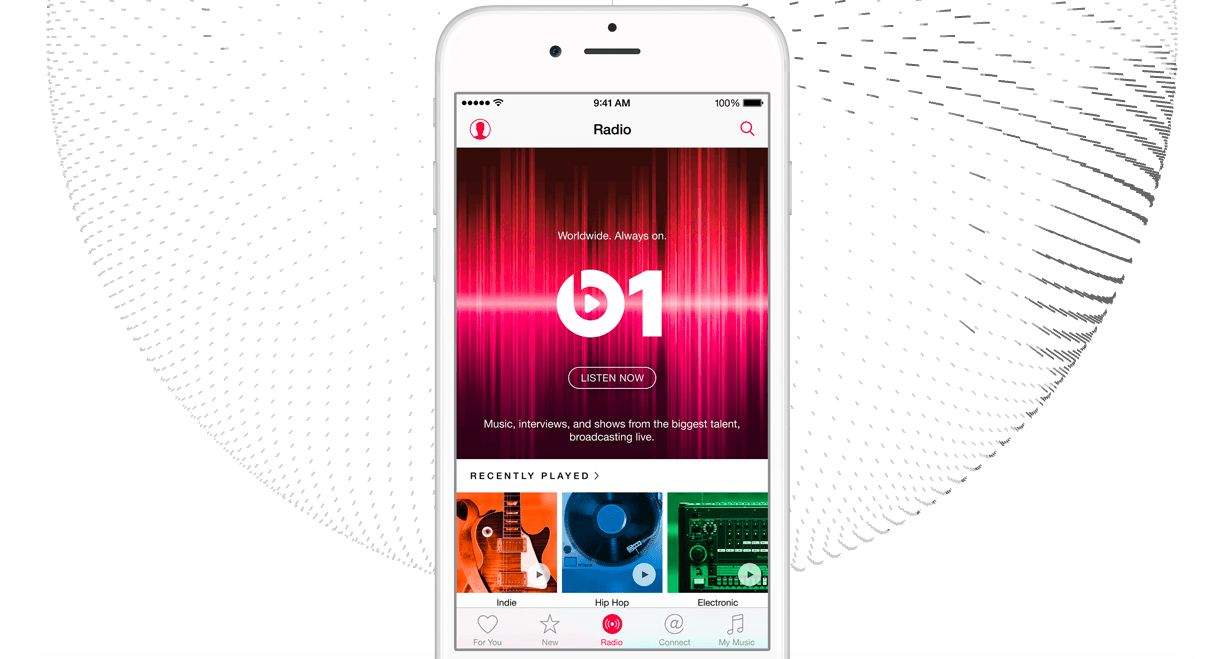
 June 30, 2015: Apple launches 24/7 radio station Apple Music 1 (launched originally as Beats 1). Part of Apple Music, the new global radio station features top DJs ranging from former BBC presenter Zane Lowe to