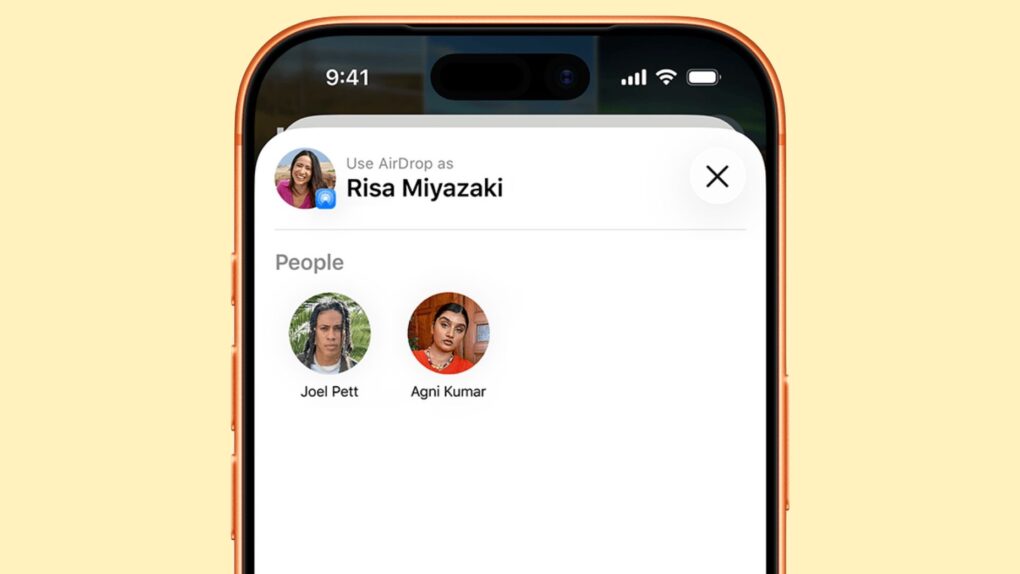
A newly discovered AirDrop vulnerability means someone sitting in the same café as you can silently break AirDrop on your iPhone or Mac, no tap or pairing required. They just send a stream of junk data to your iPhone and AirDrop — alongside AirPlay, Handoff, Universal Clipboard, and Continuity Camera — all go dark for as long as they keep it up.
That’s the core finding from new security research into Apple’s AirDrop protocol. The exploit does not steal any data, but instead lets an attacker shut down AirDrop and Continuity features. For Apple users who use AirDrop regularly, that could be a real annoyance hiding in a real-life vulnerability.
How the AirDrop vulnerability works
For Apple users, AirDrop is the easiest way to share photos, videos, documents, links and other content between nearby Apple devices.. But new research shows how fragile this convenience is.
Researchers at Germany’s CISPA Helmholtz Center for Information Security said they spent months reverse-engineering how AirDrop actually works. They then built a tool that sent junk data to Apple’s sharing protocol until something broke. Eventually, three things did.
The most basic of these lives inside sharingd, a background process that handles AirDrop along with several other Continuity features. Send one short request to an address it doesn’t recognize, and the process crashes, taking AirDrop, AirPlay, Handoff, Universal Clipboard, and Continuity Camera down together.
Now, repeat the request every couple of seconds, and these features won’t recover until the attacker stops.
The second flaw sits in Foundation, a framework numerous Apple apps rely on to read property list files. If you feed a complex nested document — researchers needed one with only 200 layers — the parser overflows its own stack and crashes.
And because many Apple apps use Foundation, the vulnerability isn’t limited to AirDrop. It also affects macOS, iOS, watchOS, tvOS, and visionOS.
The third and last bug is a null pointer crash that is buried deep in the system’s HTTP parser. Researchers say they triggered it with a malformed request.
The worst part? None of this requires the target to do anything. If your AirDrop’s receiving setting is set to “Everyone,” your device will respond to the early stages of the exploit even before you see a prompt.
All the attacker needs is a laptop and a spot that’s roughly 10 to 30 meters away, which is close enough to share a hallway, a lecture hall or an airport gate.
It’s not just Apple’s problem
If you thought the exploit was limited to Apple devices, it isn’t. The same research team says Google and Samsung’s Quick Share protocol — the Android equivalent of AirDrop — has its own set of flaws.
Some of these allow an attacker to completely bypass authentication checks. And a separate bug in the Windows Quick Share client was serious enough that Google paid a bounty for it.
Security researcher Arash Ale Ebrahim, who led the team, says it’s not a coincidence. Proximity sharing tools like AirDrop and Quick Share are developed to feel effortless.
The convenience comes from background processes that start parsing data before any authentication happens. But if you build a feature on that foundation, irrespective of the platform, you get a wide-open door even before the lock is engaged.
What can you do?
Apple has already fixed one of the three AirDrop bugs with an assigned CVE, but it has yet to publish a public advisory. The other two exploits still remain under coordinated disclosure while Apple works on fixing them.
It is a standard industry-wide practice to keep exploit details out of attackers’ hands until the fixes are ready.
In the meantime, there’s a simple step worth taking if you aren’t actively expecting an AirDrop from a stranger. Switch your AirDrop receiving to “Contacts Only” in Settings > General > AirDrop, and the attack becomes far less effective. It won’t stop every theoretical attack, but it’s a good practice regardless.
Fortunately, Apple makes this easy. Recent versions of iOS and iPadOS will only let users set AirDrop receiving to Everyone for ten minutes, then it reverts to Contacts Only.
One thing to note here is that no files can be stolen, and no one’s iCloud account got compromised. Still, a feature this central to how Apple devices talk to each other shouldn’t be this easy to knock offline. Until Apple ships the remaining fixes, “Contacts Only” is your best defense.

Anurag Chawake is a tech-focused writer specializing in smartphones, apps and consumer technology. His interest in computers began during the Windows 98 era, eventually leading him to explore everything from operating systems to mobile devices and PC hardware. Anurag previously contributed to The Indian Express, covering Apple, Android, gaming and the broader technology landscape.

