With the ChatOn all-in-one AI assistant, you can access multiple top AI models, image-creation tools and real-time search, all in one app — and all for one low price.
For a limited time, get five years of ChatOn for just $98 with code CHAT30.

With the ChatOn all-in-one AI assistant, you can access multiple top AI models, image-creation tools and real-time search, all in one app — and all for one low price.
For a limited time, get five years of ChatOn for just $98 with code CHAT30.

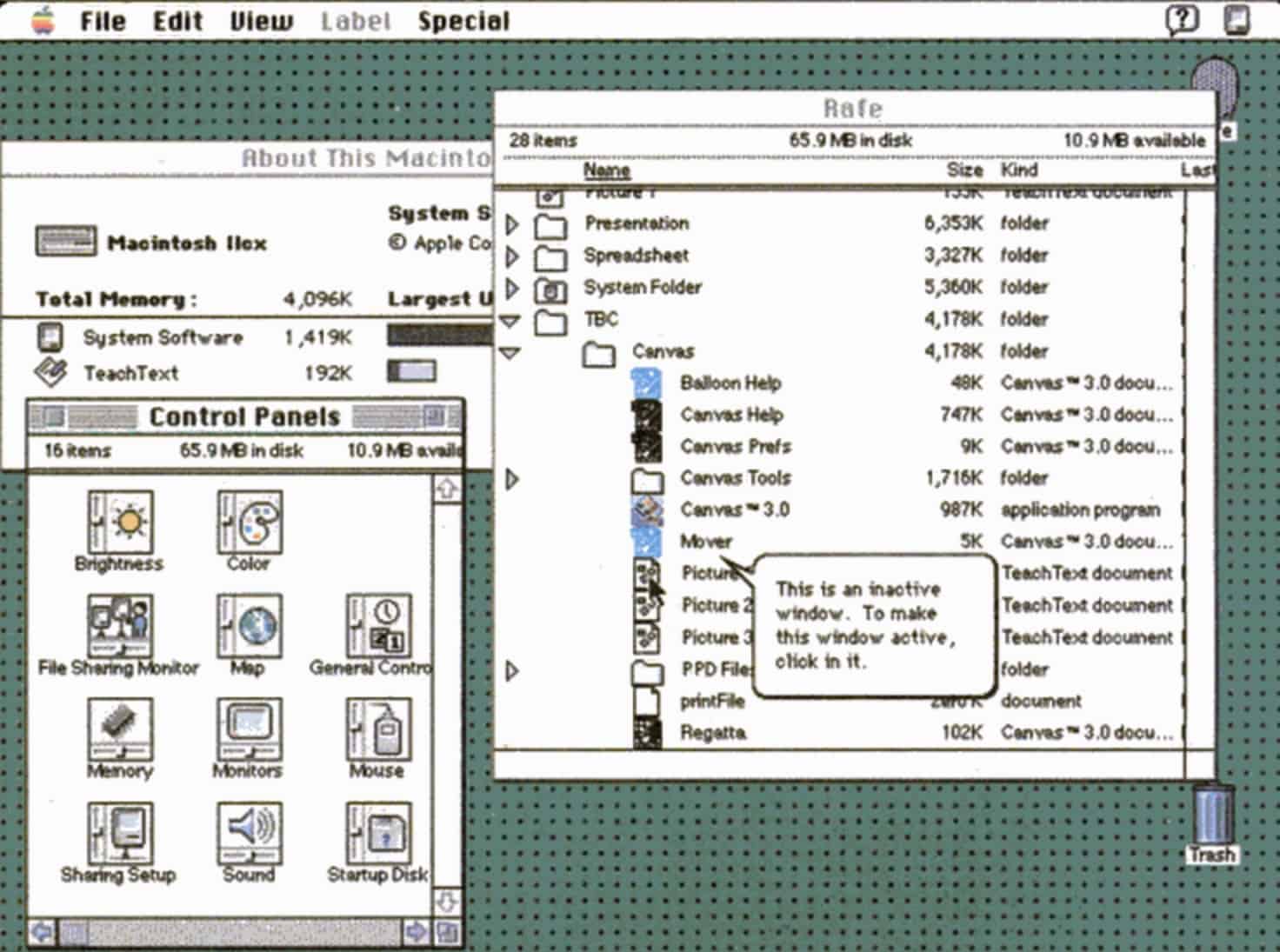
 May 13, 1991: Apple releases System 7, the biggest upgrade to the Mac operating system since the original Macintosh computer shipped in 1984. The new Mac OS is whip-fast, beautiful to look at, and boasts a bevy of innovative features.
The longest-lasting of Apple’s classic Mac operating systems, it will remain current until System 8 replaces it in 1997.

Foxconn, a critical supplier for major hardware companies including Apple and Nvidia, confirmed Tuesday that a cyberattack struck its North American operations. And the group behind the attack claims to have walked away with a trove of sensitive data touching some of the world’s biggest tech companies.
That could include Apple files, but it’s difficult to say which ones and how important they are.

Fingerprint recognition is so last year: You can unlock your front door with a simple wave of your hand with a Philips 5000 Series lock.
This premium lock uses touchless palm scanning to identify you by your veins. It also offers Wi-Fi connectivity, app controls and auto-locking features to modernize your front door for just $212.49 (MSRP $279.99). Oh, and if you want, you can use a physical key as well, you luddite!
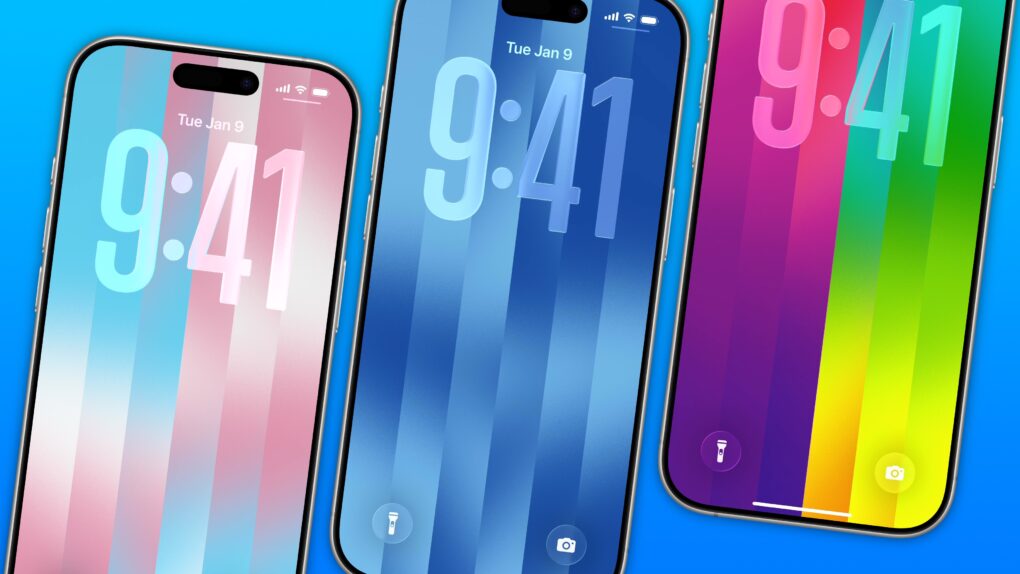
The colorful Pride Luminance wallpaper and watch face add beautiful color gradients to your iPhone and Apple Watch. You can download them both after updating to iOS 26.5 and watchOS 26.5.
Since they’re part of Apple’s annual Pride collection, they come with a bunch of preset styles for various pride flags. But you can customize the Lock Screen wallpaper and the Apple Watch face however you want. With a light and dark shade of the same color, the vertical stripes and gradients shimmer and animate when you swipe up to unlock your phone. Or you can go to the other extreme, picking up to 12 colors from the Luminance palette.
This is easily the best Pride wallpaper Apple has produced yet — in fact, it’s a great wallpaper, period. Check it out in our quick video or keep reading.
Google is making it easier to switch from iPhone to Android. The company worked with Apple to improve the iOS-to-Android migration experience.
Now, when switching from iPhone to Android, you can transfer your passwords, photos, messages, apps, and home screen layout.
WhatsApp is entering its subscription era, with a new paid tier for some iPhone users called WhatsApp Plus.
While existing WhatsApp features will remain free, the subscription brings cosmetic and functional upgrades such as premium ringtones, custom icons and the ability to pin more chats.
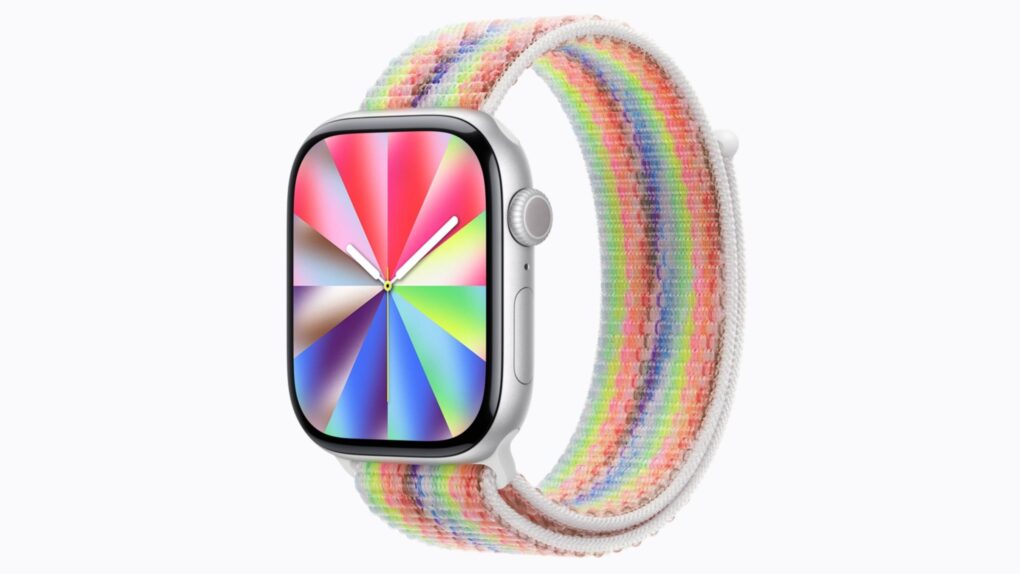
watchOS 26.5, which Apple released Monday, finally fixes a pair of annoying Apple Watch problems. It also brings a wildly customizable — and seemingly quite popular — Pride Luminance watch face that complements the similar iPhone wallpaper.
Here’s what’s new with the watchOS 26.5 update (plus a hint at what watchOS 27 might bring).
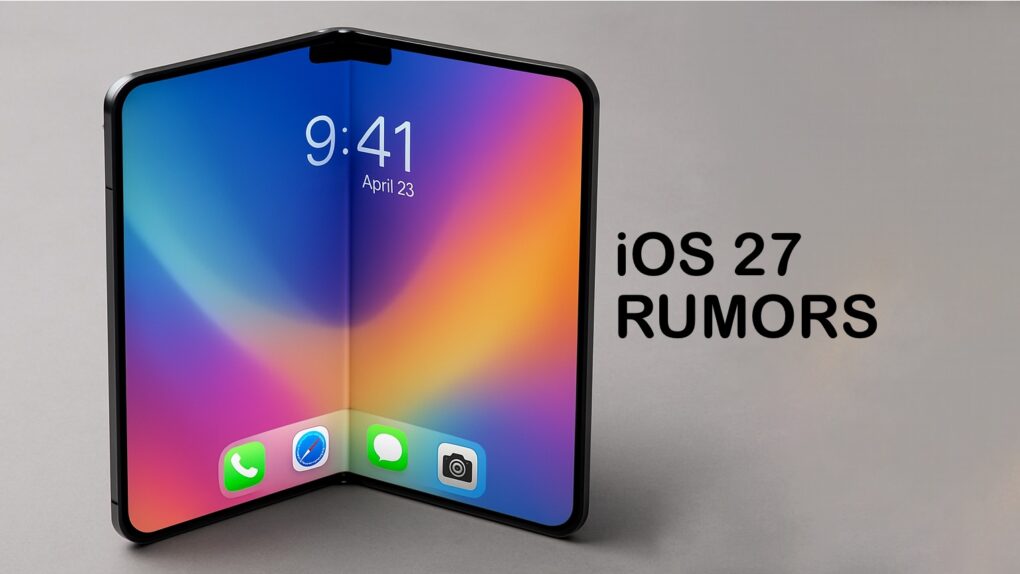
For the upcoming iOS 27 update, Apple will introduce a fully customizable Camera app, a ground-up redesign of Siri and visual changes across a range of built-in apps, according to a new report Tuesday.
Apple will showcase the update and other operating system changes at its Worldwide Developers Conference on June 8.

Apple fans and coin collectors snatched up a new tribute to Steve Jobs on Tuesday. As part of its ongoing American Innovation $1 Coin Program, the United States Mint put the Steve Jobs coin up for sale at 9 a.m. Pacific time this morning — and it sold out almost instantly.
The coin honors the late Apple co-founder and his impact on technology and culture, celebrating one of the most influential figures in technology history. But the image of Jobs is somewhat questionable.
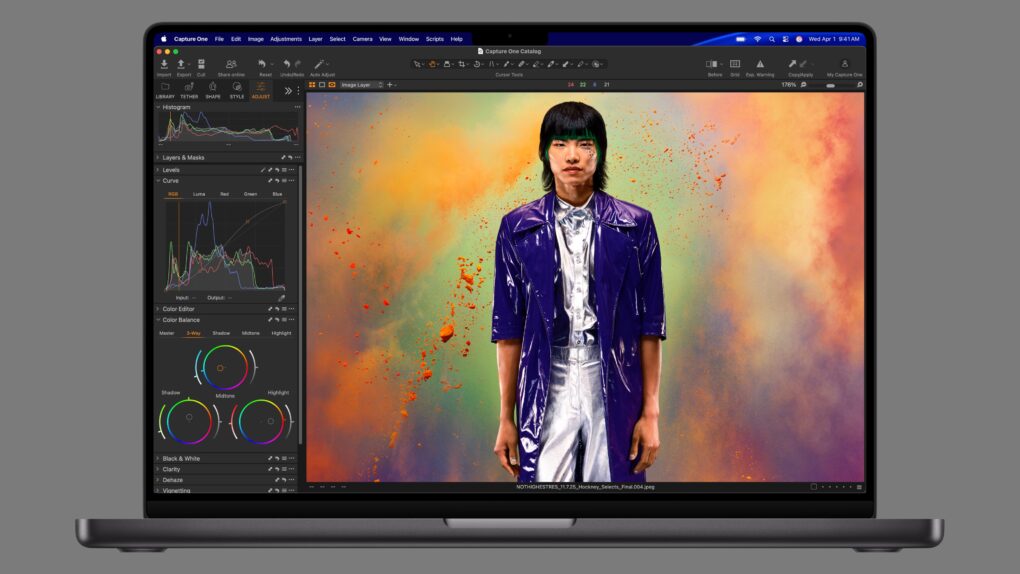
The MacBook Pro with the standard M5 chip and loaded up with plenty of RAM and storage released in 2025 dropped to its lowest price ever. Amazon hacked 14% off the price, saving buyers $300!
And those looking for the more powerful versions powered by M5 Pro and M5 Max chips can save on these premium machines, too. Amazon knocked up to $200 and sometimes more off the prices for the 2026 MacBook Pro, including both the 14-inch and 16-inch screen sizes.
Whichever chip you choose, save on a powerful macOS notebook today!

Since I spend a lot of time using Safari on my iPhone, any new tips and tricks I learn can feel life-changing. Apple’s mobile web browser proves absolutely instrumental to my iPhone usage (and odds are, it does for you, too).
Here are a few of my favorite hidden features. These Safari tips will help you browse the web faster, clean up your experience and restore tabs you accidentally close. I also have a handy shortcut you can download at the end.
Keep reading or watch our video.
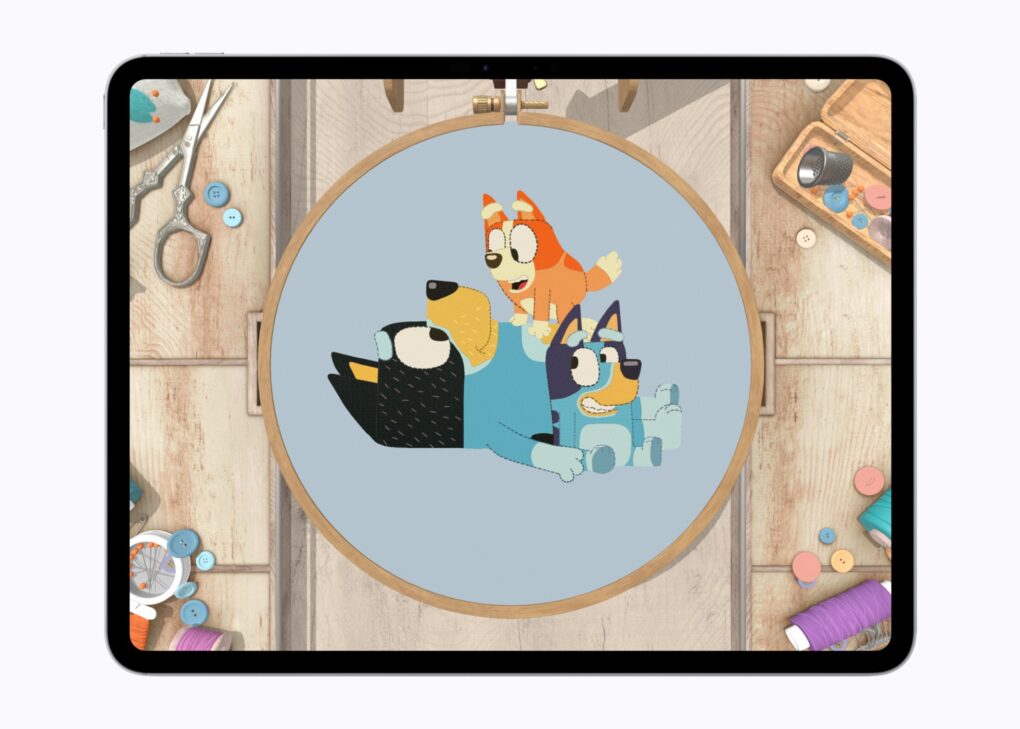
Apple Arcade subscribers are in for a treat this month, as the beloved characters from the Emmy-winning animated series Bluey take over five popular games on the platform in a limited-time crossover event kicking off May 21.
“As we continue to grow Bluey in interactive, it’s important that each experience reflects what families love about the brand — its playfulness and creativity, and how it brings people of all ages together,” said Marina Mello, BBC Studios’ global director of Gaming & Interactive.

 May 12, 2005: Longtime Apple frenemy Bill Gates tells a German newspaper that Apple may have hit it big with the iPod, but that its success isn’t going to last forever.
The reason for the Microsoft co-founder’s doomy take on the iPod’s future? He thinks mobile phones will steal the music player’s market share.
The good news for Gates is that he was right on the money. The bad news for Microsoft is that Apple cannibalized itself by making the iPhone. And Apple’s smartphone became even more successful than the iPod.
 ★★★★★
★★★★★
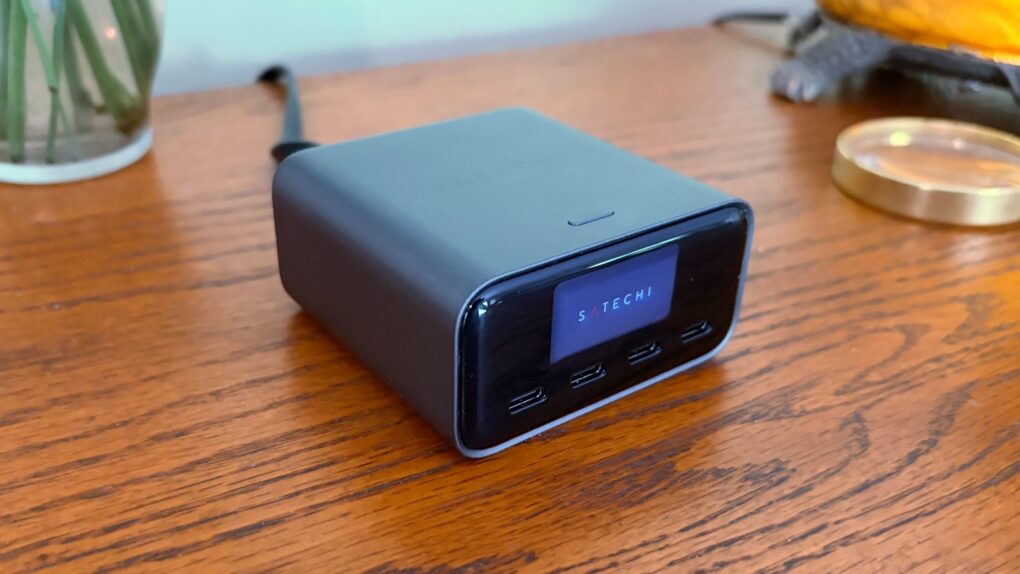
The Satechi ChargeView 140W Desktop Charger offers four USB-C ports to power up a MacBook, iPad, iPhone and other accessories all at once. The standout feature is a display that shows just how much current is flowing through each port.
I put the charger through testing to see how it stands up to real-world use. Here’s what I found.
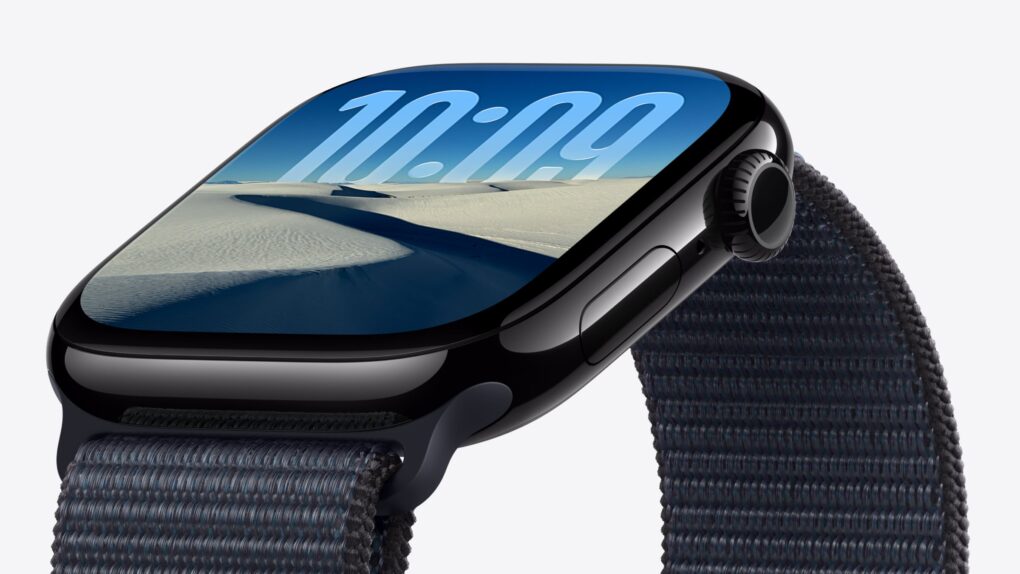
After years of iterative upgrades, rumors indicate Apple Watch Series 12 might bring real advancements that make the upcoming model hard to ignore. We could see a much faster chip, smarter Apple Intelligence features and maybe even Touch ID.
Here’s what to expect from Apple Watch Series 12, which should arrive this fall alongside the iPhone 18 Pro.
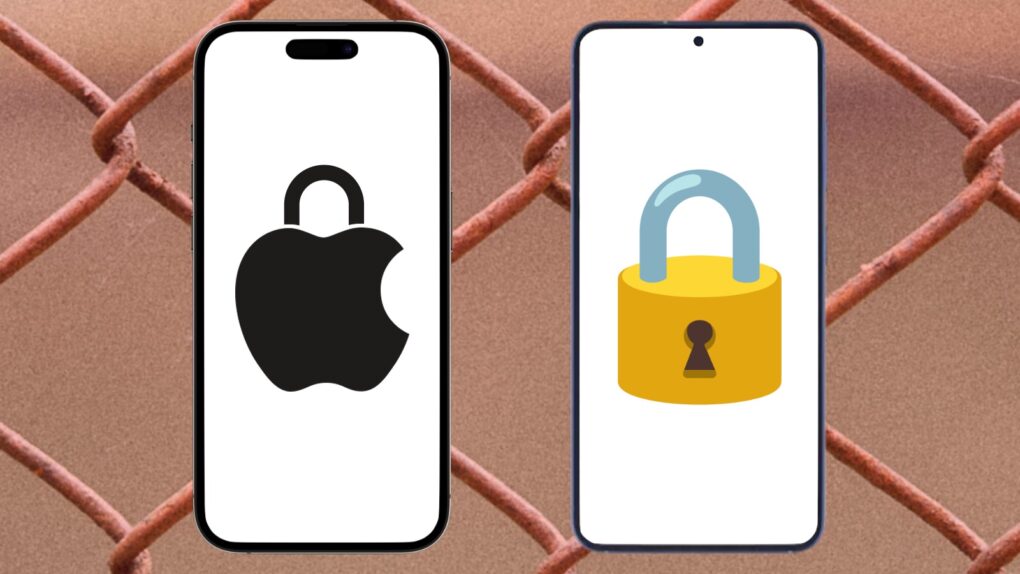
Apple’s newly released iOS 26.5 update supports end-to-end encryption for RCS messaging between iPhones and Android devices.
However, the feature requires the cooperation of wireless carriers. Fortunately, Apple released a list of which ones do, and all three of the biggest U.S. carriers are on board: AT&T, T-Mobile and Verizon.
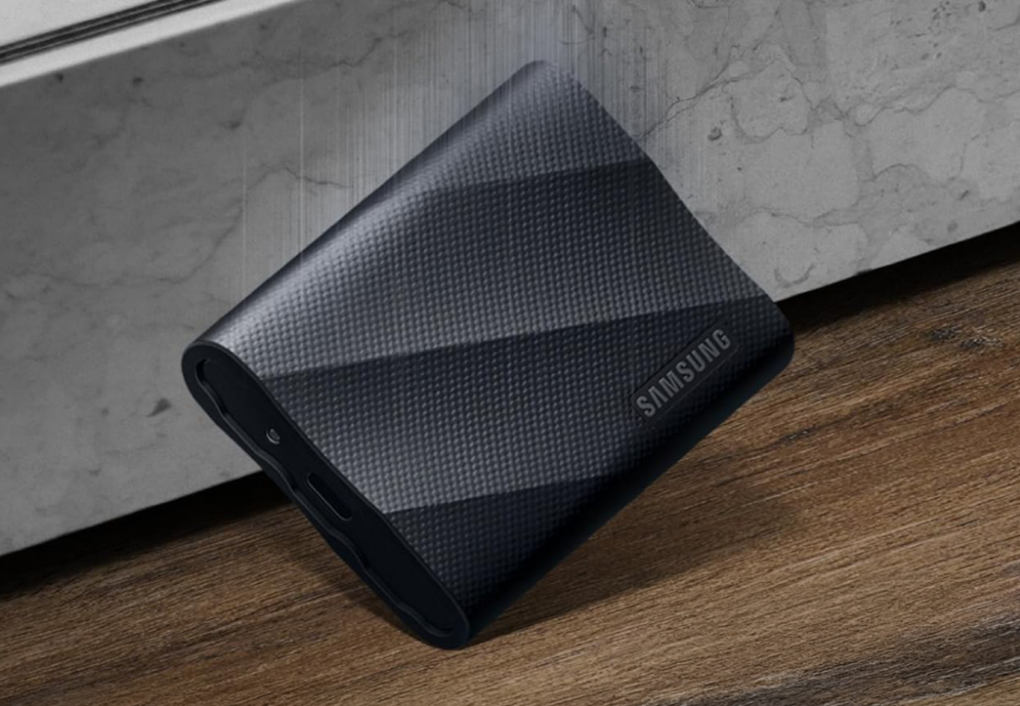
This deal on Samsung’s T9 portable SSDs can land you a massive amount of storage at a reasonable price. That’s great news for Apple users who need a reliable place to stash large files, even as prices for SSDs skyrocket.
The T9s deliver fast data transfers, rugged portability and enough space for huge Apple workflows, and this deal drops them to prices that currently beat Amazon.
Solve your storage crisis with a Samsung T9 SSD, on sale from Cult of Mac Deals in 1TB, 2TB and 4TB options.
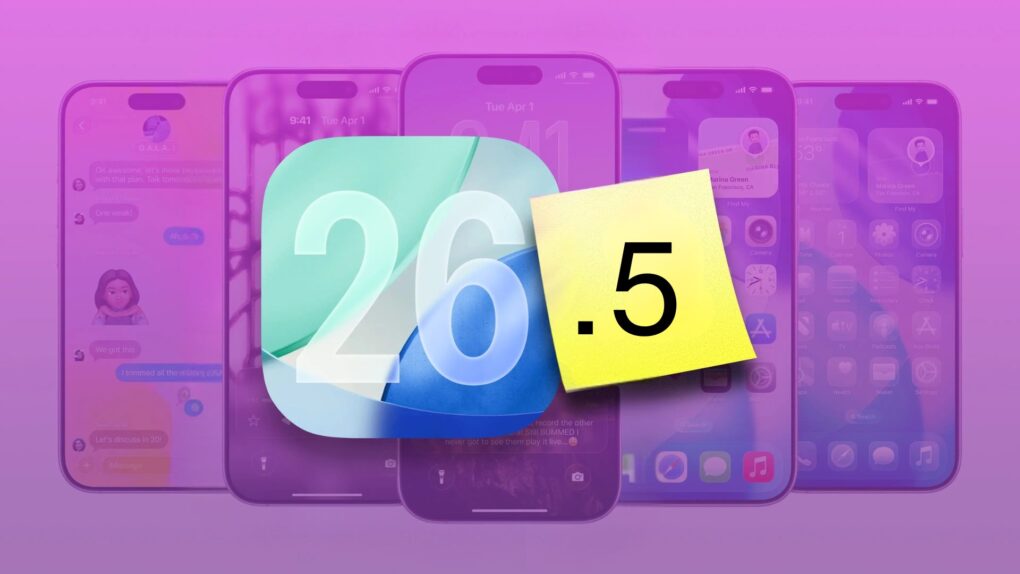
iOS 26.5 launched Monday, bringing several minor but important usability improvements to your iPhone. The update adds 11 new Pride-themed wallpapers, a suggested places section in Apple Maps, and a new payment option for yearly app subscriptions.
Here are all the new features you can look forward to trying in iOS 26.5.

Apple TV’s Hollywood satire The Studio cemented its place in television history, claiming the International category at Sunday’s 2026 BAFTA Television Awards in London — the final major prize needed to complete the most dominant awards run ever achieved by a debut comedy series.
“The historic journey of ‘The Studio’ has been nothing short of astounding,” said Matt Cherniss, Apple TV’s head of programming. “The show’s sweeping success is a testament to the extraordinary talent, creativity and innovation of Seth, Evan and the entire creative team and cast.”
“The series has resonated deeply with audiences worldwide, bringing laughter to millions,” he added. “We couldn’t be prouder of the team’s monumental achievement and the way ‘The Studio’ has redefined what’s possible for comedy on a global scale.”
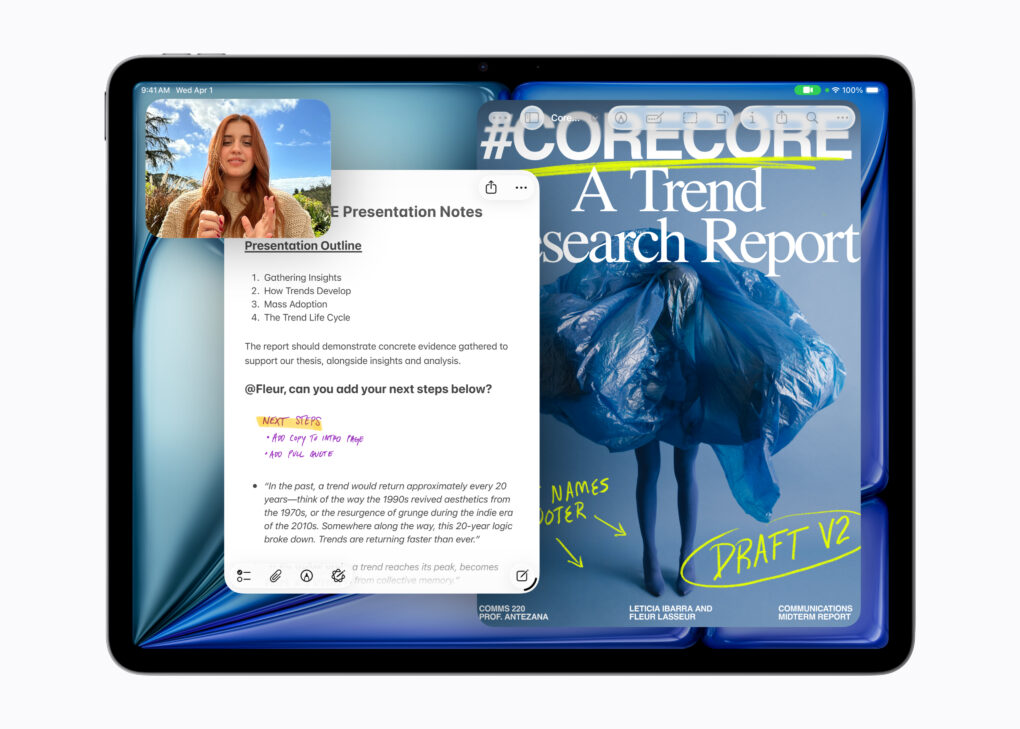
The M4 iPad Air that launched in March contributed strongly to robust growth in Apple’s tablet shipments.
As a result, the iPad’s share of the global tablet market increased. Approximately 2.5 times as many Apple tablets sold last quarter as the iPad’s biggest rival.

 May 11, 1998: As part of his mission to turn Apple around, CEO Steve Jobs spells out the company’s strategy for the Mac operating system going forward. The big news is that Apple is hard at work creating a major new operating system called OS X, he says at Apple’s Worldwide Developers Conference in San Jose, California.
However, first the company will ship Mac OS 8.5 and the first customer release of an OS called Rhapsody that fall.

Apple users have long faced a frustrating paradox in home audio. Stay within the HomePod ecosystem and enjoy seamless Siri integration, or stray to better-sounding third-party options and sacrifice native Apple Home features. Denon’s new trio of Denon Home series speakers — Home 200, Home 400 and Home 600 — may finally have cracked that particular problem.
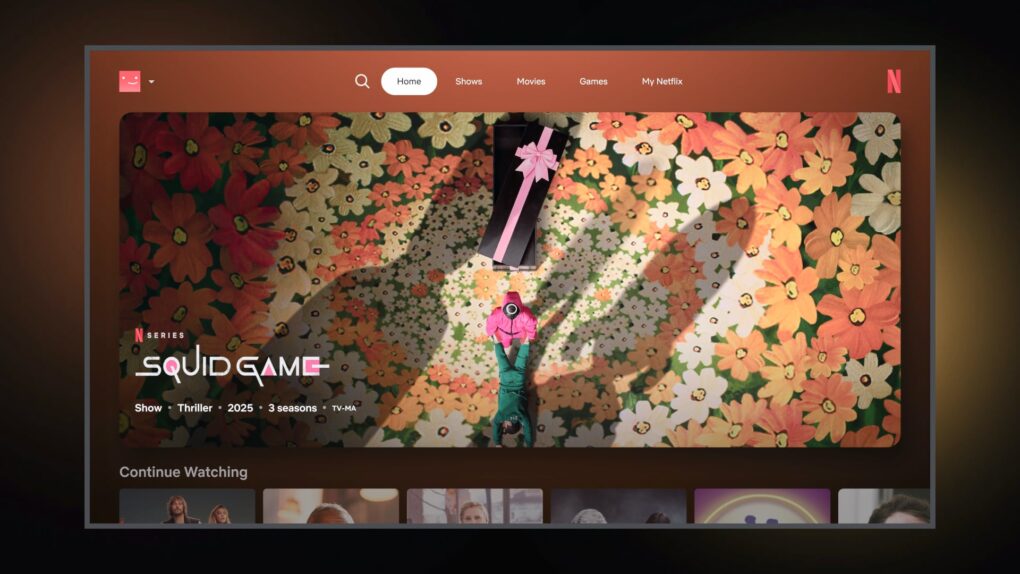
Netflix is testing a powerful new AI voice search that shows just how badly the Apple TV 4K needs an upgrade. Currently limited to a handful of users, Netflix’s new AI-powered tool lets users search for content conversationally. And instead of searching for something simple like a movie genre or specific title, they can ask Netflix for entertainment that fits their current mood.
For example, users can ask for something like “find me something that’s emotional but not too long” or “a romantic comedy with a few episodes.”
It’s a real game changer, according to a beta tester who gained early access. When Apple’s long-delayed Siri upgrade finally arrives, it could provide a similar — or even better — experience on Apple TV 4K.
Safari in iOS 27 and macOS 27 will reportedly copy a handy Google Chrome feature to better manage your open tabs. It will build on the Tab Groups feature to organize similar open tabs into groups automatically.
Apple will apparently also provide a manual way to open tabs into groups.