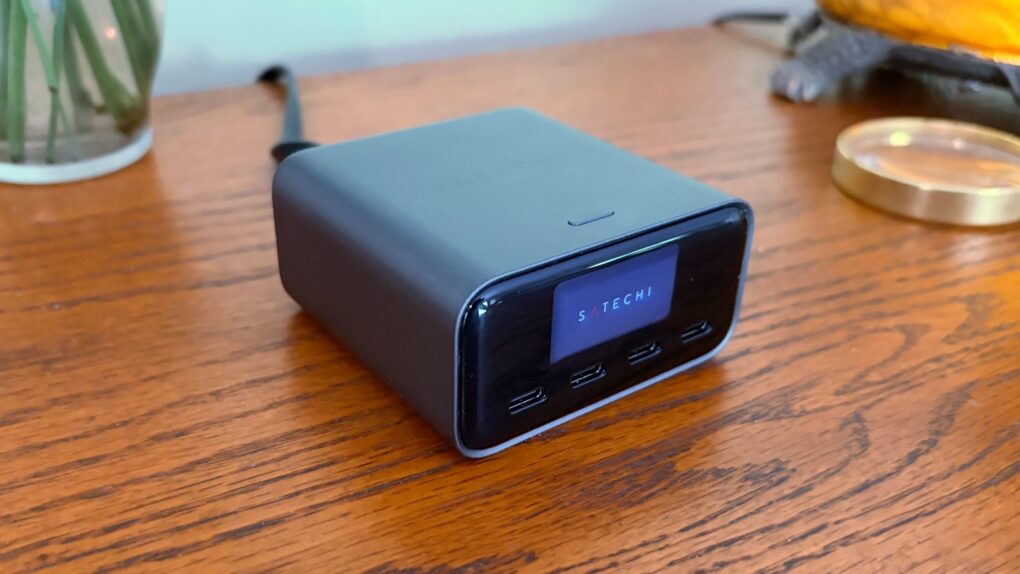
The Satechi ChargeView 140W Desktop Charger offers four USB-C ports to power up a MacBook, iPad, iPhone and other accessories all at once. The standout feature is a display that shows just how much current is flowing through each port.
I put the charger through testing to see how it stands up to real-world use. Here’s what I found.
Satechi ChargeView 140W Desktop Charger review
With so many Apple devices in our daily lives, a multiport desktop charger just makes practical sense. If you’re like me, you have an iPhone, Apple Watch, AirPods and iPad that all need power at the same time.
Instead of cluttering up my desk and outlets with multiple charging bricks and tangled cables, a single desktop charger can neatly power everything from one spot.
It simplifies cable management, frees up wall outlets, and makes it easier to keep every device topped off and ready to go throughout the day.
I’ve used a variety of these over the years, but the Satechi ChargeView 140W Desktop Charger is the first with a built-in display. That lets me see how much power each of my devices is getting so I can judge how soon they’ll be ready.
The Satechi ChargeView 140W Desktop Charger is a powerful GaN charger with a built-in digital display to see power in real time and adaptive charging intelligence to ensure optimal output for devices.

Table of contents: Satechi ChargeView 140W Desktop Charger review
- Just the right size for a desktop charger
- Useful charging status display
- Powerful charging performance
- Satechi ChargeView 140W Desktop Charger review: Final thoughts
- Pricing
Just the right size for a desktop charger
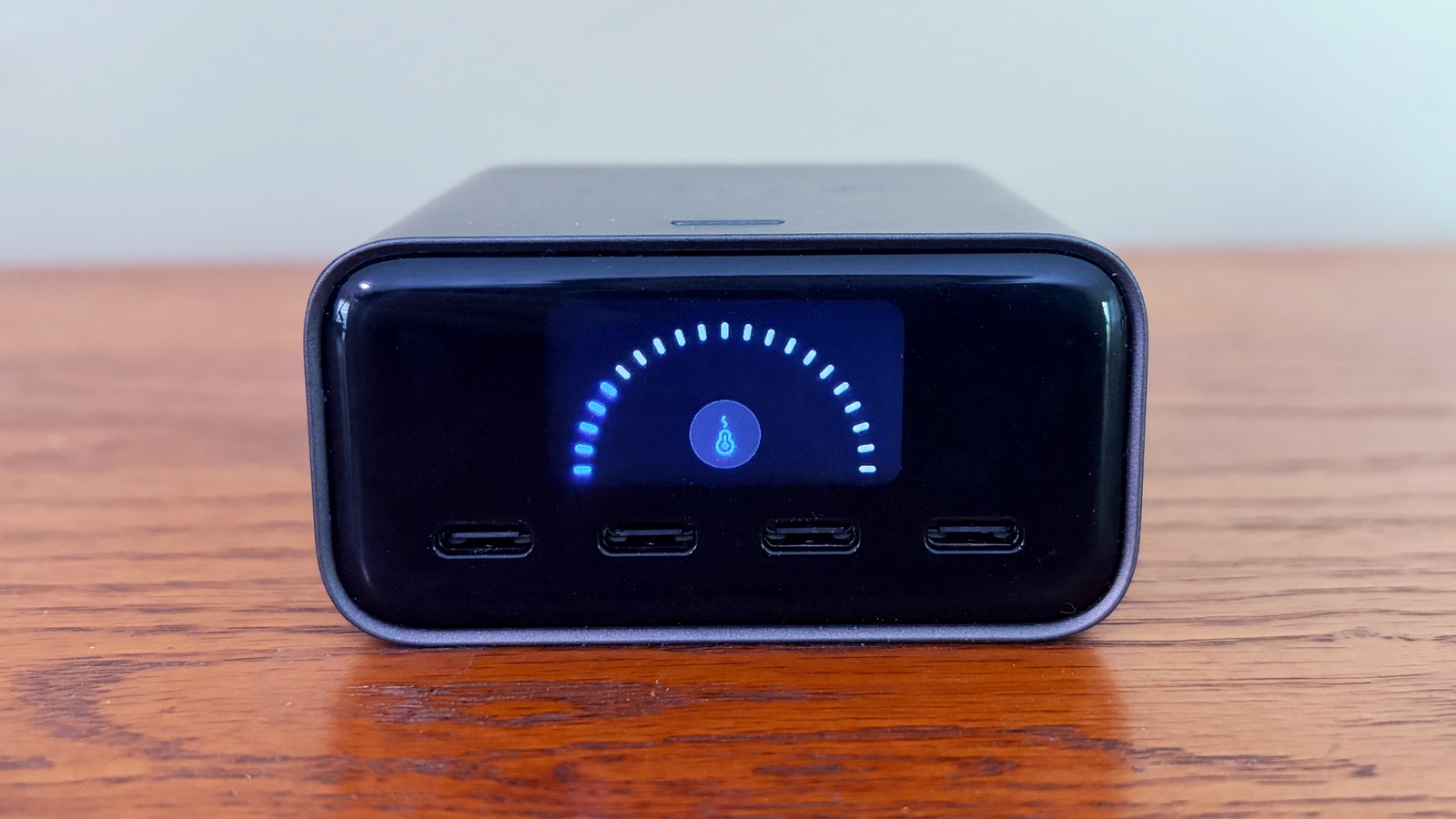
Photo: Ed Hardy/Cult of Mac
The charger doesn’t take up much room on my desk thanks to GaN technology. It measures a mere 3 inches wide, 3 inches deep and 1.5 inches tall. It weighs a pound — but that doesn’t matter because it’s not intended to go anywhere.
The accessory sits horizontally on a cylindrical stand that’s about 1.1 inches tall at its front edge. This both holds the Satechi ChargeView 140W Desktop Charger off the desk, and angles it upward about 10 degrees. Both make it easier to access the ports and see the built-in screen.
Alternatively, I can set the charger vertically. The stand supports it this way, but doesn’t tilt it up. Or you don’t have to use the stand at all. It’s optional.
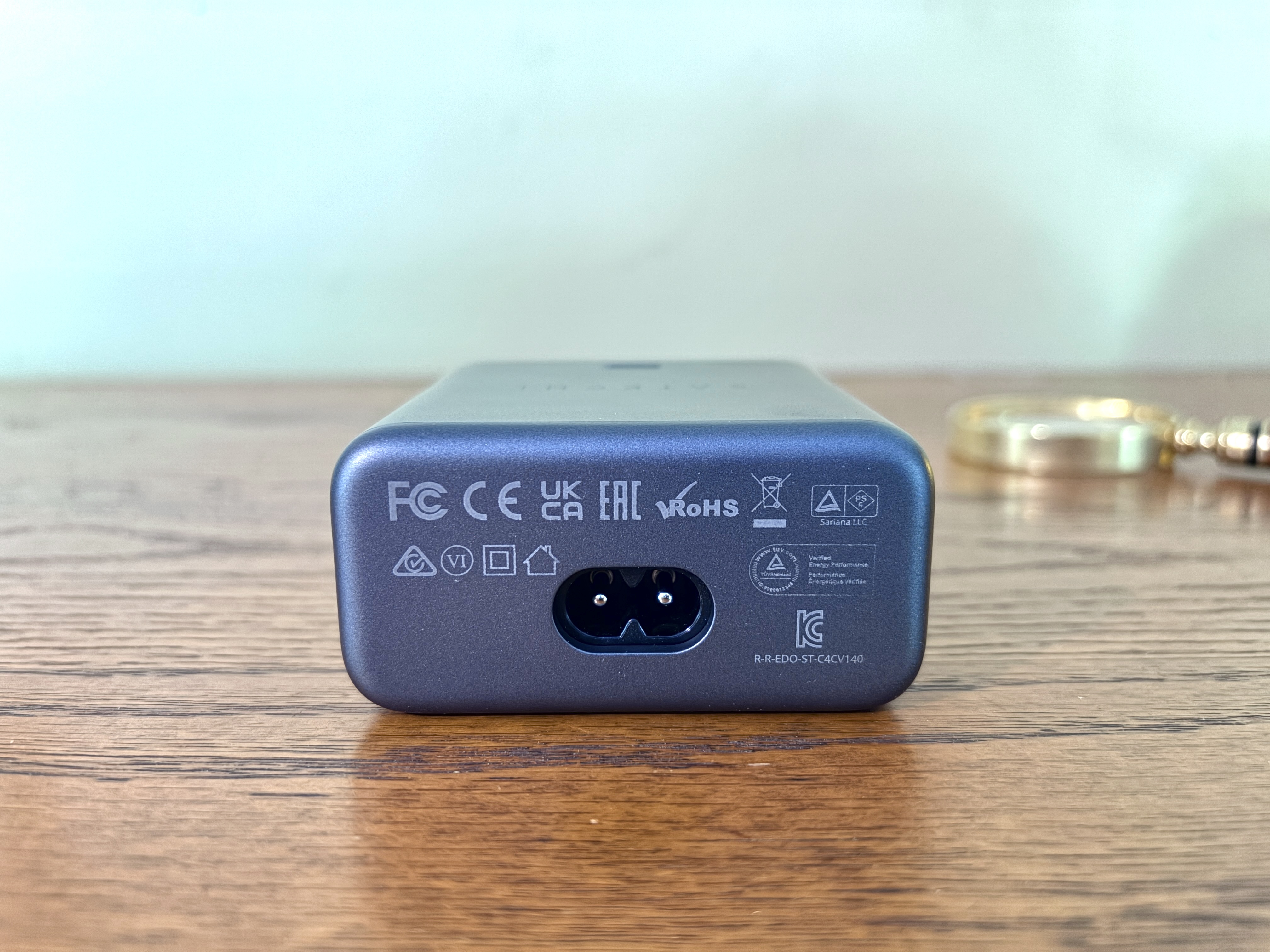
A single power cable connects the accessory to a wall socket. No external power brick is needed.
Useful charging status display
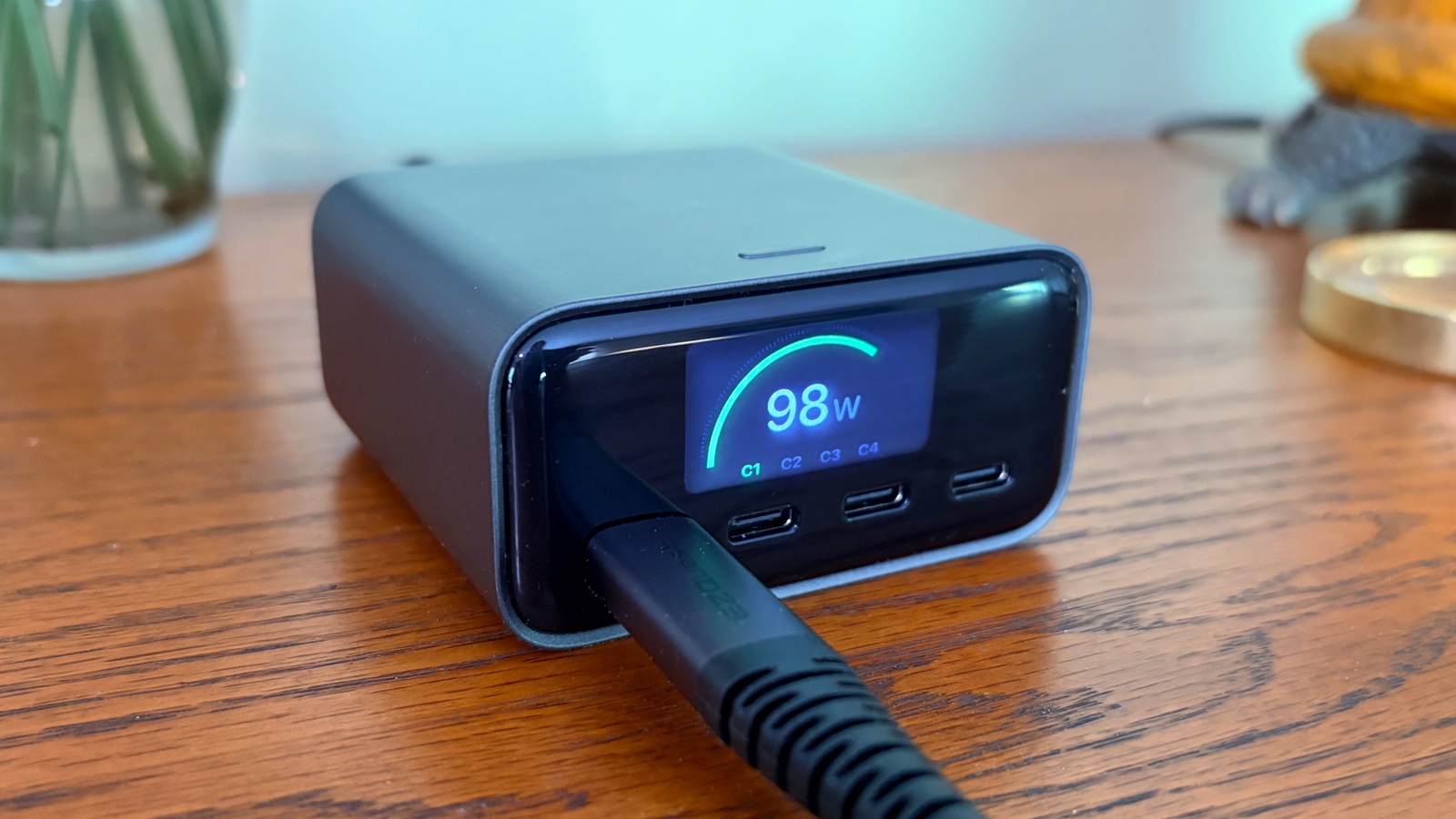
Photo: Ed Hardy/Cult of Mac
The full-color screen is 1.25 inches wide and 0.8 inches tall. Not particularly big, but you just need to see some numbers, not read a novel.
But those numbers are important. For one, they confirm that my devices are correctly connected and electricity is flowing. And I like knowing that my devices are getting all the watts they should. Plus, it’s an easy way to tell that one of my computers is close to being fully recharged.
The charger offers a trio of screens to choose from. One displays the total wattage the Satechi ChargeView 140W Desktop Charger is putting out above a list showing which of the four USB-C ports is currently in use. A second shows the wattage going to each port, without a total being displayed.
The third display option graphically shows the charger’s temperature. That’s important because when there’s a lot of power flowing through, the accessory can heat up. When that happens, active cooling kicks in.
You can cycle between the three options with a small button on the side of the charger.
The status screen turns itself on when you plug something in, then turns off after a minute. You can b ring it back by pressing the side button. A long press switches the display between horizontal and vertical.
Powerful charging performance
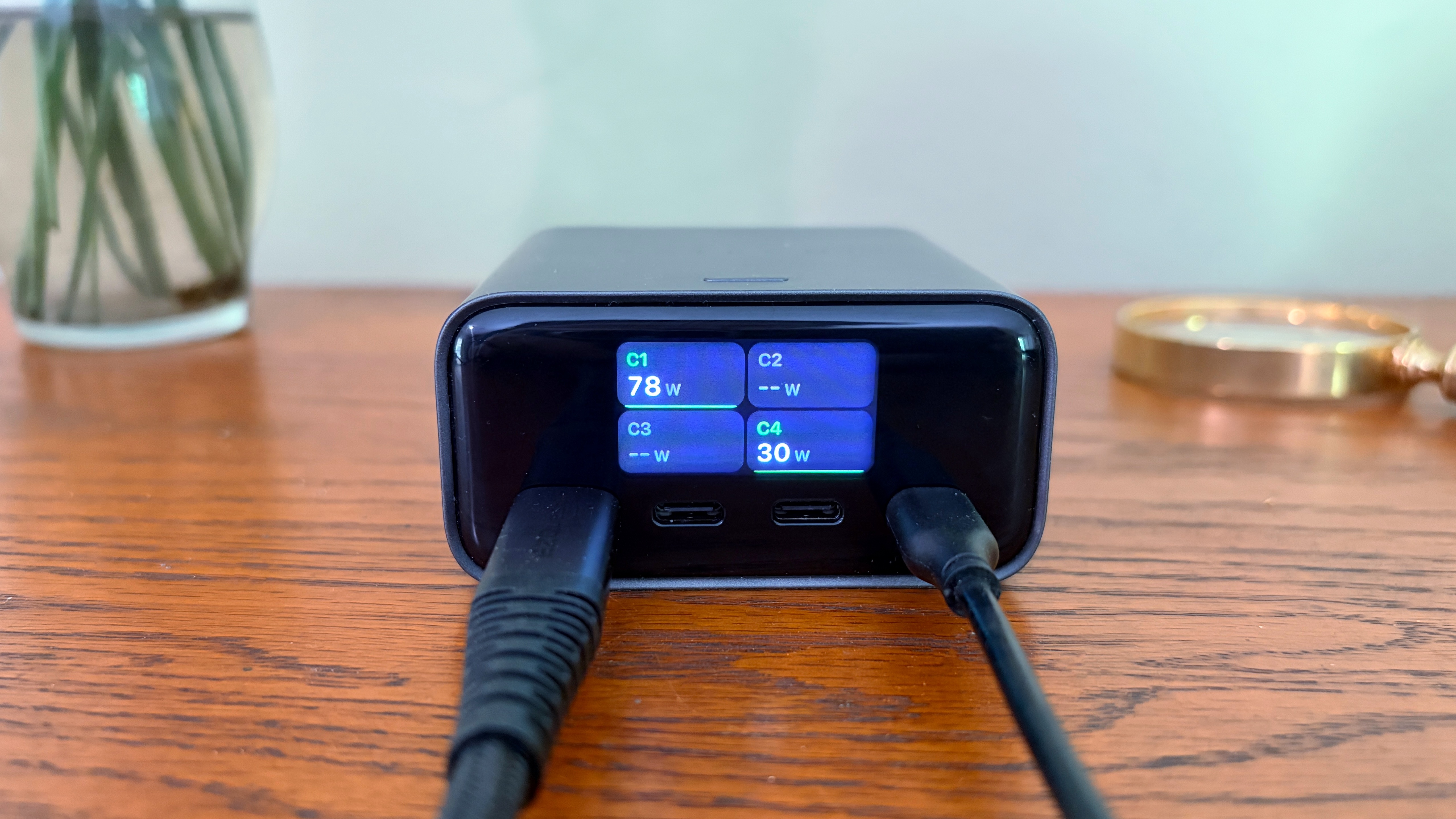
Photo: Ed Hardy/Cult of Mac
Given the name of this product, no one should be surprised that it puts out a maximum of 140W. That means it’s one of the elite chargers that can juice up a 16-inch MacBook Pro at full speed. Two of its USB-C ports can handle the full 140W — use these for MacBooks — while the two others top out at 40W each, so they can easily replenish an iPhone each.
I put the product to the test with a variety of devices. I started with my iPhone 17, naturally. The handset took in about 28W, the same as any other charger.
The Satechi ChargeView 140W Desktop Charger was able to send my iPad Pro almost 60W.
Getting away from just Apple gear, I tried out my HyperJuice 245W USB-C Battery Pack in the first USB-C port. It received 98W.
I added the iPad Pro to the third USB-C port, and it got 38W. That put the total flowing through Satechi’s charger at 136W — the max I could get it to hit.
So I added the Mophie Powerstation Pro AC to the second USB-C port, leaving the other two devices plugged in. It got 42W. But at the same time, the Hyper power bank dropped to 63W, and the iPad Pro dropped to 28W. That’s a total of 134W through the charger.
To finish, I went all in. The two power banks in the first USB-C ports, my iPad Pro in the third and my iPhone 17 in the fourth. The charger set them 58W, 38W, 19W and 15W, respectively.
I mentioned active cooling before. I wouldn’t be too concerned about that — I used all four ports to send over 130W through the charger for half an hour and couldn’t get it more than warm.
Satechi ChargeView 140W Desktop Charger review: Final thoughts
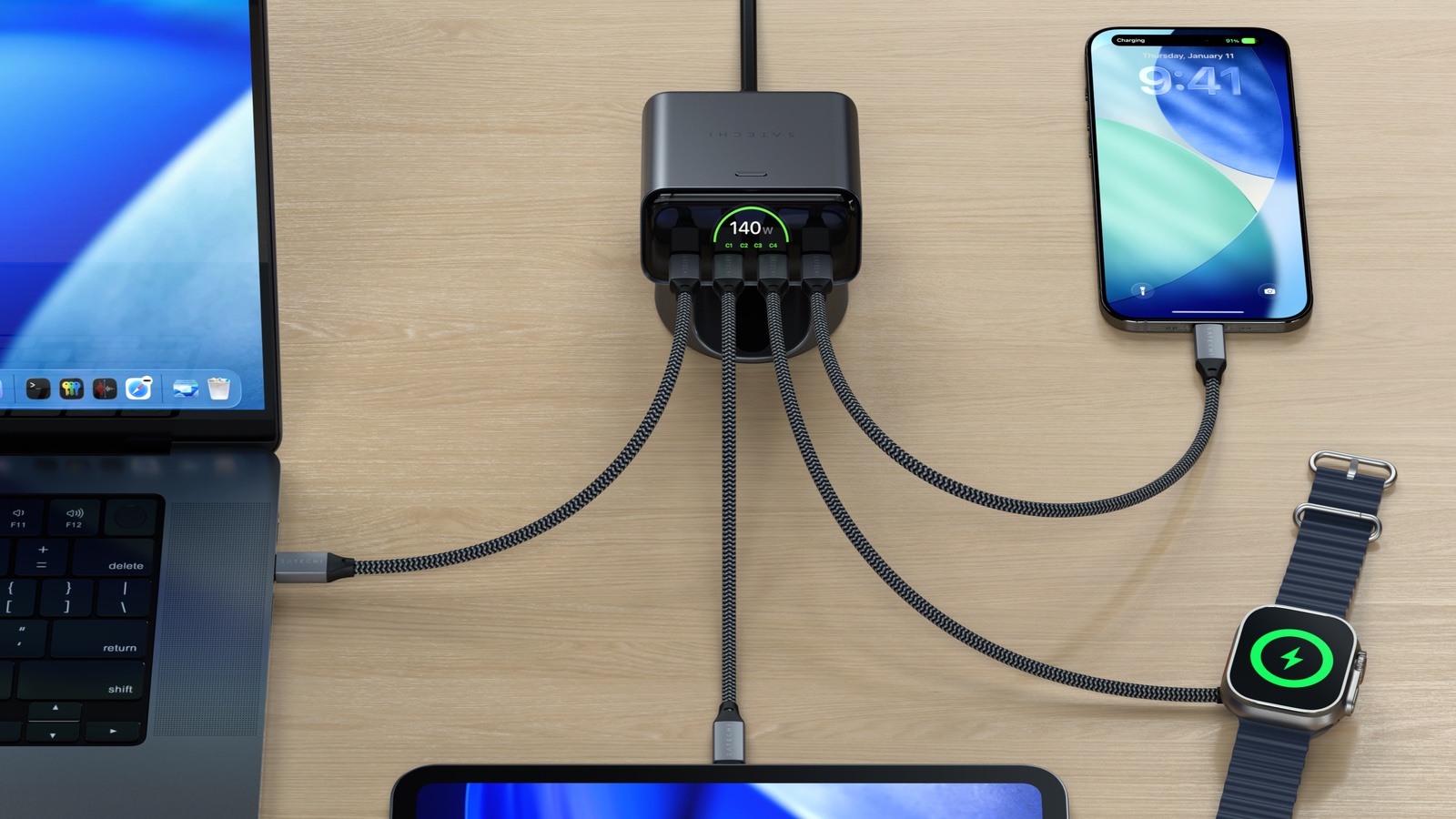
Photo: Satechi
I like that the Satechi ChargeView 140W Desktop Charger doesn’t take over my desk. But the screen is large enough that I can see just how much current is flowing through each of its four USB-C ports. And 140W is plenty to quickly charge my Apple devices.
Displays in chargers are convenient, and becoming common enough that buying a desktop model without one is starting to feel like a mistake.
★★★★★
Pricing
The Satechi ChargeView 140W Desktop Charger sells for $99.99 in space black.
The Satechi ChargeView 140W Desktop Charger is a powerful GaN charger with a built-in digital display to see power in real time and adaptive charging intelligence to ensure optimal output for devices.
Satechi provided Cult of Mac with a review unit for this article. See our reviews policy, and check out more in-depth reviews of Apple-related items.

Ed Hardy has been writing full-time about tech for 26 years, and using it for much longer than that. His intro to Apple was a Macintosh SE/30 (which he still has), but now he uses a 13-inch iPad Pro as his primary computer.
That’s because he’s a “tablet first” type of guy. Rather than use a Macbook, he connects a keyboard case to the iPad. And instead of a desktop Mac, he connects his tablet to a 27-inch display and full-size keyboard. (So don’t try to tell him that everyone has to use a Mac to be productive.)
Before coming to Cult of Mac, Ed wrote for NotebookReview, TabletPCReview and Brighthand, as well as other sites.


2 responses to “Satechi adds a real-time display to its powerful desktop charger [Review]”
ugh….not a single picture of the back
It’s not very exciting but here you go: