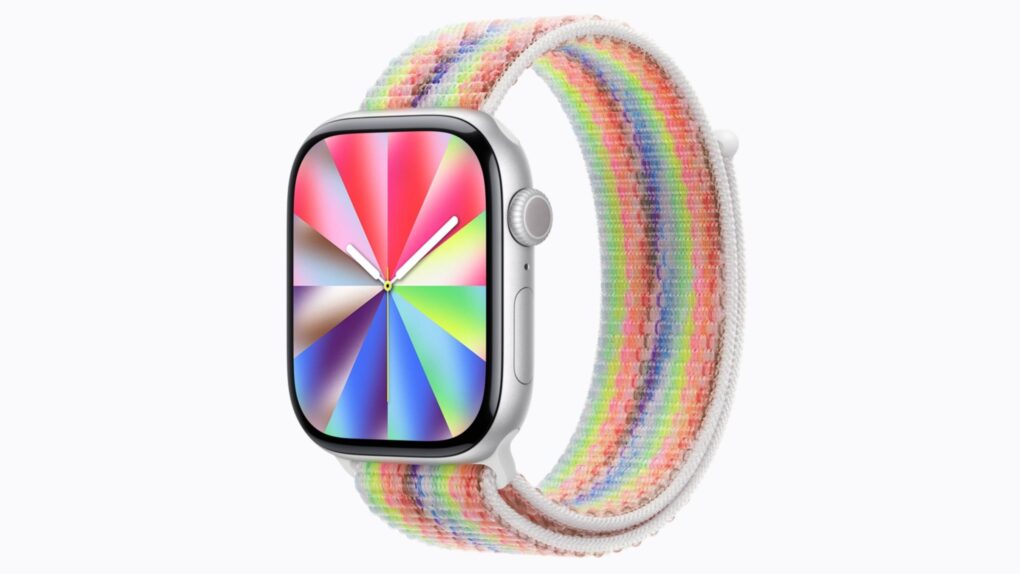
watchOS 26.5, which Apple released Monday, finally fixes a pair of annoying Apple Watch problems. It also brings a wildly customizable — and seemingly quite popular — Pride Luminance watch face that complements the similar iPhone wallpaper.
Here’s what’s new with the watchOS 26.5 update (plus a hint at what watchOS 27 might bring).
watchOS 26.5 brings bug fixes and new Pride Luminance Apple Watch face
With Apple’s annual Worldwide Developers Conference happening next month, Apple’s software engineers are undoubtedly plugging away at the next Apple Watch operating system, watchOS 27. But that doesn’t mean they can’t still squash some bugs and add some shiny features to what might be the last update to watchOS 26.
Apple fixed two specific problems with the watchOS 26.5 update.
The first small but annoying bug affected some Apple Watch users whose iPhone wasn’t nearby while they were exercising. Audio alerts from the Workout app would stop playing for no reason.
The update fixes the glitch, so Apple Watch users can once again rely on pacing cues and internal alerts without needing to carry an iPhone. (Apple fixed a different Workout app annoyance in watchOS 26.4, restoring the ability to start workouts with a single tap on the large workout icon.)
The second bug fixed in watchOS 26.5 affected iPhone users with two SIMs. If you use a dual-SIM iPhone paired with an Apple Watch, you might have noticed that Messages on your smartwatch often defaults to SMS rather than iMessage. Updating to the latest version of watchOS should eliminate that problem.
New Pride Luminance watch face arrives
New Pride Luminance watch face and wallpaper in today’s watchOS & iOS 26.5 updates. pic.twitter.com/7w2R87AkyN
— Jack Mayfield (@jjm_3) May 11, 2026
watchOS 26.5’s most eye-catching addition is the Pride Luminance watch face, which seems like Apple’s most customizable watch face yet. Inspired by prismatic light, the new Apple Watch face dynamically refracts colors across the dial as users interact with it.
Apple offers 11 preconfigured color combinations to choose from, but users can build their own from a palette of more than 70 colors and combine up to 12 shades at once. Dial shape, style and corner complications can also be customized.
The new Pride Luminance watch face isn’t limited to rainbow colors, meaning you are free to set it to any combination. If you are looking for a fully custom or monochromatic look, that’s fully supported. Like all Apple Watch faces, you can find Pride Luminance in the Watch app’s Face Gallery on your iPhone after you upgrade to watchOS 26.5.
What’s next for the Apple Watch?
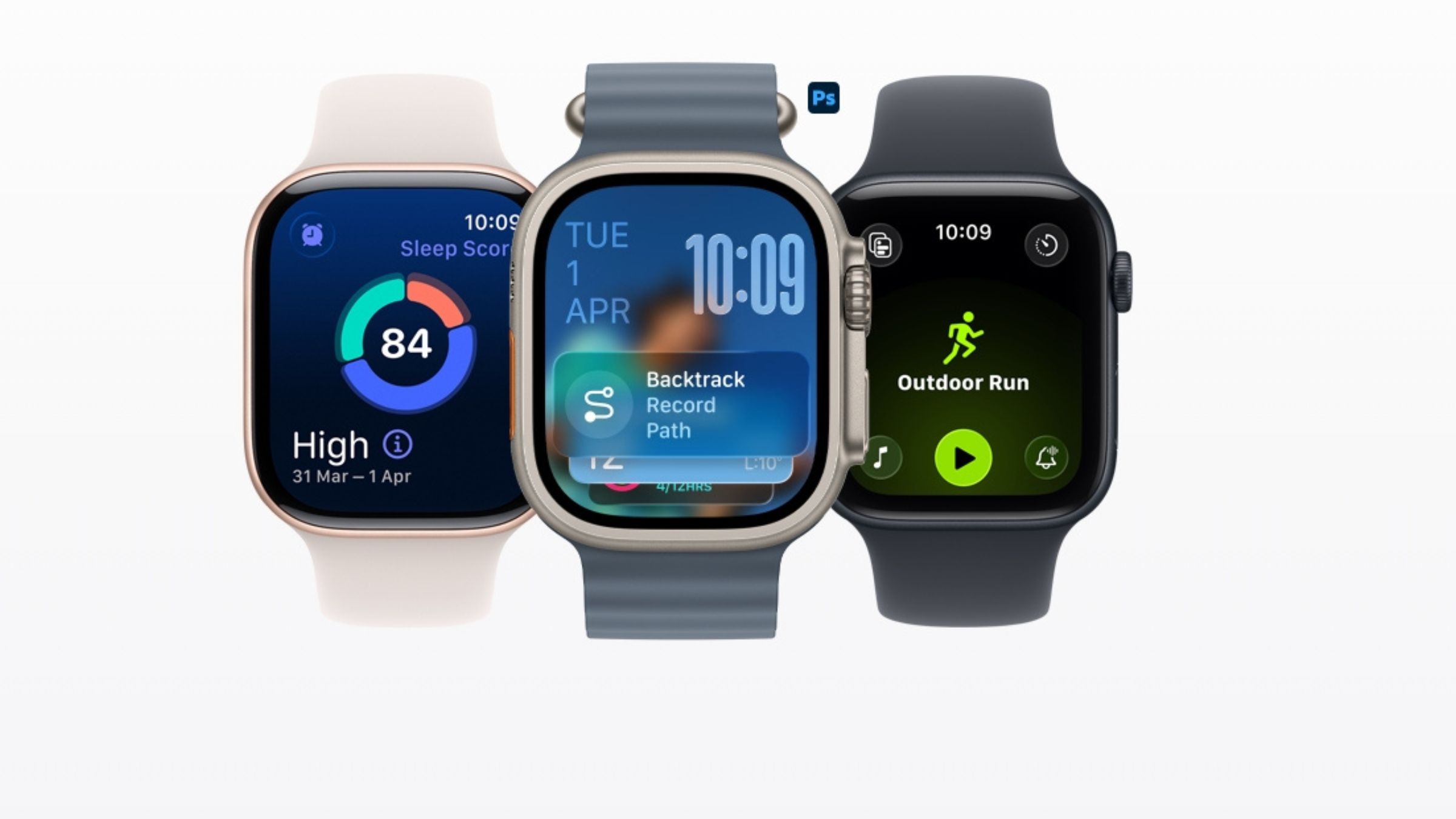
Photo: Apple
watchOS 26.5 is a relatively minor update, but bigger Apple Watch changes aren’t far away. With WWDC26 kicking off on June 8, Cupertino is expected to give us a glimpse of what watchOS 27 has to offer.
Early rumors point to huge, platform-level changes coming to the Apple Watch later this year. As with other Apple operating systems, watchOS 27 should bring more Apple Intelligence features. Those should include the long-delayed smarter Siri as well as AI-powered health and fitness features.
The Apple Watch software might not be the only thing evolving, either. Rumors surrounding the Apple Watch Series 12 suggest Apple could be preparing hardware upgrades that focus on battery life, health tracking and smarter features.
For now, though, watchOS 26.5 fixes some long-standing annoyances. The dual-SIM iMessage change alone could make this an easy update recommendation for many Apple Watch users. And the Pride Luminance band is definitely a looker.

Anurag Chawake is a tech-focused writer specializing in smartphones, apps and consumer technology. His interest in computers began during the Windows 98 era, eventually leading him to explore everything from operating systems to mobile devices and PC hardware. Anurag previously contributed to The Indian Express, covering Apple, Android, gaming and the broader technology landscape.

