
 Mac Hot Corners are shortcuts for your mouse. Enable the Hot Corners feature, and you can throw your mouse cursor to the corner of the screen (the easiest place to hit) to perform quick actions. You can instantly lock the screen, start a screensaver, show the desktop, show all windows and more.
If you use your Mac with a standard two-button PC mouse instead of Apple’s Magic Trackpad or Magic Mouse, Hot Corners can replace the multitouch gestures that you miss out on. The Mac’s built-in Hot Corners feature provides a quick and easy way to navigate your computer, and I recommend that you turn them on and use them.


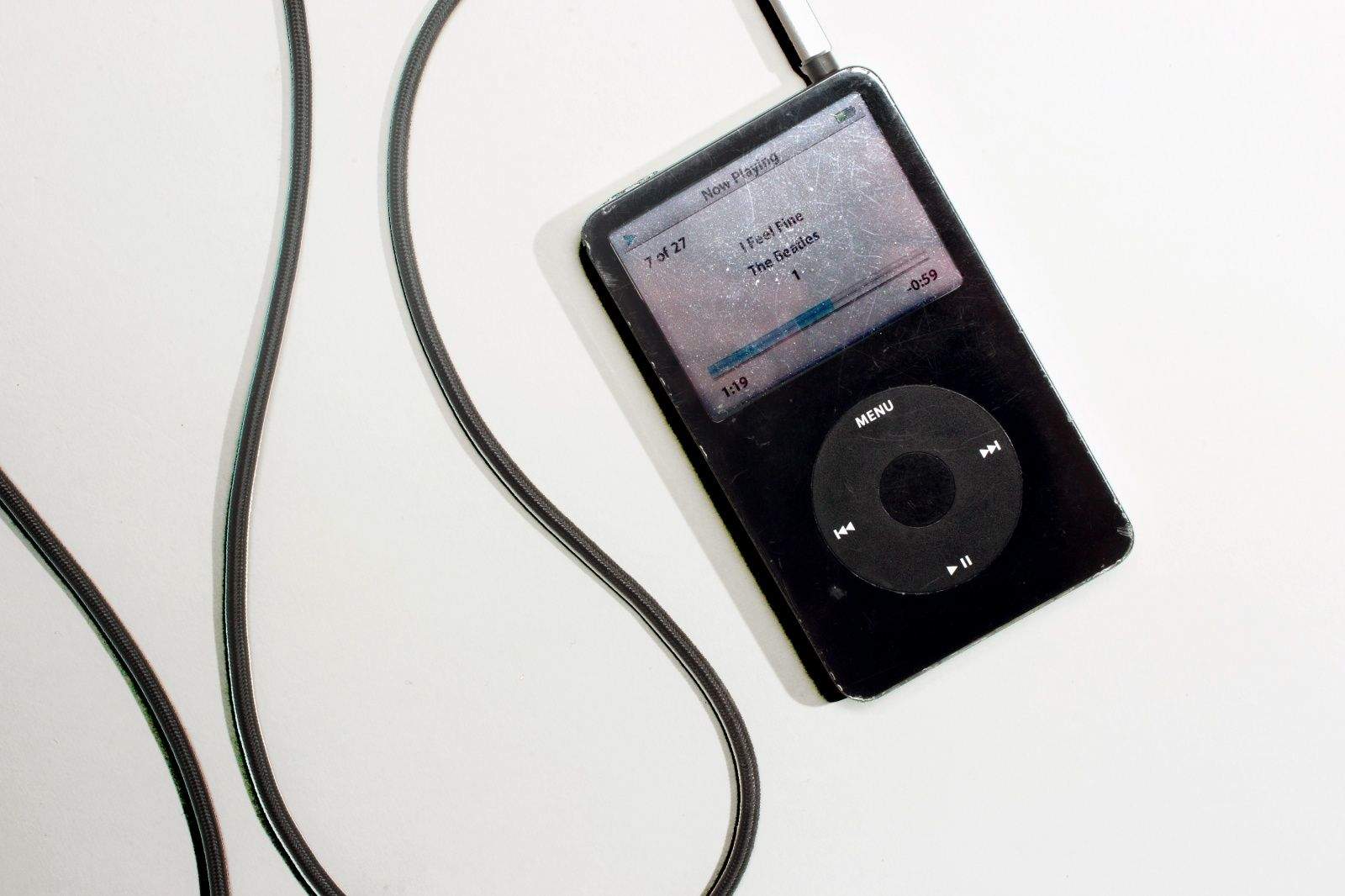
 January 12, 2005: Apple reports record earnings for the preceding three months, fueled by impressive iPod sales during the holiday period and demand for the latest iBook laptop. The hardware boom drives a fourfold increase in profits for the company.

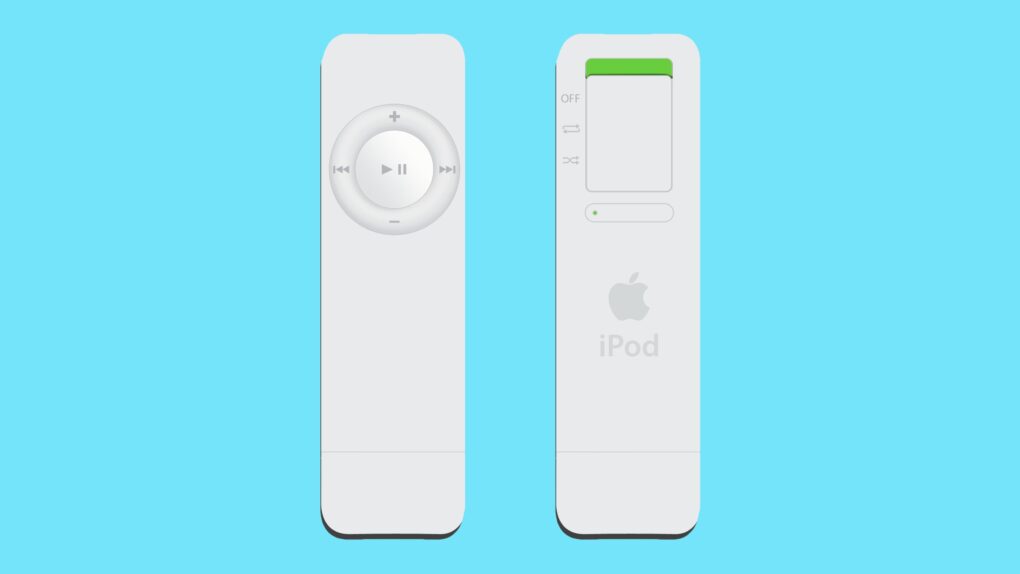
 January 11, 2005: Steve Jobs introduces the iPod shuffle, an entry-level music player that lacks a display. The device randomly shuffles the audio files it holds, but lets users easily skip songs they don’t like.
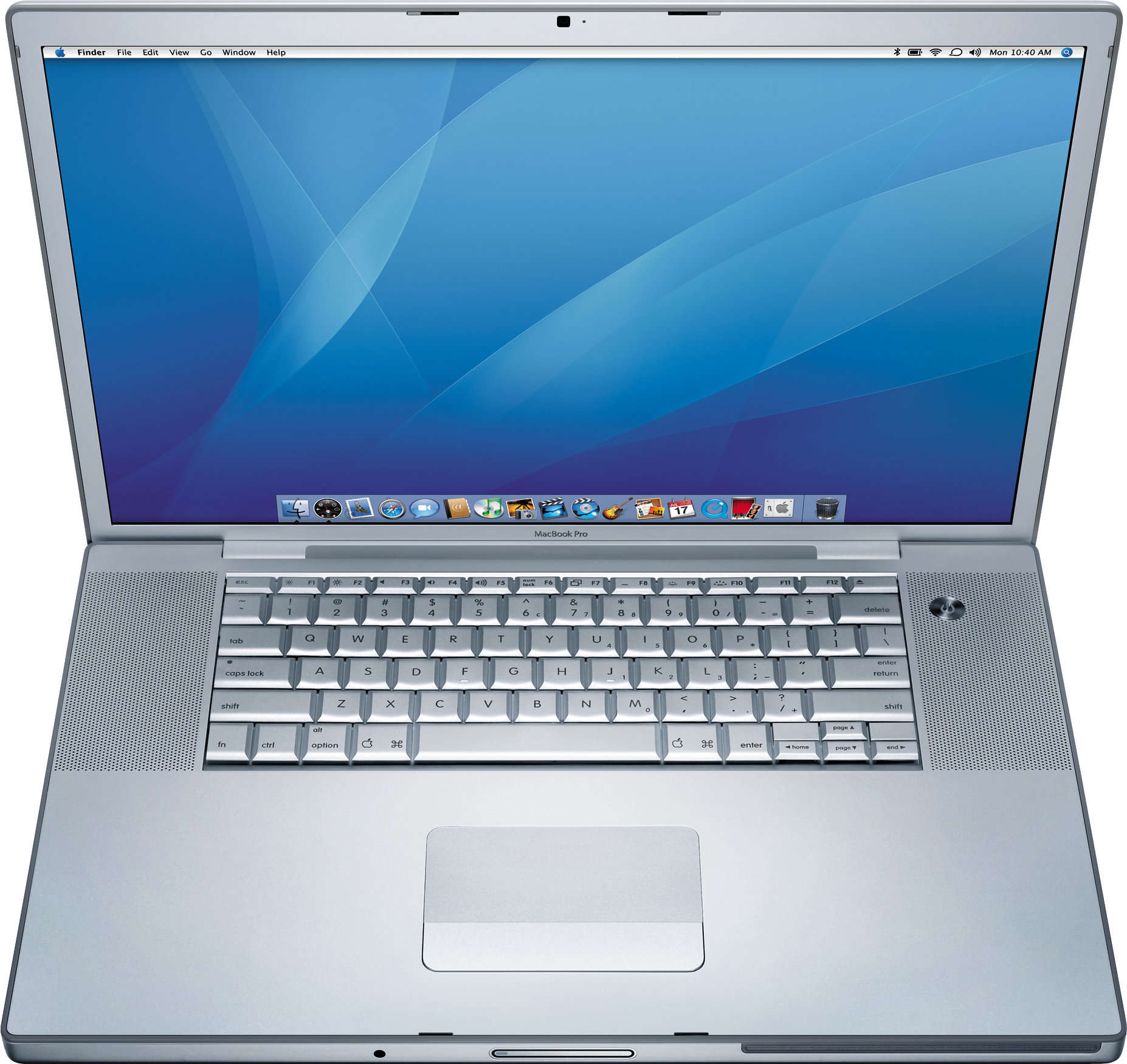
 January 10, 2006: Steve Jobs unveils the original 15-inch MacBook Pro, Apple’s thinnest, fastest and lightest laptop yet.



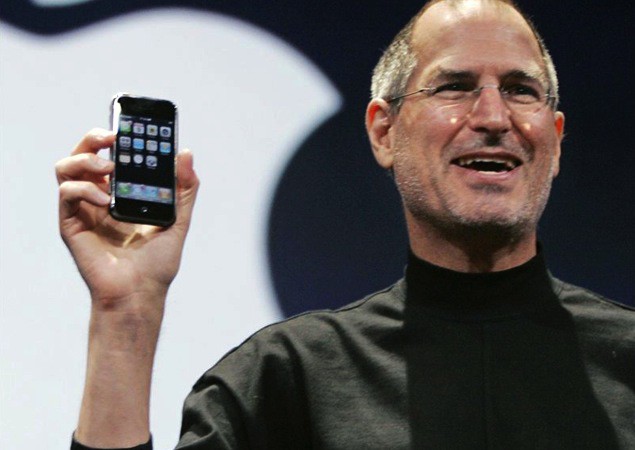
 January 9, 2007: Apple CEO Steve Jobs gives the world its first look at the iPhone onstage during the Macworld conference in San Francisco. The initial reaction to that first iPhone demo is mixed. But Jobs is confident that Apple has created a product that people want — even if they don’t know it yet.


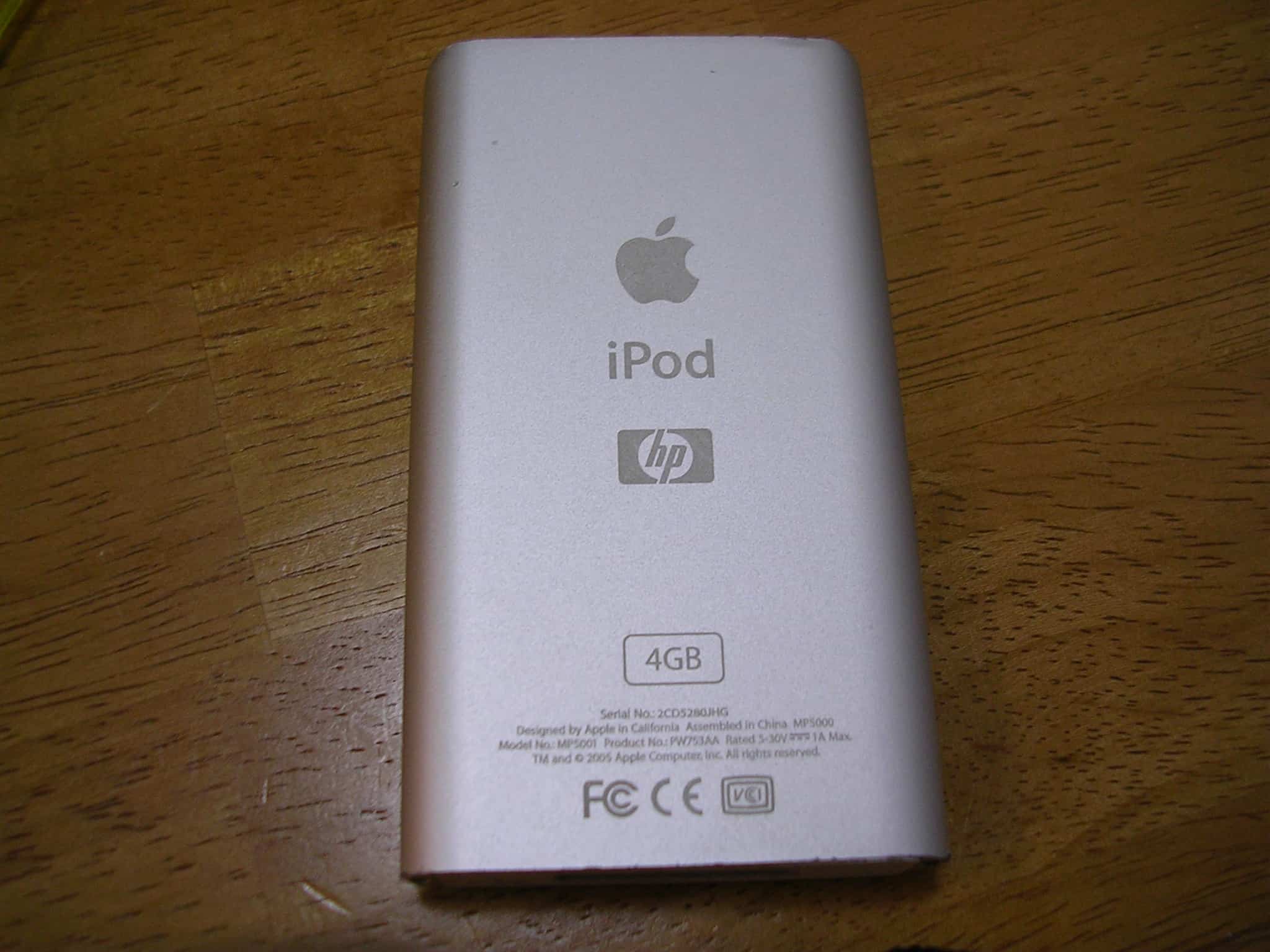
 January 8, 2004: The clumsily named iPod+HP, a Hewlett-Packard-branded iPod, debuts at the Consumer Electronics Show in Las Vegas.