The Spotify app for iPhone, iPad, and iPod touch has finally been updated to support iOS 7. There are some subtle interface changes that better fit iOS 7’s new design guidelines, but it’s not quite the overhaul you may have been expecting.
Need a spot to stow your stylus when you’re not using it ti draw on the screen of your iPad mini? No, me neither. But I could find space for a case which holds a regular old ink pen, which Adonit’s Jot Tote will doubtless manage just fine. Hell, the slidey-out metal drawer could even be used to store a little chocolate snack as you read.
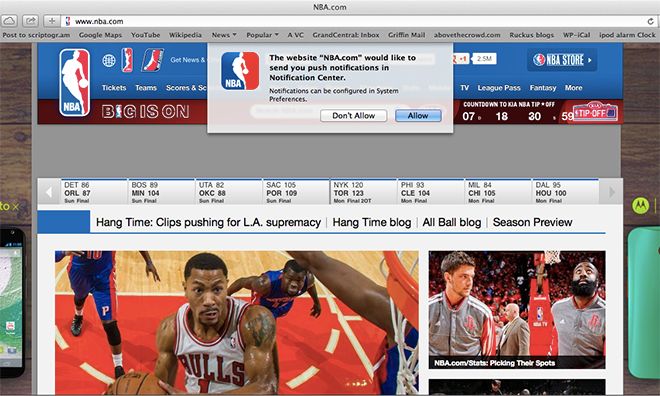
In OS X Mavericks, websites will be able to send you push notifications in Notification Center. This means, for example, that every time Cult of Mac publishes a new article, you could get a notification through Mavericks.
Sounds potentially maddening to me, but some big names are coming on board, with NBA.com and The New York Times enabling push notifications on their sites.
That’s the question I was asked time and time again when I told people that BBM was coming to Android and iOS. But it seems a lot of people care. In fact, when BBM finally made its cross-platform debut yesterday, the app was downloaded over 5 million times in just eight hours.
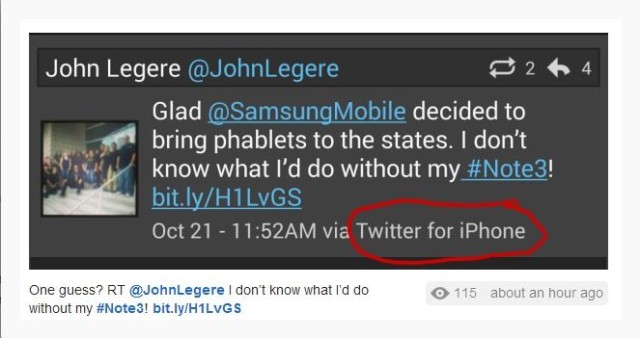
When you’re the head of one of the nation’s four largest mobile carriers, you’ve got access to a lot of phones. You’ve probably got to try them out all the time. But do you ever have access to so many phones that you forget which is which, or that the iPhone in your hand is not, in fact, a Samsung Galaxy phablet?
If you’ve ever wanted a tiny, pressure-sensitive digitising tablet for your Mac, then you’re in luck: you will soon be able to get the SketchDock, a flat aluminum panel which turns your iPhone into a pen tablet.
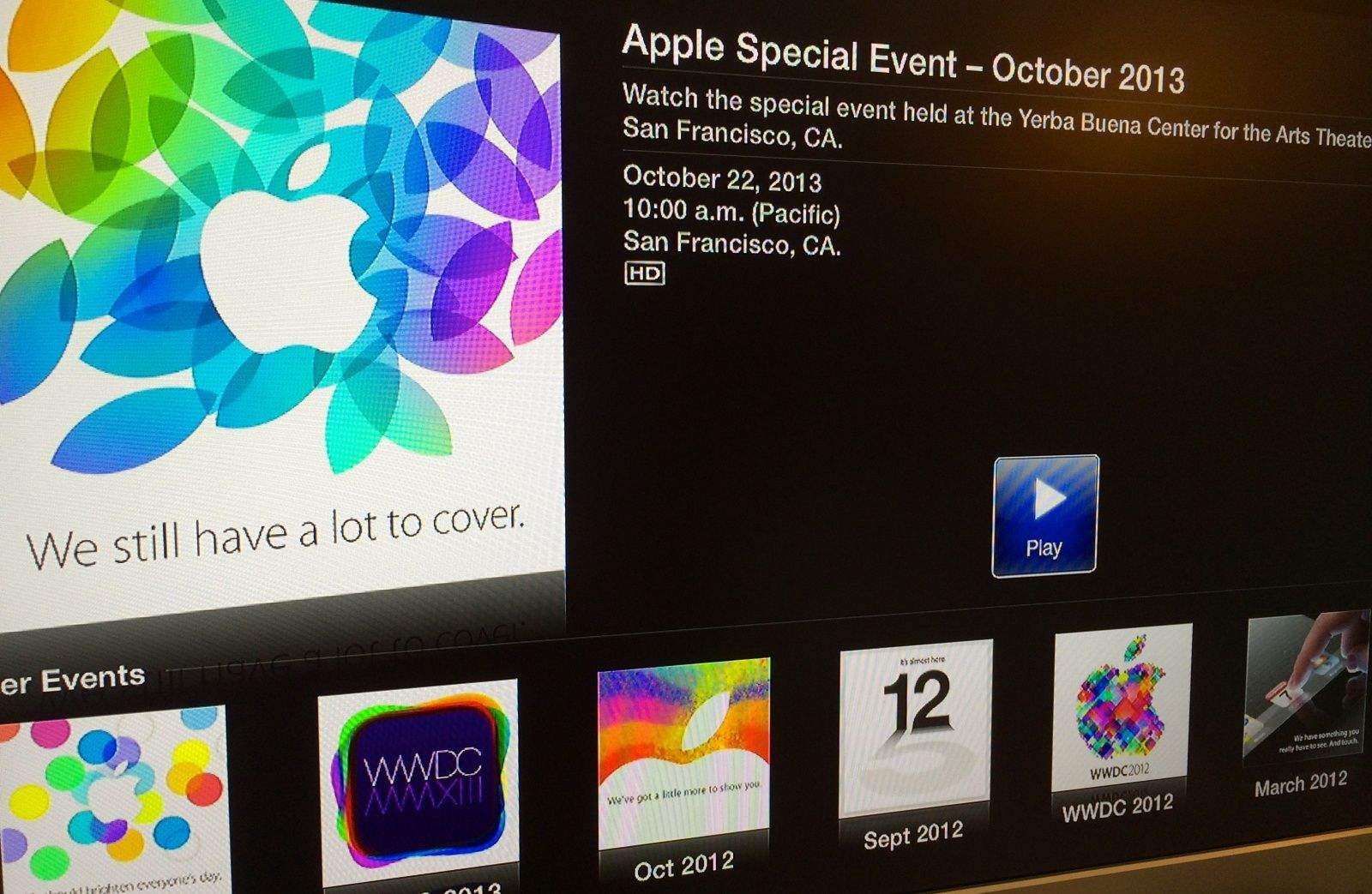
The next best thing to actually being at an Apple press event is being able to watch the whole thing live from the comfort of your own living room. Unfortunately, the Cupertino company doesn’t live stream every event to the public, but you’ll be pleased to know it will be showing today’s iPad event.
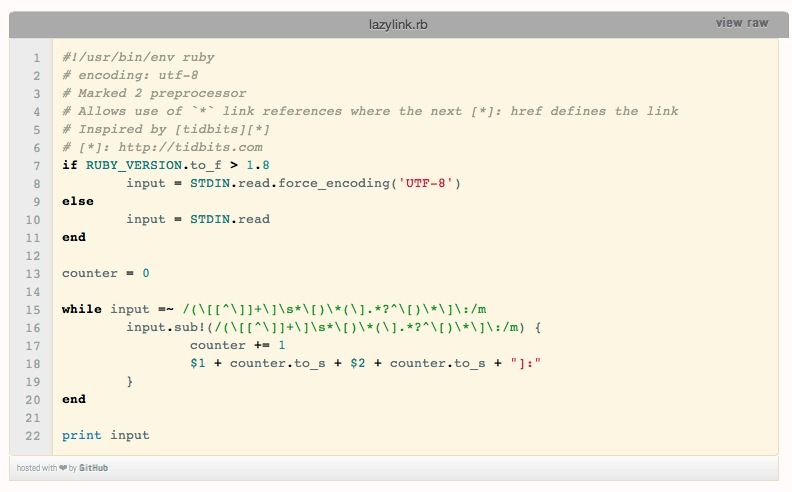
This one’s pretty nerdy, but if you use Markdown to write anything with links in it (web articles, e-mails and so on) then you’re going to love it. It lets you use “lazy” reference links in Markdown to keep your text nice and tidy, but it does it without the references. Reference links without references? What? Wait…
Users of EvoMail are about to find the iOS app getting a whole lot more reliable, and a whole lot cooler. The company has just launched its EvoCloud, which adds a whole bunch of neat server-side tricks to your e-mail.
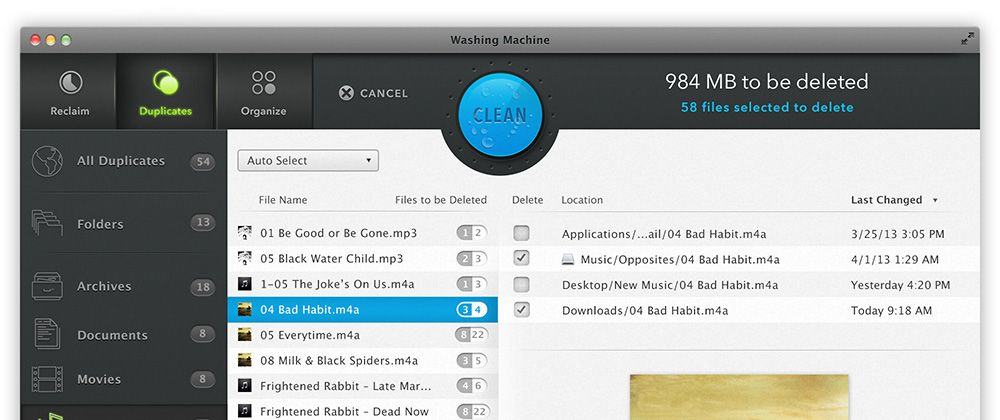
You’d have a hard time forcing me to remove the fantastic Gemini duplicate removal tool from my Macs, but that’s not to say I don’t like to have a little fling now and then (in fact, I regularly two-time Gemini with Daisy Disk, another great app for seeing what’s taking up space on your hard drive or SSD). And that fling might just be with Intego’s WashingMachine 2014, another duplicate finder app which adds in some distinctly different features.
Let’s face it, the stock Lightning cable that comes with your iPhone 5 is just too short. And there’s not much worse than having a cable that is too short to be very useful in most situations. This offer from Cult of Mac Deals delivers a cable your way that is both useful and priced just right.
This 10 foot USB 2.0 cable is lightning fast and will keep your iDevices charged, updated, and ready for use whenever you need them. And Cult of Mac Deals has it for just $13.99 including free global shipping – that’s a savings of 51%! But it’s available only for a limited time.
What do high-end bicycles, Formula One race cars and Shure’s pricey new SRH1540 headphones have in common? Yes, they’re all snazzy objects that can boost your coolness factor, and/or might help you get laid (except maybe the bicycle). Also, they’re all made with carbon fiber.
I dig biplanes, but nothing says dogfighting like a British Spitfire up against a Messerschmitt Bf 109, or a Marine Corsair duking it out with a Mitsubishi Zero.
For the next installment of turn-based strategy gem Sid Meier’s Ace Patrol, 2K and Firaxis Games have gone with the latter, and bumped the game ahead several decades from World War I, setting it smack in the middle of the Pacific during World War 2.
Note: This article originally appeared in the Cult of Mac Newsstand issue, Game On!. Grab yourself a copy or subscribe today.
The iOS App Store has no shortage of titles that you can just download and play without paying a thing. The actual amount of content you get for your not-money varies, but more often than not, the free version is little more than a demo to entice you into paying for the whole thing.
Some games offer enough content in their lite versions that you’ll be set until you get tired of the thing and cast it into the virtual trash. But others are so good that you can, should, and must throw the developers some money. They’ll thank you, and you’ll thank yourself. Because these games are really good, so pay for them, cheapskate.
Watch out, you might find yourself gaming before too long.
Note: This article originally appeared in the Cult of Mac Newsstand issue, Game On!. Grab yourself a copy or subscribe today.
It still surprises me when someone says, “I don’t play video games.”
Games are a touchstone of cultural relevance these days. With the advent of the iOS platform, with its ready availability of a wide variety of video games for all types of players, it’s hard to not see their influence. Not playing video games is like not reading novels or not watching television: sure, some folks choose that, but they’re missing out on a common cultural heritage and discussion.
That said, video games can seem intimidating. Or feel like a waste of valuable productivity time. I won’t bore you with statistics and studies that say otherwise, but trust me on this: video games can be a viable leisure time activity for all of us.
So how do we get you playing games? In the case of my girlfriend, it was finding the games that made sense to her. For my dad? He still won’t play them. So this list is as much for him as it is for you. You’re welcome.
Note: This article originally appeared in the Cult of Mac Newsstand issue, Game On!. Grab yourself a copy or subscribe today.
You’ve heard of them: the heavy hitters. The mobile games so big, so profitable and so frustratingly popular that you refuse to play them out of spite. Or you do play them, and you genuinely enjoy them, which is also totally fine.
But we’re all about self-improvement and actualization here, so here are a few alternatives you might consider instead of those gaming equivalents of high-school quarterbacks.
Note: This article originally appeared in the Cult of Mac Newsstand issue, Game On!. Grab yourself a copy or subscribe today.
Most video games transform you into a warrior, a thief, a space alien or race car driver. A new breed of games aims to make you a better person by putting you in the shoes of a young father with a son dying of cancer or playing the part of someone grappling with depression, immigration or sexual identity issues.
Called “empathy games,” they hope to change one of the most often criticized aspects of these beloved pastimes: that they foster violence and isolation. Game designer Jane McGonigal’s widely read 2011 book “Reality is Broken” set the playing field for a world where games reward good behavior and nice guys finish first.
If you’ve ever looked at two of your photos and wished that you could somehow transmogrify them into one Frankenphoto, you might want to check out InstaPhotoBlend. It’s image-editing software for your iOS device that uses a simple interface to let you combine and blend two photos together. You start by selecting two pictures — one top layer and one bottom layer — and then fiddle around with the controls to control opacity and adjust color until you’ve created the perfect thing that used to be two things. After that, you can post your masterpiece to social media, email or text it, or just hang onto it until the time is right. It’s a fun little app to play with, and it’s not hard to create some interesting effects.
Whether this feature has been in iOS since the beginning or not, this is the first I’ve heard of it, so I’m guessing there are a few of you out there that haven’t found the sleep timer in iOS, either.
If you want to listen to music or audiobooks before you go to sleep, it’s generally a good idea to have a way to turn the music off after you’ve fallen asleep, right?
Well, it turns out that there’s a sleep timer right in iOS itself, but it might not be where you’d expect it to be.
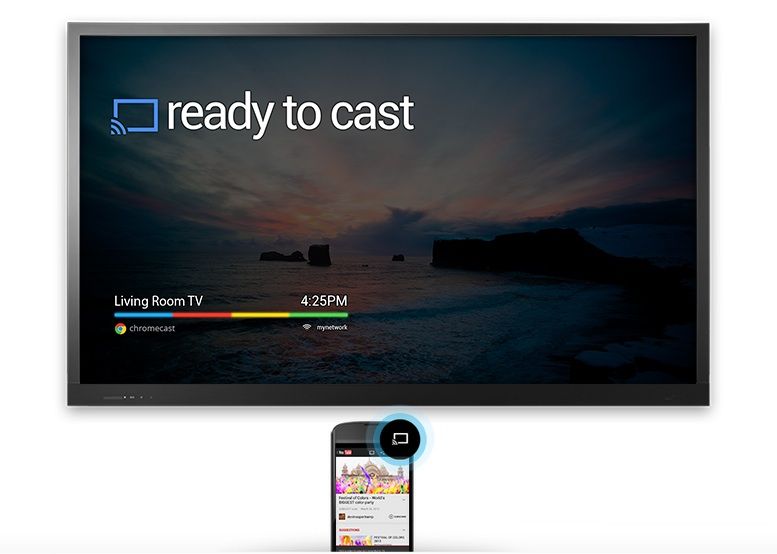
The Hulu Plus app for iOS has been updated today with support for Google Chromecast. You’ll find a new ‘Cast’ button within the app that will stream your favorite shows to your television with the help of the $35 dongle.
“We know you’ve been enjoying the Hulu Plus app on Chromecast with your Android phones/tablets and iPads over the last few weeks. Today, we are excited to add the Chromecast integration for Hulu Plus to your iPhones.”
The addition of Chomecast integration will finally give iPhone users the ability to use their app as a custom remote. From the Hulu Plus ass you can control videos on Chromecast connected to your TV while also browsing the app on your iPhone to queue up your next choice. The update is available for free in the App Store.
Here at Cult of Mac, we’re just starting our coverage of iOS and Mac games, as our fearless leader Leander told you in the publisher’s letter for the inaugural edition of our Newsstand magazine.
Since we’re just starting up, it’s pretty easy to get our attention when it comes to promotional emails and review requests. While we can’t review all the games we’re sent, we do read all the promotional emails that you’re sending our way.
Even still, we’d be lucky to review even a minuscule percentage of games we get requests for, so there are a few things that you can do to guarantee that we’ll take a closer look. There are a few more than you can do to make sure we don’t look much closer, too.
Here’s a list of both extremes, to help guide you on your way to getting coverage on Cult of Mac.
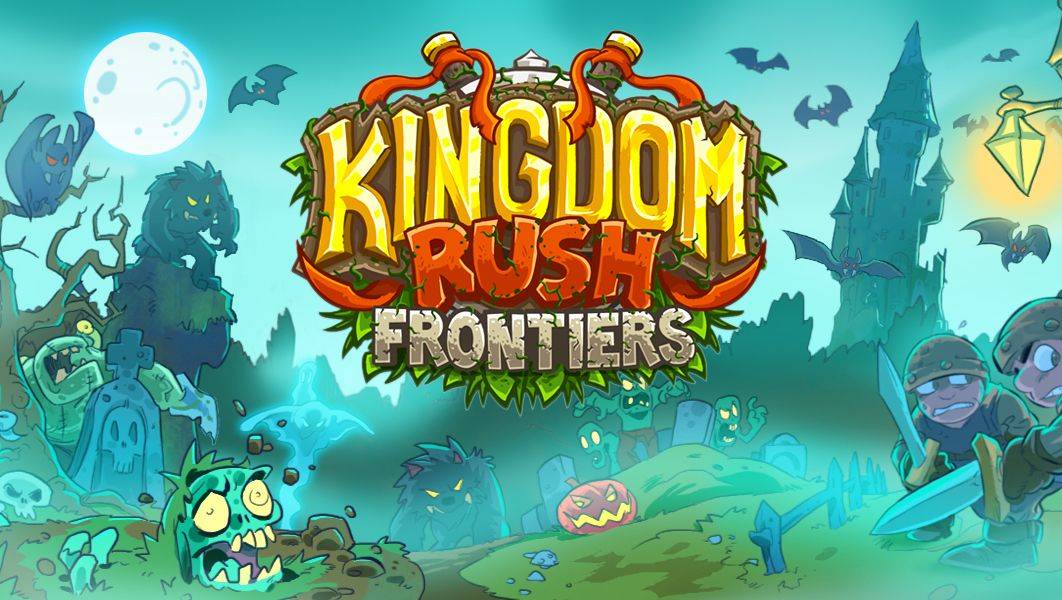
With this latest Halloween-flavored update, Kingdom Rush: Frontiers is bringing vampires and werewolves to its acclaimed tower defense gameplay in a new update, entitled Shadowmoon.
You’ll get three brand spankin’ new levels to defend your base against nine new enemy types, including scary vampires and vicious werewolves (oh my!). The update will go live on All Hallow’s Eve itself, so get ready for some Halloween fun after you fill your pillow cases full of loot from your local neighborhood.
Here’s the brand new trailer to whet your appetite.
Over the past couple of months we’ve seen tons of concept designers dream up ideas of what Apple’s smartwatch might look like, but this concept iWatch GIF by Thomas Bogner is one of the best ideas we’ve seen yet.
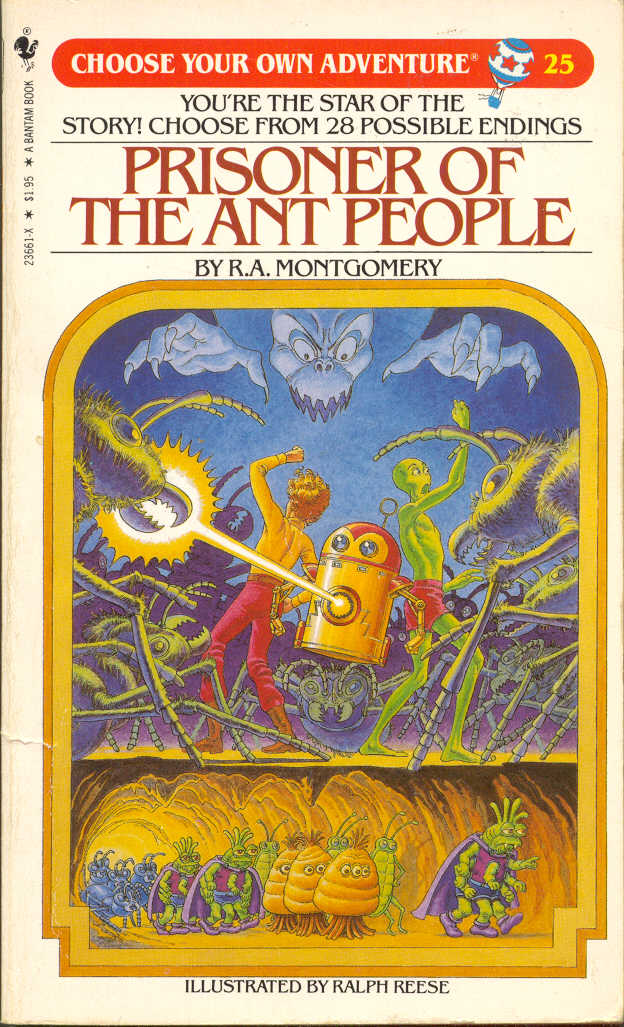
Old people like me grew up with Choose Your Own Adventure books. This occasionally ridiculous series introduced an entire generation of children to both the importance of choice and the oddball nuances of second-person narrative.
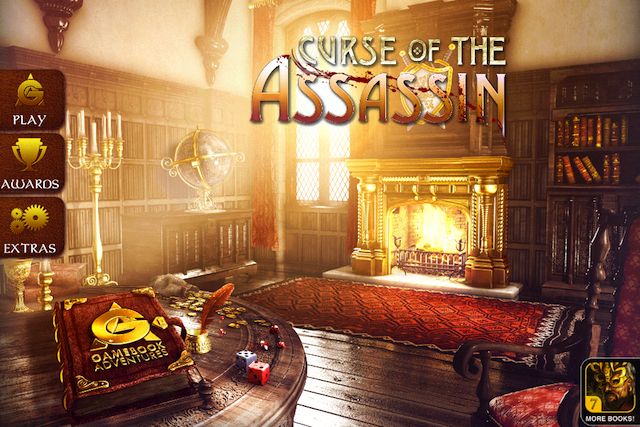
Gamebook Adventures 8: Curse of the Assassin by Tin Man Games Category: iOS Games Works With: iPhone, iPad Price: $5.99
Following in that tradition is the Gamebook Adventures franchise, which adds a dice-driven, role-playing-style combat system to its branching fantasy storyline. The eighth entry, Curse of the Assassin, is out now; it’s a slow-paced, text-heavy, epic beast of an experience.
So basically, it’s everything people love about those books.
BlackBerry announced this morning that its BlackBerry Messenger app for iPhone will be available later today, but you’ll have to wait in line before you can use it.
After a disastrous attempted launch last month, the company says it has fixed all the server issues caused by a leaked BBM APK for Android, but to ease into the cross-platform launch it is implementing a waiting system where iPhone users download the app, enter their email address, and then wait for an email notification that you can finally use BBM.