Clear and Clear+, the popular list-keeping apps from Realmac Software, have been updated to take advantage of iOS 7’s new background refresh feature. This allows the apps to update even when they’re closed, ensuring your lists are up-to-date and ready for you when you open them up.
My Mountain of Debt — Finance — $0.99 (50%-off launch sale price)
My Mountain of Debt, a new financial app by developer Fun with Data, believes that paying off your debt is as hard as removing a giant pile of bricks from over the opening to your anthill. At the start, you enter your total debt in up to four categories, and then adjust the amounts as needed. Each time your debt shrinks, the formic hero mounts the pile with his trusty pickaxe and whittles down the stack. It could be a valuable tool to keep your debt in perspective and show your progress — plus that ant looks pretty cute in his little miner’s helmet.
It’s a little hard to describe what exactly Device 6, the new project from developer Simogo, is, exactly.
Device 6 by Simogo Category: iOS Games Works With: iPhone, iPad Price: $3.99
It’s kind of a visual novel. It’s also kind of a puzzle/escape game. But it’s also its own unique animal, a challenging artistic experiment unlike anything I’ve seen before. It will confuse you, impress you, and ultimately provide one of the most memorable experiences the App Store has to offer.
Apple has become a master at taking a product and refining it to perfection. The iMac, the MacBook, and now the iPad and iPhone have all went through a series of small changes over their existence, but one product Apple hasn’t changed that much is its logo. After quickly dropping that Isaac Newton logo, the only refinements that have come to Apple’s logo are splashes of color and shadow.
Nick DiLallo created a series of videos showing how some the logos of the biggest brands in the world have evolved since their original inception. Other than the Apple video – which you can see above in GIF form – Nick also made logo evolution videos for Starbucks, NBC, UPS, GAP and American Airlines, all of which are worth a watch and can be viewed over on his YouTube page.
Pocket Casts, now my favorite podcast management client for iOS, now supports the new 64-bit A7 processor built into the iPhone 5s and the new iPads, thanks to its latest update that’s available to download today. The release also brings back the ability to skip back and forth between podcasts by tapping artwork, unplayed episode counts, podcast sorting, and more.
Apple is yet to confirm its iPhone deal with China Mobile — the one we’ve been waiting for since the iPhone 5s and iPhone 5c were unveiled back in September — but that hasn’t stopped some stores from putting their iPhone posters up early. According to the company’s new 4G teasers, the devices could finally go on sale between November 9 and November 11.
Samsung has struck a $100 million deal with the NBA that will see its tablets and televisions used courtside during games. The deal is seen as a strategic move that could expand the global reach of both parties, shoving Samsung’s logo and devices into the faces of NBA fans, and putting NBA content into the hands of Samsung’s customers.
BlackBerry has now done away with its waiting list for BBM on Android and iOS, allowing new users to begin using the messaging service right after they’ve signed up. The Canadian company has also promised new features in future updates, including Channels, BBM Voice, and BBM Video.
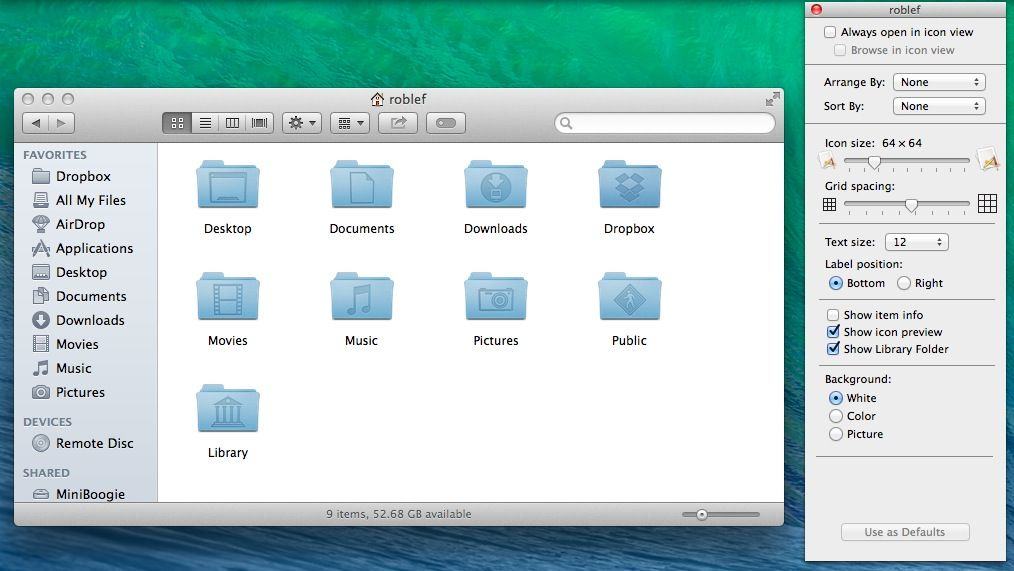
Back in OS X Lion and then again in OS X Mountain Lion, Apple hid access to the user Library folder to prevent neophyte OS X users from messing around in the areas of the file system that could cause some damage to their Macs.
That’s fine, of course, but it took a lot of messing around in the Terminal to get that access back, and who remembers Terminal commands from last year? Not us, that’s for sure.
Luckily, Mavericks has a much easier way to turn Library access on.
This Friday, Apple will be launching the iPhone 5s and 5c in sixteen new countries: Albania, Armenia, Bahrain, Colombia, El Salvador, Guam, Guatemala, India, Macedonia, Malaysia, Mexico, Moldova, Montenegro, Saudi Arabia, Turkey and the United Arab Emirates. But the fun’s not stopping there, with November 15th being pegged as the next launch window for Apple’s latest iPhones.
Last week, we reported that cutesy-wutesy-fuzzy-wuzzy-wumpus-bear (and Apple co-founder) Steve Wozniak was unimpressed with the new iPad Air and iPad mini with Retina Display. His supposed complaint? 128GB just wasn’t enough for a man with a huge media collection like him!
It seemed uncharacteristic for Woz to publicly bash the company he helped create. Woz is an innocent, and usually reacts to every new Apple product with wide-eyed glee, so his complaints seemed strange. For good reason, too, because Woz says he was misquoted, and actually likes the new iPads just fine.
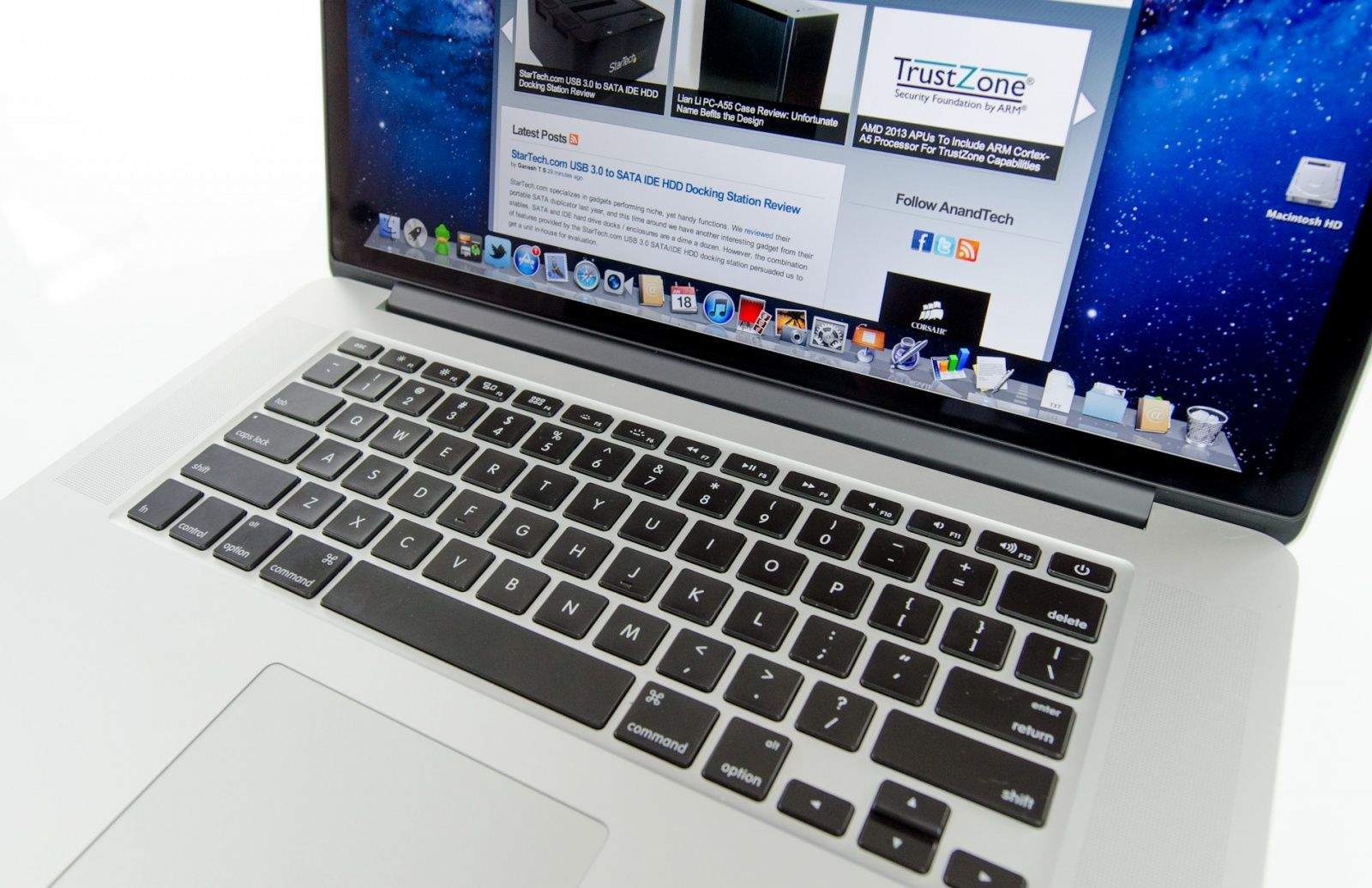
The new MacBook Pros with Retina Display may be Apple’s most powerful laptops yet, but a growing number of users are experiencing issues with both the 13-inch and 15-inch version of the laptop.
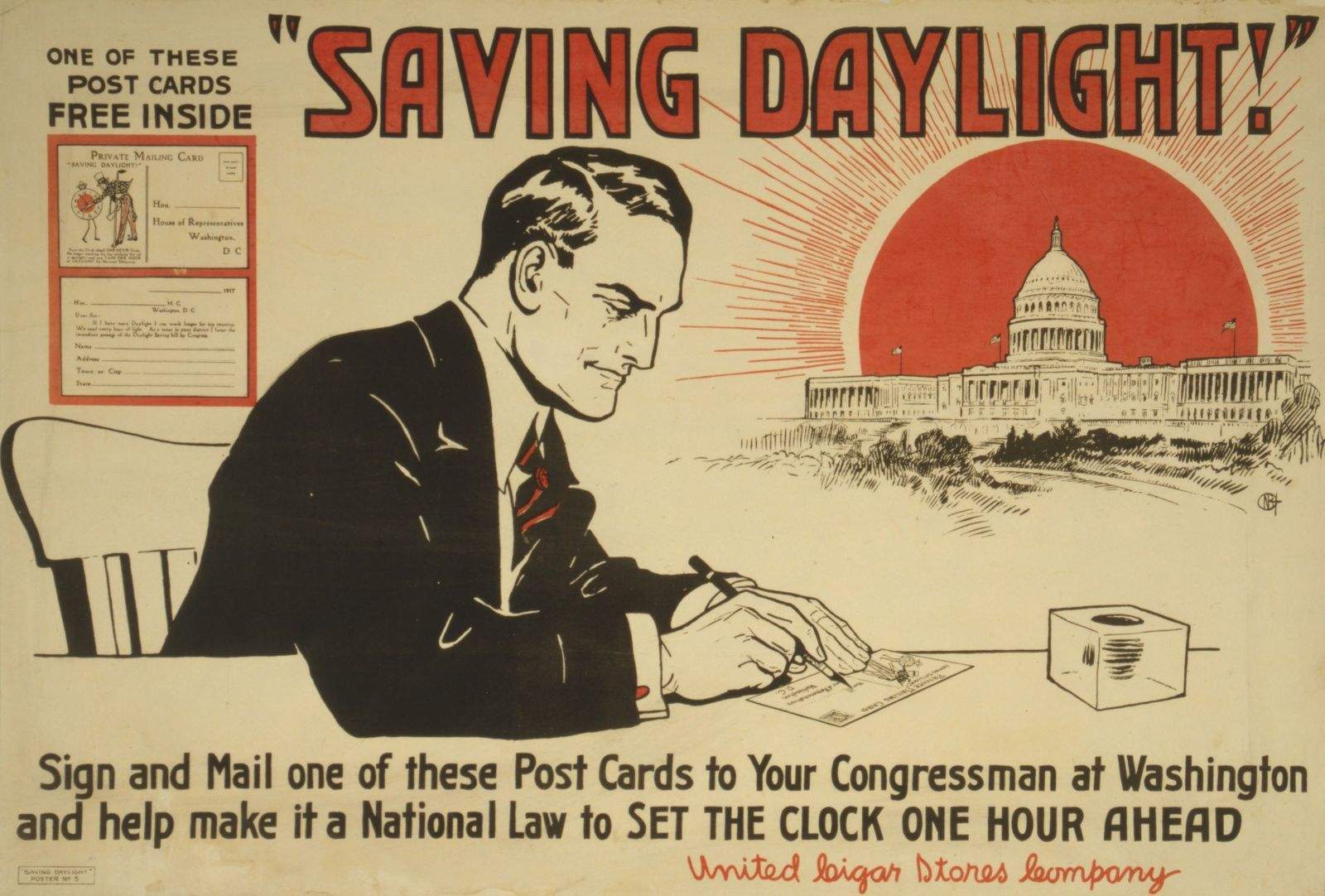
Understandably, the latest point-oh release of iOS always ships with quite a few bugs. Hey, it’s complicated making an operating system for millions of devices, things break! Almost invariably, though, there is one particular bug that repeats itself every year: an Daylight Savings Time bug that comes up time after time after time after time.
Guess what? iOS 7 has a Daylight Savings Time bug too.
This will actually delete the photo from your iPad. Careful now!
IPhoto 2.0 for iOS has two amazing new features that no other photo editing has, nor will have for the foreseeable future: It can write its edits directly back to the iOS Camera Roll, and it can delete photos from the Camera Roll. This pretty much means you can now do all your photo organizing right from the app.
Federico Viticci, the sleepy-eyed sexpot founder of Mac Stories, made this discovery by the unusual means of actually reading the release notes of the app. And thank God he did, because it makes iPhoto around a zillion times more useful.
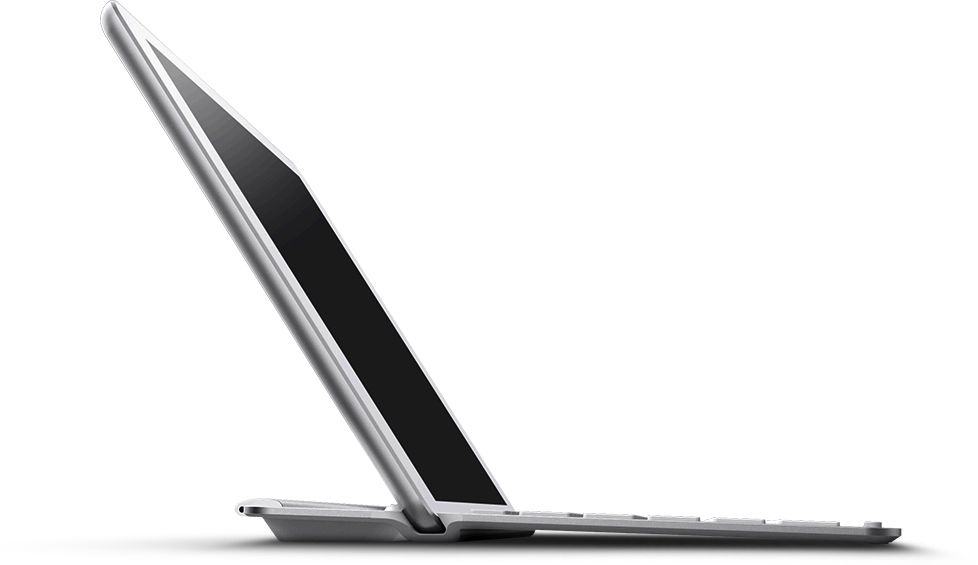
I wonder just what effect the new iPad Air will have on keyboard covers? The iPads one to four were all big enough that you could pretty much squeeze a full-sized keyboard into a matching cover, but all the keyboard cases I have so far tried for the iPad mini have been unusable, like a netbook keyboard.
Belkin’s new keyboards for the iPad Air hope that physics will continue to favor the former situation.
Chromic is both an video-grading app for the iPhone and a demonstration that we are all living in the future, carrying powerful supercomputers in our pockets. How else do you explain the fact that you can instantly apply any of Chromic’s filters to your video in real time as you watch it? You can even – and this is totally rad – scrub through the video and the effects are still applied as if a coat of paint had already dried on your pixels.
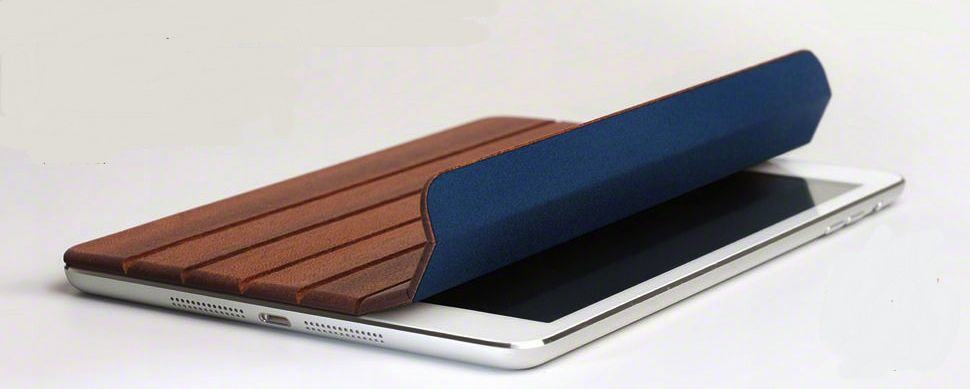
As long as Miniot keeps making its lovely wooden iPad cases, we’ll keep writing about them. The latest is this rather fetching little number for the iPad, arriving just in time to cover the front of your hot new Retina model with slivers of dead trees.
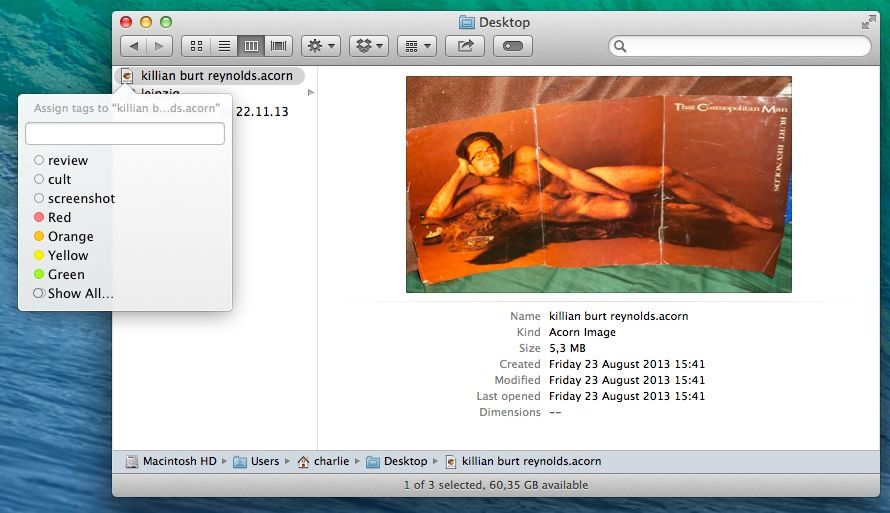
Mavericks’ new in-Finder tagging is great, letting you treat your files like you treat your Gmails and effectively keeping the same file in multiple “folders” at once. But actually tagging the files is still kind of a pain. Happily, Brett Terpstra is here to help with a rather simple tip.
CloudConvert, you will remember, is a web service that lets you convert any document from you Dropbox into pretty much any other file type that makes sense. Now, it has added support for iWork documents, letting you convert Pages documents to Word DOC and DOCX for example.
The killer for some, though, is that you can roll back your newly screwed-up iWork files to work with iWork ’09.
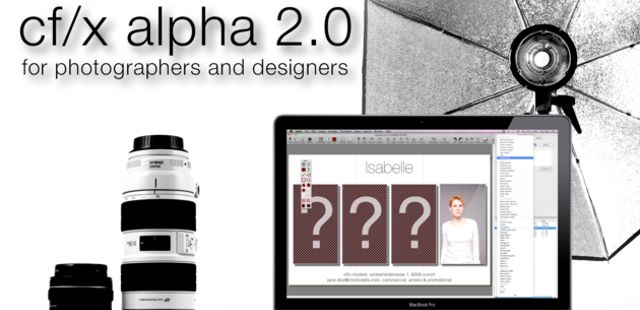
Boasting a powerful set of tools used by professional photographers, illustrators, designers, and hobbyists, cf/x alpha is the gold standard for image composition and design. If you’re looking for a better way to create multi-image compositions, this is your answer.
Dior designer Camille Miceli in the Wall Street Journal.
Even a designer at fashion house Christian Dior can’t get her hands on a gold iPhone.
Camille Miceli, Dior’s artistic director of accessories, loves her iPhone. According to a Q&A with the Wall Street Journal, she spends every morning reading daily “Le Monde” on it in bed. (Oh la la!)
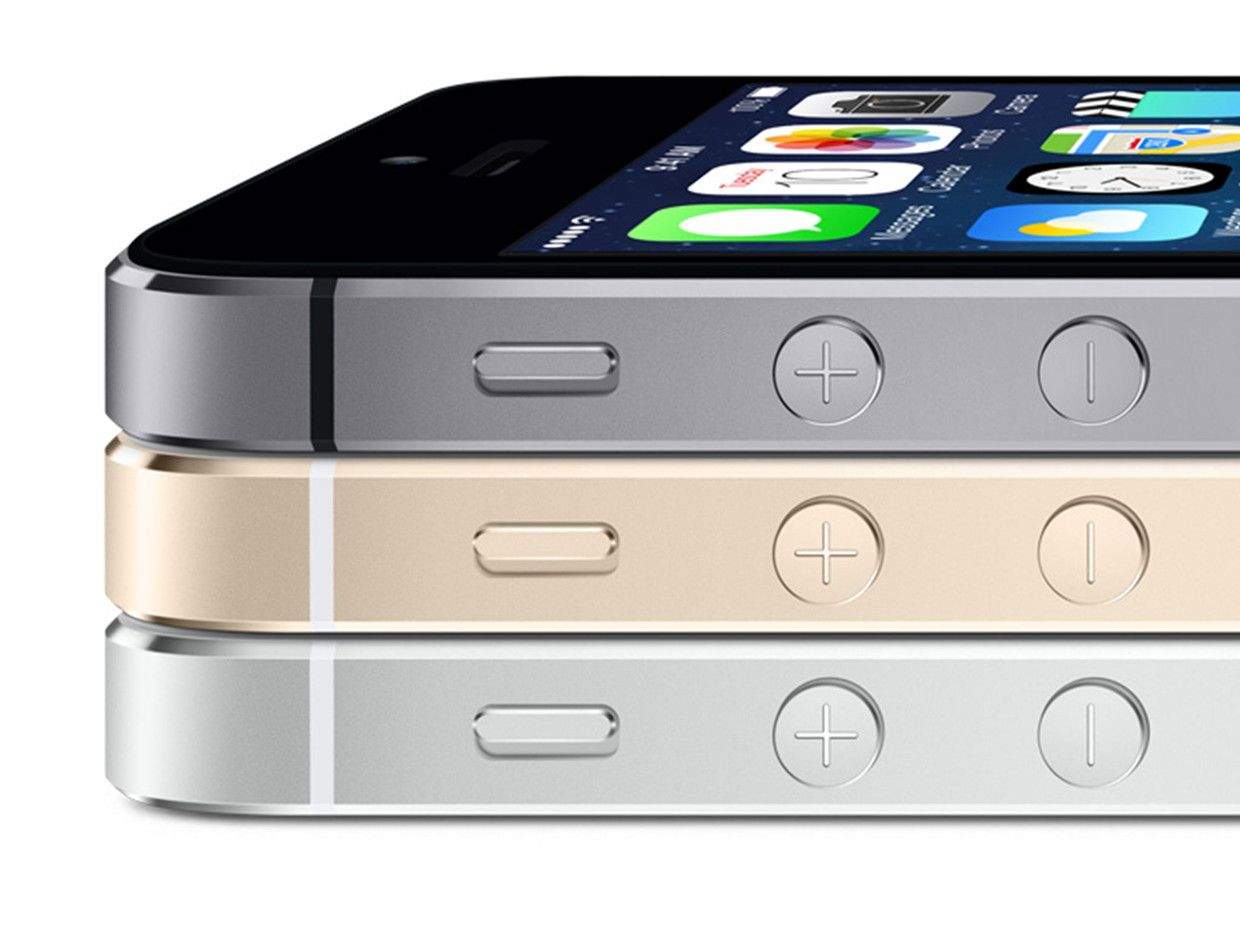
Though we harbored doubts before the debut that it was the epitome of tacky, Apple’s golden iPhone 5S mines current fashion trends – the color has been glimmering more on store shelves by a whopping 88 percent.
The holiday season is quickly approaching, and if your (or a client’s) online storefront needs to be ready for seasonal discounting, we’ve put together The Complete Web Designers’ Fall Bundle from Vandelay Premier to ease your workload.
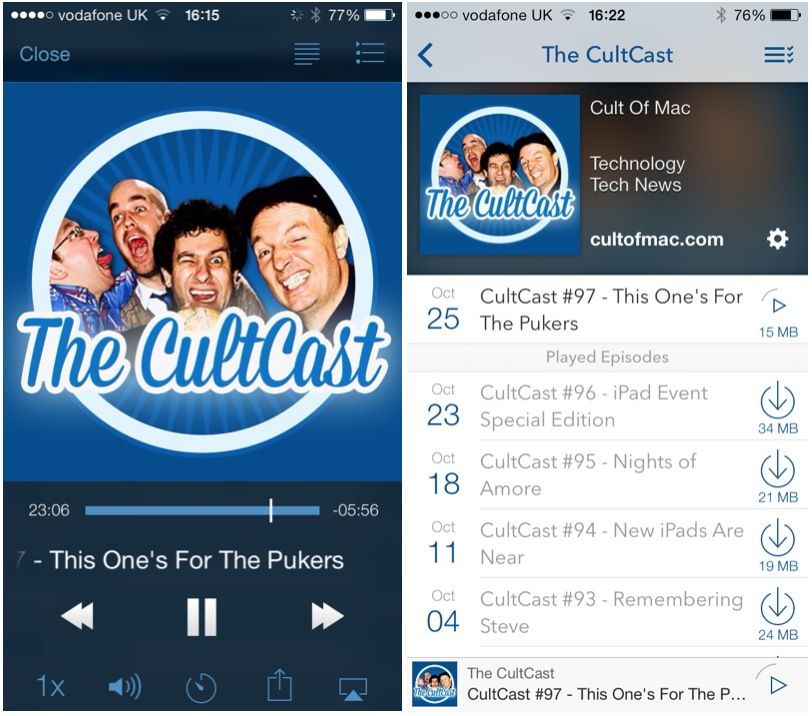
The big iPad event might be over, but take heart fellow Apple fans, there are still plenty of great Apple stories to chat about on our all-new CultCast. This episode: the iPhone stops giving motion sickness to the pukers; some of your favorite Apple apps get big redesigns; the new Macbook Pro gets benchmarked; Apple puts your passwords in the iCloud; and more!
Join us for our second CultCast this week! Stream or download new and past episodes of The CultCast now on your Mac or iDevice by subscribing on iTunes, or hit play below and let baseline roll. And don’t miss episode 96 for our MEGAsode coverage on all that was announced at Apple’s big Oct. 22nd event.
This week’s Cult of Mac Magazine is all about apps that push boundaries – enabling us to share, connect and get stuff done.
Think back: When was the last time you hitchhiked? Crashed on the couch of a stranger? Did you get your last job on the street corner? Or meet that special someone there?
You’ve probably used your iPhone recently to couch surf, catch a ride downtown, find a date or maybe even source a freebie for dinner.
We talk to experts to understand why we feel comfortable doing things with our iPhones that were traditionally “Stranger, Danger” territory and our intrepid reporters find out what happens when you catch a ride, look for work, open up your house and try to get rid of Cheetos snack packs to perfect strangers.
There’s a crazy gallery of apps that pushed Apple’s boundaries too far — remember Baby Shaker? — and an update on why you can still find your dictator of choice in the iTunes store.
Our exclusive Ask An Apple Genius column weighs in why Mavericks scrolling seem so sluggish and why the geniuses sometimes don’t seem as smart as you are.