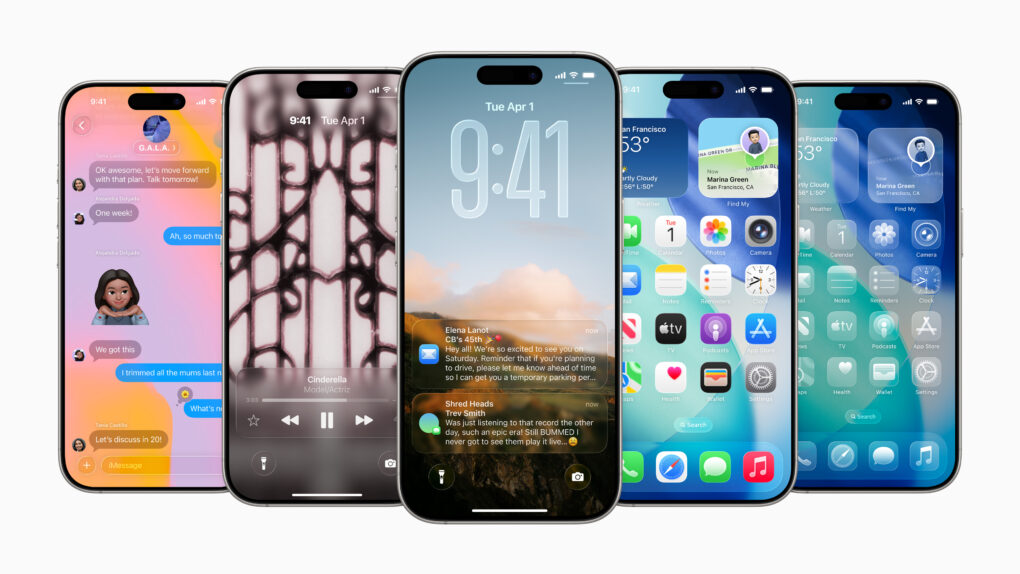
iPhone users are installing iOS 26 as the usual pace. Image: Apple
Apple released its own figures showing that iOS 26 adoption tracks closely with previous releases, countering claims that this latest update is seeing an unusual slowdown.
iOS 26 has seen an unusual amount of criticism on social media, but it’s not stopping people from installing the new version.
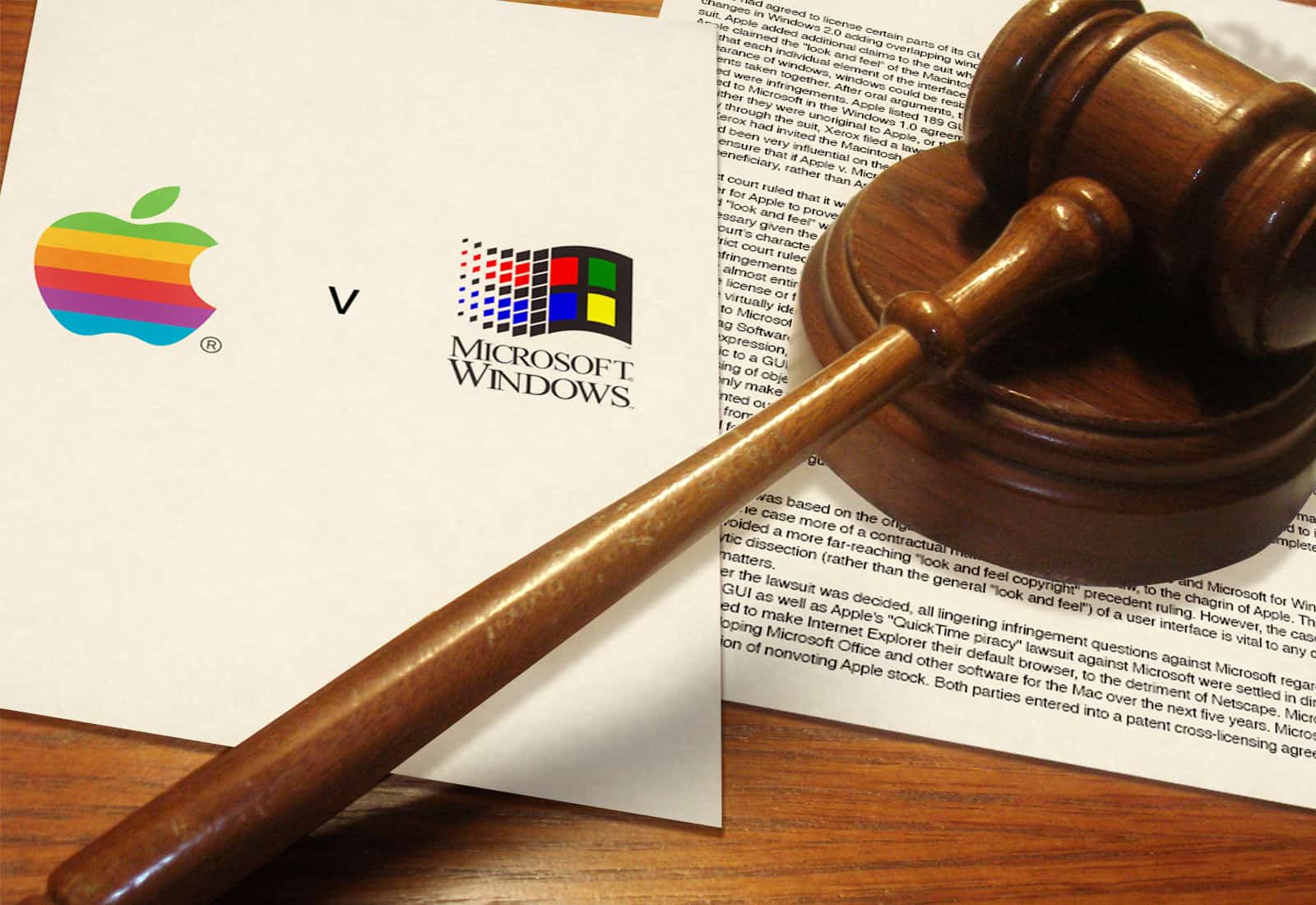
February 14, 1995: Apple Computer extends a lawsuit against developer San Francisco Canyon Company to include Microsoft and Intel. The lawsuit concerns allegedly stolen Apple code that’s used to improve Microsoft’s Video for Windows technology.
The lawsuit comes to a head with Apple threatening a multibillion-dollar lawsuit against Microsoft. Meanwhile, Microsoft CEO Bill Gates threatens to cancel Office for Mac.
At least Apple seems determined to get the smarter Siri right. Image: Cult of Mac
This week on the Cult of Mac podcast: If you’ve been waiting with bated breath for Apple to finally deliver on its promise of a smarter Siri, it’s time to exhale. Then take a deep breath of disappointment.
Dashing our hopes, it sounds like Apple is delaying Siri’s AI-powered upgrade again! What does it mean? And will Apple ever get its Siri together? We discuss the latest rumors and ponder whether the delay might actually be a good thing.
Also on the Cult of Mac podcast:
The smarter Siri isn’t the only AI-powered project sucking wind at Apple. Cupertino reportedly pulled the plug on the AI health coach it had been working on.
A new rumor gives us a launch date for the high-end M5 MacBook Pros we’ve been waiting for.
Next-gen AirPods Pro reportedly will pack built-in cameras. But what will they actually do?
And finally, we discuss a multi-Mac setup with the most bizarre keyboard we’ve ever seen.
Listen to this week’s episode of the Cult of Mac podcast in the Podcasts app or your favorite podcast app. (Be sure to subscribe and leave us a review if you like it!) Or watch the video live stream, embedded below.
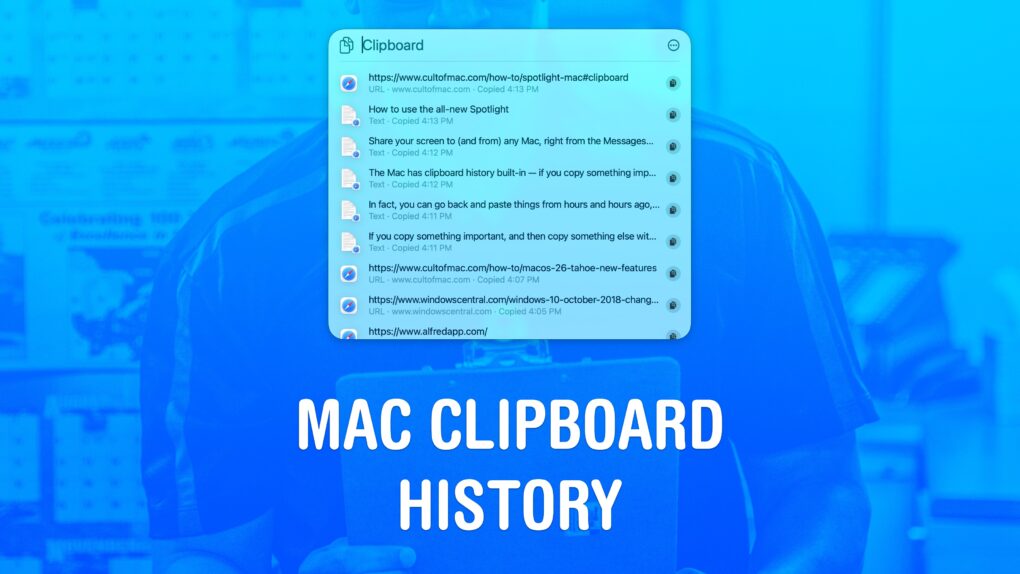
Copy and paste items from ye olden times of ... this morning. Image: D. Griffin Jones/Cult of Mac
Using a clipboard history manager on a Mac is a total game-changer. If you copy something important, then copy something else without thinking, the first item doesn’t disappear. You can go back and get it again. In fact, you can go back and paste things from hours and hours ago, like a link you copied earlier in the day.
You can also copy a bunch of things in a row and quickly paste them elsewhere, without switching back and forth and back and forth.
macOS 26 Tahoe added a built-in clipboard history that does all that for free. Here’s how it works.
This AI tool makes writing nonfiction books incredibly easy. Photo: Cult of Mac Deals
Youbooks is a new AI book writer that combines popular AI models like ChatGPT, Claude and Gemini to help you create full nonfiction books. A lifetime subscription is on sale now for just $49 (regularly $540).
Stop phubbing the person you love! AI image: ChatGPT/Cult of Mac
Valentine’s Day is supposed to be about connection. But every year, candlelit dinners across the country glow less from romance and more from the light of an iPhone screen. There’s even a word for it: “phubbing” — snubbing someone in favor of your phone.
If there’s one night when iPhone users absolutely must resist the reflex to check notifications or Instagram, it’s February 14.
Vision Pro headset owners can finally watch YouTube content on an official app from Google. Photo: App Store
After two long years of waiting, Apple Vision Pro owners can finally watch YouTube the way it was meant to be experienced on a spatial computing headset. Google launched its official YouTube app for visionOS on Thursday, ending one of the most conspicuous app absences on Apple’s $3,499 mixed-reality device.
The Macintosh? It'll never catch on! Image: Cult of Mac/Ste Smith
February 13, 1984: The first Mac’s launch generates enormous excitement from the tech press, as epitomized by an InfoWorld cover story about the Macintosh 128K.
The wave of coverage comes a few weeks after the January 24 release of the Macintosh. But when the press blitz finally arrives, it becomes clear the Mac is a hit.
All signs point to Apple unveiling the iPhone 17e on February 19, and YouTuber Jon Prosser just posted a video that gives us a good look at what to expect.
Contrary to previous leaks, the renders show the iPhone 17e with a Dynamic Island on the front.
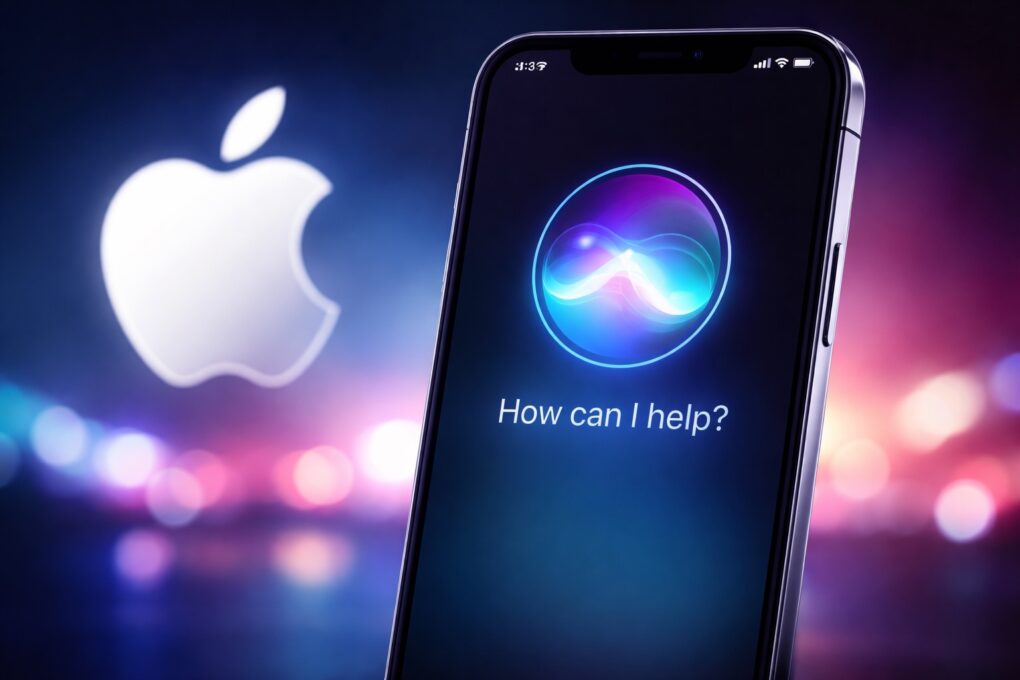
Apple says the new Siri will arrive in 2026. AI image: ChatGPT/Cult of Mac
Amid reports that Apple might further delay the release of its AI-powered Siri, the company says it remains on track to launch the smarter voice assistant this year. That’s the same stance Apple maintained previously.
Multiple rumors suggested Apple would debut the smarter Siri with iOS 26.4 this spring. But a recent report suggests that won’t happen.
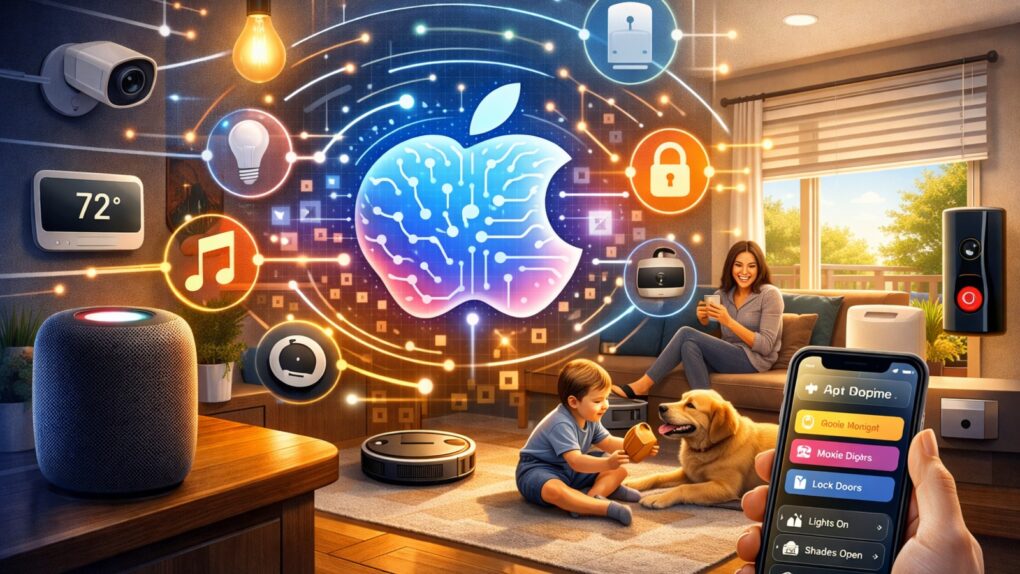
Improvements in Apple Intelligence could soon have it anticipating your home-automation needs. AI image: ChatGPT/Cult of Mac
Apple’s smart-home platform has long trailed competitors like Amazon Alexa and Google Home in automation capabilities and intelligent features. But with further development of Apple Intelligence — the company’s suite of AI-powered tools — that gap may finally close, and Apple Intelligence truly could empower Apple Home.
While Apple hasn’t officially announced AI-driven Home automations, the groundwork is clearly being laid for a future where your smart home anticipates your needs rather than simply responding to commands.
Steve Jobs' death caused an outpouring of support. Photo: Grammys
February 12, 2012: Months after his untimely death, Apple co-founder Steve Jobs is honored with a Special Merit Grammy Award in recognition of his contributions to the field of music with the iPod and iTunes Music Store.
Eddy Cue, Apple’s senior vice president of internet software and services, collects the Grammy on behalf of Jobs’ family and “everyone at Apple.”
Not only is season three on the way, but now there could be up to five seasons and multiple spinoff series. Photo: Apple TV
Apple has taken full ownership of its hit workplace drama series Severance, acquiring all intellectual property and rights from production studio Fifth Season in a deal valued at just under $70 million, according to a new report. That makes additional seasons of the fan-favorite show — and spinoff series — more likely.
Don't let your News+ subscription go to waste. Image: D. Griffin Jones/Cult of Mac
Apple News gives you a streamlined way to keep up with current events. It’s a sane, if somewhat generic-looking, way to stay on top of the news that matters to you. If you want more, Apple News+ offers paywall-free access to major publications, local news and magazines. And to sweeten the deal, it has fun daily puzzles, excellent recipes and audio stories.
Admittedly, not a lot of people pay for Apple News+ on its own. It’s hardly a fan favorite. But if you have the Apple One Premier bundle, you can enjoy all of its hidden benefits — here’s how to make the most of it. Keep reading or watch our quick video.
The wait for AI-enabled Siri could stretch past iOS 26.4. Image: ChatGPT/Cult of Mac
iOS 26.4 could turn out to be a dud. The long-delayed artificial intelligence enhancements for Apple’s Siri digital assistant that had been eagerly expected to launch in the next iPhone software update are reportedly not anywhere close to being ready.
The new capabilities, originally slated for a spring release, are now being spread across multiple future updates as engineers work to resolve persistent technical issues, according to sources familiar with the company’s internal plans.
You can update you Mac with macOS Tahoe 26.3 to delete bugs. Photo: Apple/Cult of mac
Apple released macOS Tahoe 26.3, iPadOS 26.3, watchOS 26.3 and tvOS 26.3 on Wednesday, delivering a round of bug fixes and under-the-hood improvements aimed at smoothing out the experience across its devices. While the updates don’t introduce splashy new features, they target stability issues and performance hiccups that have surfaced since the launch of the 26 cycle.
Time to update your iPhone! Image: Apple/Cult of Mac
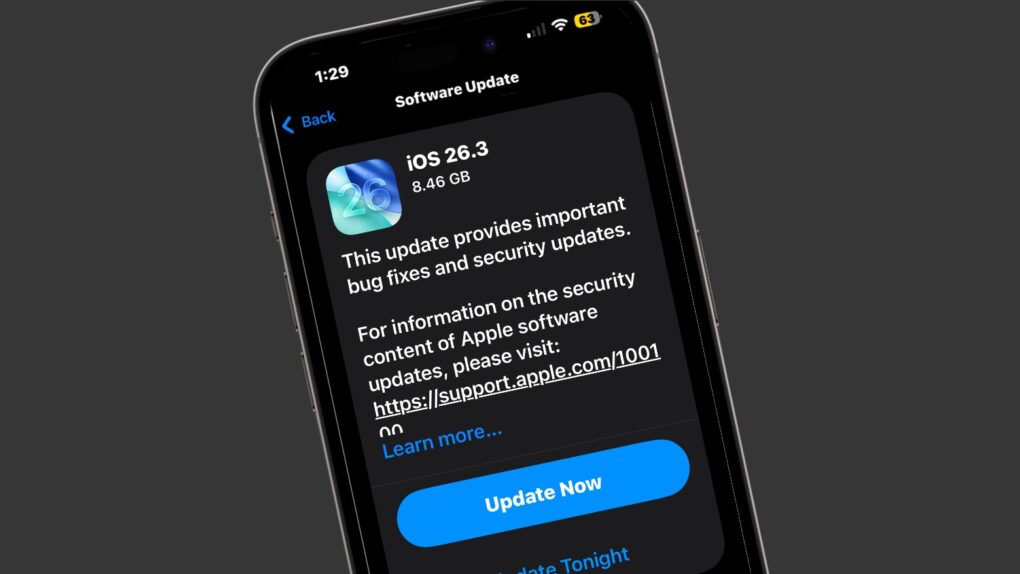
After beta testing iOS 26.3 since mid-December, Apple finally pushed its stable build to the public Wednesday. Unlike the last two major iOS 26 point builds, iOS 26.3 is light on major new features.
Instead, it brings some notable underlying improvements to the platform, including better compatibility with third-party wearables. Here are two notable changes iOS 26.3 brings to your iPhone.
AppleCare+ is well worth it -- sometimes. Photo: Apple
AppleCare+ has become almost synonymous with Apple device ownership. But as the extended warranty program enters 2026 with new pricing and features, it’s worth asking: Do you really need it?
A recent social media discussion among iPhone users, paired with insights from Apple’s coverage options, reveals that the answer depends heavily on which devices you own and how you use them.
Bill Gates definitely doesn't wish Microsoft invented the iPad. Photo: Fox News
February 11, 2010: With iPad excitement reaching a fever pitch, Microsoft co-founder Bill Gates wades in with his opinion of Apple’s tablet. His view? Apple’s upcoming device is kinda meh.
“There’s nothing on the iPad I look at and say, ‘Oh, I wish Microsoft had done it,'” Gates tells one interviewer.
★★★★★
The Ohsnap Mcon uses an innovative design that makes it portable and flexible. Photo: Ed Hardy/Cult of Mac
The Ohsnap Mcon doesn’t just rethink the mobile gaming controller — it practically throws the old playbook in the trash, delivering one of the most flexible and genuinely portable ways to play on the market today.
Even better, you can easily use it with your iPhone, but also your iPad and Mac.
I spent many hours playing games with the innovative controller — here’s why I love it.
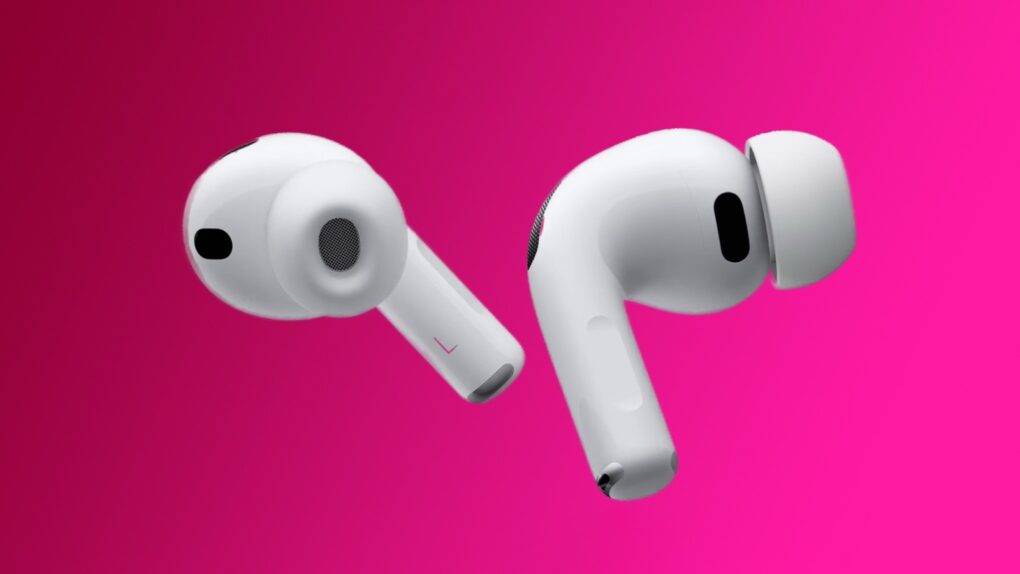
4th gen AirPods Pro could have new cameras that see around the user. Photo: Apple
AirPods Pro 4 might include an unprecedented feature for wireless earbuds, accordingto a new leak: built-in cameras capable of seeing the environment around the wearer.
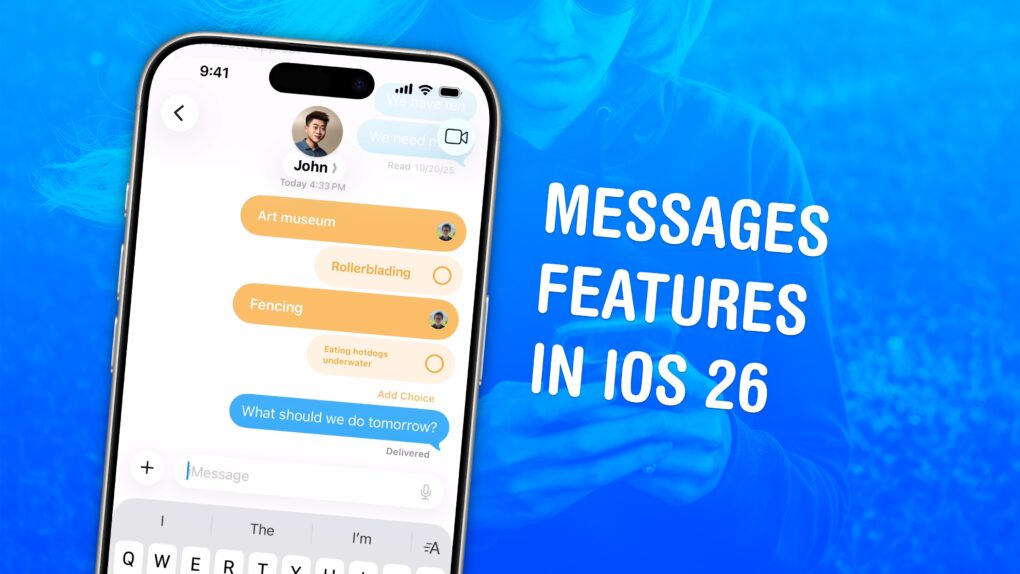
There's a bunch of great new features to check out. Image: D. Griffin Jones/Cult of Mac
The Messages app gains flashy new features in iOS 26 that make group chats far more fun and efficient. It also filters out spam texts, translates conversations and more.
As the iPhone’s default messaging app, Messages is one of Apple’s darlings. The app gains new features with every major update, but iOS 26 stands out as one of the best in years. Here’s how all the new Messages features work — keep reading or watch our quick video.
Put AI right in your browser with an unlimited lifetime deal on BrowserCopilot. AI image: Midjourney/Cult of Mac Deals
BrowserCopilot puts a powerful AI assistant right inside your web browser, helping you write, research and reply more quickly — without switching tabs or breaking your workflow.
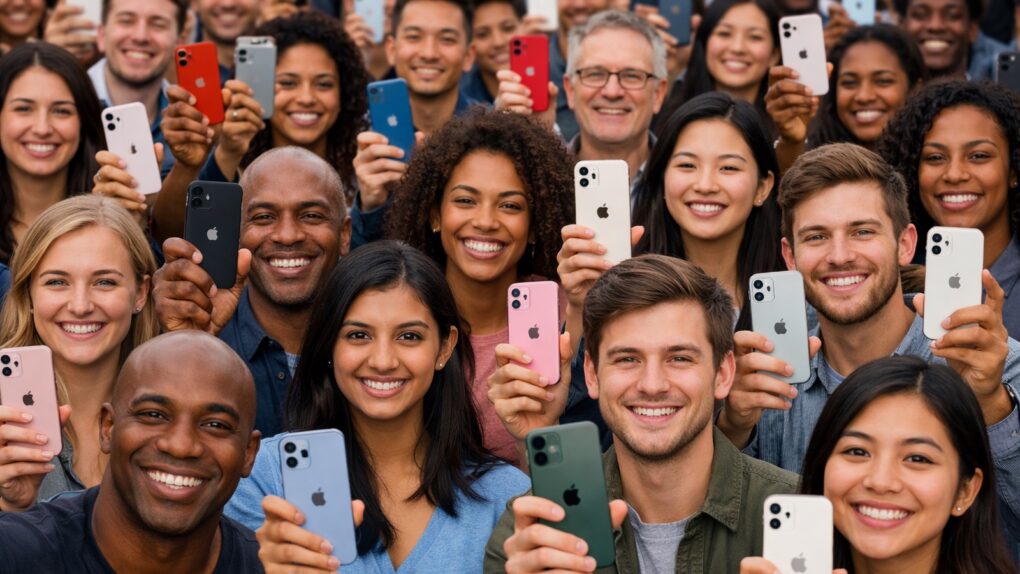
iPhone leads with the largest smartphone active installed base in 2026. Image: ChatGPT/Cult of Mac
With well over a billion iPhones in use, Apple beats all rivals in the size of its active installed base. Roughly one in four active smartphones worldwide is an iPhone, according to new research.
This didn’t happen by accident — Apple actively supports older iPhone models for a good reason: they’re an important source of revenue.
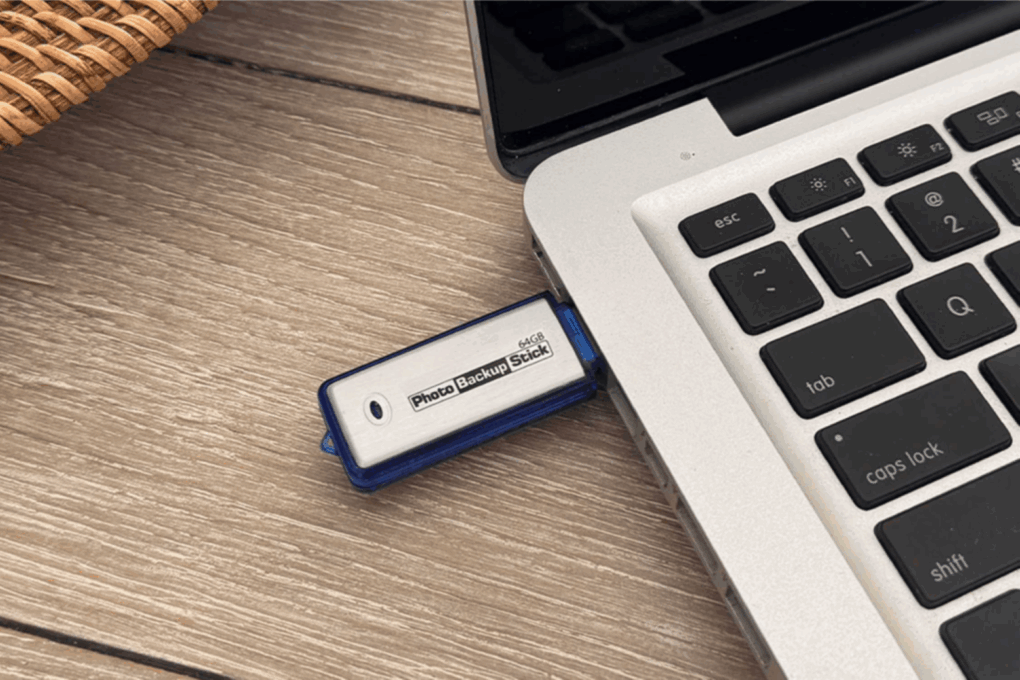
This 64GB photo backup stick is now on sale at 40% of its retail price! Photo: Cult of Mac Deals
iPhone or Mac overloaded with pictures? The Photo Backup Stick Omega Universal from Paraben Consumer Software offers a quick fix. It’s a smart thumb drive for photo storage with USB-C, Lightning and micro USB connectors so it works with all your devices.
It comes in 64GB and 128GB models, and makes it easy to free up space across your Apple devices. And right now, it’s on sale for just $29.97 (MSRP $59.99).

 February 14, 1995: Apple Computer extends a lawsuit against developer San Francisco Canyon Company to include Microsoft and Intel. The lawsuit concerns allegedly stolen Apple code that’s used to improve Microsoft’s Video for Windows technology.



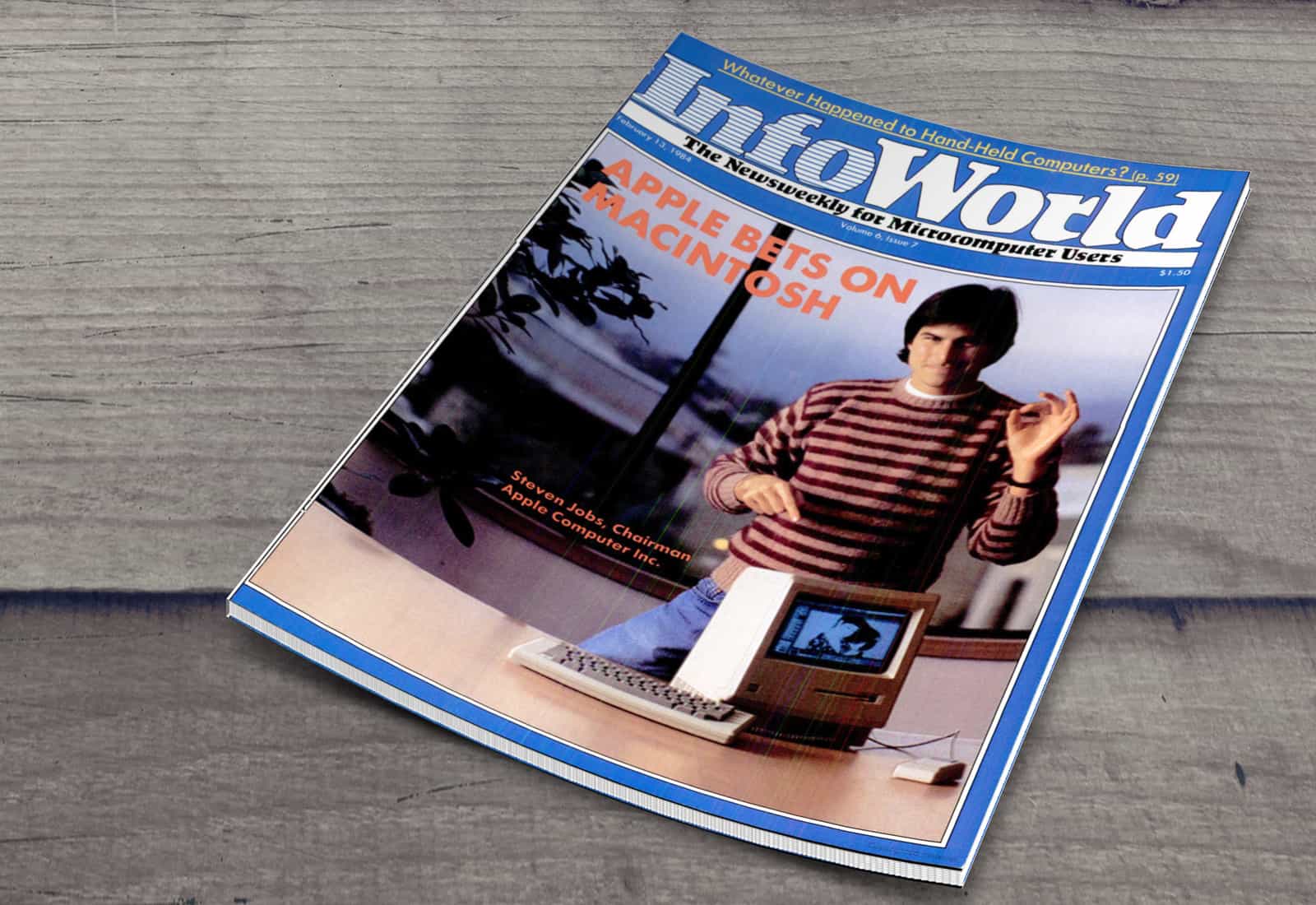
 February 13, 1984: The first Mac’s launch generates enormous excitement from the tech press, as epitomized by an InfoWorld cover story about the Macintosh 128K.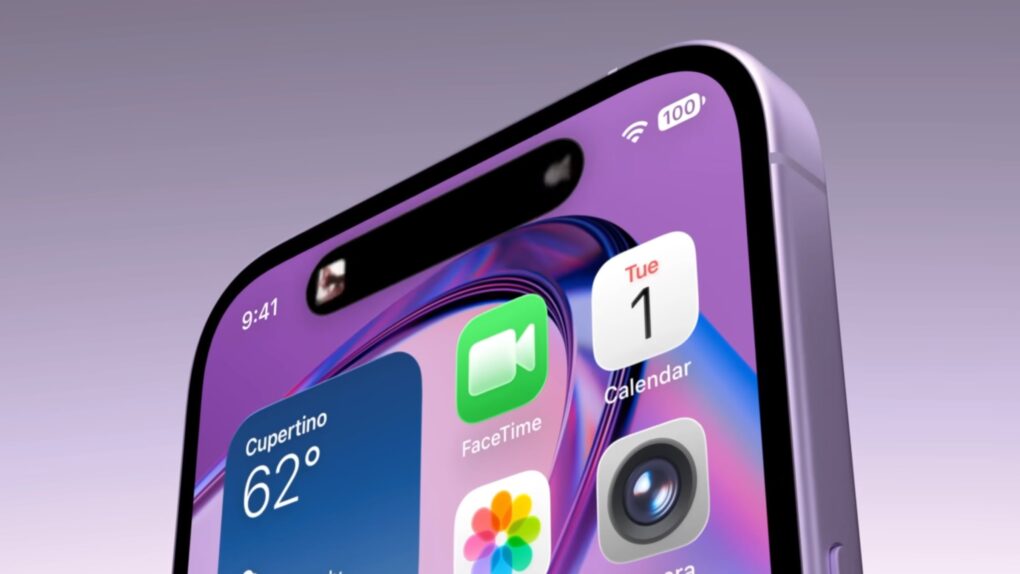

 February 12, 2012: Months after his untimely death, Apple co-founder



 February 11, 2010: With iPad excitement reaching a fever pitch, Microsoft co-founder Bill Gates wades in with his opinion of Apple’s tablet. His view? Apple’s upcoming device is kinda meh.