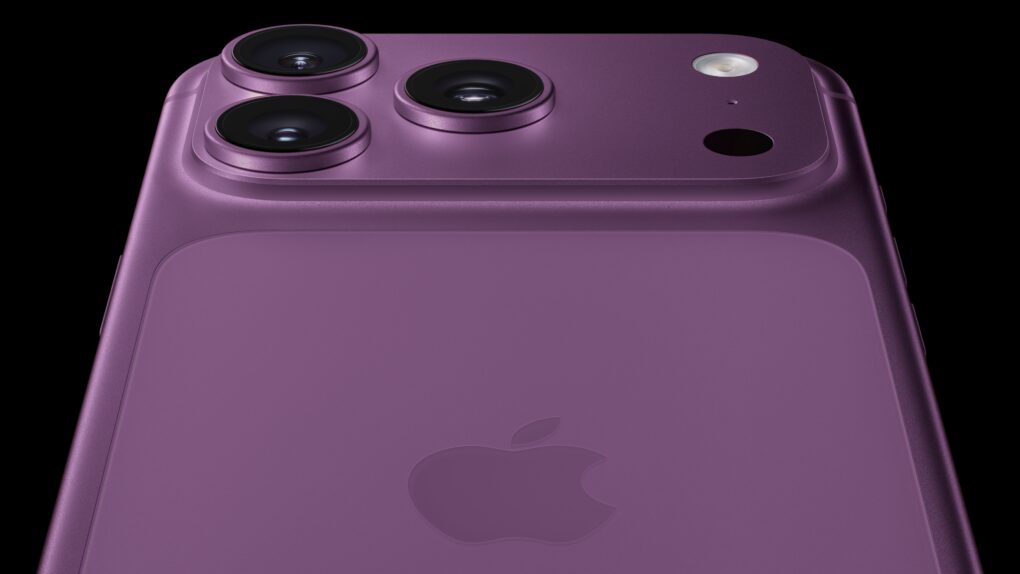
This image shows what iPhone 18 Pro could look like in dark cherry red (Pantone 6076). Image: D. Griffin Jones/Cult of Mac
New supply chain information reveals the four iPhone 18 Pro colors Apple might release this September. The popular and vibrant cosmic orange is gone, with a dark, wine-colored cherry red in its place, according to a new report.
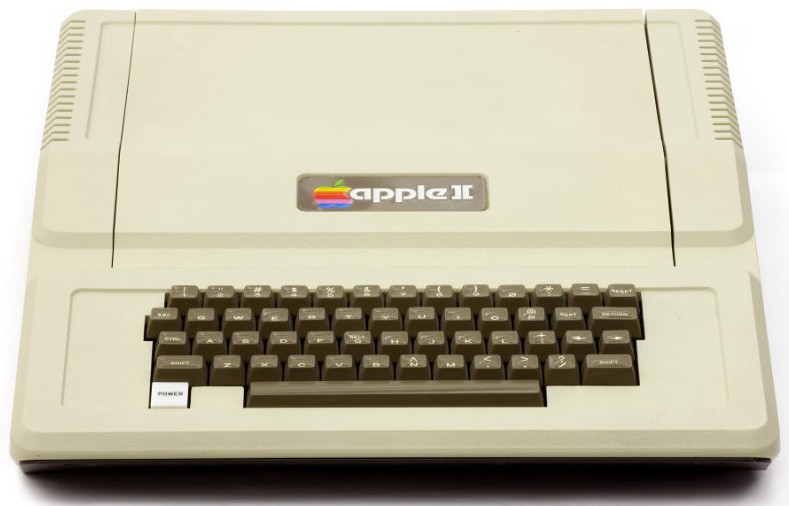
April 17, 1977: The Apple II launch at the West Coast Computer Faire positions Apple at the forefront of the looming personal computer revolution.
The company’s first mass-market computer, the Apple II boasts an attractively machined case designed by Jerry Manock (who will later design the first Macintosh). It also packs a keyboard, BASIC compatibility and, most importantly, color graphics.
Fueled by some marketing savvy from Apple co-founder Steve Jobs, the Apple II launch makes quite a splash at the San Francisco Bay Area’s first personal computer convention.
This M4 Pro Mac mini setup features a dock festooned with 20 ports. Photo: [email protected]
Docking stations and USB/Thunderbolt hubs are the unsung heroes of modern Mac workstations. While flashy displays and mechanical keyboards get a lot of glory in computer setup photos, it’s often a hub or dock quietly humming away that makes the whole thing possible — connecting multiple monitors, peripheral devices, external storage and audio gear through a single cable to the host computer. Here’s a roundup of the best-connected — and most impressive — Mac workstations from Cult of Mac‘s Setups section.
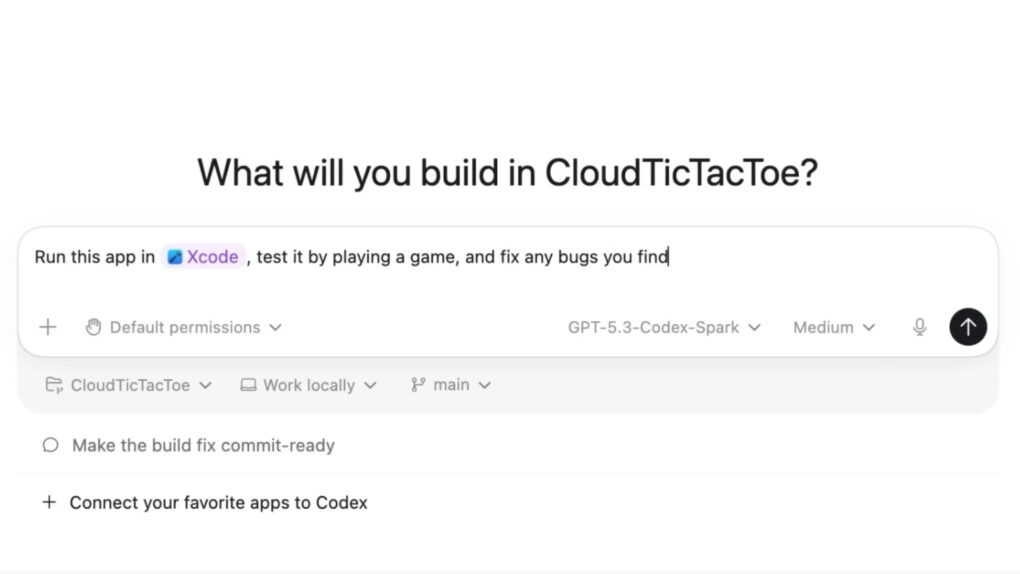
OpenAI just gave Codex a big upgrade. Screenshot: OpenAI
ChatGPT is making its Codex app for Mac more powerful. It can now operate your Mac in the background, plug into more apps and services and even browse the web.
OpenAI initially launched Codex primarily for coding purposes. But the latest update greatly expands its capabilities.
Don't send your data to some sketchy AI company's servers. Keep it local with Pansophy. Photo: Cult of Mac Deals
Pansophy is a secure personal AI assistant that runs on your Mac (or other computer). Once installed, Pansophy acts like a constant companion that can help with writing, coding, research, planning and everyday problem-solving.
You can ask it to draft emails, clean up text, brainstorm marketing ideas, outline projects or walk through tricky concepts. It feels similar to chatting with a cloud-based model, only everything happens on your CPU. It’s a fully local AI assistant that runs without accounts, subscriptions or cloud processing. And right now, you can get a lifetime subscription to Pansophy for just $79 (regularly $199).
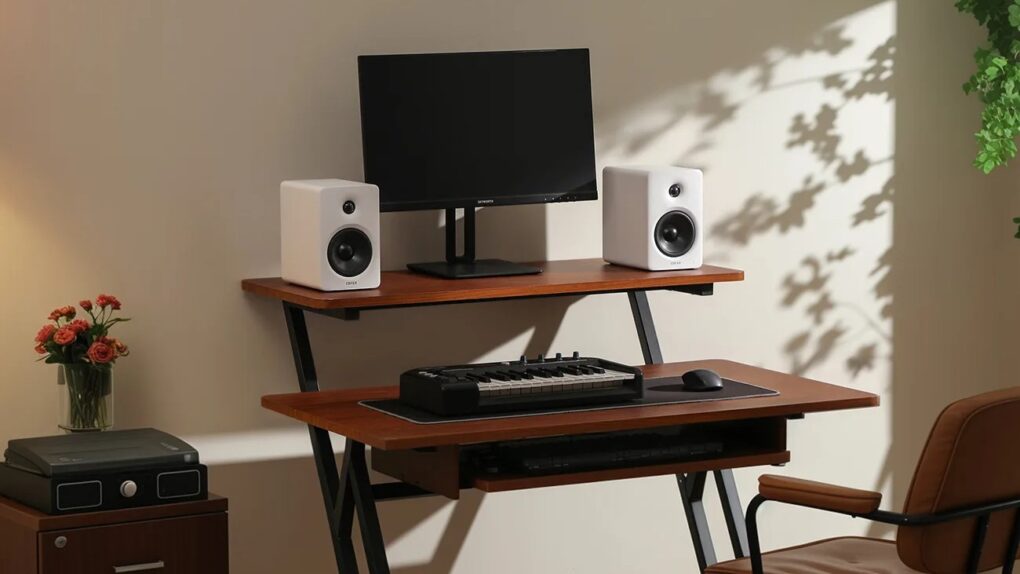
Here the M90 speakers bring 100W of audio power to a computer setup. Photo: Edifier
Update: Introduced at CES 2026, Edifier’s new M90 Comact Active Speakers finally went on sale Wednesday. They’re the company’s first compact active speaker with HDMI eARC for easy use across desktop and TV-based setups. Available in black or white colors, they cost $370 per pair (not cheap, but incredibly versatile).
Edifier introduced a new lineup of speakers at CES 2026 designed specifically for users who need seamless audio across multiple devices and environments, the China-based audio manufacturer said.
The collection addresses a growing need among consumers who work, stream, game, and entertain from the same space, often switching between desktop computers, TVs, gaming consoles and mobile devices throughout the day.
The intriguing prospect of Mac mini as AI project manager comes with some privacy questions. Image: Perplexity
Update: Perplexity said in March it would unleash Personal Computer software to work as an artificial intelligence manager for Mac, and now it’s available.
Today we're releasing Personal Computer.
Personal Computer integrates with the Perplexity Mac App for secure orchestration across your local files, native apps, and browser.
We’re rolling this out to all Perplexity Max subscribers and everyone on the waitlist starting today. pic.twitter.com/kxgFQFo7BB
Artificial intelligence search engine company Perplexity just unveiled what it calls Personal Computer. It’s not a new piece of hardware, but a layer of software that transforms a Mac — specifically an M4 Mac mini in the company’s promotions — into a tireless AI employee.
It works around the clock, coordinates other artificial intelligence systems, accesses your local files and can be controlled from anywhere in the world. Mac users might be intrigued. Privacy advocates may not be so sure.
This stock photo shows a similar microlight aircraft in flight. Photo: Razvan Trif, pexels.com
A fatal microlight aircraft accident in 2024 has been linked to production of Apple’s Adventure immersive video series for Vision Pro, according to a new report. And it seems crew members raised safety concerns before the accident.
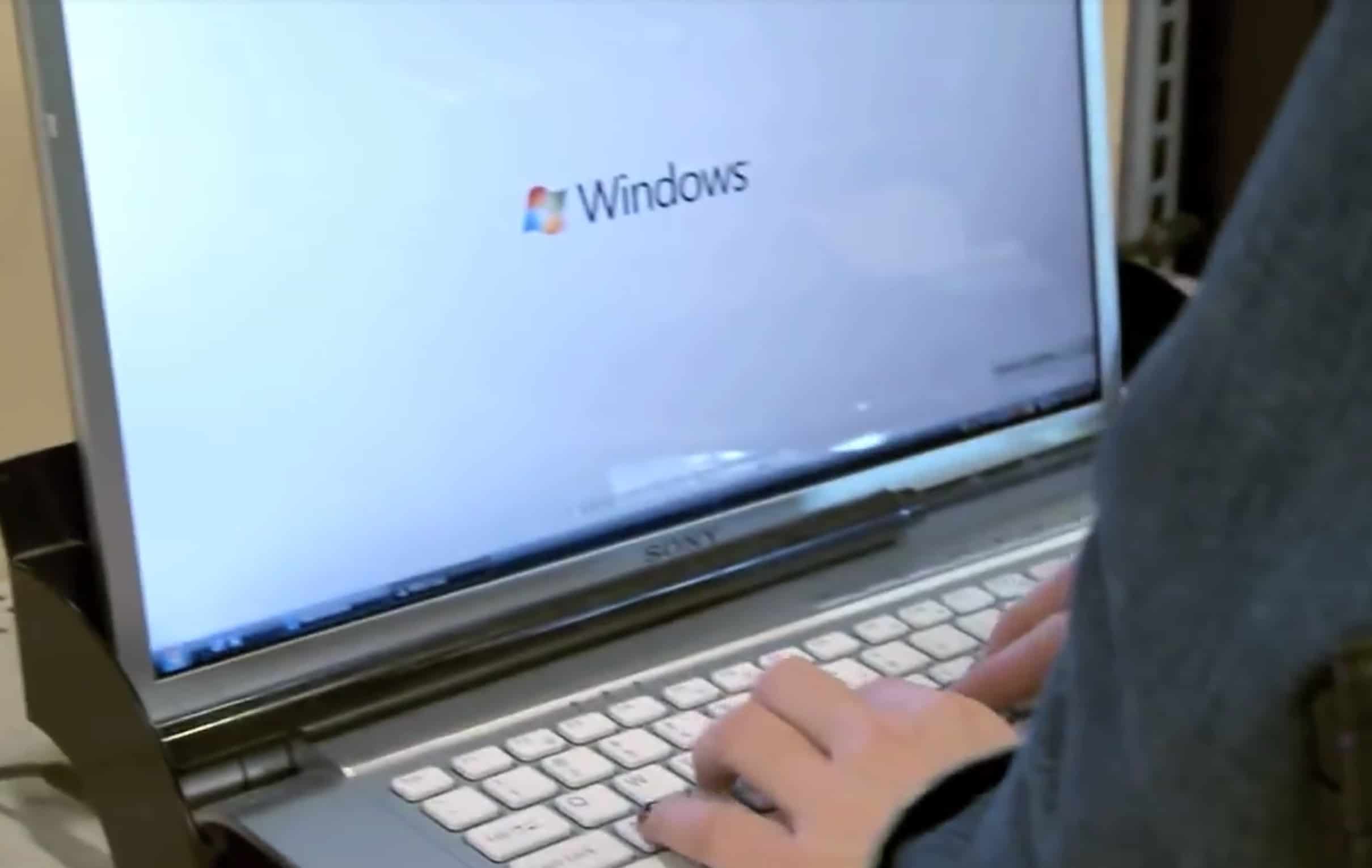
Microsoft ads take issue with Apple's premium prices. Photo: Microsoft
April 16, 2009: Apple hits back at Microsoft following an advertisement that criticizes Cupertino for failing to sell decent laptops for less than $1,000.
“A PC is no bargain when it doesn’t do what you want,” Mac PR director Bill Evans tells Bloomberg. “The one thing that both Apple and Microsoft can agree on is that everyone thinks the Mac is cool. With its great designs and advanced software, nothing matches it at any price.”
MacBook Neo features 60% recycled content. Photo: Apple
Apple hit record recycled material use and other environmental milestones according to its annual Environmental Progress Report, the iPhone giant said Thursday. In 2025, 30% of the material in all Apple products shipped came from recycled sources — a record.
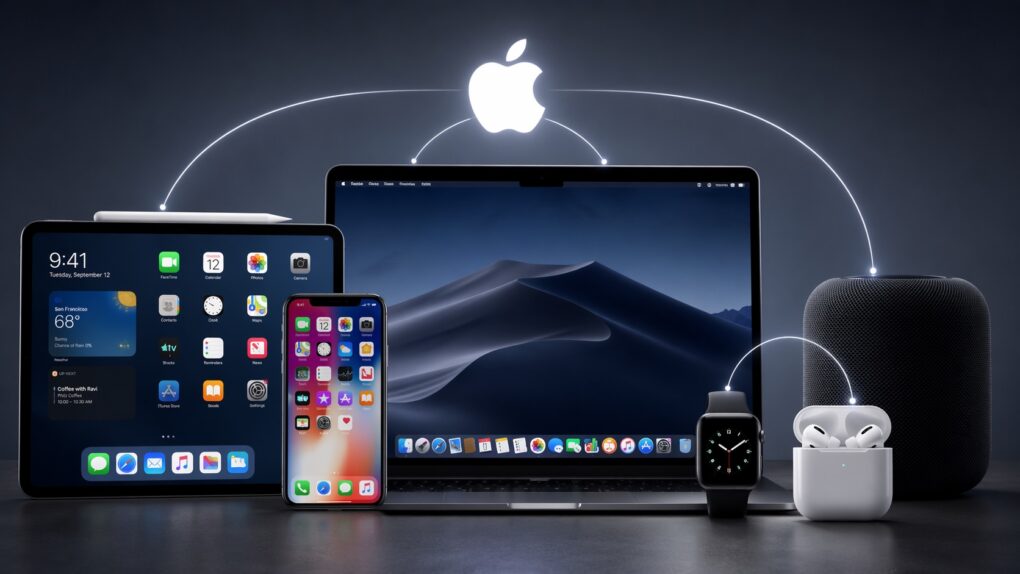
Can you leave Apple's ecosystem? AI image: ChatGPT/Cult of Mac
What makes the Apple ecosystem so alluring? Individually, the iPhone, iPad, Mac or Apple Watch might not be the best devices in their respective categories. Yet, when combined, they form one of the best ecosystems in the world.
It’s this Apple ecosystem — the so-called walled garden — that makes it almost impossible to ditch Apple devices. But what makes it so good?
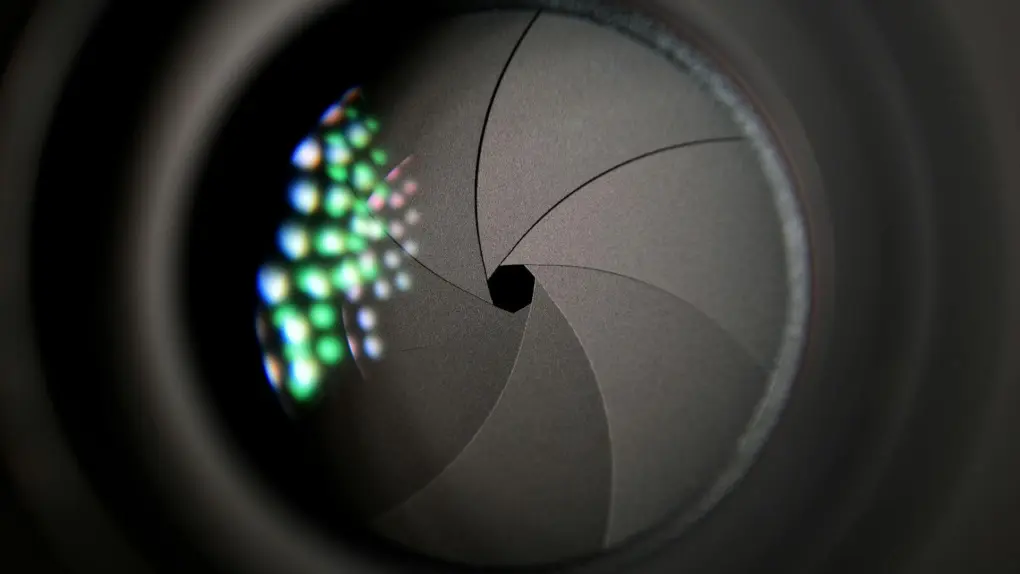
iPhone 18 Pro's variable aperture camera will be a first for Apple. Photo: Pixabay at Pexels.com
Supply chain manufacturers have begun producing components for the iPhone 18 Pro’s variable aperture camera system, according to a new report. It marks a significant milestone ahead of the device’s expected September launch — and a first in iPhone history.
All previous iPhone cameras feature fixed apertures. A variable aperture allows more control of light reaching the sensor for sharper, properly exposed images.
Save 50$ on YouTube Premium with AI Premium AI image: ChatGPT
Google will give a 50% discount on YouTube Premium if you already pay or upgrade to its AI Premium plan. This brings the price down from $159.99 to $79.99 for the first year.
The offer applies to both existing and new Google subscribers.
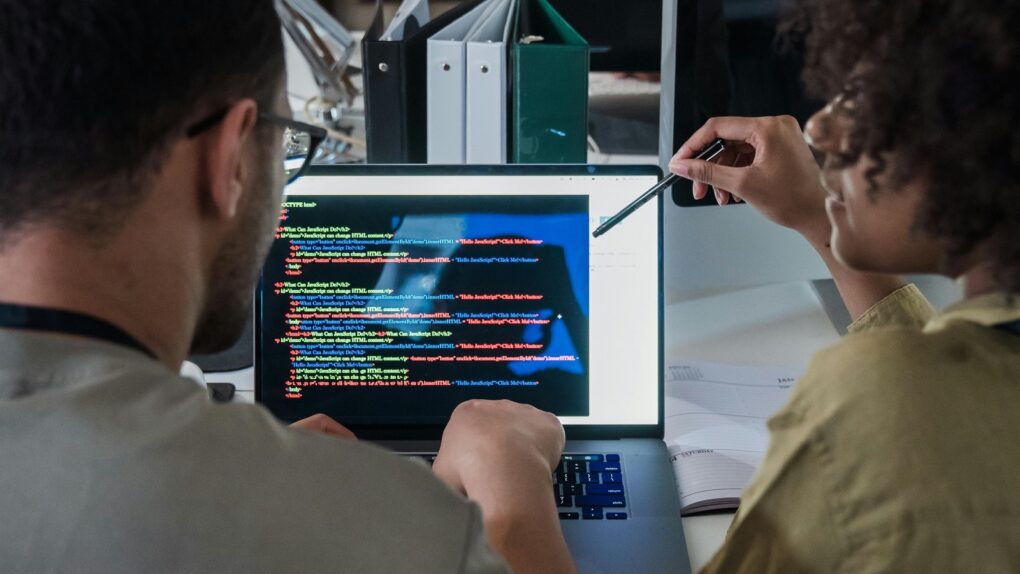
Apple will retrain existing employees with AI coding skills. Photo: Mizuno K/Pexels
Apple will reportedly send a sizable share of its Siri development team to an intensive, multi-week bootcamp to improve their AI coding skills. To be clear, the employees won’t be learning how to make an AI, but how to use AI to develop.
It’s part of a push to finally complete the revamp of Apple’s voice assistant that the company promised years ago.
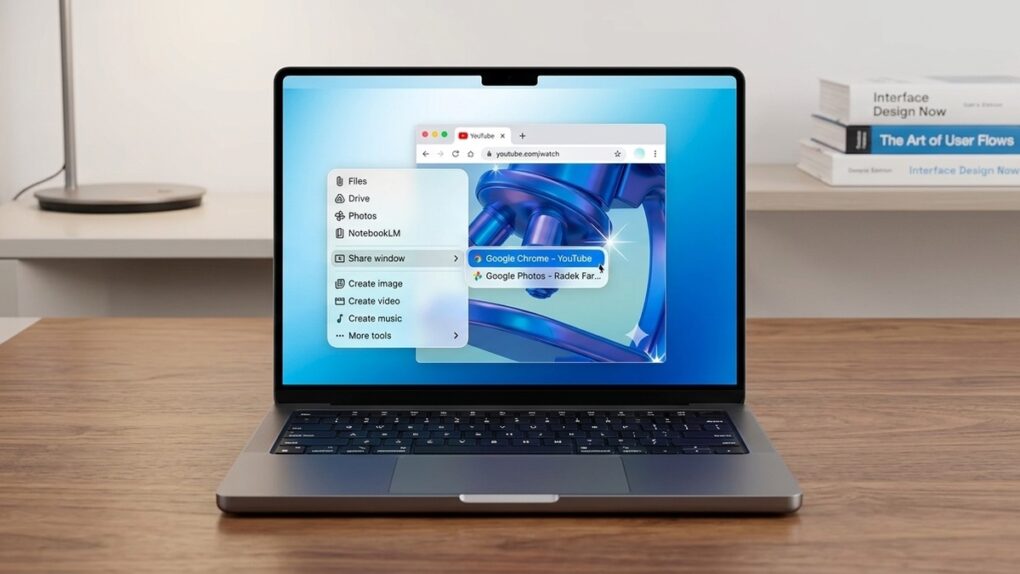
Gemini for Mac offers a faster, more integrated way to get AI help. AI image: Google/Apple/Gemini/Cult of Mac
Google brought its Gemini AI assistant directly to Mac, launching a new native macOS app on Wednesday. The app makes it easy to share what’s on your computer’s screen with the AI.
It’s designed to be more tightly integrated with the user’s workflow than the web version.
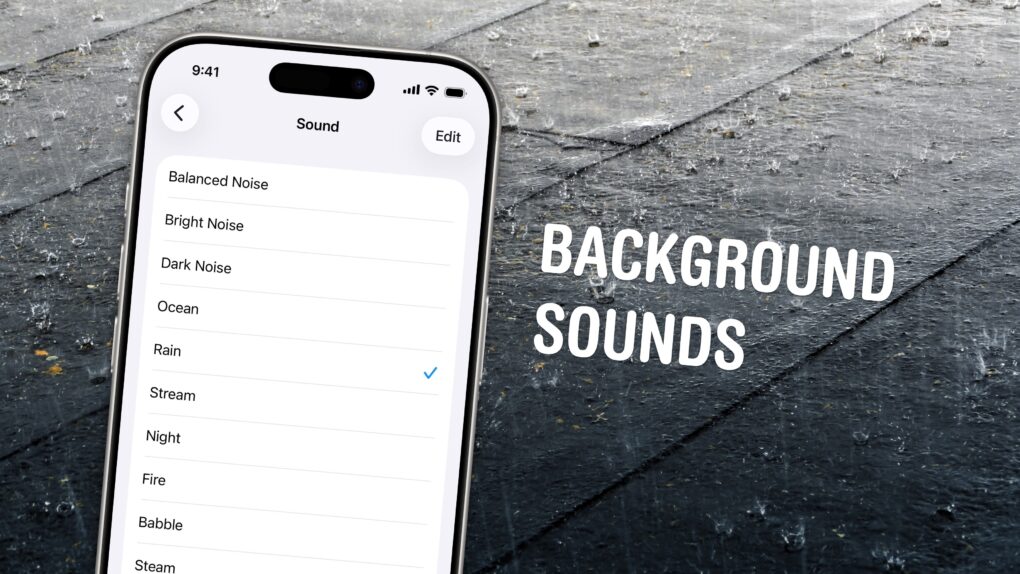
Chill out and silence the sounds of your environment with the sounds of rain, the ocean, a fireplace and more. Photo: W.carter/Wikimedia Commons/D. Griffin Jones/Cult of Mac
If you’re working in an office or in the city, you’re probably inundated with noise from people chattering, cars running and nearby music. Your iPhone has a built-in feature called Background Sounds for playing rain noises or white noise to tune it all out.
Or, if you work at home and want some of that office or coffee shop ambiance, you can add some of those chatter sounds back in. You can even simulate a commute, with sounds of a bus, train, airplane or even boat.
You don’t need to download any apps or pay a cent. Background Sounds is a free feature on your iPhone, iPad and Mac. Let me show you how it works.
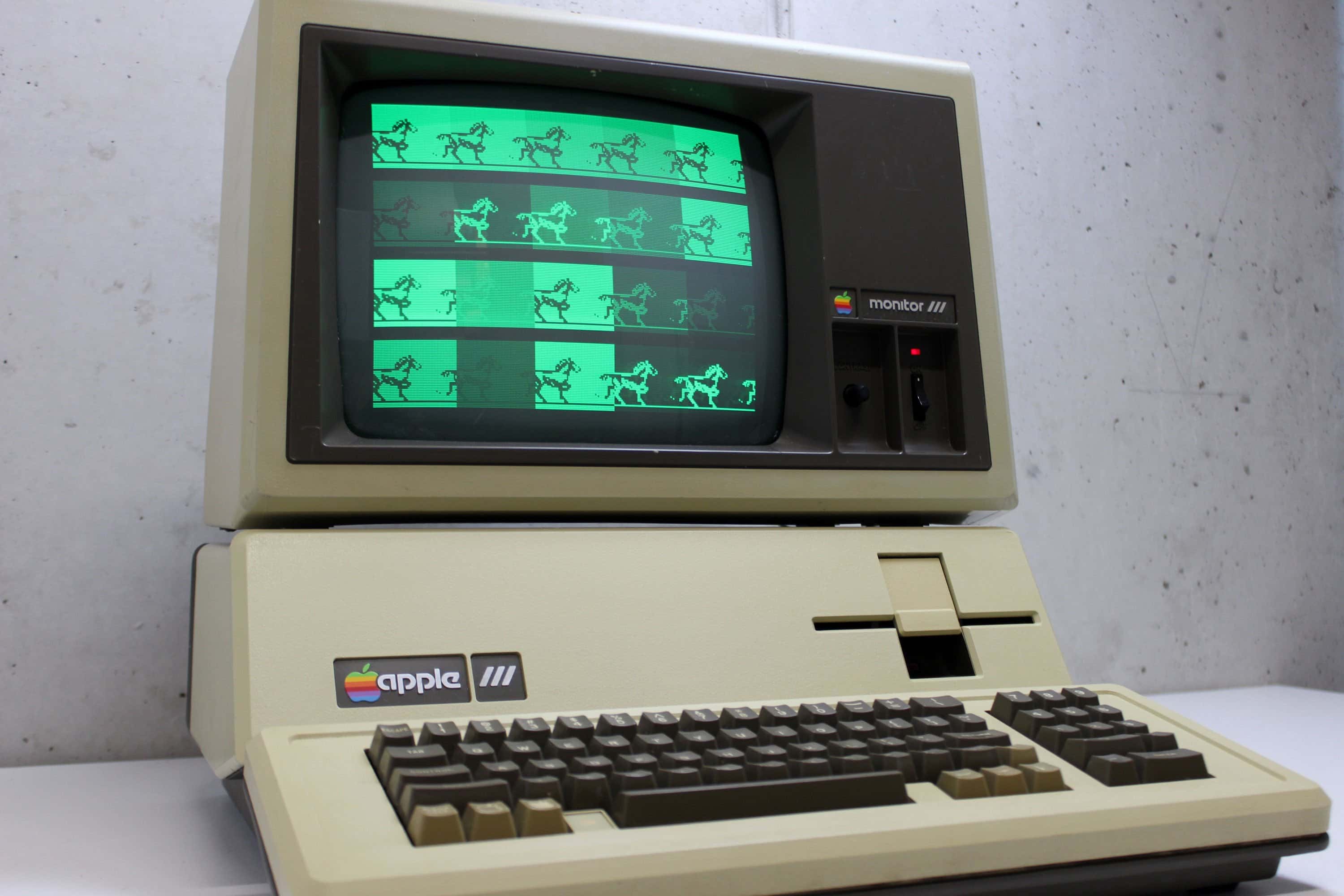
The problems encountered by the Apple III sound strangely familiar. Photo: Alker33/YouTube
April 15, 1981: Apple CEO Mike Markkula defends the struggling Apple III computer with a surprisingly straightforward admission. The comment comes even as the company pushes an unorthodox “fix” for the Apple III motherboard, which tends to overheat due to a questionable design.
“It would be dishonest for me to sit here and say that it’s perfect,” Markkula tells The Wall Street Journal, after critics blast the new computer for its overheating motherboard. Apple’s official solution to the problem? Ask users to drop their Apple III from a height of 6 inches to reseat the chips.
Apple Watch Series 11 comes in a range of colors and combos, but not everything's on sale ... yet. Image: Cult of Mac
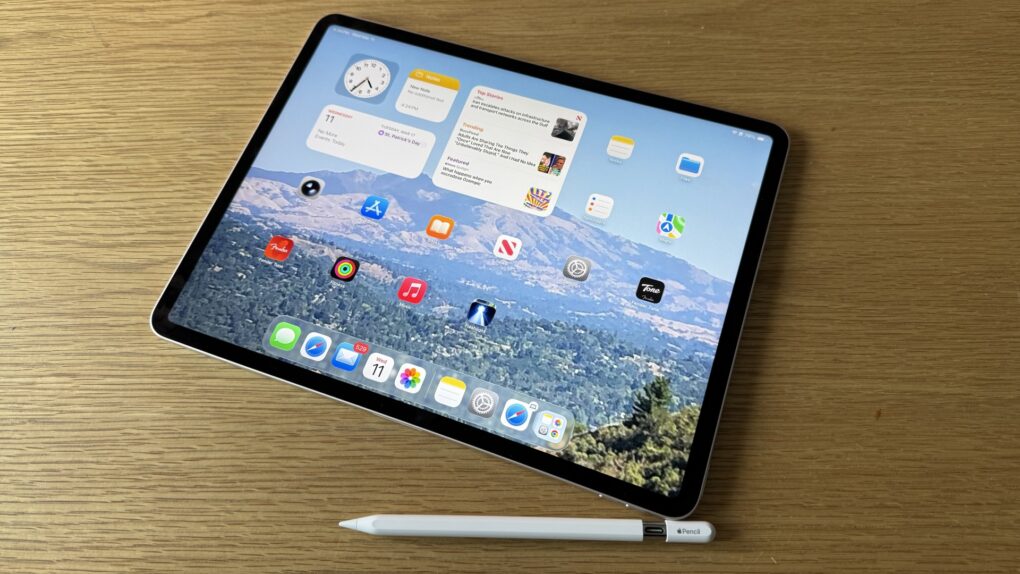
A smartwatch can help you get in shape for the summer, and a hot deal on Apple Watch Series 11 drops the cost to only $299 for the smaller 42mm size. That’s a $100 discount off Apple’s MSRP — a whopping 25% off!
The award for completing the Earth Day challenge looks like this. Photo: Apple
Apple will bring two limited-edition Activity challenges to Apple Watch this month, giving users a reason to get moving in the final stretch of April, the iPhone giant said. The occasions are Earth Day on Wednesday, April 22, and International Dance Day on Wednesday, April 29.
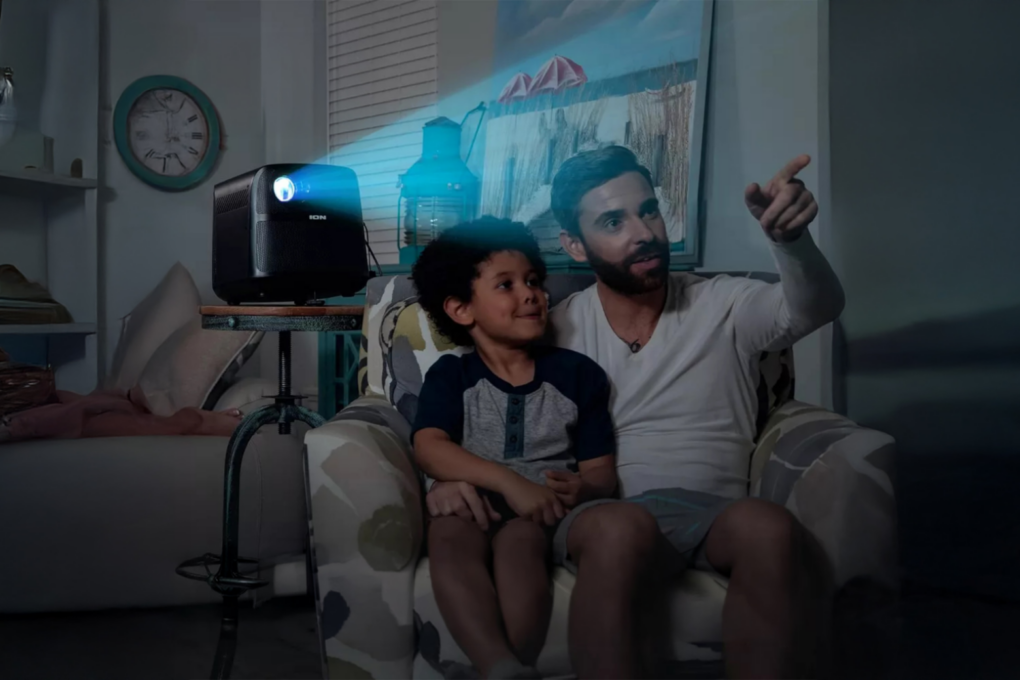
This affordable projector works for movies, audio and even karaoke. Photo: Cult of Mac Deals
Most portable projectors sound great on paper — until you actually use them. A dim image, tinny audio, and too many cables can ruin your movie night. This Ion Audio portable HD projector fixes some of that — and at just $67.99 (regularly $84.99), it’s more about convenience than perfection.
If you’re looking for an easy way to throw a movie on the wall from your MacBook or iPhone, this is one of the simpler setups around.
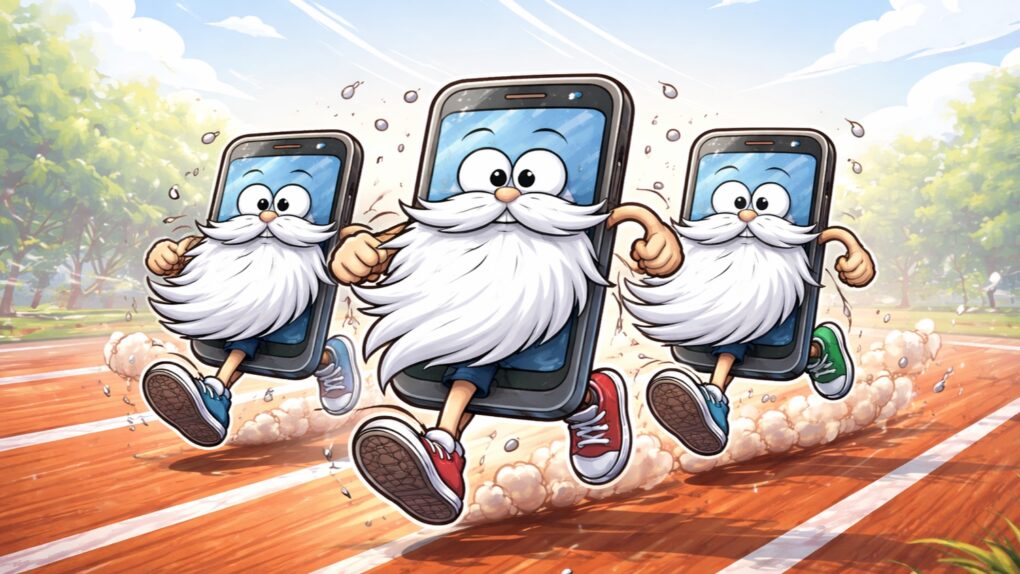
Simple steps can give your older iPhone better performance. AI image: ChatGPT/Cult of Mac
Stop me if this sounds familiar: Your old iPhone just doesn’t have the same pep it used to and you’re desperate to speed it up. Ignore the nasty iPhone conspiracy theory — the real reason for the slowdown is rooted in battery chemistry, diminishing amounts of available memory, and the evolving demands of modern iOS apps.
Fortunately, you can take steps to improve the speed of your older iPhone. Here’s what to do.
Prices for lots of Samsung and Microsoft gear just took a jump. Ouch! AI image: ChatGPT/Cult of Mac
Rising costs across the global tech supply chain are forcing some of Apple’s biggest competitors — most notably Microsoft and Samsung — to increase prices on smartphones, tablets and notebooks, signaling a potential shift in the competitive landscape for consumer electronics.
Apple has not increased prices. It’s actually recently moved the opposite direction by introducing the most affordable MacBook ever.
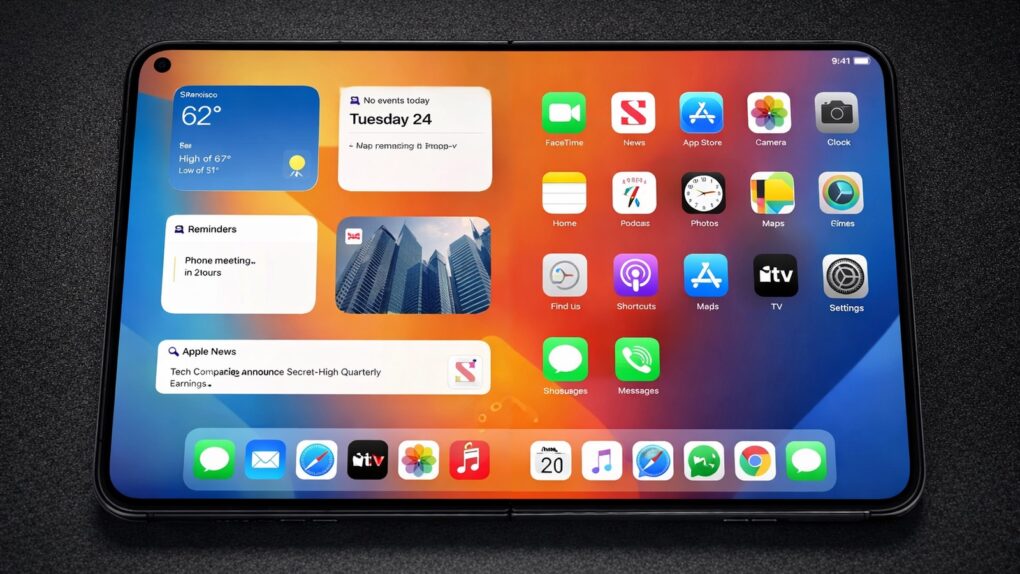
Apple is allegedly upbeat about demand for the iPhone Ultra, its first foldable. AI image: ChatGPT/Cult of Mac
Apple is reportedly ramping up its supply of a critical component for the foldable iPhone, even as the broader market for foldable smartphones shows signs of slowing.
According to a supply chain report published Tuesday, the company increased its orders of foldable display panels by roughly 20%, a move that signals growing confidence in the long-rumored device.

 April 17, 1977: The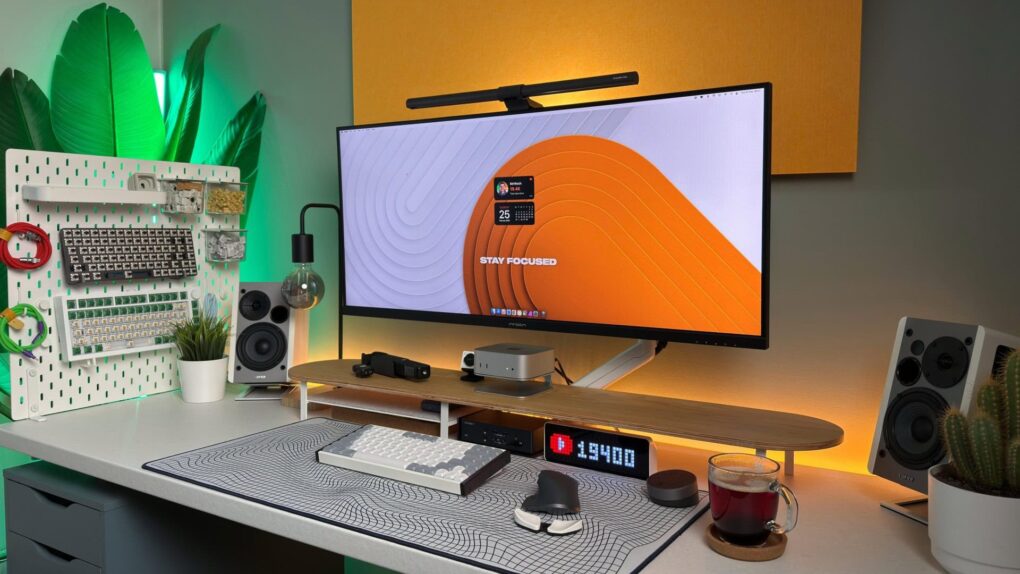


 April 16, 2009: Apple hits back at Microsoft following an advertisement that criticizes Cupertino for failing to sell decent laptops for less than $1,000.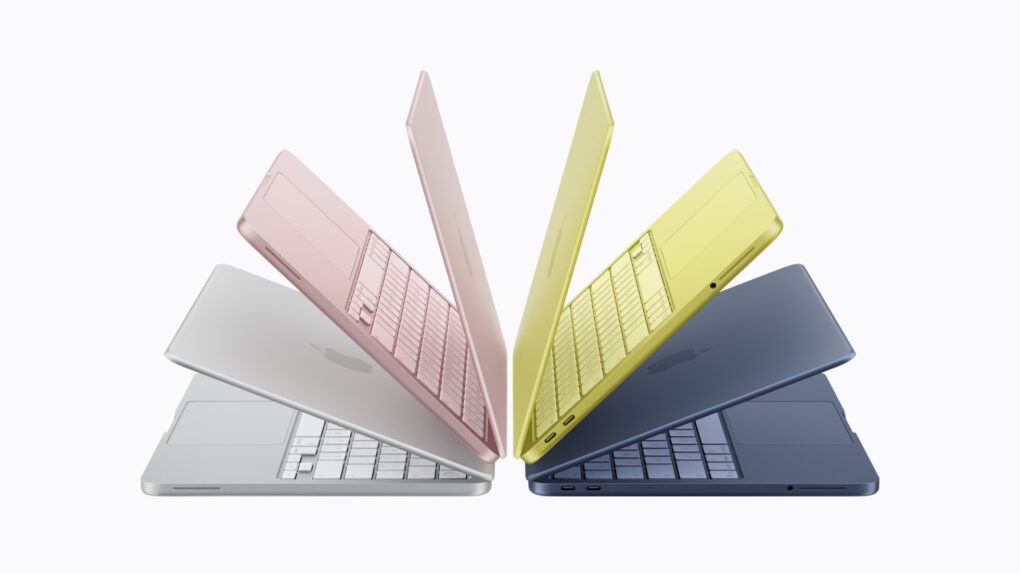

 April 15, 1981: Apple CEO