Apple’s new Siri AI is expected to be the biggest overhaul of the voice assistant since it debuted in 2011. Rather than simply responding to individual commands, the upgraded Siri is designed to understand personal context, remember details across conversations and perform complex tasks that span multiple apps.
Powered by Apple’s latest on-device and cloud-based AI models, the assistant should be able to carry on more natural conversations, take action without step-by-step instructions and deliver more personalized responses while keeping much of users’ data private through Apple’s privacy-focused approach to artificial intelligence.
Siri AI is free, but for how long? Image: Apple/Cult of Mac
When Siri AI launches in the fall, the artificial intelligence-powered chatbot will be available at no extra cost on the devices that support it, but that could change in the future. Apple CEO Tim Cook raised the possibility on Thursday.
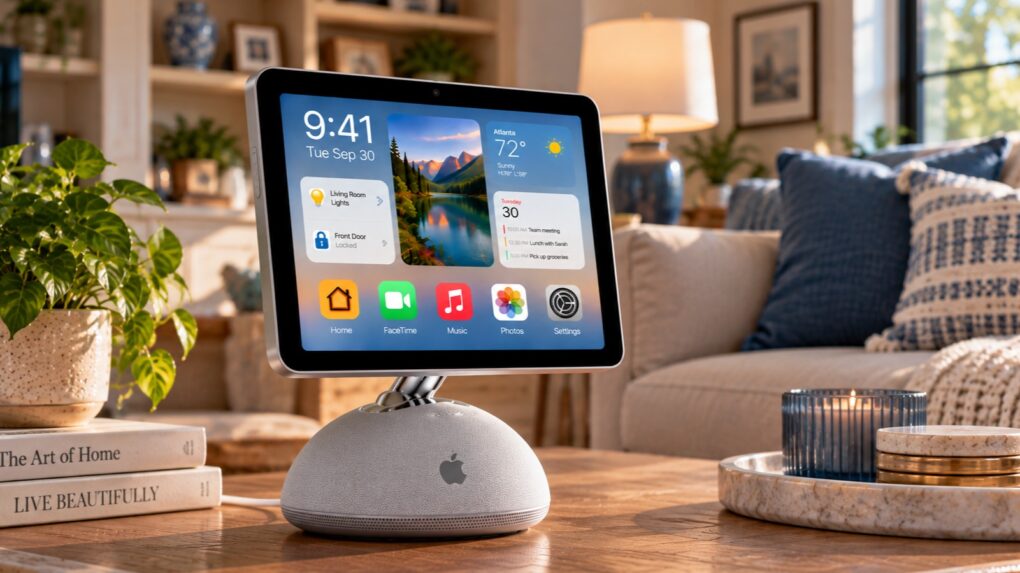
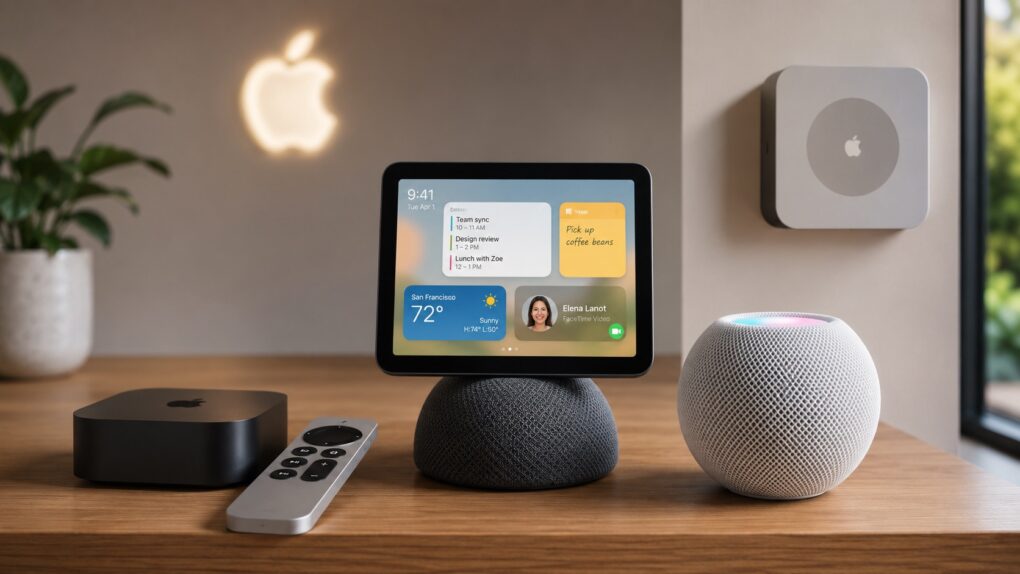
Apple gears up for its biggest smart home launch in years. AI image: ChatGPT/Cult of Mac
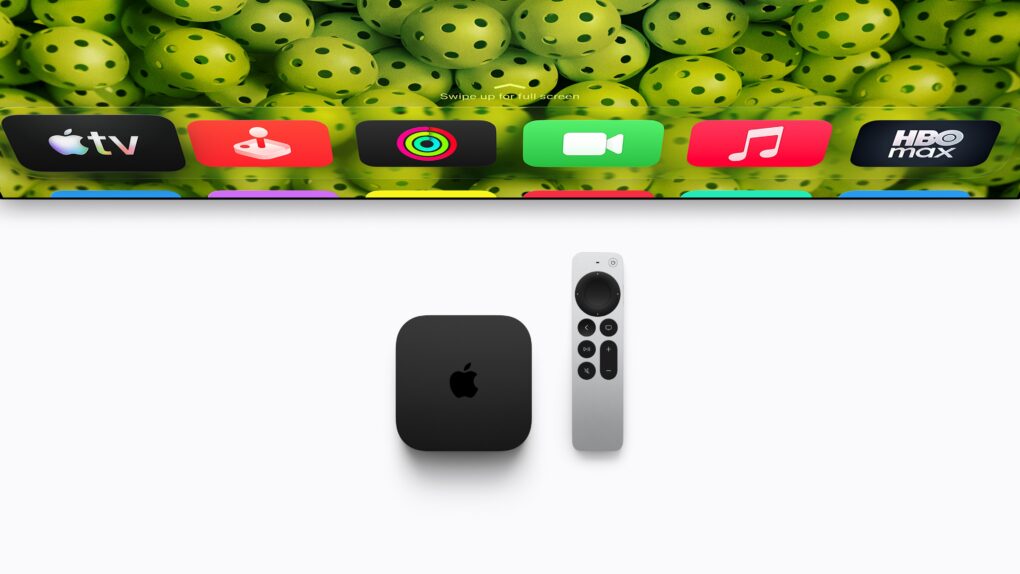
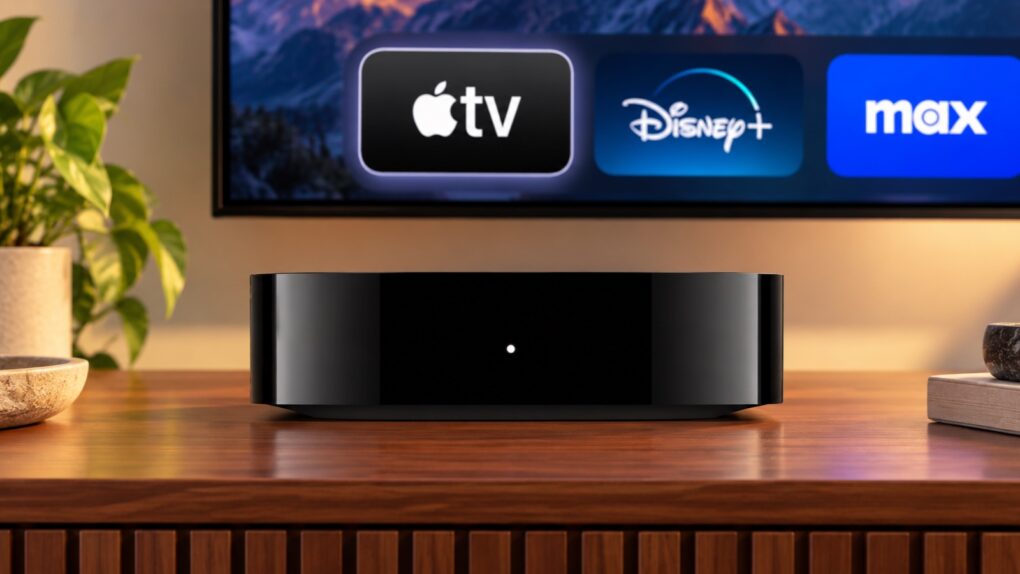
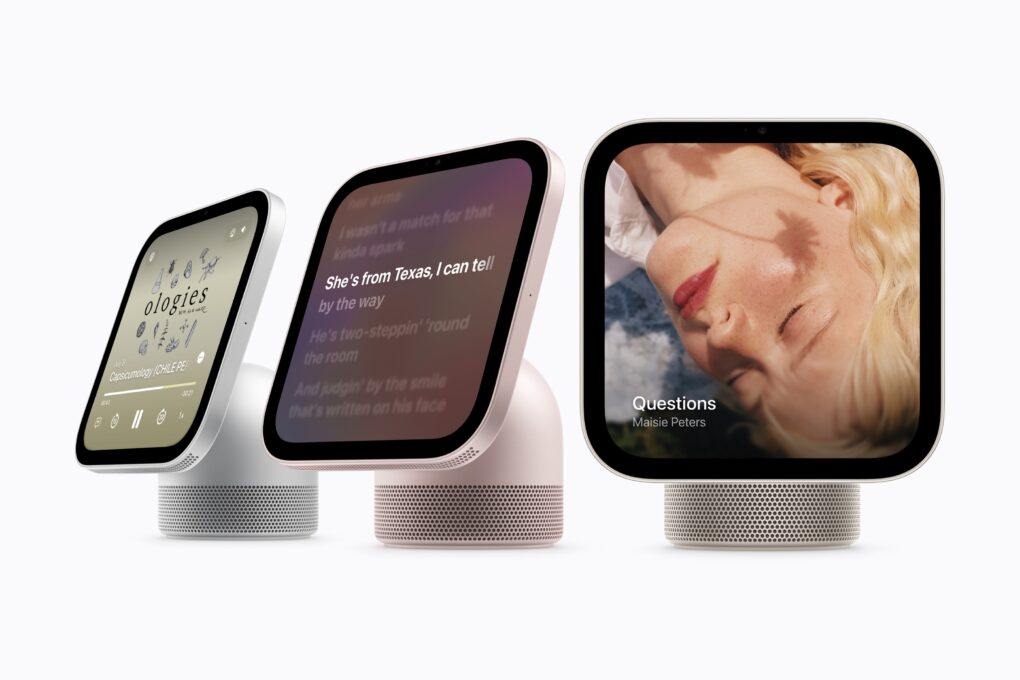
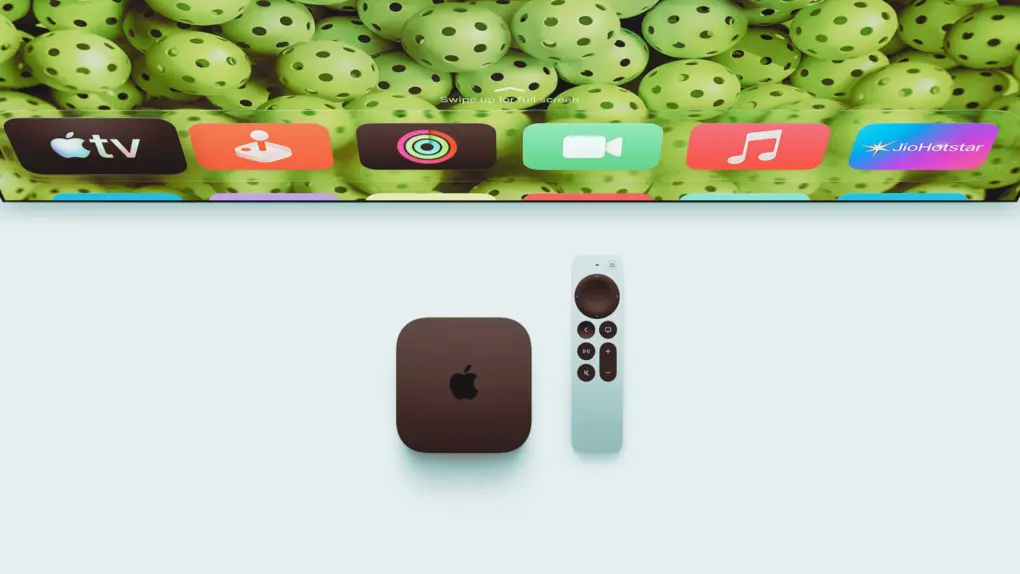
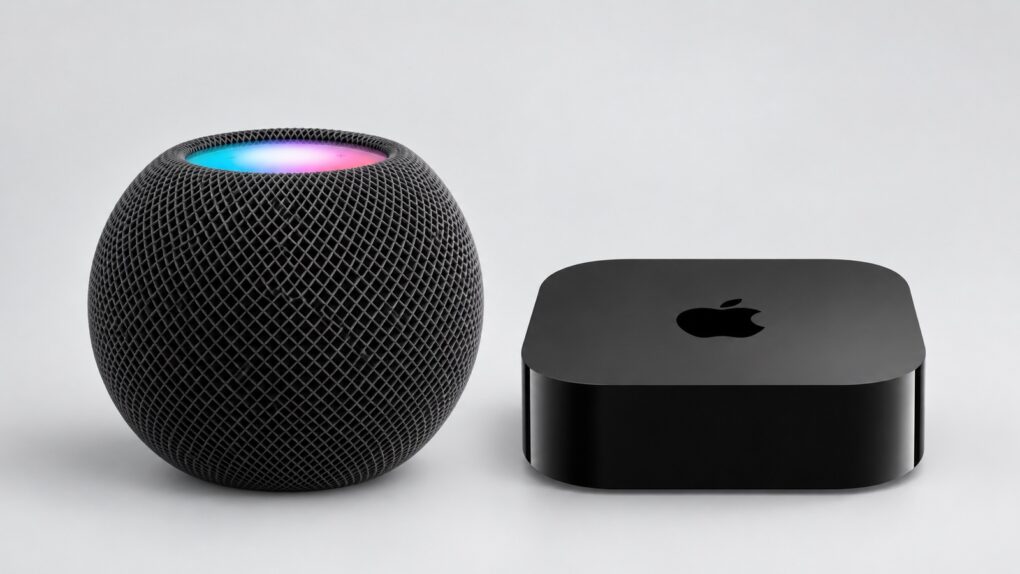
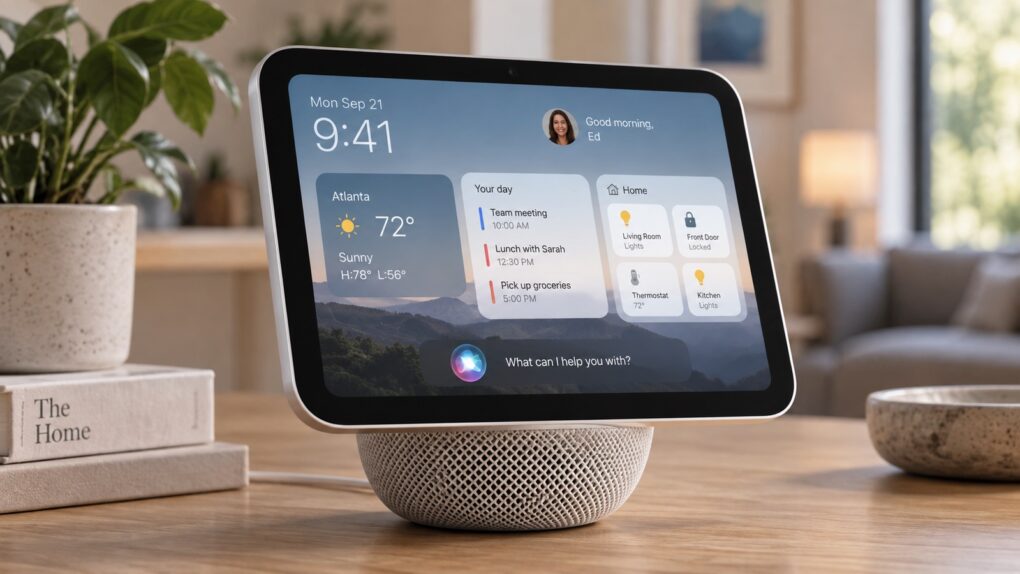
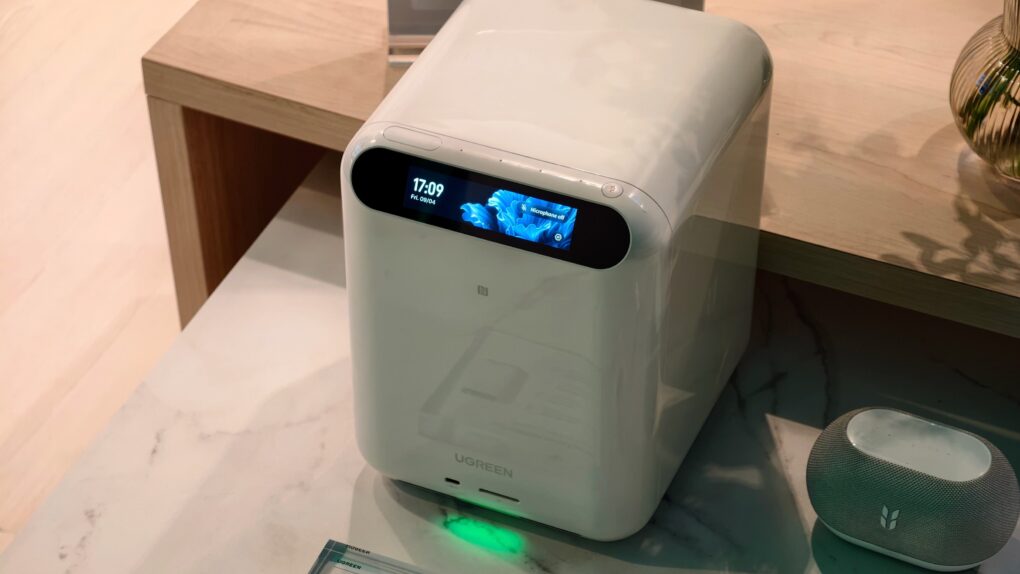
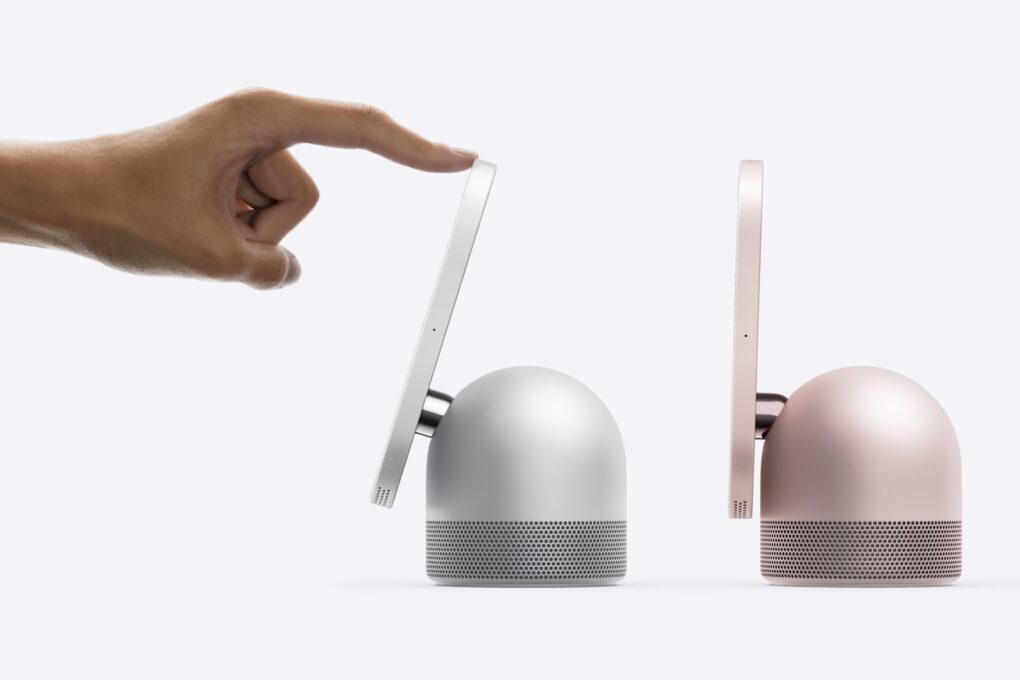
After years of lagging the competition, Apple is “nearly ready to launch” three new smart devices, according to a new report. An updated Apple TV and HomePod mini will debut as soon as this fall.
There’s also the long-rumored smart home hub, which could arrive anytime between October and early next year.
iOS 27 beta 3 brings small but important changes. Photo: Apple/Cult of Mac
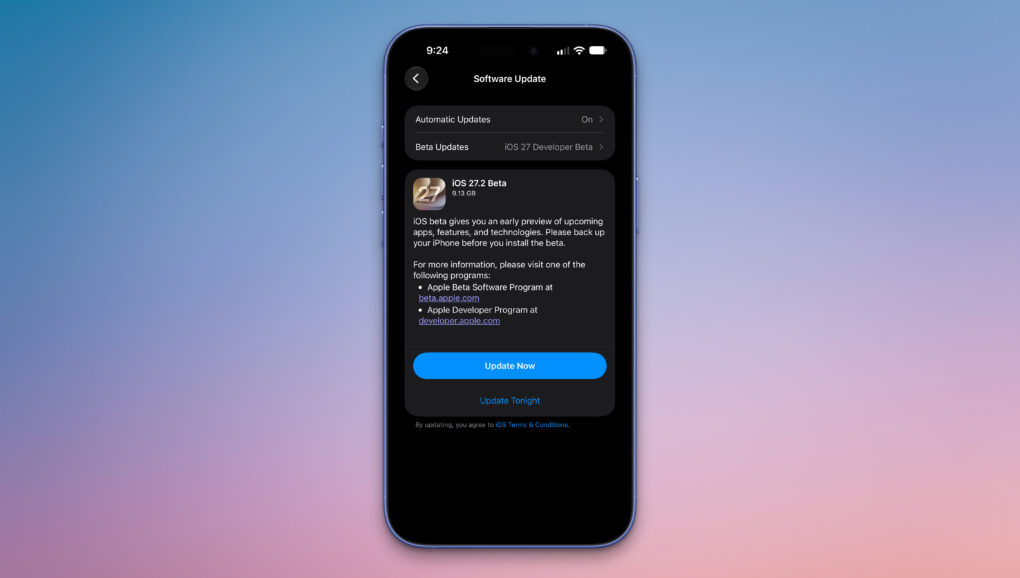
Sticking to its two-week beta release schedule, Apple is rolling out iOS 27 beta 4 to developers. The new build contains relatively minor changes compared to the third beta and the first public beta.
Below are all the changes we have spotted in iOS 27 beta 4 so far.
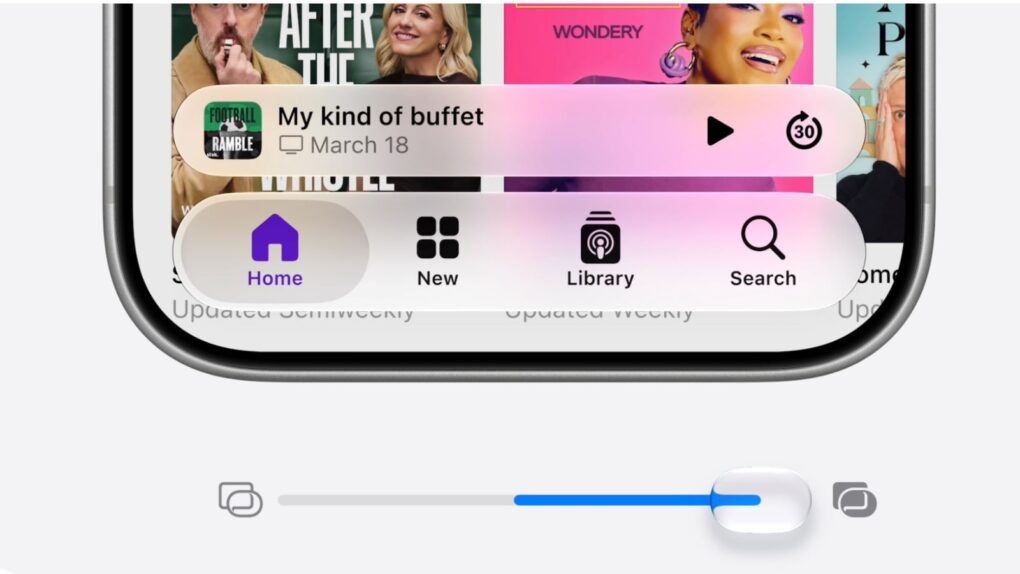
A slider in iOS 27 lets you adjust the look of Apple's Liquid Glass user interface. Image: Apple
Apple released the first iOS 27 public beta Monday, giving everyday iPhone users a chance to experience the latest features.
By most accounts, it’s stable enough to download now and run without too much worry. The biggest bummer is that you’ll still need to get in line to experience the new, improved Siri AI.
The iPad 12 will bring significant internal upgrades to this budget tablet. AI image: Apple/ChatGPT/Cult of Mac
The basic iPad could become a much smarter buy this fall: the iPad 12 will reportedly get a processor boost that will let the tablet take advantage of Apple’s new AI features.
Need to add more time to a timer on your Apple Watch? You can with watchOS 27. Photo: Unsplash
Your Apple Watch’s Siri timer problem just got fixed. With watchOS 27 beta 3, you can finally tell Siri to add two minutes to an already running timer — instead of getting stonewalled with “What do you want to set the timer to?”
If you’ve ever pulled a tray out of the oven a little early just because doing timer math in your head felt easier than fighting Siri, you know exactly why this matters. It’s a teeny tiny fix, but it does away with the everyday friction that made your watch feel less useful.
In iOS 27 beta 3, Siri AI can now pull data from select third-party apps, including Tessie. Image: Max Weinbach/X/ChatGPT
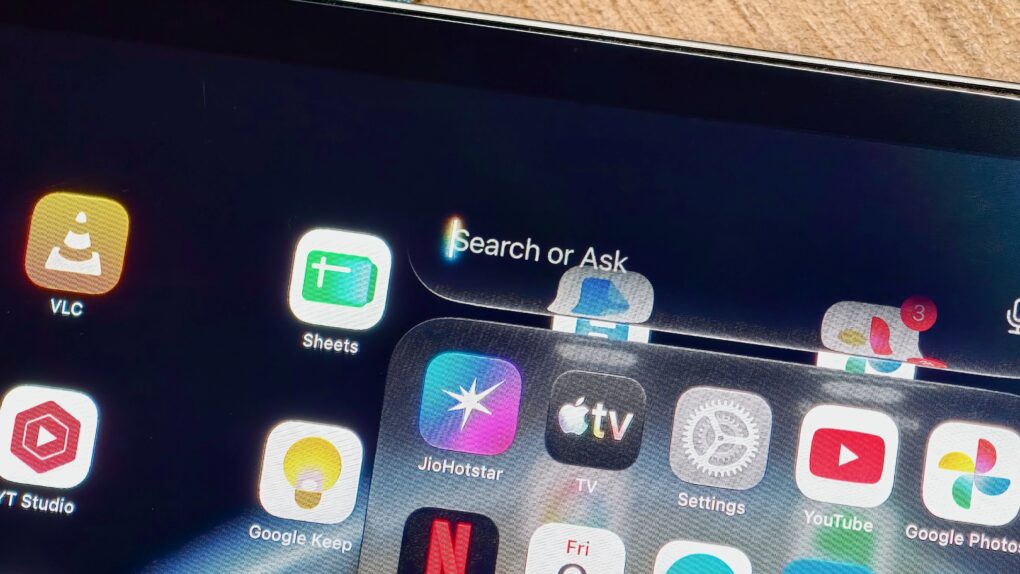
In the latest iOS 27 developer beta, Siri AI can pull live information from third-party apps on your iPhone. It’s the kind of feature Siri should’ve had years ago — and now, it’s finally here.
Right now, it only appears to work with a couple of electric vehicle apps, letting you ask Siri things like your car’s battery level. But it’s a signal of where Siri AI is headed — an assistant that finally acts as a bridge across your entire phone, not just Apple’s walled garden.
Apple is asking a judge to dismiss the YouTube lawsuit, arguing the videos were never locked down in the first place. Photo: Unsplash
Apple just responsded to three YouTube channels that filed a lawsuit against the company earlier this year over AI training data — and Cupertino isn’t apologizing. In short, its defense is that these creators uploaded the videos online for free, so they shouldn’t be shocked that Apple looked at them.
Even if you haven’t uploaded a video in your life, here’s why you should care. This lawsuit is about how AI features baked into your iPhone actually got smart, and whether the people who made it possible got anything for it.
Swipe down from the top-left corner now, not the center, to reach Notification Center in iOS 27. Photo: Apple
Apple just rewired a gesture you’ve used every day since 2011, and you probably won’t notice it until it’s too late. iOS 27 hands to the new Siri AI the exact swipe you’ve used to check notifications, and it doesn’t even ask nicely first.
Turn on Siri AI in the latest iOS 27 beta, and swiping down from the top center of your screen will no longer open the Notification Center but wake up Siri instead. Your alerts aren’t going anywhere, but you’ll need to relearn where to find them.
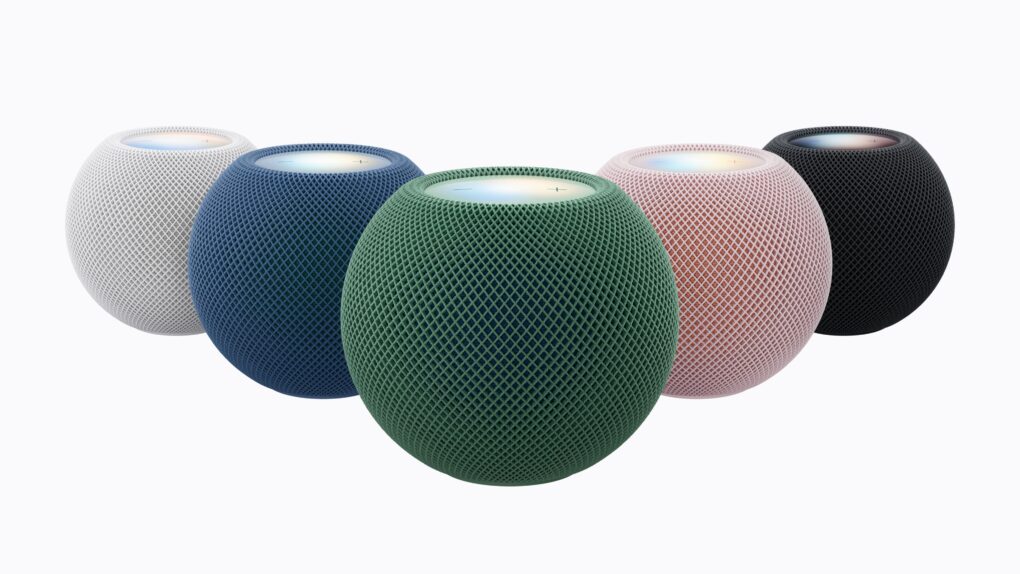
Will the conversational Siri AI come to your current HomePod? Image: Apple/Cult of Mac
Siri AI, Apple’s next-generation version of its voice assistant, might push everyone’s HomePods toward obsolescence. Technology is moving on, apparently leaving these smart speakers behind.
Still, the devices aren’t about to become rubbish. They’ll just miss out on some of the new Apple Intelligence features. Here’s what’s going on.
The popular workaround is no more. Graphic: Apple/D. Griffin Jones/Cult of Mac
The hack that some Mac users were using to try out the new Siri AI, skipping the waitlist, no longer works.
Apple released the second developer beta of all its OS 27 updates yesterday. In macOS 27 developer beta 2, the hidden Terminal command no longer enables Siri AI. After you update, you’ll find yourself back on Apple’s waitlist. If you previously enabled it on your Mac, your access will be revoked.
But no worries — some users on Reddit may have found a way to get yourself accepted fast.
visionOS 27's Siri AI is the headset's biggest upgrade yet, but not every Vision Pro user will get it. Photo: Apple
While visionOS 27 is coming to every Apple Vision Pro ever sold, two of its standout features will only work on the second-gen headset with an M5 processor.
So far, Siri AI seems like a winner. Image: Cult of Mac
This week on the Cult of Mac podcast: After more than a week spent hands-on with the first iOS 27 developer beta, Griffin and Leander give us a status update on what works and what really, really doesn’t.
The good news is, Siri AI seems legitimately useful. The bad news is that the betas are a little rough around the edges. (After all, betas gonna beta.) Still, there’s plenty to talk about as we go over the best new features.
Also on the Cult of Mac podcast:
Some leaked iOS 27 features that never happened might still be on the way. It’s all part of Apple’s secret plan to sell us new hardware this fall.
Speaking of new hardware, it sounds like 2027 is going to be an absolute doozy for Apple.
And finally, the inside story of the latest Cult of Mac hack.
Listen to this week’s episode of the Cult of Mac podcast in the Podcasts app or your favorite podcast app. (Be sure to subscribe and leave us a review if you like it!) Or watch the video live stream, embedded below.
Siri AI looks like a pill-shaped blob on current iPhones, but the iPhone 18 Pro might make it an orb. Photo: Apple
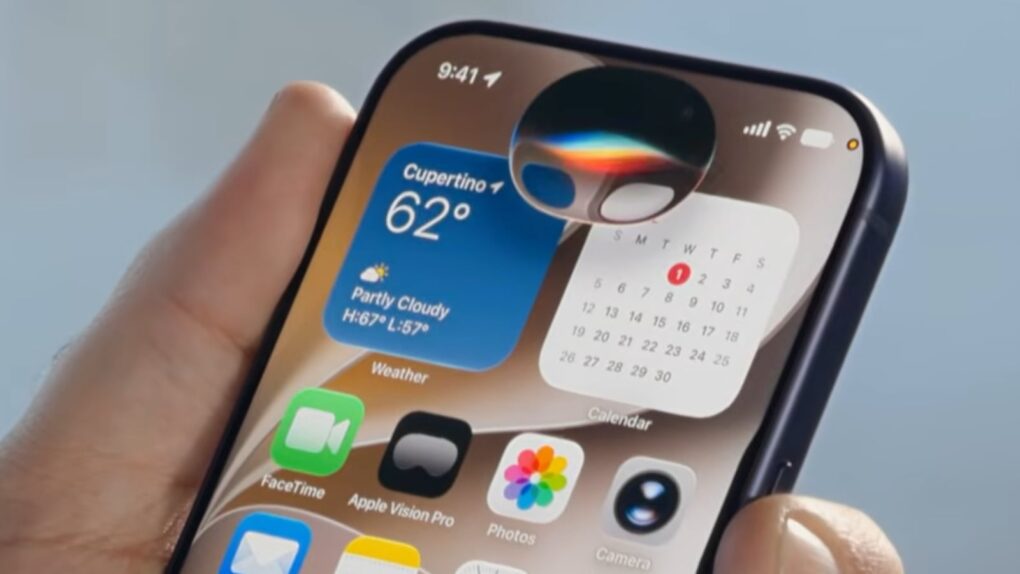
The new Siri AI in iOS 27 shows up as a glowing pill on the iPhone — and it might just be teasing the iPhone 18 Pro’s biggest design change. On the iPhone 17, the Dynamic Island forces Siri AI to stretch wide and flat to mask the cutout, sacrificing its intended shape.
It looks out of place. But if you pick up an iPhone 18 Pro this fall, that might change. Siri’s pill shape on the current iPhone results from a hardware constraint, and rumors indicate Apple already engineered a fix into its upcoming flagship phone.
These are the kinds of things you’ll be able to ask the new, smarter Siri. Image: Apple
Did Apple finally get it right — is the new Siri AI useful? In my early Siri AI testing, I think the answer to that question is a resounding “yes.” I took the three biggest demos from Apple’s keynote and replicated them with my own questions based on my own personal context. In nearly all the tests, it performed just as well as Apple’s examples.
I’ve been throwing Siri AI, now available in the first developer beta of iOS 27, all kinds of other questions, too. Foolishly, I put the beta on my main iPhone, so I’ve been using it as my one and only voice assistant for a week now.
While its smarts aren’t going to shock you if you’ve used a chatbot before, its private, secure access to your entire digital life is something nothing else can offer. (And, some would say, an anticompetitive advantage.)
After whiffing a couple years ago, Apple hits it out of the park with Siri AI. Image: Cult of Mac
This week on the Cult of Mac podcast: For once, Siri doesn’t leave us exasperated! After a week of WWDC26 surprises, we’re genuinely stoked about the promise of Siri AI.
Also on the Cult of Mac podcast:
The good news doesn’t stop with Siri. Loads of new Apple Intelligence features look useful and thoughtfully implemented.
Apple faces off against the European Union, and it looks like EU iPhone and iPad users will pay the price.
And finally we wrap up with the results of our WWDC26 predictions game.
Listen to this week’s episode of the Cult of Mac podcast in the Podcasts app or your favorite podcast app. (Be sure to subscribe and leave us a review if you like it!) Or watch the video live stream, embedded below.
It’s worth the wait. But you also don’t have to wait. Photo: Apple
Even after updating all your devices to the OS 27 betas, you can’t get the new Siri AI right away. There’s a waitlist, and users are reporting that it can take days to get accepted. But on macOS Golden Gate, you can skip the waitlist with a little Terminal command.
First, you’ll need to install macOS Golden Gate. If you want to play it safe by installing it on an external volume, you’ll be disappointed — Apple Intelligence only works when macOS is running from your internal storage. So playing it safe is a little harder, unless you have enough free internal space to make a partition.
Whatever your approach, here’s how you can try out the new Siri on your Mac right now.
Siri AI might tell you to take a break if you're getting too gabby. Photo: Apple
Apple’s new Siri AI chatbot might know when you’ve been bending its ear — and encourage you to take a break. A hidden piece of code in iOS 27 reveals that Siri AI could remind you to chill out if a conversation runs too long.
It’s a small detail, but it suggests Apple is clearly thinking about what happens when you don’t stop talking to Siri.
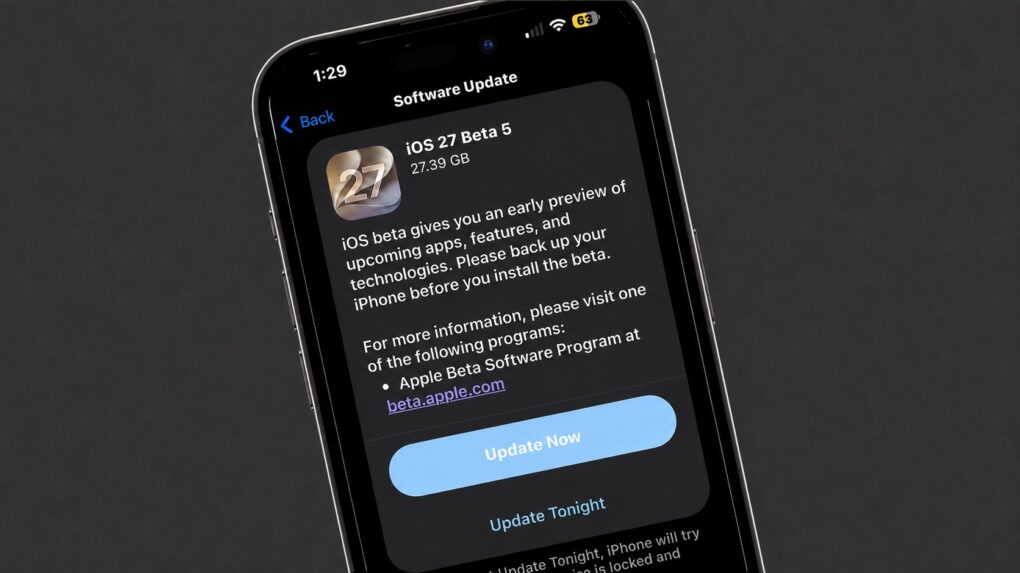
Of course, there are a few things you should look out for. Beta software is buggy and can lead to data loss. That being said, iOS 26 has been buggy since September. iOS 27 promises broader system stability — unlike most early betas, in my testing, the system runs smoother than before. But it comes at the expense of odd behavior you may find in third-party apps, since they haven’t been updated to support the new changes to Liquid Glass.
If you want to try it out, you should make sure you have a backup of your most important data with two copies of your photo library before you try installing. I’ll show you how.
Watch the keynote in just 2.0% of the time. Image: Apple/D. Griffin Jones/Cult of Mac
At the WWDC26 keynote, Apple announced the next versions of all its operating systems with a swath of AI features. There are tweaks to the Liquid Glass design, a wide array of tiny quality-of-life and performance improvements, draconian parental controls and limits, and AI in every corner of the operating system.
It was an unusual WWDC keynote that disposed of the typical platform-by-platform format, and a relatively brisk runtime. But if you don’t have 76 minutes to spare, you can get the gist in just 90 seconds.
There are tons of new features for developers to dive into this summer. Image: Apple
At the Platforms State of the Union, Apple covered the nitty gritty on the new Siri AI and Apple Intelligence features, improved Liquid Glass design, Device Hub and more tools announced today.
Much nerdier than the morning keynote, this event covers the technical details of how developers are supposed to use and adopt the new features inside their apps with the latest developer tools.
You can watch the Platforms State of the Union on YouTube, in the Apple Developer app or on the web. Read on to see our live coverage of the event.