Hold out for the newer, faster MacBook Air coming soon. AI concept: ChatGPT/Cult of Mac
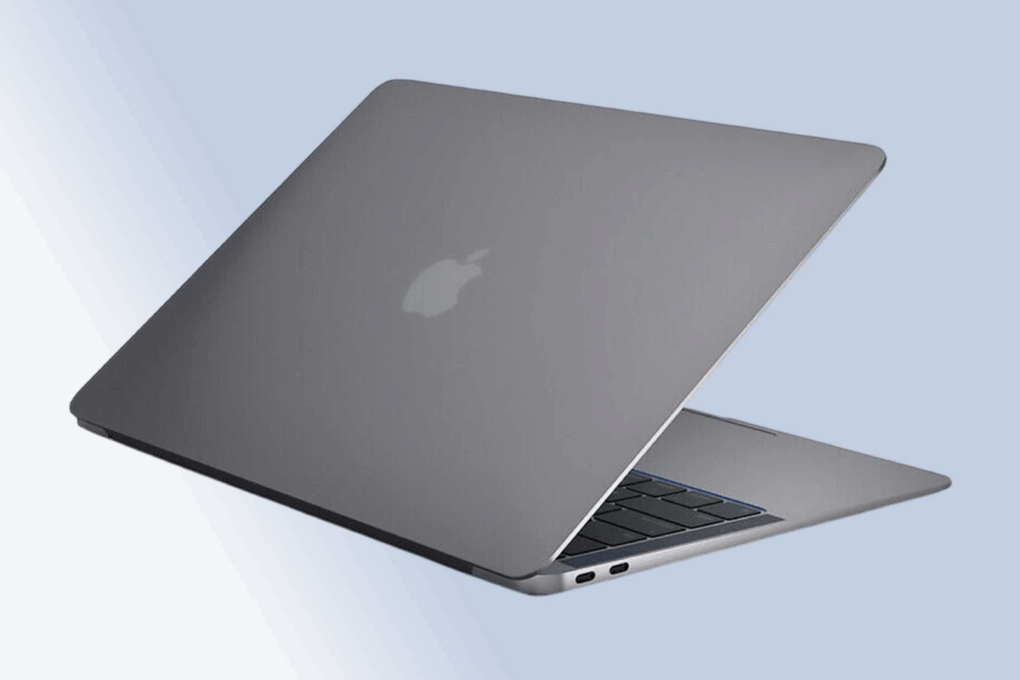
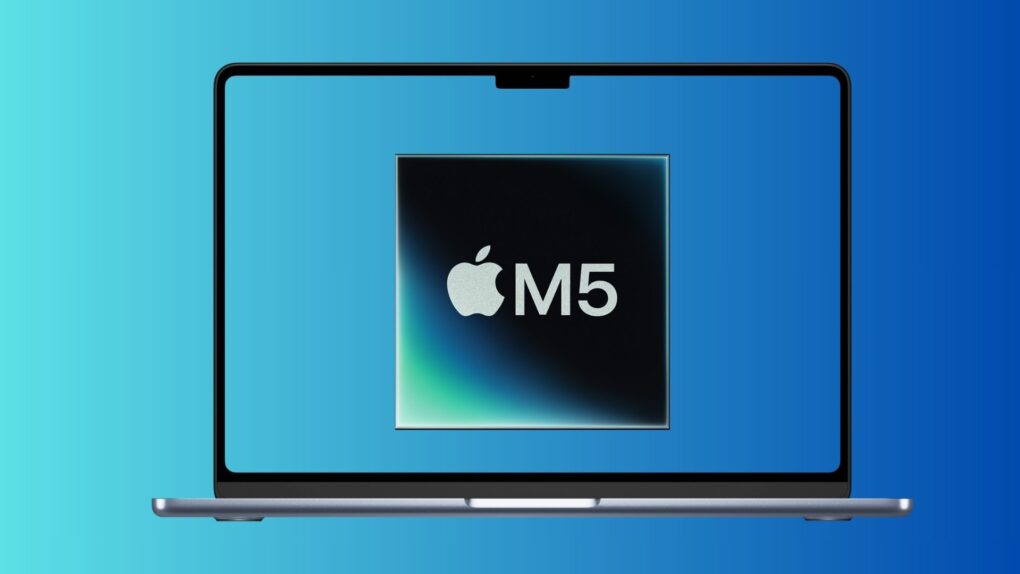
The most powerful MacBook Air ever is just weeks away. Apple is widely expected to be putting the finishing touches on a new model with the speedy M5 processor. The faster chip will be enough for shoppers to question whether they really need the MacBook Pro they have their eye on.
Consider the advantages of a MacBook Air, and why now is a terrible time to buy any Apple laptop.
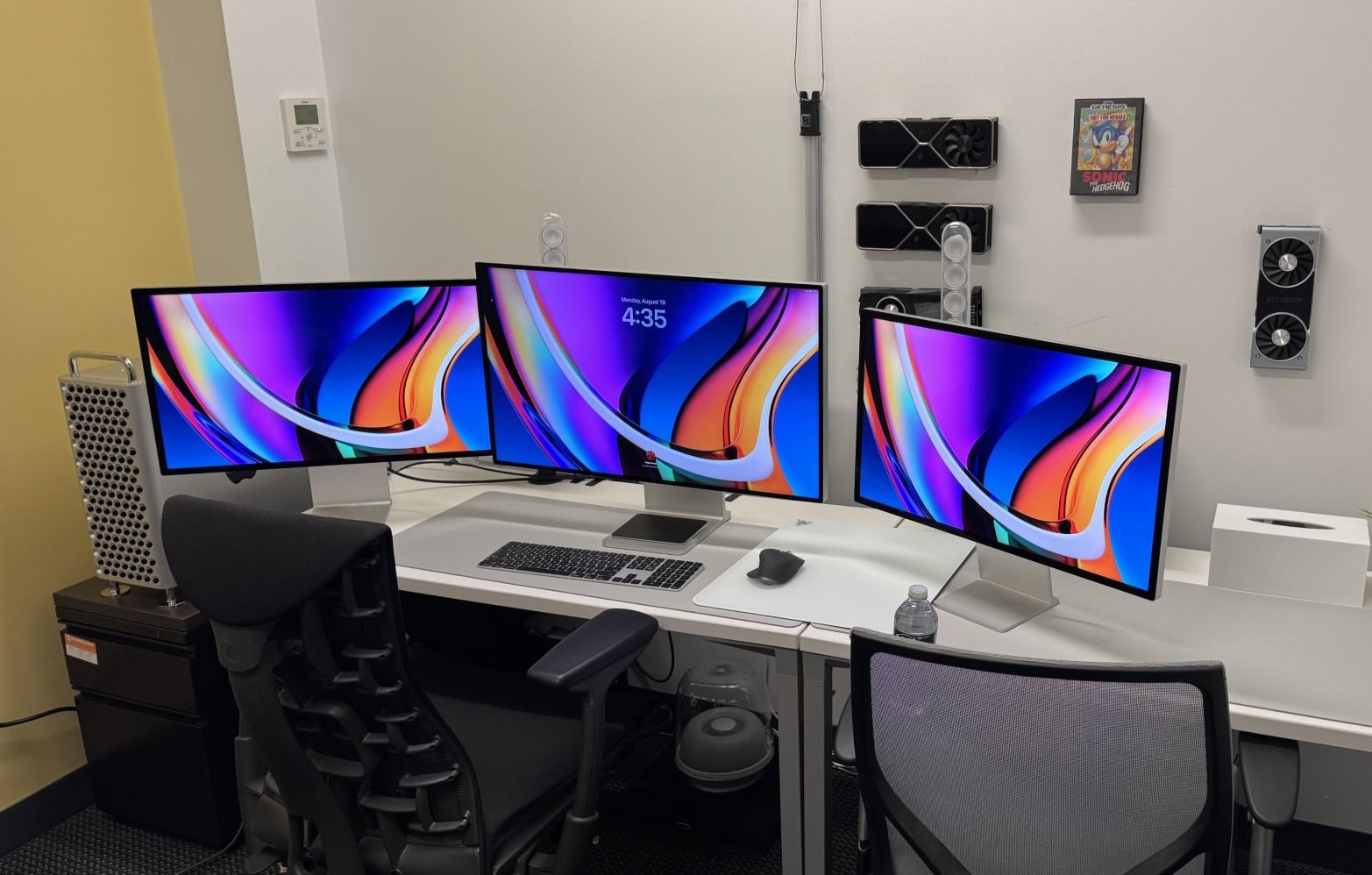
So ... crippled by envy much? This one has a high-end M2 Ultra Mac Pro, a Mac Studio, a Pro Display XDR and two Studio Displays. Photo: [email protected]
For Apple enthusiasts, one Mac is great — but two or more? That’s when things get seriously interesting. Years of Cult of Mac Setups coverage has showcased hundreds of impressive workstations. But these top 10 multi-Mac setups stand out as particularly fascinating examples of how power users leverage Apple’s ecosystem to its fullest potential.
From new M4-powered machines paired with vintage “trash can” Mac Pros to dual MacBook configurations seamlessly integrated with desktop Macs, these workstations demonstrate that having multiple Macs isn’t just about redundancy. It’s about optimizing workflow, separating concerns and yes, indulging in a bit of Apple-fandom excess.
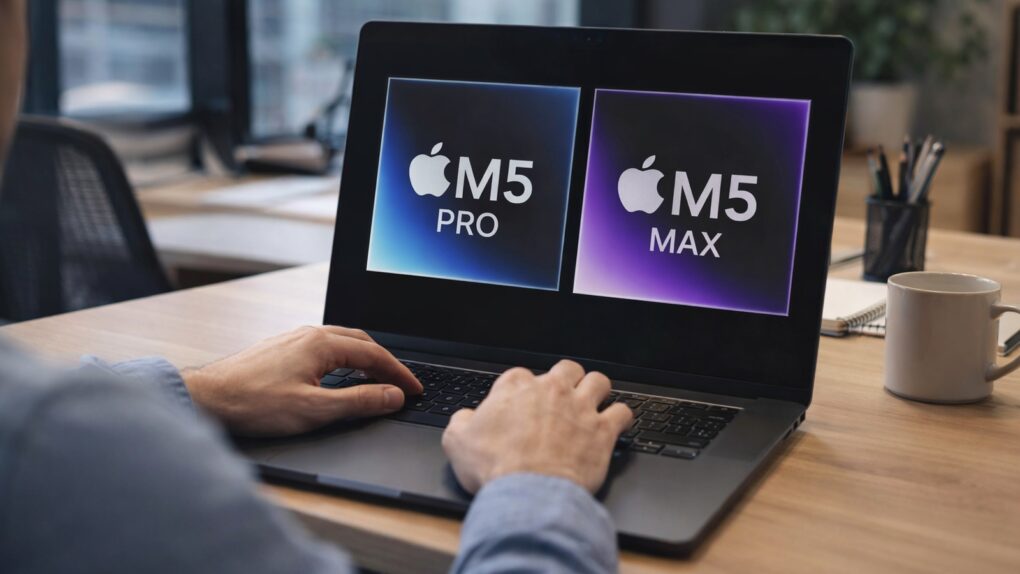
A MacBook Pro upgraded with M5 Pro and M5 Max is not coming any day now. There'll be a wait. AI image: Apple/ChatGPT/Cult of Mac
There’s tremendous anticipation for a MacBook Pro upgraded with faster M5 Pro or M5 Max processors, but the laptop did not launch this week, despite eager speculation that it would. And we need to be patient because we’re likely to continue waiting well into February and maybe beyond. A critical feature apparently isn’t ready yet: macOS Tahoe 26.3.
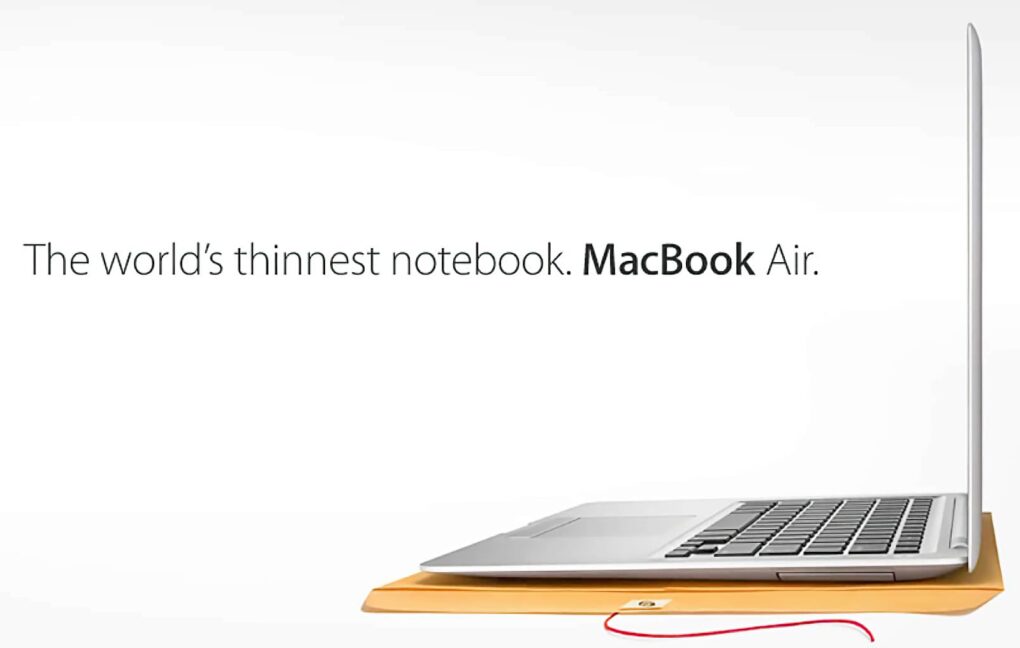
A plain manila envelope became a key stage prop for selling the MacBook Air. Photo: Apple
January 15, 2008: Apple CEO Steve Jobs shows off the first MacBook Air at the Macworld conference in San Francisco, calling the revolutionary computer the “world’s thinnest notebook.”
The 13.3-inch laptop measures only 0.76 inches at its thickest point and 0.16 inches at its tapered thinnest. It also boasts a unibody aluminum design, thanks to an Apple engineering breakthrough that allows the crafting of a complicated computer case from a single block of finely machined metal.
In a brilliant piece of showmanship during the MacBook Air launch, Jobs pulls the super-slim laptop out of a standard interoffice envelope. (You can watch his keynote introducing the MacBook Air below.)
Wi-Fi on your Mac or iPad just got faster. AI image: ChatGPT/Cult of Mac
Apple silently gave some Macs and iPads a Wi-Fi speed boost with macOS Tahoe 26.2 and iPadOS 26.2. The update enables 160MHz channel bandwidth support on 5GHz Wi-Fi networks, eliminating a restriction that tamped down the maximum possible speeds.
The additional bandwidth should let your recent Mac or iPad benefit from higher throughput.
Let's get that nice new Mac set up, shall we? Photo: Apple
It’s a great season to get a new Mac, since every model is a great buy. If you’re one of the lucky people to get one this year, here’s how to set up your Mac like a pro.
So rip open that box, tear off that plastic, and let’s get to the good stuff.
Here is Cult of Mac’s guide to setting up your new Mac the right way.
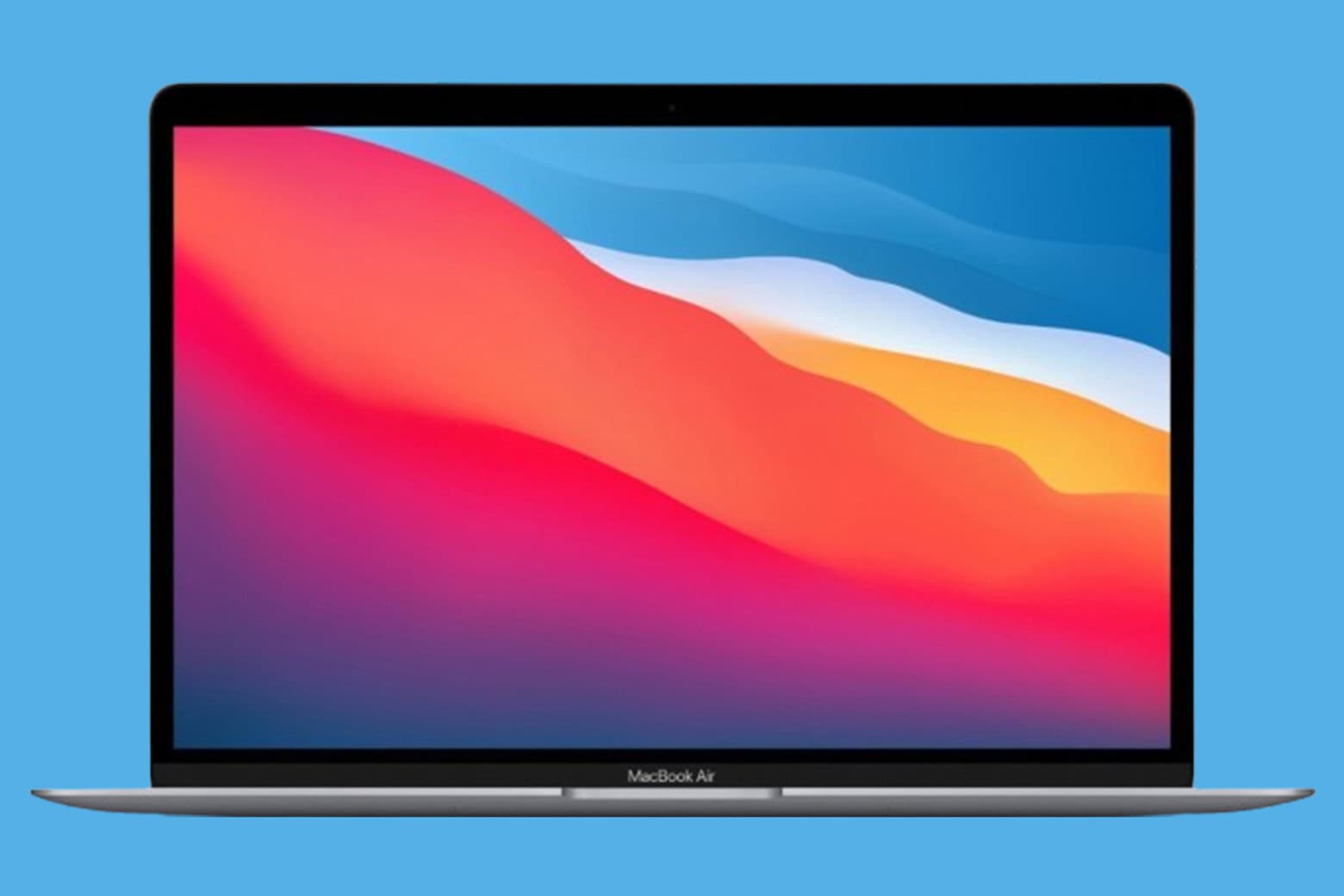
Get your everyday MacBook Air at less than its retail price! Photo: Cult of Mac Deals
Grabbing a near-mint M1 MacBook Air for $399.99 is one of the best laptop buys you can make this year. These machines are fast, lightweight and powerful — and that mmakes them perfect for work, travel or home.
There's no better time to buy a new laptop. Image: Cult of Mac
This Cyber Monday, you can find stellar discounts on a new MacBook. With Intel Macs aging out, there’s no better time to upgrade to the latest models that run on far-superior Apple silicon processors.
Whether you’re looking at the base MacBook Air or a specced-out MacBook Pro, you can rack up hundreds of dollars in savings by upgrading this week.
Take a look at these Cyber Monday deals on MacBooks and get ready to make your next big move.
Some Cyber Monday Apple deals are even better than the Black Friday sales. Image: Cult of Mac
Our guide to the best Cyber Monday 2025 deals on Apple products and accessories showcases some prices that are even lower than Black Friday’s blowout sales. We’ll update this post throughout the day, but the clock is ticking. These Cyber Monday deals should end at midnight!
Our favorite earbuds — AirPods Pro 3 — remain at an all-time low price. The iPad mini just hit a new low of $349. And somehow, an amazing deal on the latest M4 MacBook Air got even more amazing as Cyber Monday approaches.
Find our absolute favorite Apple Cyber Monday picks, and our other favorite deals sorted by product category, below.
Apple products and accessories are heavily discounted during Black Friday week. Image: Cult of Mac
We put together the ultimate guide to the best Black Friday 2025 deals on Apple gear — and all the accessories you could want. We’ll be updating this post throughout the week as deals come and go.
Our favorite earbuds — AirPods Pro 3 — remain at an all-time low price. And somehow, an amazing deal on the latest M4 MacBook Air got even more amazing as Cyber Monday approaches.
Find our absolute top five picks, and our other favorite deals sorted by product category, below.
macOS Tahoe’s next update will put an end to bad video-call lighting Photo: Apple
macOS 26.2 beta 2 adds a new Edge Light feature to improve the look of your video calls. As the name indicates, it will add a white light to the edges of your Mac’s display while you’re on a video call.
It’s like a built-in ring light that should improve your appearance when hopping on FaceTime to chat with friends or colleagues.
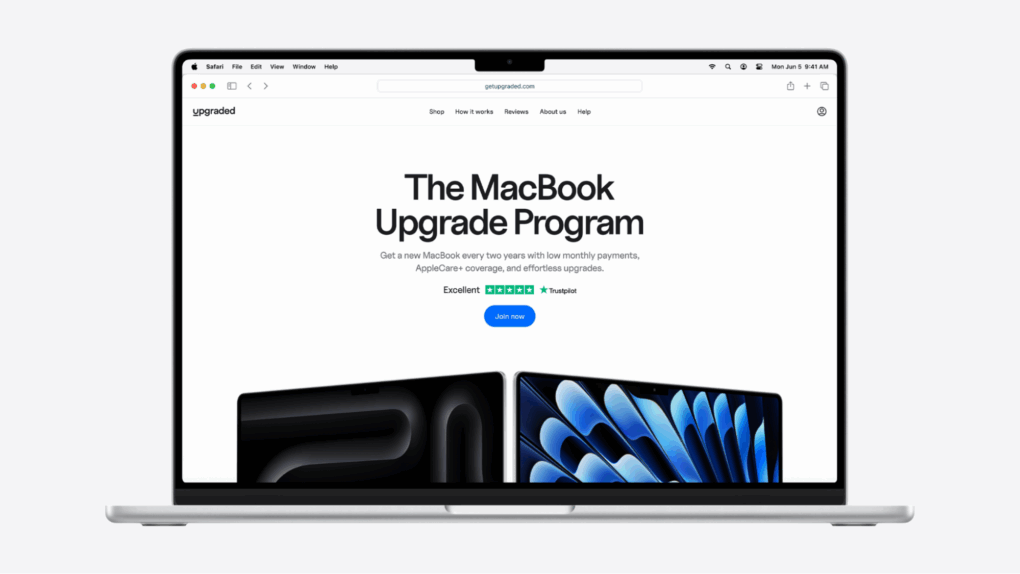
Subscribing to the latest, greatest MacBook has never been so easy.
Image: Upgraded
The new MacBook Pro M5 is here, and it might be Apple’s most powerful laptop ever.
But with prices starting at $1,599, getting the device you want can feel like a serious investment.
That’s where Upgraded comes in. It’s a new way to get the tech you need without paying thousands upfront. Instead, you pay monthly with the option to upgrade every two years.
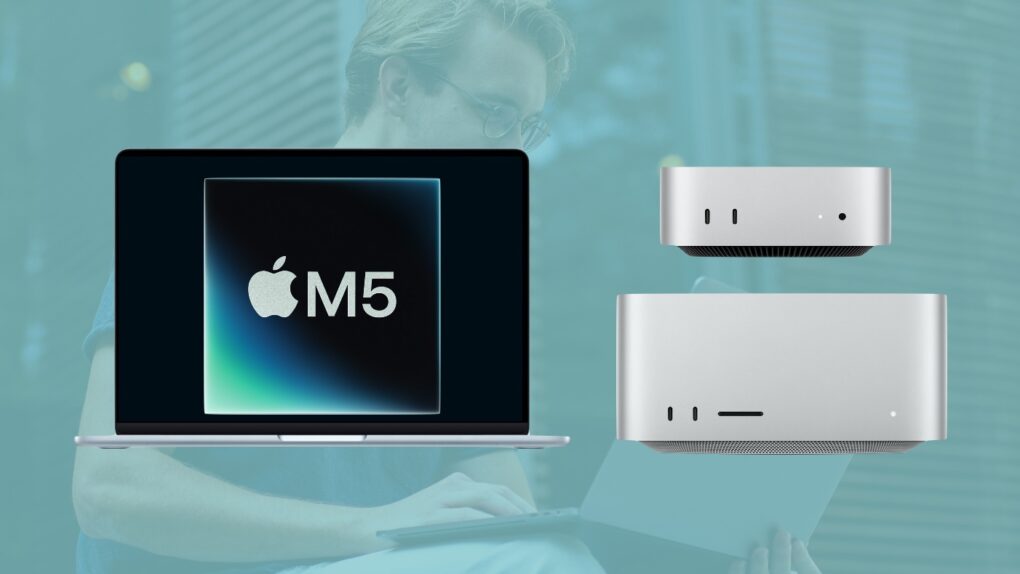
An M5 MacBook Air, Mac mini and Mac Studio are all on the way. Image: Apple/Cult of Mac
The Apple M5 chip jumped from rumor to reality Wednesday with the launch of MacBook Pro and iPad Pro models running the new cutting-edge processor. But so far, there’s been no official mention of an M5 Mac mini, M5 MacBook Air, M5 Studio or M5 iMac.
Here’s when the next generations of these Macs are rumored to reach customers, along with the probable launch dates of the M5 Pro and M5 Max versions of the MacBook Pro.
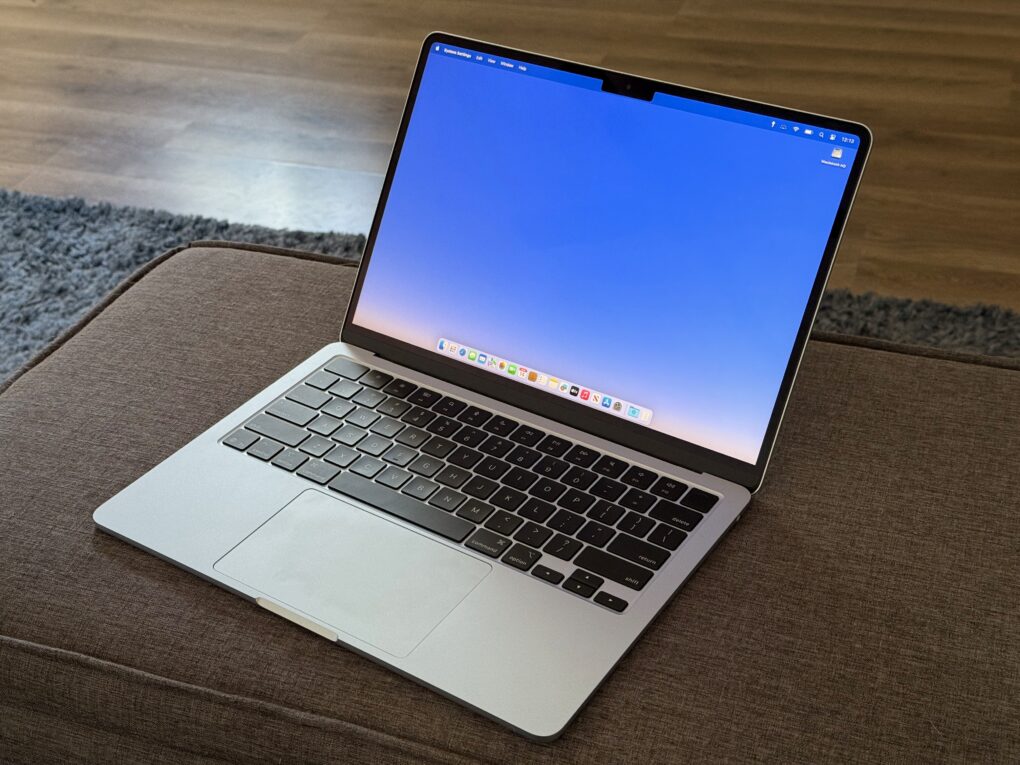
M5 MacBook Air is just a few months away from launch. Photo: Apple/Rajesh Pandey/CultOfMac
Apple’s M5-powered MacBook Air will launch in spring 2026. The company is also working on refreshed Mac Studio, Mac mini, and new external monitors for next year.
Apple unveiled the first set of M5-powered devices earlier this week, including the 14-inch MacBook Pro, Vision Pro and iPad Pro.
The M5 chip beefs up AI and graphics processing substantially. Photo: Apple
Apple’s new M5 chip packs more power than predecessors, with advanced performance for Apple Intelligence and pumped up GPU performance boosting graphics processing, among other incremental improvements across the chip.
“M5 ushers in the next big leap in AI performance for Apple silicon,” said Johny Srouji, Apple’s senior vice president of Hardware Technologies. “With the introduction of Neural Accelerators in the GPU, M5 delivers a huge boost to AI workloads.”
“Combined with a big increase in graphics performance, the world’s fastest CPU core, a faster Neural Engine, and even higher unified memory bandwidth,” he added, “M5 brings far more performance and capabilities to MacBook Pro, iPad Pro and Apple Vision Pro.”
The newly minted "Apple fanboy" jokingly referred to the Apple ecosystem as a huge trap. Photo: [email protected]
Ready to convert to Mac? I came across one user who scored a nice student deal on a MacBook Air, and soon found themself upgrading their whole outdated PC setup as a complete, highly functional and reasonably affordable Apple-ecosystem rig.
“I’m so so cooked … the Apple ecosystem is a huge trap!” they joked. “Don’t let one device get into your house.”
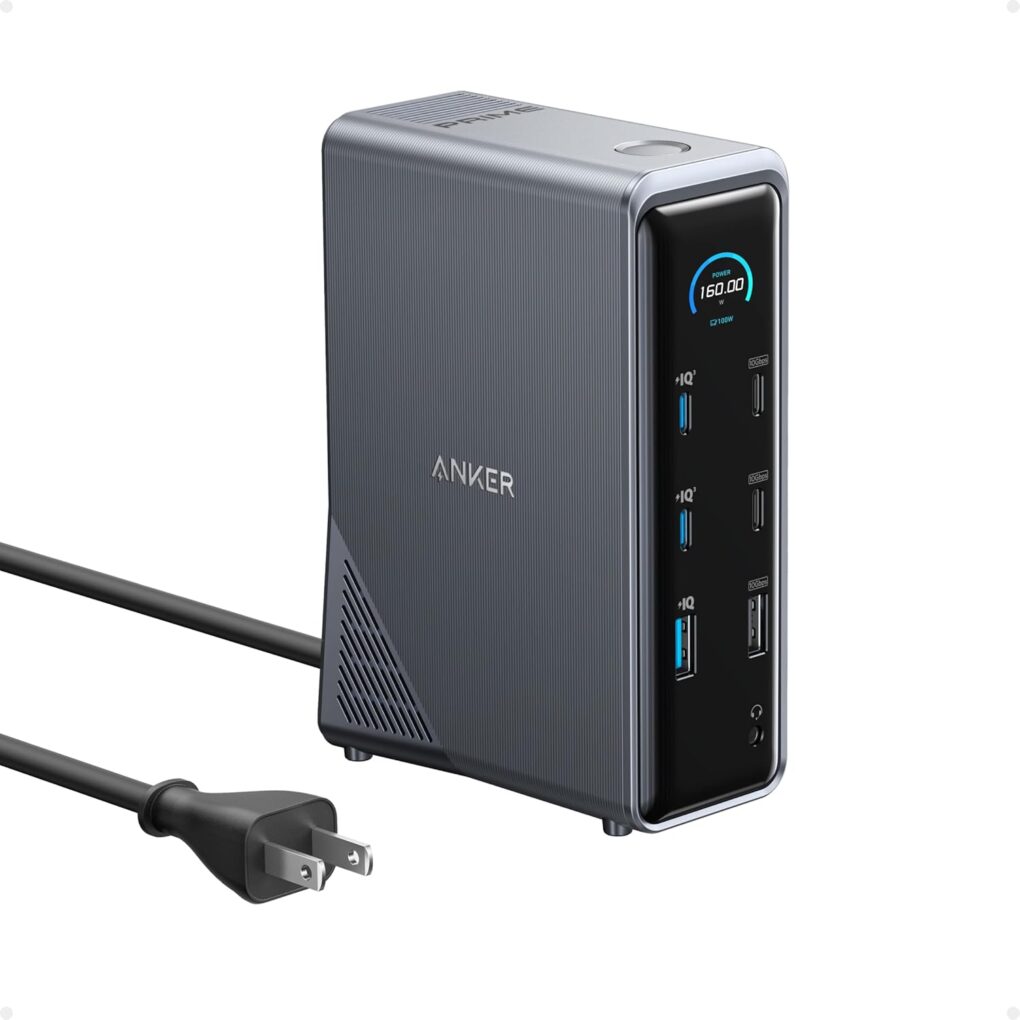
The Anker Prime Docking Station is a formidable tool for your laptop charging and connectivity needs. Photo: Anker
Anker’s a top accessories maker for Apple users — maybe most of all for charging needs related to MacBooks and other devices. As usual, Anker Prime Day and Prime Big Deal Days sale items could fill a dense catalogue. So we thought we’d put together some top picks for MacBook users. Namely, a choice multiport charger with solid wattage, a great portable power bank with retractable cables and a highly functional docking station with fast transfer speeds and ample connectivity. Check them out below.
Outfit your team with the latest MacBooks, without big upfront costs and other hassles. Photo: Upgraded
MacBooks make you faster, sharper and more productive. But they’ve always come with one big problem: price. Upgraded’s affordable MacBook financing program changes that.
Whether you’re buying a MacBook for yourself or outfitting an entire company, it usually means a huge upfront bill, a complicated reselling process, or headaches when managing devices for remote employees.
Upgraded solves this with simple monthly MacBook subscriptions, starting at just $33.28 per month. For businesses, Upgraded’s innovative MacBook financing also means turning big upfront capital expenses into smaller operating expenses you can write off, while handing off the hassle of device management.
Here’s everything rumors told us to expect from Apple in the next year. Photo: Google Gemini/Cult of Mac
Apple is gearing up for a blockbuster year, with a packed product roadmap that spans nearly every category in its lineup. From an iPhone redesign to upgrades for the Mac, iPad and Apple Watch families, the next twelve months promise a steady stream of hardware refreshes, software milestones and perhaps a few surprises.
Whether you’re a casual user or a die-hard fan, here’s a look at every major Apple product expected between now and next summer.
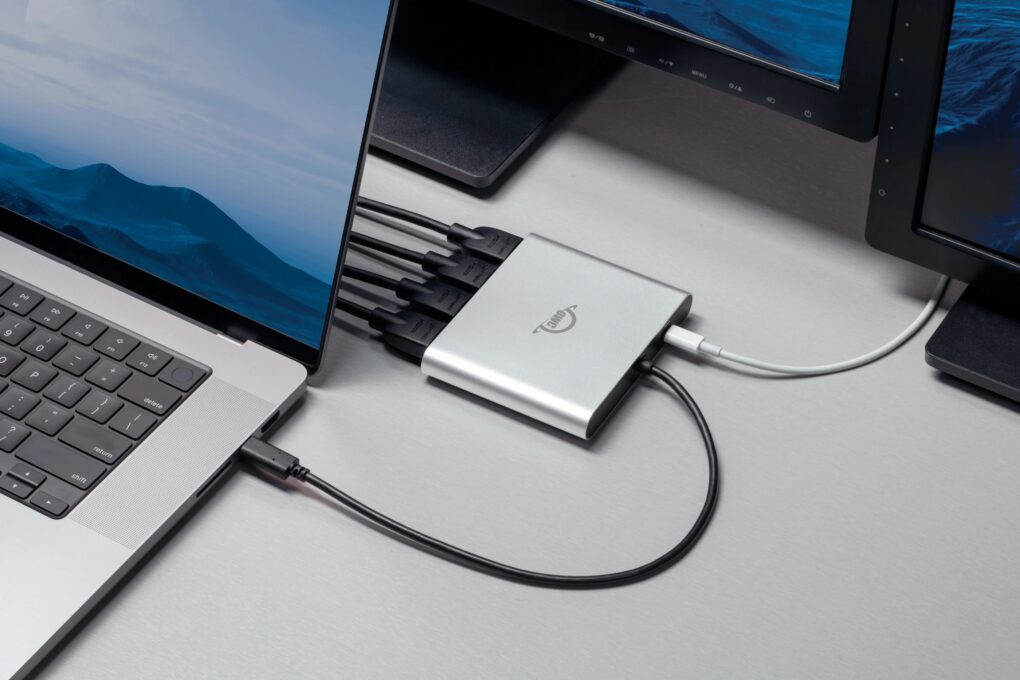
OWC's new Quad HDMI adapter makes running multiple 4K external displays a breeze. Photo: OWC
Two new HDMI adapters from Other World Computing (OWC) solve the external display limitations that have frustrated Apple Silicon Mac users since the M1 chip’s introduction, the company said Monday. The new OWC USB-C Quad HDMI 4K Adapter and redesigned OWC USB-C Dual HDMI 4K Adapter offer Mac owners a way to connect multiple external monitors without juggling multiple dongles.
“Whether you’re working with spreadsheets, streaming data, editing video or just need more screen real estate to stay productive, we believe your gear shouldn’t hold you back,” said Larry O’Connor, OWC’s founder and CEO. “With our new Quad and enhanced Dual HDMI adapters, we’re giving users the power to easily expand their visual workspace, without the complexity or cost of juggling multiple adapters or sacrificing performance.”
A wild rumor says Apple's working on a cheaper new MacBook. Photo: D. Griffin Jones/Cult of Mac
Apple could launch a MacBook next year that’s even more affordable than the current $999 13-inch MacBook Air. The new budget laptop supposedly will use an A18 Pro chip and come in several colors.
The company hopes to boost MacBook shipments to return to the COVID-19 peak of around 25 million next year with this move.
Subscribing to the latest, greatest MacBook has never been so easy.
Image: Upgraded
Want to buy a MacBook and pay monthly? Apple fans love staying current. But when it comes to MacBooks, upgrading isn’t always easy. Base models at big box stores can feel underpowered. Reselling is a pain. And dropping $2,000-plus upfront? Not ideal.
That’s why more people are switching to Upgraded, a MacBook installment plan that starts at just $33.28 per month. It lets you customize your machine’s specs, and offers an easy upgrade every two years.
No resale headaches. No massive upfront cost. Just the Mac you want, when you want it.
This M3 MacBook Air setup doesn't dazzle, but it includes some cool gear. Photo: MikeBuckets171@Reddit .com
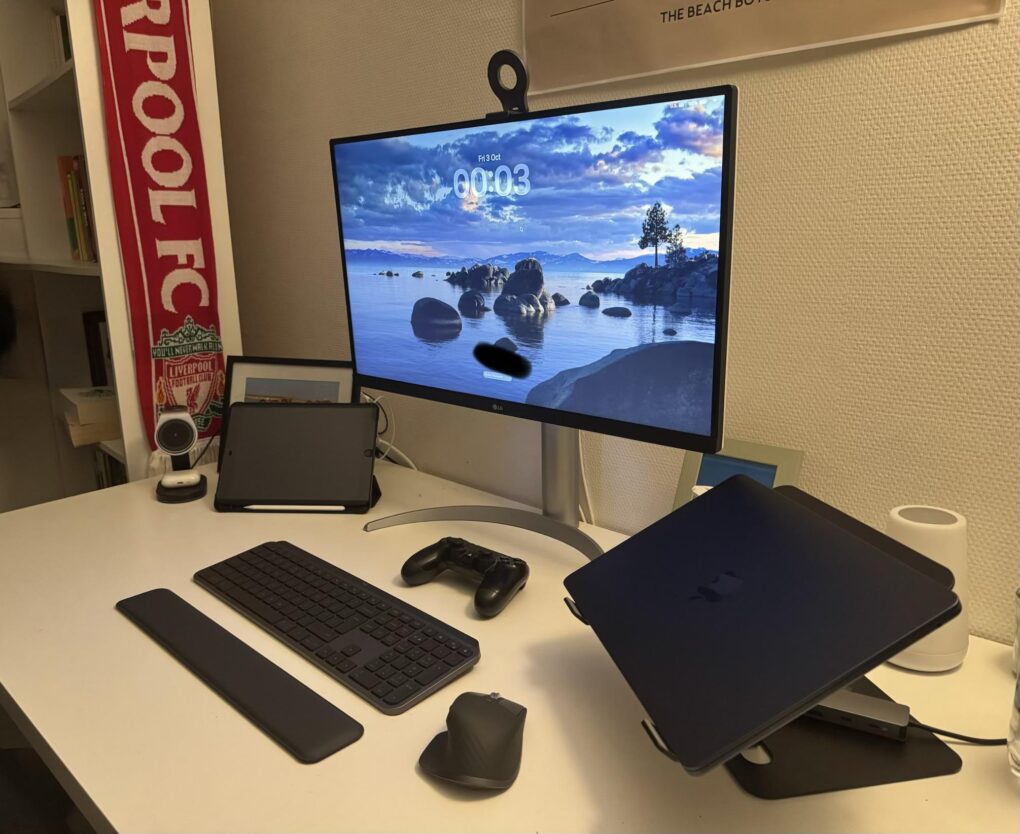
Sometimes a computer setup may look basic or boring at a glance — but it still might get the job done quite well and pack some surprisingly cool gear. Today’s featured setup, centered on an M3 MacBook Air with dual monitors, is a good example. It features not only Apple’s great lightweight laptop driving a pair of displays, but some other solid peripherals — like a Harman Kardon Bluetooth speaker I’ve never seen before in a setup featured on Cult of Mac.
And while the user seemed unsure his not-super-cool setup warranted posting on social media, he ended up getting lots of reassurance and good advice for improvements.


 January 15, 2008: Apple CEO