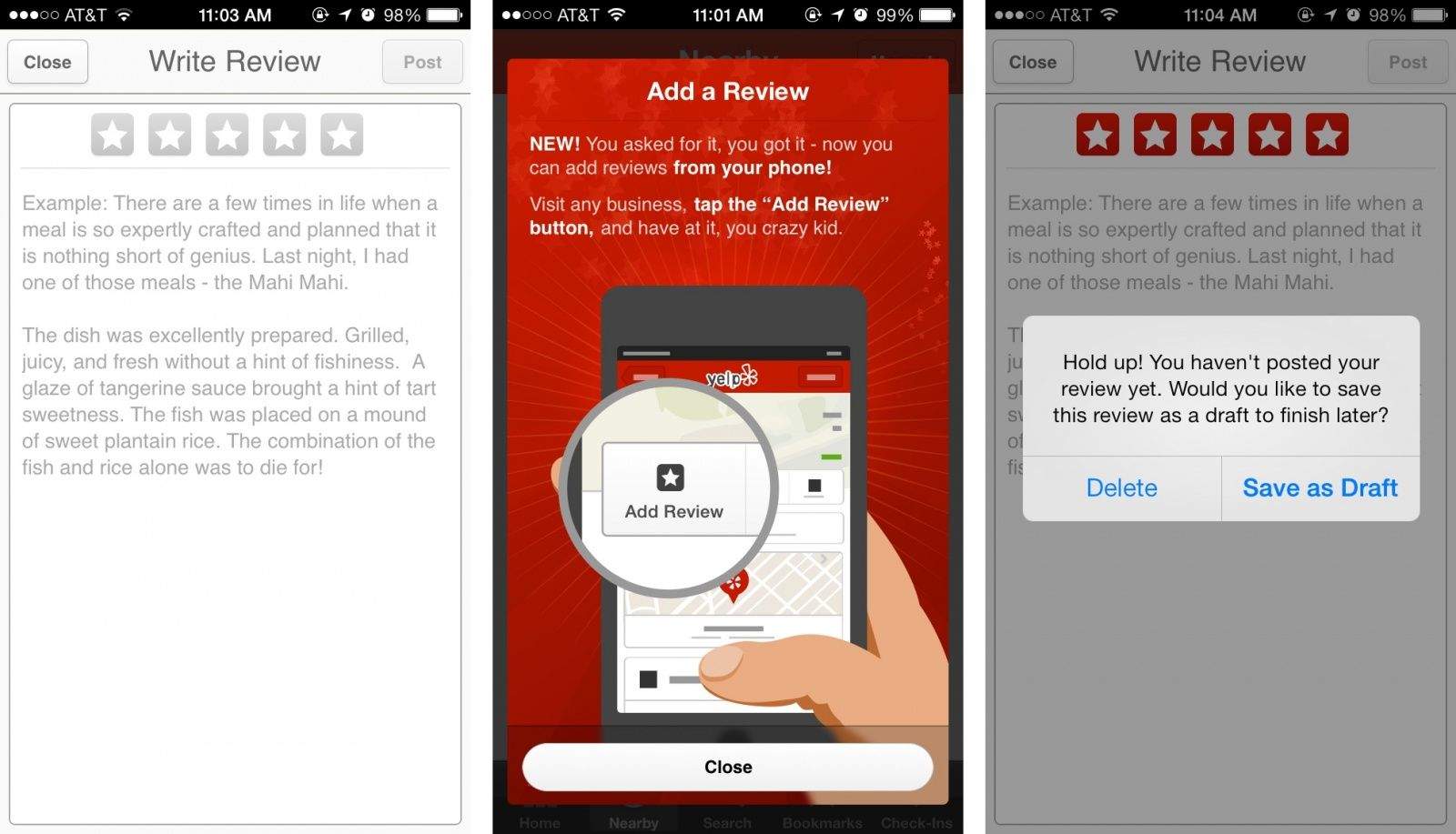
Apple’s added a lot of Yelp integration into iOS over the past two years, but despite providing copious amounts of reviews for every restaurant in the U.S., the app hasn’t let you actually write a review from your iPhone.
Yelp 7.0 was just pushed to the App Store and now gives users the ability to write reviews from their iPhone. Now you can trash a restaurant’s king salmon tartare on taro chips while waiting for your waitress to bring a check. Not finished with your praise? You can save a draft and publish it later, too.
The free update is available on the App Store now.
Source: iTunes