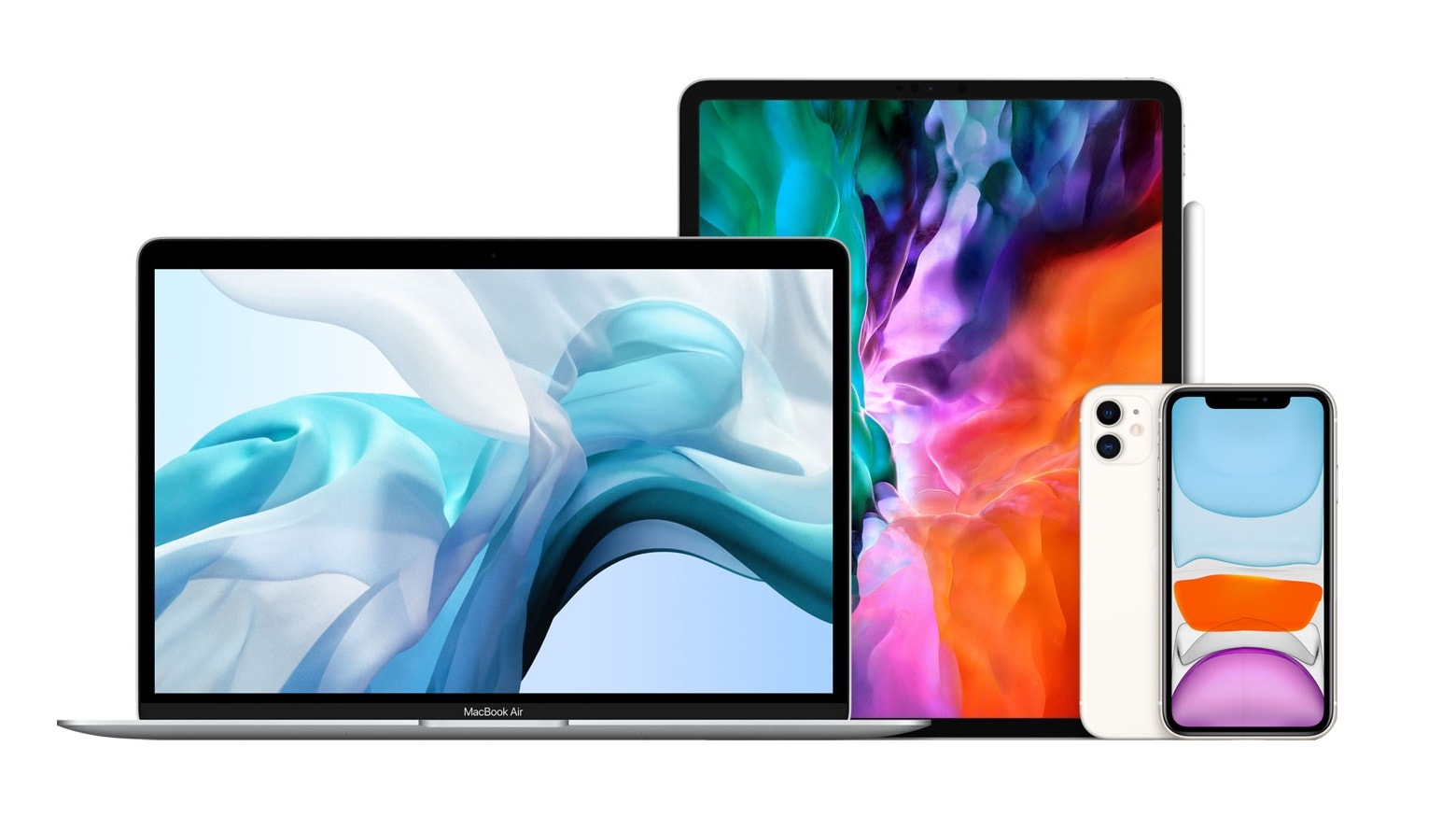
Apple slipped out collection of small system software updates for iPhone, iPad and Mac. These are all “bug fix” updates, without significant changes.
Still, they are recommended for all users of these devices.
Apple slipped out collection of small system software updates for iPhone, iPad and Mac. These are all “bug fix” updates, without significant changes.
Still, they are recommended for all users of these devices.
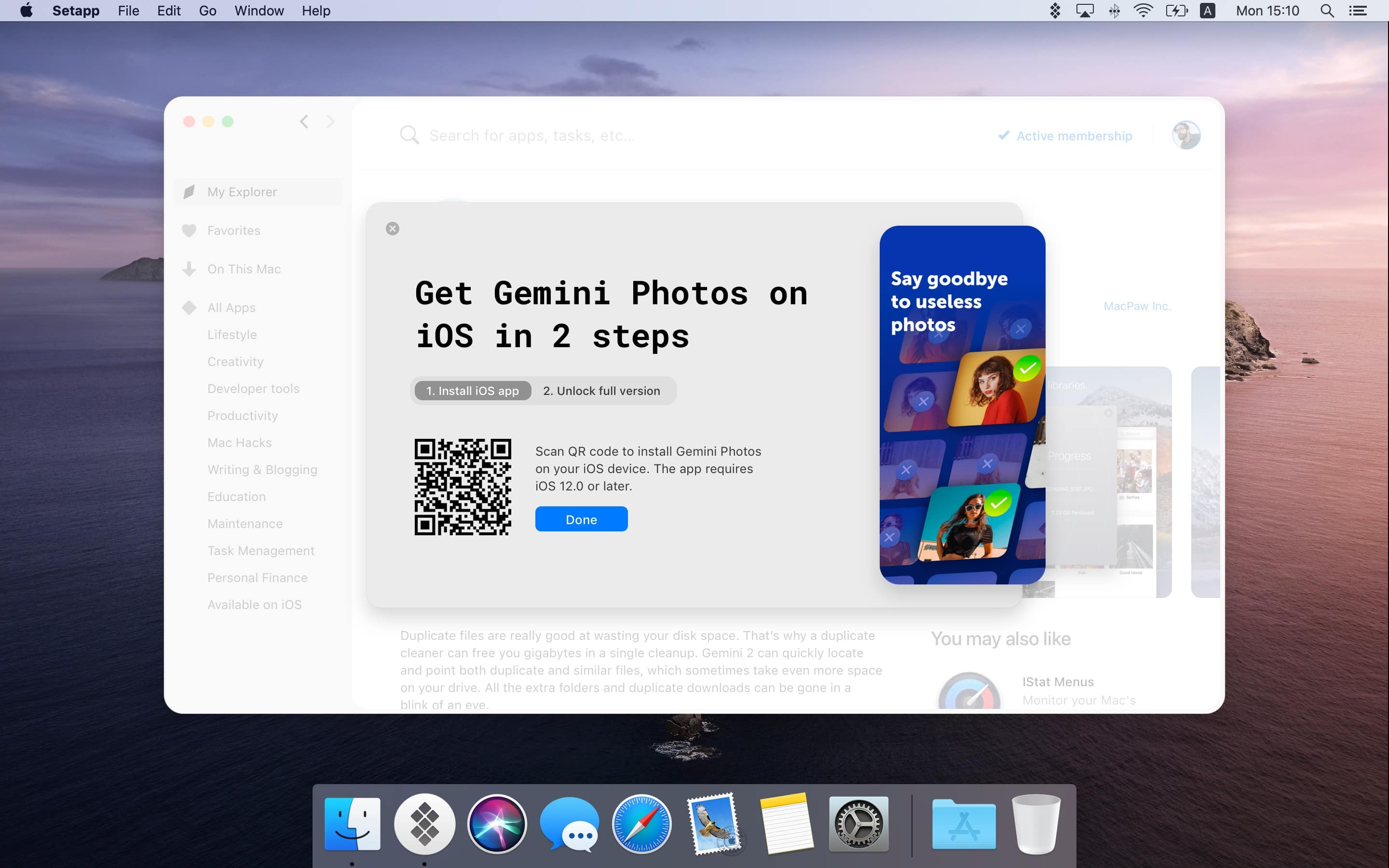
Setapp, the brilliant app subscription service from MacPaw, has finally landed on iOS. The service offers eight titles at launch, including task-management app 2Do and wonderful writing tool Ulysses.
A small monthly fee gets you complete, unlimited access to every app in the catalog, with more being added on a regular basis. And if you’re already a Setapp subscriber, you may get the iOS apps for free.
For most podcast listeners, there comes a time when you have way too many unplayed shows, taking up way too much space on your iPhone or iPad. Fortunately, this is a problem with an easy fix.
Take back precious storage space by deleting episodes you don’t need to have saved locally, and prevent the Podcasts app from hoarding content in the future. We’ll show you how.
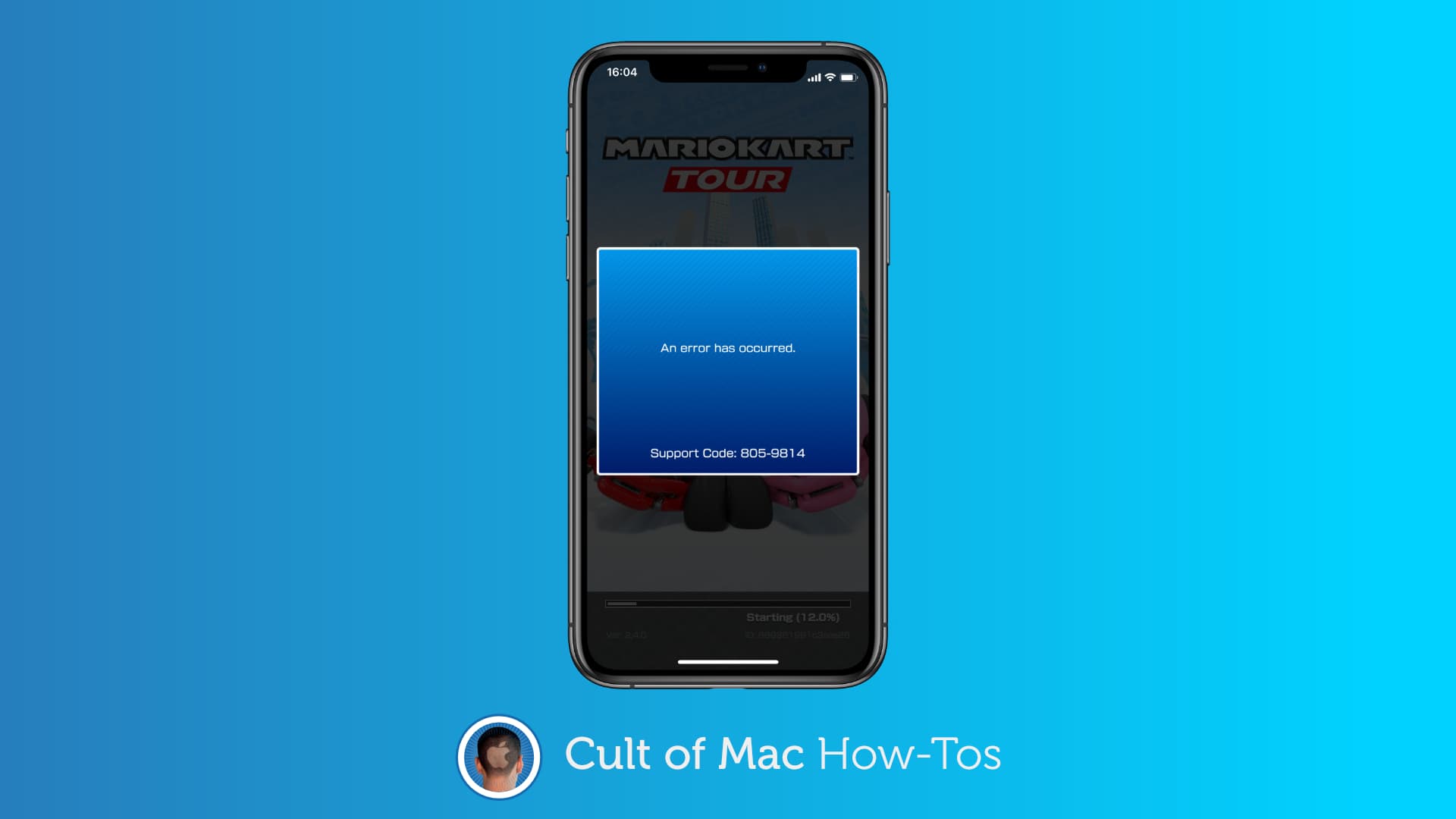
Many Mario Kart Tour players continue to experience mysterious “805” error codes almost a year after the game’s release. They typically appear when attempting to download new game data.
If you’re experiencing one of these yourself, you’ll be pleased to know you’re not alone — and that there are some simple workarounds that should allow you to jump back into the action in no time at all.
Try these fixes first.
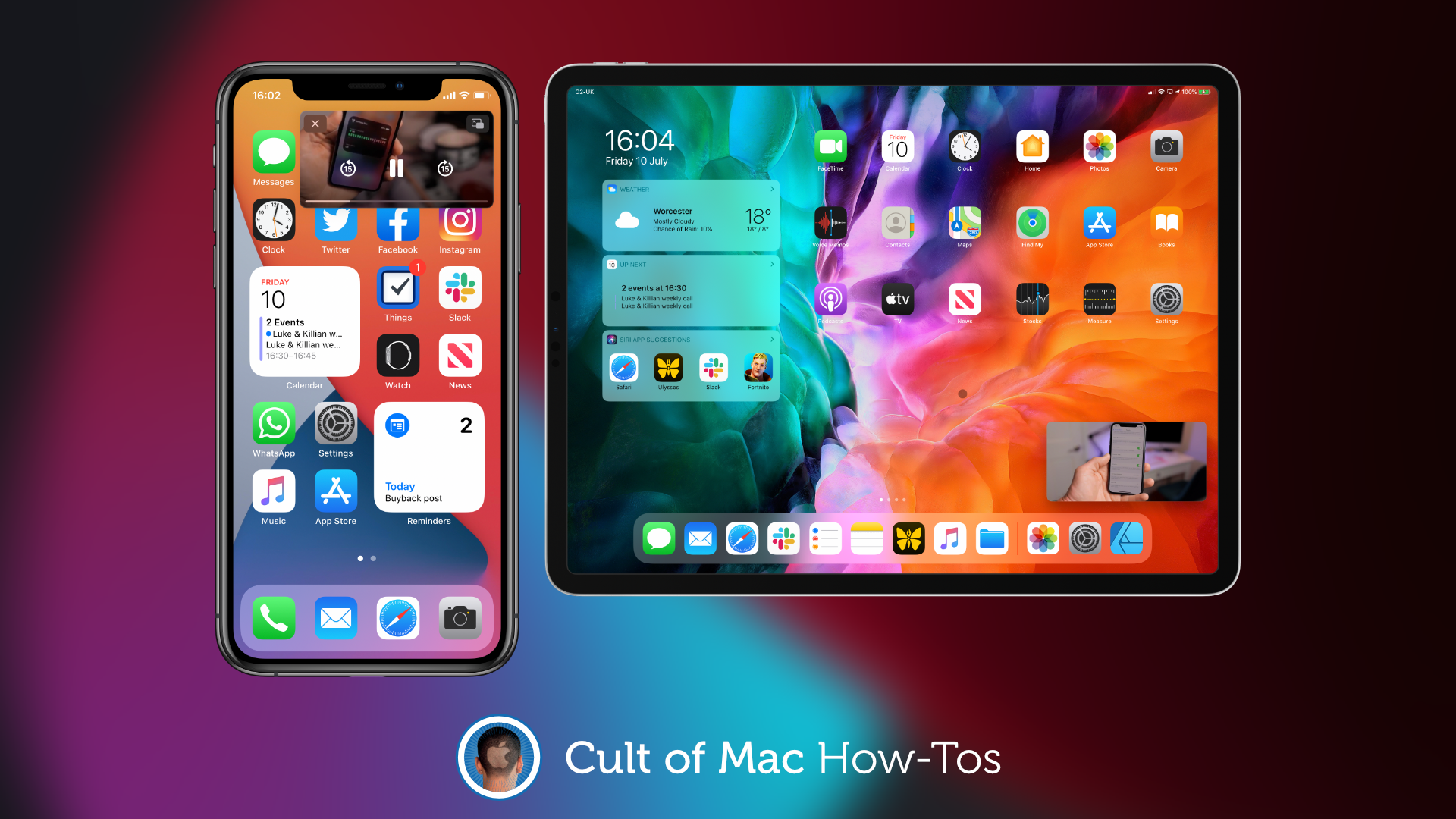
Picture-in-picture (PiP) makes it easier to watch videos while you do other things on iPhone (with iOS 14) and iPad. But it can begin to get annoying when every video you close ends up in a PiP window.
Here’s how to disable automatic picture-in-picture so that you have complete control over when it’s used.
You might be willing to share your iPhone’s passcode with other people, but what if you have sensitive notes you don’t want anyone else to see? Protect them with their own password.
Here’s how to secure individual notes on iPhone, iPad, and Mac.
Apple continues to add new features to iOS 14 and the iPad equivalent in the third beta, which the company seeded to developers Wednesday. However, the latest betas brought no major changes.
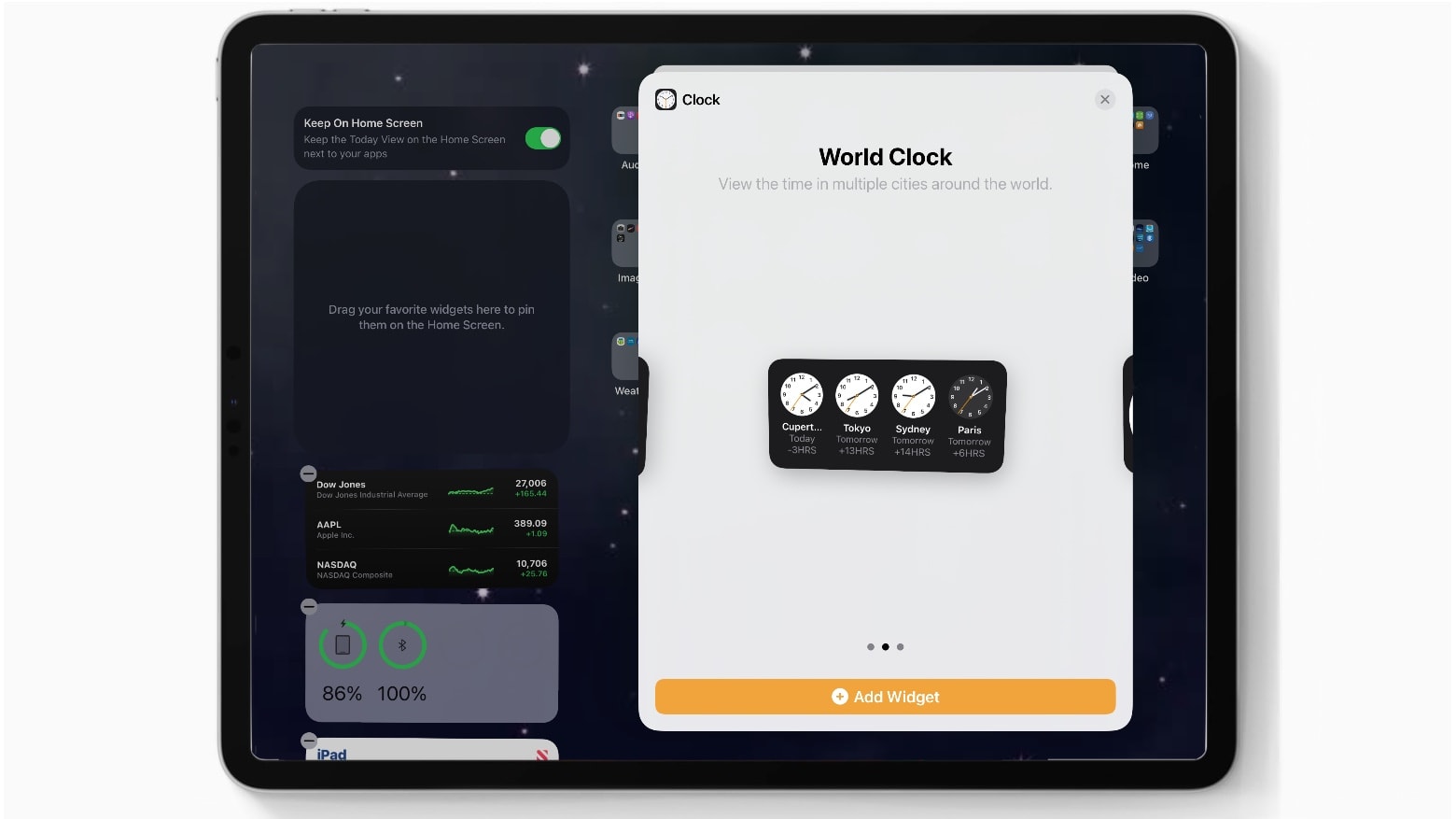
There’s a new World Clock widget. And the Apple Music app returned to the same icon design it had years ago. Other than that, Apple seems to be concentrating on bug fixes.
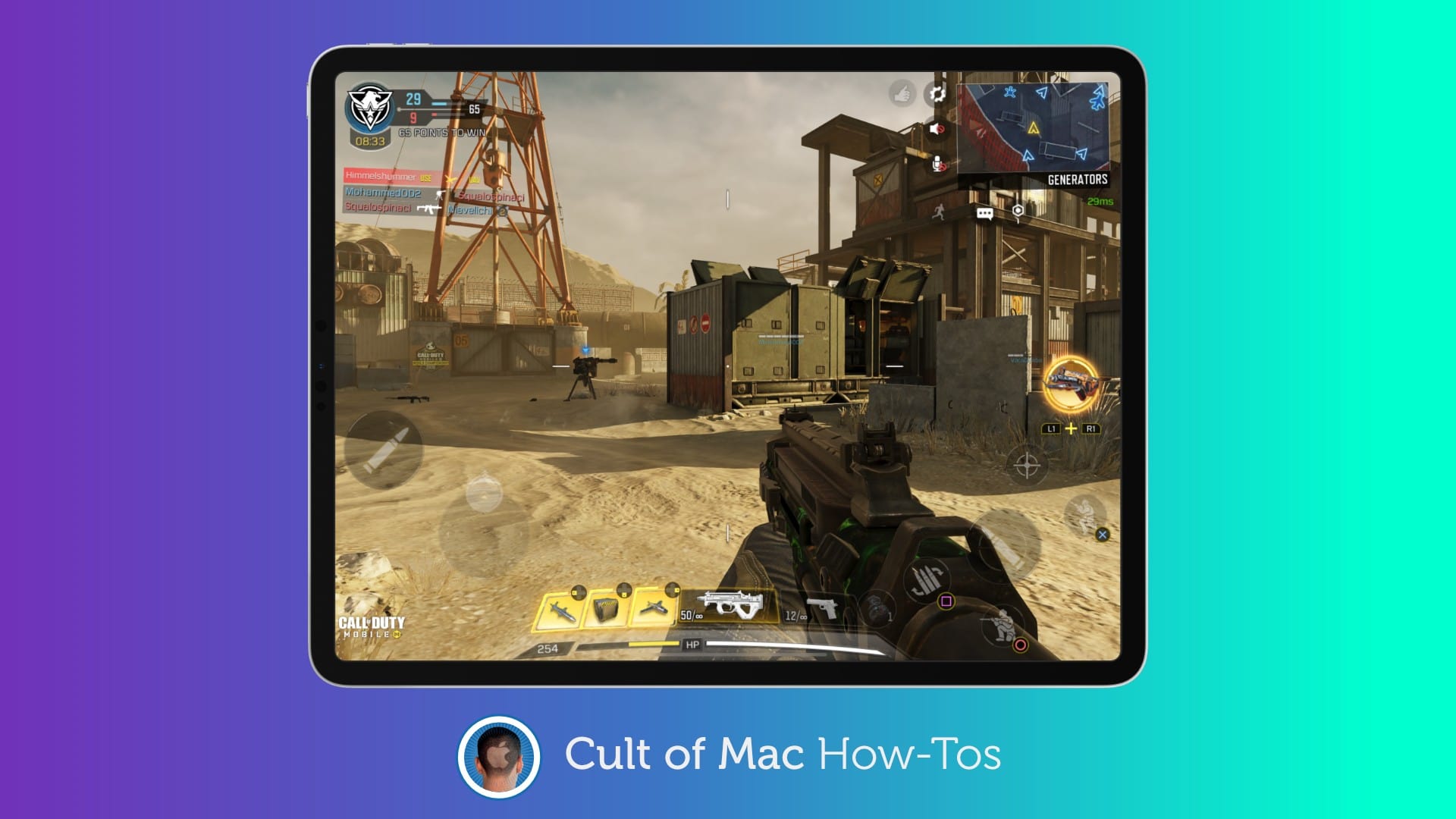
Recent Call of Duty: Mobile updates have made big improvements to game controller support, but it’s still not as seamless as it could be. You will often find yourself running into issues for no apparent reason.
Here’s everything you need to know about using a controller in CoD: Mobile — including how to get set up the right way with a PS4 or Xbox One controller to avoid common problems.
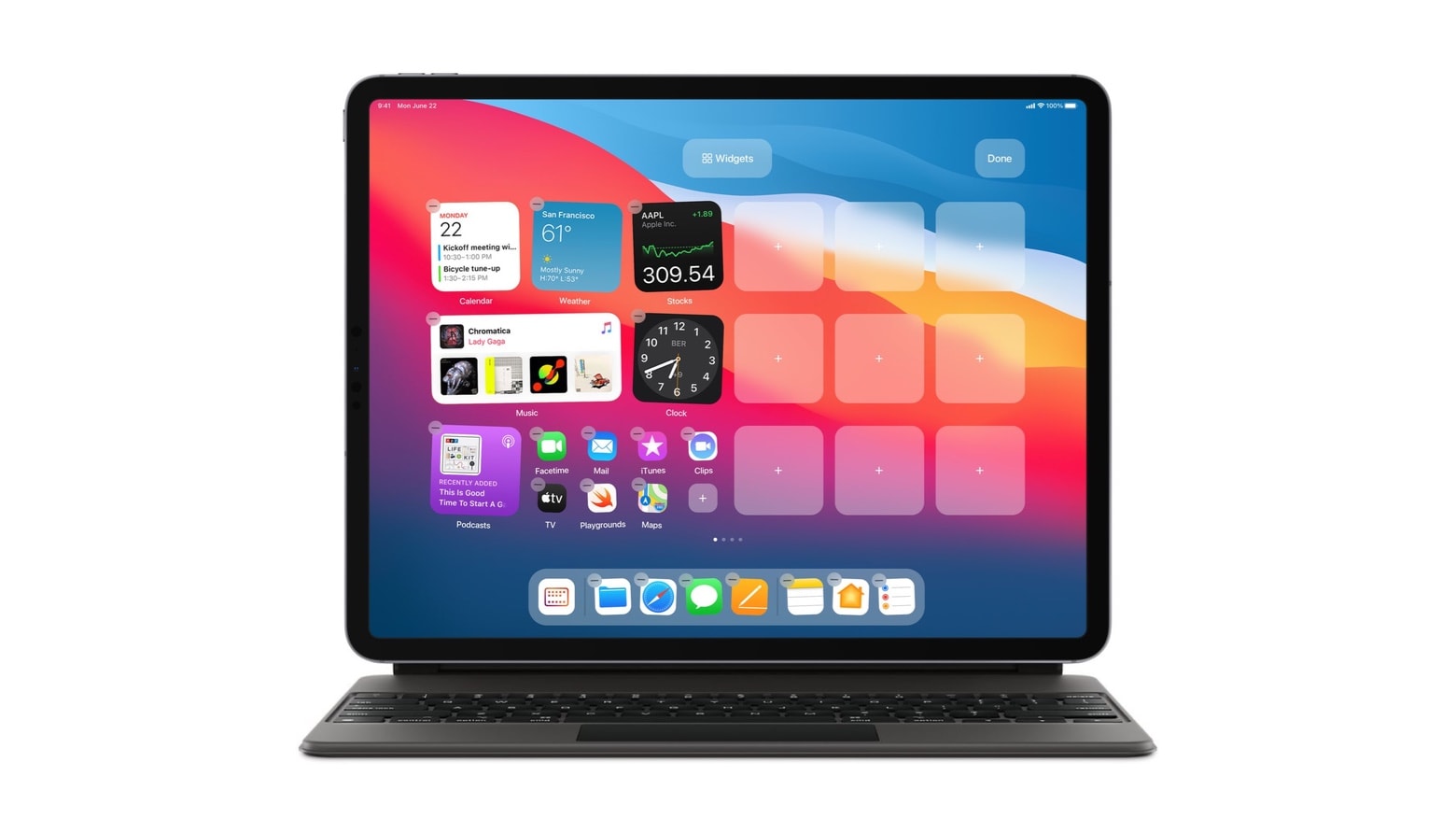
Unfortunately, iPad got a watered-down version of the new iPhone Home screen widgets. But a concept designer cooked up some innovative suggestions for how this feature should be integrated into the user interface for future Apple tablets.
Not stopping there, he proposed an alternative way to bring iOS 14’s App Library to iPadOS and suggested a new Pro Menu. The designs come from Parker Ortolani, who showed off his suggestions via Twitter.
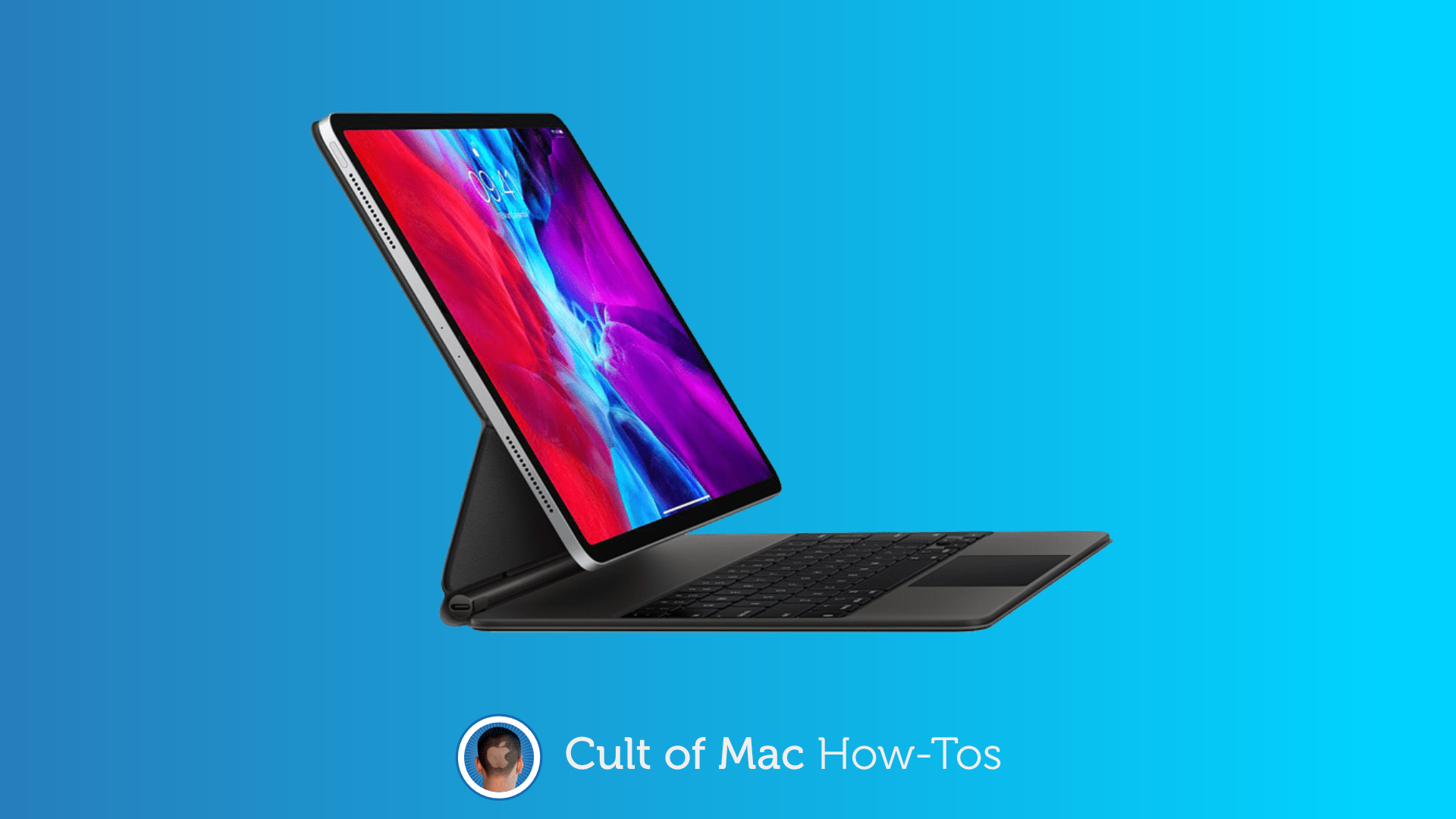
If you’ve ever used the brilliant Magic Keyboard for iPad Pro late at night, while someone sleeps quietly beside you, you’ve probably noticed that clicking its trackpad is too darn loud! But you can avoid it.
With one simple settings change, you can use a silent tap to click instead. Here’s how.
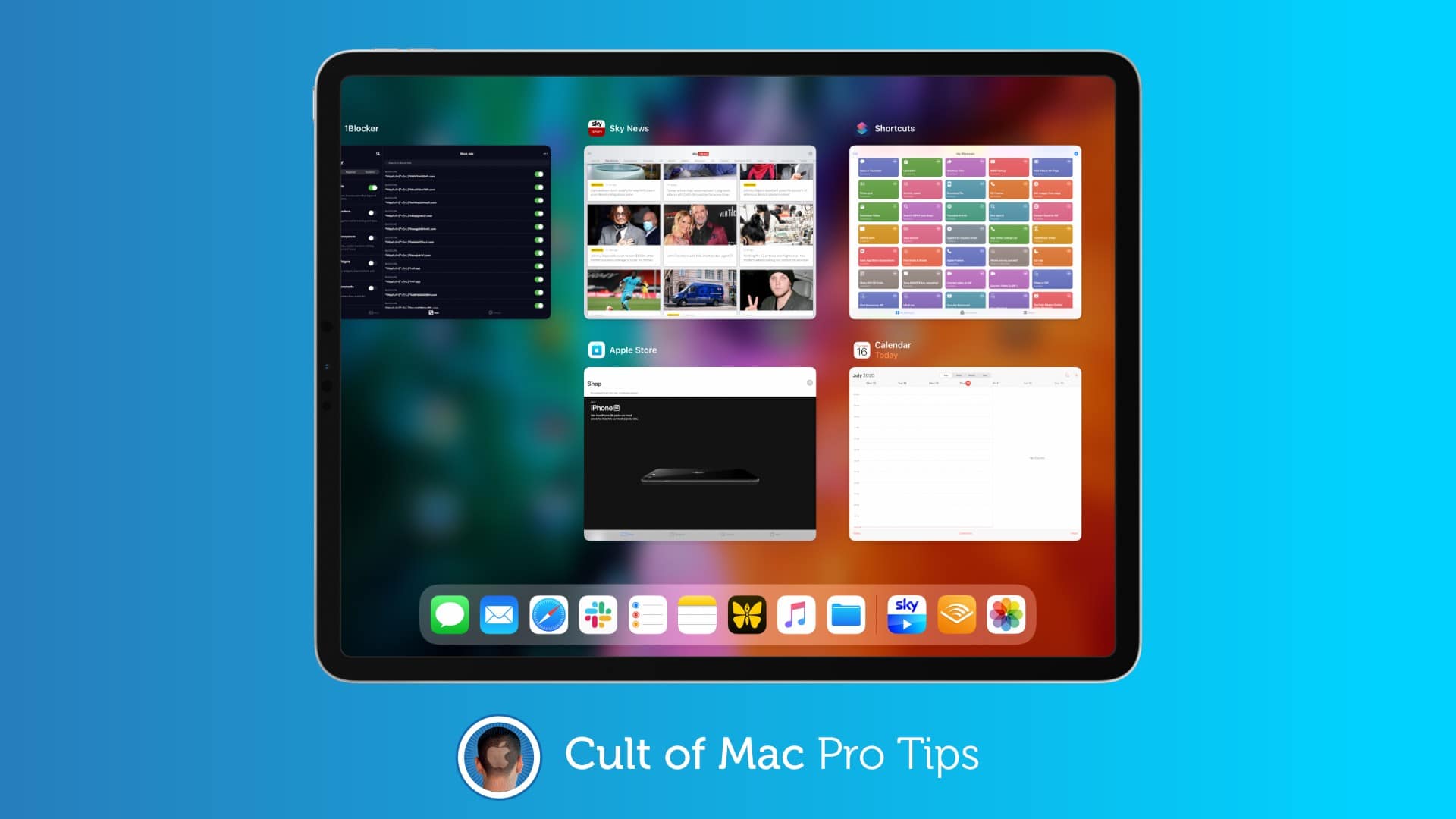
If you’ve ever spent any amount of time in macOS, you will have likely tried to use its familiar Command+Q keyboard shortcut to quit apps on iPad — only to find it does nothing. But you’re not using it properly.
There is a trick that allows you to use this shortcut to quickly close iPadOS apps, and in this pro tip, we’ll show you how.
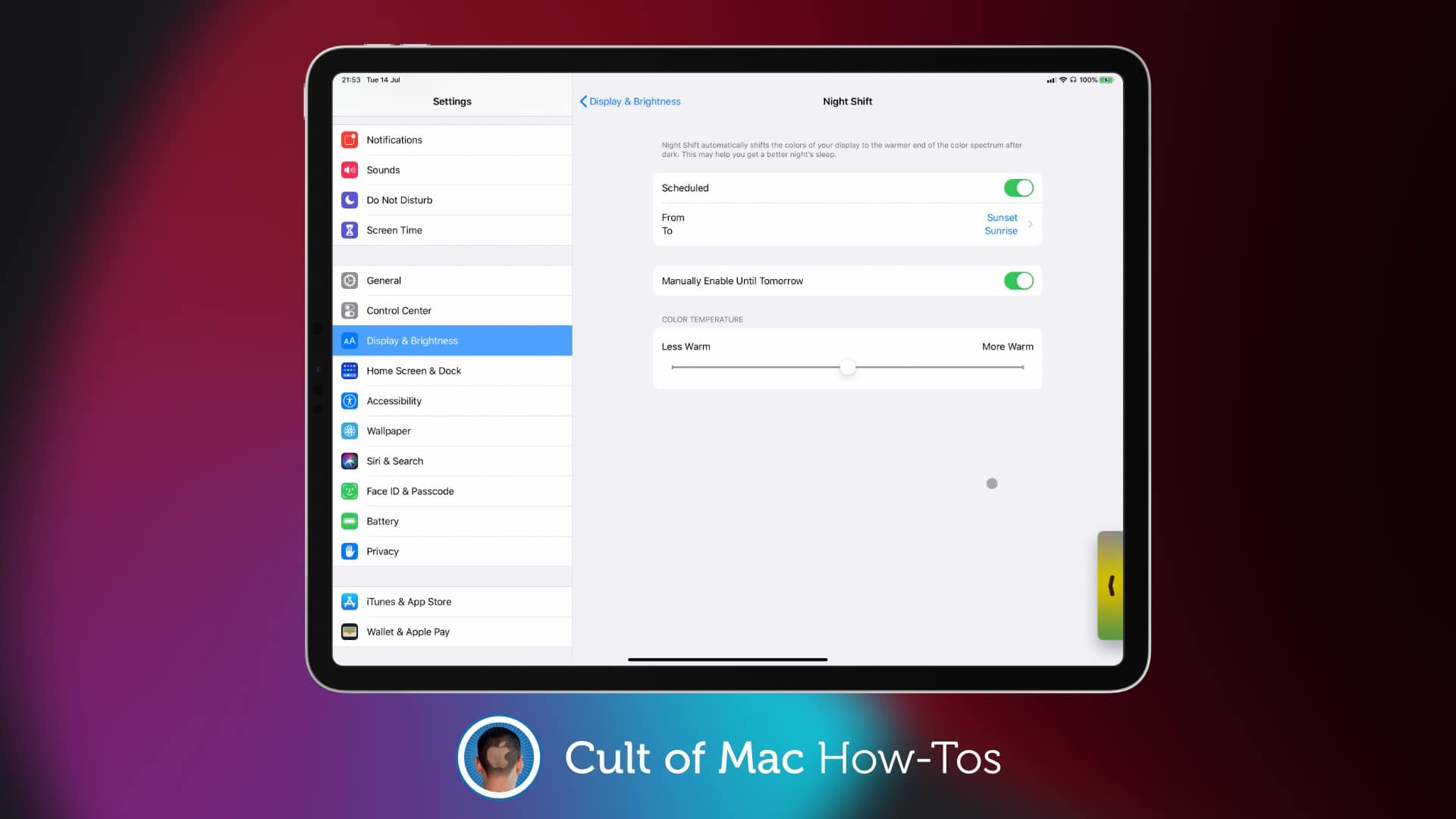
A strange bug introduced in a recent iPhone and iPad update is preventing many users from scheduling features like Dark Mode and Night Shift. But you don’t need to wait for Apple to fix it.
Discover the simple solution to this problem right here.
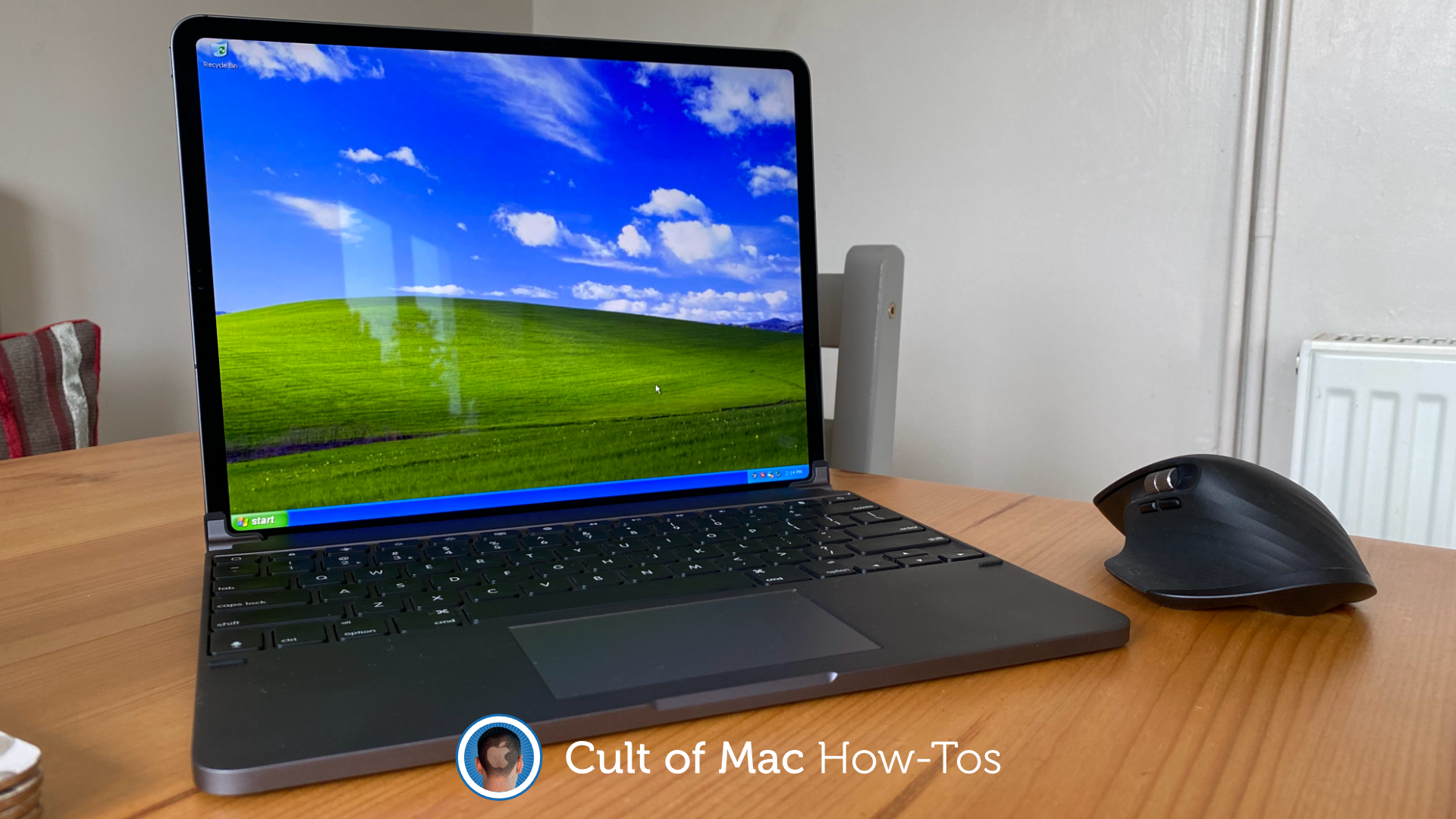
I bet you never imagined you might one day run Windows XP on an iPhone or iPad. But thanks to a brilliant app called UTM, it’s not only possible, but it is incredibly easy. You don’t even need to jailbreak.
We’ve already showed you how to use UTM to run Mac OS X on an iOS device. In this how-to, we’ll show you how to get set up with Windows XP. It’s even easier, requires less storage, and takes half the time.
Ready to return to the golden age of Windows?
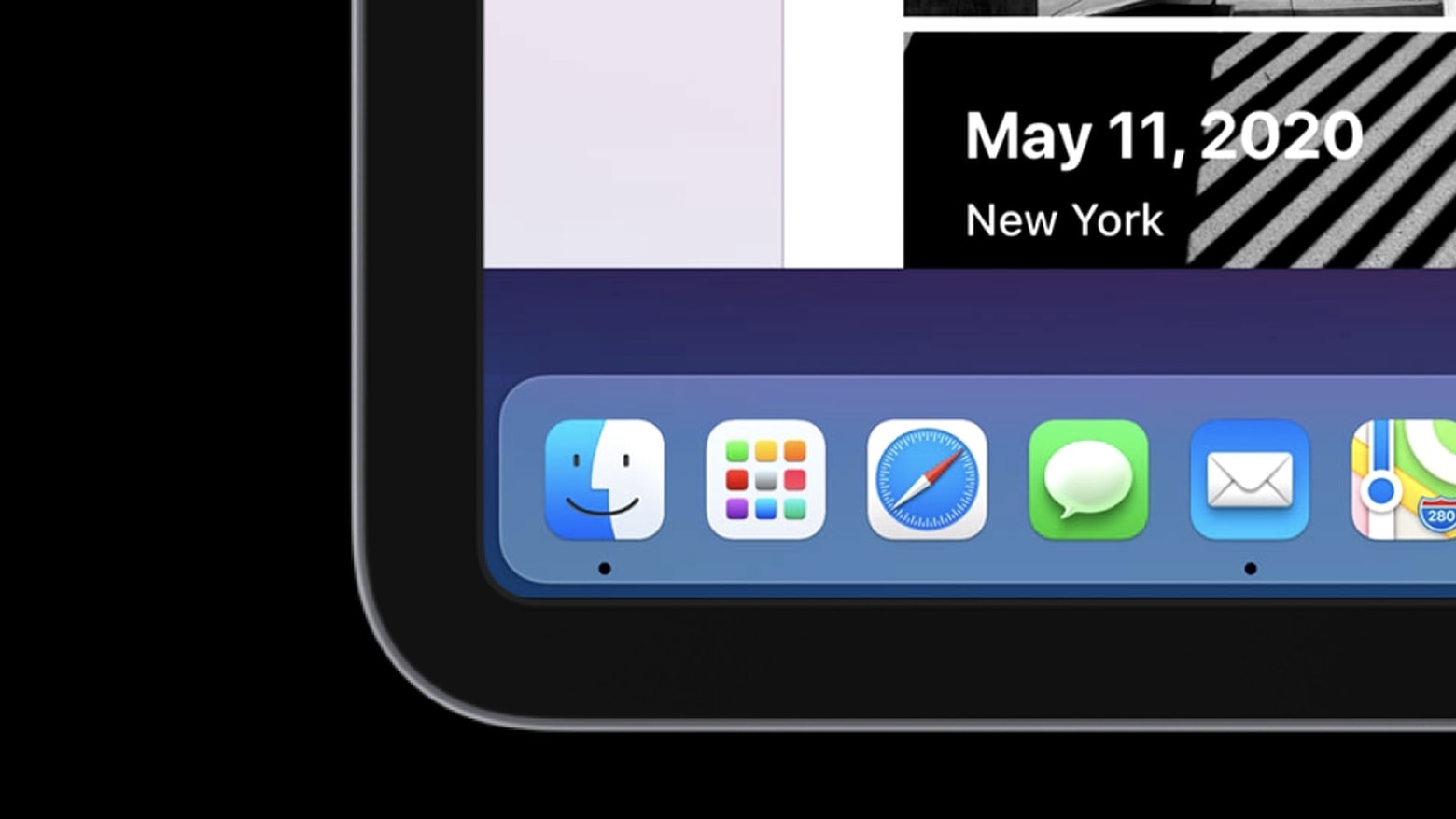
There’s pent up demand for Apple to bring macOS to iPad, so a clever developer created a simulation in SwiftUI to show what it would look like.
While it appears much like an Apple tablet running the Mac operating system, and even seems to work, this is not macOS Big Sur on an iPad. It’s just something that mimics part of the user interface. Still, it shows those eager for a “MacPad” what one could look like.
Watch a video of the macOS simulation in action:
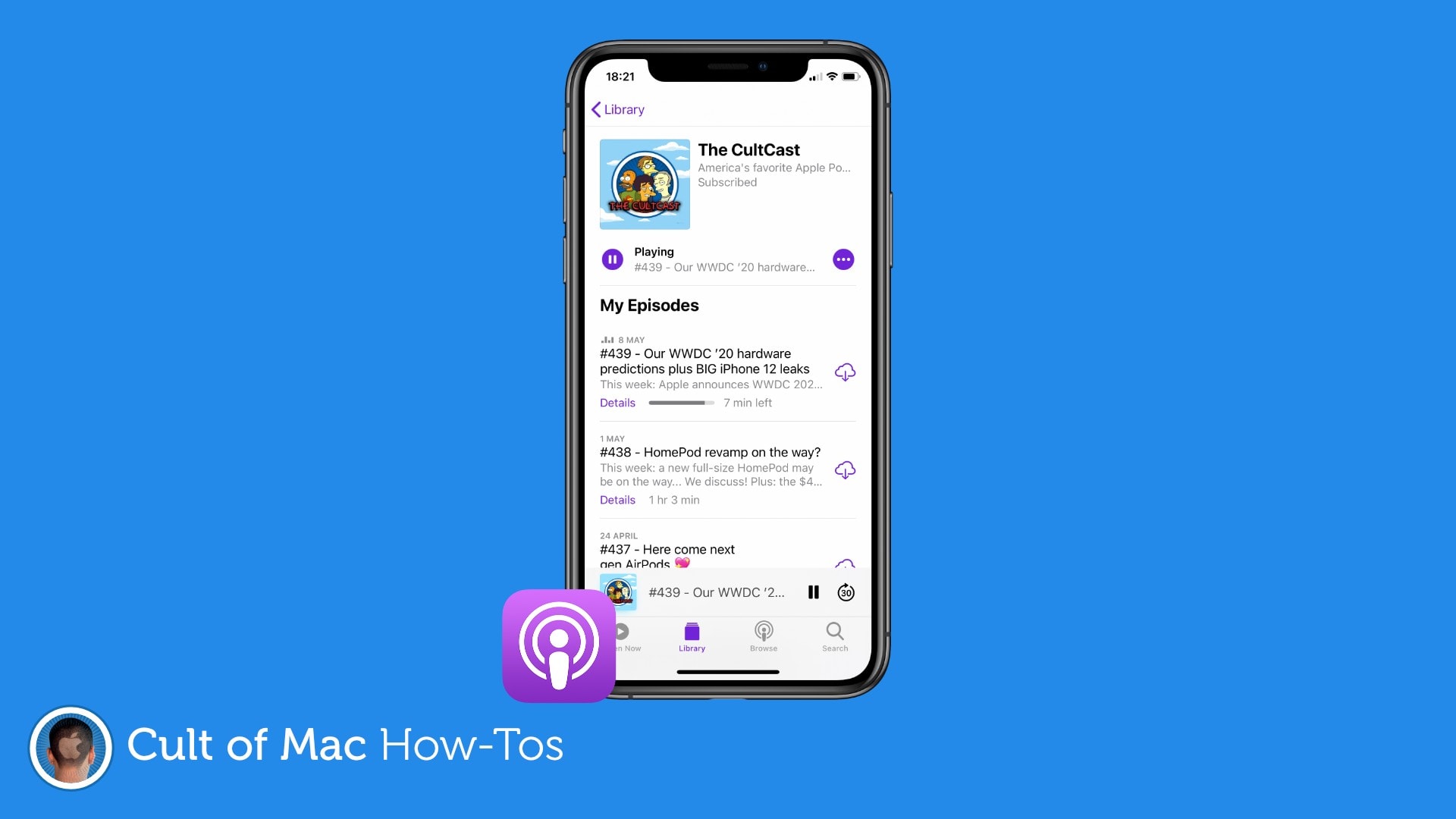
If you’re starting a new podcast that you want to listen to from the very beginning, you’ll need to change some settings to ensure that the Podcasts app doesn’t automatically play the latest episode first.
It’s a simple tweak that takes just a minute, and we’ll walk you through it in this step-by-step guide.
This week on The CultCast: We bring you a huge list of great iOS 14 features that Apple did not mention onstage during this week’s WWDC keynote, and there’s a lot here to love.
Plus: Why iOS 14’s new Home screen widgets aren’t as powerful as you might think. And get ready to log into websites with Face ID or Touch ID.
Today’s episode is supported by CleanMyMac X, an all-in-one utility that takes care of your Mac’s health: It’s a macOS cleaner, a performance monitor, a malware remover and, occasionally, a lifesaver. And until July 5th, you can go to macpaw.com/cultofmac to get CleanMyMac X with a 30% discount.
On today’s special edition of The CultCast: Catch our reactions to all the great stuff announced at the WWDC 2020 keynote. We highlight our favorite features from iOS 14, MacOS Big Sur, tvOS, iPadOS and watchOS, and so much more.
Today’s episode is supported by CleanMyMac X, an all-in-one utility from MacPaw that takes care of your Mac’s health. It’s a macOS cleaner, a performance monitor, a malware remover and occasionally, a lifesaver. And until July 5, you can go to macpaw.com/cultofmac to get CleanMyMac X with a 30% discount.
This week on The CultCast: We discuss our WWDC 2020 hardware and software predictions, and there’s a lot to say. Plus: A new leak details a next-generation iPhone with dual displays; the new 5600M MacBook Pro GPU is an absolute monster; and Apple’s back-to-school promo is back for the summer, but with an interesting twist.
Our thanks to Squarespace for supporting this episode. Easily create a beautiful website all by yourself, at Squarespace.com/cultcast. Use offer code CultCast at checkout to get 10% off your first purchase of a website or domain.
So, you’ve tried out the new Unc0ver jailbreak and decided it’s just not for you. Or maybe it’s time to sell your iPhone or iPad for a shiny upgrade. The good news is removing your jailbreak and returning to stock iOS is easy.
Find out how right here.
Tired of seeing the same old Home screen on iPhone and iPad? You don’t really want to move around all your apps because then you’ll have to get used to finding them again. Instead, treat yourself to a fancy new wallpaper.
Find out how in today’s pro tip.
Apple’s brilliant new pointer for iPhone and iPad was built from the ground up to be perfect for touch devices, but there is a way to make it even better. Disable pointer animations and you’ll enjoy an even smoother tracking experience. Here’s how.
Worried your kids will get up to no good while using your iOS devices? Learn how to disable the touchscreen on iPhone or iPad so that your little ones can watch their favorite videos without accessing other apps and features.
This week on The CultCast: Apple announces WWDC 2020! We talk our hardware and software predictions. Plus: A new leak gives us some exciting info on the upcoming Apple TV hardware, and the iPhone 12 lineup, including some surprising prices and new features. And we wrap up with a look at the new 13-inch MacBook Pro, so stay tuned!
Our thanks to Squarespace for supporting this episode. Easily create a beautiful website all by yourself, at Squarespace.com/cultcast. Use offer code CultCast at checkout to get 10% off your first purchase of a website or domain.
Apple spent time reinventing the mouse pointer to make it perfect for iPad, revealed Craig Federighi, the company’s senior vice president of software engineering, in a new interview.
Its brand-new system, which debuted in iPadOS 13.4 in March, is inspired by Apple TV and designed to feel familiar to those who have never used a mouse or trackpad with iPad before.
“We set out to design the cursor in a way that retains the touch-first experience without fundamentally changing the UI,” Federighi said.
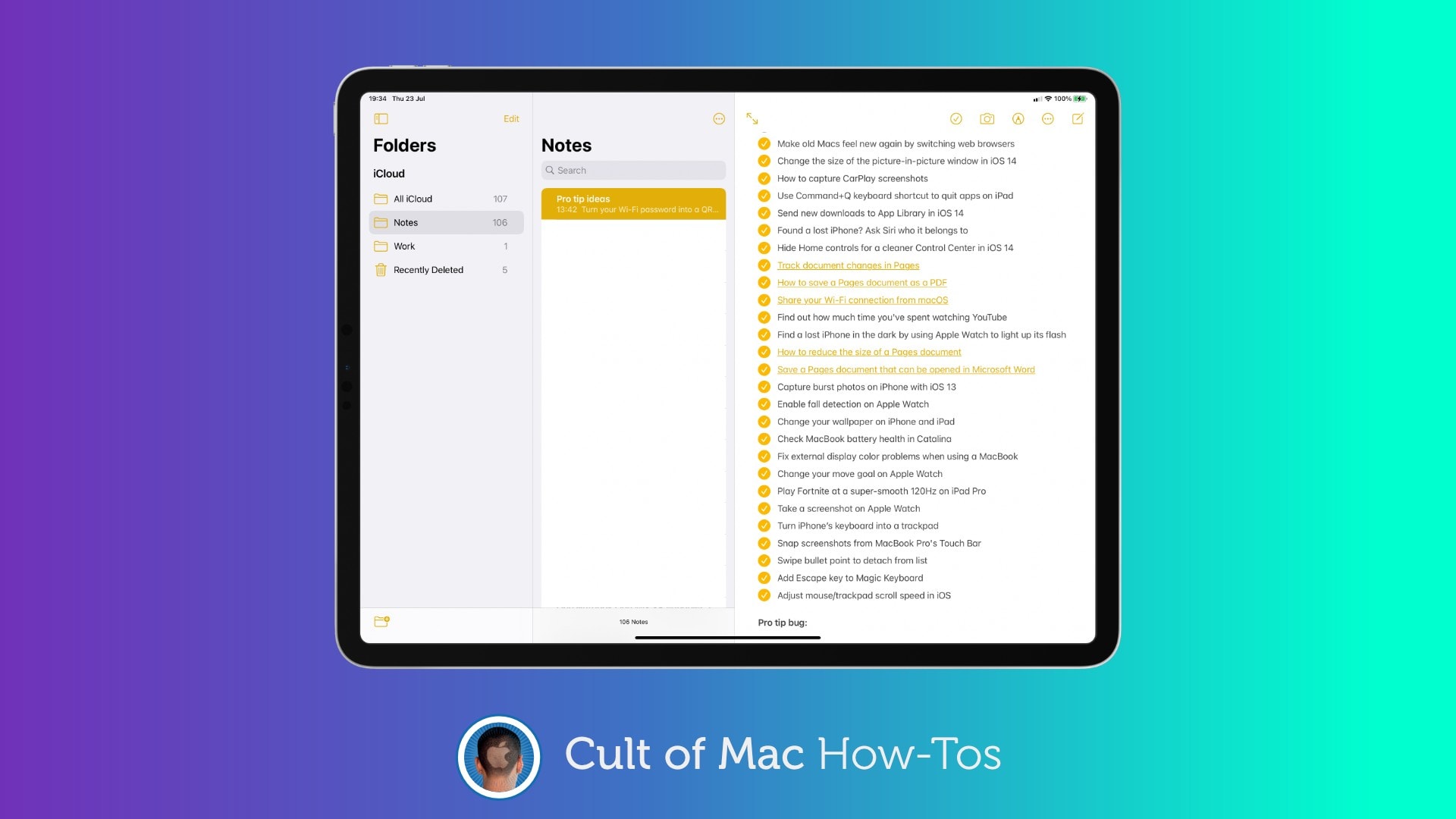
Using nested lists is a terrific way to organize your plans and thoughts inside the Notes app, and it’s super-simple to create them on iPhone and iPad using this quick pro tip. All you need is to get your swipe on.