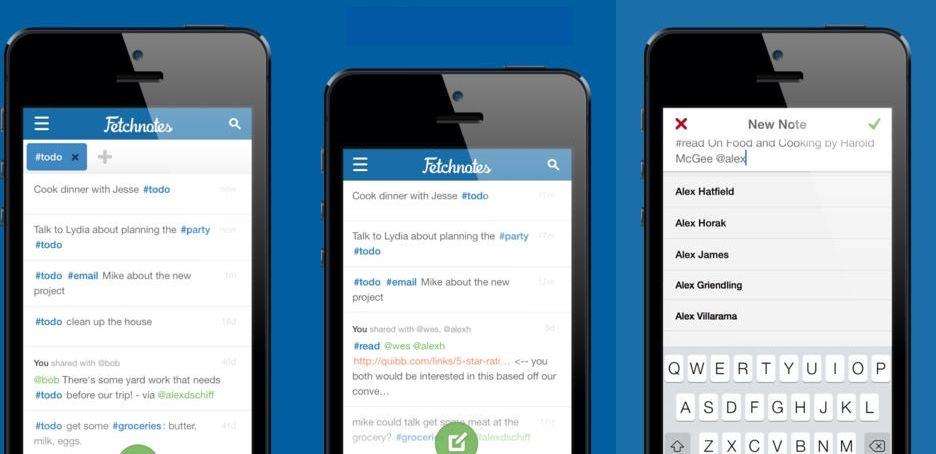
I like Fetchnotes 3, a new and deceptively simple update to the iOS/web app which lets you take, organize and share notes. At first, it looks a lot like Simplenote, with a very plain and simple UI, plus tags and easy sharing. But it’s actually a lot more powerful than that.
Just because you’re paranoid doesn’t mean they aren’t out to get you. But short of installing an air-gap, what can you really do to improve security on your iDevices?
The good news is that your iPhone is probably the safest phone you can use, but you would be correct not to trust any U.S-based company with your data, even Apple (which makes its money selling you shiny toys and may therefore be less interested in selling your data).
But if you want to move as much of your data as possible away from iCloud, here are some service and products to help you. You won’t find them as convenient as Apple’s built-in services, but they might keep your data a little safer.
In OS X Mountain Lion, Apple made sharing files between two Macs easier than ever before with AirDrop… but that only works if you’re on the same network. What if you want something as easy to use as AirDrop, but with people outside the range of your Time Capsule?
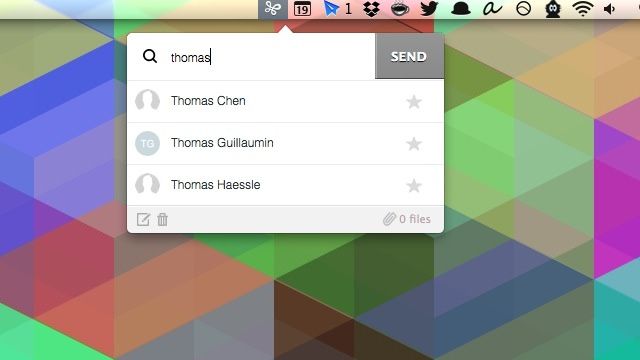
Enter Infinit, a slick new Mac file-sharing app that makes it effortless to send files to anyone, even if their computer is turned off.
The safest way to use your iPhone is to switch it off, open it up and remove the battery. But this is clearly impractical if you want to do anything more than pretend you have an Android phone.
Some guides have shown us how to increase our security by switching off all manner of services, from iCloud to geotagging for our photos. But if you do that, why buy an iPhone in the first place? And even if you only want to make calls, no amount of on-phone hackery will help you if the folks from The Wire are on your tail.
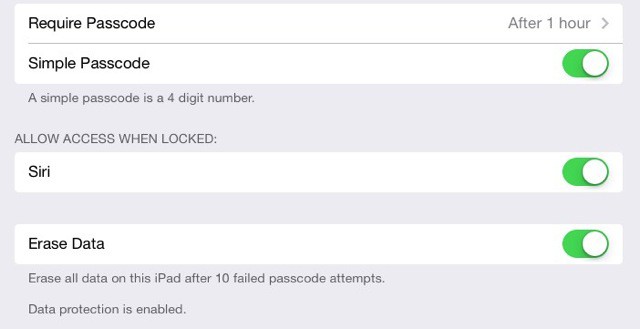
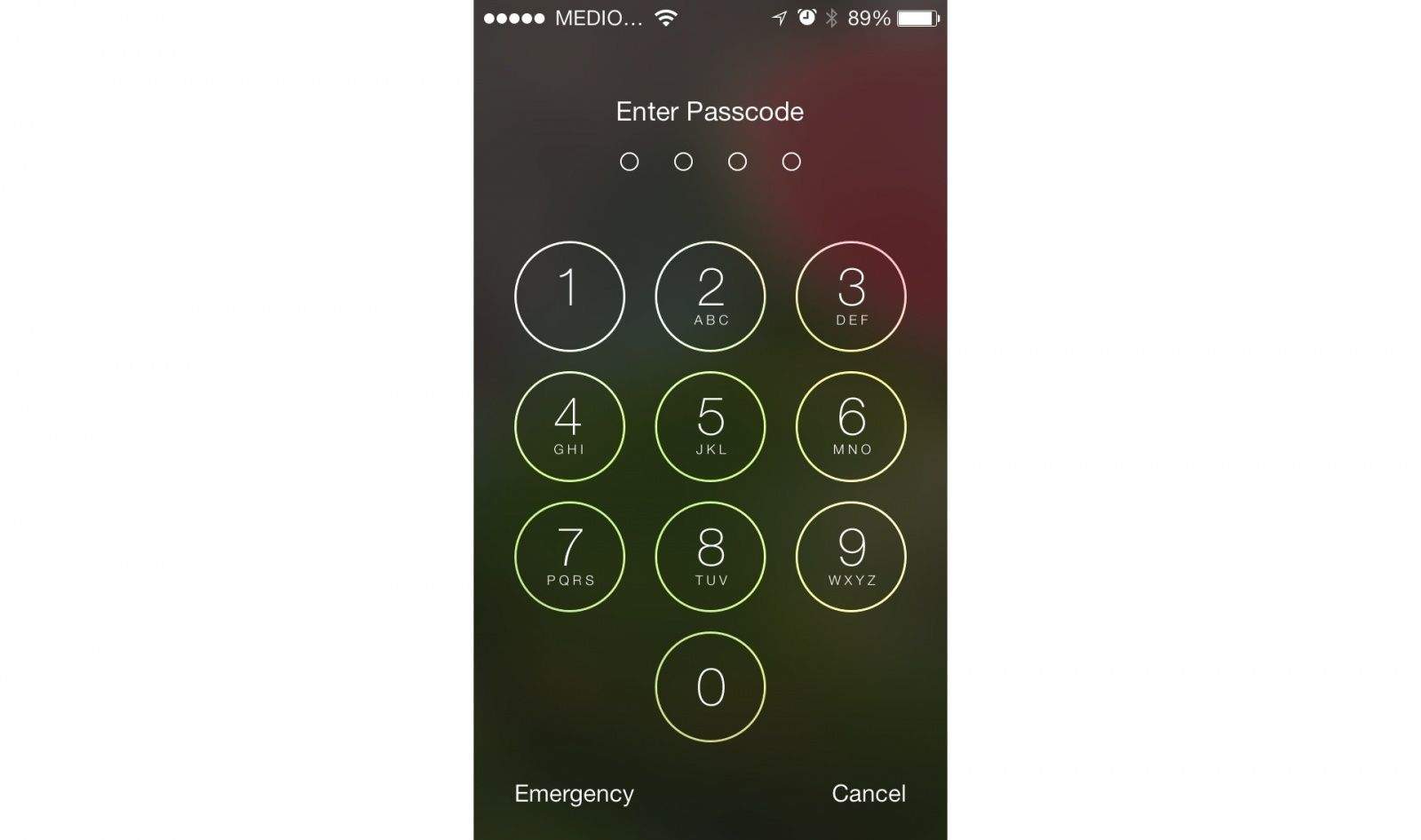
That’s not to say you shouldn’t be aware of what your iPhone is up to, and with this in mind we bring you a guide to the hidden and not-so-hidden settings you’ll need in iOS 7.
I find the idea of “distraction-free” writing apps to be bunk: after all, why on Earth would the presence or lack of a menubar make any difference to your ability to concentrate? I am, however, a sworn enemy of clutter, and so I immediately downloaded the $0.99 Focus app, which is kind of like a virtual rug under which you can sweep your mess of Mac application windows.
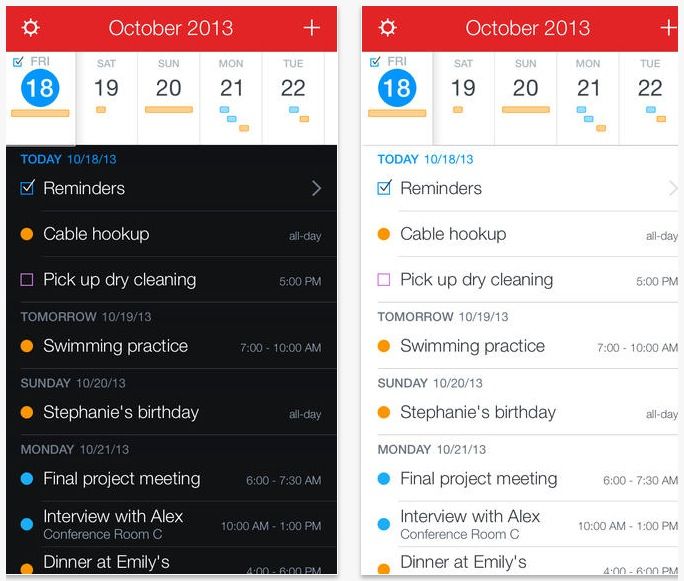
Fantastical is hands down my favorite calendar app for both the Mac and iOS, and Fantastical 2 for iOS went a long way to bringing the app in line with iOS 7’s major aesthetic changes. Now, just three weeks after its lauch, Fantastical 2 has seen its first app update, and there are some cool new options in here.
I like seeing photos in my Twitter timeline, but I don’t like the painful process of looking at them. You have to tap, and then wait while the picture loads, and while you’re waiting you can’t scroll through and read other tweets as they’re usually blocked by the loading photo.
Photofon doesn’t fix this (the only app that ever did it properly was Loren Brichter’s original iPad Twitter app that kept loading pages in their own independent sheet), but it does turn the viewing of Twitter photos into something you’ll actually enjoy doing.
If you’re using the Chrome browser on your Mac, then you might like to take a look at Backtick, an extension which lets you fire off bookmarklets with a few keystrokes. Like Alfred, Launchbar or Quicksilver on the Mac, Backtick lets you hit a key combo and type in a couple of letters to trigger a command. Only instead of launching apps and so on, it launches bookmarklets.
One of the essential parts in my RSS-BitTorrent-iPad TV-watching setup is iFlicks, a Mac app from Jendrik Bertram that takes a video file, adds cover art and movie/show metadata and then converts the file into an iTunes or iPad-friendly format. It even adds in subtitles if you have them in the same folder as the video file.
Now v2.0 has launched its public beta stage, so you can try out the faster, better and more powerful-er next version.
Wow, the Evernote folks are on a real roll these days. Not only does the iOS app now not suck enough to use it every day, but the new Safari web clipper is good enough to make me use my Mac for browsing the web again. It’s like a combination of Skitch, Instapaper and, well, Evernote.
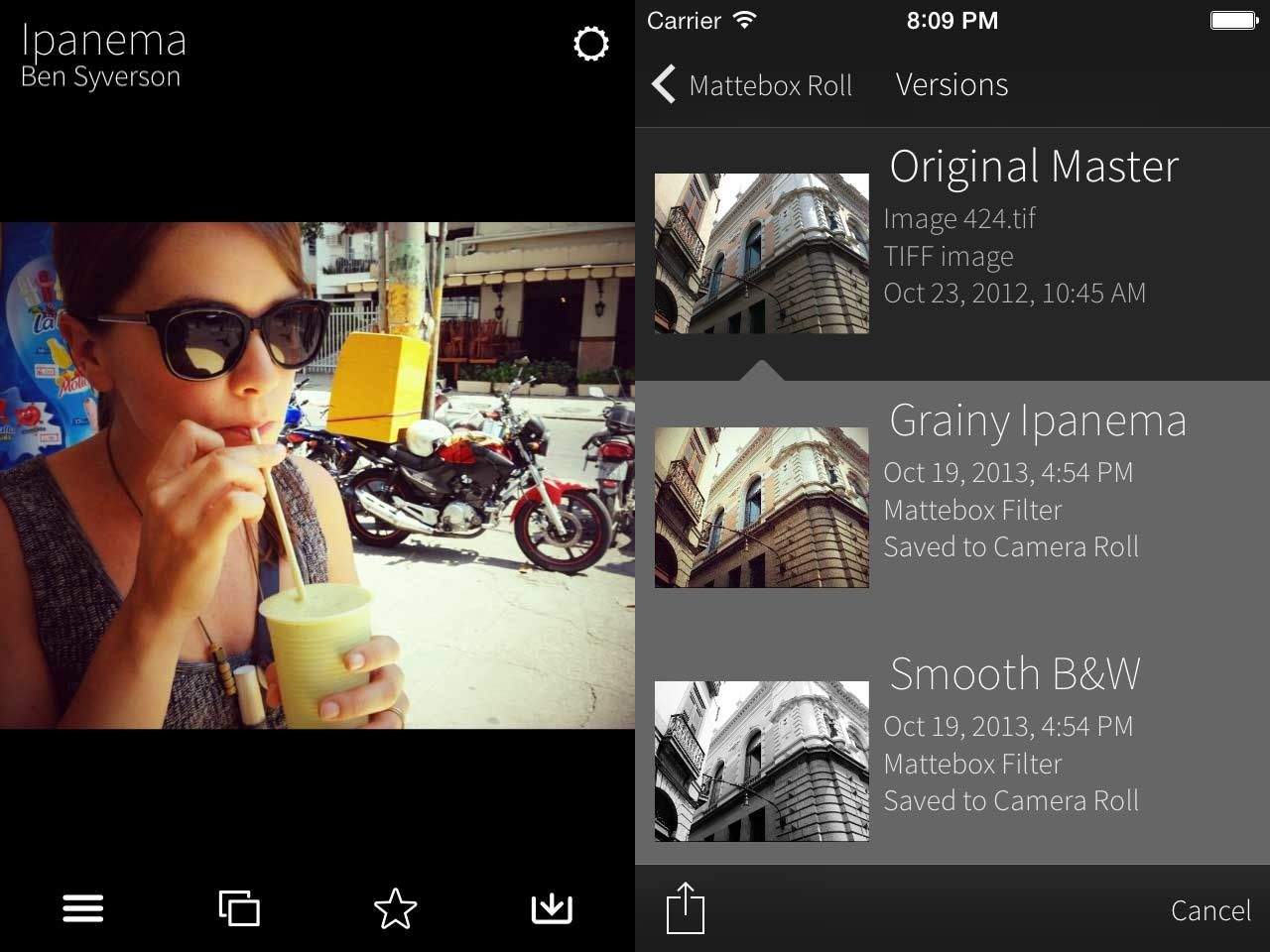
I said that the original Mattebox may be “the best iPhone camera app around, but then I went back to using the iPhone’s built-in camera for everything and doing the edits in post.
But Mattebox 2 has just launched, and it is certainly good enough to tempt me back. It keeps the same super-simple interface, and adds Lightroom filter export and exposure compensation.
Runtime stands out above other run-tracking iPhone apps thanks to its great design: it’s not – like most other apps – fugly as hell. It also use the iPhone 5S’s M7 MoCoPro to track you even when you’re walking.
It’s hard to describe Curator for iPad as anything other than a digital scrapbook… In a good way. It lets you pull in snippets and content from pretty much anywhere, presenting them in a clean grid layout. If you ever used Evernote to collect a stuff together on one place for a project, you might consider Curator instead.
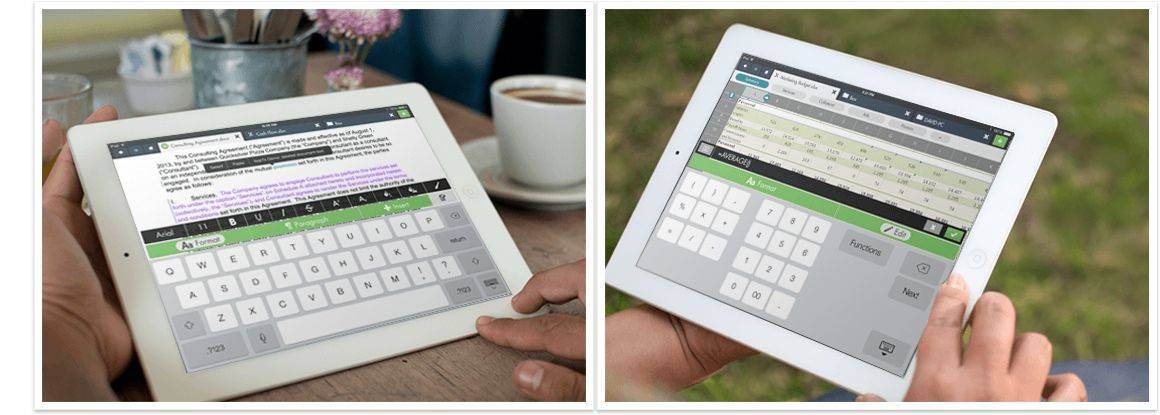
HopTo is a great version of Microsoft Word for the iPad. And that’s because it is MS Word, up in the cloud, driving a native iPad app. And you know what? If Microsoft just made the exact same app only with the Word part running locally on the iPad, I’d be happy. It really is nice enough to let you forget you’re using Word.
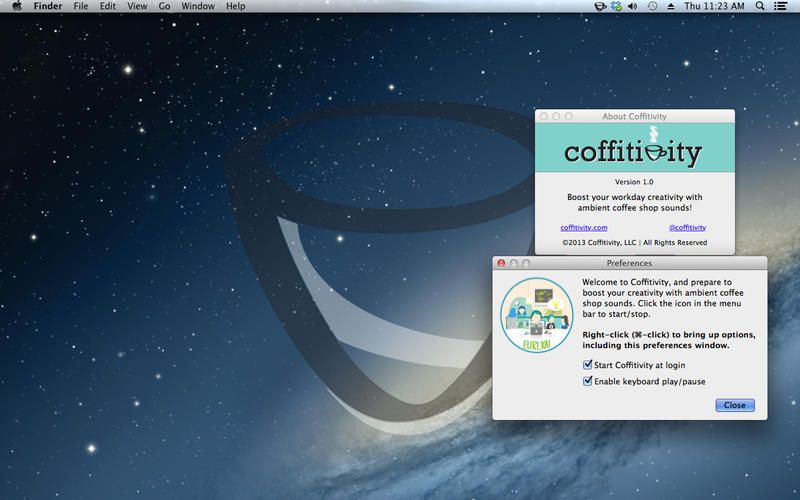
Coffitivity is an app that turns your too-quiet (and frankly pretty creepy) home office into a buzzing coffee shop, only without the jerk who’s hogging the single power outlet all frikkin’ morning after buying one measly coffee. And not even a real coffee. It’s one of those lame-o frappa-latte-chinos or something.
Anyhow, Coffitivity adds a backing track to your office, via a Mac or iOS app.
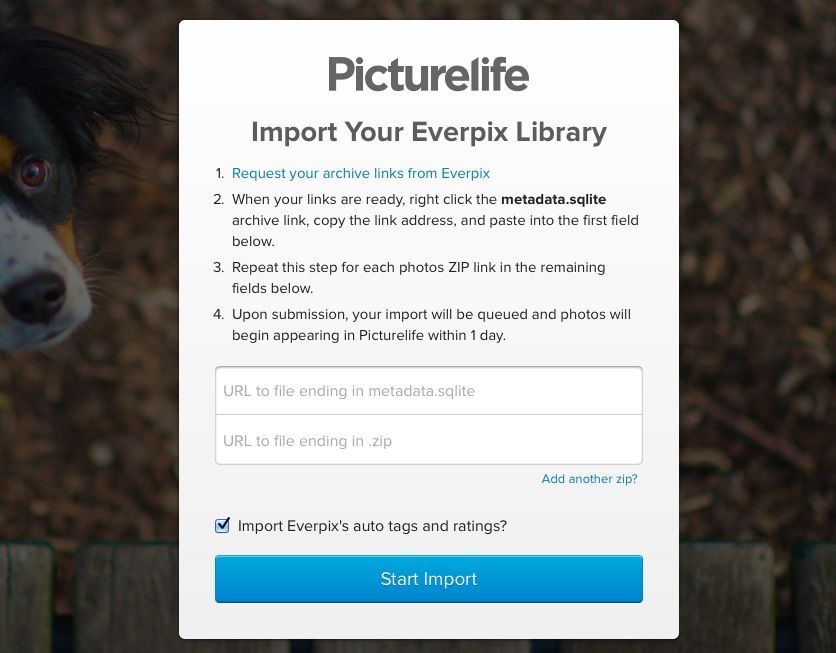
Everpix’s servers are probably going to hate this, but users will love it. Picturelife (my favorite of the Everpix alternatives I tested, has made an Everpix-to-Picturelife importer. If you received a link to your Everpix archive, you can just plug it in to the importer and walk away.
Best of all, the entire archive won’t count towards your storage quota. And the Picturelife team managed to put this all together in less than 24 hours.
Day One, the beautiful journaling app for Mac and iOS, has just gotten even more beautiful on iOS 7, and added features to boot. I roll my own nerd journal, but if I used a journaling app it’d be Day One. Especially now it has M7 support.
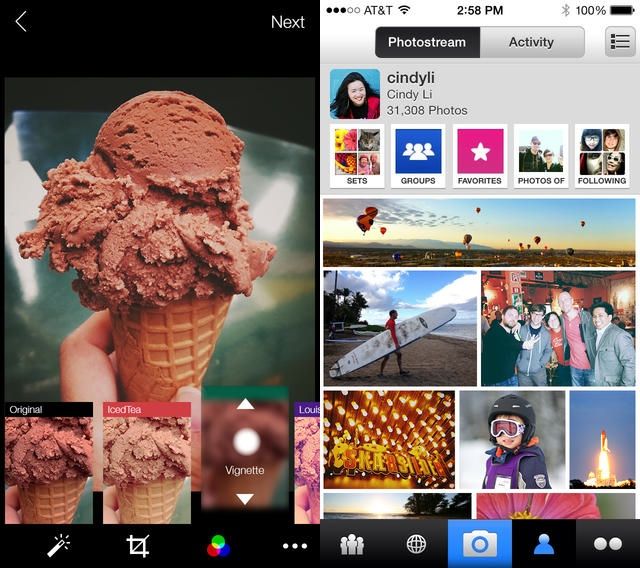
Flickr can become the central home for all your photos.
Intro
After the recent Everpix shutdown, I moved all my photos to Flickr. If you read my roundup of Everpix alternatives, you’ll know that Flickr wasn’t my first choice, but it turns out that neither is it my only choice. But let’s not get ahead of ourselves.
Everpix was great because it just sucked in all your photos, whether you kept them in iPhoto, on your iPhone, in a weird beardo folder structure on your Mac, or even if you took all of your photos using Instagram. It was far from perfect, but it was the best. And then it went away.
Unbound for Mac has finally reached v1.0, and you’re probably going to love it. Point Unbound at a folder on your Mac and it’ll turn any folders inside into beautiful, browsable photos albums. It’s like what iPhoto would be if iPhoto had grown up in an alternate universe where bloated software was a bad thing.
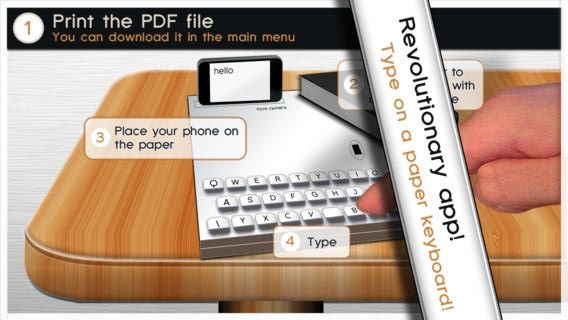
Forget 3-D printing. The future of personal manufacturing is now 2-D printing – when you’re making iPhone keyboards that it. Using nothing but a keyboard printed onto a sheet of regular paper, along with Gyorgyi Kerekes’s new Paper Keyboard app, you can type and play games as if you’d dropped cash money on a real 3-D metal and plastic keyboard.
BitTorrent Sync is one of the best Dropbox alternatives out there. Drawing upon the power of BitTorrent, BitTorrent Sync allows you to keep folders synced between multiple Macs easily, but without storing them in the cloud or having to pay for things like storage.
If you’re a BitTorrent Sync user — and you really should at least consider being one — great news. BitTorrent Sync just got an iPad app.
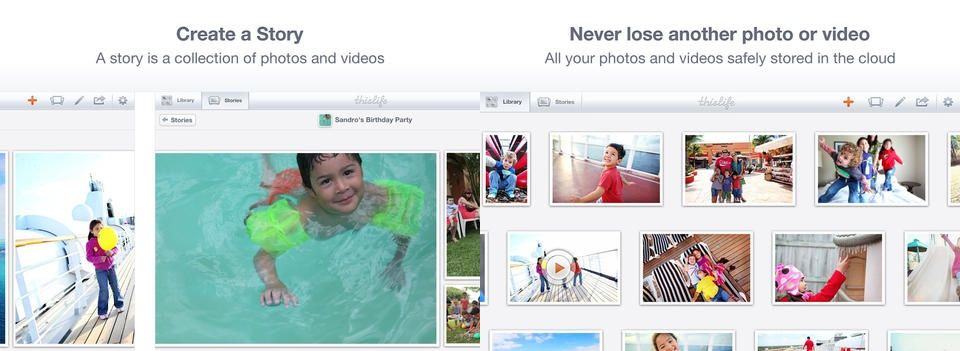
ThisLife is a new(ly resurrected) online photo-storage service from Shutterfly, the photo-book-printing people. It’s similar to other services like Picturelife and the now-dead Everpix, letting you pull in your photos from other popular photo sites like Flickr and Instagram. But it comes with one unique feature: face recognition.
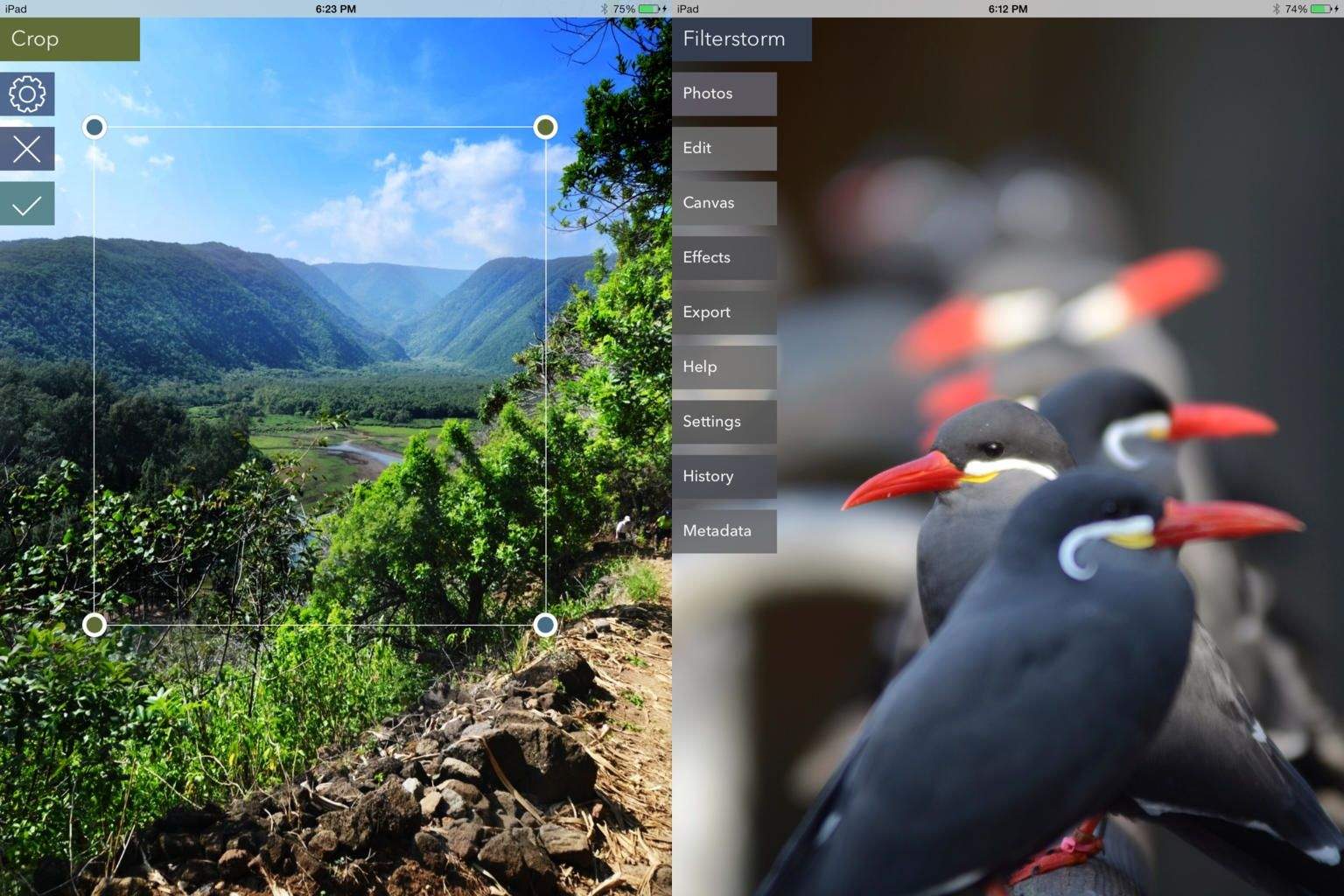
Before I got lazy and did everything in Snapseed and Instagram, Filterstorm was one of my favorite iOS apps, and now it’s back, bigger, faster and, uh, neuer than before. Developer Tai Shimizu started over and came up with a whole new take on his powerful photo-editing app, which is appropriately called Filterstorm Neue.
Last month, Facebook released an update that allowed iPhone users to edit posts and comments and even preview all of their changes. It was a small, but welcome update. Unfortunately, it was also exclusive to the iPhone, but now users of Facebook for iPad can avail themselves of the same trick.
Do you ever grab screenshots of websites on your iPhone, then struggle to transfer them to you Mac for further editing, or for – say – putting them into a blog post? Now you can do the exact same thing, only without ever having to touch your iPhone. How? Pixa’s new mobile Web Snapper, that’s how.