iOS7 has a ton of tiny touches that make life easier (like automatically zooming pixel-doubled iPhone apps on the iPad, and using the retina iPhone assets even on the iPad mini), but it looks like users of older versions of iOS aren’t being left out. Or maybe Apple really, really wants developers to go iOS7-only.
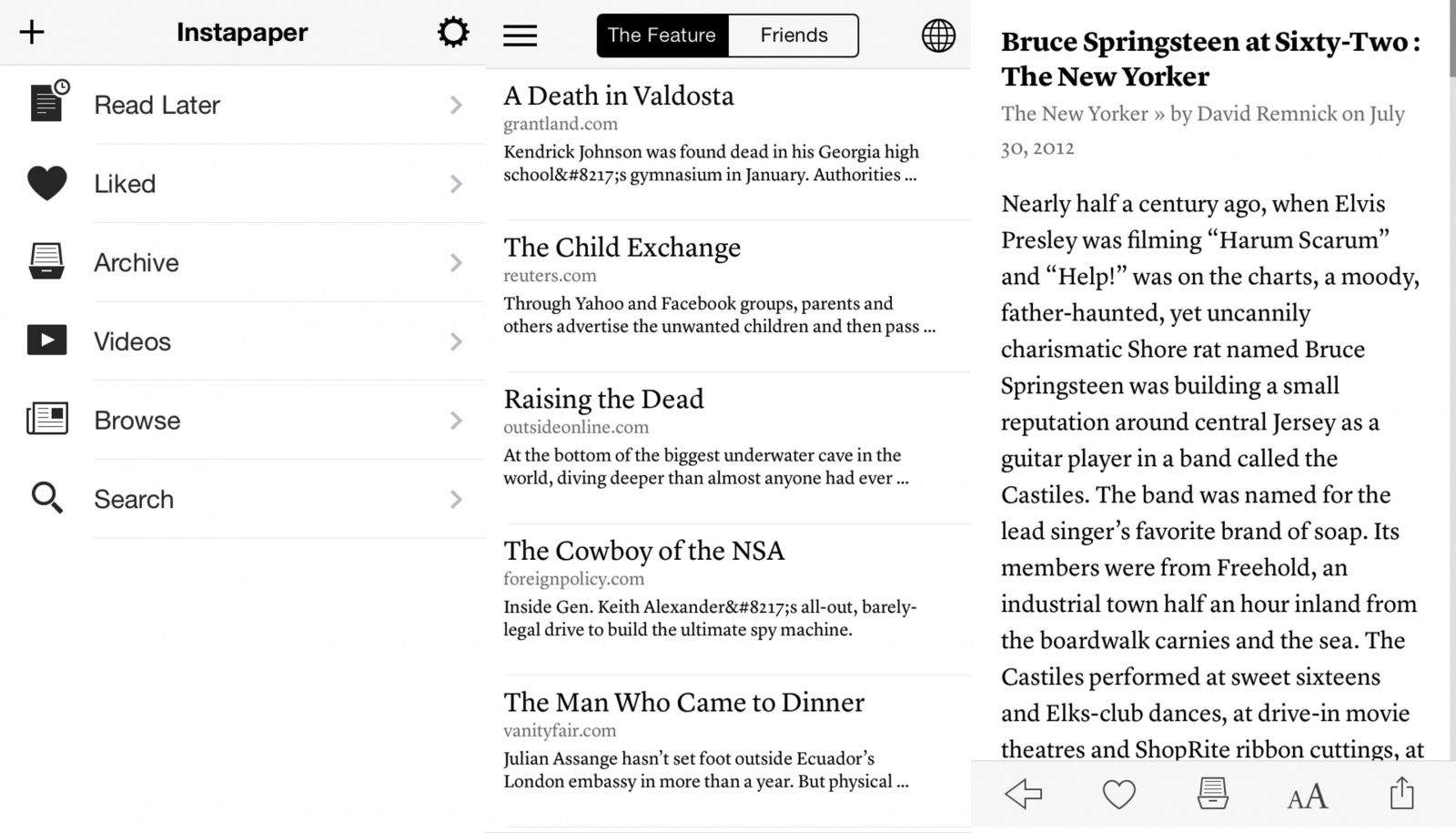
iOS 7 is launching on Wednesday September 18th, and with it will come a whole slew of neat (and sometimes eye-searing) features. But what will there be for us poor bloggers and developers who have (maybe) been running the beta for so long now it doesn’t even seem new anymore? The answer is app updates. Lovely updates to some of our favorite apps to make them play nice with the new, clean OS. And the one of these will be Instapaper.
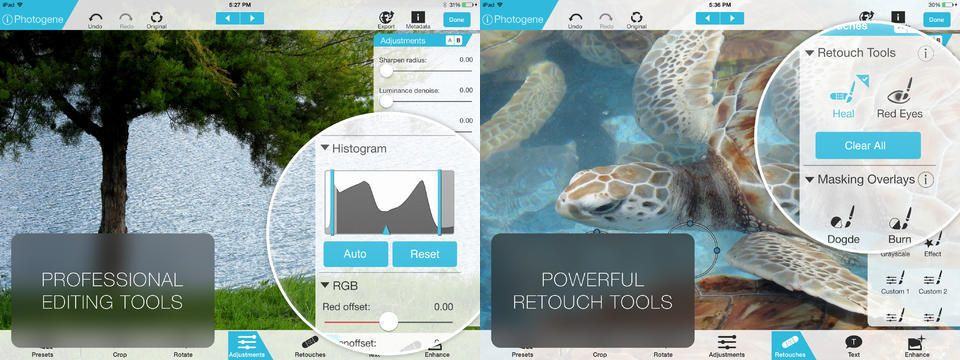
Photogene has long been one of the top photo-editing apps on iOS, beating out Photoshop Touch in so many ways it’s not funny (not funny for Adobe anyway – it’s still pretty funny for me, and I laugh about it every time I use something by Adobe and am forced to wonder if they hired chimps to write their installers).
Anyhow, now Photogene 4 is out, and it’s a big update. To begin with, it’s now universal (previously there were separate apps for iPhone and iPad), and it works with full-res RAW images.
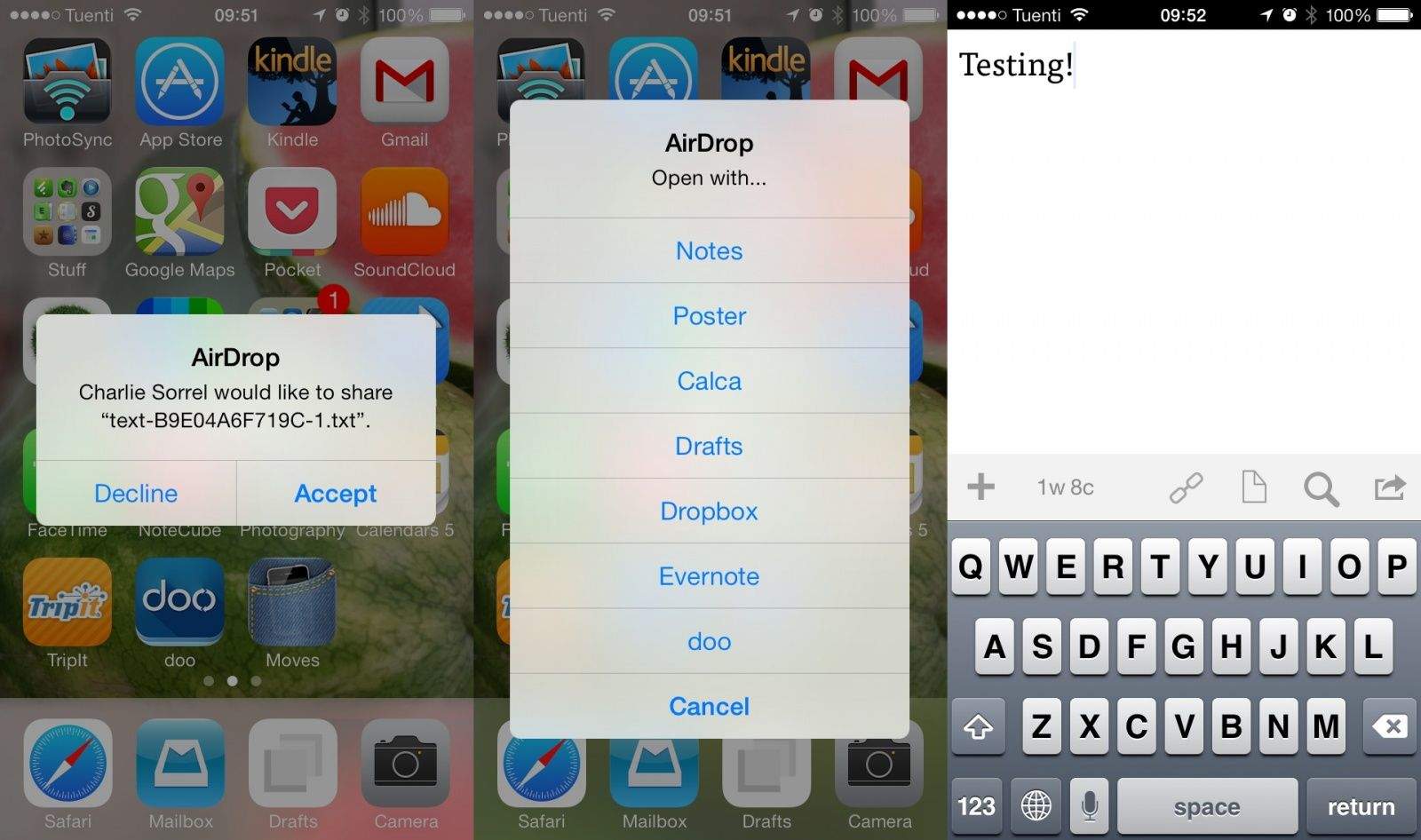
Is there any end to the awesomeness of Drafts? The write-once-send-anywhere app for iOS has added a great new sharing feature for those using iOS 7, without developer Greg Pierce having to do anything. If you use AirDrop, you can send a chunk of text to anyone else with an AirDrop-capable device, even if they don’t have Drafts.
Another week has sped by and we’ve had a ton of great offers that have made their way onto the Cult of Mac Deals page. Before we head into another week, we’re going to shine a spotlight on two of the offers that you may have missed.
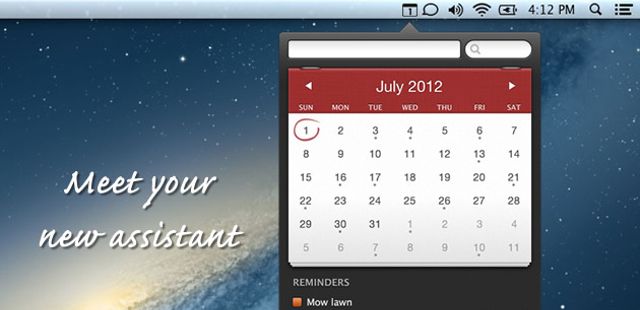
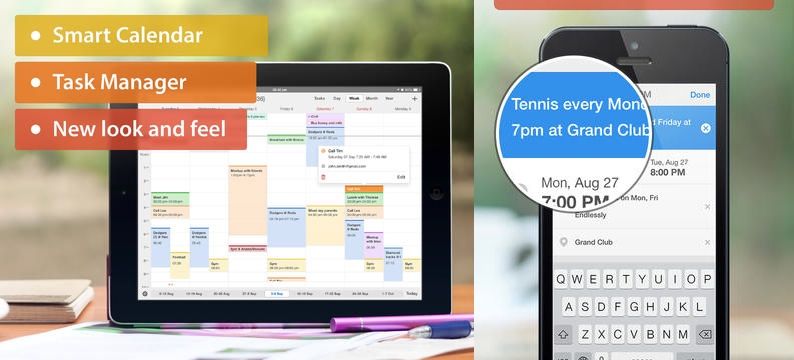
Readdle’s new iOS calendaring app, Calendars 5, launched yesterday, and after a day of use I can confidently state that I can find nothing wrong with it. In fact, I like it a whole lot. Why? Because it combines your calendars and reminders in one iOS7-style app, and folds in Fantastical-style natural-language entry.
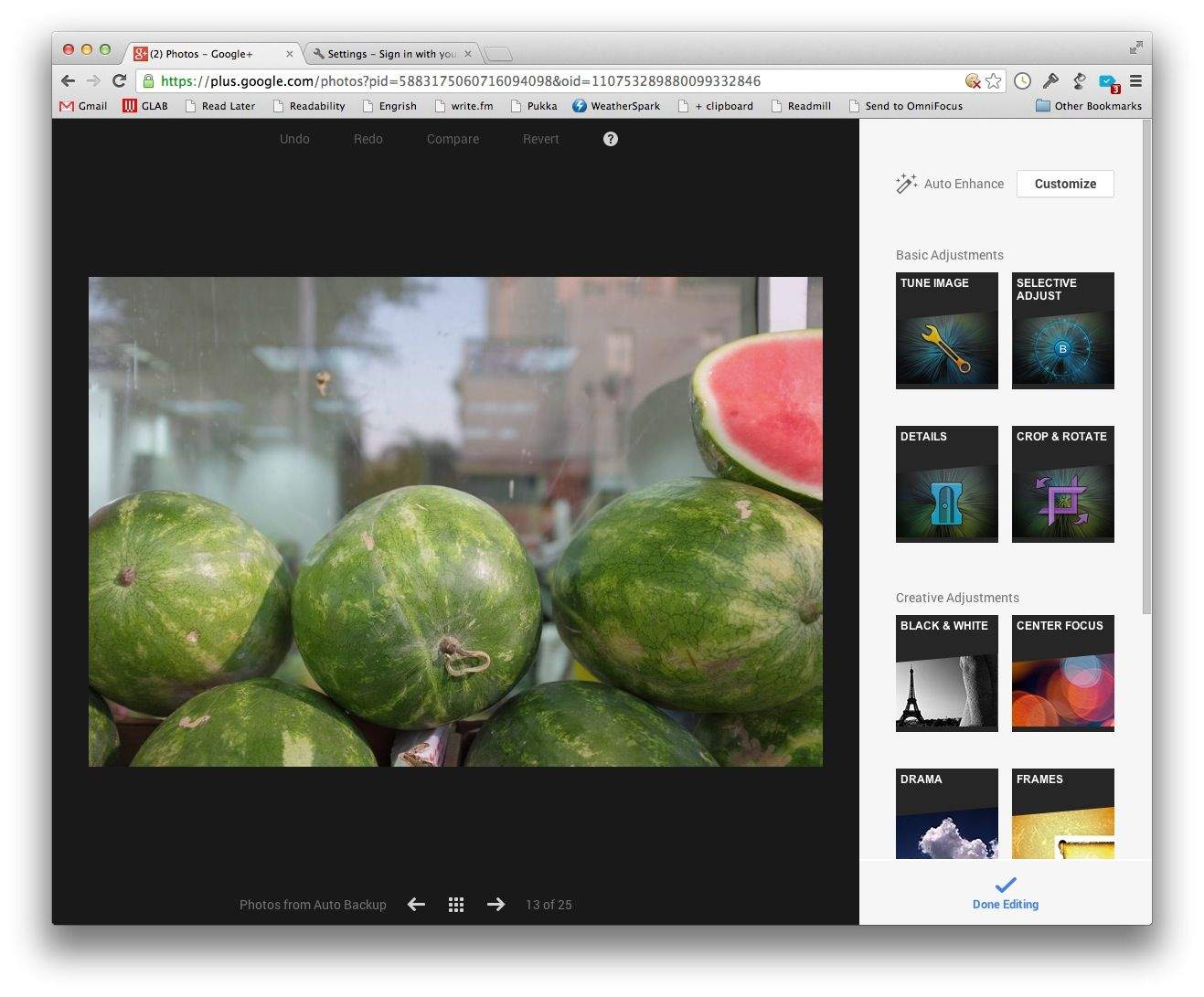
If you never downloaded the free Snapseed app for OS X before Google axed it, then you have a second chance – as long as you;re using Google’s Chrome browser anyway. Google+ added a browser-based version of Snapseed to its flailing social network.
Basil, still hands-down my favorite recipe app for the iPad, is going 2.0 just in time for iOS 7. And man, if you thought the original was clean, slick and easy to use, then you’re going to be blown away by v2.0, which developer Kyle Baxter tells me is “basically an entire new app.”
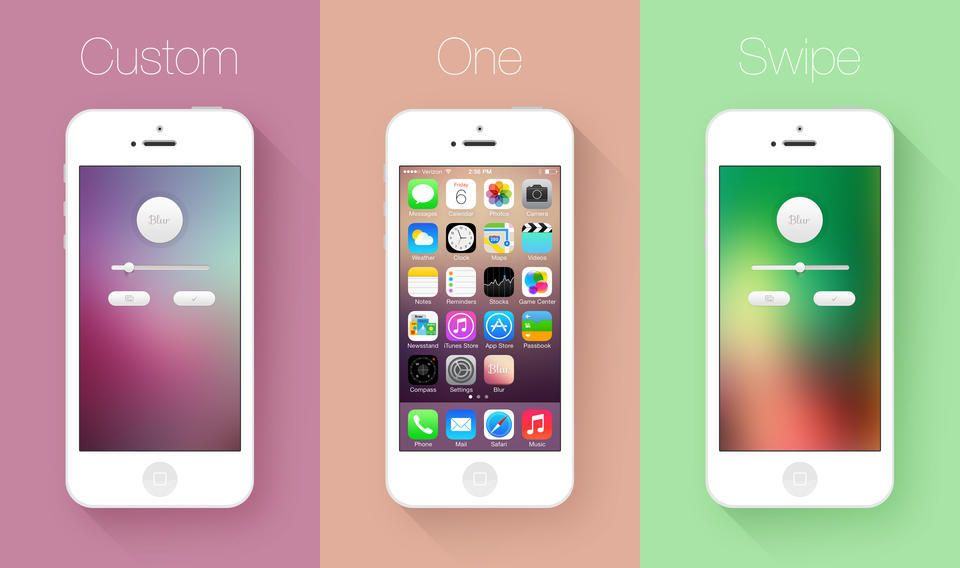
Blur is a universal iOS app which does one thing: blurs your pictures for use as wallpapers. But it’s single-function design doesn’t mean that it can only be used for one thing.
Looking forward to OmniFocus 2 on your iPhone? Then you can also look forward to ditching OmniFocus 1 and paying full price for the update. And if you do want OF1, then you’d better buy it now, as it’ll be disappearing as soon as the new app is launched.
OmniGroup, the developer behind OmniFocus, OmniOutliner and OmniEverythingElse, has laid out its plans for dealing with the lack of upgrade pricing in both of Apple’s App Stores. And they sound completely reasonable.
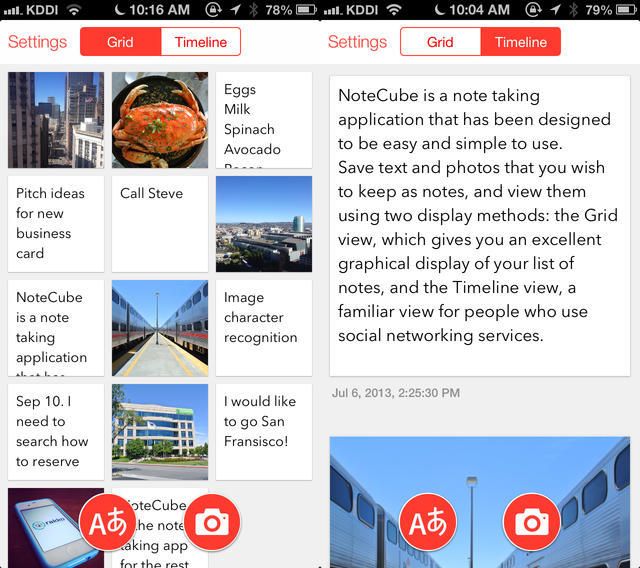
NoteCube is another one of the “new generation” of note-taking apps, started by Q Branch’s Vesper, which are ultra-clean (in the iOS7 style) and work with pictures (the other one being Whitespace).
The USP of NoteCube is that it syncs with Evernote, which means that a) it actually syncs, unlike the other two apps, and b) it gets access to Evernote’s neat text recognition in photographs.
You know the drill: you get some crazy attachment in the mail, and you need to convert it to a format you can use. And – of course – you’re on your iPhone or iPad.
Maybe it’a a FLAC file you want in AAC, or a Microsoft DOC file that you’d prefer to see as a PDF. On the Mac you can convert these with little problem, but on iOS? Well, it’s now actually even easier than it was on the desktop. If you use CloudConvert anyway.
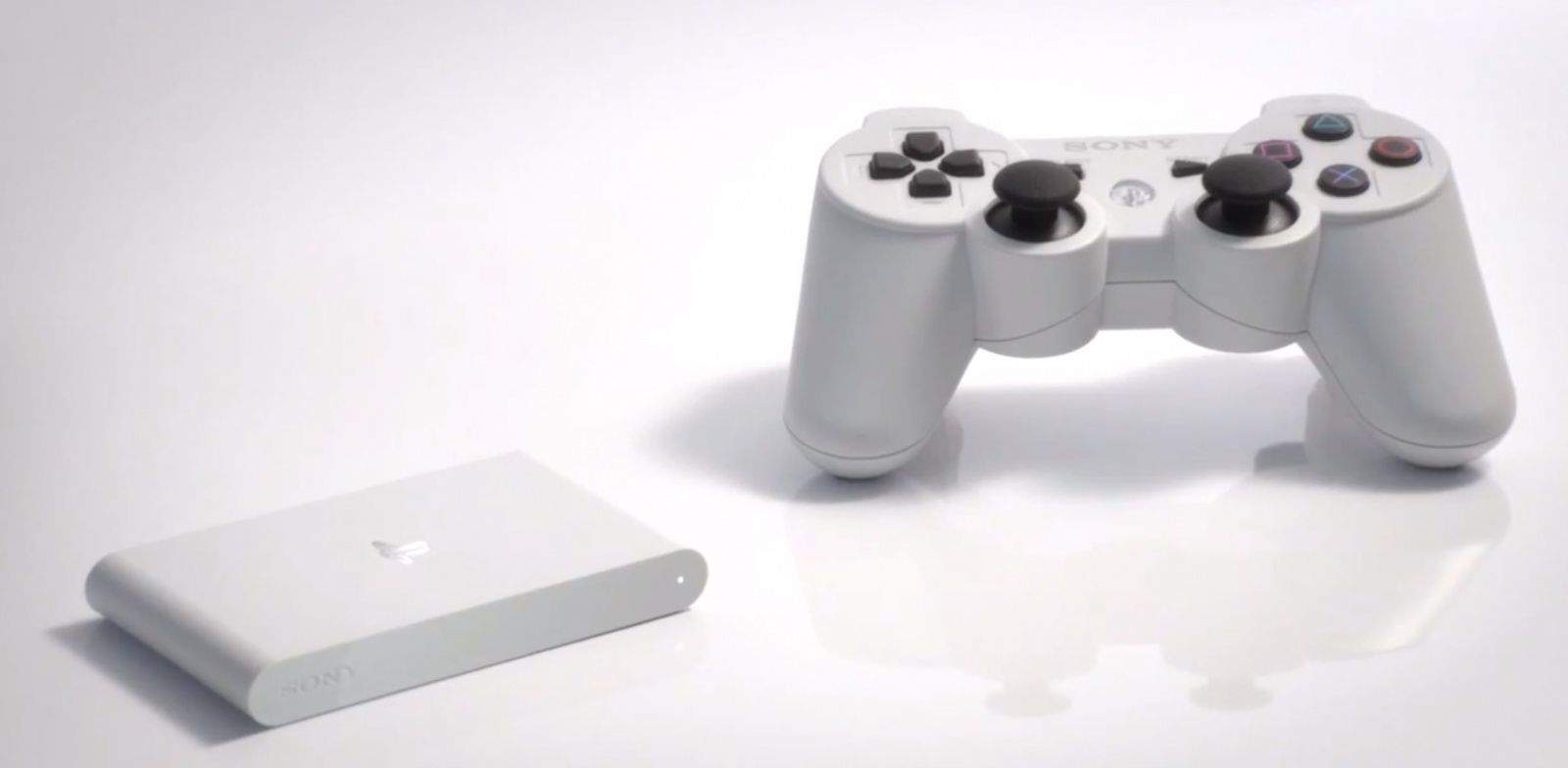
At an event in Japan today, Sony unveiled the new PS Vita TV, a tiny set-top box that will sell for around $95 and look to compete with devices like the Apple TV. Not only will it let you stream content from services like Hulu and Sony’s own Video Unlimited service, but if you connect a DualShock 3 controller, it will also allow you to play PSP and PS Vita games on your TV.
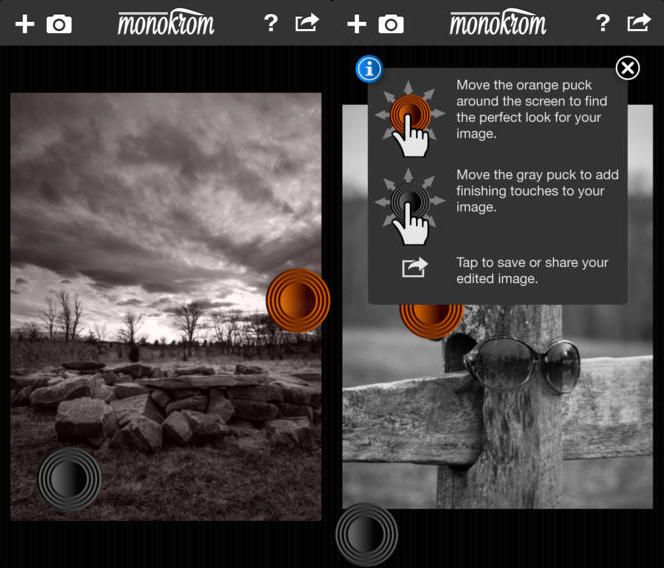
Monokrom is a pretty neat B&W conversion app for the iPhone. I uses colored filters to do the converting, so you can get some dramatic effects, just like if you were to use colored filters on your lens whilst shooting B&W film. Unlike most iPhone B&W apps, though, the range of available filters is unlimited – it uses the colors of the image itself.
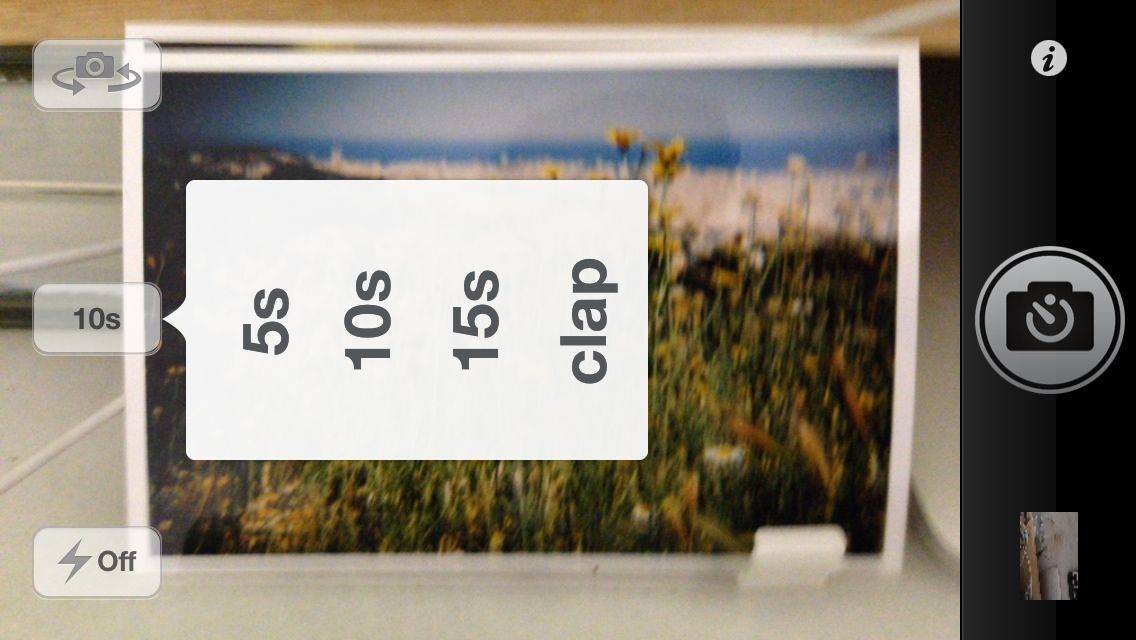
From the department of “One Thing Well” comes KeyCam, an iPhone app which takes photos with a timer. Or a clap, which I guess makes that “Two Things Well,” but still.
One of the big problems from a developer perspective about the Mac App Store is that it doesn’t allow developers to sell paid upgrades to their apps. Similarly to the iOS App Store, if a developer wants to make money off of a particularly juicy update, they need to sell it as an entirely new app or else… tough beans. Especially on the Mac, this is an issue, since many developers monetize on-going development of apps by selling paid upgrades. But if you sell in the Mac App Store, it’s just not an option.
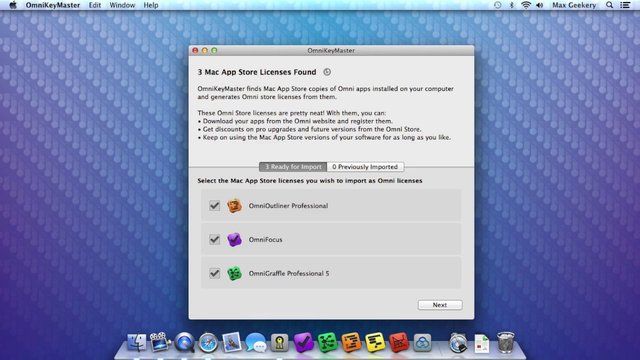
Last week, the Omni Group released a little app called OmniKeyMaster. The ingenious little app essentially allowed people who had purchased versions of Omni’s apps on the Mac App Store to essentially “break out” their apps from the MAS into standalone licenses which were eligible for paid app upgrades. Guess who didn’t like that idea?
There are some truly awful things happening in Syria right now. For more information on exactly what is happening, and why, I suggest this excellent Washington Post round-up of what exactly is going on, and why Congress is now considering an intervention. But the takeaway is pretty bleak, and basically comes down to the notion that there’s not a lot America can do to stop what’s happening in Syria.
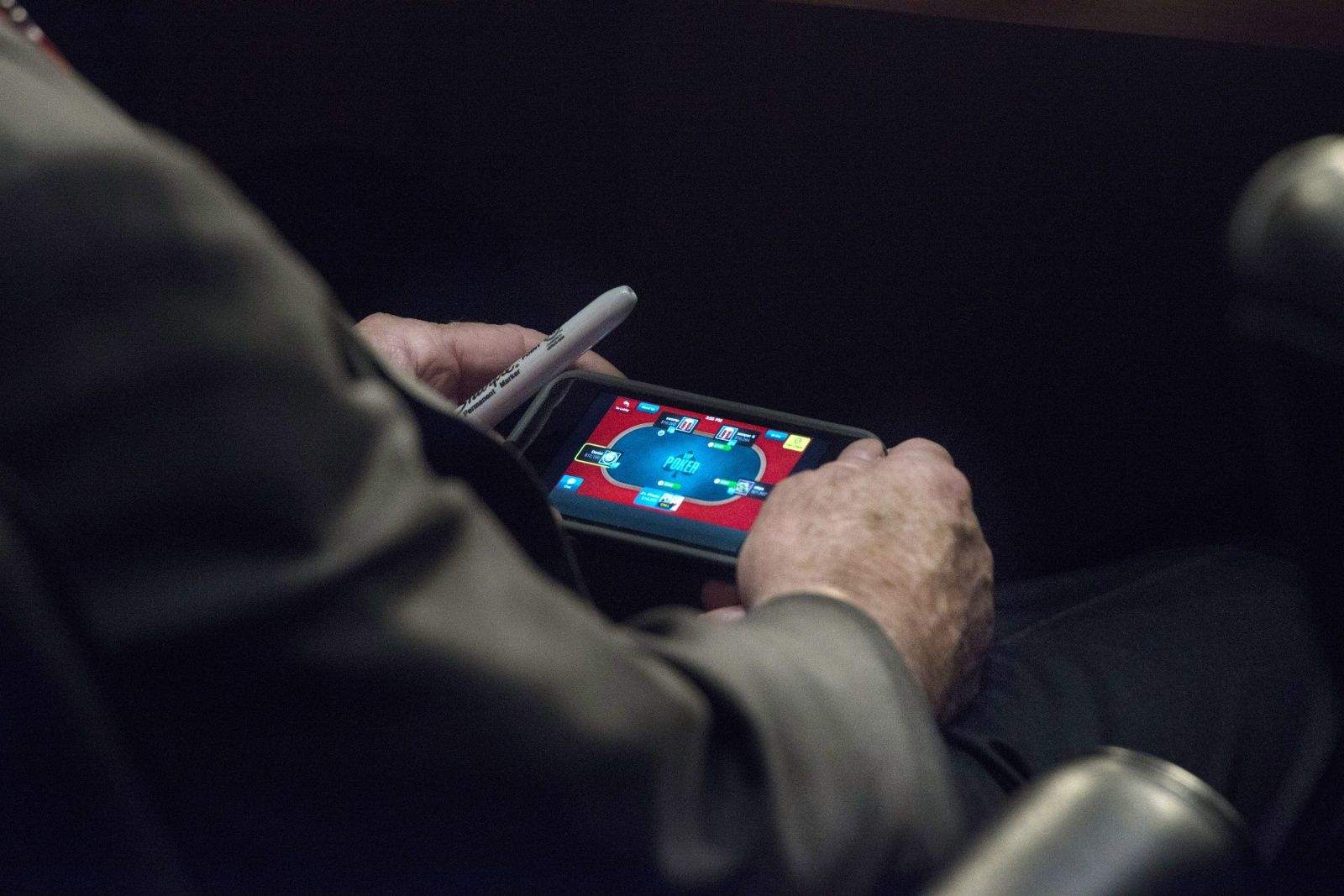
That doesn’t mean, though, that the hearings going on in the Senate about whether or not America should intervene aren’t important. Far from it. Which is why Senator John McCain is getting a lot of flack for being caught playing an iPhone poker app during the hearings.
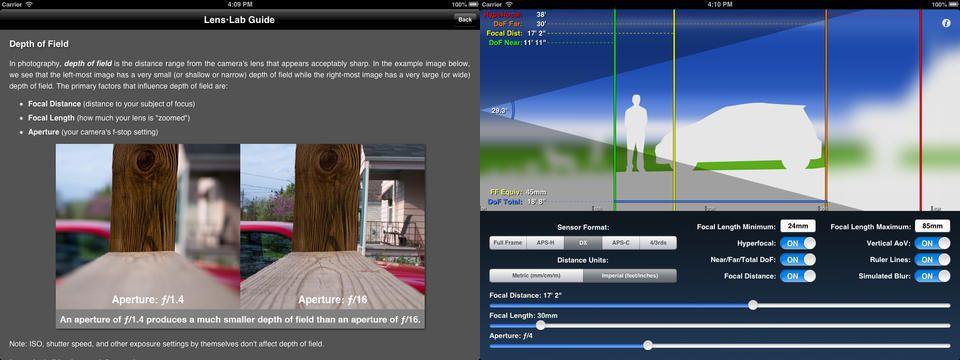
Being a nerd, a pedant, and a Virgo, it’s painful to me to see terminology misused. Like when people say that a lens or photo has “a lot of depth-of-field” when they really mean a “shallow” depth-of-field, for instance.
I am destined to go through life constantly disappointed (and of course making my own dumb mistakes), but at least the depth-of-field problem has now been solved: there’s an app for that, and it’s called Lens•Lab.
Phooter looks pretty neat – apart from the name which, if the logo is anything to go by, is supposed to be pronounced to rhyme with “footer” and not “fooooter.”
Anyhow, the app is a learning tool/game for the iPhone and iPad which uses Flickr photos to teach geography.
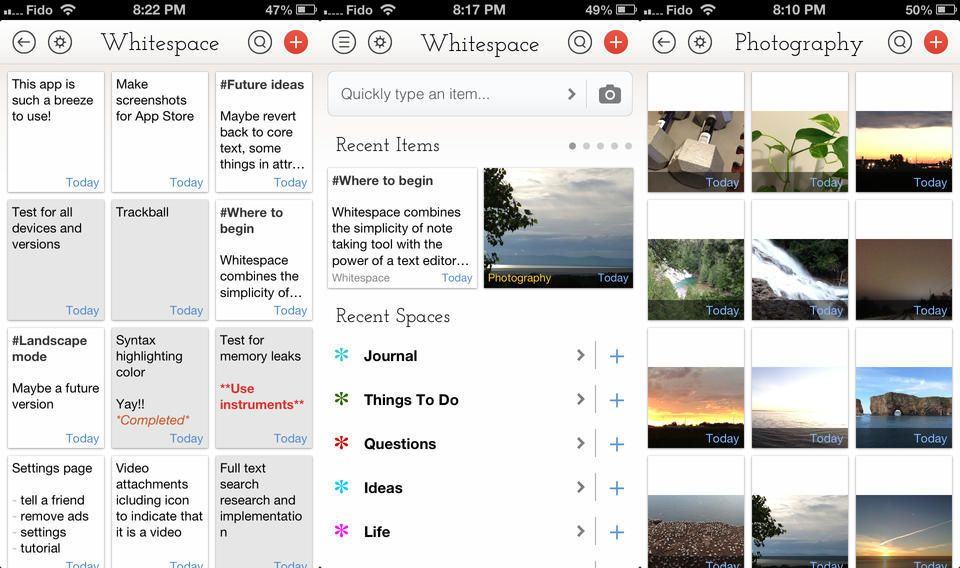
Whitespace is an note-taking iPhone app that kind of combines Q Branch’s Vesper with a corkboard concept (only without the actual cork texture — this is the age of iOS 7 after all). It’s slick, it works with pictures, and it’s free (ish).
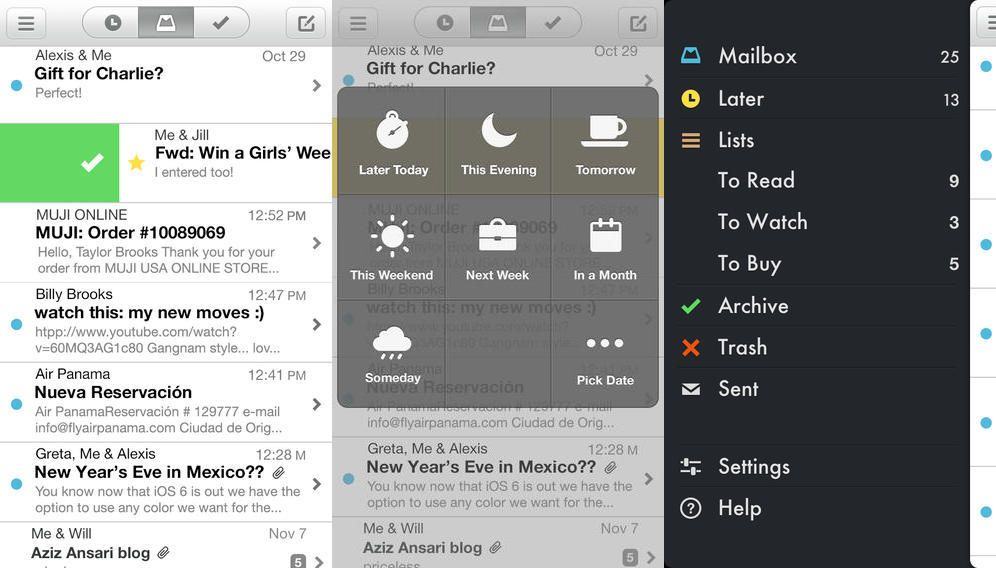
It appears that today is officially App Update Thursday here on CoM, and I’m not even writing about all the great stuff that my iOS devices sucked down during the night. But I will tell you about Mailbox.
The Mailbox app, which lets you swipe and tap your way through your email, getting to “inbox zero” easily several times a day whilst turning your mail account into a kind of super-handy to-do list, will now search your entire Gmail archive. And that’s not all.
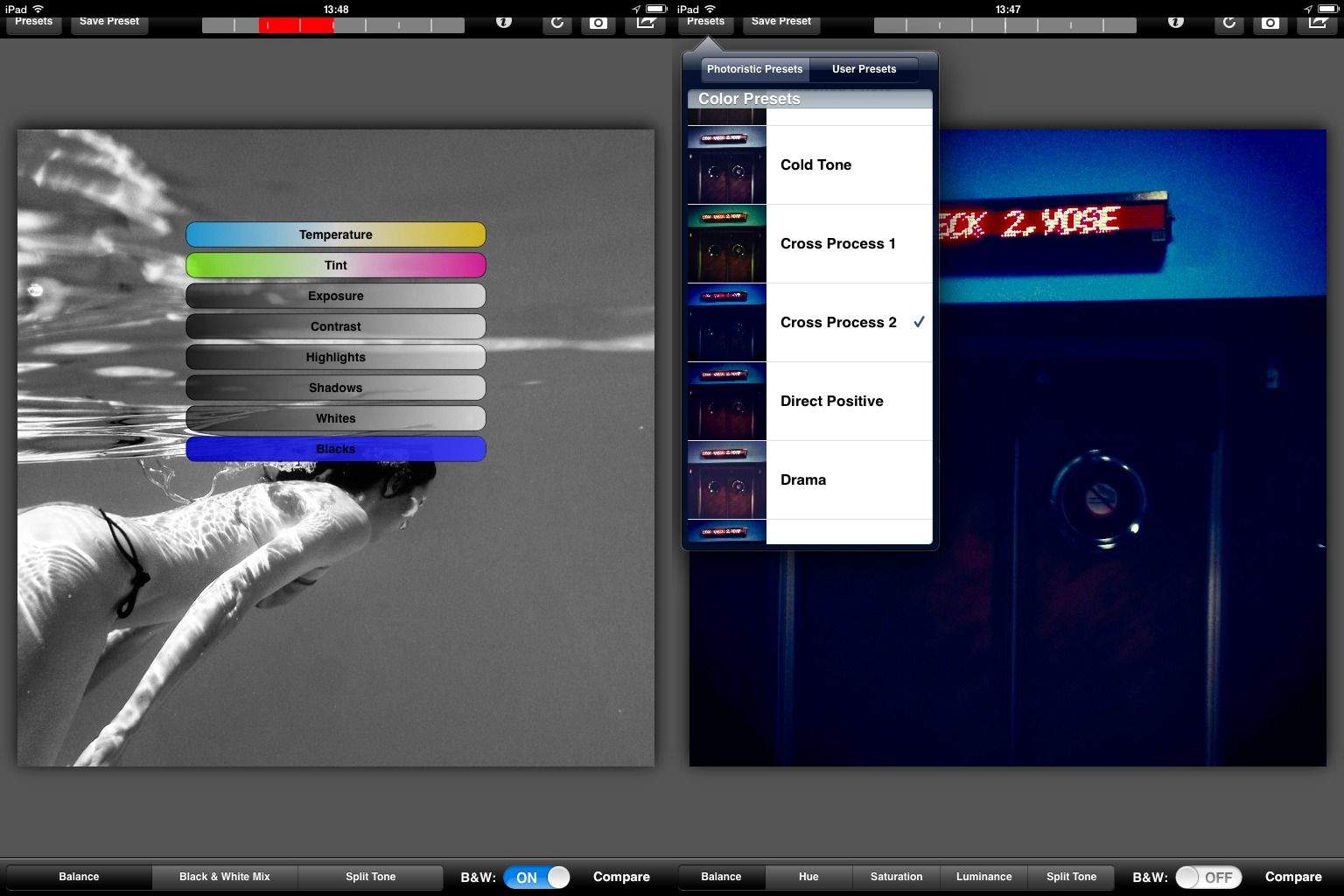
Did you ever find yourself using the amazing Snapseed and thinking to yourself, “man, I love this app more than a man should love a piece of photo-editing software, but I sure wish it could do more. Like, what if it could save my edits as presets?”
Well, you lucky, app-loving deviant, you: your wish has been answered. No, not by Snapseed, which Google will surely kill off soon enough anyway, but by a brand new app called Photoristic.
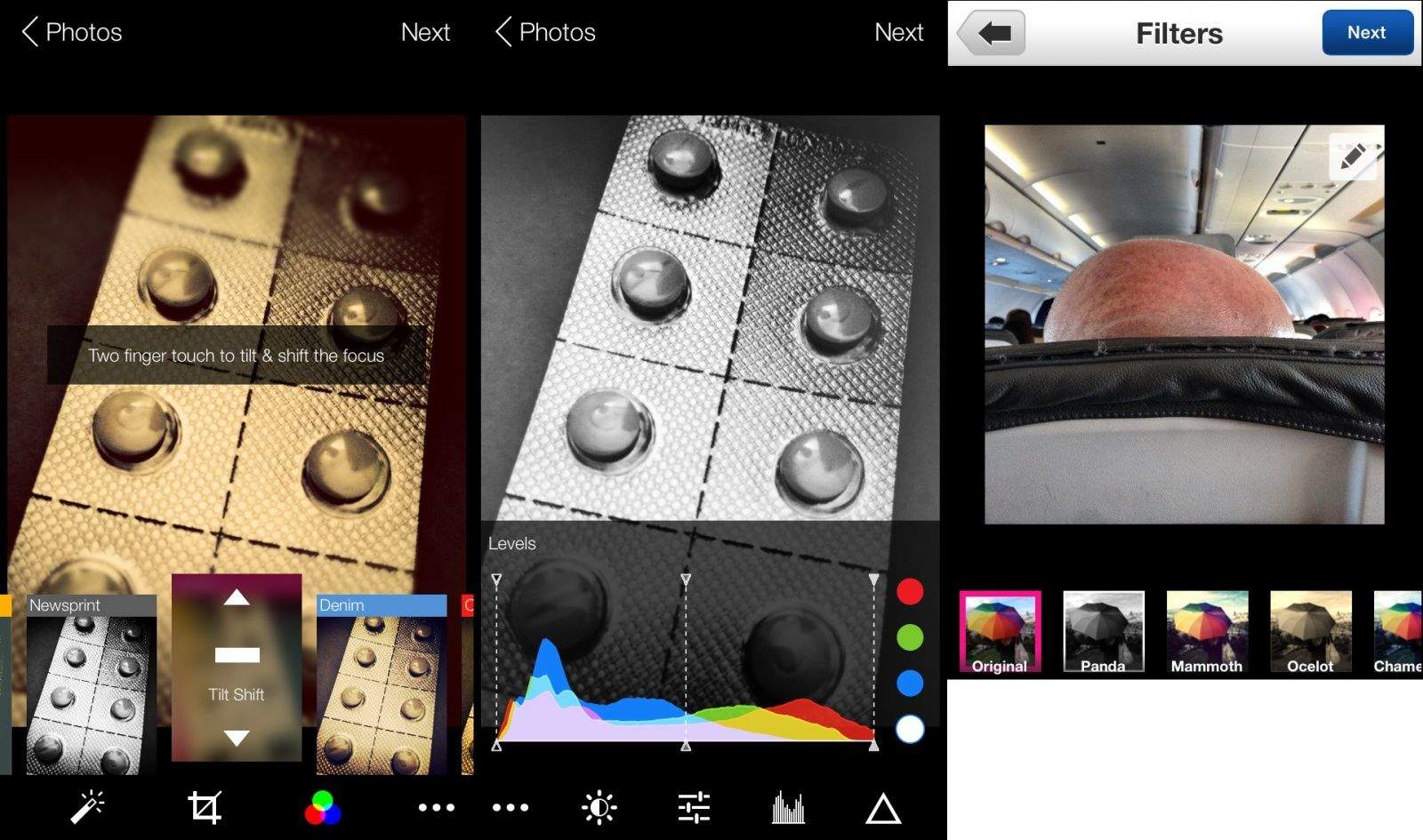
Flickr’s iPhone app has gotten big revamp, and if it weren’t for another great photo app release today (called Photoristic), it could actually become my new favorite iOS photo editor. But what the “What’s new?” section in the App Store doesn’t mention is the new UI that accompanies it.
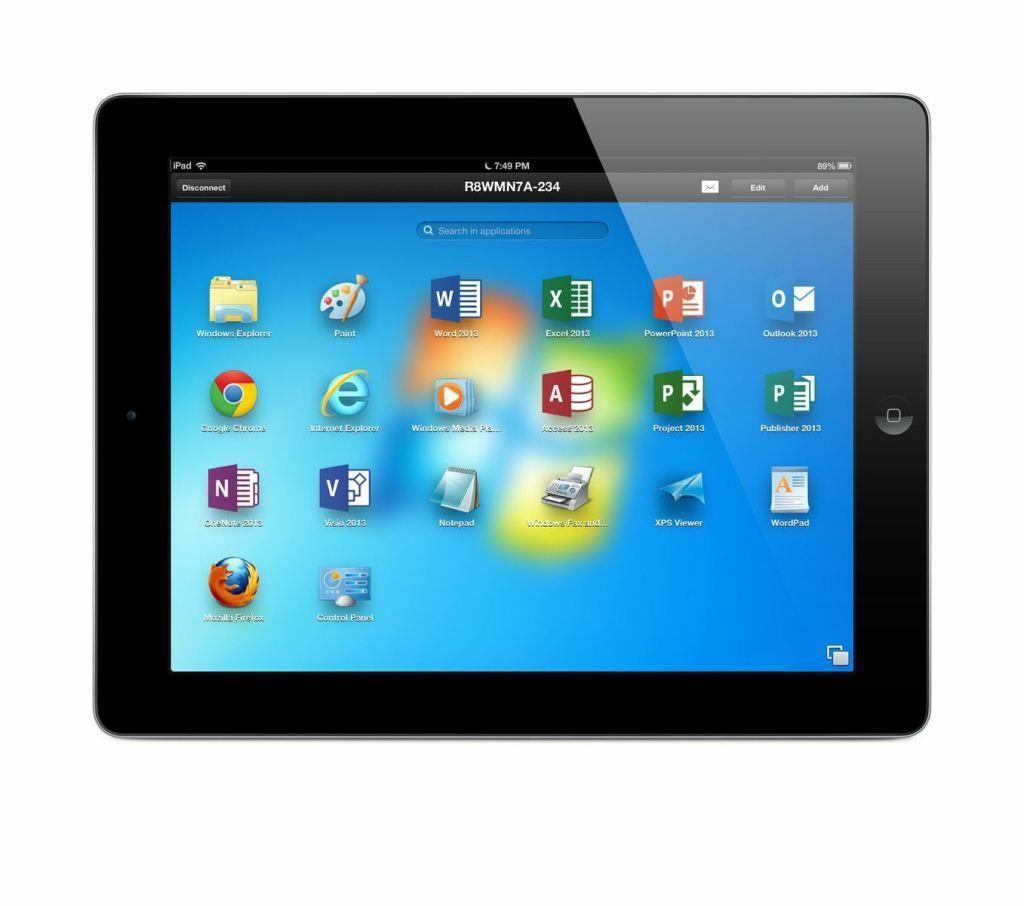
The virtualization maestros over at Parallels have long offered Mac owners a slick, easy way to run Windows apps on their Macs, but now they’re extending their mission in the other direction with a new app that lets you run Mac & PC apps… on your iPad.