VLC could be heading back to the App Store as early as today. Photo: Cult of Mac
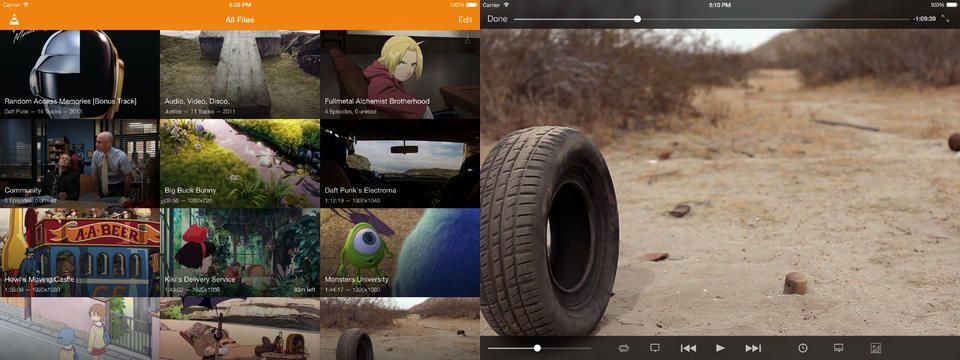
VLC, the versatile play-anything video app that I have installed on every Mac I’ve had admin access to in the last half decade, has gotten a great update in its iOS incarnation. VLC for iOS not only looks better, but will now grab video from Dropbox and Google Drive.
iOS 7.1 takes another slow step closer to launch with the release of beta 4 to developers. As ever, the release notes are scant, so it’ll take some digging to really find out what has changed. There’s on bit of good news though: the Messages app should no longer lie to you about messages failing.
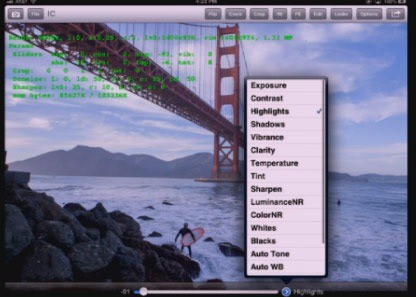
Lightroom might be coming to the iPad sooner than your think, if this accidental posting of the photo-editing app is anything to go by. Oddly, it shows “Adobe Lightroom for Mobile, Annual” at $99 per year, which would suggest that this is a landing page for a service, not an actual app as one source of the story believes.
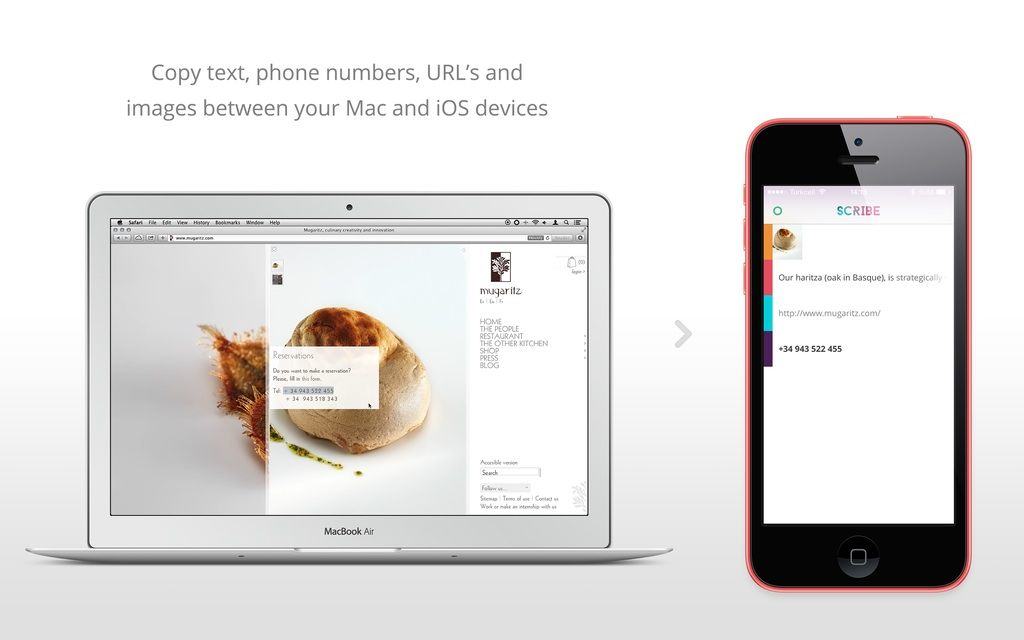
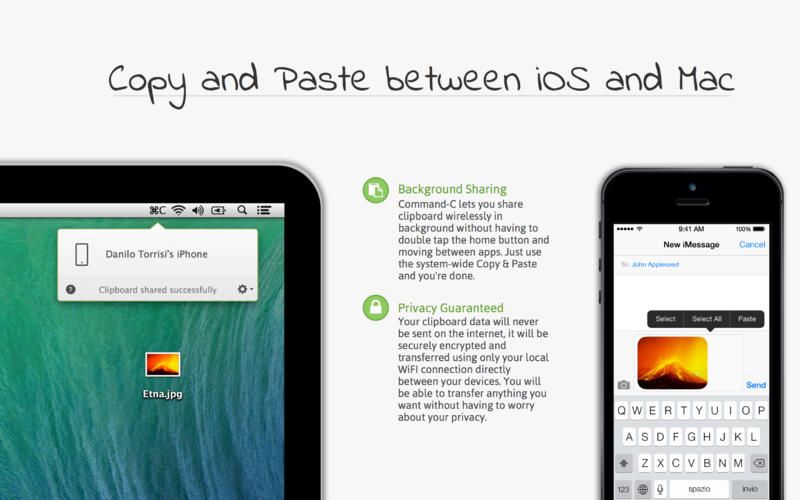
Last week we saw Command-C, a super-useful app that uses Wi-Fi, iOS 7 multitasking and push notifications to easily send your clipboard between devices. Now, there’s Scribe, which goes one better by ditching the Wi-Fi sending the clipboard between devices using low energy Bluetooth.
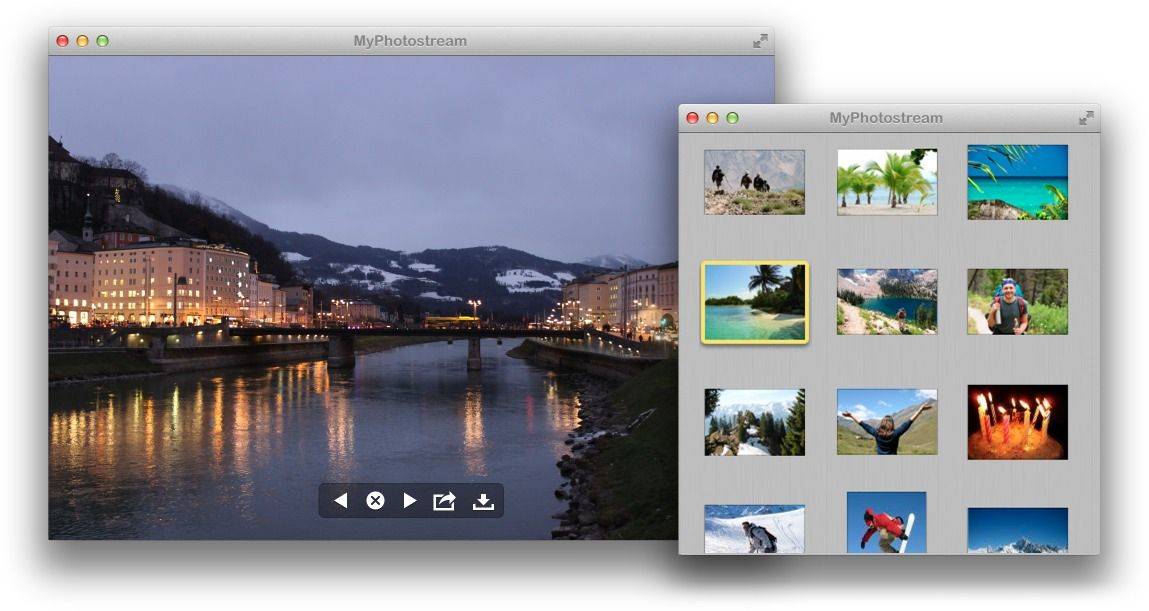
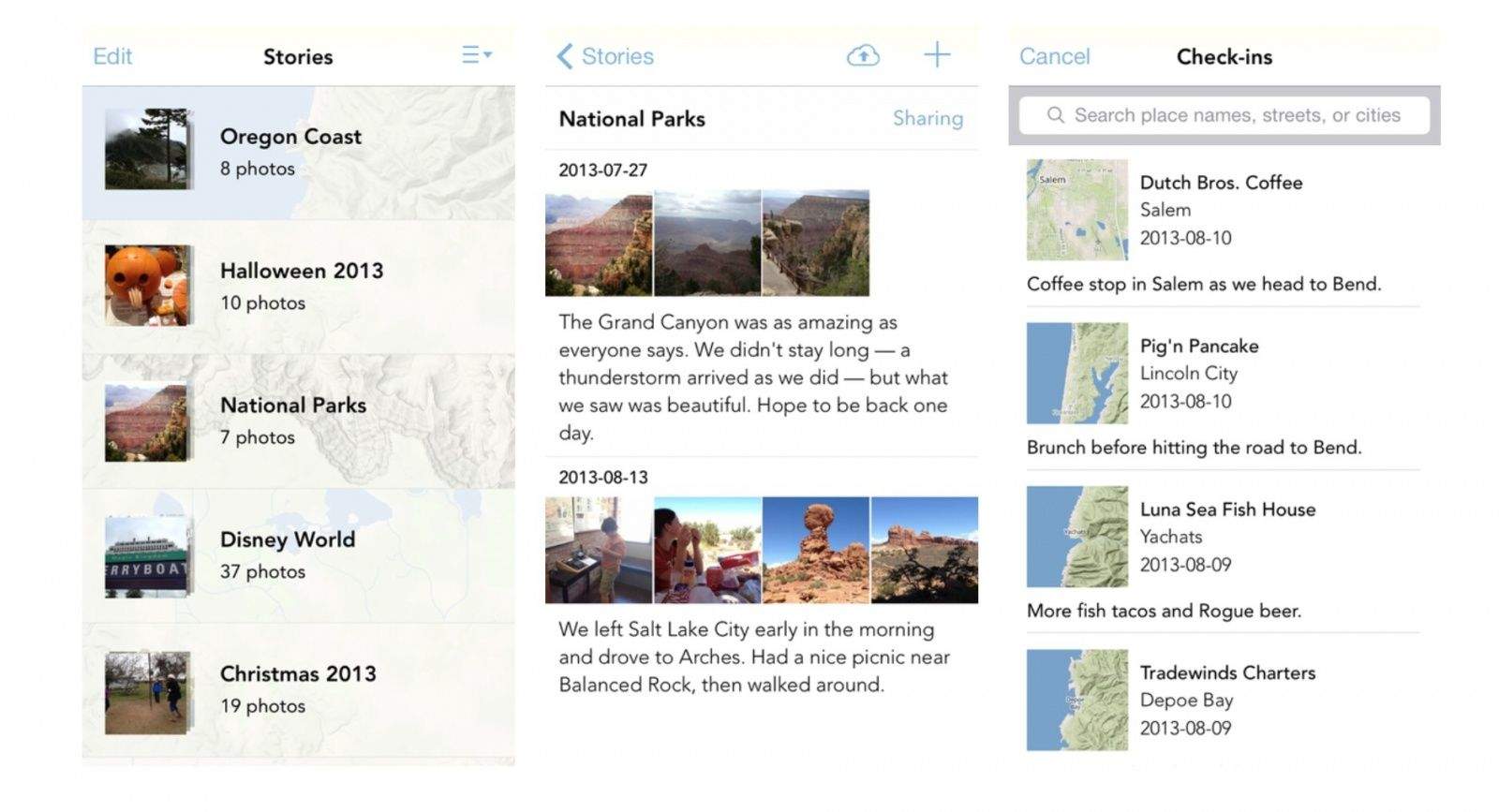
Today is turning out to be photo-journal app Friday, with the latest entry in the list from iOS developer Manton Reece. It’s called Sunlit, and it’s a way to put together a journal of your daily meanderings with photos, text and check-ins. And here’s the twist: the free app uses App.net as it’s storage backend, so you can finally get some use for that account you signed up for but never use,
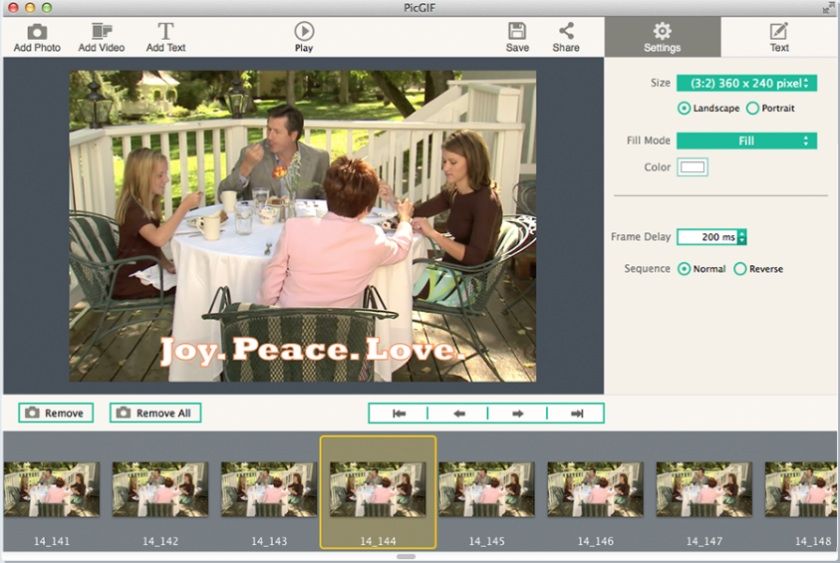
Just the other day I asked my Twitter followers to recommend me a good app for making animated GIFs out of my photos. The response was stunning in its silence – not a single reply. But I don’t care. I now have PicGIF, a Mac app that does one thing: Turn Pics into GIFs.
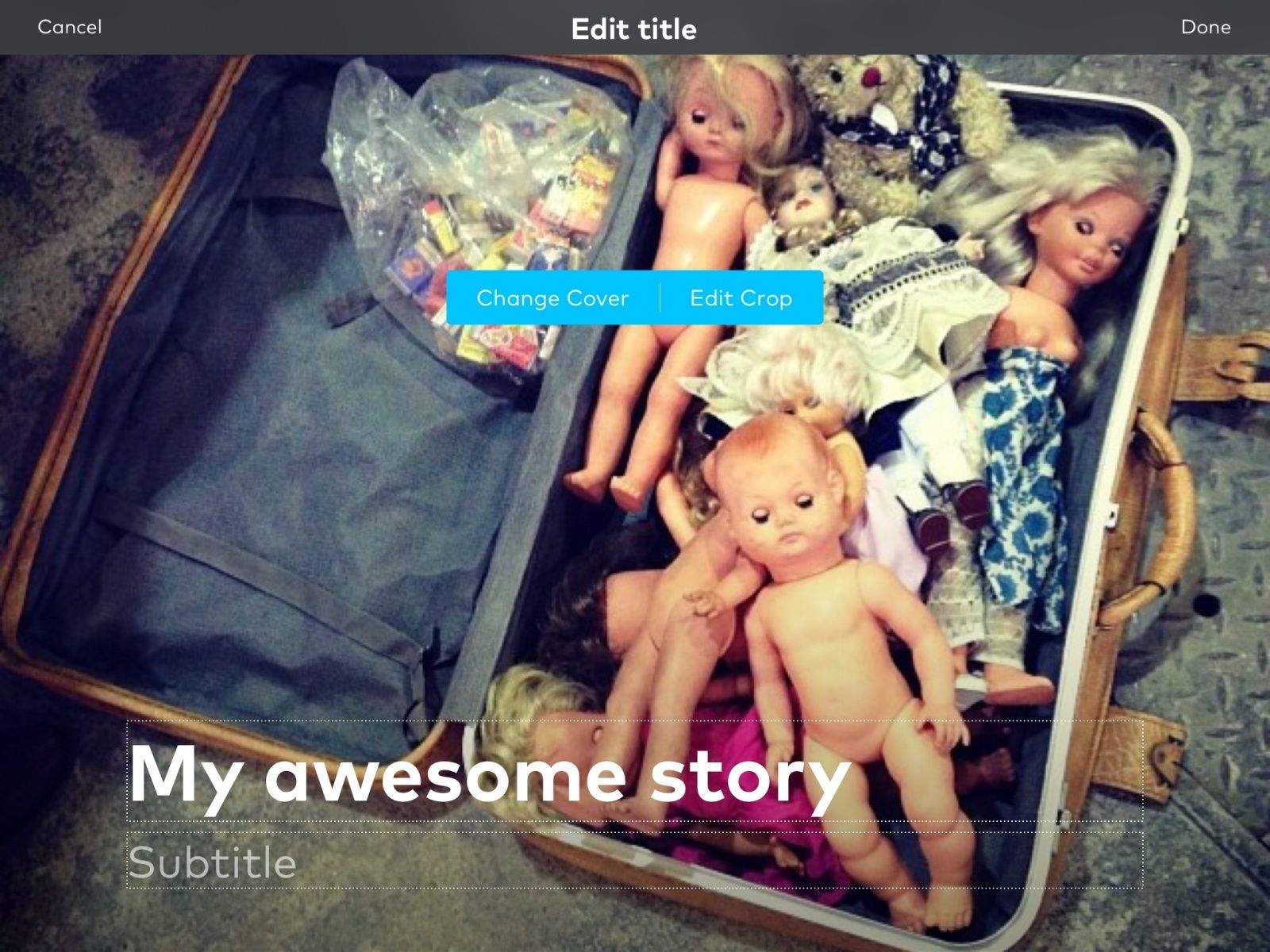
Storehouse is today’s big app story. It’s an iOS app that lets you take text, pictures and video and combine them into great-looking stories. It’s kind of like a cross between iPhoto’s Journals and a printed magazine, only better than both.
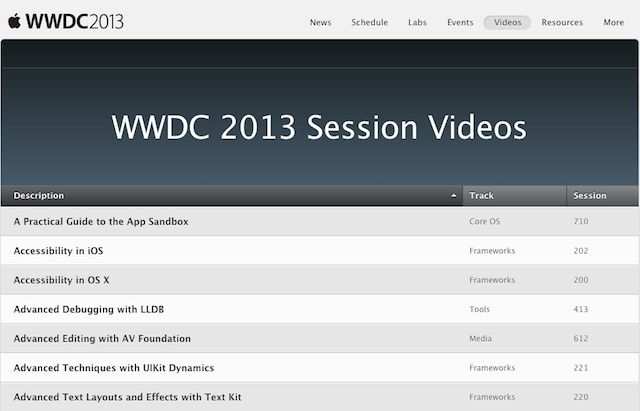
With the next Worldwide Developer Conference a few months away (good luck getting tickets), it seems a little strange that Apple would go through the trouble of updating last year’s WWDC 2013 app with some fixes, but delve a little deeper and it makes sense.
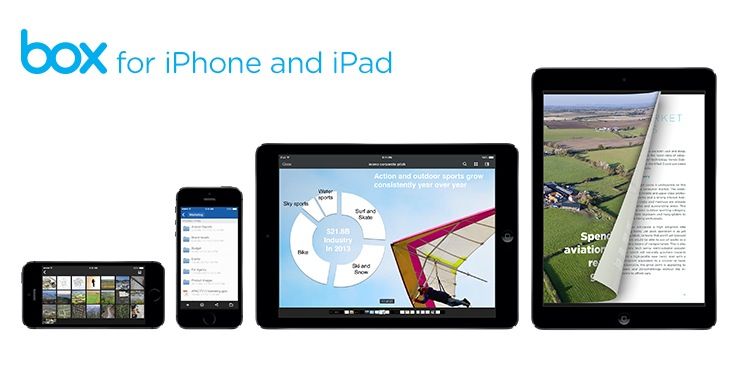
Box has updated its iOS apps for iOS 7, and seems to have gotten a little drunk at the celebration party: Box is giving a free 50GB storage to anyone who downloads the new app in the next 30 days. Or 29 days, I guess, as the announcement came yesterday.
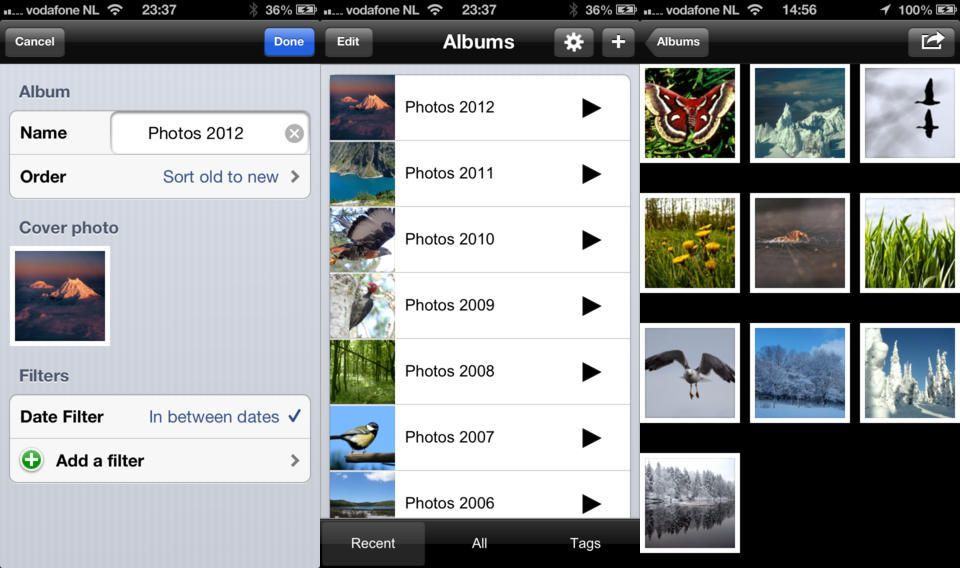
Probably the last thing you want to admit in your app’s release notes is that you’ve integrated Appirator, the annoying “please rate me, please please please” popup that makes your paying customers hate your app. But we’ll give NexTiga’s Smart Photo Album a pass, becasue it also adds some great new real features.
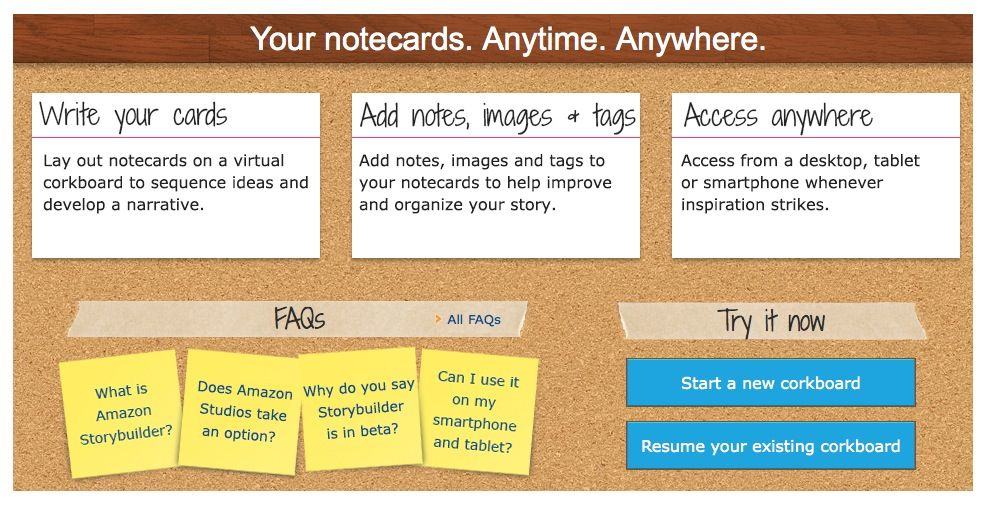
Wow, this is a surprise. StoryBuilder is a new browser-based web app from… Amazon. It’s a pretty great corkboard app for screenwriters to plan their screenplays, and because it’s browser based you can use it anywhere, on your Mac, iPad or iPhone.
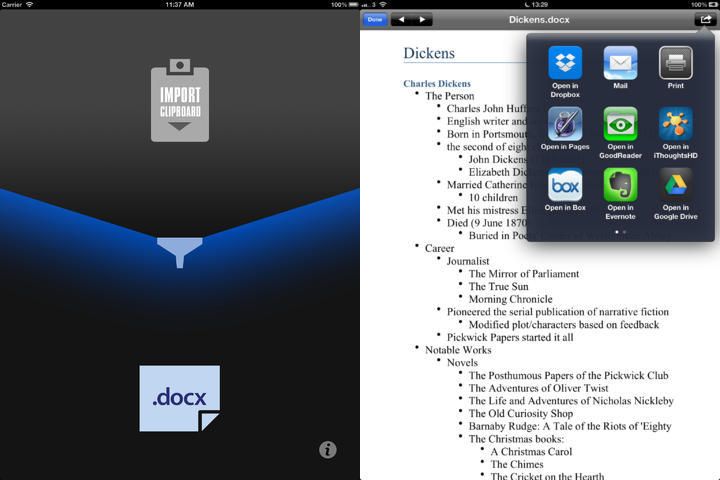
MakeDoc looks like a good bet for otherwise right-thinking folks who find them selves required to supply a Word DOCX file. Being a smart nerd, you undoubtedly write in Markdown, converting to the required format on output. But DOCX isn;t an output option for most iOS text editors. That’s where makeDoc comes in.
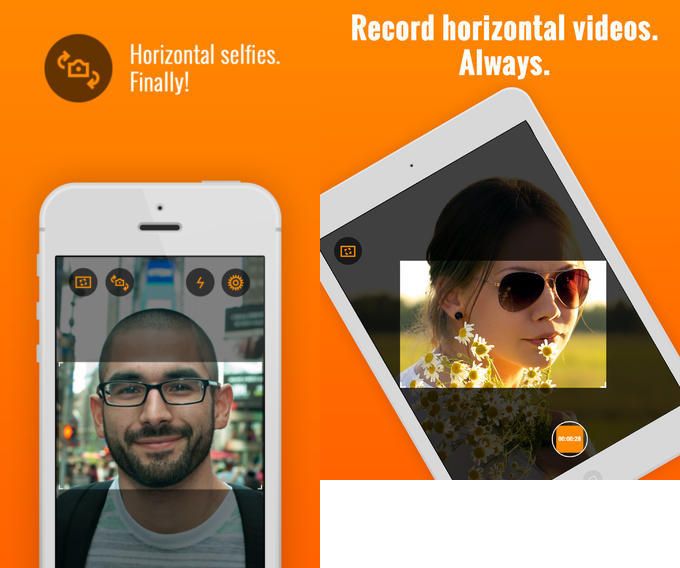
Horizon is a great new iPhone app that shoots horizontal video however you hold your phone. It uses the gyroscope and accelerometers inside the iPhone to work out just how you’re holding it, and grabs a proper, level landscape-format shot for you.
It’s possible to make a lot of money by writing an iOS app. In fact, the top iOS app makers each gross as much as $90,000 a day from their offerings. Yet despite these success stories, the vast majority of app developers are finding it difficult to make money on the App Store, and the bad news is, it’s only going to get worse, with a new forecast predicting that less than one app in 10,000 will make money by 2018. Woof.
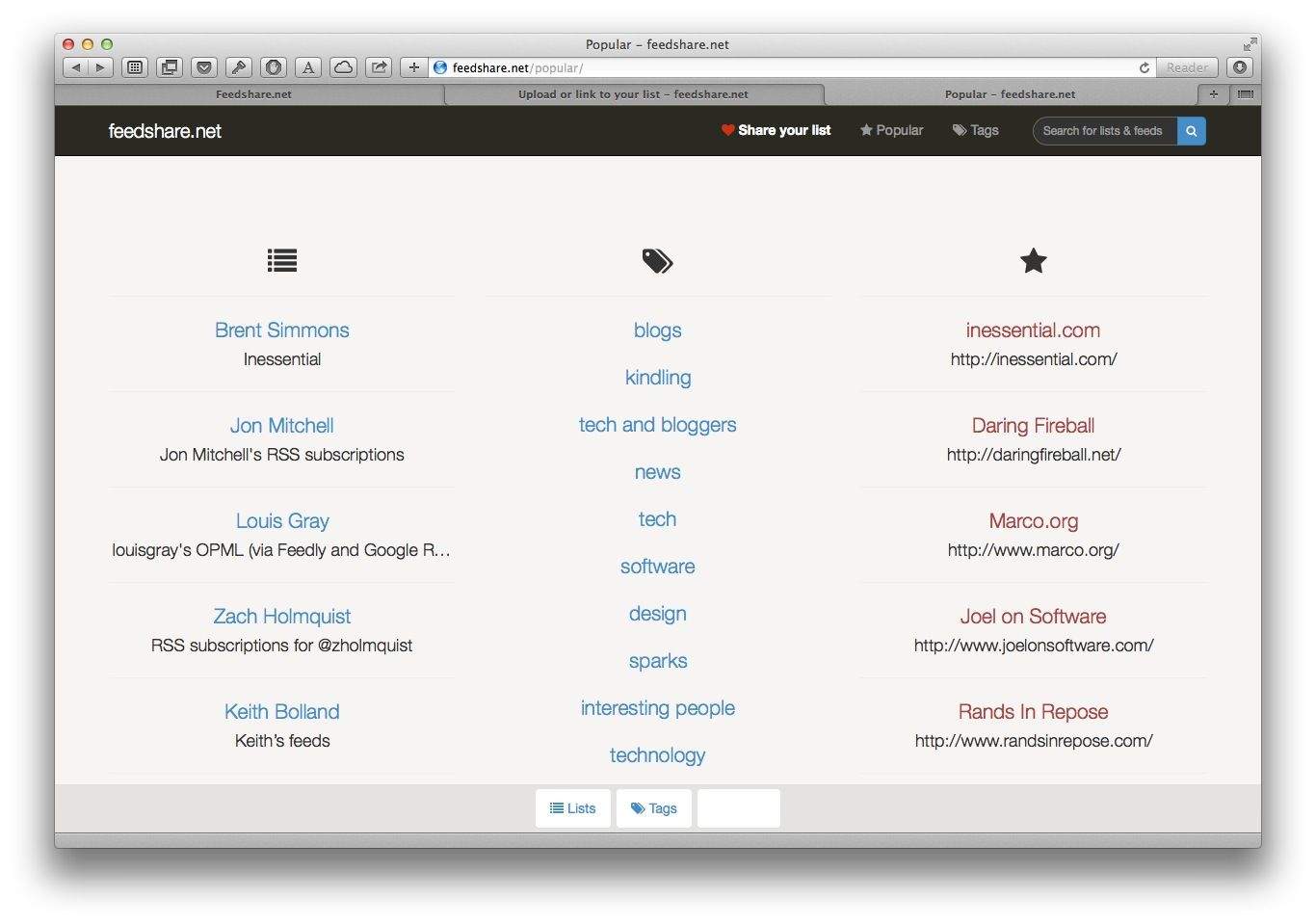
Feedshare is a great new service for sharing your RSS feeds. That is, you can upload the OPML file containing all your subscribed feeds and it will be available to anyone who cares. And you don’t just have to share your entire RSS setup either. You could use this to share a set of feeds on a particular subject for instance.
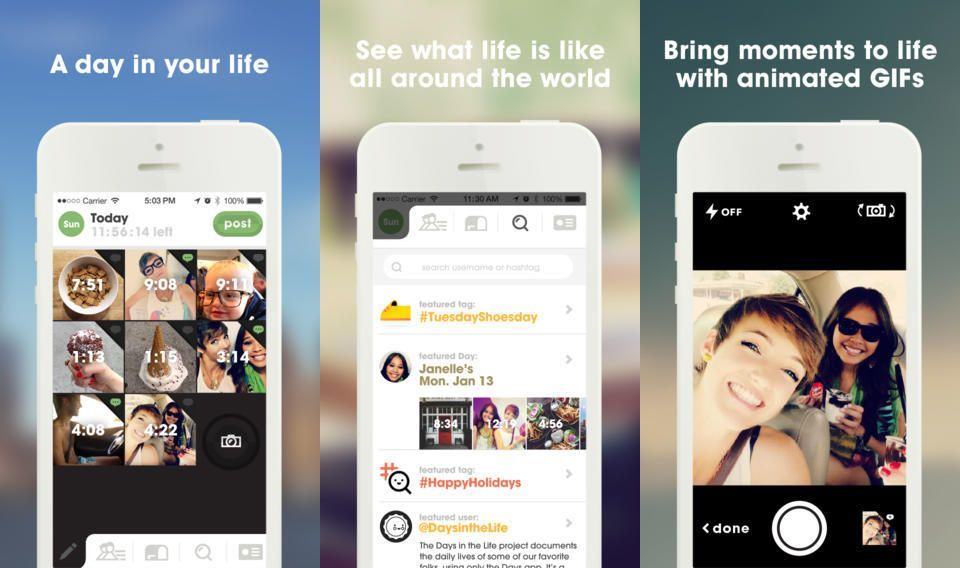
Days is a free iPhone app that uses your photos to create a journal of your adventures. The twist is that it takes your pictures and turns them into animated GIFs.
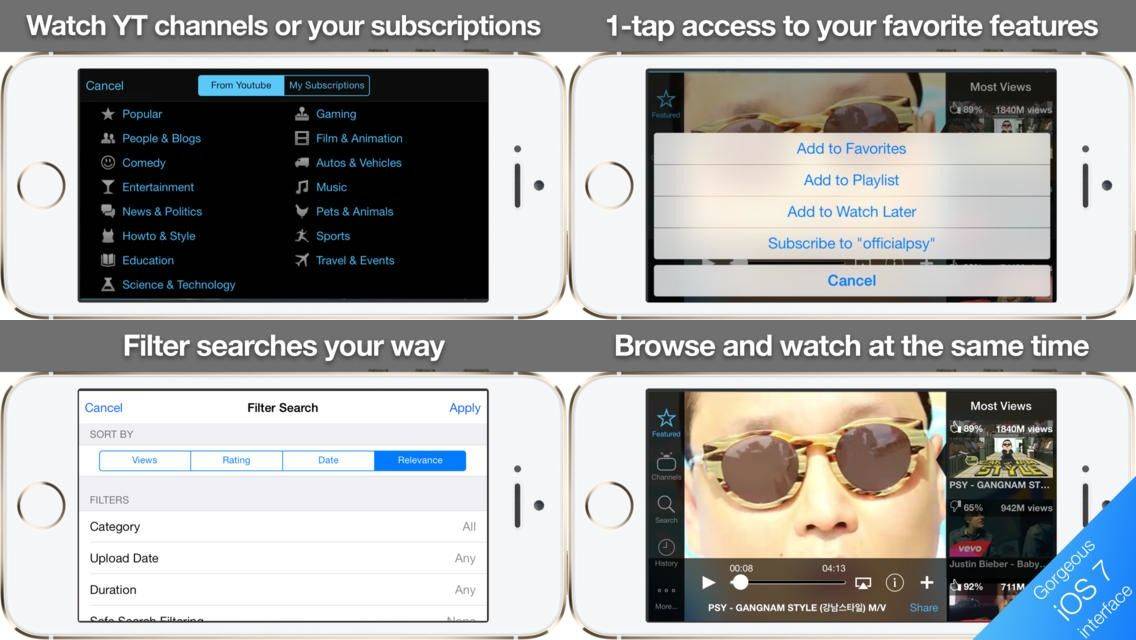
Youtopia is a new YouTube app for the iPhone, from serial entrepreneur and friend of Cult of Mac Dotan Saguy. It lets you browse for more videos even as the current video is playing on your tiny iPhone screen.
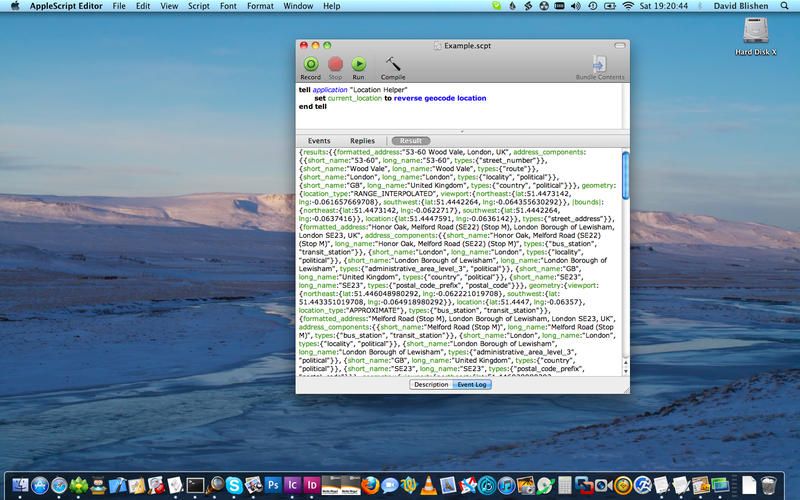
We know how to grab our location in plain text on the iPad, using Editorial and some Python voodoo (Python Voodoo could be a great name for a band). But what about the Mac? Easy. Using TexExpander and some AppleScript, you can easily turn a few keystrokes into longitude and latitude, without too much attitude (Python Voodoo will be a and 8-bit rap band).
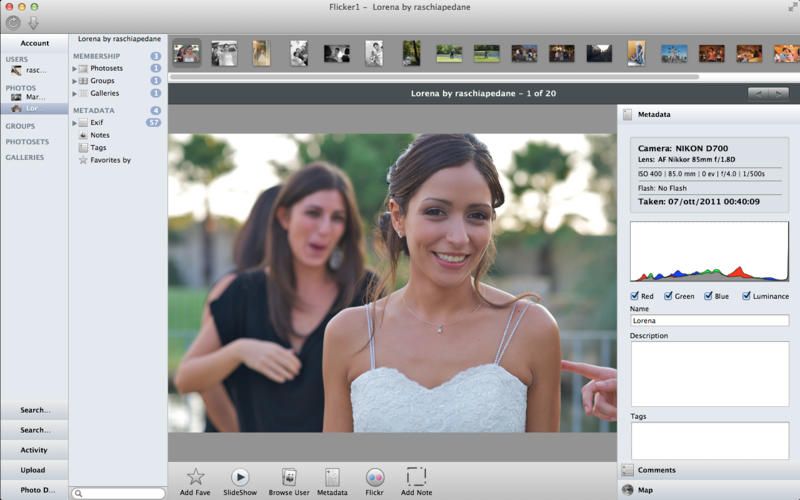
I just got through uploading every last one of my photos to Flickr over the weekend, with an Ethernet cable snaking across the floor from the router to my iMac, and a new app on that iMac to do the work. The app is called F-Stop, and while it’s a little glitchy in its UI, it was rock solid where it counted: pushing around 22,000 JPG files up to Flickr.
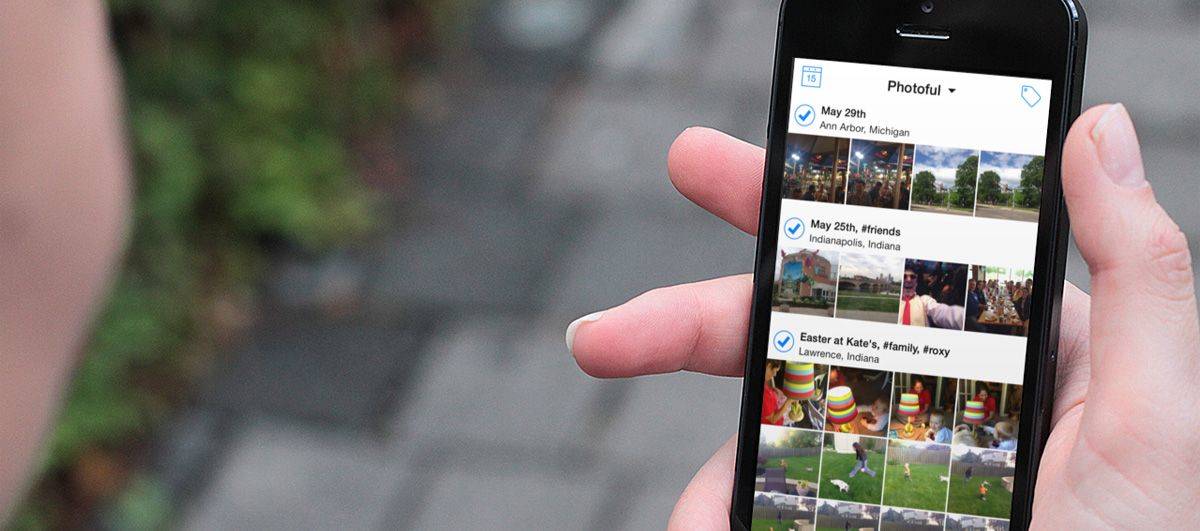
Photoful is a great photo-browsing app that offers an alternate – and in many ways better – view of your iOS photos. You can see all your pictures on one long scrolling timeline, and when it comes to adding captions and tags, Photoful makes iOS’ Photos app look like something that crawled out from under a PC.
Danilo’s Command-C app is cool in many ways, but here’s just one thing it can do that’ll make you smile. With the app installed on both your Mac and your iPhone, you copy a URL on your Mac, click the menubar item for your iPhone, and your iPhone gets a notification. Whatever your copied is now on your iPhone’s clipboard, ready to paste, all without launching the iOS version of the app.
The Babolat Play is a tennis racquet for those of us who want to improve our game without having to hire a real coach. Those folks cost a lot of money!
For $399, though, you can purchase this new app-enabled, Bluetooth-connected, motion-sensing tennis racquet for your very own. The company has stuffed a ton of sensors into the handle of this thing without even affecting the balance or weight.
You can connect the racquet to your iPhone or iPad and get real-time feedback, or just let the Babolat Play record your performance information and sync it up later for analysis.
The Babolat Play is available now in the US, and should release worldwide very soon.
There’s nothing better than a good coach for any sport. When learning how to be good at something like basketball, you need good feedback and suggestions based on how you perform. It’s a dynamic process for sure.
94Fifty thinks so, too, and decided to create a smart basketball that pairs with a free app for your iPhone and iPad. The ball is loaded with sensors and bluetooth and gets you instant, quality feedback on how you’re tossing the rock to the hoop.
The 94Fifty Smart Sensor Basketball will run you $295 at Apple retail stores or online, while the app is free for anyone to download, though it won’t do you a whole lot of good without the ball.
New Withings Aura helps you make the most of your sleepy time. Photo: Cult of Mac
LAS VEGAS — If you’ve ever had trouble falling asleep, or you’ve felt crappy waking up, it might be worth your while to check out the Withings Aura. The new app-enabled sleep machine comes from the folks that brought you other fitness gadgets like the Wi-Fi Body Scale and the Pulse.
Prepare to have you socks blown off, and to know the exact GPS coordinates of the exact spot where those socks land. How? With Dr. Drang’s new Pythonista scripts which grabs your current location and writes it down in plain-text form. Better still, it does this using the Drafts app, so you can add location stamps to anything you like – journal entries, notes, or even pictures of your socks, over there in the corner of the room.