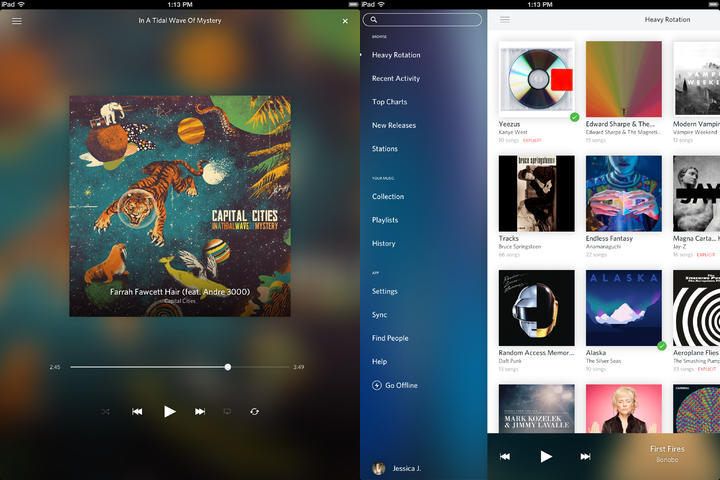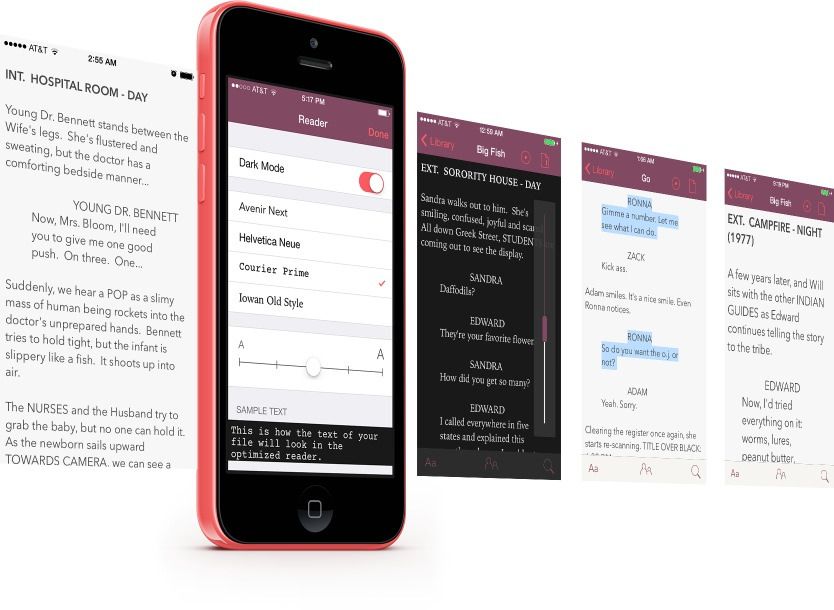
Weekend Read is a way to squeeze old-fashioned movie manuscripts onto the iPhone’s little screen so you can read them on the go. If you’re a professional script reader – or even a script writer – you’re going to love it.
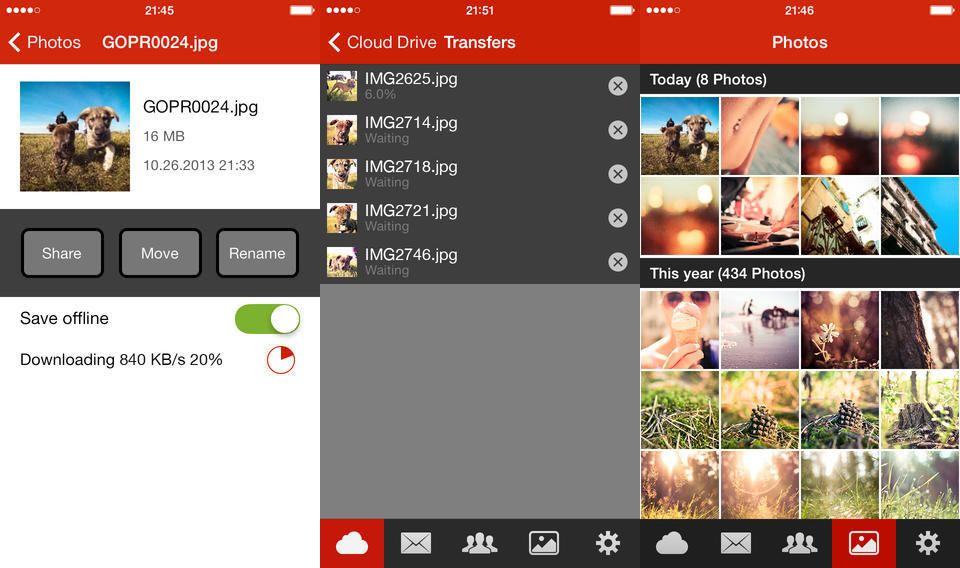
Kim Dotcom’s Mega app for iOS now lets you auto-upload your photographs from your iDevice, just like Dropbox, Jottacloud and Google Drive. Only unlike those other cloud services, Mega comes with 50GB free storage, and jumps to 500GB when you sign up for the $11-per-month paid tier.
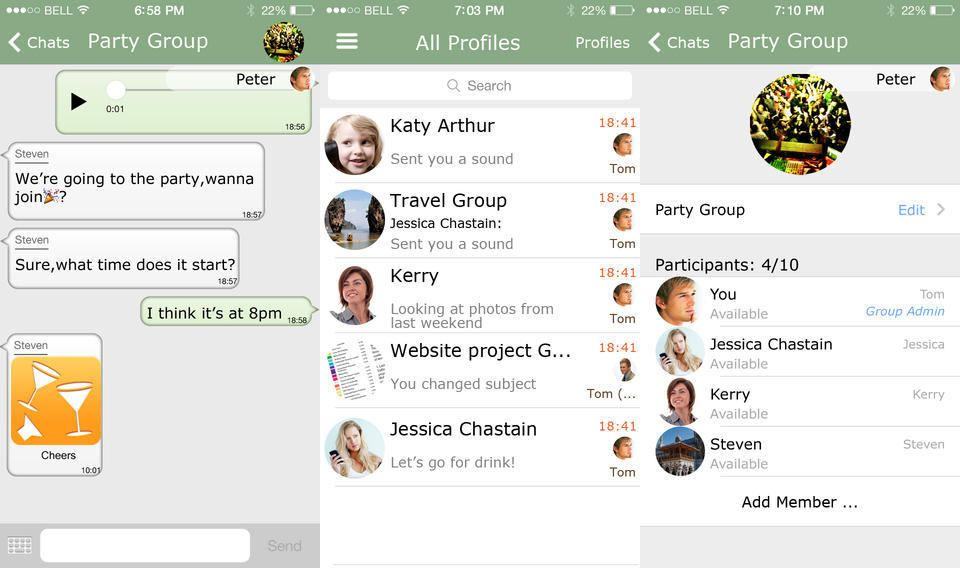
Chaatz is yet another mobile messaging service like WhatsApp and iMessage. Only it also comes with any number of custom phone numbers so you never need to use your real one, and it also lets you receive messages on your iPad. Neat huh?
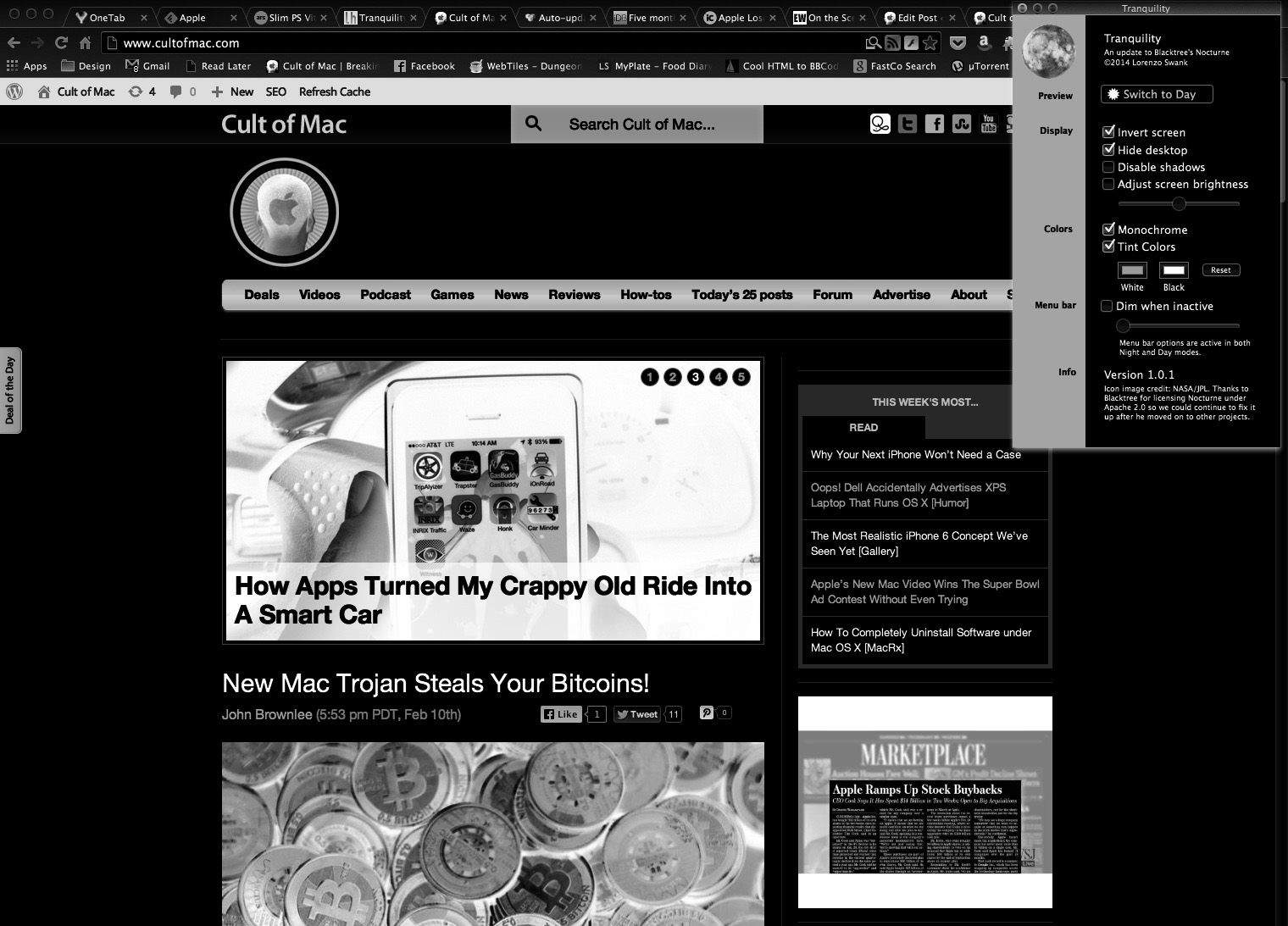
It’s tough working in the dark on a Mac. The screen can blind you in the dark, and while apps like Flux make it easier on the eyes, it’s not enough.
Tranquility is a new app that sits in your menu bar and allows you to instantly switch to a dark, monochrome theme — something like iOS 7’s night mode. Unlike OS X”s built-in accessibility feature allowing you to invert colors, you can change the color pallette, go straight monochrome, adjust shadows and more.
If you’re a night owl, Tranquility is pretty great, and best yet, it’s free. Download it at the link below.
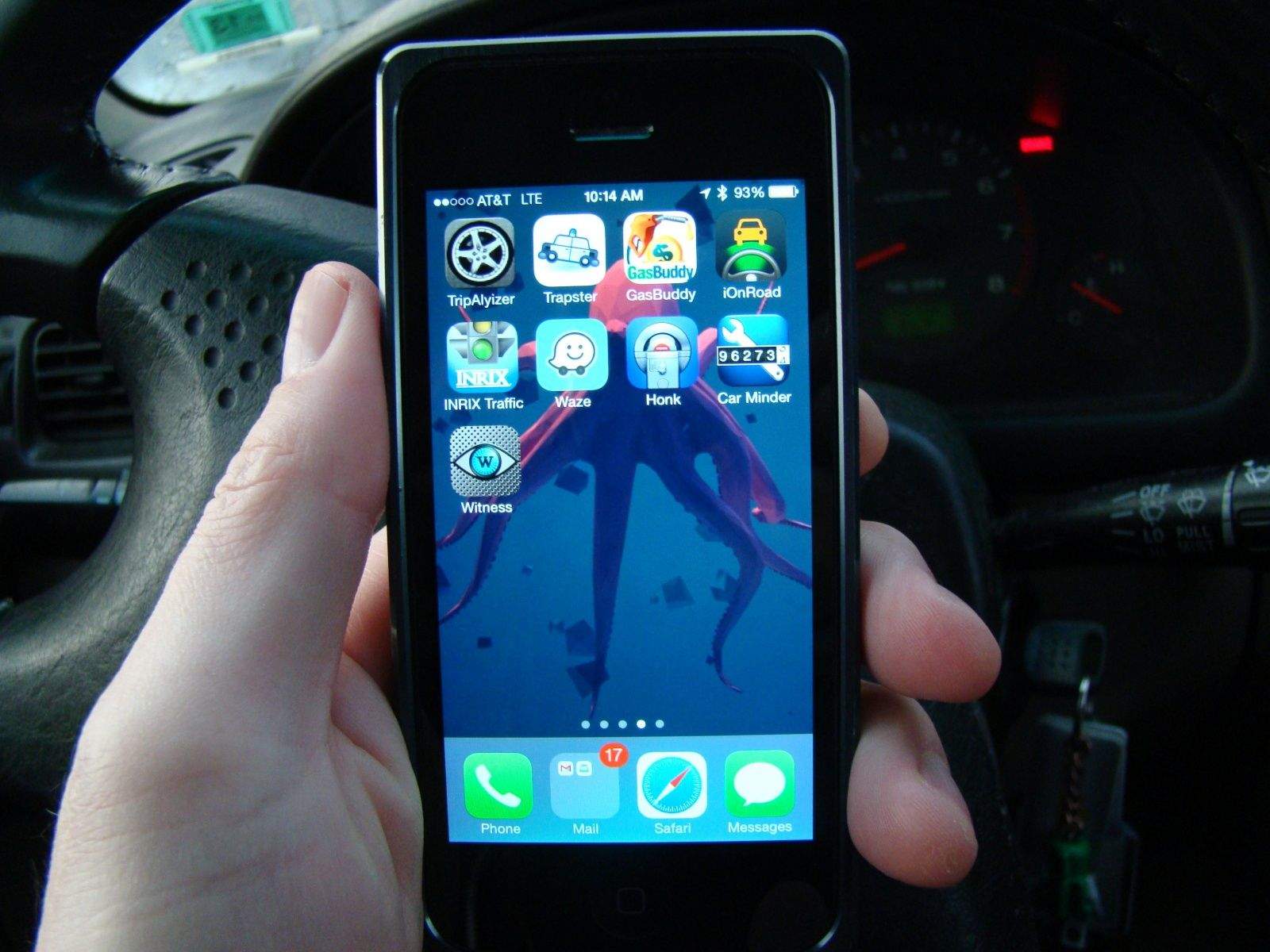
I was almost out of gas. I was also almost out of cash. I needed to find the cheapest source of fuel for my beat-up ride so I could get downtown to meet a friend for coffee. I pulled up GasBuddy, and within one tap I found the closest, cheapest gas station near me.
Once I gassed up, I hit a sweet parking spot just a few blocks away from the coffee shop. I launched Honk, swiped across the top to set the time on the meter, and took a photo of my car to make sure I could get back to it.
Sure, fine, it’s not a flying car, but this is as close to the future as this old beater is going to get, and it’s all thanks to my iPhone and a suite of apps.
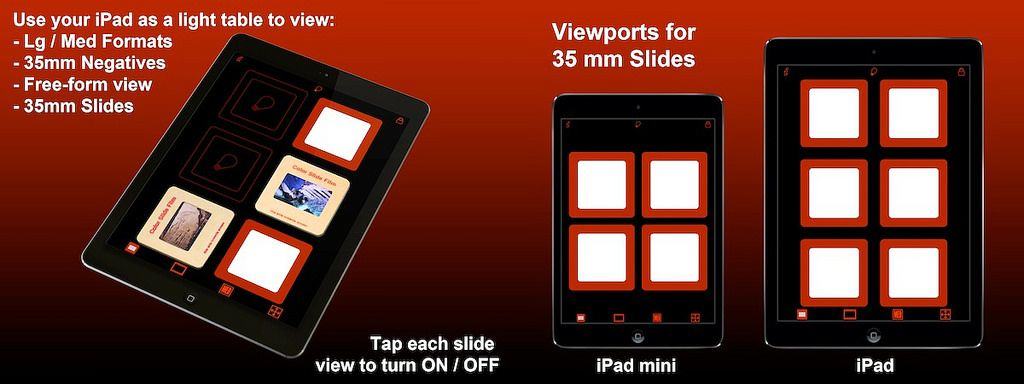
Here’s a little squirt of nostalgia into the brains of our (slightly) older readers: it’s an iPad app called Light Pad HD, and it exists to help you view your film slides and negatives by turning your iPad into a light-box. Instead of having to find a brightly lit piece of wall, or a window without distractions behind it, you can just launch this $2 app and drop your film strips on top of the iPad’s screen and use its screen.
IDraw, the iPad vector-based drawing app, has just gone v2.0, and turned from a great drawing app into a crazy full-featured pro-level app. Here’s a taster of the new features:
Photoshop PSD Import/Export:
Import layered PSD files with vector paths and effects
Shape layers are imported as editable vector paths
Layer effects are imported as fully editable drop shadows, glows, etc.
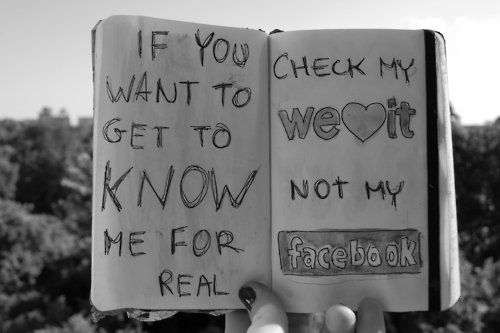
With teens and young adults leaving Facebook in droves, it’s up to social networks like We Heart It to pick up the slack.
The new image-centric app is gaining a ton of traction with this highly-coveted target demographic, breaking the 25 million user mark and pulling in over a million new users monthly.
CEO Ranah Edelin spoke with Cult of Mac on the phone, and attributes this incredible growth to one thing: We Heart It is a safe space.
“Social networks mimic what happens in the real world,” he said. “There is a ton of bullying on them and they mimic popularity contests. Our users tell us they love We heart It because they can express themselves authentically without having to brag or worry about getting bullied.”
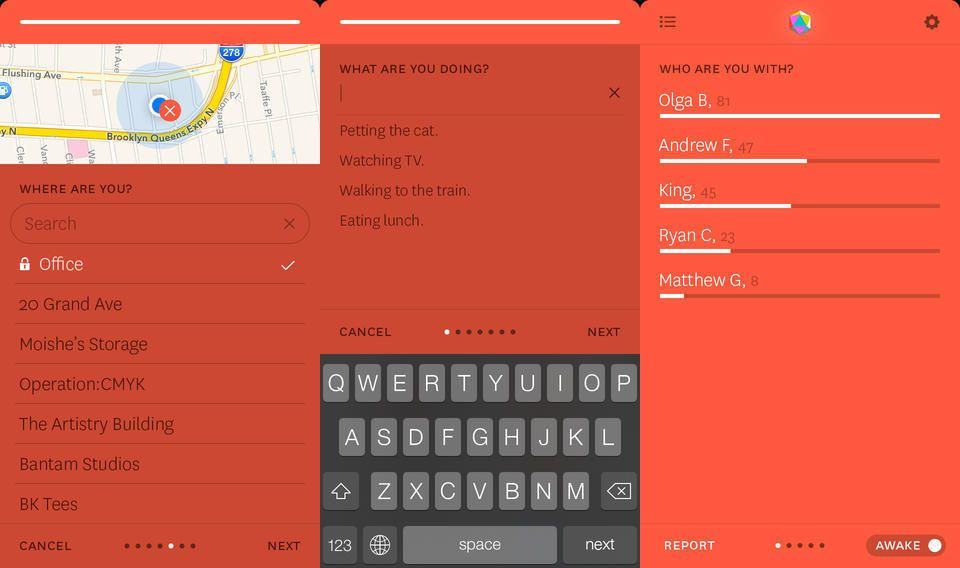
Reporter is a crazy iPhone app that tracks… well, everything. It pops up an alert at random intervals throughout the day and conducts a mini survey, then puts all this data together to be mined at your leisure.
With Phraseology 2.0, developer Greg Pierce has made a definitive case for URL schemes, the trick that he invented with his Drafts app to let iOS apps talk to and send data to each other. While Phraseology 2 can work as a text editor, it is in fact a “word processor” for iOS. And I don’t mean that in the crappy, MS Word bloatware sense, either. I mean that it’s a machine to process text, from any other app.
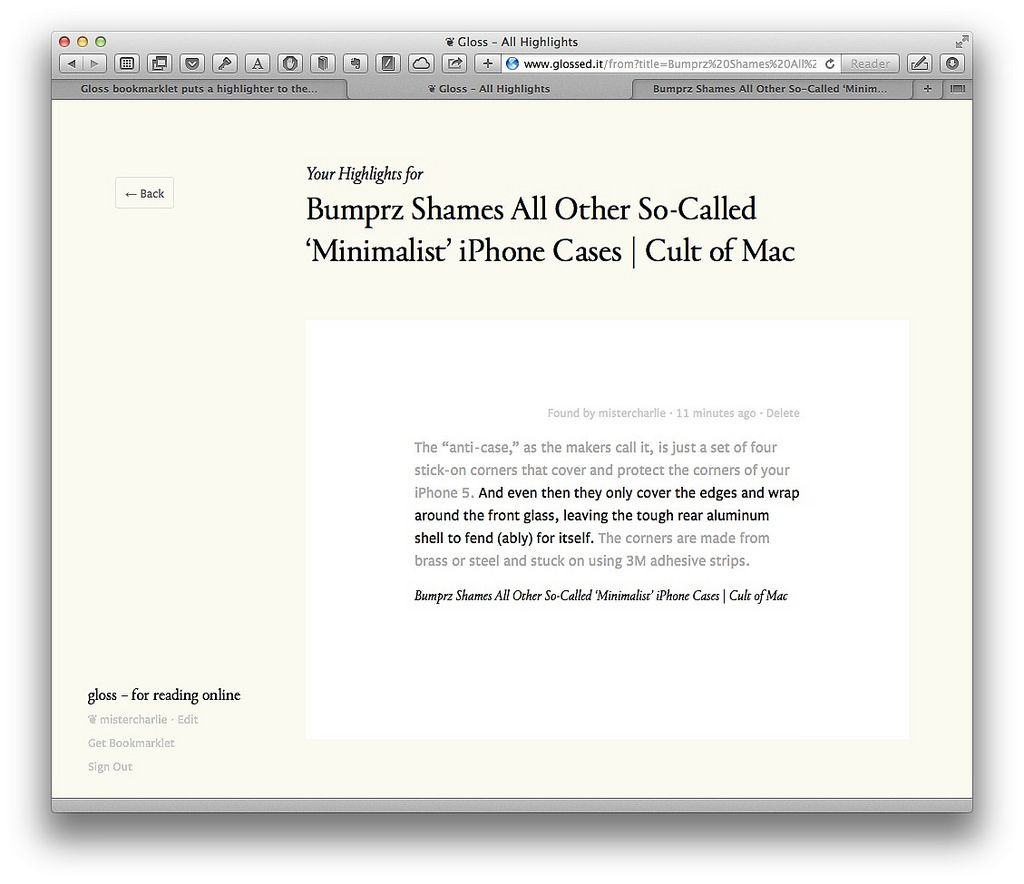
Under its previous owner, Instapaper was a good-but-limited iOS app with a barely functional website component. Under its new ownership at Betaworks, the app has slowly become part of a great ecosystem, with the latest addition being a Safari extension.
Forgotify is kind of like that box at the back of the thrift store which holds vinyl records so bad that even the sample-crazy music nerds won’t touch them – only on the internet. It’s a web service that collects the roughly 4 million (!) unplayed tracks on Spotify, and serves them up to you at random.
I love the press-to-shoot feature of Instagram’s video mode: it stops you from making one long boring take to fill up that eight seconds or however long it is that you get. But maybe you want to make a boring one-shot clip, or you’re planning on making the world’s shortest remake of Hitchcock’s Rope. Whatever, this neat trick from Photojojo is for you.
Maybe you scan all your receipts and bills, and toss the paper into the recycling bin. Congratulations! You’re paperless. You’re also out of luck when it comes to actually finding any of those scans when you need them. You’ll be stuck flipping through stacks of PDFs as if they were stacks of paper.
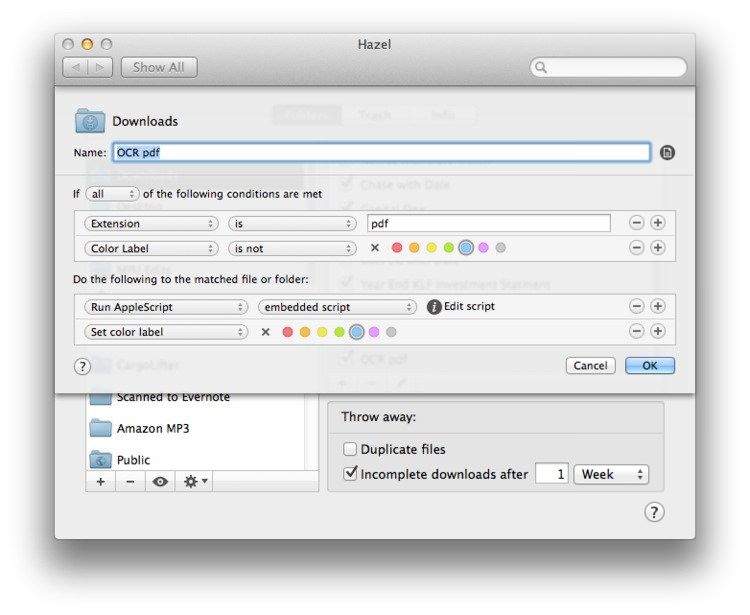
Unless you get your Mac to automatically run OCR on those scans, making their text searchable. And then maybe you could have you Mac file them for you too, just like computers were supposed to do for us all along.
Sound good? Then check out this neat tutorial from Mac Power Users’ Katie Floyd, which uses Applescript, PDFPen and Hazel to do it all for you.
Evernote now does natural-language searches. Type something like “images from Barcelona” into the search box and your query will automatically be turned into a search query with the form contains:images place:Barcelona.
You can also search on the device that created the note, document types, tags and notebooks and pretty much everything else you can think of. It’s like a local Google for your notes.
Facebook Paper is a pretty great panacea to the social network’s usually crummy iPhone apps, but unfortunately, it’s only available in the United States, leaving those overseas out-of-luck. But because Paper is a free app, you can download it pretty easily even in other countries. Here’s how.
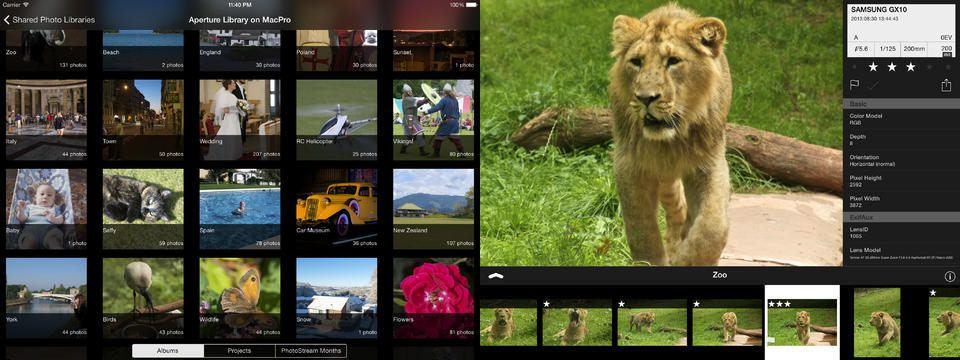
How about an app which lets you view your entire iPhoto or Aperture library on your iPad, without syncing, and without having either of the Mac apps running? That’s PhotoScope, a $5 universal app for iPad and iPhone which does just that.
I’m a terrible DJ (unless you count success by the number of people you can force off the dance floor with one track, in which case I’m a total mix master), but I’ve worked with enough DJs to know the tricks of the tracks. And one of those tricks is the old left-it-at-home routine.
When somebody requests a song you don’t want to play, you say “Excellent song! I love that one.” Then you pause and say “I think I left it at home.”
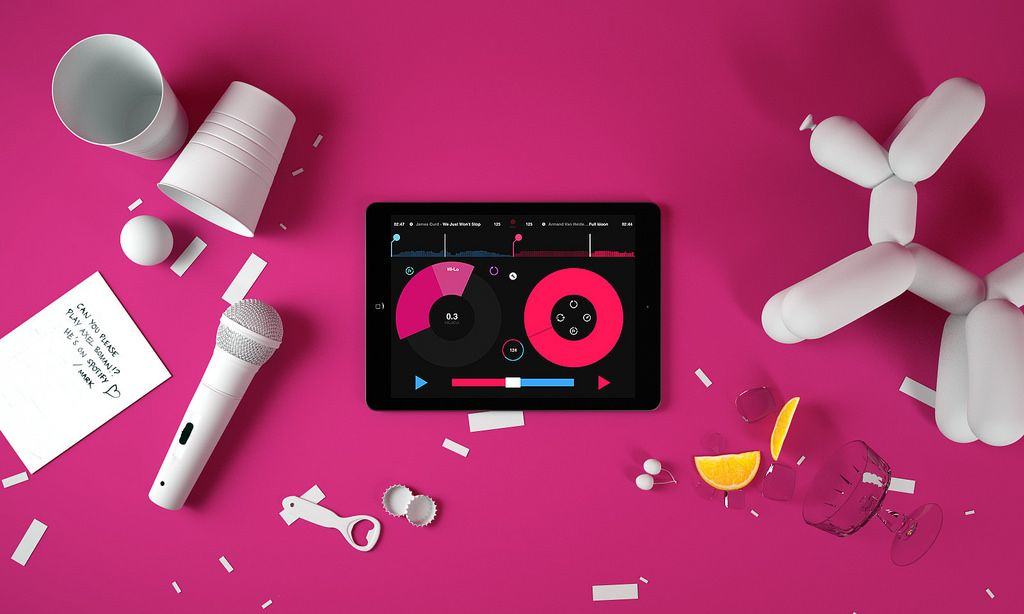
Now, Djs will have no excuse, becasue the new Pacemaker app will let you spin and mix tunes from Spotify’s huge gazillion-song library.
Unread is an iPhone alternative to the king of iPad RSS readers, Mr Reader. Not that it works the same way, or looks anything like Mr Reader, or has anything to do with it at all. No, the thing that the new super-minimal, gesture-based Unread has in common with Mr Reader is sharing.
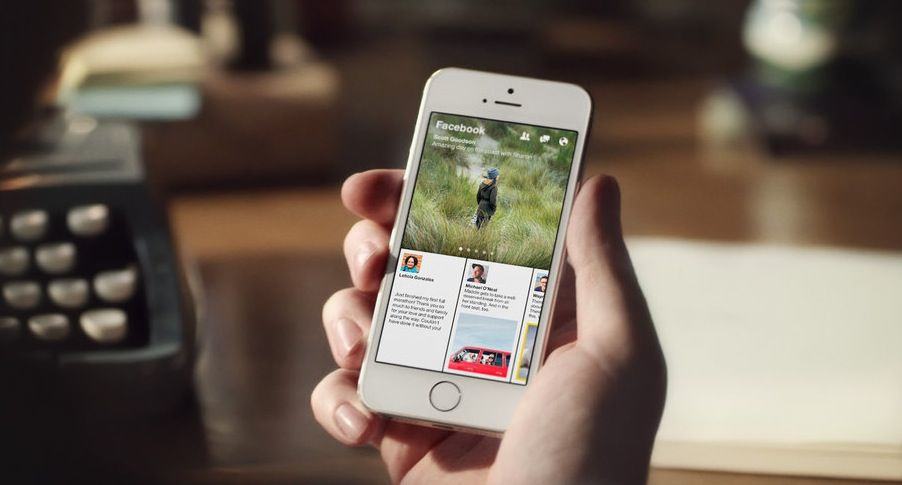
Today, Facebook released an incredible new app called Paper that is a total reimagining of what Facebook on a mobile device means. As I wrote over on Fast Co. Design, it’s the opening sentence in Facebook’s next 10-year plan that puts mobile first.
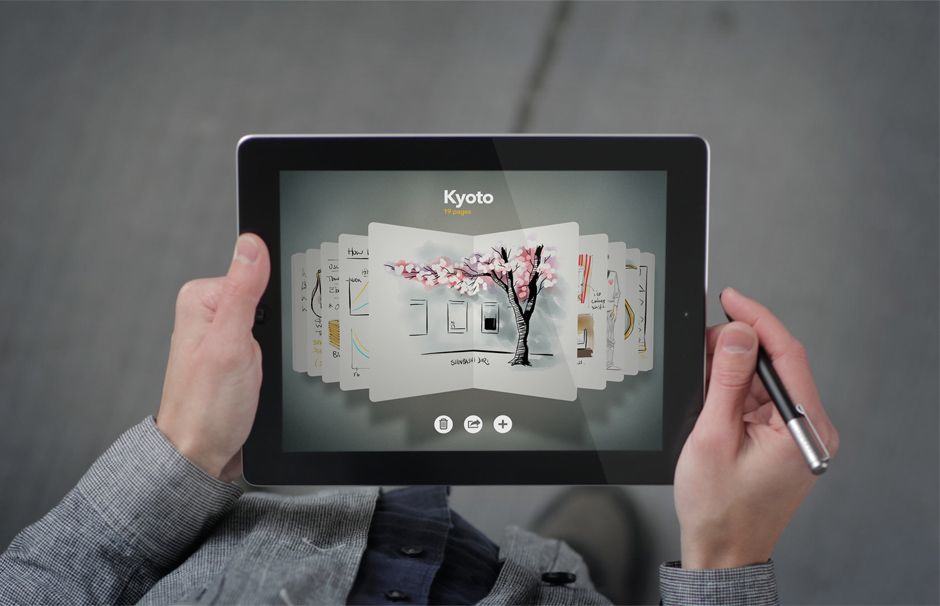
It’s a great app, but there’s just one problem: the name. There’s another widely known drawing app called Paper by developers FiftyThree Inc. FiftyThree’s not happy about their name being lifted. Facebook’s response? Basically, “tough noogies.”
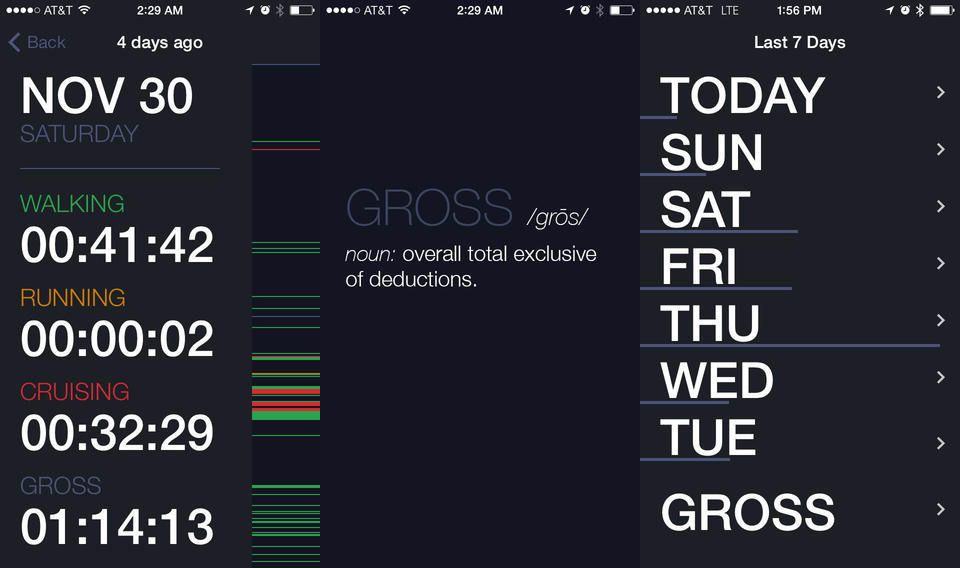
Gross is an iPhone app that’ll tell you just how lazy you’ve been for the last week. And believe me, unless you’re managing to get out an exercise in the middle of this icy winter, then the first time you fire up the app you’ll probably find yourself saying it’s name out loud.
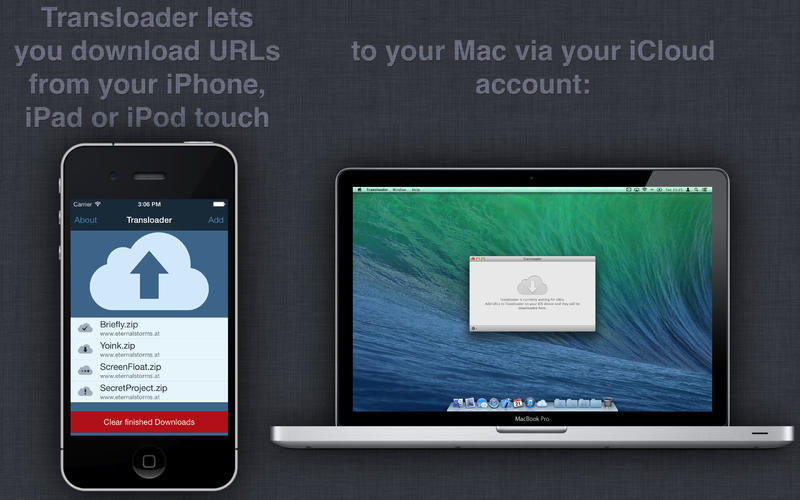
Transloader 2 is an update to the very handy iOS/Mac utility that lets you browse the web on your iPhone or iPad, and have any files you want to grab downloaded to your Mac, automagically. V2.0 gets an overhauled design, but otherwise keeps performing the same useful service as before.
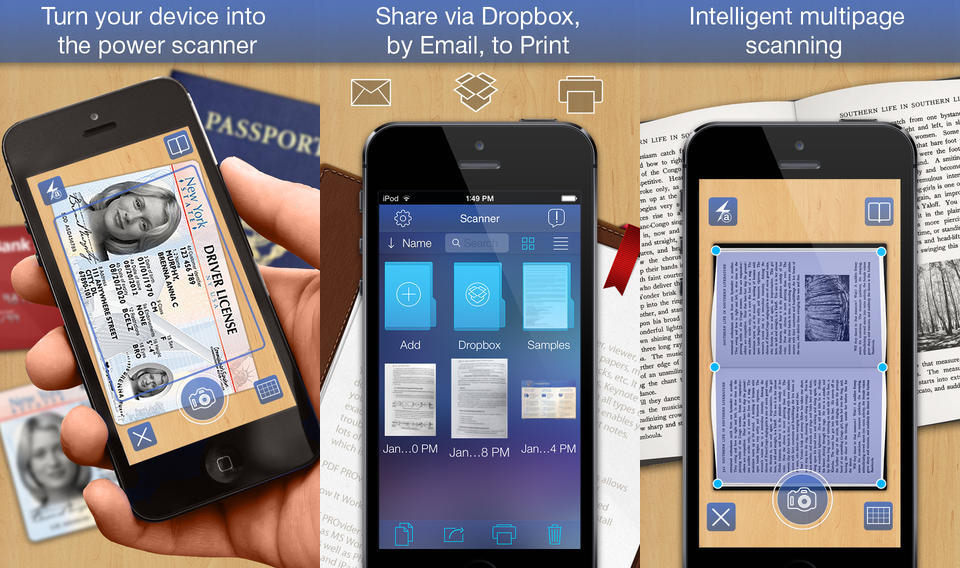
PDF Scanner is a new iOS app that scans your paper documents and turns them into PDFs. The gimmick that sets this app apart from all the others that do the same thing is that PDF Scanner can auto-detect and split double-page spreads into single sheets. And if that’s what you need then it may be worth struggling through the rest of the app to get to them. But probably not.
You know how when you open the Evernote iOS app to joy down a quick note, or snap a quick photo reminder? Usually what happens is that you spend the first half a minute desperately trying to remember whatever it was you wanted to remember while you tap around trying to find the new note buttons. Well, the new Evernote doesn’t help you if you launch into the depths of a previously-taken note, but it does at least make the main page a lot easier to use.
Image Blender is one of my favorite iOS apps. It’s a single-purpose tool that lets you combine two photos by stacking them and choosing the blend mode to get the effect and the opacity you want. If you ever wanted to take a photo and make it look like it was printed onto an old sheet of paper, or to, uh, make an astronaut sit in front of a pile of red sand, then Image Blender is for you.
And now Image Blender 2 is for you, too. The update adds some good functionality, but the best part is that – thanks to an iOS 7 makeover – it no longer looks horrible.