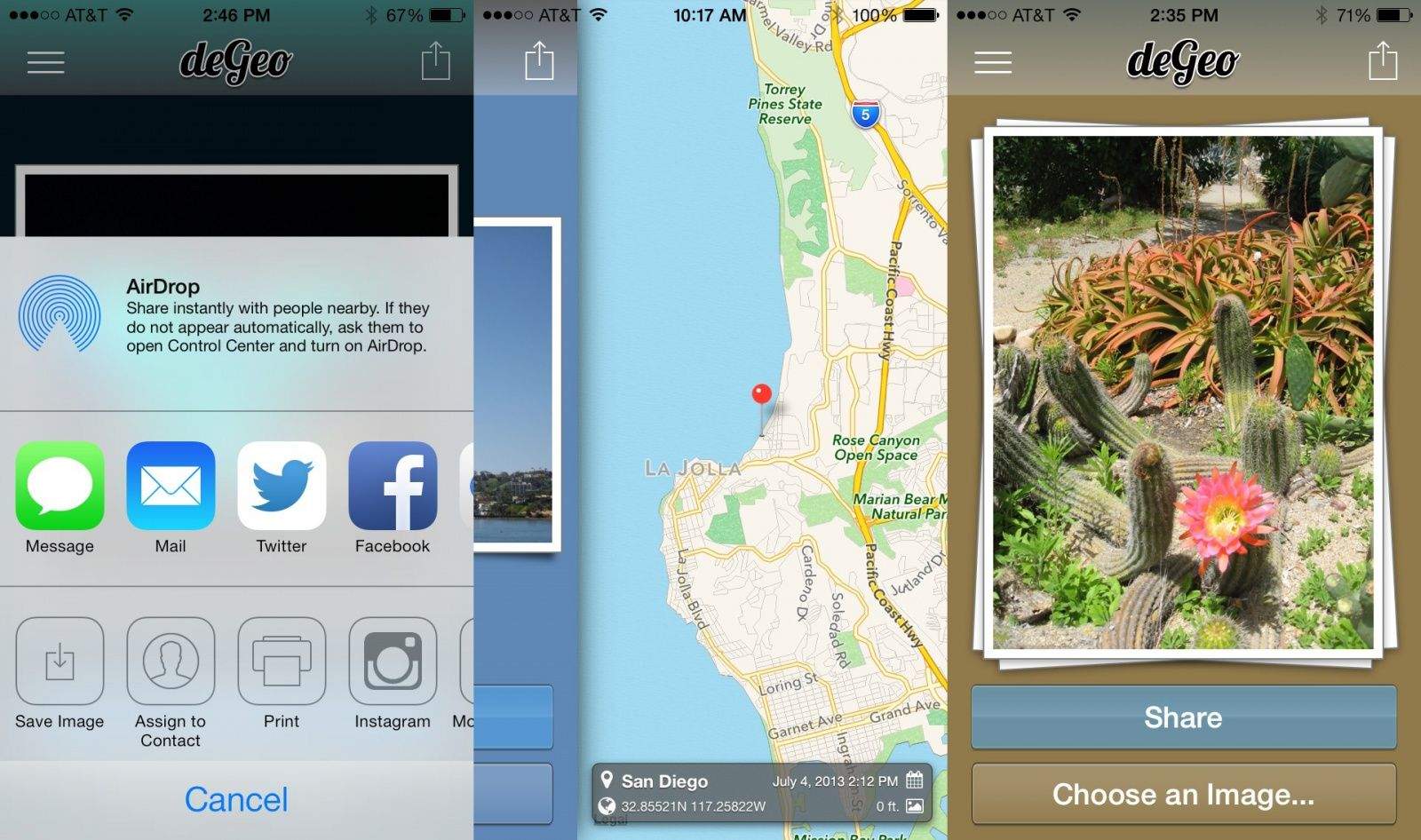
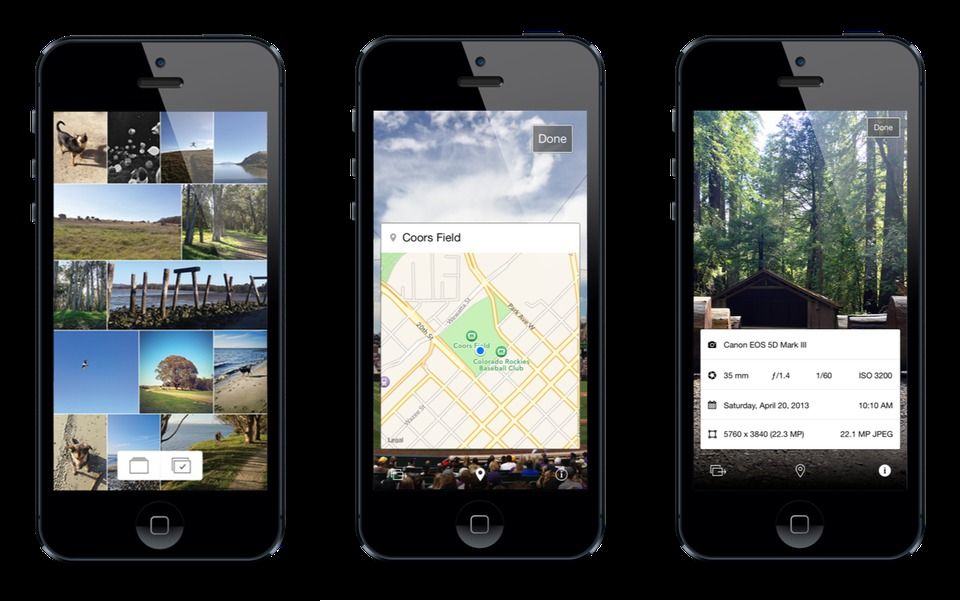
DeGeo is an app that removes the location data from your photos before sharing them, while leaving non-location metadata intact. As someone who switches off the location option in Instagram whenever I’m at my home or a friend’s home, I’m totally into this $1 data stripper.
Have you ever responded to an e-mail from your boss with some angry knee-jerk reply, then you’ve accidentally sent it, only to regret it later as you sweep the contents of your desk into a cardboard filing box? Me too, but as Leander never reads any of his e-mail, I — unlike you — still have a job.
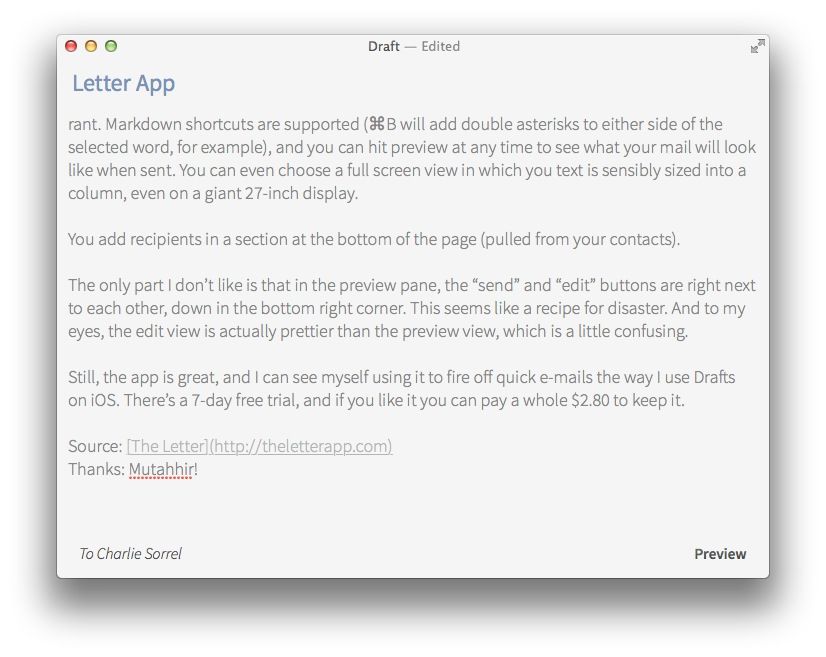
Let.ter is a brand new app which will help you stay employed next time. It’s a beautifully simple Markdown-based app with one purpose: composing e-mails away from your main e-mail app.
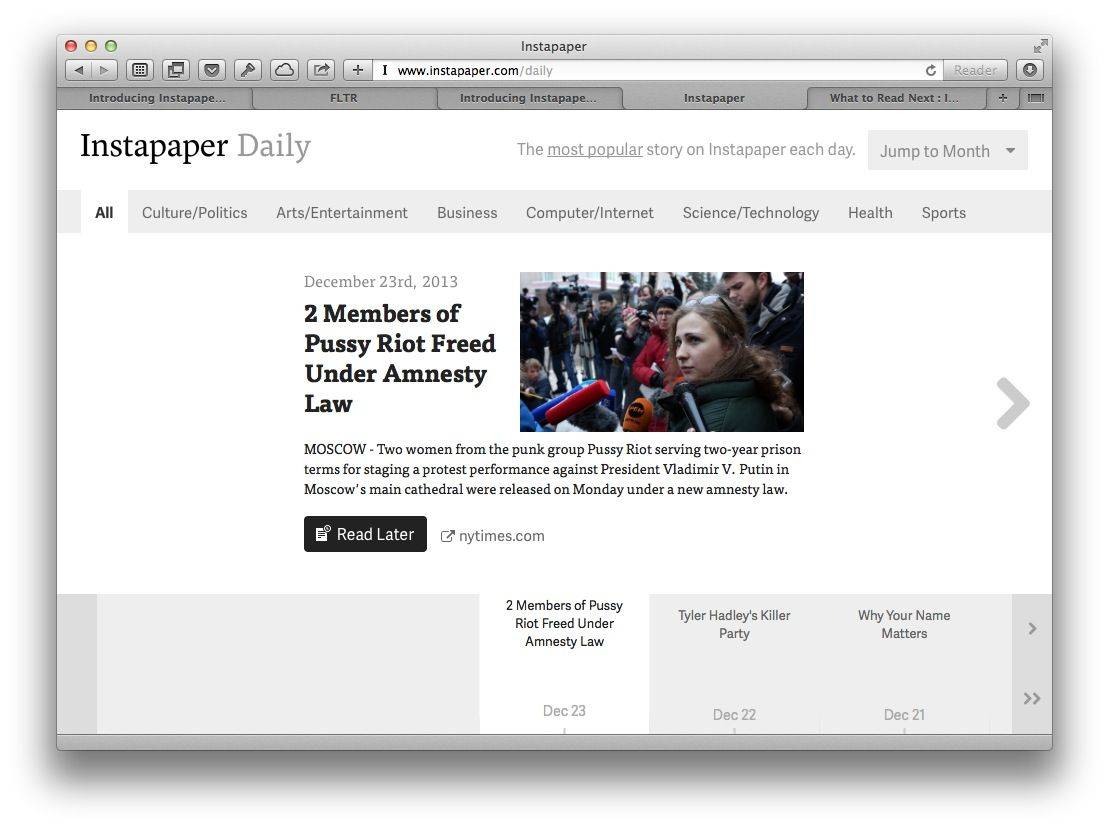
One of the best things about Instapaper now being owned by Betaworks is that the developers spend their time adding new features and services instead of complaining about things on their personal blogs.
And today that ethic has paid off, bringing us Instapaper Daily, a new site which shows the most popular story in Instapaper today. And of course, because Instapaper is all about reading later, you can browse back to any day in the past and see the headline story form that day, too.
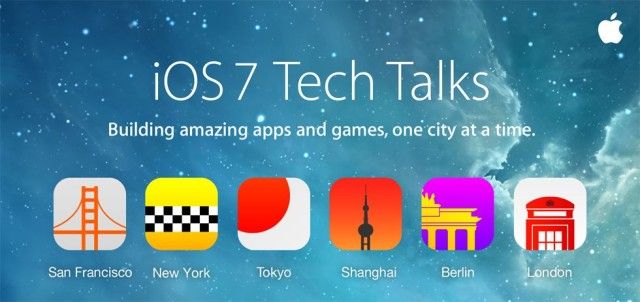
Apple has just posted its iOS 7 Tech Talks videos online for streaming by information-hungry developers. The videos show the full sessions of the roving, mini-WWDC sessions that have been taking place throughout the world since October.
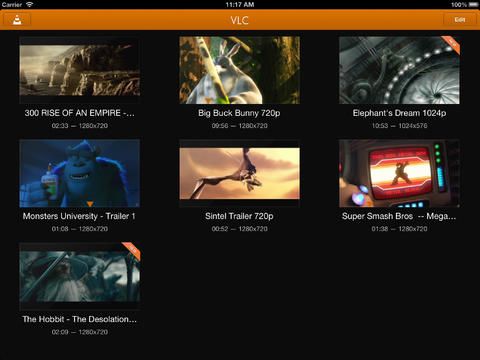
iOS VLC will play just about any media file you throw at it.
It’s the holiday season again, and iOS devices top the lists of many of us, adult and child alike. If you’ve gotten one this year (kudos!), here’s our handy guide to get you started: the 12 “must have” apps for your brand new iPhone and iPad. Because, seriously, there are way too many apps out there to figure this out all on your own. You’re welcome.
VLC – Universal – Free
If you want to play movies you’ve downloaded on your iPhone or iPad, but don’t want to limit yourself to officially sanctioned formats via iTunes and the Videos app on your iPhone, VLC is your app. It’s a free, open-source port of the computer-based media player and it will play all those different video formats, like WMV and OGG files, without the need for conversion. You can watch your movies you’ve downloaded to your iOS device, or you can sync directly with Dropbox or iTunes on your Mac, as well as an embedded web server. VLC in the App Store
Keep track of everything, right here.
Evernote – Universal – Free
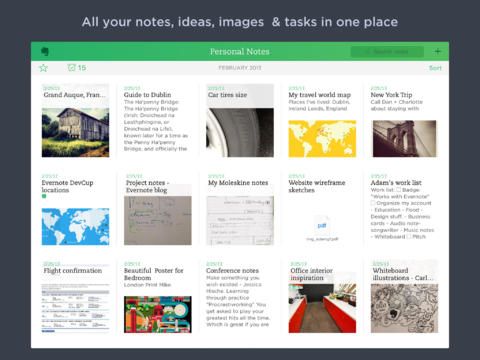
This is, hands-down, the single most used app I have on my iPhone. You can create and edit text notes, reminders, and task lists and sync them across all your devices, including the web. You can record voice, audio and photo notes, search for text inside images, organize all your stuff into notebooks and tags and even share notes via email, Facebook, and Twitter.
Add to your Evernote shopping list on your Mac, for example and it will appear on your iPhone for use at the store. Share that note with your roommates or spouse, and you have the ideal solution for making sure everything gets purchased the next time one of you is at the store. Evernote in the App Store
Just tell it what you want to do; no muss, no fuss.
Fantastical 2 – iPhone – $3.99
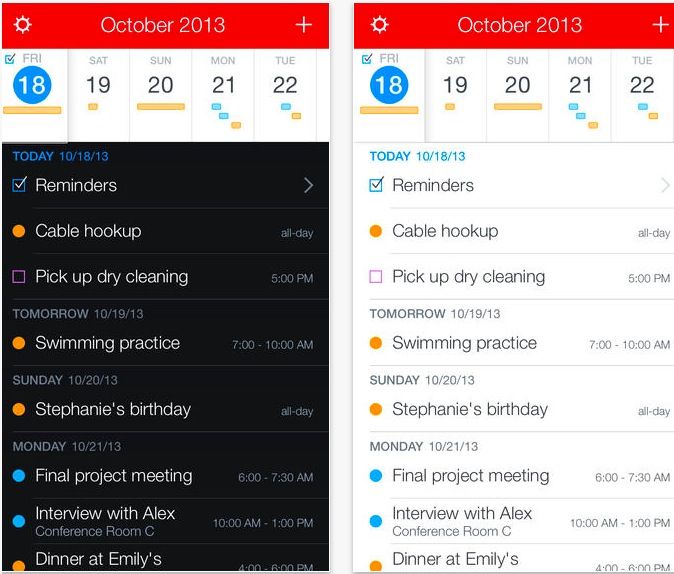
This, well, fantastic, calendar replacement app uses a natural language parsing engine to help you make appointments and reminders with text or dictation. Say, “Lunch next Tuesday with Amy,” and Fantastical 2 will figure out what you mean, and place in on the appropriate slot.
You’ll never want to swipe those fiddly date and time wheels again. While the original Fantastical is still just as great, the new version has been updated for iOS 7. If you’re sick of the way typical digital calendars work, this is the app for you. Fantastical 2 in the App Store
Find what you want, when you want, super quick.
AroundMe – Universal – Free
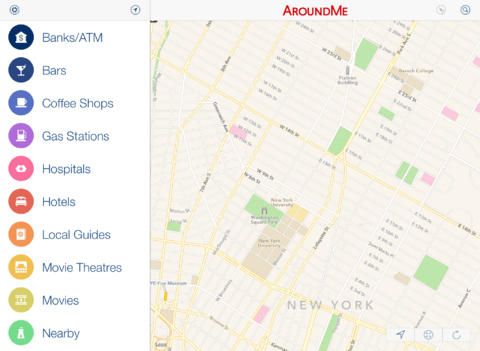
AroundMe uses your location data to quickly let you find the nearest bank, bar, gas station, hospital, hotel, movie theater, restaurant, market, or taxi cab. You’ll get a complete list of nearby businesses in your chosen category, along with your distance from them, and you can quickly get the location up on a map. You can even send the info along to a buddy, or add the location to your Contacts. As if that wasn’t enough, you can even use AroundMe to fill you in on the details of the place using Wikipedia. AroundMe in the App Store
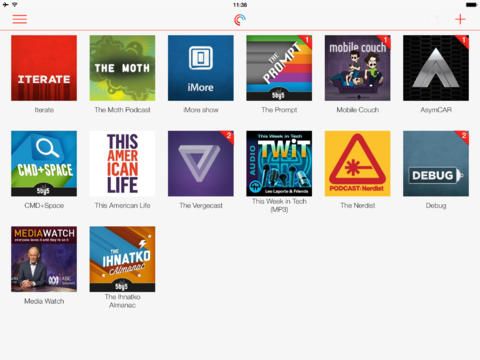
Free, powerful Pocket Casts is what Apple’s Podcast app wants to be.
Pocket Casts – Universal – $3.99
Our very own Killian Bell says this is the best podcast app out there, and it’s got the ratings to prove it. Pocket Casts is a sraightforward, easy to use, powerful “podcatcher” app that lets you subscribe and play any podcast out there, sync and back them up, filter your episode lists, set up auto downloads, and a ton more.
The killer feature here? Refreshing up to 50 podcasts in the same time it can take other podcast apps, even Apple’s, to refresh one. Grab it now and see what you’ve been missing.
Still the easiest Twitter client out there.
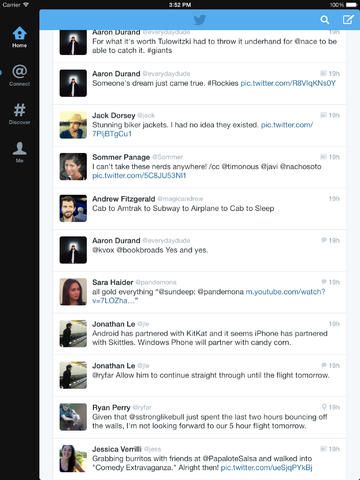
Twitter – Universal – Free
Power users may prefer apps like Twitterrific and Tweetbot, but for the rest of us, the official Twitter app is really all we need. The latest update adds quite a bit of functionality, including a neat swipe between panels interface, easy conversation drilldowns, and more. If you need to access Twitter on your iPhone or iPad, but don’t want a cluttery interface or more features than you can shake a stick at, this is the one to start with. Twitter in the App Store
Boxie makes Dropbox just that bit more useful on your iPhone.
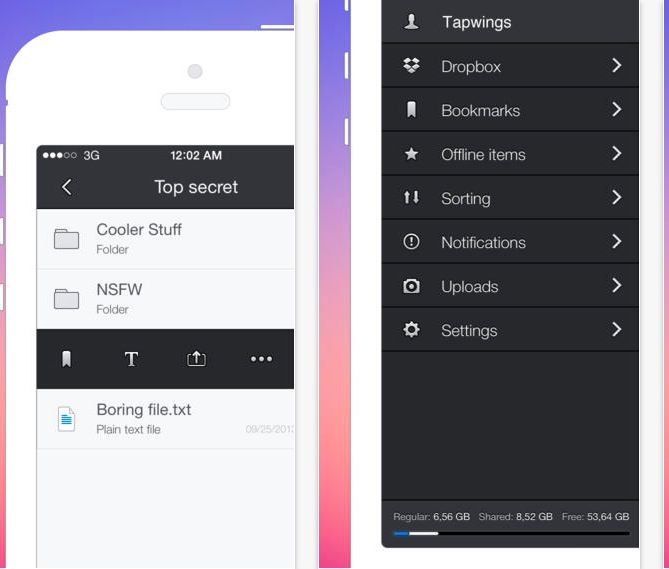
Boxie – iPhone – Free
The original (and best, in my opinion) cloud storage drive, Dropbox, has its own iOS app, but Boxie makes that app feel old and slow. This super-useful Dropbox client app features many more ways to manage, organize, and access all your Dropbox content, with a gorgeous interface to boot. Boxie turns your Dropbox storage into something truly useful, getting you access to all your stuff with a minimum of effort or slow loading times. Boxie in the App Store
Google’s mapping app is still the king of the roost.
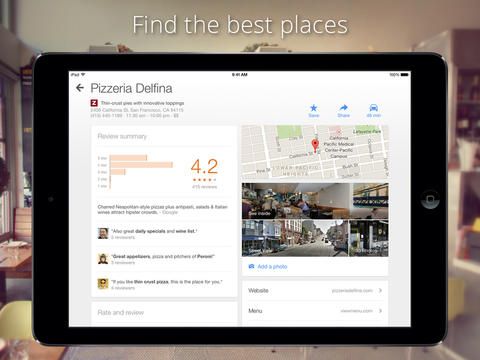
Google Maps – Universal – Free
I hate to say it, but you really need to download Google’s navigation app. While Apple Maps is much improved these days, Google has been at it quite a bit longer, and while I much prefer Apple’s driving interface, Google Maps is just a more comprehensive experience.
Finding and getting to your destination is just much easier with Google Maps, and the voiced turn-by-turn navigation just seems to make a little more sense than Apple’s does. Don’t leave home without this on your iPhone or iPad. Google Maps in the App Store
Share your photos, make friends, see what they had for dinner.
Instagram – iPhone – Free
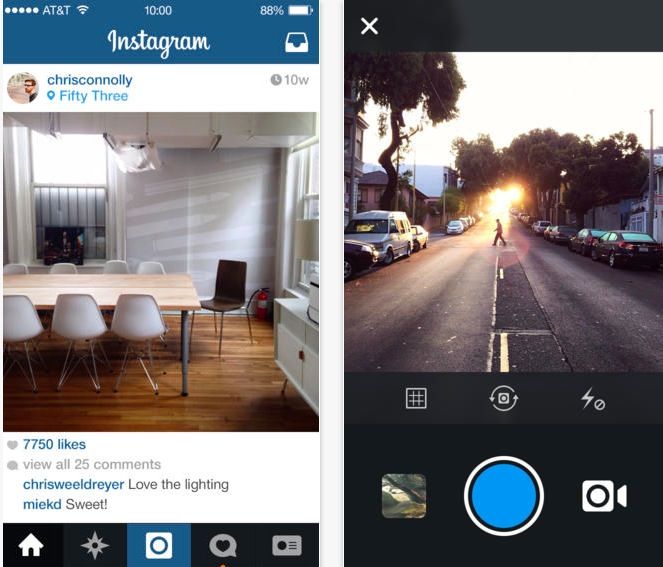
Instagram is not only a photo sharing service within an app, but an entire social network, itself connected to other services out there like Flickr, Facebook, and Twitter. It launches quickly and lets you capture that moment in time so you can filter and contrast it into something visually interesting (usually!). Getting your photos out there is super fast, and now Instagram even does video sharing, with 15 second clips that use the same filtering system as the photos. Instagram in the App Store
Give Mailbox a try and change your whole attitude on email.
Mailbox – Universal – Free
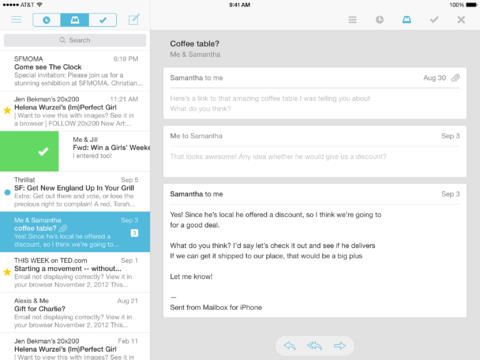
Email may have revolutionized the way we communicate in our business personal lives, but Mailbox has truly change the game for mobile email management. Using a few easily remembered swipe-based gestures, Mailbox lets you deal with your email quickly and efficiently, storing some in lists, scheduling others to look at later, or just deleting the crap out of the stuff you really aren’t gonna read anyway. Mailbox puts the productivity back into your email workflow, and you’ll thank the developers for the innovation. Mailbox in the App Store
Read it later, indeed.
Pocket – Universal – Free
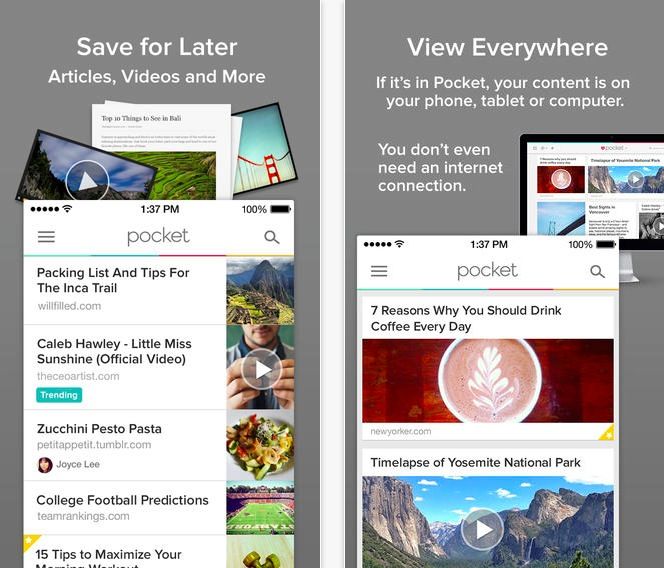
Pocket, formerly Read It Later, may not be the first such service where you can send long web articles to your iPhone or iPad to read later, but it’s quickly become my “read this later” service of choice. There’s a Pocket extension for every web browser out there, and a click sends it along to the Pocket servers, which deliver your own mix of saved reading material for offline perusal at your own convenience, even offline. Pocket is simple to use, and I’d never be able to read those long articles without it. Pocket in the App Store
Seems silly, but Bump is insanely useful.
Bump – iPhone – Free
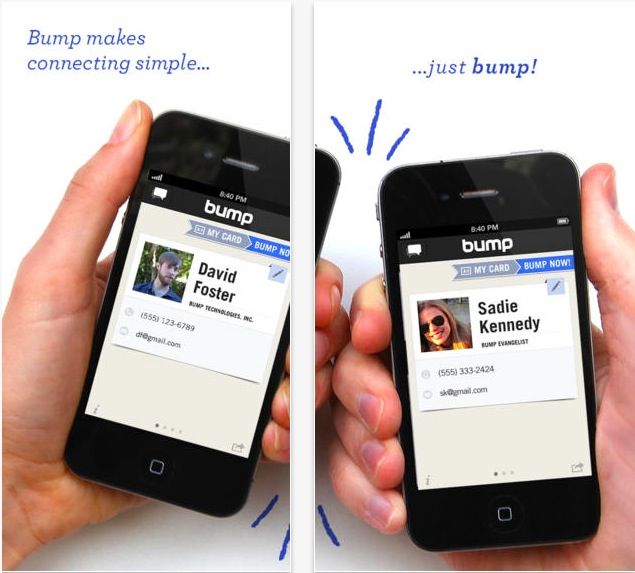
Incredibly simple, Bump lets you do just that: touch your iPhone to another one running Bump and you’re instantly sharing your contacts, files, and photos. Heck, you can even use Bump with your Mac, provided you’ve downloaded the Mac app to your computer. It seems like a silly thing, but getting files around from device to device has never been simpler. Bump in the App Store
The built-in iOS Reminders app has two big advantages: it’s ubiquitous, and it syncs flawlessly between devices. This makes it a great back end for other apps’ reminder systems, which is handy as the reminders app is a nightmare. Viewing and checking off completed tasks is fine, but creating them? Even Siri starts to seem attractive.
Luckily, you can now use an app called This Week to create and use your reminders. Better still, it excels at adding and managing due dates, which is the weak point of Reminders’ already weak task-creation offering.
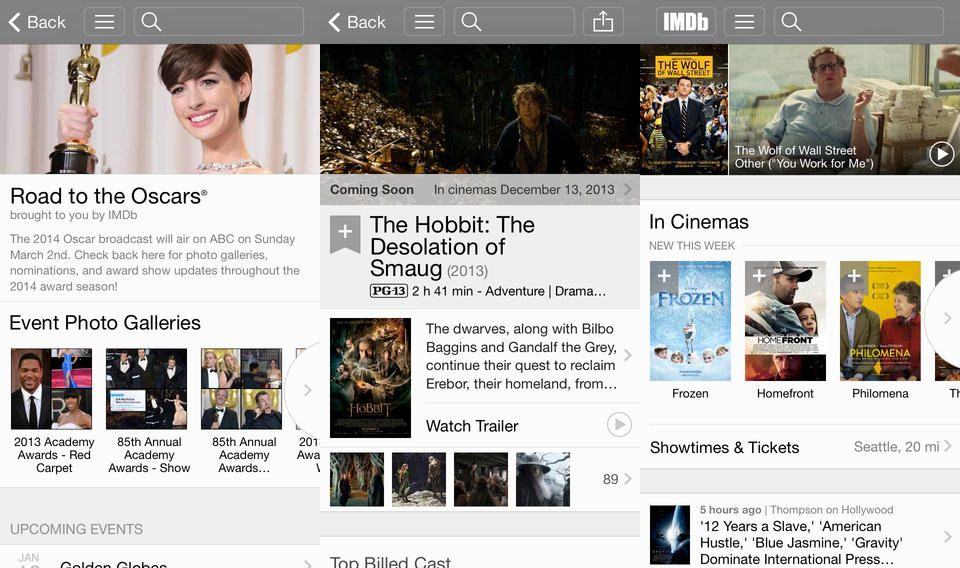
The IMDB app has finally – finally – been updated to fit in with iOS 7’s tasteful decor. Heavy users of the app won’t really notice anything different in the layout, which remains as easy to use as ever (and way better than the terrible web version), but everyone will appreciate the new lick of paint, and the other new features that have been added to v4.0.
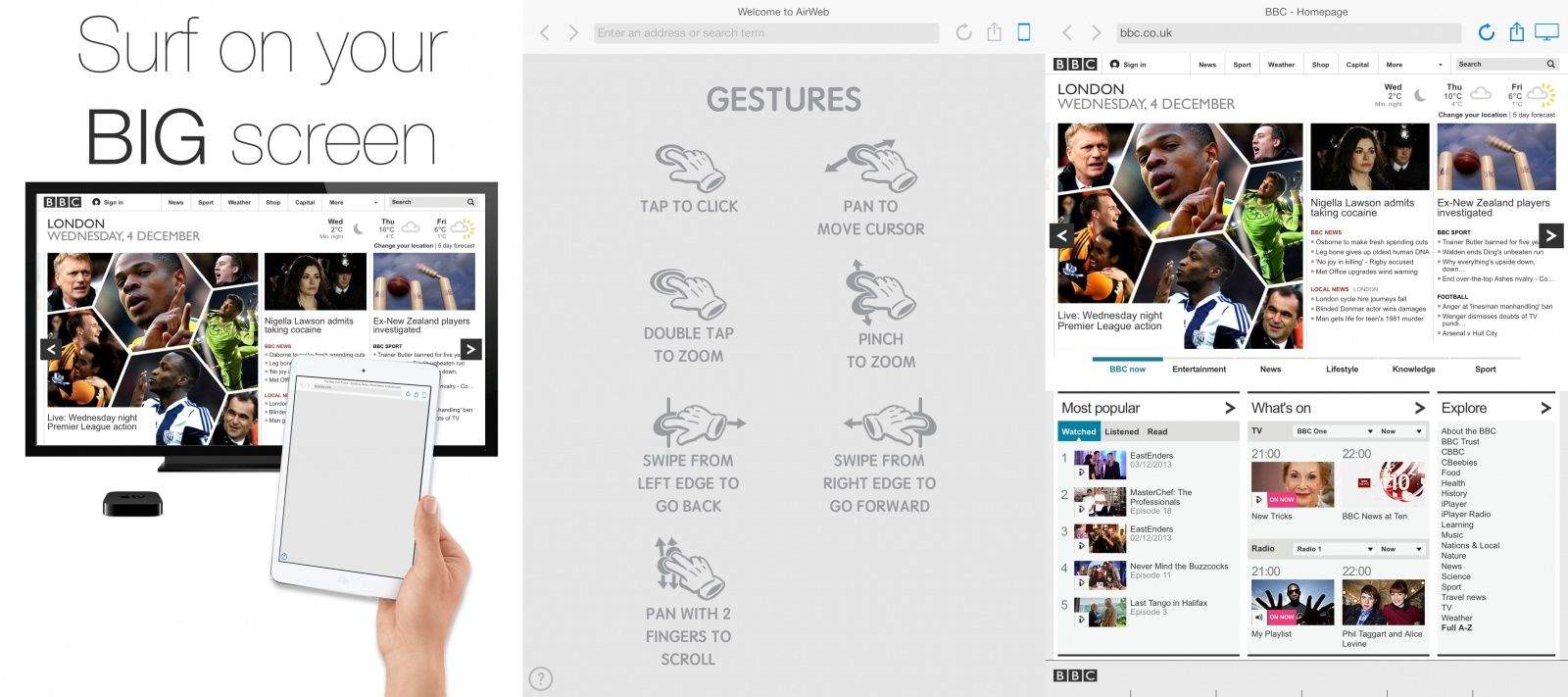
AirWeb is web browser for your Apple TV. It uses your iPhone or iPad as a control and shows the results on the big screen via AirPlay, letting you quickly browse to any site using your multitouch screen.
You know hellish it is to watch somebody else browse the web as they double-click links and circle their cursor/finger around the page as they search for something to click? AirWeb solves that problem.
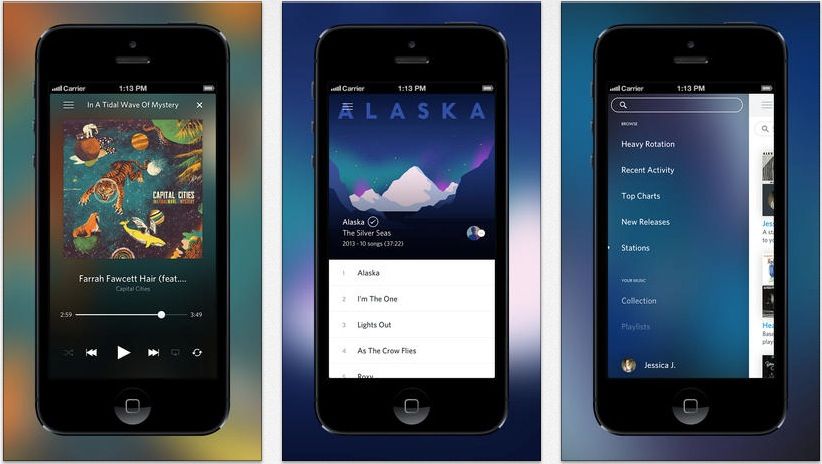
Yesterday, reacting to the news that Spotify was getting a darker look on the Mac, we despaired that it would ever catch up to the aesthetic appeal of Rdio.
As if they heard our words, Rdio widened the gap a little more today, releasing a new update that contains not only iOS 7-oriented UI improvements, but a notable new feature as well.
Jolicloud, the Norwegian Dropbox alternative that doesn’t have to secretly give your data to the U.S. police state whenever it’s asked, has made available a beta version of its v2.0 web app. And it’s pretty amazing. Up until now, Jolicloud was very similar in intent and execution to Dropbox: a folder that’s everywhere.
Now, though, you not only get online access to your Jolicloud folder, but to all your other internet accounts. Including Dropbox.
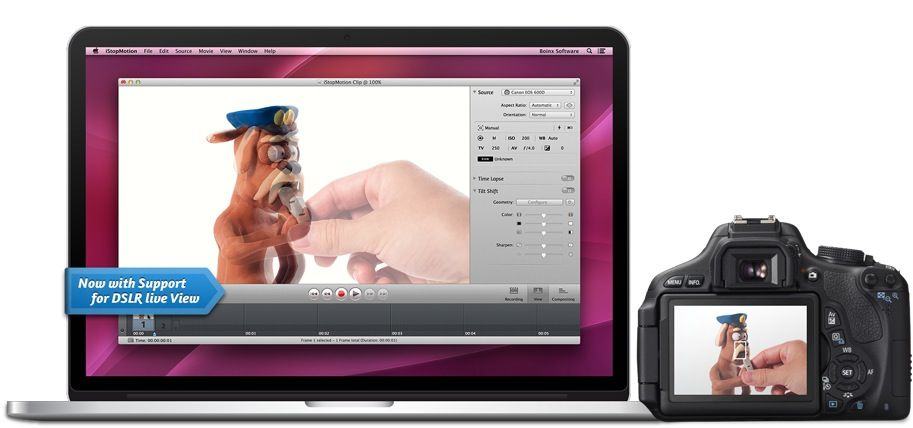
Among a long list of cool new features added to Boinx’s iStopMotion for Mac, two stand out. The first is that you can hook up a Canon DSLR and see it’s live-view output right in the app. But the second is the one you’ll really be interested in: iStopMotion now outputs animated GIFs.
As crazy as it may seem, this year marks Nintendo's 125th anniversary, from its origins as a playing card company back in September 1889, to its status as a gaming powerhouse today.
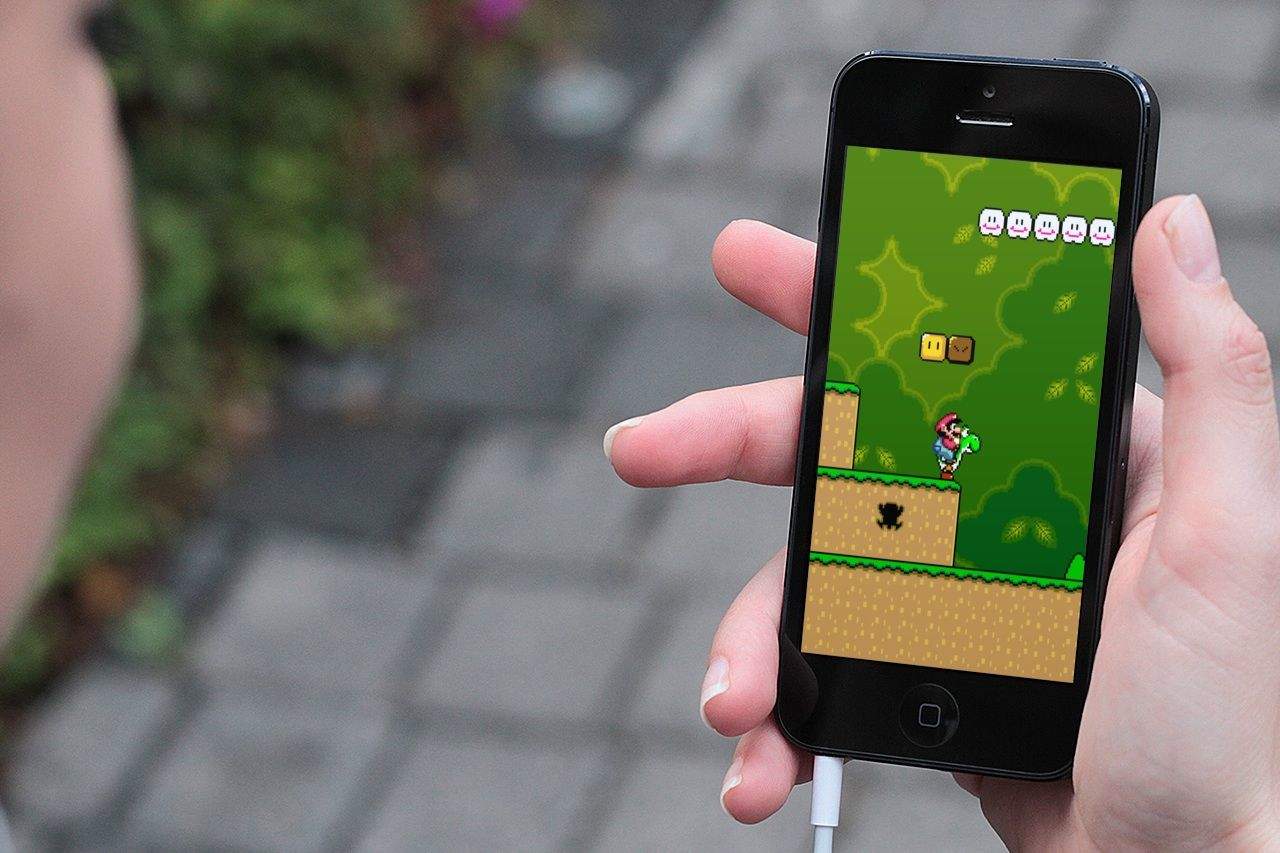
As much as we love Nintendo, however, it has been pretty reticent about embracing the world of mobile gaming; refusing to port any of its core titles to iOS and forcing the takedown of emulators that have tried to provide this (slightly illegal) service. True gamers that we are, though, we hold out hope that one day Nintendo may see the light. With that in mind, here's our list of the 8 Nintendo titles we'd love to see on our iPhone screens.
Scroll through our gallery to see which ones made the cut.
Once the king of mobile gaming, over the past few years, Nintendo has found itself caught flatfooted by the rise of smartphones. Although the company’s 3DS portable game console can’t be said to be a total flop, it’s certainly not selling in gangbuster units compared to previous consoles, like the DS or Gameboy. The reason why is simple: most people have a perfectly good gaming device in their pockets all the time now in the form of their smartphone, and don’t want to have to carry around (let alone buy) an entirely separate device dedicated to gaming.
Many critics have suggested that it’s time for Nintendo to give up and just start releasing games based on its prize characters such as Mario or Link as iOS apps. Such advice is short-sighted, but that doesn’t mean Nintendo can’t be better leveraging Apple’s iOS platform… which is exactly what the Big N seems to have in mind.
Imagine that one of your photos was printed onto a sheet of card, and that this piece of card was carefully sliced and cut to chop it into a series of concentric rings, or concentric squares, or just a geometric pattern of tiles.
The imagine moving these sections with your finger to make a fragmented version of your picture, only because you’re using the Fragment app instead of real scissors and paper, there are never any gaps between the pieces. Sound like fun right?
Photos+ is a new iPhone app from Justin Williams aka Second Gear software aka the developer of iOS text editor Elements. Photos+ is in the “one thing well” school of apps: it lets you look at the photos you have on your iPhone, and it does a better job that the built in app. In most ways at least.
MIDI Guitar for GarageBand is a Mac app (remember those?) that turns your guitar into a MIDI controller for, well, for any instrument you like. Thus you can thrash away on your axe like the heavy metal rock god you are, and have the sound emerging from the speakers be a plinking, ringing triangle.
You know how most image editing apps have a “paint” filter that supposedly makes you photo look like it was actually made with oils or watercolors? And you know how they all – ALL – suck? Then Waterlogue is going to utterly amaze you, as it’s the first app I’ve seen that gives results that really look like a watercolor painting.
Then again, as the app comes from the folks behind Popsicolor and Percolator, it’s not that surprising that it’s so damned good.
This week on the CultCast—its layout, its machinery, and the creative people and processes that build the amazing products we love—we go behind the veil of Apple’s insanely secretive design studio. Plus, how to get great paid apps for free (it’s legal, promise!), and could an Apple/Microsoft merger be in our future? One analyst thinks so…
Have a few laughs whilst getting caught up on each week’s finest Apple stories! Download new and past episodes of The CultCast on iTunes or hit play below and let the audio enjoyment commence.
Thanks to lynda.com for sponsoring this episode. Learn at your own pace from expert-taught video tutorials at lynda.com.
Mojang’s Minecraft is one of the best games on the Mac, but the iPhone and iPad version has always been slightly behind when it comes to features. But with its latest update, the biggest yet, Minecraft – Pocket Edition is catching up, adding some of Minecraft’s best features, including the ability to make roller coasters with minecars and rails!
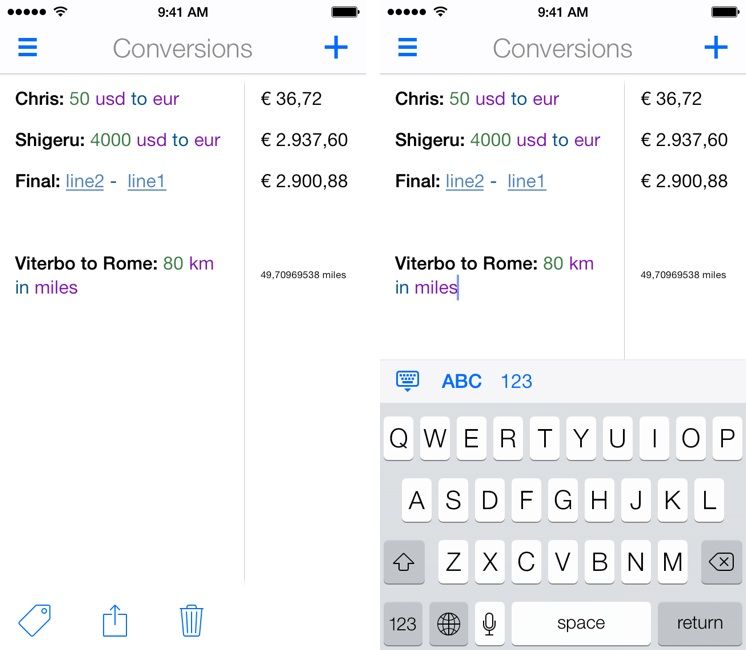
Although a graceful crystal ballet danced in the world of symbols, for those of us who aren’t particularly math minded, all those plus signs, minus signs, dividers and parentheses can get confusing when we’re trying to figure out a problem.
For us, iOS app Soulver is a godsend, allowing you to perform various mathematical captions and functions by just typing them out on real text. Today, the plain text math app has received a beefy update, not only updating its look for iOS 7 on iPad, but also making it universal.
Prepare to take a trip to a dimpled, plastic galaxy far, far away. Warner Bros. has just released LEGO Star Wars: The Complete Saga to the iOS App Store. And even better, they finally figured out something to do with the Phantom Menace!
The first time I played Grand Theft Auto: San Andreas was over ten years ago, and if you told me that one day, I would be able to play this massive 70+ hour open-ended carnage simulator, not on a bulky console, but a device thinner than a pack of cards I could fit into my pocket, I would have told you you were mad. Yet here we are, as Rockstar Games has released San Andreas to the iOS App Store.
There’s no shortage of cloud storage providers, but Amazon’s one of the best around. If you make use of the e-retailer’s Cloud Drive app, then, good news: it just got a little better, with the addition of video uploads and iPad support.