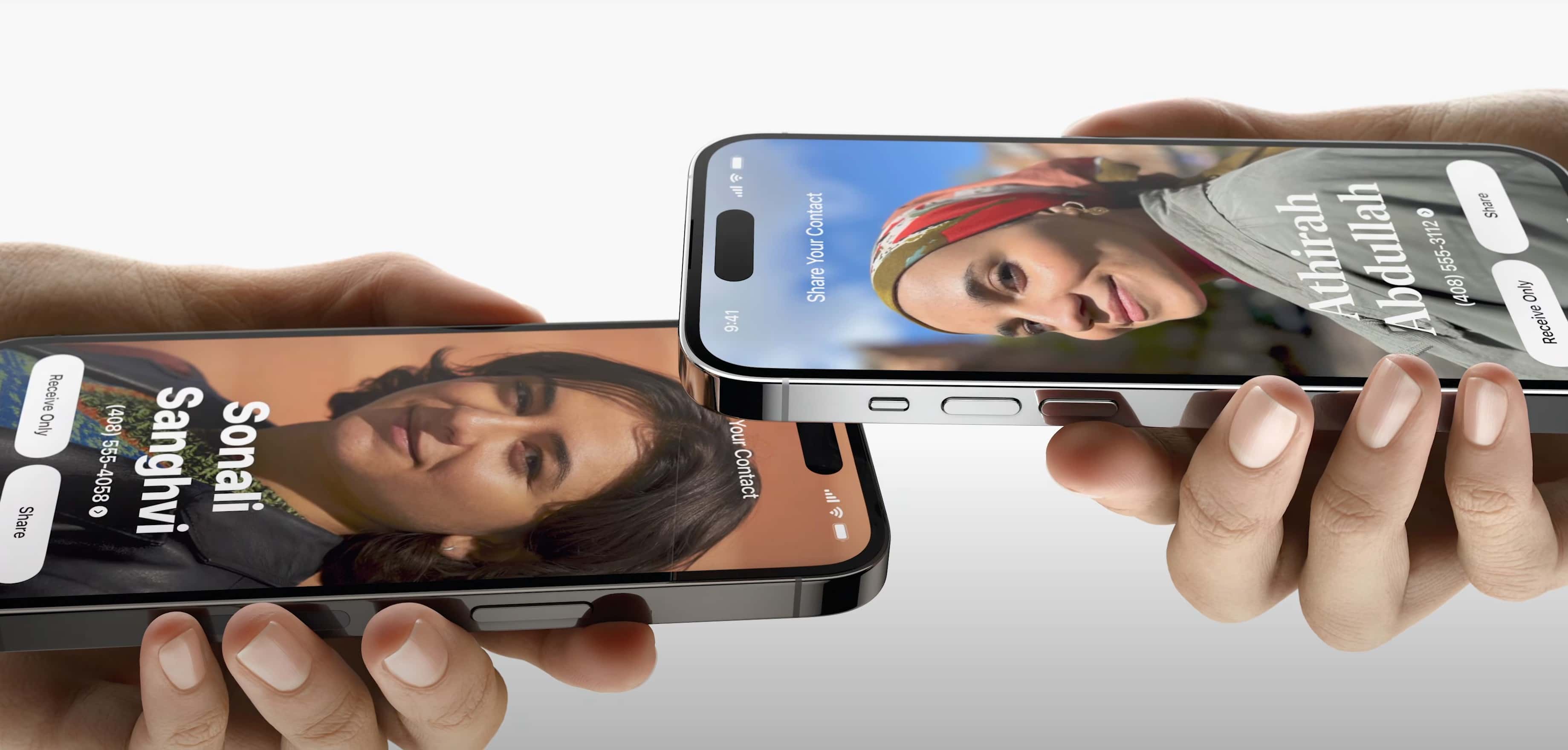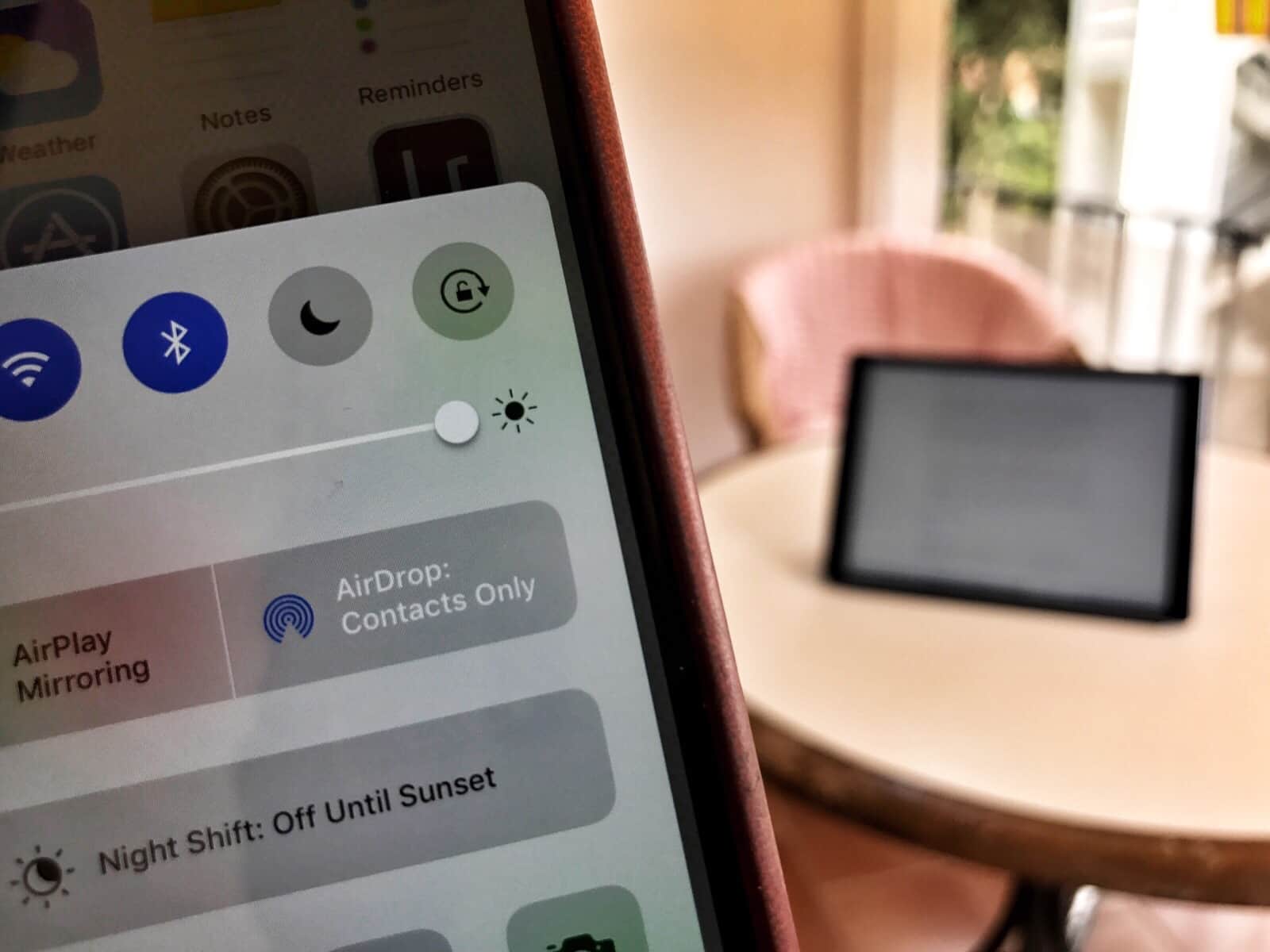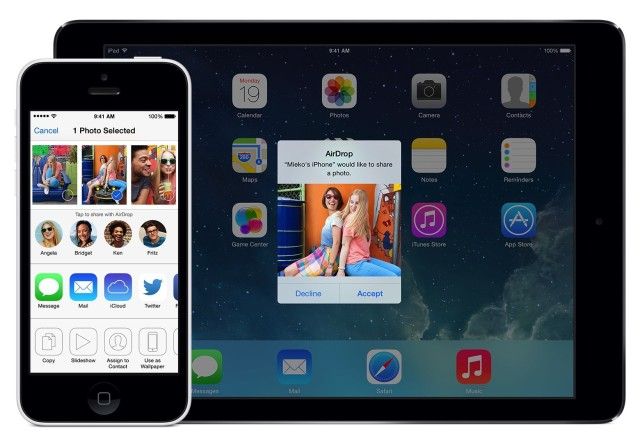
If you want to know the fastest and easiest way to send someone photos, videos, files and so, so much more, you should know how to AirDrop. There’s no need to send an iMessage — Apple’s slick AirDrop feature will immediately send and open the content on someone else’s iPhone (or other Apple device). There’s no middle step.
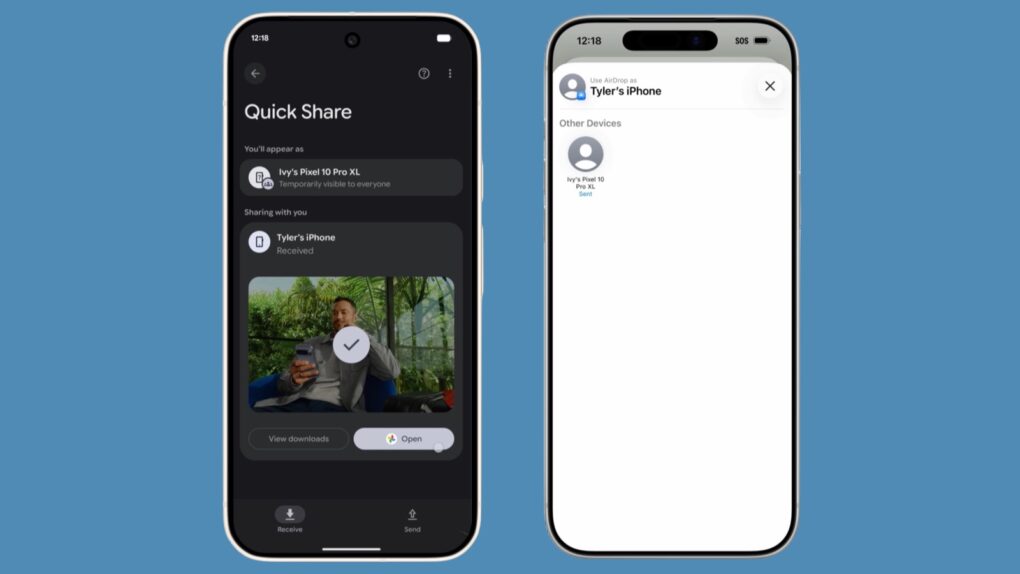
AirDrop works iPhone-to-iPhone, iPhone-to-Mac, iPhone-to-iPad, Vision Pro-to-Mac — any combination and permutation of two Apple devices. And, if your friend has a Google Pixel 10, you can AirDrop with them, too!
Keep reading to find out everything you need to know about how to take advantage of AirDrop.





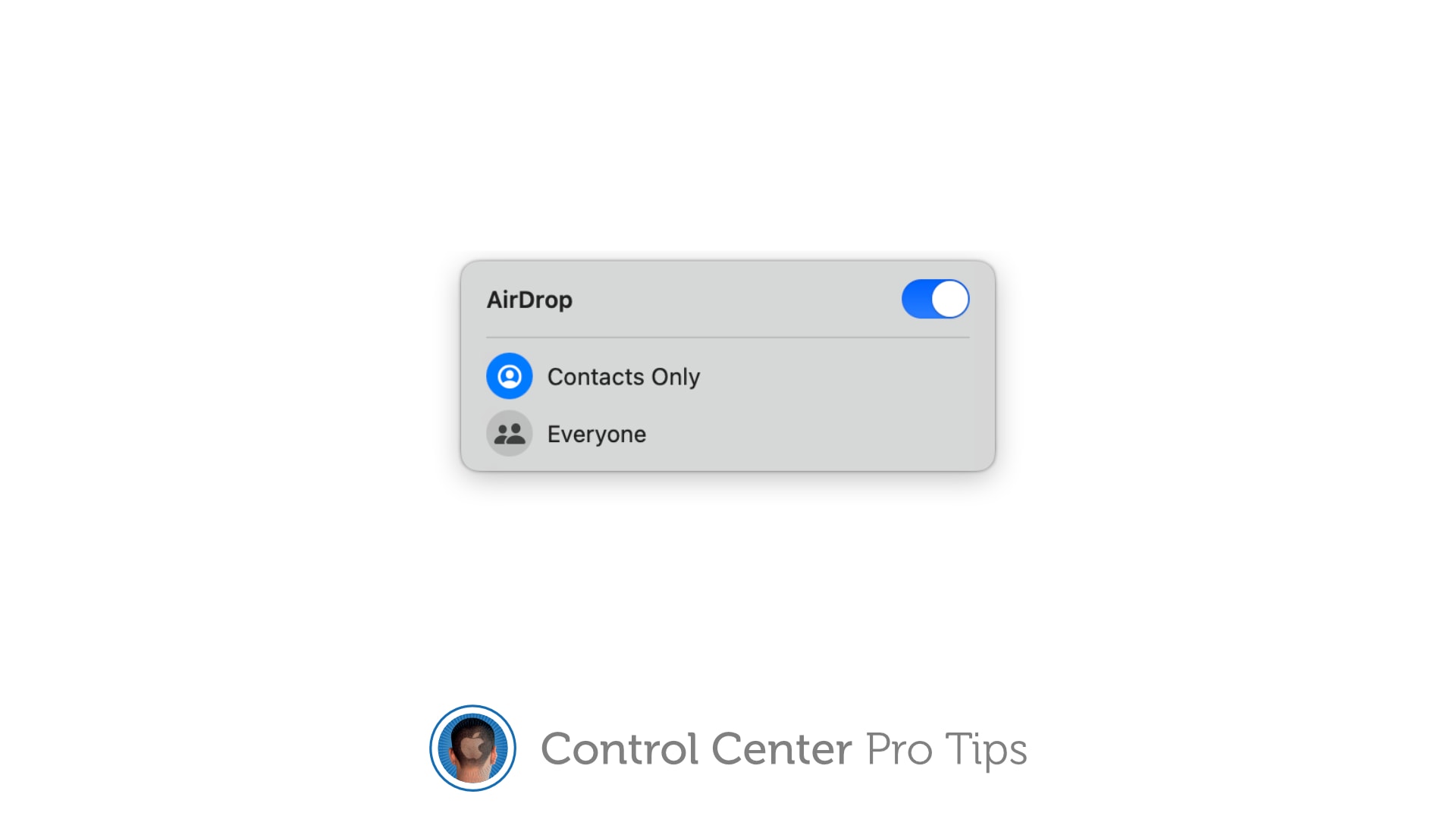
![How to set AirDrop to exchange pictures with anyone's iPhone [Pro Tip]](https://www.cultofmac.com/wp-content/uploads/2023/12/AirDrop-To-Everyone.jpg "How to set AirDrop to share iPhone photos with anyone [Pro Tip]")