YouTube is the world’s largest video-sharing platform, letting anyone upload, watch and share everything from music videos and movie trailers to tutorials, podcasts and live streams.
Launched in 2005 and later acquired by Google, the service has grown into a massive entertainment and educational hub used by billions of people around the globe.
Creators can build audiences and earn money through advertising, memberships and other features, while viewers can subscribe to channels, leave comments and receive personalized recommendations based on their interests.
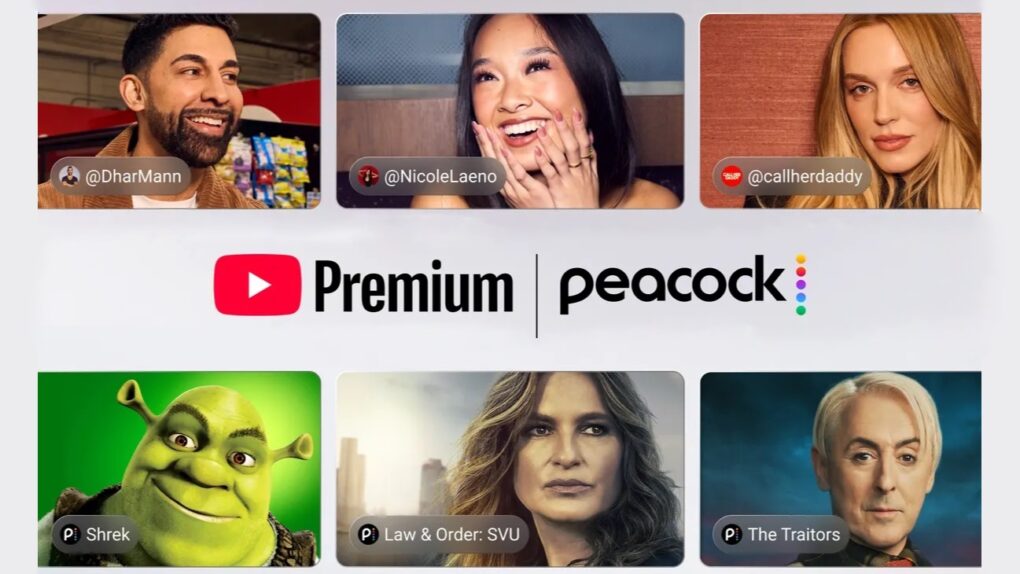
YouTube Premium will soon come with Peacock Premium for free. Photo: YouTube Blog
YouTube Premium is already one of the best value-for-money subscriptions on the market. And it will soon get even better, with eligible YouTube Premium subscribers gaining access to Peacock Premium for free.
The bundle will be limited to YouTube Premium subscribers in the US.
Apple is asking a judge to dismiss the YouTube lawsuit, arguing the videos were never locked down in the first place. Photo: Unsplash
Apple just responsded to three YouTube channels that filed a lawsuit against the company earlier this year over AI training data — and Cupertino isn’t apologizing. In short, its defense is that these creators uploaded the videos online for free, so they shouldn’t be shocked that Apple looked at them.
Even if you haven’t uploaded a video in your life, here’s why you should care. This lawsuit is about how AI features baked into your iPhone actually got smart, and whether the people who made it possible got anything for it.
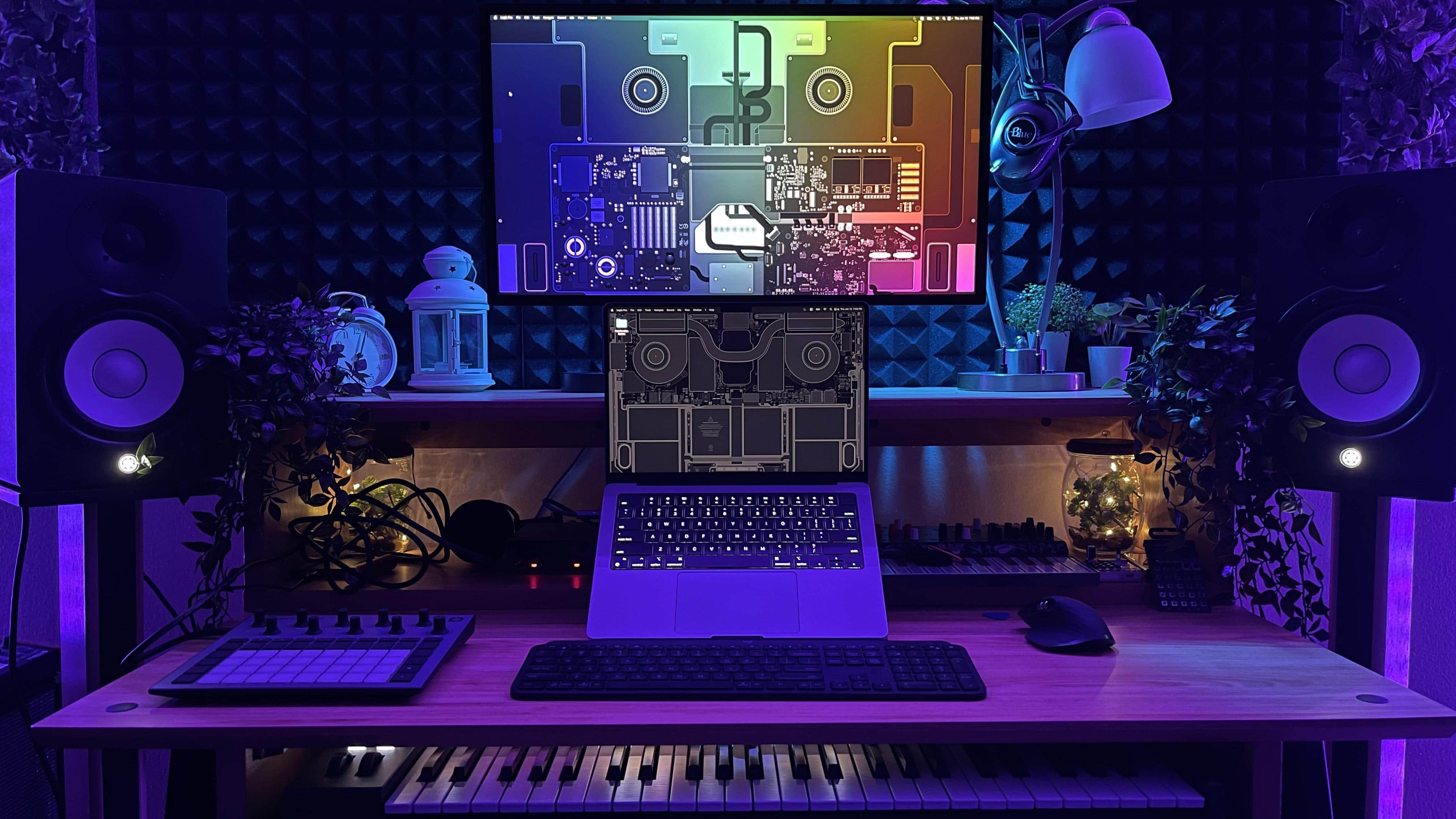
The desktop wallpaper by Basic Apple Guy really does a lot for this setup's visual effect. Photo: [email protected]
Somewhere along the line, Cult of Mac‘s Setups archive became a catalog of the content-creator condition. The gear tells the story: microphones on boom arms, audio interfaces bridging analog warmth and digital precision, Elgato Stream Decks converting complex workflows to a single keypress, key lights washing faces in flattering warmth for video calls and YouTube recordings, and AI-powered webcams that track subjects and adjust framing automatically. Here are the best Mac setups for streamers and content creators from the past few years.
WWDC26 kicks off June 8, 2026. Photo: Arne Müseler/Wikimedia Commons/Apple
How can you watch the Apple event at WWDC26? You can stream the keynote on YouTube, on the apple.com website or on your smart TV. It starts at 10 a.m. Pacific time on Monday, June 8.
Each spring at its Worldwide Developers Conference, Apple unveils all the software updates that will ship later in the year — typically in September. Apple will show us what the headlining new features will be in iOS, iPadOS, macOS, watchOS, tvOS and visionOS 27.
May 24, 2013: Apple begins phasing out the option to download movie trailers from its once enormously popular iTunes Movie Trailers website.
The move signals a major change in the way people consume digital content as the internet evolves. Downloads will continue to decline, as streaming services like YouTube and Netflix gain steam.
Your YouTube viewing experience is about to get a lot better. Photo: YouTube
YouTube is making picture-in-picture (PiP) available to all users worldwide for free. This will enable you to watch a YouTube video in a PiP window while using other apps on your iPhone or iPad.
For non-Premium YouTube users, PiP will only work on non-music and long-form videos.
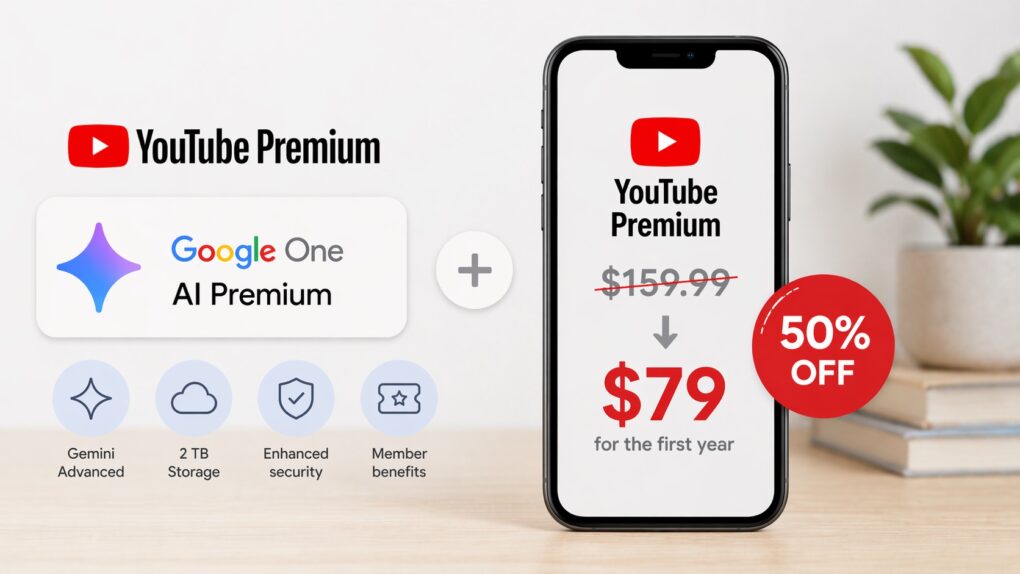
Save 50$ on YouTube Premium with AI Premium AI image: ChatGPT
Google will give a 50% discount on YouTube Premium if you already pay or upgrade to its AI Premium plan. This brings the price down from $159.99 to $79.99 for the first year.
The offer applies to both existing and new Google subscribers.
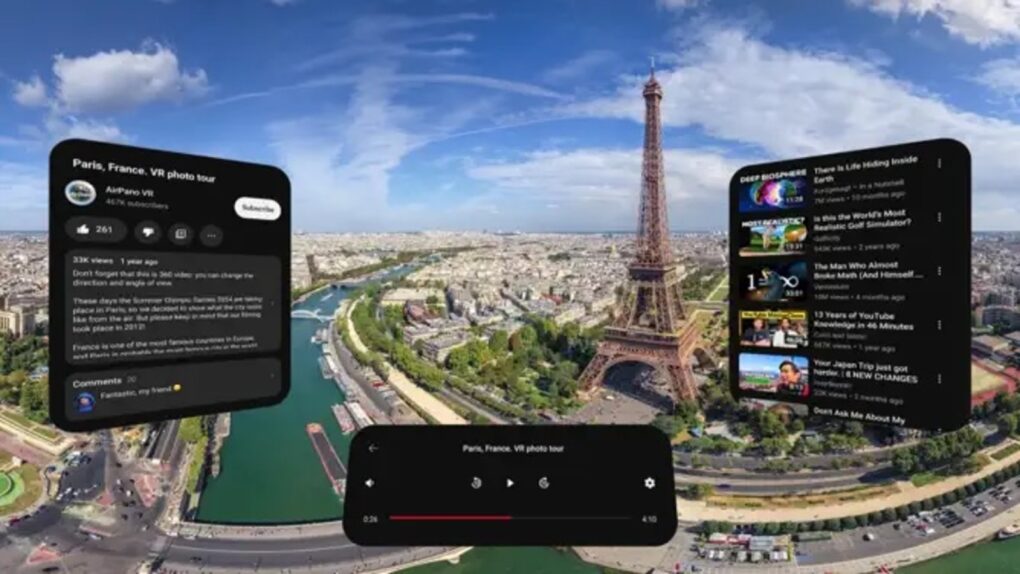
Vision Pro headset owners can finally watch YouTube content on an official app from Google. Photo: App Store
After two long years of waiting, Apple Vision Pro owners can finally watch YouTube the way it was meant to be experienced on a spatial computing headset. Google launched its official YouTube app for visionOS on Thursday, ending one of the most conspicuous app absences on Apple’s $3,499 mixed-reality device.
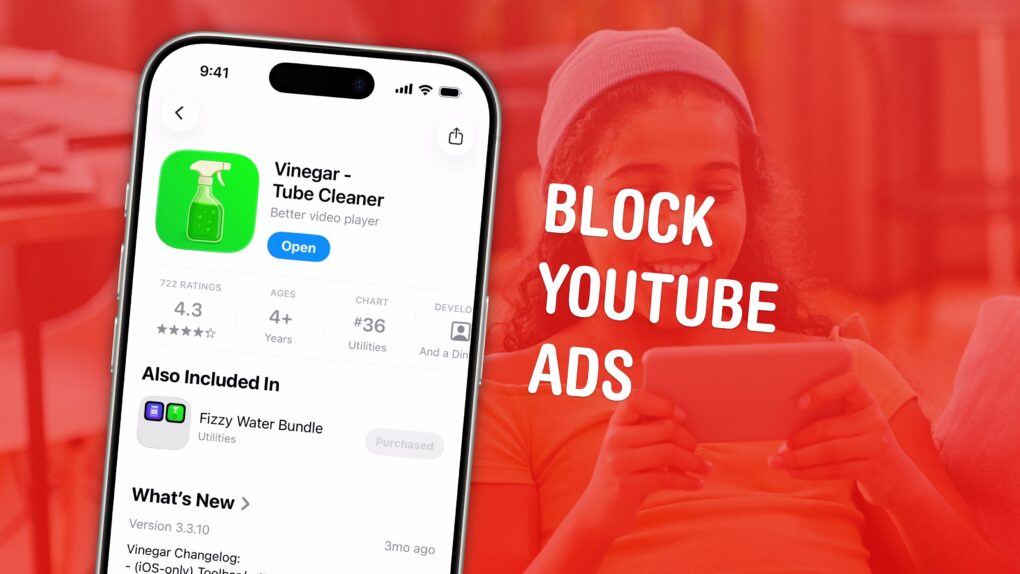
No ads. Picture-in-picture. Background play. All in one extension. Perfect, no notes. Image: D. Griffin Jones/Cult of Mac
If you love YouTube but hate YouTube ads, Vinegar is the best Safari extension you can download. It can block YouTube ads on your iPhone and Mac and restores many native system features like playing videos in the background, picture-in-picture, and more.
YouTube ads are freaking insufferable. But if you don’t want to plunk down the dough for YouTube Premium (currently $13.99 per month), you can pay a one-time fee of just $1.99 to buy Vinegar and block YouTube ads on all your Apple devices.
Makes converting video files to audio easy with the 4K YouTube to MP3 app for Mac, Windows and Ubuntu. Image: 4K YouTube to MP3
Need to convert YouTube videos to MP3 files easily, so you can transform your favorite streaming content into high-quality audio files that are a breeze to store and play? One simple way is to download and use 4K YouTube to MP3, a powerful Mac app designed specifically for audio extraction.
This specialized converter focuses on delivering crystal-clear audio files from YouTube videos, podcasts, music and other content across popular platforms including Facebook, SoundCloud and Twitch.
YouTube videos looking worse? You are not alone. Photo: YouTube
YouTube videos appearing blurry or excessively buffering on your iPhone? Videos streaming on 144p or 360p resolution despite being on a fast Wi-Fi connection?
You’re not alone in facing these problems. Don’t point fingers at your ISP either — the issue stems from YouTube’s end.
YouTube Premium Lite is a cheaper alternative to YouTube Premium. Logo/Text: YouTube/Rajesh Pandey/CultOfMac
YouTube introduced a new, cheaper paid tier in the US called YouTube Lite. While the “Lite” plan is light on perks, it also carries a lower monthly subscription fee of $7.99 per month.
YouTube Premium Lite retains the biggest advantage of paying for YouTube: an ad-free viewing experience. Well, almost.
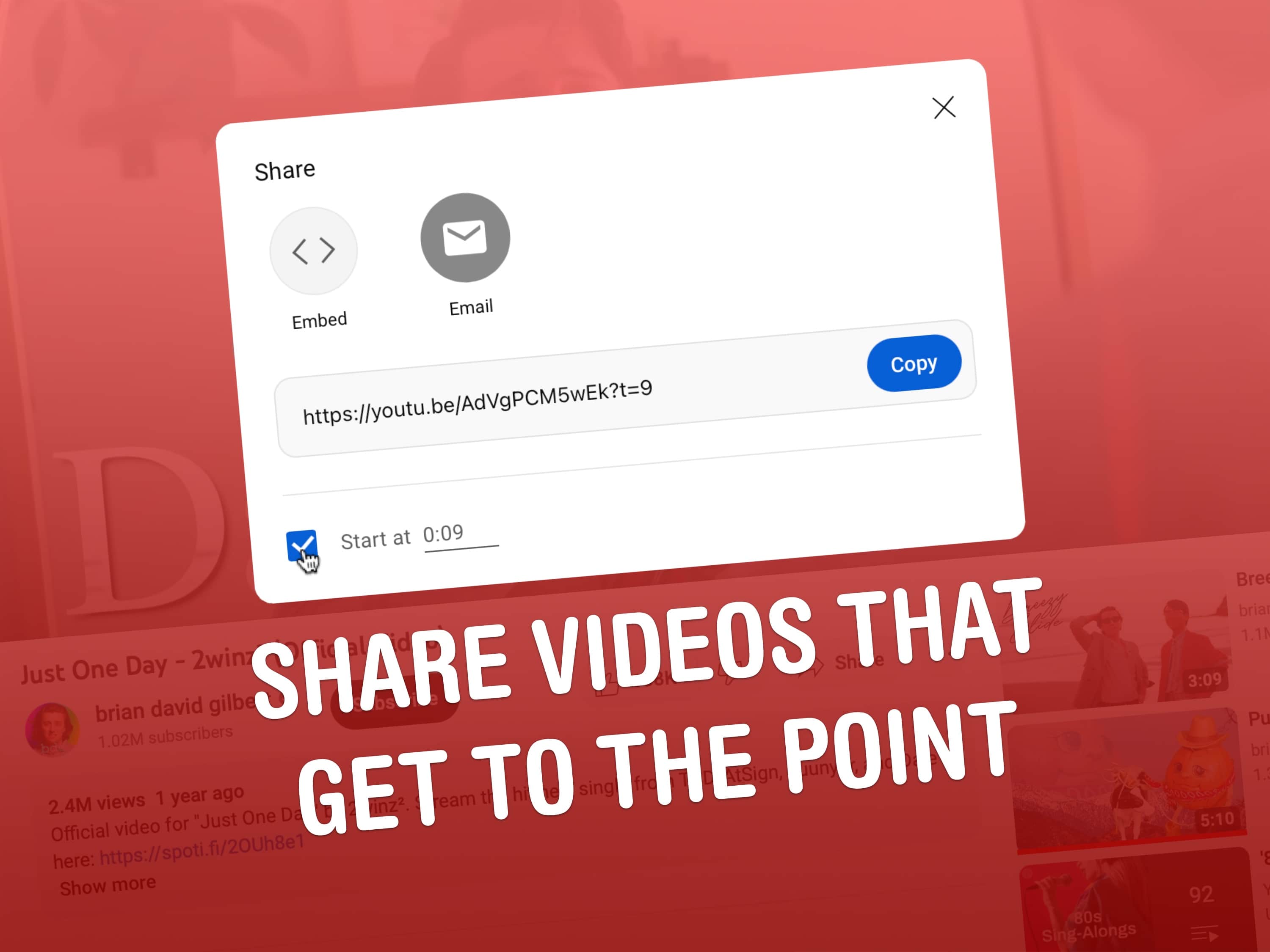
Copy a link to a YouTube video that starts partway through and save everyone some time. Image: D. Griffin Jones/Cult of Mac
Say you want to send someone a YouTube link with a timestamp, to show them a specific part halfway through. Doing this is really easy from both the YouTube website or the app.
Let me show you how to share a YouTube video that starts at a specific time.
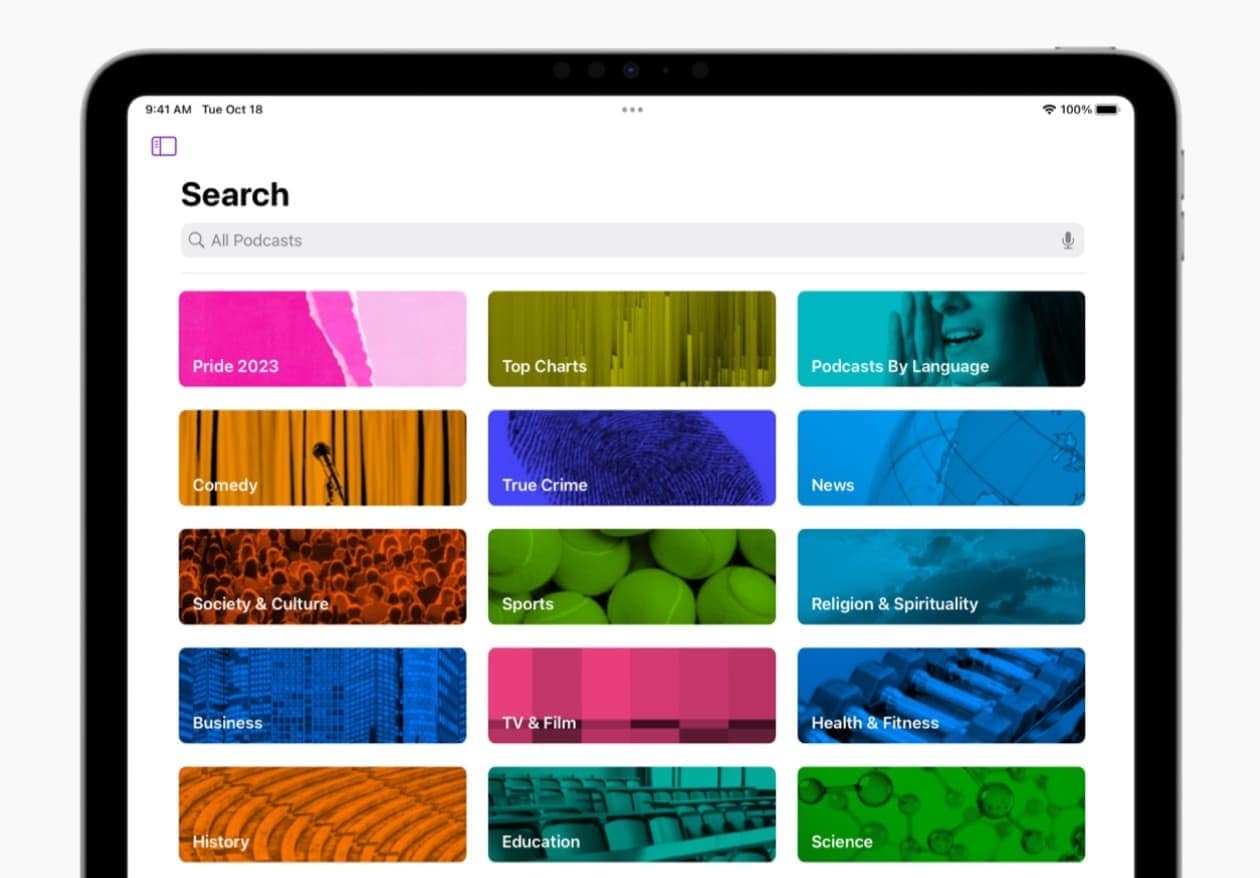
More people are finding and enjoying podcasts on YouTube and Spotify these days. Photo: Apple
In a significant shift in the podcasting landscape, YouTube has emerged as the leading platform for podcast consumption in the United States, surpassing long-time market leader Apple Podcasts and streaming giant Spotify, which is now in second place, according to recent studies. Meanwhile, former leader Apple Podcast loses market share, falling to third place. And that marks a turning point in how Americans access and consume podcast content.
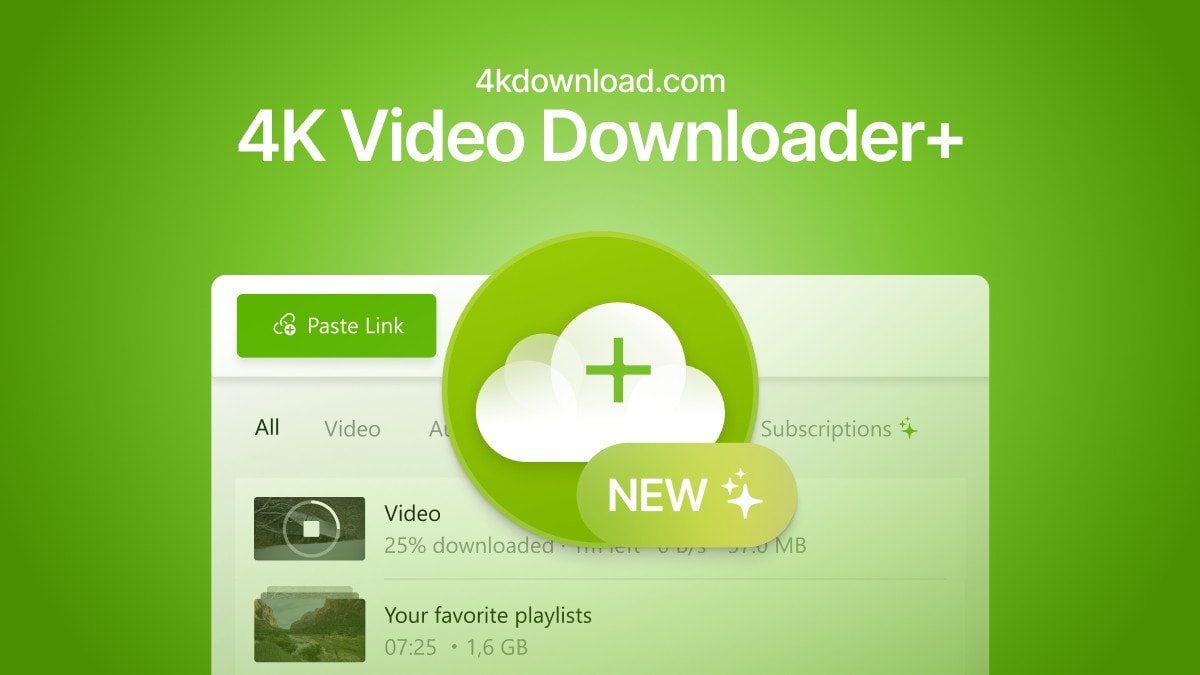
Finally, there's an easy way to convert videos and audio from all the popular platforms. Image: Open Media
The easiest way to convert a YouTube video to an MP4 for free is with an app called 4K Video Downloader for Mac and PC. This tool gives you all kinds of options for converting video and audio from YouTube, TikTok, Facebook, Soundcloud, Twitch and more.
If you want to save videos or podcasts to your computer to include in a video of your own, this app is the easiest way to download the highest-quality original.
It has other uses, too. If you’re going on a flight, or if you simply have a slow internet connection, you can use it to download what you want to watch in advance. If you’re privacy-conscious but you still want to watch a TikTok sent to you by a friend, you can download the clip without visiting the website.
Now Apple's Shazam functionality can identify songs even when you wear headphones. Photo: Apple
Shazam, Apple’s popular app that can name any song in seconds, added a cool new feature Thursday in version 17.3 — it now works even when you wear headphones.
And that’s true for music playing around you or within apps like Instagram, TikTok and YouTube, Apple said.
A federal judge blocked federal government contact with social media sites. Photo: Cult of Mac Deals
A federal judge in Louisiana issued a broad injunction Tuesday limiting federal government contact with social media sites over what the Biden administration may see as disinformation spreading out of control.
The ruling is one of many upcoming that frame a fight over the constitutionality of curbing social media’s influence in light of the First Amendment’s right to freedom of expression.
Learn to create viral YouTube videos with this $49 master class bundle. Photo: Cult of Mac Deals
Social media channels come and go, but there’s a reason YouTube has not only endured but thrived. Animators, comedians, athletes, singers and teachers can all find an audience on this free-form video platform — but that doesn’t mean all of them will. Making a viral video and, ultimately, a successful YouTube channel, is equal parts art and science, and the 2023 All-in-One YouTube Masterclass Bundle can teach you both.
Even better, this educational bundle is now only $48.99 (regularly $2,400). It’s never been more affordable to learn the tips and tricks of seasoned YouTubers to get a head start on your own goals on the platform.
Google is adding a collection of new features and enhancements for YouTube Premium. Photo: Cult of Mac Deals
YouTube will soon get support for SharePlay, as well as videos with higher bitrates. And queuing up videos and jumping between devices will get easier, too.
The enhancements are part of Google efforts to get more subscribers for YouTube Premium.
Apple TV+ said you can ask this guy questions on Thursday. No, seriously. Photo: Apple TV+
Jon Stewart, longtime host of The Daily Show and current host of The Problem with Jon Stewart on Apple TV+ — and to many folks a sort of comedic conscience of the nation — will take your calls on Thursday, February 23.
That’s the same day the streaming service said six new episodes of Stewart’s show would air weekly starting Friday, March 3.
Meanwhile, he’s doing a livestream on the The Problem‘s YouTube channel at 9 p.m. ET / 6 p.m. PT. “He’ll be taking your calls,” the show tweeted.
Become a successful YouTube creator with this top-rated master class. Photo: Cult of Mac Deals
Creating a successful YouTube channel is no small feat, but it’s one of the best things you can do for yourself and your business. Always wanted to start but haven’t made the move? Now’s the time to follow a tried-and-tested strategy and finally make it happen with this YouTube course bundle.
You can grab it on sale today for just $48.96. And with 12 informative courses included, that works out to just $4 a course.
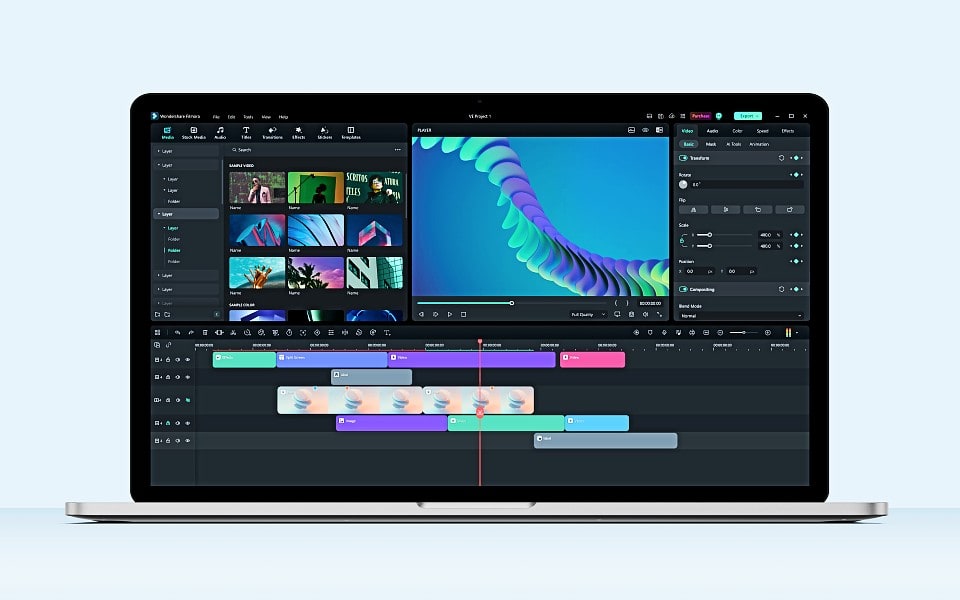
Wondershare Filmora 12 is fun and easy to use for video editing. Image: Wondershare
If you create content for YouTube and TikTok, you know the quality of your video is key to getting your work noticed. But not just anyone can make great videos — unless they have the right tools. One of the best tools you can use to easily put your creativity to work making videos quickly is Wondershare Filmora.
What makes it great? Anyone at any skill level can use Filmora to import and edit video, add special effects and transitions, and share the finished product. And the new version of the software, Filmora 12, adds more than a dozen great new features.
Finding the exact moment in a YouTube video you're looking for is a lot easier with Precise Seek. Screenshot: Google
Google upgraded the iOS YouTube application with a number of enhancements, including pinch to zoom in videos and a new way of showing thumbnails while rewinding will make it easier to find an exact location.
There are other changes too, and some of the enhancements are coming to the desktop version.
Time to pay more to watch ad-free videos on YouTube. Photo: YouTube
Google is raising YouTube Premium’s Family plan pricing in the US, Canada, and several other parts of the world. In the US, the YouTube Premium family plan will now cost $22.99 per month, up from $17.99.
YouTube’s Premium plan for families is getting a similar price hike in Canada, with the rate increasing from CA$17.99 to CA$22.99. The higher subscription prices will go into effect from November 21.


 May 24, 2013: Apple begins phasing out the option to download movie trailers from its once enormously popular iTunes Movie Trailers website.