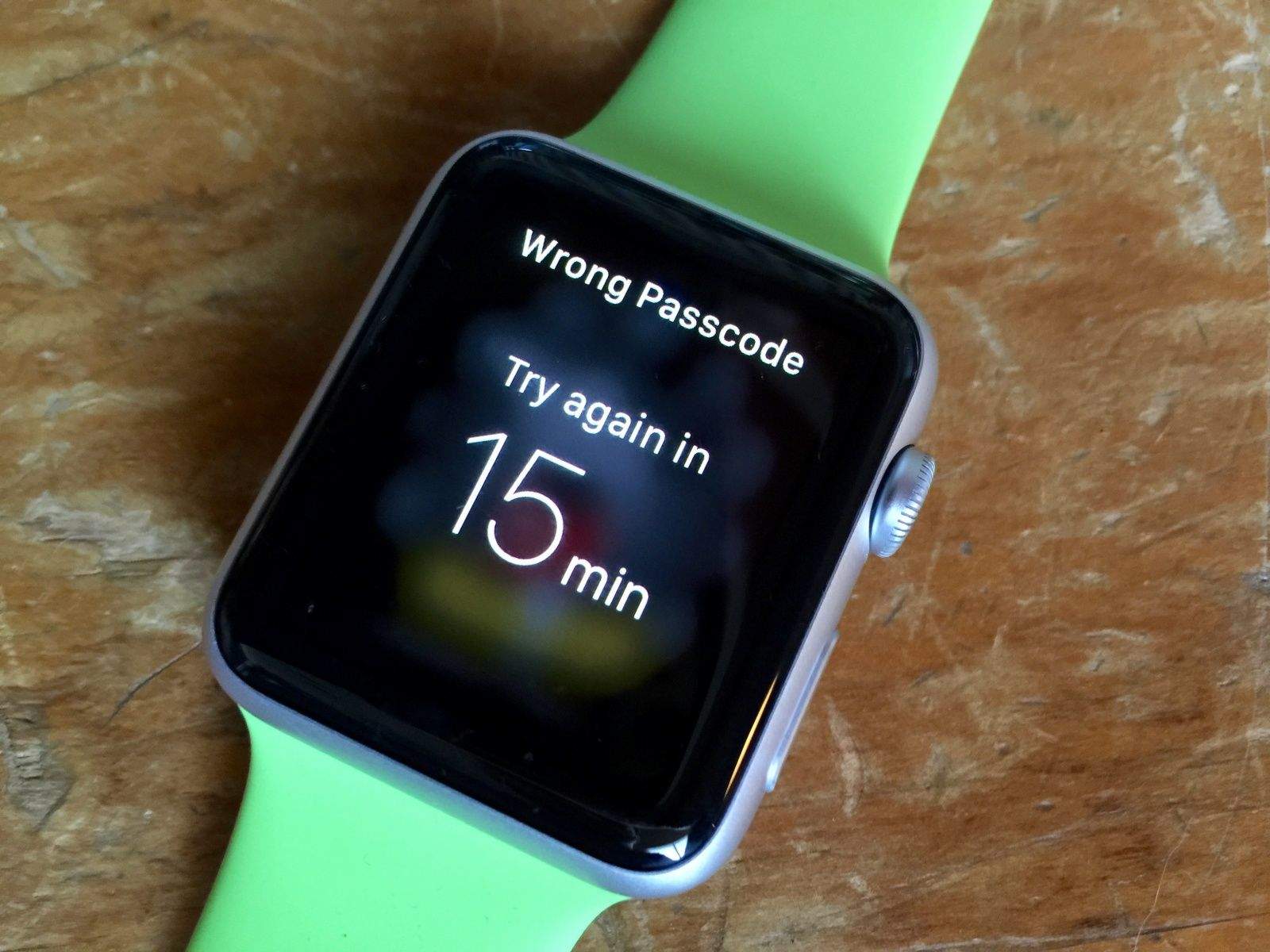
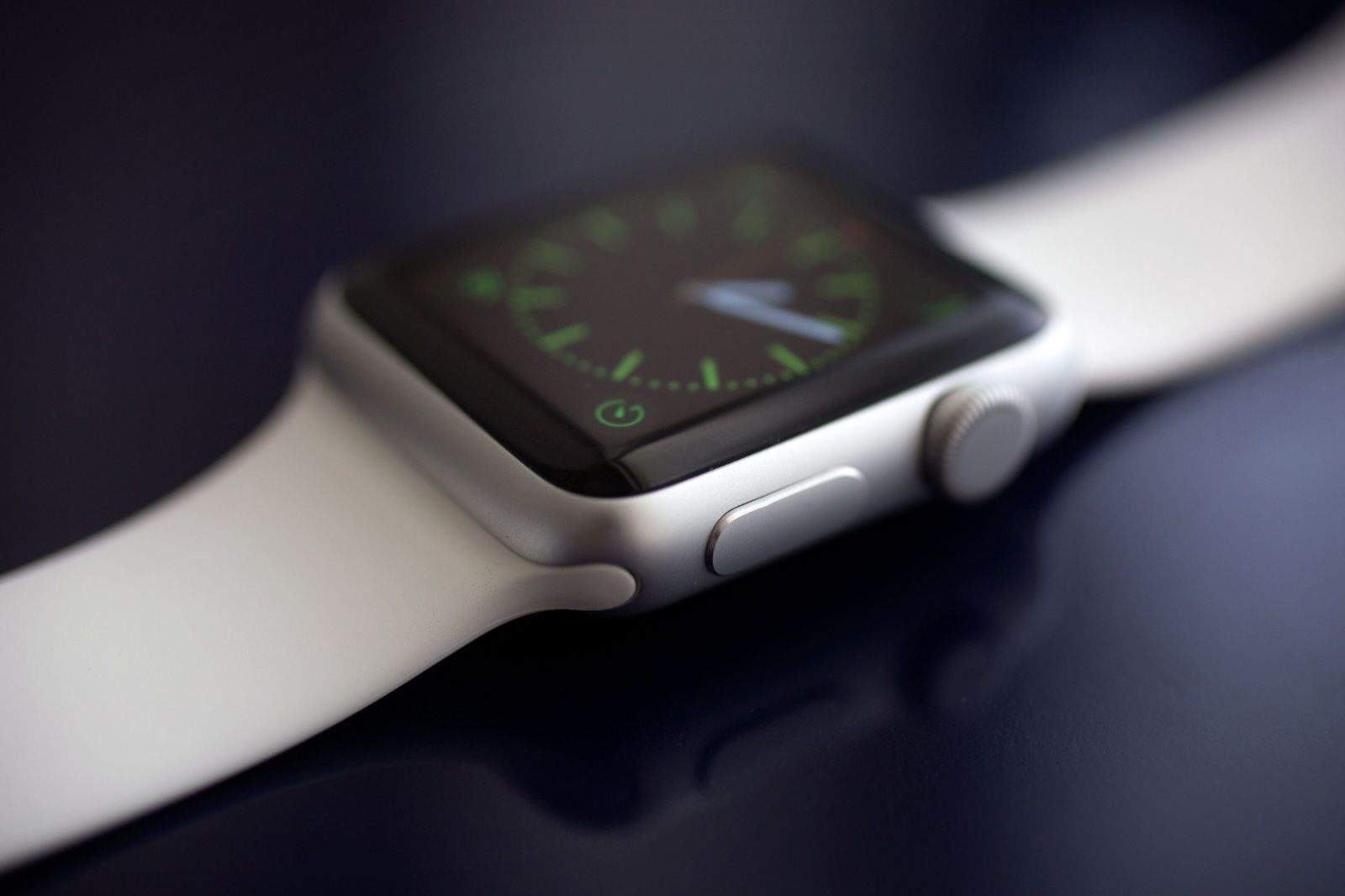
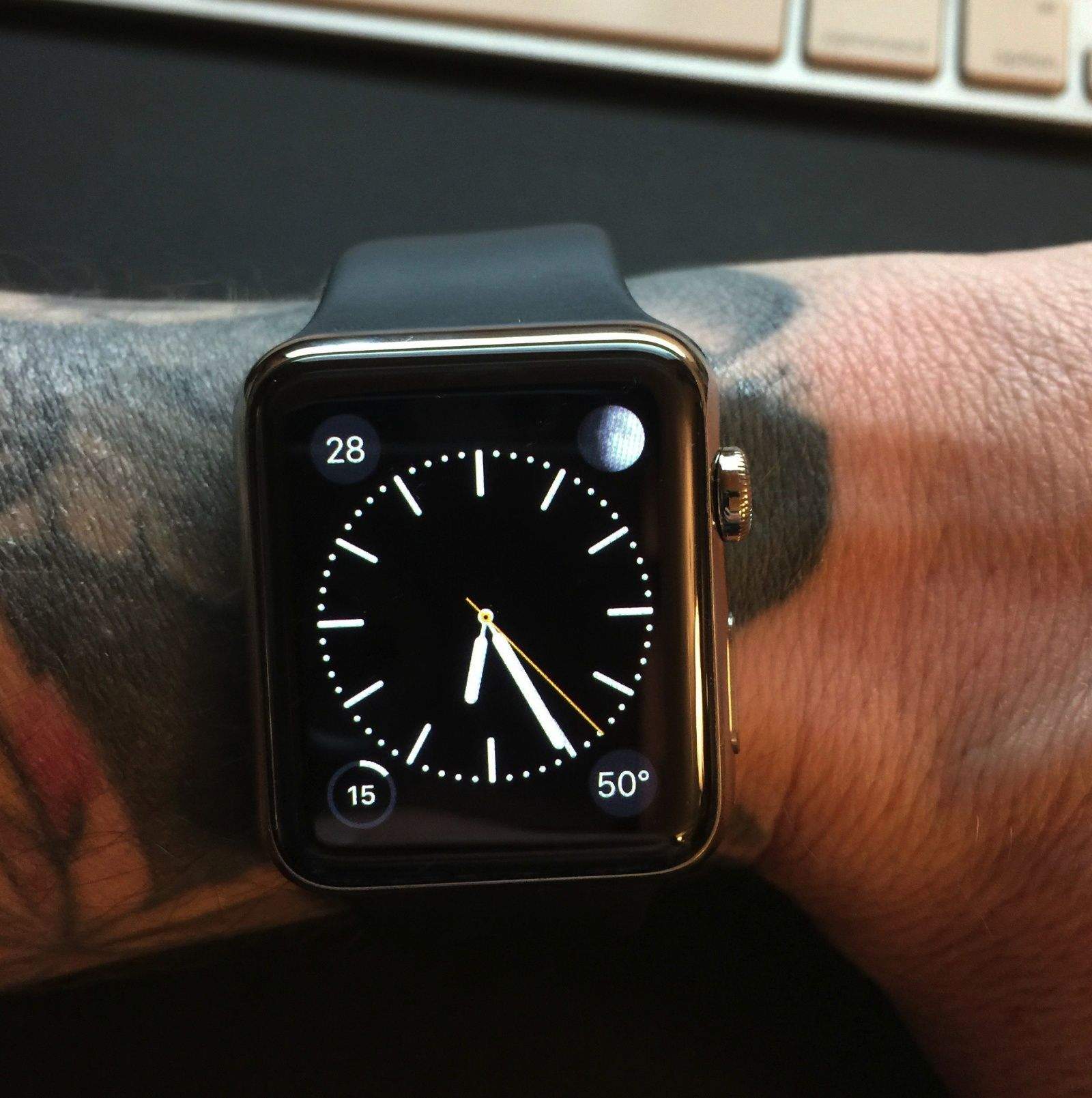
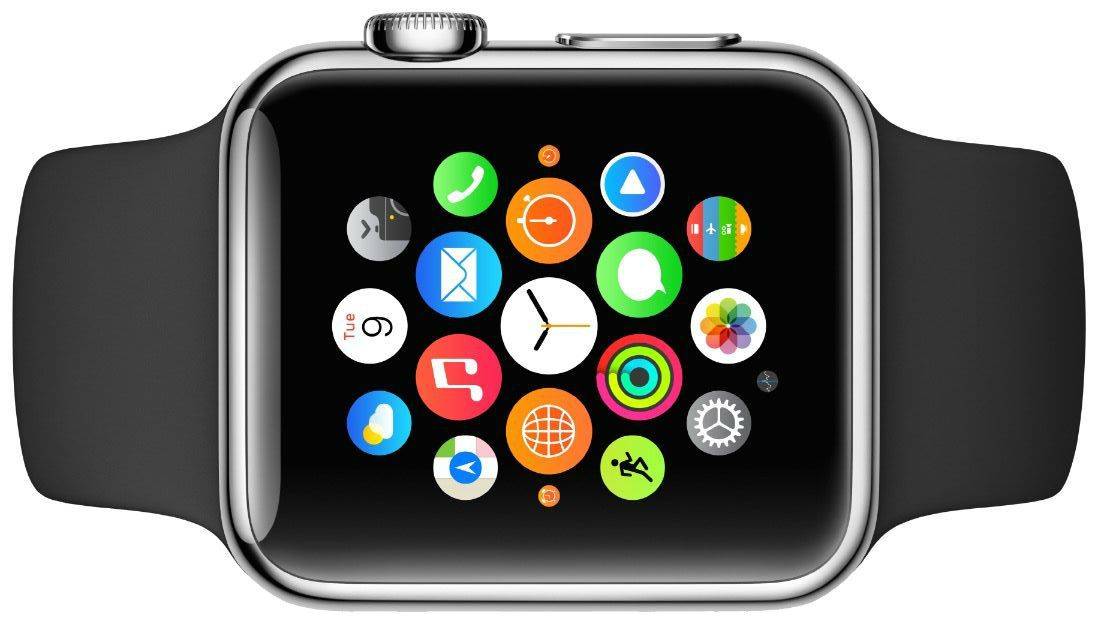
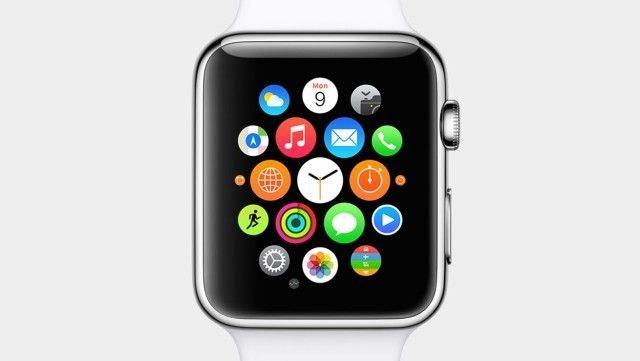
Too many incorrect passcode attempts. Photo: Rob LeFebvre/Cult of Mac
If you forget your passcode on Apple Watch, or you’ve entered an incorrect one too many times, you can use the Apple Watch app on the iPhone to enter the passcode one more time. If you still can’t quite remember it, though, you’ll need to erase and restore the erased Apple Watch. This sets it back to factory default settings, and takes all the content off of it.
So how do you get all your stuff back onto the Apple Watch?
The ST2 electric bike from Stromer will put a big smile on your face. Photo: Jim Merithew/Cult of Mac Photo:
Oh. My. Gosh. The Stromer ST2 electric bike is so much fun, it should not be street legal.
Two weeks ago I had zero interest in electric bikes. I’ve ridden traditional bicycles my entire life and I love them. The very idea of an electric bike was repellent — even in a hilly city like San Francisco. Hills and exercise are the entire point.
Then I test-rode the Stromer ST2.
Three seconds in, I’m laughing like a madman as the ST2 takes off like a rocket. I spend the next 30 minutes flying up and over the hill where I live, laughing like a loon and having the time of my life.
Now I’m a convert. The ST2 is the best electric bike on the market. It performs like a champ, has a ton of high-tech features (including an iOS app), and actually looks cool and not ridiculous.
Learning the user interface can take some time, and then there are all the subtle tricks. Photo: Jim Merithew/Cult of Mac Photo: Jim Merithew/Cult of Mac
So, you just got your shiny new Apple Watch and you’ve doubled down on learning how to use its all-new interface. That should keep you busy for a while.
There are still a few things that you might not know about it, however, especially these not-so-obvious tips and tricks for Apple Watch we’re going to share with you right now.
USB-C: The one connector to rule them all. Photo: Apple
Apple still hasn’t owned up to inventing USB-C, the brand new connector featured on its 12-inch MacBook — but Apple patents have all but tied the technology to Cupertino. The latest describes how a do-it-all connector that fits USB-C’s description is going to make every other port you’re using obsolete.
Yep, a 12.9-inch tablet is pretty much a monster. Photo: Unbox Therapy
Using cases reportedly created for Apple’s rumored plus-size iPad Pro, Lewis Hilsenteger of Unbox Therapy has put together a new video showing off just how massive the next-generation iPad might be.
At 12.9 inches, it’s definitely a significant step up from the current iPad Air 2 — but would it be enough to turn around Apple’s declining iPad business? Check out the video below.
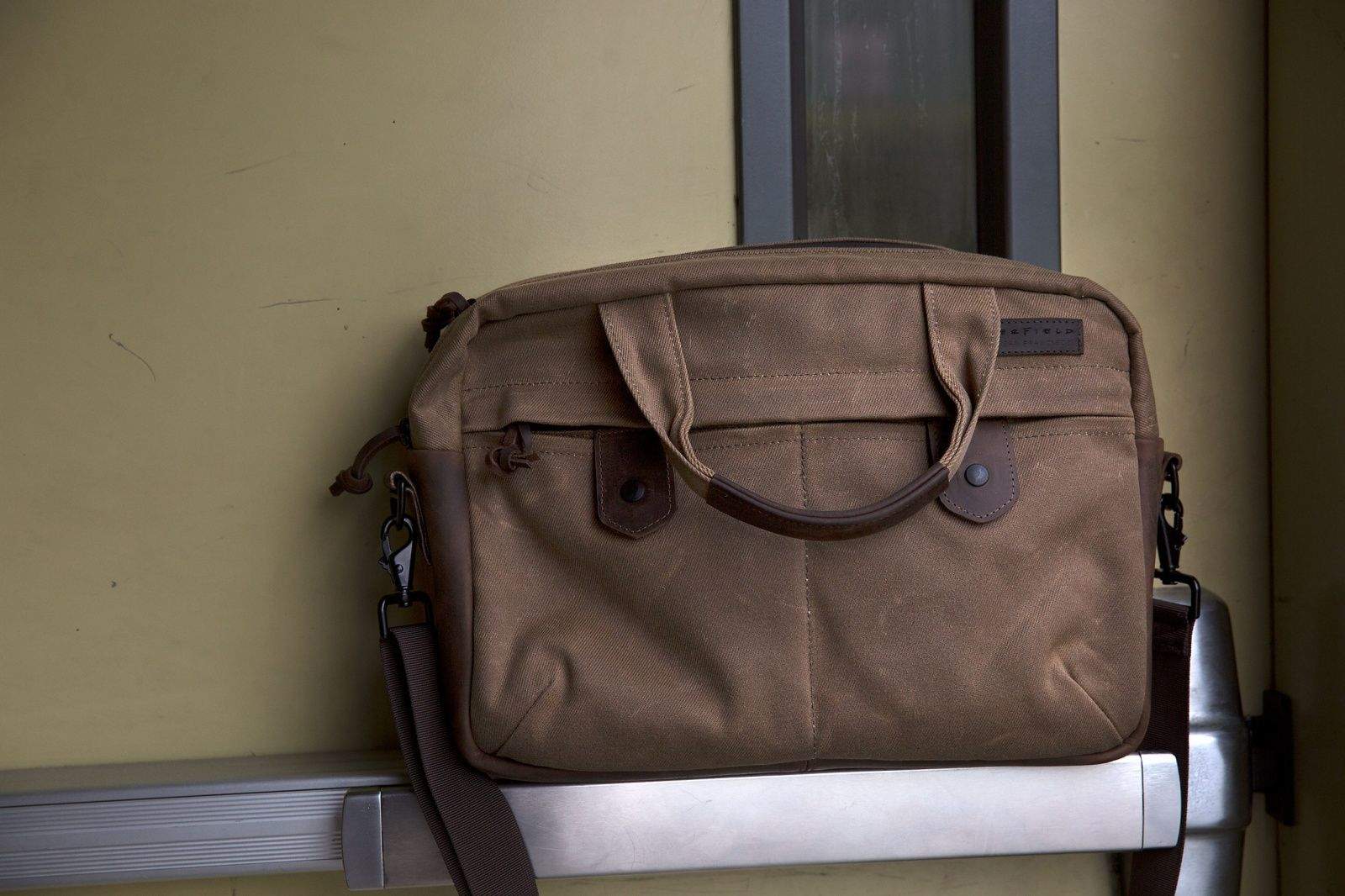
WaterField Designs' Bolt briefcase is not for hoarders who want to carry every infernal gadget with them everywhere they go. Like the impossibly thin new MacBook, it's stripped down to the essentials — and the essentials are stylish, sturdy and compelling.
The $249 Bolt will surprise you with its slimness. It comes in two sizes — the small one I tested holds up to a 13-inch MacBook Air (the larger model holds up to a 17-inch laptop). After sliding in an 11-inch Air, an iPad and an envelope full of documents, the Bolt was fairly full; there was barely room to toss in a pair of headphones.
But that's the point of the Bolt. It's designed for carting around your must-have gear in a sleek, pleasing package. The brown waxed canvas bag looked good out of the gate (and even better after a few trips gave it more character). The chocolate leather accents, including a thick bottom that's perfect for keeping grime at bay, seem like they will only look better over time.
The craftsmanship employed by the San Francisco bag maker is evident from the first zip of the Bolt's hefty, waterproof zipper or the first flip of the "snaps" that close the front pockets. (They're not really snaps: They look like snaps, but in reality they're magnets that effectively hold the pockets shut but are 1,000 times easier to work than your typical closure.)
A leather-faced pad on the removable shoulder strap boasts a grippy, rubberized back that keeps the Bolt from sliding around. And speaking of not sliding around, the simple pass-through on the back of the Bolt is perfect for sliding the petite bag over the handle of a piece of carry-on luggage.
If you go from a backpack to a Bolt, you will undoubtedly miss all that extra space for cramming in jackets, water bottles and half-eaten sandwiches. But, like a decluttered house, the Bolt's wonderful minimalism will grow on you. — Lewis Wallace
Richard Ryan is a YouTube sensation famous for putting tech gadgets, especially Apple products, through outrageous torture tests. Photo: FullMag/YouTube
Richard Ryan is friendly and easy-going — even when he’s behind a 50-caliber rifle, violently shredding an iPhone, iPad or, this week, the new Apple Watch.
Every neighborhood had that one kid who liked to build a model only to blow it up. Ryan, 33, is that kid, except with more firepower and a slow-motion camera. He delights in “blowouts,” meaning when a round completely shatters a device, and likes to admire the “peel back,” the path a bullet travels through a device’s metal casing.
“Very little, if any, practical knowledge comes out of this,” Ryan told Cult of Mac before shooting an episode where he tested the Apple Watch while skydiving in a wingsuit. “It goes back to that kid smashing that thing he just bought as soon as he gets outside the store. Yes, there is a cringeworthy feeling you get watching that device you and I both want get destroyed. But there is a visual payoff with the slow-mo. It’s entertainment.”
Britain's last mobile cinema, one of seven buses built by the government in the 1960s to promote modern manufacturing, is for sale on eBay. Photo: Jane Sanders
Mobile cinema today is a Netflix movie streamed on your smartphone. But movie history is full of fearless and devoted projectionists traveling to bring moving pictures to remote communities.
A piece of that history, an actual mobile cinema on wheels, is now for sale in Great Britain.
A fleet of seven government buses toured the country during the 1960s, bringing industrial films to companies to promote efficiency and modern production techniques. One survived the scrap heap, was restored and is now on eBay for about $184,000.
The Apple Watch keeps surprising us. Photo: Jim Merithew/Cult of Mac Photo: Jim Merithew/Cult of Mac
Far from being a superfluous device strictly for hard-core Apple fans, the Apple Watch is a surprisingly delightful and useful device.
Now that we’ve spent enough time with the latest gadget from the mothership, we’re noticing quite a few sweet little positives (and a couple negatives) about Apple Watch.
Bottom line: The more you use this thing, the better it is.
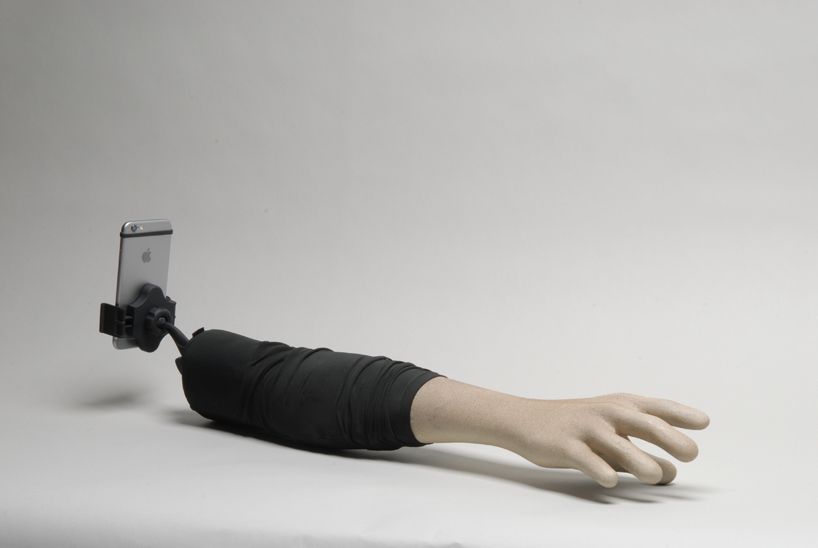
Why make fun of selfie-takers? They're not 'arm-ing anyone. Photo: Aric Snee and Justin Crowe
Most of us can agree that selfie sticks are pretty much the bane of humanity, right? Heck, even Apple agrees: Cupertino already threw down a decree from on high that selfie sticks are not welcome at this year’s Worldwide Developers Conference.
But while I admit to thinking the selfie stick pretty much represented the nadir of civilization and the beginning of the end for humanity, I spoke too soon.
It’s nothing compared to this monstrosity: the Selfie Arm.
The band stops here. Photo: Jim Merithew/Cult of Mac
When I found out I’d be able to change out the band on my Apple Watch Sport, I was ecstatic. While I really don’t mind the green fluoroelastomer band, I’m looking forward to swapping it out for something a little less Swatch and a bit more Gap casual.
Changing the band is a pretty simple affair, but if you haven’t had the chance to put one on your wrist yet, it’s a bit hard to tell just how to do so.
Don't worry -- we'll resolve all this next week. Photo: Capcom
You don’t always have to sit down to an epic, 100-hour slog to get your gaming in. Developers are delivering plenty of great bite-size, episodic games that (usually) release one part at a time.
If you’re looking for something you can play in installments, here are four great places to start. These games are all fully released, so you won’t have to wait for the next episode if you can’t stand the suspense. This is great if you’re like me; I watched all of Breaking Bad in a week once it was all up on Netflix. That’s just how I roll.
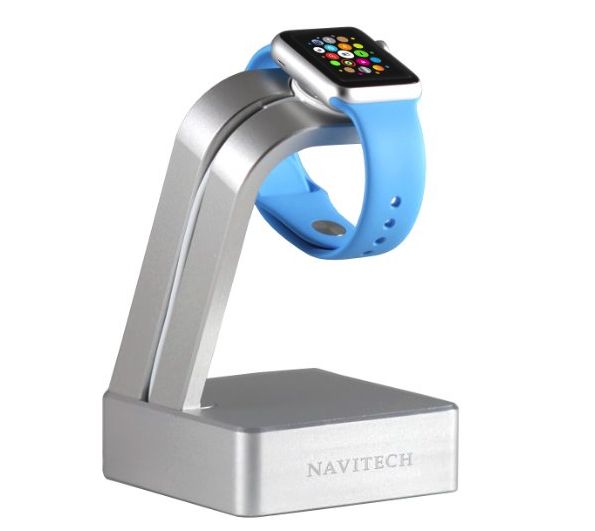
The Apple Watch is such a stunningly gorgeous piece of engineering that throwing it down on your nightstand at the end of a hard day — as if it were a common-as-dirt Android Wear device — is borderline insulting.
What you need is an equally attractive charging stand to proudly display your new wearable as it’s refreshed for the following day.
But which one to choose? Follow Cult of Mac’s suggestions and you’ll be keeping your Watch battery fully-juiced in style.
Apple Watch is going to be a big, fat mainstream hit. Photo: Jim Merithew/Cult of Mac Photo:
Most early reviews of the Apple Watch didn’t do it justice. It’s fine, they said, but not for everybody.
Come on! COME ON!!!!
The Apple Watch is the most exciting gadget for years. Its ambition is huge. It does a ton of stuff. It’s not some silly smartwatch — it’s a computer for your wrist. And I’m loving it.
Yeah, it has its quirks, and it’s far from perfect, but it’s a great vision, and it’s only going to get better!
It’s a ton of fun, and it works great — except when it doesn’t.
Using an Apple Watch with a tattoo gives some users a (s)inking feeling. Photo: guinne55fan
More Apple Watch owners with wrist tattoos are reporting problems using the device. The light sensors that enable the Watch to determine if it’s being worn apparently get confused by tattooed skin.
The problem — let’s call it “Tattoogate” — is possibly the result of metallic pigments used for the inking process, although nobody knows for sure. While the glitch affects only a small number of users, it’s definitely mauling the buzz of some frustrated Apple Watch early adopters.
Cult of Mac reader Michael Lovell spoke with us about his disappointing experiences with the Apple Watch, and even sent in a video demonstrating the problem. Check it out below!
Apple Watch is a great early adopter device. Photo: Jim Merithew/Cult of Mac Photo:
Apple Watch is the most confounding device to come out of Cupertino since Steve Jobs unveiled the iPhone. Is is it a watch? Is it a tiny computer on your wrist? It’s both — and it’s so much more.
After four days playing with the Apple Watch, we’ve found it to be far more futuristic — and far more fun — than we could have imagined. (It’s even more impressive if you’ve tried any of the other smartwatches on the market.)
Apple Watch isn’t without its disappointments, though. If you’re still unsure whether to shackle yourself to Jony Ive’s fabulous timepiece, here’s our take on what works — and what doesn’t.
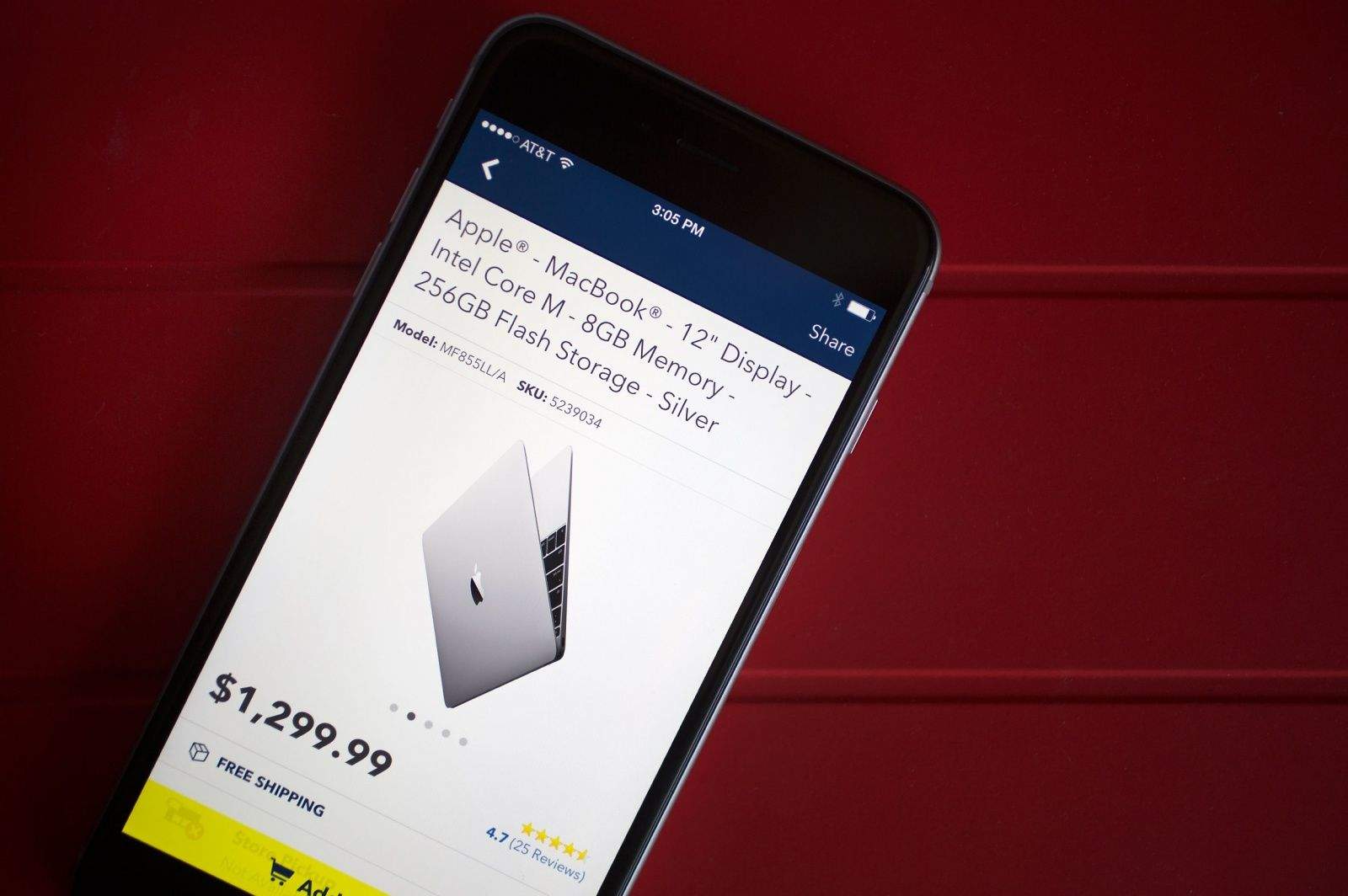
Apple Pay is coming to Best Buy. And that's just one small piece of good news from Apple's latest earnings call. Photo: Jim Merithew/Cult of Mac
The iPhone 6 is a monster hit, China is now bigger than US for iPhone sales, and Tim Cook is delighted with the world’s response to the Apple Watch. And those are just some of the key insights from today’s Apple earnings call.
Here are the top 11 takeaways about Cupertino’s blockbuster second quarter, which once again set financial records.
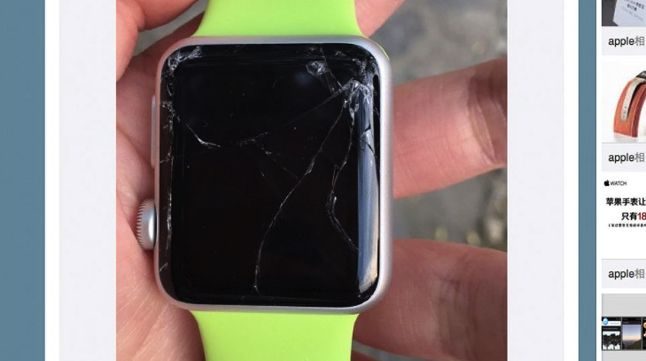
Even a broken Apple Watch is right zero times a day. Photo: Weibo
There’s an old adage about most sports car crashes happening within minutes of leaving the automobile showroom for the first time, and apparently the same is true of clumsy (or unfortunate) Apple fans enjoying their first weekend with a brand new Apple Watch on their wrist.
Almost like a badge of honor, social media already shows multiple people who managed to break their Apple Watches before most of us even got our hands on one of the devices.
Developers have some interesting ideas for what you’d want to do on your wrist. Here are some of the weirdest, goofiest and most downright bizarre Watch apps:
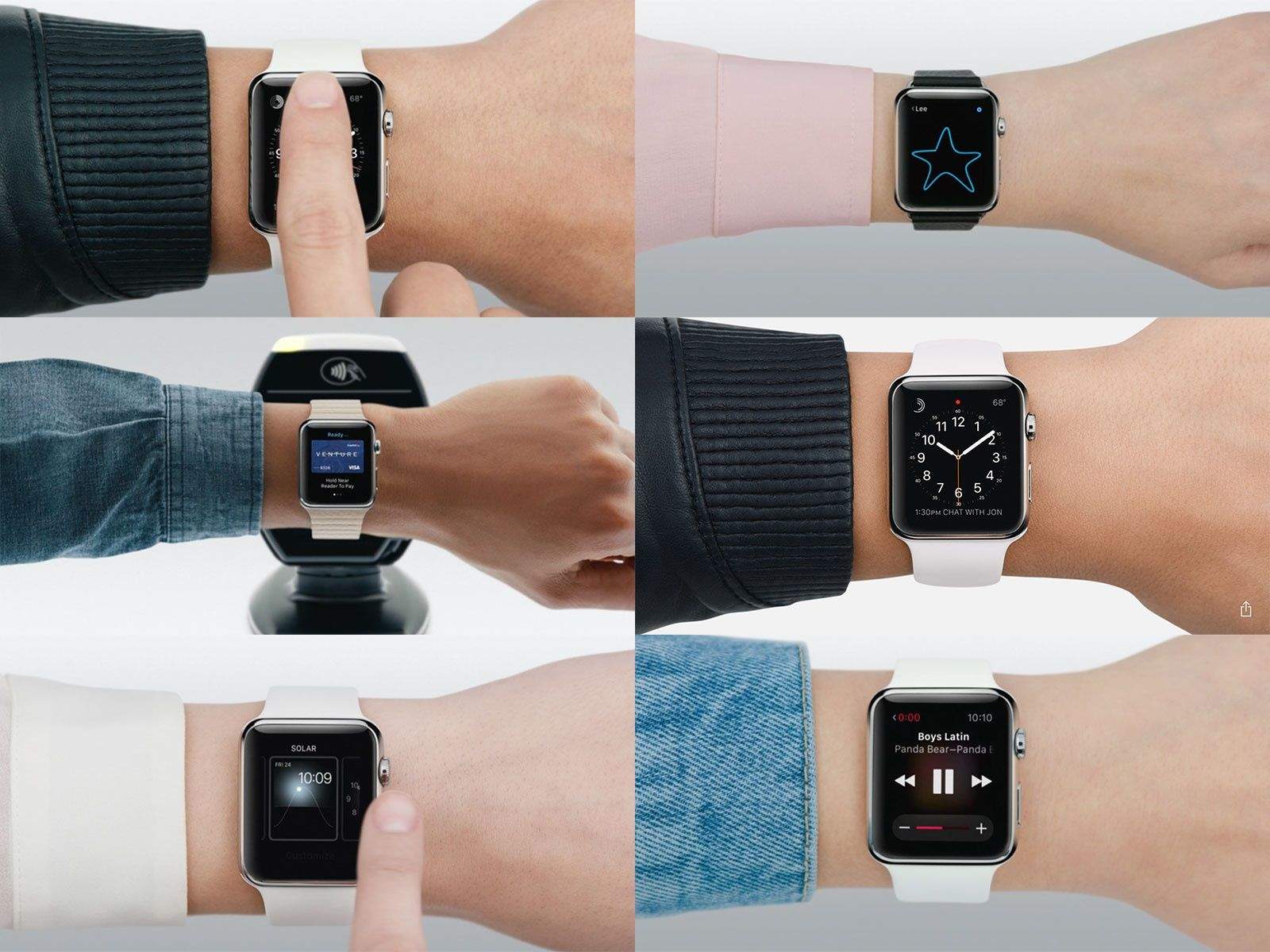
These hand models from Apple's Watch videos look like they're fresh from the cloning vat. Not a hair in sight. Photos: Apple Photo:
The weird thing about all the promotional videos for the Apple Watch is how perfect the hand models are. The people wearing the watches look like citizens from Logan’s Run: fresh and young and perfect.
What you won’t see is a parade of hairy arms.
But now that the Apple Watch is out in the wild, that’s exactly what you get on Instagram. These pictures tell the real story.
Time to find a great programmer. Photo: Graham Bower
My friends, family and even complete strangers are constantly asking me how to get their million-dollar app idea in the App Store.
This is always a shocker for me because, after countless hours of hard work over the past two years, my app is barely breaking even.
But I can offer one solid piece of advice for anybody hoping to turn a clever idea into a world-beating app: Find yourself an amazing developer and hold on tight.
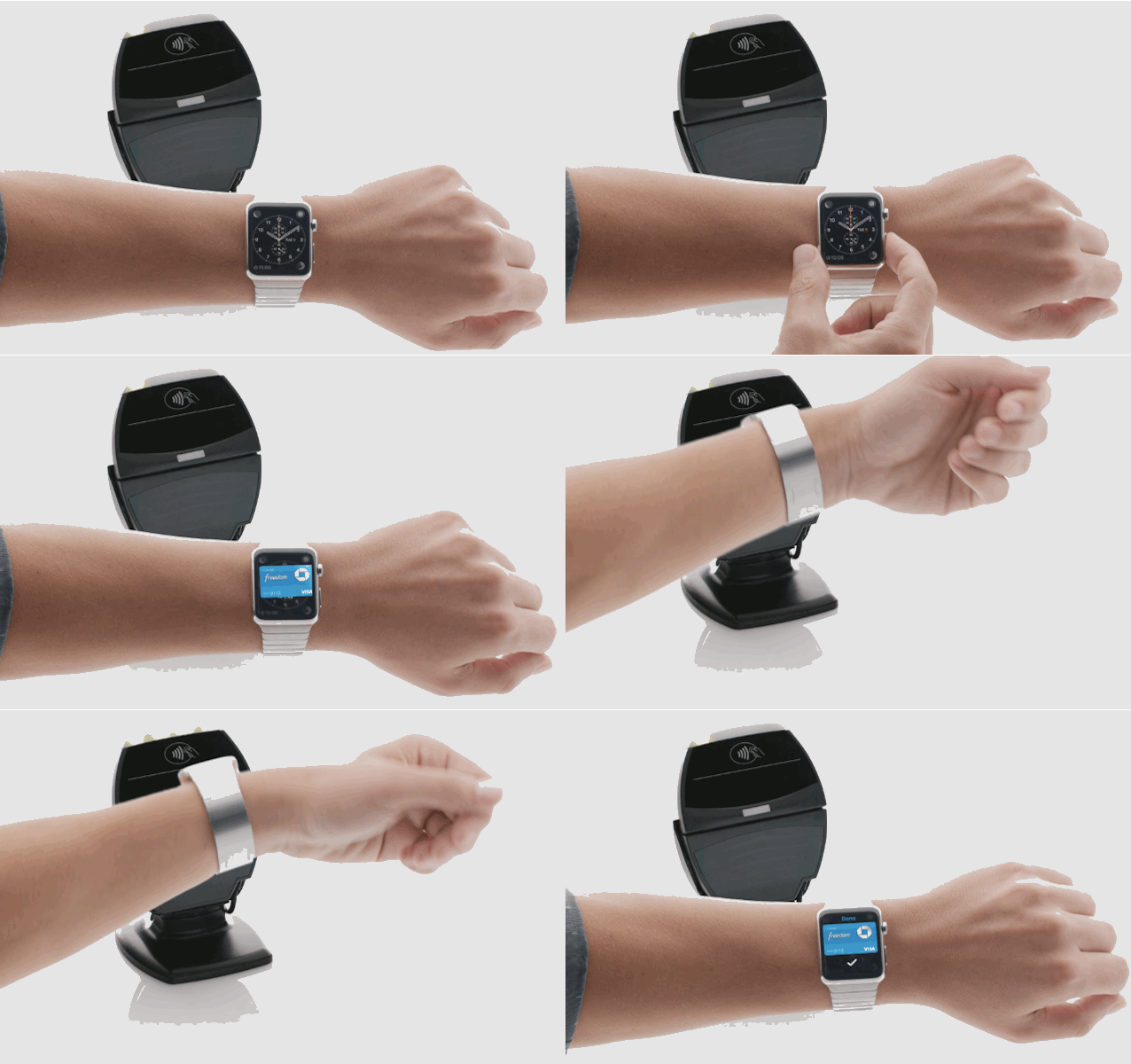
Once you get Apple Pay up and running on Apple Watch, you'll be breezing through checkout in no time. Photo: Apple
Using Apple Pay on Apple Watch is ridiculously easy. Once you get everything set up, all you have to do is double-click the side button and then hold the Watch face up to a terminal. Apple’s also made it super-easy to add new cards to your Apple Watch, or create a custom Apple Pay profile just for your wrist.
Here’s how to get started with Apple Pay on your Apple Watch
The first wave of Apple Watch are finally here just in time for Friday’s big release. The Apple Watch App Store went live yesterday with over 3,000 apps that are sure to delight users, as developers try to create the first must-have Apple Watch app.
We rounded up some of our the coolest apps that are ready for your wrist this morning, but we also couldn’t help but notice there were a lot of apps that would be awesome if they were available today.
Here are 7 killer apps Apple Watch should have, but doesn’t:
There's a trick to creating a compelling game for your wrist. Photo: Bossa Games
From James Bond’s laser Rolex to Maxwell Smart’s shoe phone, spies have always been suckers for wearable tech.
To salute secret agents’ fondness for the latest gadgets, the makers of Spy_Watch crafted their new game for the latest cutting-edge device — the Apple Watch. And, like clever spymasters, there’s a twist: They paired this super-modern smartwatch with a vintage videogame mechanic to make a compelling game suitable for a gadget the size of Dick Tracy’s famous wrist radio.
“The idea is to immerse yourself in the idea that you are a spymaster controlling a spy out on missions,” Vince Farquharson, COO of Spy_Watch developer Bossa Games, told Cult of Mac. “To make it feel like they are a real person and that this is really happening.”
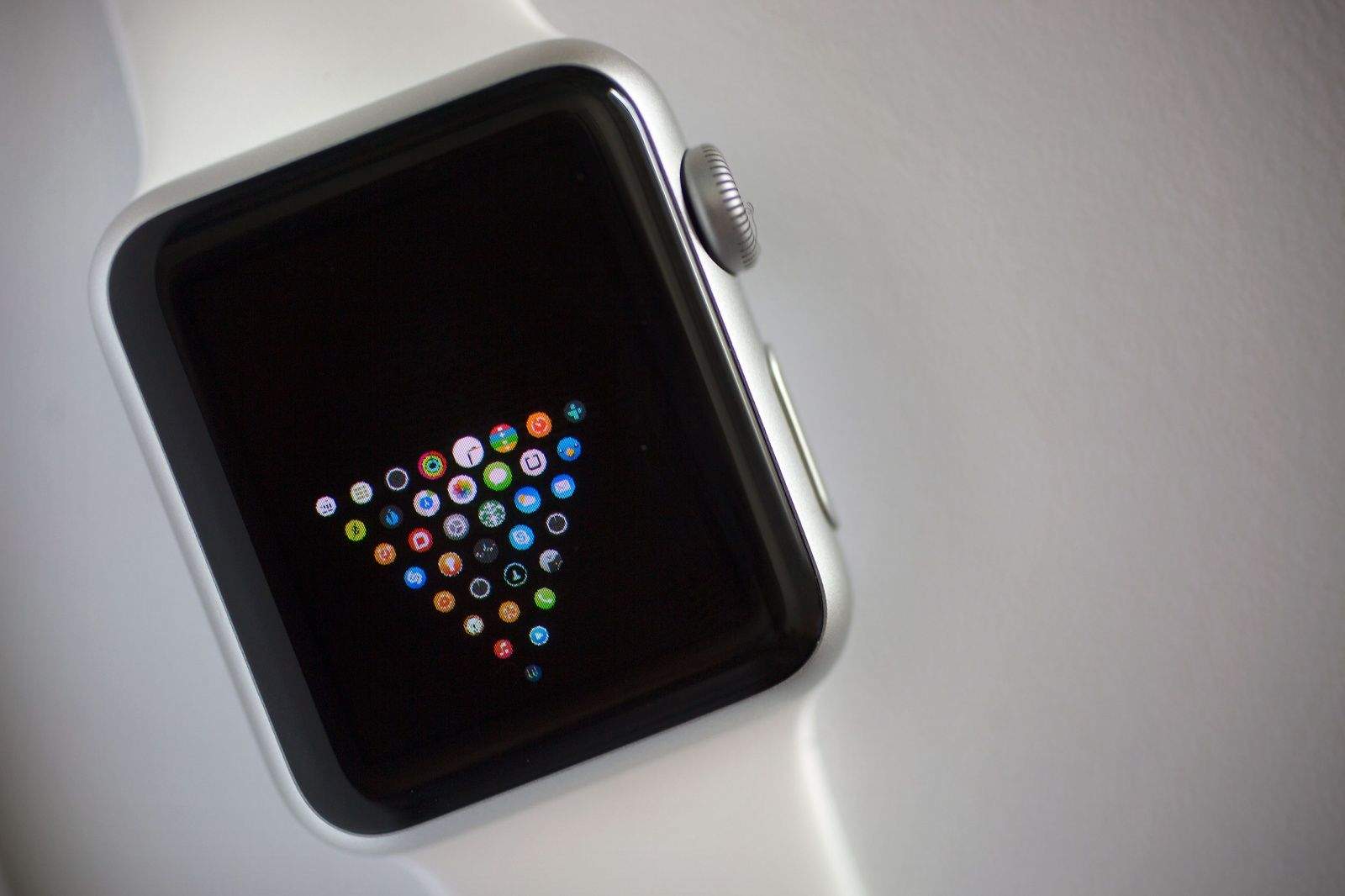
There are already more than 3,000 apps for the Apple Watch, which makes it difficult to find all of the hidden gems. How do you find the best Apple Watch apps?
Luckily, there are plenty of third-party Watch apps that deserve attention, whether they tell you when it’s going to rain or help you get stuff done. Apple is promoting Watch apps heavily in the App Store, and while the big players (Facebook, Instagram, Twitter, etc.) are obvious downloads, we’ve been on the lookout for some of the other apps for the Apple Watch you might not know about.
Here are some of the best Apple Watch apps to trick out your wrist.