Email seems antique for modern communication, but Giphy freshens it up a bit with a new Chrome extension that makes it easy add animated GIFs to Gmail messages.
Just download the free Giphy for Gmail extension extension and you’ll see Giphy’s rainbow icon in your Gmail composition window. Click on the icon to search a handful of popular GIFs, then select one to be embed into your Gmail message.
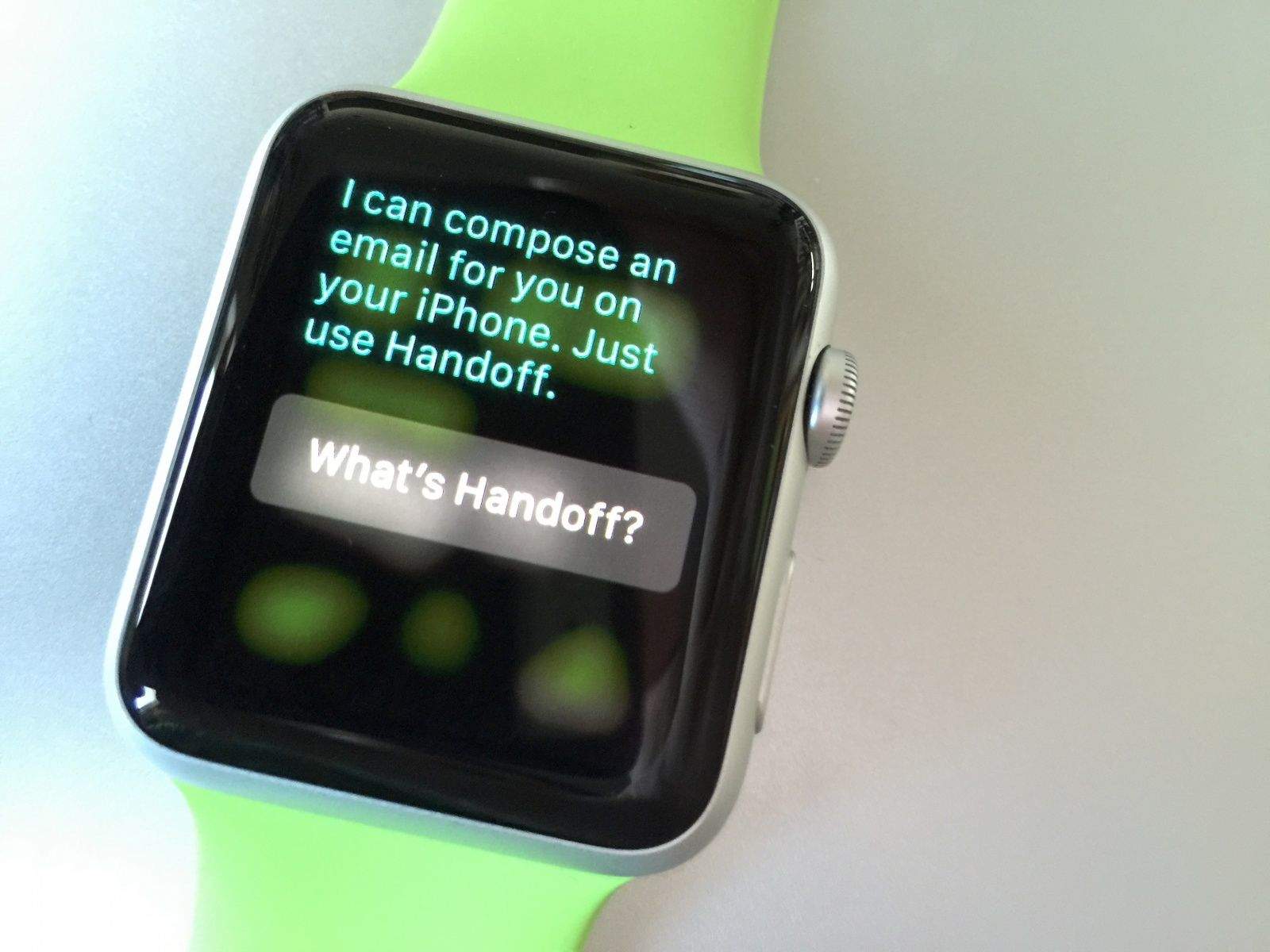
An unfortunately named tech for Apple devices, that's what. Photo: Rob LeFebvre/Cult of Mac
There are some things your Apple Watch just cannot (or should not) do, like sending emails or searching the web.
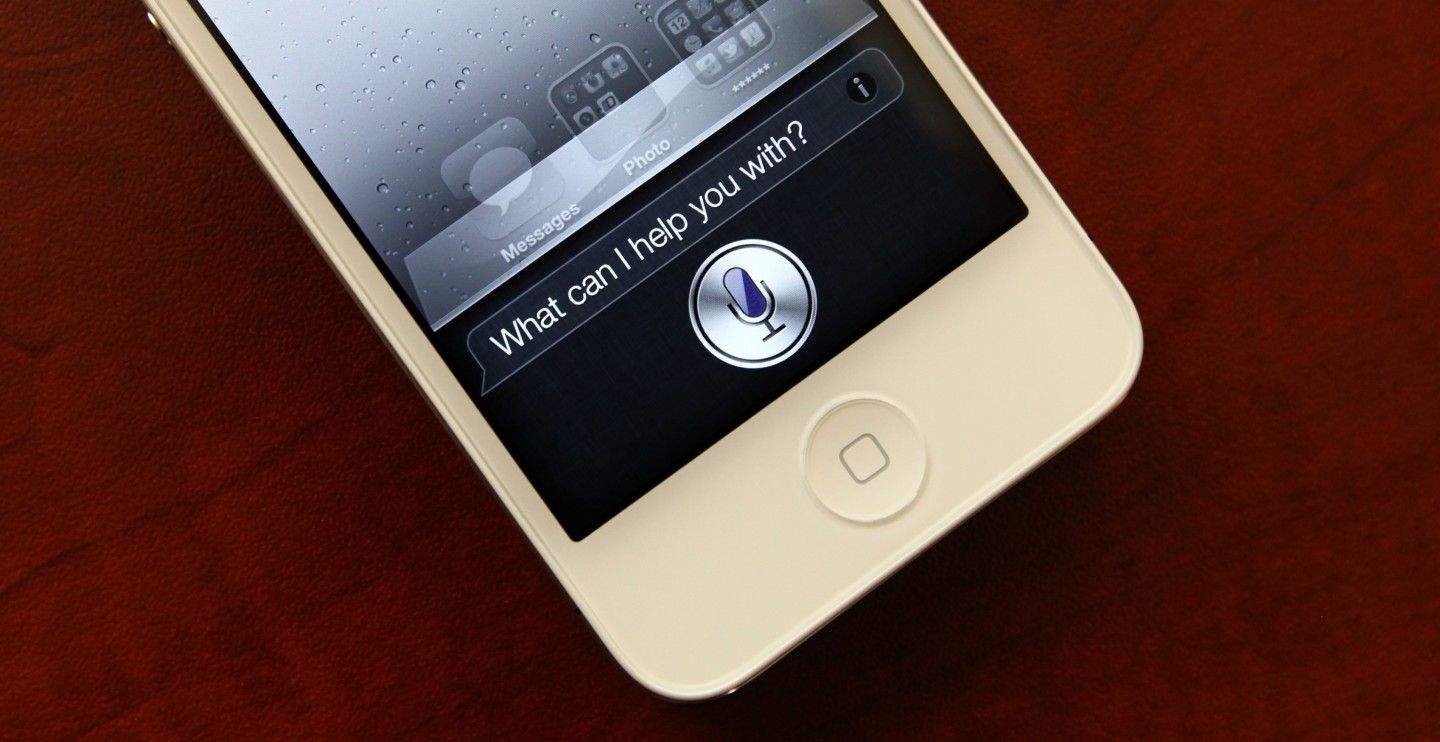
You can still ask Siri to do these things, but she’ll ask you to take your request elsewhere — namely, to your iPhone. Here’s how Handoff works with Apple Watch.
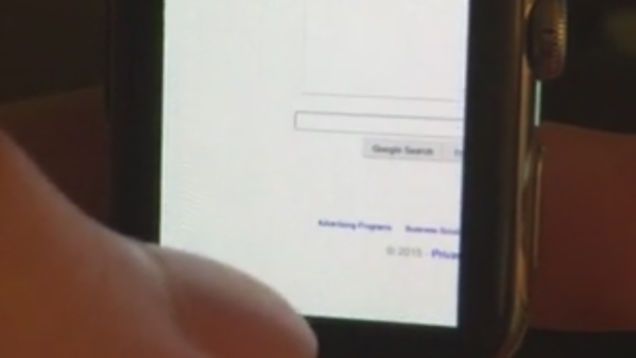
Safari on the Apple Watch would suck. Photo: Comex
Apple Watch is great at many things like checking weather, tracking fitness and sending notifications. But when it comes to surfing the web, Apple Watch is unsurprisingly the worst device for the task.
An Apple Watch version of Safari wasn’t included with Jony Ive’s smartwatch, but that didn’t stop notorious jailbreaker Comex from hacking a web browser onto the wearable. Comex posted a video of his hacked Apple Watch running a web browser on the Google homepage over the weekend, showing it is possible to browse the web from your wrist — but you’ll never want to.
The CEO of Fiat Chrysler made a recent trip to Silicon Valley that included a ride in Google’s self-driving car as well as a meeting with Tim Cook to talk about Apple’s automotive ambitions.
Sergio Marchionne, Fiat’s chief executive, spoke Saturday at the opening of a Maserati dealership near Toronto, Canada, and said he had recently met with both Apple and Tesla to talk about the future of cars — and found out more about what Apple’s planning.
The App Store is a busy place, and it’s easy to miss an awesome new release, an update that makes an old app worthy of re-downloading, or a hidden gem you didn’t even know you even wanted.
That’s why we’ve done the work for you and collected the most awesome new apps for iOS and the Mac from the past week. We’ve got brand new Mac and iOS apps along with some killer updates this go around.
A one-size-fits-all hybrid design for Android and iOS apps is not the best of both worlds. Photo: Diarmuid Miklós/Flickr
As an iOS developer, I’m frequently asked, “When are you going to do an Android version?” Like it is just a matter of time.
But the truth is, we’ll probably never support Android. While there are sound business rationales for this, my motives are rooted in design philosophy.
Your Apple Watch could one day warn you of an upcoming heart attack. Photo: Apple Photo: Apple
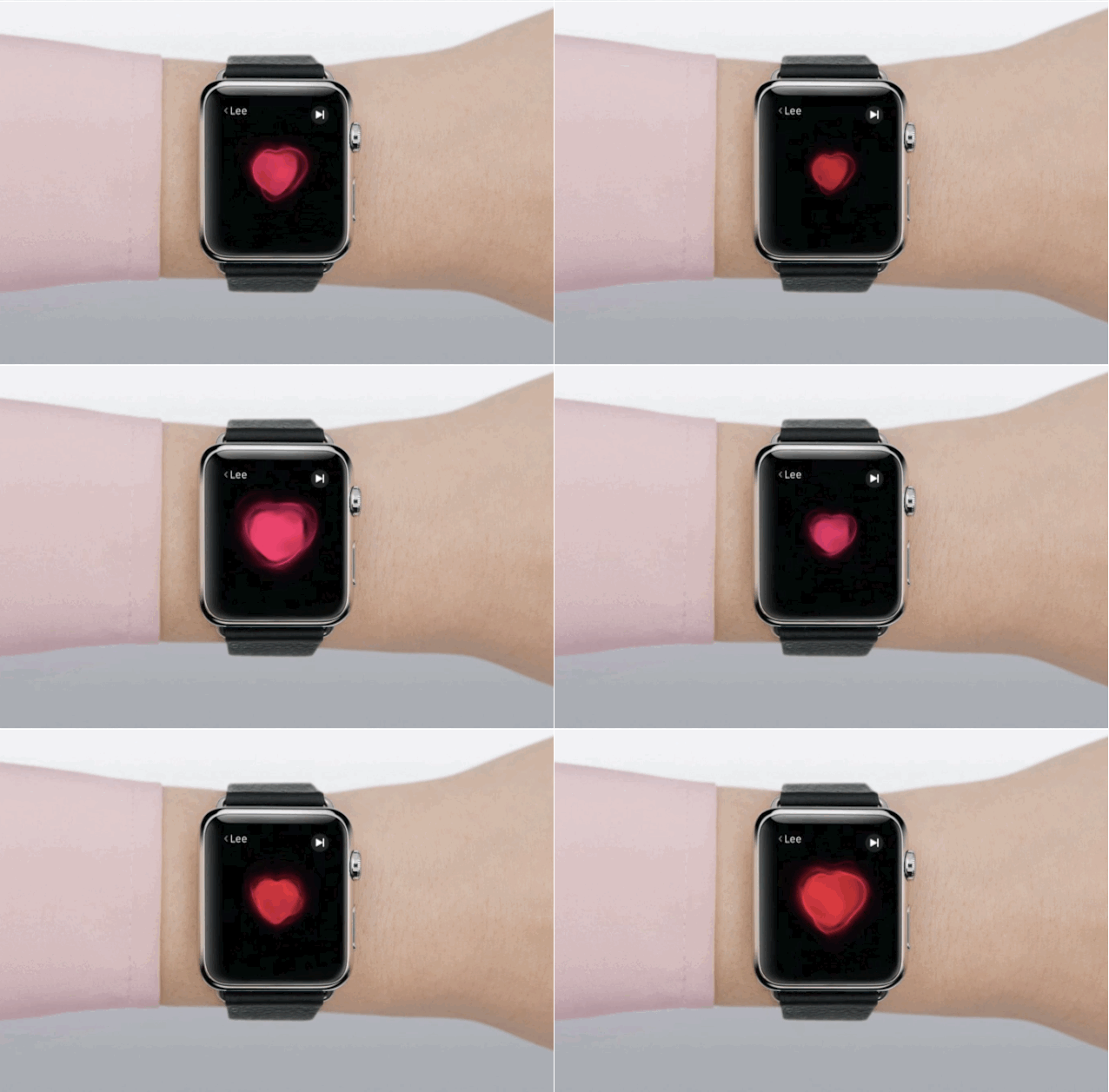
The Apple Watch heart rate monitor is far better than everyone thought, and that could theoretically lead to big medical breakthroughs — like the ability tocan apple watch detect heart attack before they happen.
Developer Brad Larson dug into raw Apple Watch HealthKit heart rate data after a run and compared it to data from a heart rate monitor he had been wearing. The Apple Watch doesn’t have Food and Drug Administration approval as a medical device, but Larson discovered the wearable is nearly as accurate as an electrocardiogram.
The Moshi Urbana is stylish on the outside and filled with nerdy goodness on the inside. Perfect for mom. Photo: Jim Merithew/Cult of Mac Photo:
We know all you good boys and girls have had your Mother’s Day gifts wrapped and hidden in the basement for weeks and weeks, but the staff here at Cult of Mac has been so busy covering all the Apple Watch that the holiday crept up on us. So we thought we would share our last-minute Mother’s Day gift guide with you, in case you’re in the same sad boat.
Let’s be honest, though, most of these items come straight from wish lists of the Cult of Mac wives, so even if you already picked out the perfect Mother’s Day gifts for mom, who doesn’t like a “just because you rock” gift?
Moshi Urbana briefcase (above) — $149.95
Smart, stylish and surprisingly spacious, Moshi’s Urbana briefcase will swallow a 15-inch MacBook and still have room for mom’s iPad, books and everything else she always seems to have on hand during a time of emergency. The Urbana offers plenty of pockets for organizing the essentials, plus water-resistant protection from the elements. Geeky enough to make a nerdy mom happy, while stylish enough to not be embarrassing.
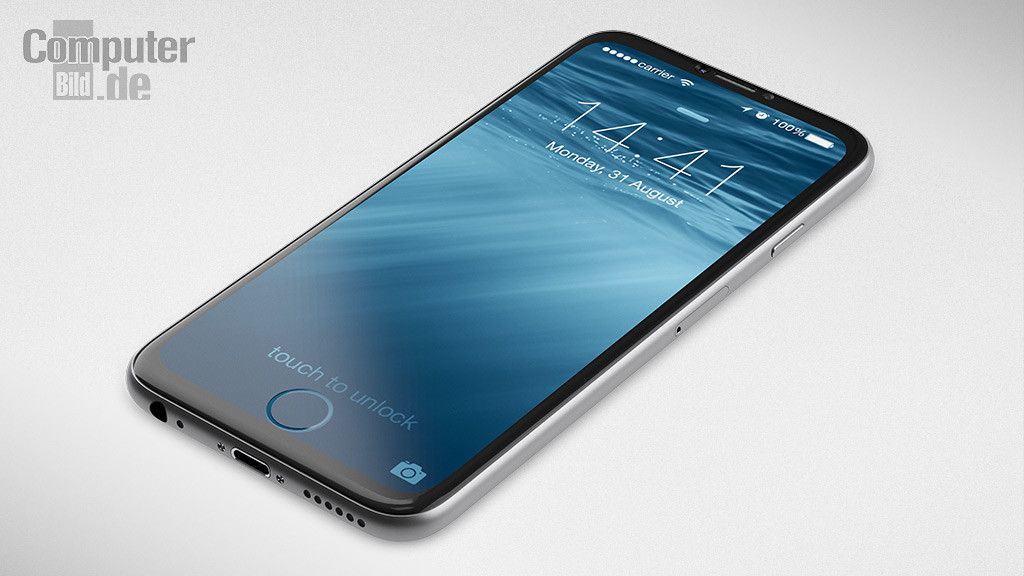
Hurry up and take my money Apple! Photo: ComputerBild
Given the enormous success of the iPhone 6 and 6 Plus, Apple’s going to have to pull out all the stops if it hopes to boost sales further with its next major iPhone redesign. This iPhone 7 concept, created by designer extraordinaire Martin Hajek, certainly presents enough of a “wow” factor to do it!
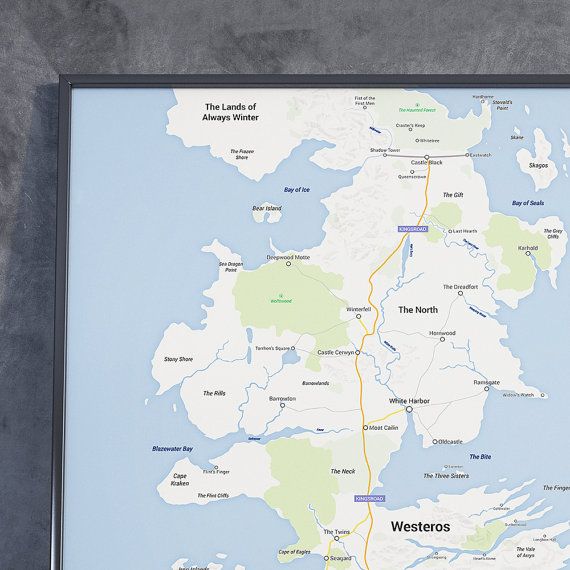
The Lands of Always Winter look like my backyard. Photo: MongoLife/Etsy
Let’s just leave aside the obvious Apple Maps jokes and focus on how cool this Etsy user’s Westeros map is.
It’s the continent where the war, sex and epic political conniving takes place in George R. R. Martin’s A Song of Ice and Fire, made to look like a modern map you might find on your iPhone or Mac.
The perils of smartphone addiction. Photo: Min Axel
I’m addicted to my iPhone. Aren’t we all? The addiction is so deep and universal that CultCast host Erfon Elijah spent a good three minutes yesterday convincing me it’s totally OK to cruise Instagram from a urinal.
“Just don’t don’t gram yourself,” he said.
Worse things could come of a smartphone addiction than an accidental nudie pic, and that’s exactly what happens in this hilarious animated short film. Cartoon characters, completely oblivious to the world around them, stay glued to their screens and continue to tap, tap, tap away while slamming into poles, getting stripped of clothes, and walking into burning buildings.
The Sound Torch Bluetooth speaker is ready to set your ears, and hopefully not your house, on fire. Photo: Sound Torch
Do you like your music hot? I mean really hot?
If so, the Sound Torch could be the Bluetooth speaker of your dreams. The in-development audio device is headed for Kickstarter with a proof-of-concept video that should make fire marshals nervous.
See it in action, and get a taste of the creators’ crazy ambitions, below.
The Mac App Store isn't a goldmine like iOS. Photo: Apple Photo: Apple
How much profit do you think you’d make per day if you coded a Top 10 paid app in the Mac App Store? $10,000? Maybe even $20,000 a day?
While the iOS App Store has been a gold mine for developers, the paychecks aren’t nearly as fat on OS X. Sam Soffes is an app developer whose Mac app Redacted reached No. 8 top paid in the United States and No. 1 top paid in Graphics at the end of launch day. It also sat at the top of Product Hunt with 538 votes.
All those eyeballs surely meant big bucks, but when friends on Twitter tried to guess how much Soffes had raked in — the average guess was $12,460.67 — the real number was much, much lower.
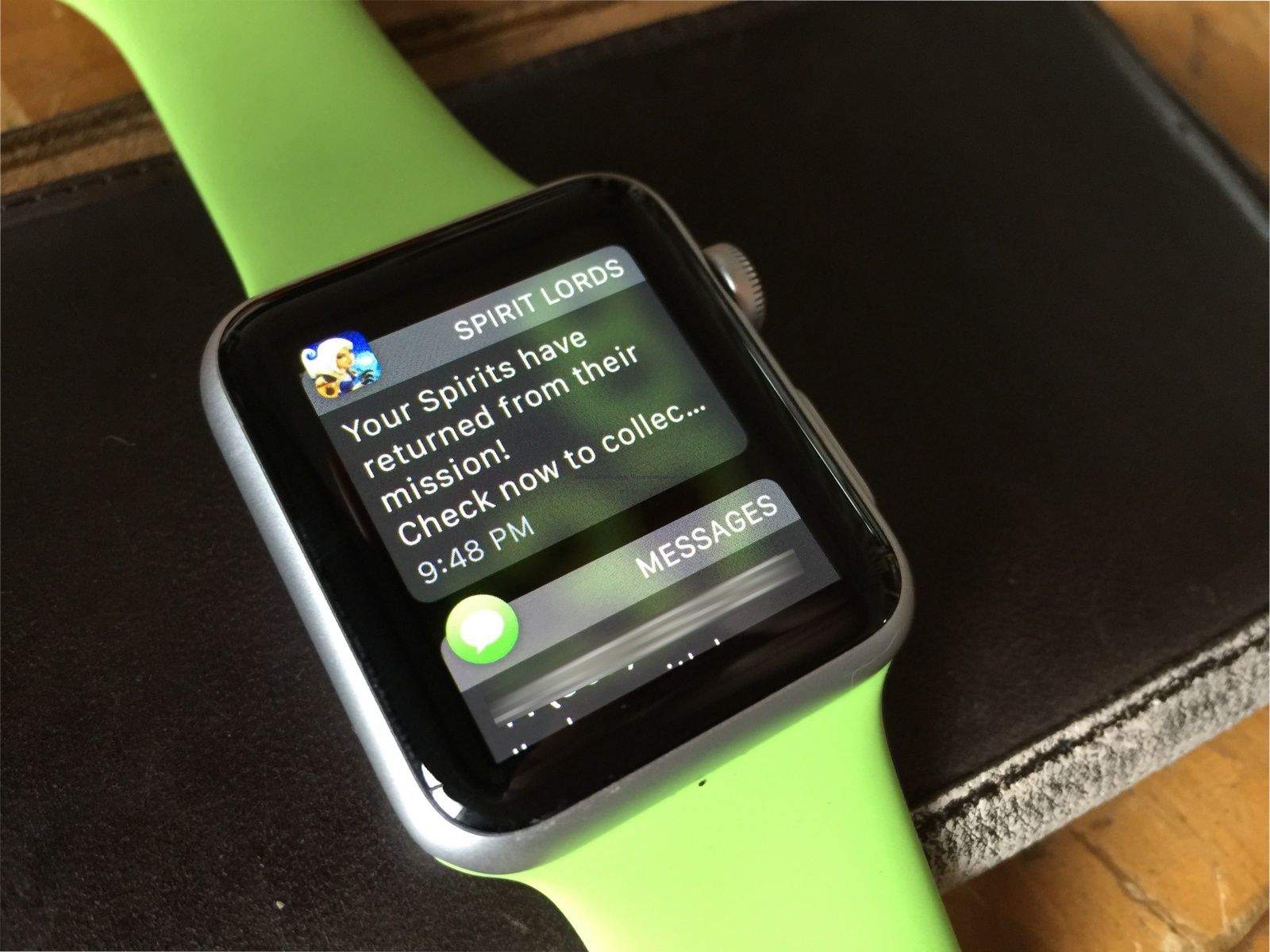
Get rid of the whole list at one time. Photo: Rob LeFebvre/Cult of Mac
Notifications are the mainstay of Apple Watch (or any smartwatch, for that matter). Chances are you’ll get a ton of them, as most of the iPhone notifications will transfer over to your Apple Watch after you pair the two devices.
Typically, you swipe a notification left and then tap the X button when you want to dismiss a notification, or you tap through to the notification itself and then tap “Dismiss.”
But what happens when you have a slew of notifications and you’re just not interested in swipe-tapping them one at a time to go away?
Mother’s Day is quickly approaching, which means that annual 30-minute phone call with mom is just around the corner. For me, it’s borderline unbearable to talk on the phone that long, but the folks over at Daily Dot have imagined how much worse it’d be if your mom was Siri — and misunderstood you just as badly as the digital assistant does on iOS.
Charles Balogh, Ford Advanced Studio, 1953. Photo: American Dreaming
The concept artists who envisioned the future of the automobile created edgy, forward-thinking illustrations knowing their works might never be seen — and would likely get destroyed.
But some of the forward-looking art created during Detroit’s “Golden Age of Automotive Design” made it outside company walls, thanks to artists who lined overcoats with drawings or used boxes with false bottoms to smuggle out their work.
The car-centric art is the subject of a current exhibit at Lawrence Technological University in Detroit and is the subject of an upcoming documentary on PBS called American Dreaming.
You know what's cool? A new kind of social network. Photo: Columbia Pictures
Apple could introduce its own iOS-exclusive social network, according to a patent application published today.
Described broadly as “Lifestyle-Based Social Groups,” the application may be used to set up real-world childcare groups, lift-sharing, dining clubs etc., by automatically determining your interests and then pointing you toward similar people.
What do you get when you cross an Apple ad with J-horror? Photo: Noka Films
From the dystopian “1984” Macintosh commercial to its disastrous “Lemmings” follow-up, Apple ads haven’t always been full of jokes, tinkly music and Jony Ive saying “aluminium” in a soothing voice.
Nothing Apple has ever created, however, has been quite as weirdly disturbing as this iPhone ad parody from the folks at Noka Films.
Don't be such a square when you reply. Photo: Rob LeFebvre/Cult of Mac
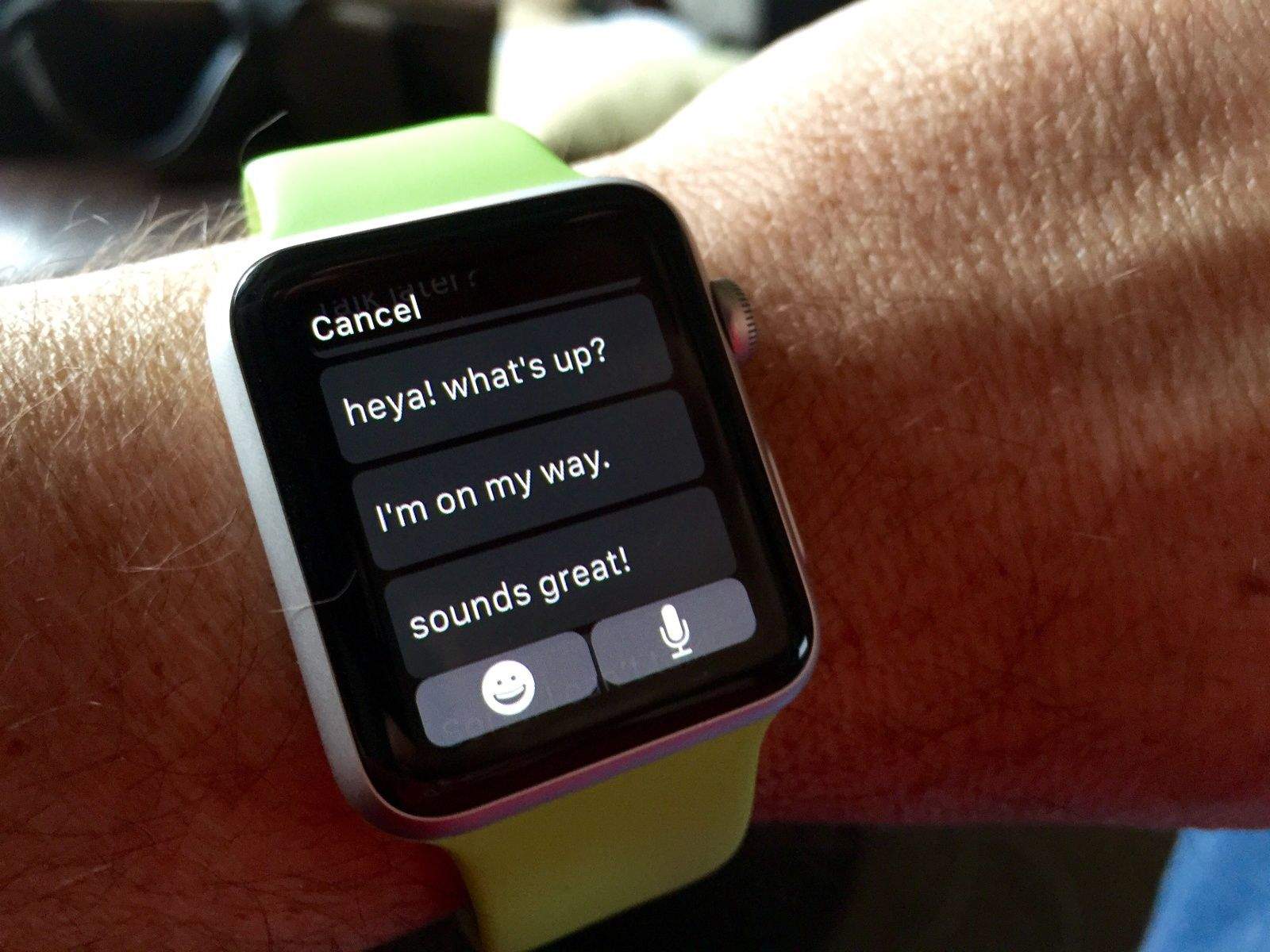
Messaging is one of the best use cases for Apple Watch – you get a message, you dictate a reply, you get on with your day.
Apple has included several pre-written responses for you to use when you’re just too busy to dictate a response (or don’t want to talk into your watch). They’re pretty awful, though, ranging from the terse (“OK”) to the fairly robotic (“Sorry, I can’t talk right now”). None of them really quite fit the way we talk, do they?
Happily, Apple lets you change these canned responses to better reflect your personality and style. Here’s how to do so.
Taylor is uneasy with your decisions. Photo: Rob LeFebvre/Cult of Mac
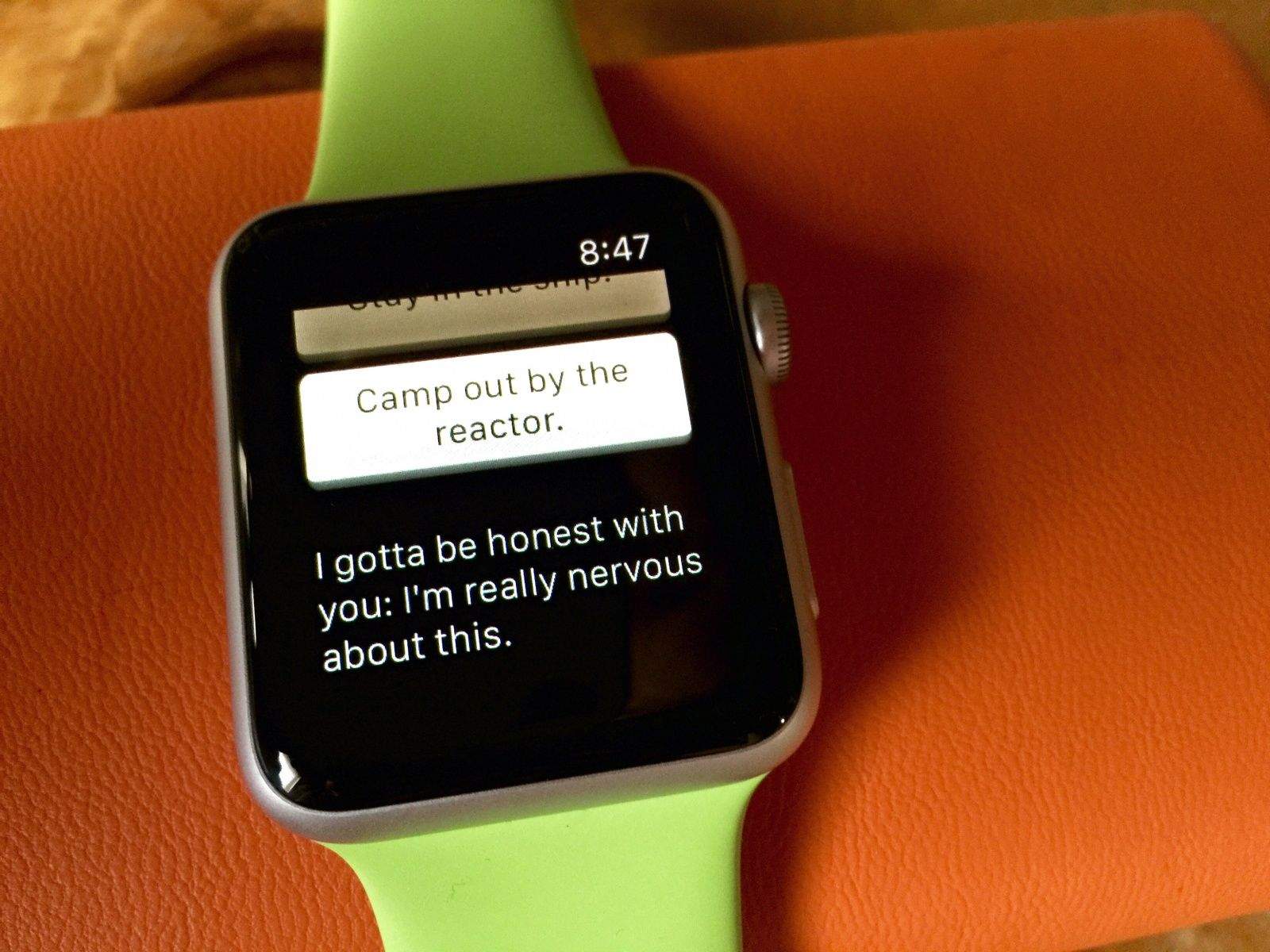
How do you keep a jaded gamer engaged on the small-screened Apple Watch? Strand a young astronaut on an alien moon and ask that gamer to keep the doomed traveler alive.
That’s exactly what happens in Lifeline, which is simply the best game I’ve played on the Apple Watch so far.
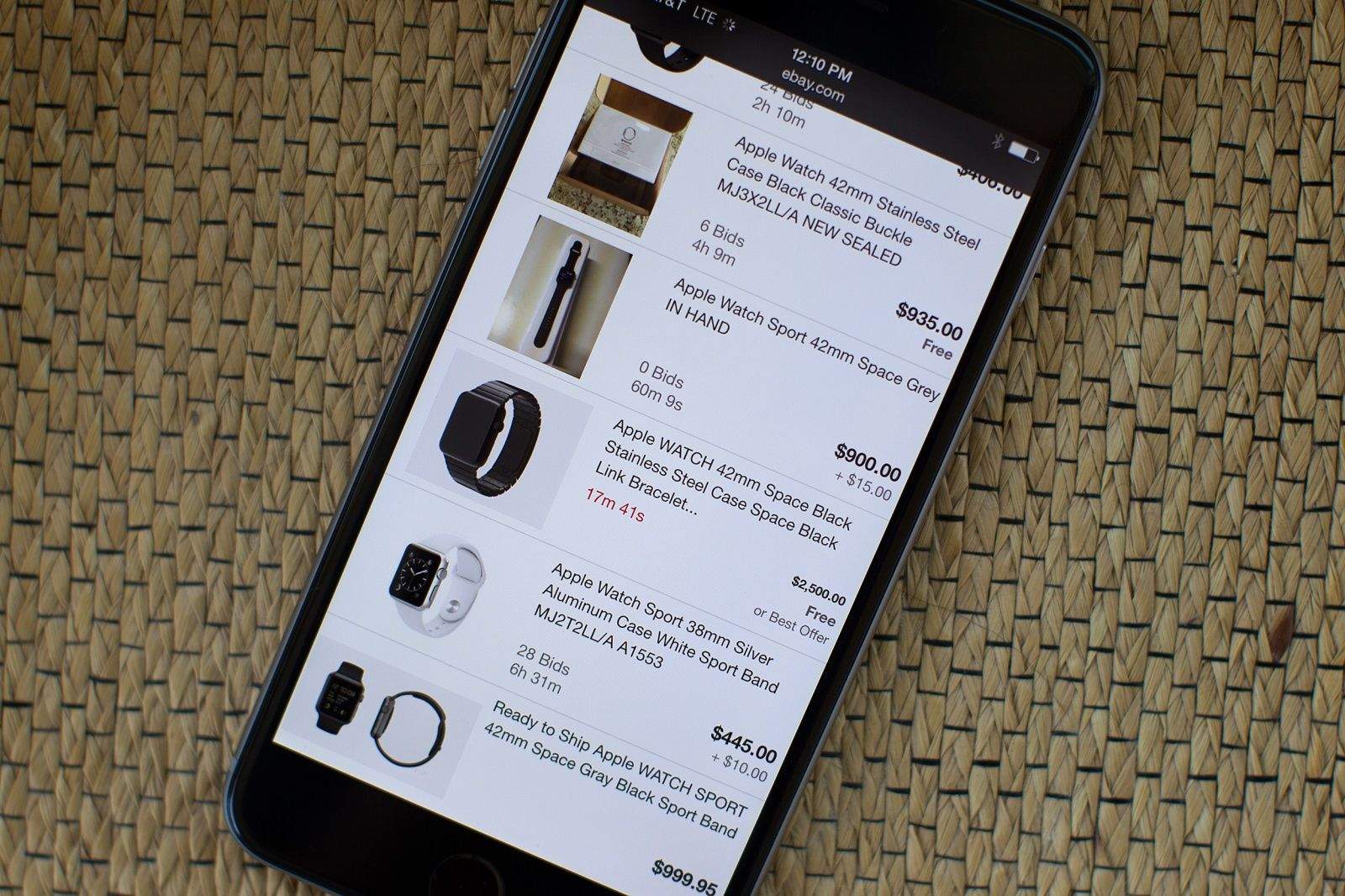
“I’ve been wearing the Watch since I posted that hoping to get a small profit,” he said. “Part of me hoped nobody would offer me the extra few hundred because I really wanted to wear this gorgeous first-gen product! I haven’t worn a watch in 10 years.”
Because the texters gonna text, text, text, text. Photo: David Shankbone/Wikipedia CC
In her songs, Taylor Swift always seems to have the perfect sassy, finger-snapping comeback — and now you can too, courtesy of the new TayText custom keyboard for iOS. Yes, really!
Is this the “simplest user interface you could imagine” that Steve Jobs told Walter Isaacson about when he claimed he had “finally cracked” the way to build a perfect TV?
If so, we’ve combed through the patents to reveal how it might work.
Play your tunes on the big screen. Photo: Rob LeFebvre/Cult of Mac
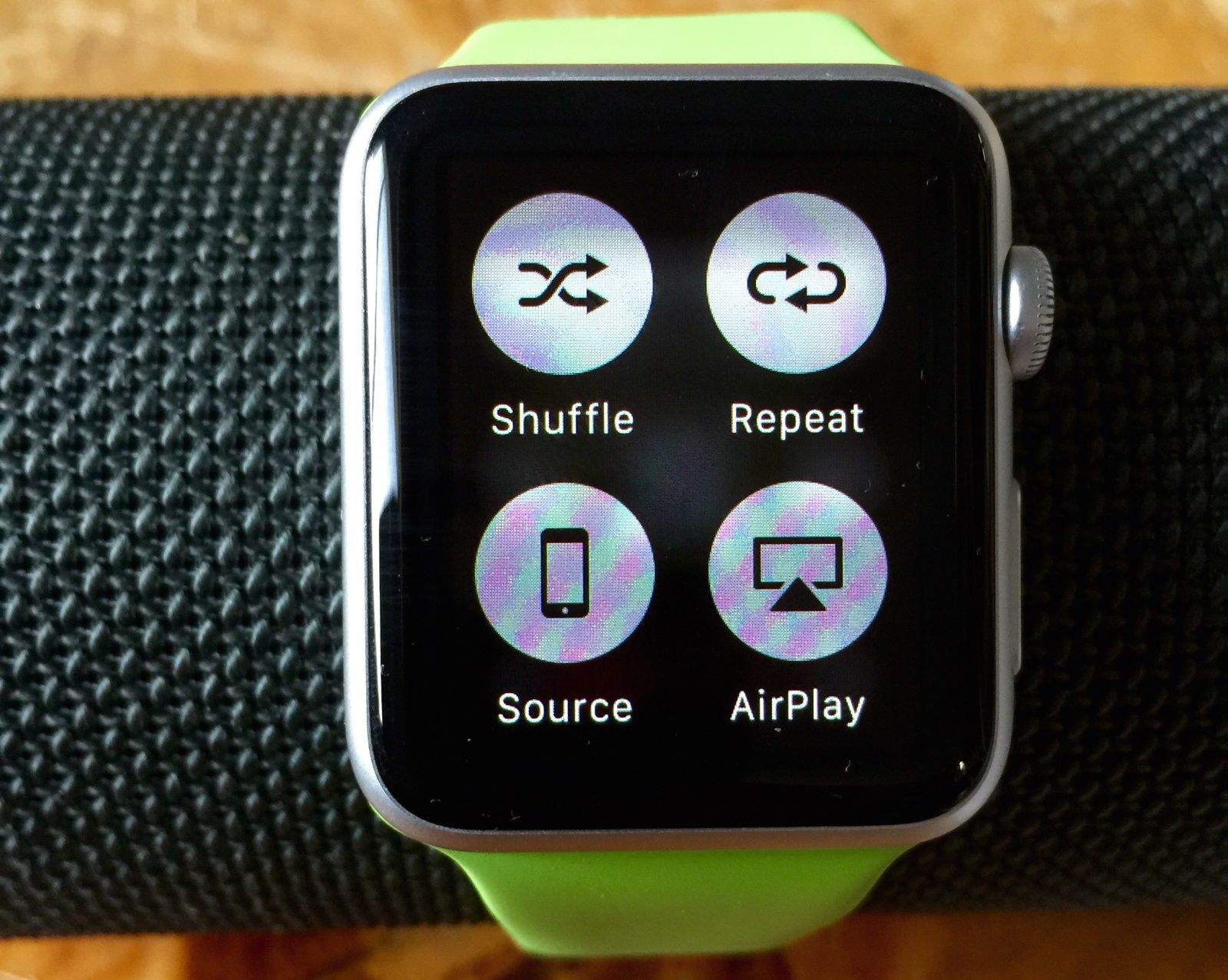
Playing music on the Apple Watch is a lovely thing. You can control your iPhone’s Music app using the Apple Watch Music app, choosing playlists and adjusting volume on the fly.
You can even start apps like Spotify or Rdio on your iPhone, then use the Music Glance on your Apple Watch to forward, reverse, pause or play music from these streaming services.
Did you know, however, that you can also send music from your Apple Watch to your Apple TV or any AirPlay-enabled speaker?
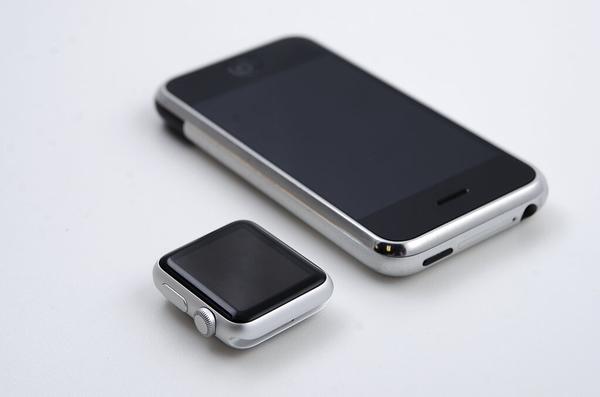
With its small screen and 0.46-inch thickness, the original iPhone from 2007 looks like an antique these days. Put it next to the Apple Watch, however, and it’s remarkable how similar the two devices look in terms of their design language.
At 0.45 inches, the Apple Watch is ever so slightly thinner, but its rounded edges, color and overall aesthetic certainly appear reminiscent of the first-generation Apple handset, don’t you think?